
Practical picks for small apartments. This roundup gives you a clear list to make daily life easier without wasting money or space.
You will get honest, renter-friendly guidance on setup, maintenance, noise, energy use, and compatibility. Expect real use cases and plain pros and cons. I explain when the price matters and when better software or updates beat a higher sticker tag.
Some affordable gear wins with fast setup and low commitment. Higher cost can mean quieter motors and smarter automation that save trouble over the years. But the best pick often balances parts you can maintain, reliable apps, and sensible energy use.
Skip the hype. You’ll see kitchen helpers, cleaning tools, and smart basics that fit tiny spaces. For more on the site’s practical mission and testing approach, visit GoodHomeFinds.
Key Takeaways
- Clear split: five budget and five higher-end choices to compare.
- Real use: examples include safe coffee starts, faster cooking, and quick crumb cleanup.
- What matters: noise, energy, storage, and Wi‑Fi reliability.
- Ongoing costs: filters, brushes, and parts affect long-term value.
- Worth it: daily benefit, reliable app, and easy maintenance define value.
Real benefits you’ll actually notice day to day
Practical upgrades should pay off in simple ways. Small changes can lower energy use, reduce stress, and make routines smoother. Some savings are obvious. Others depend on how you live.
Lower power use: swapping incandescent bulbs for LED smart bulbs and using schedules cuts run time. Labels show wattage, but your habits — how often a gadget runs or sits in standby — change actual savings.
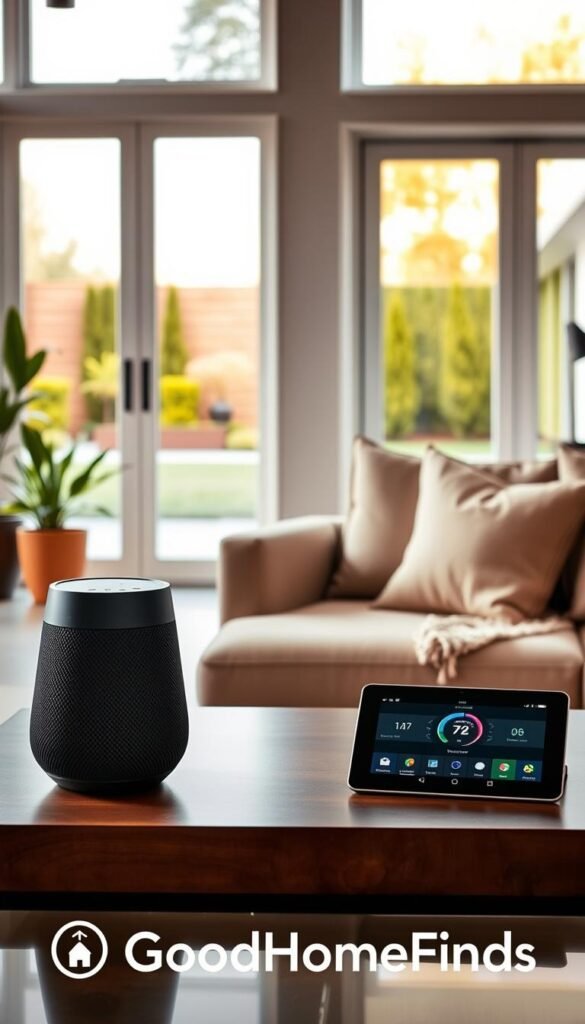
Safer routines
Remote power cutoffs and connected smoke alerts stop those “did I leave it on?” moments. A quick app check beats returning to an apartment to confirm. Small safety tools reduce daily worry even if dollar savings are modest.
Less friction with apps and updates
Devices tied to regular updates and solid apps reconnect more reliably. That means fewer resets, fewer missed automations, and less time troubleshooting. Devices with static software feel outdated faster.
- Real use: schedule lights to turn off after you leave to avoid wasted standby power.
- Real use: get an alert and cut power remotely if a countertop appliance was left on.
- Real use: choose devices with good update records to avoid feature stagnation.
„If a gadget doesn’t save you time, energy, or stress in a normal day, it probably isn’t worth the space.“
| Benefit | Example | What to expect | Decision point |
|---|---|---|---|
| Lower bills | LED smart bulbs, schedules | Small monthly savings; bigger over a year | Worth it if you run lights daily |
| Safety | Connected smoke/remote cutoff | Less stress, quicker response | Worth it if you often leave appliances on |
| Reliability | Software updates, stable app | Fewer reconnects and fixes | Choose brands with active support |
| Daily ease | Simple controls, clear alerts | Saves time and reduces interruptions | Skip gadgets that only add notifications |
For a practical toolkit and mixed solutions that work in rentals, see this home problem solver mix to match upgrades to your routine.
How to choose by price, space, noise, and compatibility (without the hype)
Choose devices that match your space, schedule, and phone. Think practical first. Match the gadget to where it will live and how you actually use it.

Space requirements
Measure counter depth and clear floor space before buying. Note docking or plug zones for vacuums and small ovens.
Quick rule: allow extra clearance for airflow and doors. If a dock blocks a walkway, it fails the small-apartment test.
Noise that matters
Check real-user reviews for dB readings during use. Thin walls and open kitchens amplify sound.
Tip: prefer lower idle noise if you work from home or run devices at night.
Power basics and labels
Look at wattage and standby draw. Labels show a baseline; reviews reveal real run costs.
Compatibility and future-ready
Match the device to your Wi‑Fi band, phone model, voice assistant, and any services you use. Devices tied to current platforms get updates and stay useful longer.
| Factor | What to check | Decision point |
|---|---|---|
| Space | Depth, clearance, dock position | Fits without blocking traffic |
| Noise | User dB, review context | Quiet enough for your schedule |
| Power | Wattage, standby, real-use reports | Acceptable monthly run cost |
| Compatibility | Wi‑Fi band, phone model, services | Works with your apps and assistants |
This quick comparison pairs each budget pick with its higher-end rival so you can spot real differences fast.
Quick note: the point is practical choice, not sticker shock. You get a side-by-side view of key features, setup time, and the maintenance you’ll actually do.

Budget vs premium at a glance
What you gain: quieter motors, smarter sensors, and smoother automations on higher-end models.
What you don’t always get: dramatically better core features if the vendor pairs solid software with midrange hardware.
Setup time ranges and operating expectations
- Quick installs: smart plugs and bulbs — about 5–10 minutes each for pairing and basic rules.
- Moderate installs: compact vacuums and air devices — 15–45 minutes for placement and app tweaks.
- Deep setups: robot mapping or oven presets — expect 45–90 minutes plus a few short mapping runs the first week.
Maintenance reality
Filters, brushes, bags, and descaling add ongoing cost and effort. Check replacement availability before you buy.
Reality checklist:
| Item | Typical upkeep | When to prefer premium |
|---|---|---|
| Vacuums | Brush cleaning, filter swaps, occasional belt changes | If you run daily and want fewer clogs |
| Air & water devices | Filter replacements, descaling, cartridge buys | If sensitivity or air quality is critical |
| Detectors & sensors | Battery checks, firmware updates | For higher reliability and remote diagnostics |
„Price is one factor. Ongoing support and software updates often matter more to long‑term operating value.“
For a practical setup comparison focused on renters, see this renter setup comparison to match choices to your living situation.
Kitchen gadgets that earn their counter space
Keep only the tools that make cooking faster, safer, and easier to maintain. In small kitchens, that means one or two thoughtful devices that you use most days. Below are practical picks and clear trade-offs so you can decide with confidence.

Smart plug for coffee or kettle
Why it helps: a simple smart plug automates your morning brew and adds renter-friendly control.
Pros: low cost, quick setup, works with timers. Cons: not for high-draw appliances that should never run unattended.
Smart toaster oven / air fryer
Why it helps: faster meals, consistent presets, and less pans to wash mean less waste and more usable counter time.
Pros: great if you cook most days; better reheating. Cons: takes space, needs cleaning cycles, higher upfront cost.
Basic air-quality or smoke add-on
Pros: affordable safety upgrade and quick alerting for smoky pans. Cons: limited diagnostics and more false alarms with heavy cooking.
Connected smoke / CO detector
Why it helps: reliable alerts, self-checks, and fewer false alarms make it worth the investment for peace of mind.
Pros: remote alerts, quieter false alarms. Cons: higher price and periodic battery or firmware care.
Setup time
Expect 5–20 minutes for smart plugs and alarms to pair to Wi‑Fi and apps. Ovens need placement, vent clearance, and a short learning week for presets. Always run safety checks after install.
Common mistakes
- Overloading a plug with high-draw appliances.
- Blocking vents on air fryers or toaster ovens.
- Skipping crumb-tray cleaning until smoke becomes a surprise feature.
„If a gadget doesn’t save you time, energy, or stress in a normal day, it probably isn’t worth the space.“
| Item | Setup | Daily benefit |
|---|---|---|
| Smart plug | 5–10 min | Quick on/off schedules for coffee |
| Toaster oven / air fryer | 15–30 min | Faster meals, fewer dishes |
| Connected detector | 10–20 min | Reliable alerts and self-checks |
Cleaning gadgets for small apartments (quiet, compact, low-maintenance)
In tiny apartments, cleaning gear must balance noise, storage, and real daily usefulness. You want something that works without creating more chores.
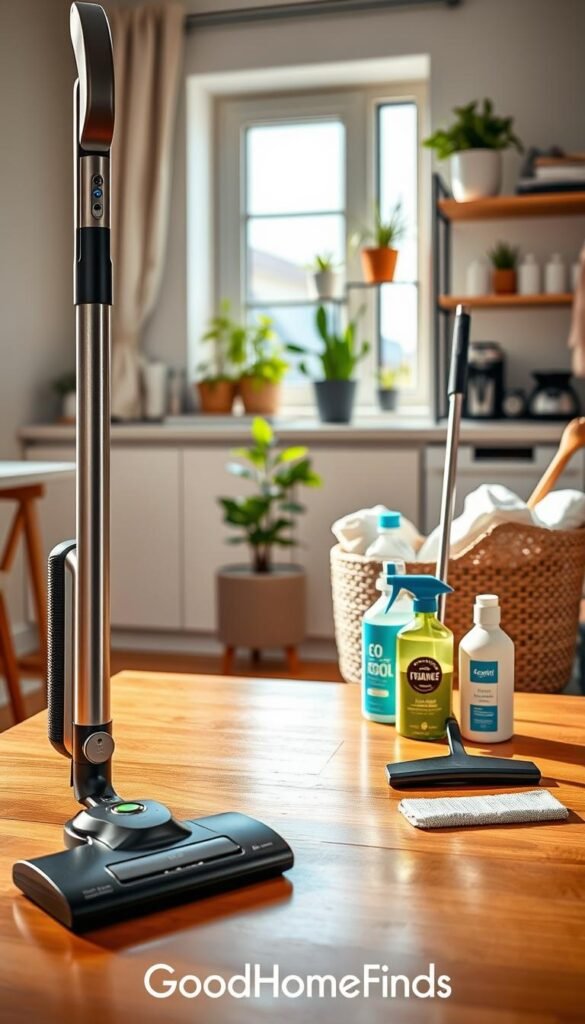
Handheld cordless vacuum — the realistic daily tool
Why it helps: fast crumb pickup, couch and car cleanup, and quick spot cleaning.
Pros: light, renter-friendly, and easy to store. Cons: smaller bin, shorter operating time, and you still do the work.
Robot vacuum/mop with smarter mapping
Why it helps: mapping and scheduled runs cut manual effort. Software updates often improve navigation and cleaning paths over time.
Cons: can need rescues around clutter and depends on a stable Wi‑Fi network for full features. For model reviews and choices, see the guide to the best robot vacuums on CNET: best robot vacuums.
Power, noise, and space expectations
Daily runs use modest power but check run times when judging prices and value. Quieter operation matters more in apartment living. Look for low-dB claims and user data on real noise.
Docking needs a small clear zone. If your layout is tight, plan a closet spot with easy access to the outlet.
Setup time and common mistakes
- Setup: robots need 1–3 mapping runs and a week of tweaks to learn no-go zones.
- Mistakes: skipping brush cleaning, letting hair collect, running robots on cluttered floors, and using wrong mop solutions.
- Tip: handhelds win when you want immediate control and no network dependence.
„Sometimes the best choice is the simplest one you will actually use every week.“
Smart home basics and daily electronics that are worth upgrading
Upgrading a few daily devices can cut energy use and simplify your routine without changing your lease.

LED smart bulbs — renter-friendly wins
Why buy: instant energy savings and simple install. Screw in, pair an app, and set schedules for lights and bedtime dimming.
Downside: weak Wi‑Fi or mixing brands can add extra apps and glitches.
Smart thermostat or room sensors — when to upgrade
Why buy: better temperature control, more tuning, and bigger bills savings when you control HVAC.
Reality check: if your building locks the main thermostat, this may not pay off.
Basic surge protector with USB vs premium charging station
Basic protectors cut clutter and protect devices. Premium stations add power management and neater daily charging for multiple phones and accessories.
Who needs this
- Renters with control over outlets or individual thermostats.
- Roommates and WFH setups that share outlets or need quiet schedules.
- Small-space households that want safety, energy, and tidy chargers.
Common mistakes
- Placing Wi‑Fi far from devices.
- Mixing ecosystems without a plan.
- Skipping security steps like strong passwords and updates.
„Software-built devices can improve over time, but the platform matters more than price.“
| Item | Key benefit | When to choose |
|---|---|---|
| LED smart bulb | Low energy, easy install | Renters or anyone wanting fast savings |
| Smart thermostat / sensors | Better comfort, bigger savings | If you control HVAC or can add sensors |
| Surge protector with USB | Safer charging, less clutter | Basic outlet protection and phone charging |
| High-quality charging station | Power management, neat setup | Multiple devices and shared desks |
For more device picks and budget options see a full guide to best smart home devices, a broader roundup at Forbes Best Smart Home Device, and curated budget finds at best budget home gadgets.
Conclusion
Finish with a simple rule: buy what you will actually use every week, not the model with the longest spec sheet.
Pick by the value it adds to your day. Check setup time, noise, and storage before you buy. Match the device to your network, phone model, and the services you already use so setup is smooth.
Think beyond sticker price. Look at replacement parts, filter work, and running operating costs. Use real user data for how features perform over years, not just the brochure.
Starter path: smart bulbs, better surge/charging, and one cleaning upgrade. Then upgrade where it clearly saves time. Your final choice should prioritize daily value, honest pros and cons, and long-term support in a connected world of tech.


