
Practical, renter-friendly tech for small homes. This roundup shows the devices that help you make everyday choices without turning your place into a lab.
You’ll see honest pros and cons. I focus on compact monitors for CO2, particles, and humidity. I also include a couple of premium or DIY picks for radon and smart-home links.
Expect clear use cases: kitchen smoke, cleaning fumes, and work-from-home rooms. Each pick lists setup time, upkeep, and the annoyances—apps, cords, or loud alarms. You’ll learn when to buy an air quality monitor and when to spend on a purifier instead.
No hype. The guide favors actions you can take right away, like running the hood or opening a window. Small-space realities matter: where a device sits, USB needs, and noise level are called out.
Key Takeaways
- The list focuses on renter-friendly, small-space picks.
- You’ll learn which monitors are worth the cost.
- Recommendations include setup, maintenance, and annoyances.
- Use indoor readings with free outdoor tools for timing ventilation.
- Practical tips beat lab numbers for everyday safety and energy savings.
Why indoor air quality can be worse than outside
Everyday actions in tight spaces can push indoor readings well above outdoor baseline.
Smaller homes trap contaminants faster. Shared ventilation, closed windows for noise or heat, and cooking in the same room you sleep or work all raise pollutant levels.
EPA estimate and what it means
The EPA finds indoor pollution can be 2–5× higher than outdoor levels. That means even with good outdoor conditions you can get smoky or stale indoor conditions from routine tasks.
Short-term signs you can notice
- Headaches after using cleaning sprays.
- A stuffy room feeling after hours with windows closed.
- Irritated eyes from cooking smoke.
- Sudden fatigue while working at your desk.
What monitors can and can’t tell you
Monitors help spot patterns, catch spikes, and give simple cues to ventilate or run a purifier. Use readings to guide actions, not to chase perfect numbers.
They won’t identify every chemical. VOC readings often show trends rather than exact concentrations. Placement matters—near a stove or window will skew results.
Use a monitor for comfort and fewer triggers. It is not a replacement for a carbon monoxide detector.
| Use | What it shows | Limitations |
|---|---|---|
| Spotting cooking spikes | Particle increases, CO2 rise | Short-range; avoid placing on the stove |
| Tracking trends | VOC trends, humidity | VOC numbers are approximate |
| Daily cues | When to ventilate or run purifier | Not a safety detector for CO |
Real benefits of using a monitor (no hype)
A compact monitor gives clear, usable cues so you stop guessing when to open a window or run a fan. It helps you act at the right time and avoid wasting electricity by running ventilation longer than needed.
Knowing when to ventilate vs. when to run a purifier
Use carbon dioxide as a simple proxy for stale rooms. When CO2 climbs, ventilation usually helps most.
Particles from smoke or dust call for a purifier. That split saves energy and keeps fans off when outdoor levels are worse.
Spotting everyday triggers like cooking smoke and cleaning products
Cooking—searing, frying, or a burned toaster—can spike particles fast. A monitor shows how long levels stay high so you run the hood or purifier only as long as needed.
Cleaning sprays and scented products often push VOC trends up. Watch the trend line to pick gentler products or ventilate briefly.
Helping reduce fatigue and “stuffy room” feelings with CO2 awareness
Rising CO2 often matches that sleepy, stuffy feeling. The Aranet4 buzzer threshold near 1400 ppm is a practical alert to get fresh air.
Historical data also helps. A simple day-by-day chart shows patterns — for example, that mopping or evening cooking cuts focus for an hour.
„Monitors do not fix problems by themselves. They give you data to spend less time and energy running devices unnecessarily.“
- Simple win: stop guessing and start timing actions.
- Energy smart: ventilate when CO2 is high; run the purifier for particle spikes.
- Limitations: a monitor is a decision tool, not a cure or a CO detector.
Who needs this (and who can skip it)
Deciding whether to buy a monitor comes down to your living patterns and budget. If cooking smells spread through your compact unit or you share ventilation with neighbors, a small sensor helps you time ventilation and purifier runs.
Small-apartment dwellers
If you can’t open windows often because of noise or weather, a simple device gives clear cues. You’ll know when to run a fan or crack a window instead of guessing.
Allergy and asthma households
Particulate matter is the key signal here. Fine dust and smoke often trigger symptoms even when a room looks clean. A monitor that tracks PM2.5 helps link symptoms to actual levels so you can act.
Remote workers and students
CO2-focused monitors are portable and easy to read. They give a plain „open a window“ cue so you keep alertness and comfort without studying lots of charts.
When to skip and buy a purifier
If you only have about $150, prioritize a strong purifier over a cheap sensor. A good purifier usually improves comfort and health more than an inaccurate monitor. If you already own a decent purifier, a quality monitor is the logical next step to run it smarter.
You’re not buying peace of mind. You’re buying a practical tool that helps you act in real life.
What to look for in air quality gadgets before you buy
Before you buy, focus on the few readings that actually change what you do each day.
Essential readings
Pick a monitor that reports particles, carbon dioxide, humidity, and temperature. Particles show smoke or dust. Carbon dioxide signals stale rooms and when to ventilate. Humidity and temperature help comfort and prevent musty smells.
Treat volatile organic compounds as trend flags, not lab numbers. Many cheap sensors behave like „random number machines.“ If values jump wildly or never move, the device’s accuracy is poor.
Screen vs app
A built-in screen gives quick daily cues. An app stores history and sends alerts. For small spaces, the best setup uses both so you avoid checking your phone all day.
Connectivity, power, and noise
Wi‑Fi or Bluetooth works for most renters. Apple Home, Xiaomi Home, Alexa, and Google let you automate fans or purifiers. USB power means constant plug-in; batteries add placement flexibility. Check noise and whether alarms can be muted.
„Buy sensors that give useful data, not gadgets that create more confusion.“
- Must-have: particle readings for cooks; CO2 + humidity for sleepers.
- Nice-to-have: smart links, exportable data, and a clear screen.
Air quality index vs indoor scores: don’t mix them up
Outdoor indexes and indoor scores use different math; don’t treat them as the same reading.
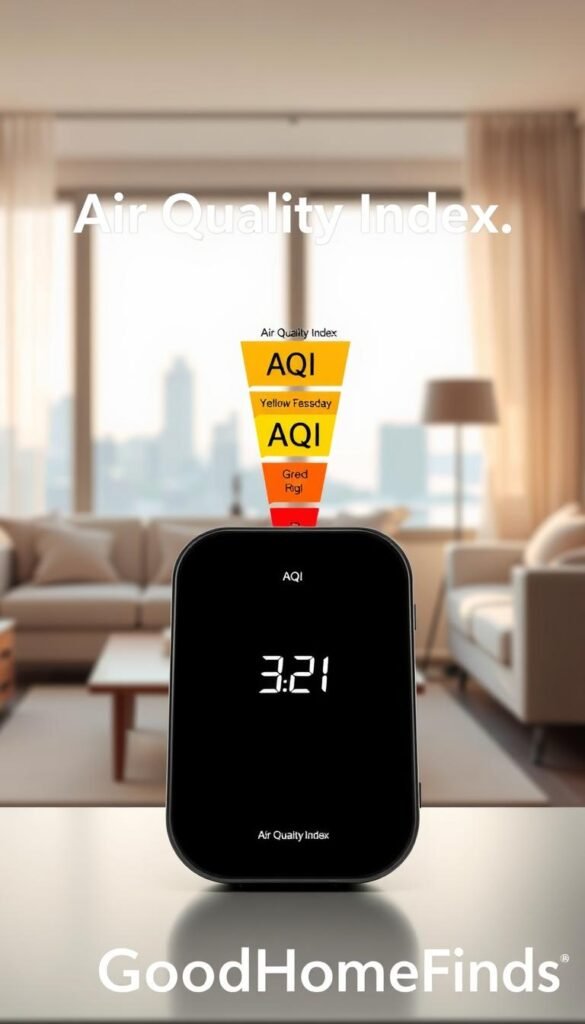
EPA AQI is an outdoor scale from 0–500. Lower is better. It reports regional conditions for cities and counties, not your kitchen or bedroom.
Why indoor scores are different
Many home devices show a 0–100 score. Manufacturers use their own formula. That number helps you track trends at home, but it is not comparable to the EPA AQI or other outdoor indexes.
Use both sources the smart way
Check a free outdoor tool before you open windows. Then check your monitor air reading to confirm ventilation helped. This avoids bringing outdoor smoke or pollen inside when it would do more harm than good.
“Match the right metric to the decision: outdoor index to decide opening windows; indoor score to time fans and purifiers.”
| Source | Scale | When to use |
|---|---|---|
| EPA AirNow | 0–500 | Decide if outdoor air is safe to bring inside |
| Device indoor score | 0–100 | Track home trends and time ventilation |
| Google Maps / IQAir | Regional visual layers | Fast check when traveling or planning to open windows |
Free tools to try: AirNow (US), Google Maps layer, and IQAir AirVisual for global checks. Use their information with your home data to save energy and ventilate only when it helps.
Now that the numbers make sense, you can pick the right monitor and use it to improve comfort without wasting heat or cool air.
Best air quality gadgets for most people: balanced features at a fair price
A single, balanced device often gives the most useful signals without cluttering a small apartment.
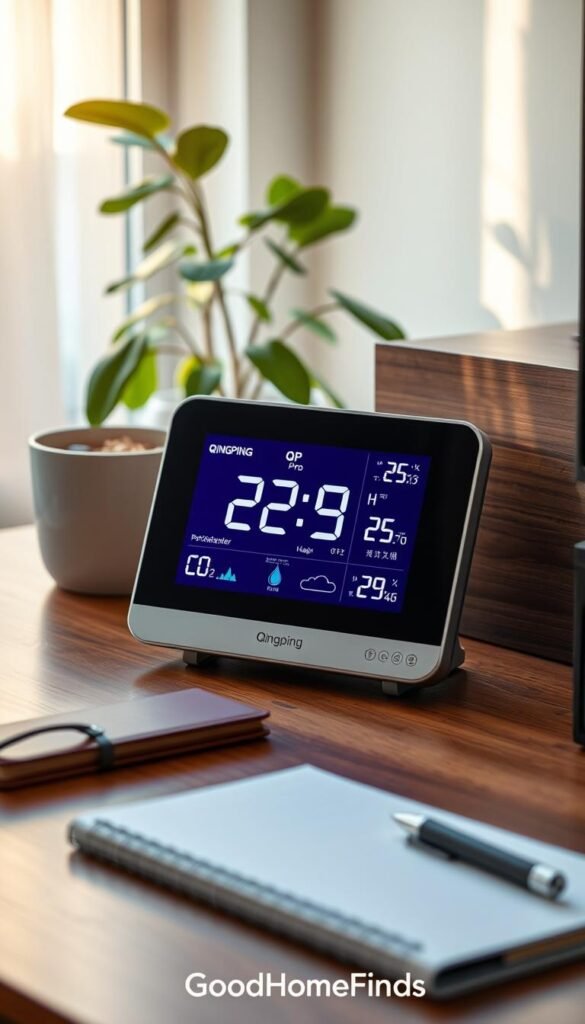
Qingping QP Pro: an all-in-one renter-friendly choice
The QP Pro measures CO2, PM2.5/PM10, tVOC, temperature, and humidity. It also tracks sound and shows a clear touchscreen so you can glance at levels while cooking or working.
Why it fits small spaces: compact tabletop size, easy display, and replaceable PM sensor so you avoid swapping the whole unit later.
Pros, cons, and practical notes
Pros: broad sensors for the price, replaceable PM module, USB‑C power, and Xiaomi Home integration for simple automations.
Cons: internal battery only lasts a few hours, so it stays plugged in most of the time. That means planning cable routing and managing one more item on a crowded power strip.
App reliability: the Qingping+ app can be buggy after updates. Be ready to use the screen as your primary view if the app misbehaves.
„Good day-to-day readings and sensible sensors make this a practical monitor for renters; don’t buy it for the in-app AQI—treat that as bonus info.“
Best budget air quality monitor under $100 for small apartments
For under $100, you can buy a compact monitor that gives the clear cues you actually use in daily life. The Qingping Lite is a simple, renter-friendly pick that measures CO2, PM2.5, PM10, temperature, and humidity.
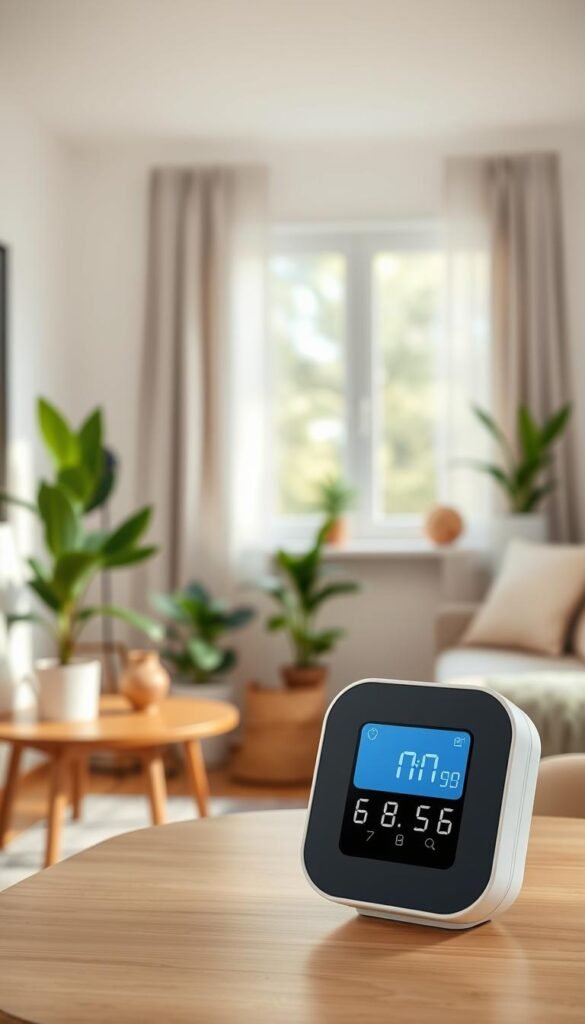
Qingping Lite: simple readings, easy setup, apartment-friendly footprint
This device works out of the box. Plug the USB‑C cable, let it idle for a few minutes, and watch the color LED and numeric display. It fits a desk or shelf and is easy to glance at during cooking or meetings.
Trade-offs: non-replaceable sensors and limited battery behavior
Pros: clear display, compact size, fast setup, and smart-home links to Apple Home and Xiaomi Home for simple automations.
Cons: the particle sensors are not replaceable. Long-term you may replace the whole unit when the sensor degrades.
Battery mode is handy for short checks, but it can auto-sleep after about 30 minutes. Treat it as a mostly plugged-in device for steady trend tracking.
„Buy it if you want useful, low-cost readings and simple triggers — not lab-grade accuracy.“
Best portable CO2 monitor for quick “do I need to open a window?” checks
A compact CO2 meter gives you a fast, unambiguous cue when it’s time to crack a window or run a fan.
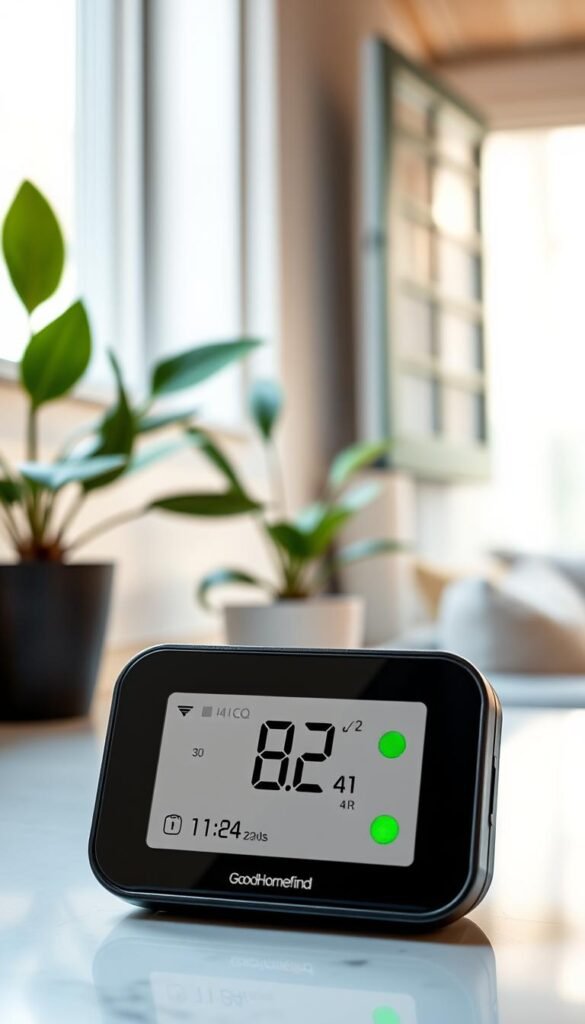
Aranet4 HOME uses an NDIR sensor and an e‑ink display so you read levels at a glance. It runs on two AA batteries, so you can move it from desk to bedroom without hunting for outlets.
The built-in buzzer sounds when carbon dioxide hits the red threshold (about 1400 ppm). That alarm is useful during long work sessions or when guests arrive. It can wake you at night if levels climb, so check if the buzzer fits your habits.
Real-life use cases
- Work-from-home desk: get a clear cue to ventilate during long calls.
- Bedroom overnight: spot when a closed room gets stuffy and affects sleep.
- Guest visits: know quickly if you need to open a window or run a fan.
Honest downsides for renters
It’s pricier than many basic monitors. The battery cover can slip if you toss it in a backpack. And the e‑ink display means it’s not as flashy as app-first devices.
What it won’t do: the Aranet4 HOME won’t detect fine smoke particles from cooking. If your main concern is kitchen smoke, pair it with a PM monitor or a purifier.
„CO2 is often the fastest, most useful metric for daily comfort. Use it to time ventilation, not to replace particle tracking.“
| Feature | What you get | Practical note |
|---|---|---|
| Sensor | NDIR CO2 | Reliable CO2 readings for ventilation cues |
| Power | 2 AA batteries | Portable; no constant USB needed |
| Display & alerts | E‑ink screen + buzzer at 1400 ppm | Good for quick checks; alarm may wake you |
| Connectivity | App logging | Long battery life depends on logging interval |
Most accurate particulate matter monitor for smoke and fine dust tracking
For tracking kitchen smoke and fine dust, accuracy beats flashy apps every time. The PurpleAir Zen is built with reliability in mind. It pairs two Plantower PMS6003 particle counters and a Bosch BME688 gas sensor to cut down on single-sensor errors.
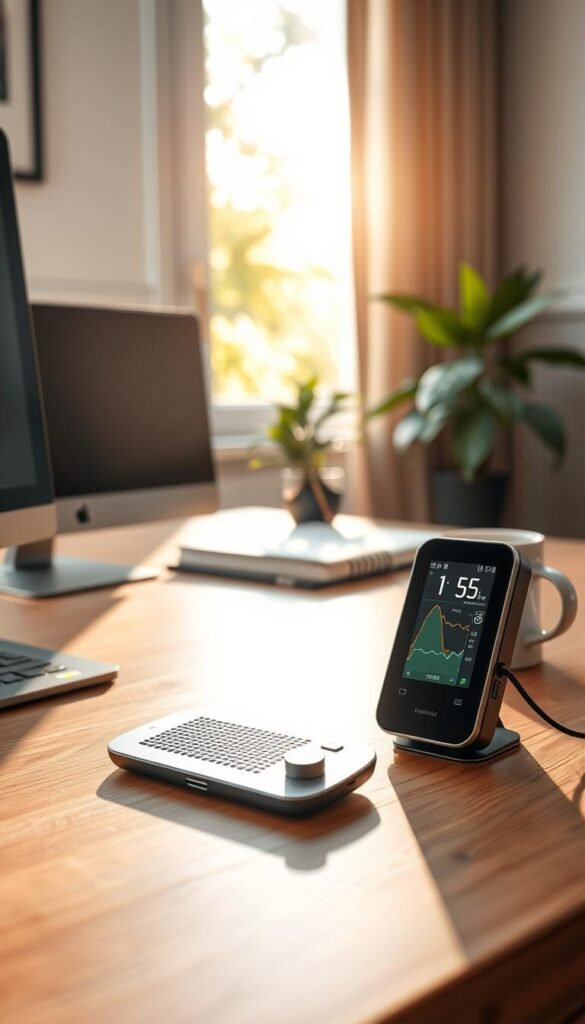
PurpleAir Zen: why dual sensors matter
Two particle sensors mean you’re less likely to chase a single glitch. If one sensor drifts, the unit still flags real spikes. That improves day-to-day trust in the numbers you act on.
Best for wildfire season and kitchen testing
This device shines during wildfire events and in kitchen „smoke experiments.“ Use it to compare hood vs purifier vs opening a window and see what actually lowers particulate matter.
Reality check: setup and data exporting
The Zen is more technical than app-first monitors. It has no fancy touchscreen. You get an LED ring for quick status and deeper records online.
Note: exporting detailed data may now require using an API. If you want one-button CSVs on your phone, this can be a deal-breaker.
Practical notes for small spaces
- USB-powered; plan for a steady spot with good airflow.
- Tabletop or wall mount works; avoid cramped corners.
- Expect occasional maintenance for true long-term accuracy.
„Reliable particle readings let you make real choices during smoke events, not guesses.“
Best premium option if you also care about radon
If you want radon included without juggling multiple devices, this is the premium pick to consider. The Airthings View Plus packs radon, CO2, PM2.5, tVOC, temperature, humidity, and pressure into one tidy device.
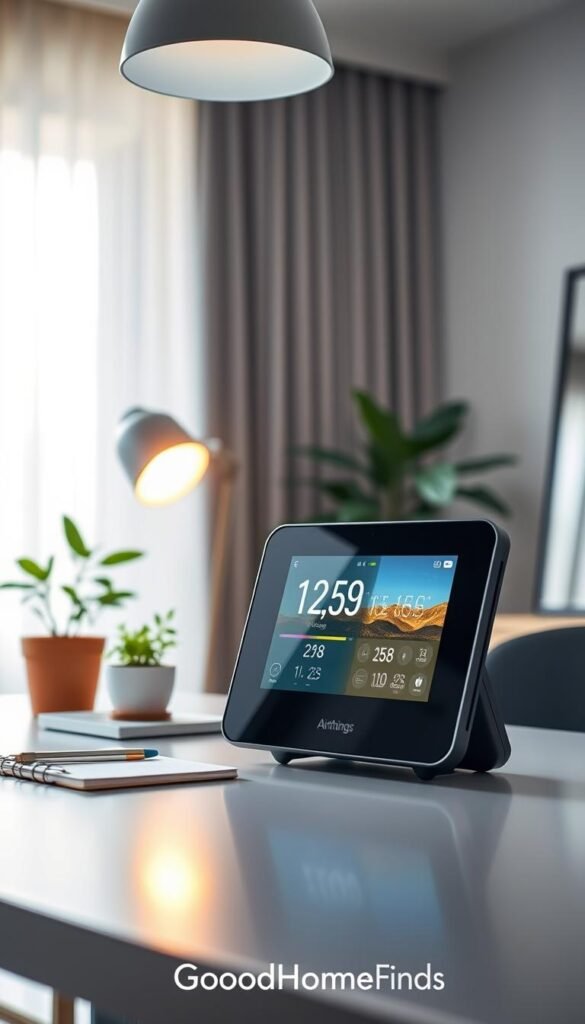
User experience and when radon matters
Clear e‑ink display and a simple wave-to-activate light make daily checks frictionless. The app and web dashboard show trends without noise.
When radon moves from „nice to have“ to worth paying for: you live in a radon-prone area, spend time on the lowest lived-in level, or want a single device that covers long-term safety plus daily comfort.
Battery vs USB trade-offs
Runs on 6 AA batteries for flexible placement in small apartments. Plugging in via USB‑C shortens the update interval to 2.5 minutes so you get faster feedback after cooking or cleaning.
Pros and cons
- Pros: one device covers radon plus key sensors; easy setup; Alexa/Google/IFTTT support.
- Cons: pricey if you don’t need radon; no data export; fastest updates only when plugged in.
„Airtight spaces and basements make radon worth monitoring; this device keeps that check tidy without adding clutter.“
| Feature | What it measures | Practical note |
|---|---|---|
| Sensors | Radon, CO2, PM2.5, tVOC, temp, humidity, pressure | Broad coverage for daily decisions and long-term radon tracking |
| Power | 6 AA batteries or USB‑C | Batteries allow placement flexibility; USB improves update speed |
| Data | App/web dashboard; integrations | No native export; use integrations for automation but not raw CSVs |
If you want more device options or lower-cost monitors, see our roundup of air quality monitors for comparisons and alternatives.
Best DIY and open-source air quality gadgets for smart home enthusiasts
If you like smart-home tools and long-term tracking, an open-source monitor can pay off.
AirGradient ONE packs CO2, PM2.5, tVOC, NO2, temperature, and humidity into a single, Home Assistant–friendly device. You can buy it assembled or as a DIY kit. The kit is documented and uses well-known sensors, so it’s a realistic weekend project if you enjoy setting up dashboards and automations.
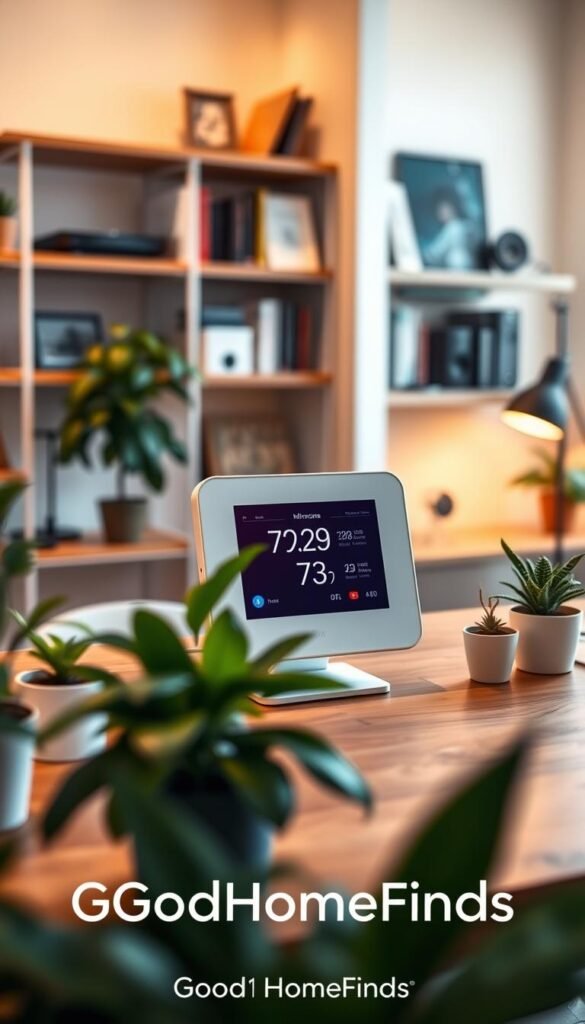
Who should consider this
You, if you want to automate fans and purifiers based on real readings. You value long-term data over a flashy screen. And you prefer exporting your own records instead of relying on a vendor app.
DIY kit vs prebuilt: setup difficulty
DIY: expect soldering or secure connector work, Wi‑Fi onboarding, and some Home Assistant configuration. It’s doable but requires patience.
Prebuilt: costs more but gives faster set‑up and immediate readings. It saves time if you’d rather skip tinkering.
Why “your data is yours” matters
Open-source data export means you keep long-term history. You can compare seasons, test interventions, and avoid losing access if an app shuts down.
„Owning your data makes automations and trend analysis practical, not fragile.“
| Feature | What it gives you | Practical note |
|---|---|---|
| Sensors | CO2, PM2.5, tVOC, NO2, temp, humidity | Covers ventilation cues, smoke/dust, and VOC trends |
| Setup | DIY kit or assembled | DIY costs less; assembled saves time |
| Integrations | Home Assistant, MQTT, CSV export | Easy automations for fans and purifiers |
| Maintenance | Occasional cleaning, sensor checks | Plan for sensor lifespan and clear access |
For a ready option and more details, check the AirGradient ONE kit. Use it to trigger a purifier when PM rises, run a fan when humidity spikes, or get a phone alert if CO2 stays high for too long.
Budget vs premium comparisons that actually matter
Price tells part of the story, but the readings you trust matter most for everyday use. A low-cost monitor can show trends. It may not give repeatable numbers you can act on during smoke season or allergy spikes.
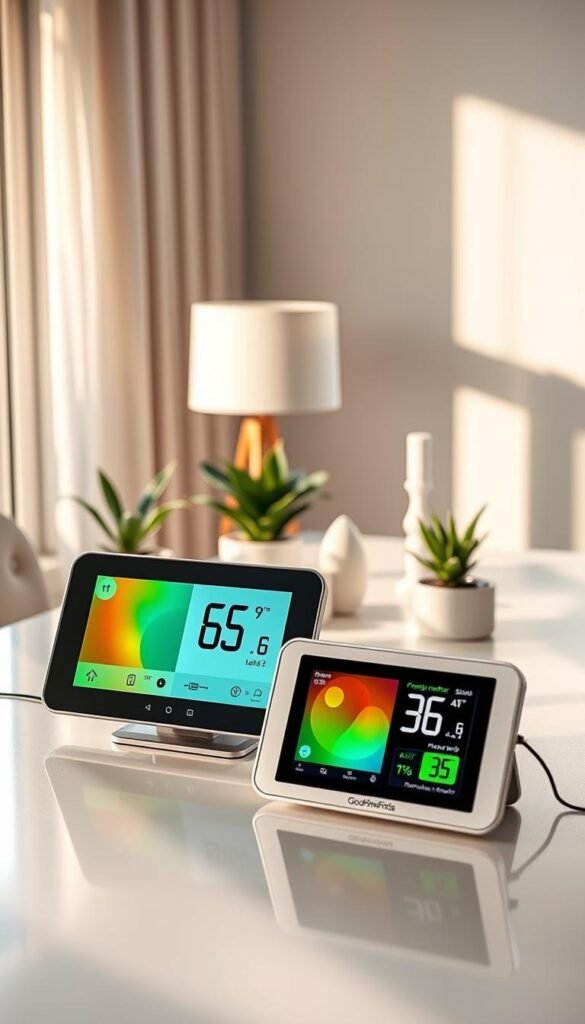
Accuracy expectations and PM10 limits
At lower price points expect decent PM2.5 trends but weaker PM10 tracking. Mid-range and premium devices deliver calmer, more reliable readings you will actually use.
Screen, app, and daily usability
A good screen reduces phone checks. A solid app gives history and alerts. Choose the mix that fits how you live—quick glances or deep logs.
Replaceable sensors vs replacing the whole device
Replaceable sensors like the QP Pro extend device life and lower long-term cost. Non-replaceable designs, such as many budget models, often mean full replacement when drift appears.
Total ownership cost checklist
- Power: USB‑on units run 24/7; factor the plug and electricity.
- Parts: sensor swaps, batteries, or app subscriptions.
- Longevity: expect premium devices to stay useful longer for seasonal events.
Pay more when you need reliability—wildfire season, allergies, or radon—otherwise pick a trend-worthy, budget-friendly monitor.
For more model comparisons and practical picks, see this roundup of air quality monitors or a compact solution guide at home problem solver.
| Tier | What to expect | When to buy |
|---|---|---|
| Budget | Trend data, PM2.5 ok, PM10 weak | Casual users; quick cues |
| Mid-range | More stable accuracy, some replaceable sensors | Cookers, remote workers, mild allergies |
| Premium | Reliable readings, extra sensors (radon), longer life | Allergies, wildfire regions, long-term tracking |
Setup time: what it takes to start monitoring air indoors
Getting a monitor running is faster than you think. With a few focused steps, you’ll have useful data and alerts in under 20 minutes.
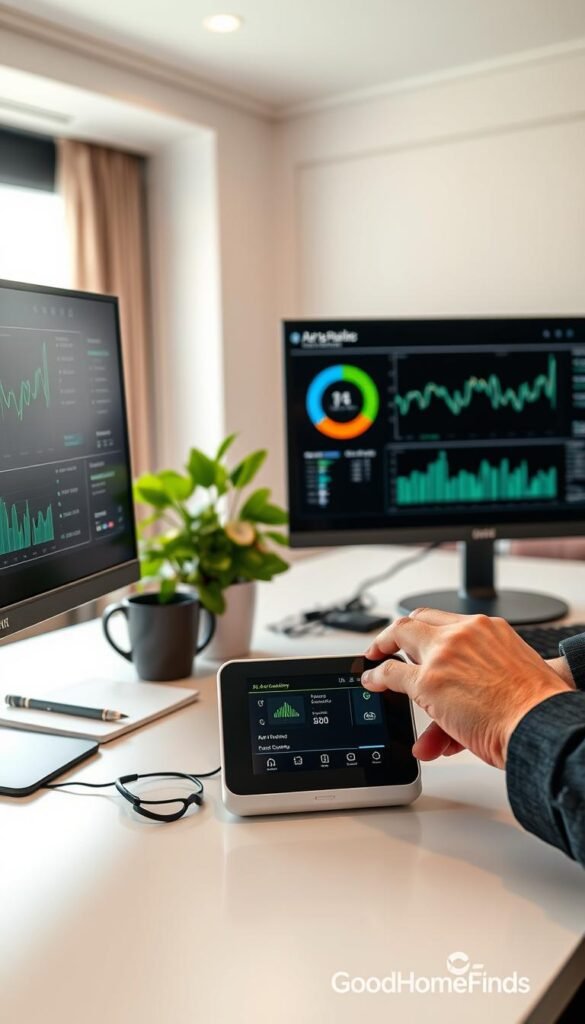
Out-of-the-box basics: placement, power, and first readings
First 10 minutes: pick a stable spot at breathing height — a desk or a shelf. Plug in the USB or insert batteries and let the device idle for a few minutes before judging numbers.
Avoid corners, tight shelves, and behind TVs. Heat and blocked flow skew temperature and readings. In small apartments, keep cords tidy so the setup doesn’t become clutter.
Connecting to an app and getting notifications working
Open the companion app, connect via Wi‑Fi or Bluetooth, and name the room. Confirm the device logs history so you keep trend data during brief outages.
Notification tips: set alerts for real action moments — for example, when CO2 stays high during long calls — rather than on every small fluctuation. That keeps the app useful, not annoying.
Smart home basics: simple automations for purifiers, fans, and dehumidifiers
Start with one rule: when PM rises, turn on the purifier. Use Apple Home, Xiaomi Home, Home Assistant, or Alexa/Google depending on your device.
- Example: Qingping devices can link to Apple Home for quick automations.
- Example: AirGradient supports Home Assistant for custom flows and CSV export.
- Power & noise: confirm if your device beeps or flashes and whether you can silence it before placing it in a bedroom.
„Set a simple automation and give the monitor a week of data. You’ll see patterns that save time and energy.“
Pro tip: plan cable routing for USB‑powered units and note battery life for devices like the QP Pro. Small upfront time saves you clutter and false alarms later.
Want a ready option for open-source setups? Check the AirGradient indoor kit for Home Assistant–friendly integrations and long-term data control: AirGradient indoor.
Common mistakes that lead to bad air quality readings
Misplaced monitors and simple habits often cause confusing results. You might think the device is wrong, but placement and upkeep are usually the issue. Fixing a few habits gives more useful readings without buying new gear.
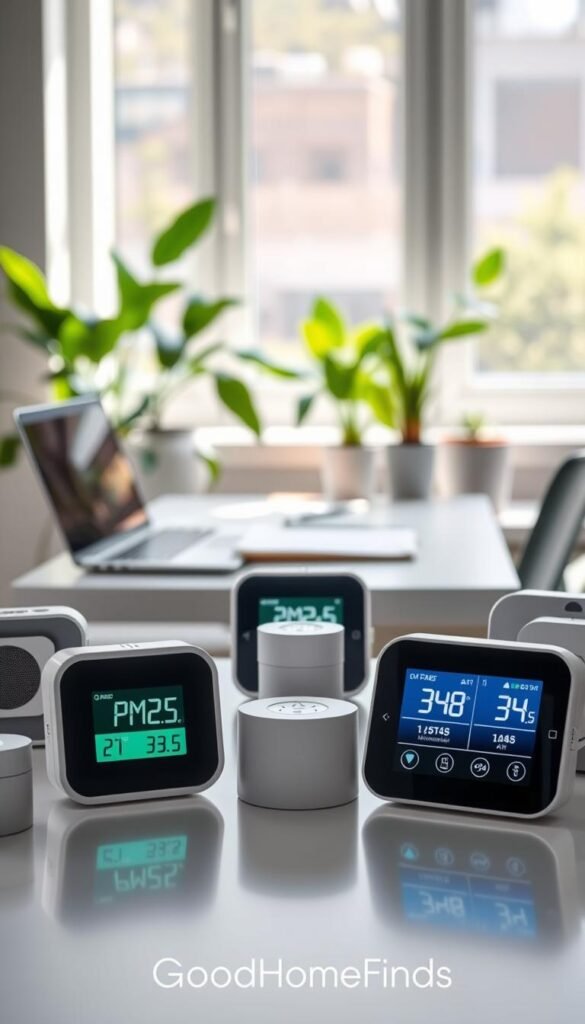
Putting the monitor too close to the stove, window, or bathroom
Placing a monitor next to a stove, an open window, or a steamy bathroom measures the source, not the room. That makes every reading feel alarming.
Move the unit to where you breathe most—desk, couch, or bedside. Keep it a few feet from direct sources and leave airflow around it.
Ignoring calibration and drifting sensors over time
Over months some sensors drift and lose baseline accuracy. If your numbers slowly climb with no cause, check for calibration steps or consider sensor replacement.
Overreacting to volatile organic compounds
VOC readings track trends not exact levels. One spike after cleaning is normal. Watch whether the trend stays high and then ventilate or swap to low-fragrance products.
Expecting a monitor to replace a carbon monoxide detector
Safety first: a monitor is not a substitute for a certified carbon monoxide alarm. CO can be deadly. Use a dedicated CO detector and test it regularly.
Don’t chase every spike—ask “what was I doing?” then act: hood on, window cracked, or product swapped.
Using your readings to improve daily life in a small apartment
Use your monitor to turn vague trouble into clear actions you can test in a week. Readings tell you when to ventilate, when to run a purifier, and when a quick change in habit will help.
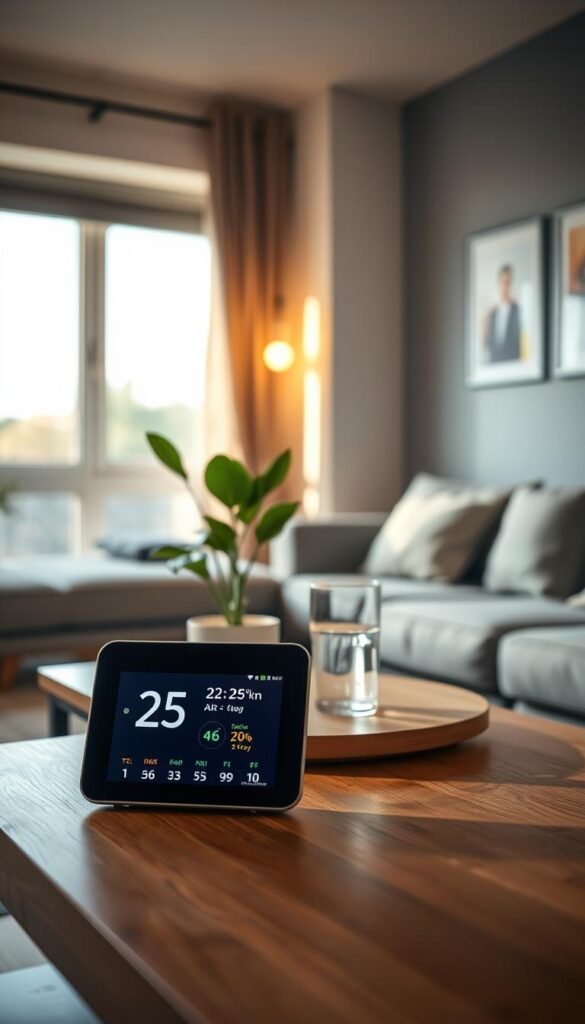
Cooking and ventilation timing
Cooking playbook: check particulate matter spikes during frying or searing. Try the range hood first, purifier second, and windows last if outdoor air is clean.
Ventilate in short bursts until CO2 or PM levels drop. That saves energy and limits outdoor pollutants coming in.
Cleaning and VOCs
If VOC trends jump with sprays, swap to low-fragrance cleaners and use a microfiber cloth. Ventilate briefly instead of masking smells with more scent.
Humidity comfort zone
Aim for a middle range so the place isn’t musty or too dry. Let the monitor stop the dehumidifier or humidifier when the numbers return to comfort.
Pairing with a purifier
Auto mode makes sense when your purifier responds well to particles. For calls or sleep, use manual control to avoid noise spikes.
Placement and livability
One well-placed monitor covers most studio and 1BR layouts. Keep cords tidy and avoid beepers near your bed to keep the setup livable.
Fewer lingering smells, fewer stuffy afternoons, and more confidence that you’re taking the right action at the right time.
For hands-on model testing, see the best home air quality monitor review for practical picks you can try in your space.
Conclusion
The right monitor should solve a single, practical problem in your small space. Pick CO2 tools for stale-room focus and a PM device for cooking smoke or dust.
Practical workflow: check free outdoor tools (AirNow, Google Maps, IQAir) then use your indoor data to decide whether to ventilate or run a purifier. Remember indoor pollution can run 2–5× higher than outside.
Buy the device that matches your biggest daily nuisance. A balanced all‑round monitor, a budget unit, a portable CO2 meter, an accuracy-first PM option, a radon-capable premium model, or a DIY open-data kit all have clear roles.
Safety note: keep a dedicated carbon monoxide alarm and treat VOC readings as trend signals, not precise labs.
One well-placed monitor plus one good purifier beats clutter. Success looks like fewer headaches, better sleep, and a kitchen routine that keeps your home noticeably fresher. Learn more about modern air quality technology and smart integrations before you buy.


