
Practical gear for small-space living. This roundup focuses on useful home gadgets that save time, cut energy use, and boost safety without a remodel. You’ll get honest pros and cons, setup difficulty, and upkeep notes for each pick.
A simple rule: if it’s loud, bulky, or a pain to maintain, it likely isn’t worth your space. We favor renter-friendly, reversible installs that don’t need drilling or permanent changes.
Expect a clear preview: smart basics and security, Wi‑Fi upgrades, robot vacuums and cleaning tools, kitchen helpers like small air fryers, air comfort, lighting, entertainment, and pocket-sized daily electronics.
We judge items by four real-life lenses: noise, footprint, power draw, and compatibility with your phone or voice assistant. Safety and reliability are worth paying extra for. Simple automation and noncritical gadgets can be budget buys.
For renter-focused, damage-free ideas and swap-friendly upgrades, see this helpful list of finds for renters at best home finds for renters.
Key Takeaways
- Choose small, quiet, and easy-to-maintain devices first.
- Prefer reversible installs that leave no damage.
- Pay more for safety and reliability; save on simple automation.
- Evaluate noise, footprint, power draw, and compatibility.
- This guide covers Wi‑Fi, security, cleaning, kitchen, air, lighting, and entertainment.
How this apartment tech roundup was chosen for small spaces
Selection focused on quiet, compact products that earn their spot in small homes. You get picks that save time and space without adding clutter or constant maintenance. A good device is one you barely notice but use every day.
Apartment realities that matter: power use, noise, and footprint
We weigh power draw like you would. Always-on hubs and standby draw add up. Schedules help, but only when they actually run without fuss.
Noise is simple: if you have thin walls or a studio layout, any motorized item needs a noise check before you buy.
Footprint means counters, outlets, and storage. If it crowds your kitchen or blocks a plug, it’s not worth the gain.
Compatibility without headaches
Prioritize gear that works with Alexa, Google Assistant, and a simple phone app. Avoid items that need extra bridges unless you plan to keep them long term.
Practical notes: Kasa smart plugs get praise for reliability and easy setup, but some Kasa bulbs lack Siri support. Roku works broadly with voice systems. Echo Show 5 is handy, though it has limits like no Netflix app on the device.
Budget vs premium: what you actually get
Paying more usually buys fewer disconnects, better sensors, cleaner apps, and lower upkeep—not magic features.
Measure your space, check outlet layout, and pick one main ecosystem for voice control. This simple mindset keeps setup and daily use smooth.
Real benefits you’ll notice in daily life
Practical automations deliver real, everyday wins without complicated setups or big costs. These changes focus on saving energy, cutting chores, and keeping your place safe. They work best when they are quiet and reliable.
Lower energy bills with smarter schedules and shutoffs
Use smart plugs and schedules to avoid wasting power. Set an „everything off“ routine when you leave. Don’t cool or heat an empty home.
Safer routines when you’re away
Smoke and CO detectors like Nest Protect send phone alerts and self-test. Smart locks and notifications give you real-time control and peace of mind.
Less cleaning time with set-and-forget gadgets
Robot vacuums run on a schedule so floors stay presentable between deep cleans. That saves you time and lets you focus on other things.
More usable space with compact, multipurpose devices
Mini air fryers and countertop dishwashers free up counter space. Small, multiuse devices make daily routines easier and keep clutter down.
- Energy: schedule shutoffs, avoid standby draw.
- Safety: phone alerts beat silent alarms in an empty place.
- Cleaning: set schedules, not chores.
| Benefit | Example | Noise | Power draw |
|---|---|---|---|
| Lower bills | Smart plug schedules | Silent | Low when off |
| Safety | Nest Protect alerts | Beep on site, alerts to phone | Low, periodic self-tests |
| Less cleaning | Robot vacuum | Low to moderate; run on schedule | Moderate while running |
| More space | Mini air fryer / countertop dishwasher | Quiet models available | Moderate during use |
These upgrades won’t change your life overnight, but they remove daily friction. For renter-friendly picks and a clear comparison, see our renter setup comparison.
Who needs this (and who can skip it)
You don’t need everything; pick a few renter-friendly wins that free up time and worry. Below are clear use cases so you buy what helps now and leaves no mess when you move.
First apartment basics for getting settled fast
Start small. For a first apartment get a smart plug, a simple voice hub, and one small kitchen upgrade. These are easy to set up and give big daily wins.
Roommates and shared spaces: what prevents arguments
Pick devices that allow shared access and simple rules. Use one account or shared routines so schedules don’t accidentally shut off someone else’s gear.
Pet owners: cameras, vacuums, and air cleanup that pay off
Blink Mini 2 is handy for peace of mind. Robot vacuums cut down on fur, and an air purifier keeps the room from smelling pet-y.
Renters who can’t drill holes or swap major fixtures
Choose nonpermanent home devices and reversible locks. If you need more ideas for renter-friendly fixes, check the home problem solver mix list.
- Who can skip: frequent movers or people who dislike app setup — keep 1–2 basics.
- Who should buy: first apartment shoppers, pet owners, and shared-house setups.
Setup time: what it really takes to get everything working
A clear plan splits installs into quick wins, weekend projects, and routine upkeep. This helps you budget your time in a new place and pick products that match your energy for setup.
Five-minute wins
Smart plugs, streaming sticks, and smart bulbs are quick to add. They need minimal tools and are easy to undo when you move.
- Roku Streaming Stick 4K is plug-and-play for most TVs.
- A single smart plug lets you schedule a lamp or fan in minutes.
- These options carry low risk and low time cost.
Weekend projects
Reserve a few hours for hardware and coverage checks. Smart locks like the August model replace a deadbolt but need alignment and testing.
Wi‑Fi mesh and window AC installs often require placement testing and run-throughs in every room.
Ongoing upkeep
Smart devices still need care. Empty the iRobot Roomba bin, clean brushes, replace Levoit filters (~$35), and swap batteries on sensors.
Keep apps tidy: set 1–2 routines and stop tweaking to avoid app fatigue.
- Checklist mindset: if setup feels annoying now, it will be worse during a busy week.
- Plan: quick installs first, weekend fixes next, regular upkeep ongoing.
Common mistakes to avoid in apartment tech
Measure twice, buy once: small mistakes cost space and money. Before ordering, measure counters, storage, and outlet locations so devices actually fit where you plan to use them.
Buying without checking space
Countertop appliances like an air fryer and window AC need clearance and ventilation. If a unit crowds your counter it becomes a nuisance, not a help.
Ignoring real noise levels
If your bed is 10 feet from the kitchen, loud motors become daily annoyances. Try to test sound or read real-world reviews before you buy.
Overloading outlets and circuits
High-draw items can trip breakers even if plugged into a smart plug. Smart plugs add convenience but do not change circuit limits. Keep heaters and big appliances on separate circuits when possible.
Mixing ecosystems without a plan
Pick one main hub for voice control and add compatible devices over time. Multiple apps and assistants create daily friction for roommates and guests.
„The best device is the one you actually use every day, not the one with the longest spec sheet.“
| Pitfall | Why it matters | Simple fix | When to ask landlord |
|---|---|---|---|
| Wrong size | Won’t fit counters or cabinets | Measure counters and outlets first | For window ACs or venting needs |
| Too loud | Daily annoyance, sleep disruption | Check dB in reviews; test in store | When permanent mounting is needed |
| Circuit overload | Tripped breakers, safety risk | Spread high-draw devices across circuits | Installing hardwired devices |
| Mixed ecosystems | Two apps, two assistants, broken routines | Choose one hub and buy compatible devices | Before hardwired smart switches |
Smart home basics that give the best value fast
Start with a few simple, reversible gadgets that deliver daily wins without fuss. Pick items that are cheap to try, easy to remove, and useful from day one. Below are practical picks you can set up in minutes and keep for the long run if they prove worth it.
Kasa Smart Plug Mini vs Belkin WeMo Insight
Kasa Smart Plug Mini is reliable, compact, and works with most major platforms. It’s a simple choice for lamps and fans when you want dependable scheduling.
Belkin WeMo Insight adds energy monitoring and IFTTT-style routines. Choose WeMo if you want to track actual use and build advanced automations.
| Feature | Kasa Mini | WeMo Insight |
|---|---|---|
| Reliability | High | Good |
| Energy monitoring | No | Yes |
| Best for | Easy setup | Usage data & routines |
Smart lighting for renters
Kasa smart bulbs are a budget-friendly way to add schedules and color to a room. They let you set sunset timers, „away“ patterns, and bedtime shutoffs from your phone.
Practical tip: Use one or two smart lights in key spots. Schedules that mimic daily life reduce wasted power and make the place feel lived-in.
Choosing a voice hub
Echo Show 5 works well in a small kitchen or bedroom as a compact command center and display. It’s handy for timers and quick checks. Note that some streaming apps have limits on small displays.
Google Nest Hub is a solid, simpler alternative if you prefer Google Assistant. It’s often lower cost and pairs cleanly with Google services.
Power consumption reality check
Always-on hubs and displays sip power all day. They add convenience, not big savings. If energy is your top priority, favor smart plugs and schedules that cut standby draw.
Starter routine to copy:
- Sunset lamp on (soft warm light).
- Bedtime lights off at a set hour.
- “Leaving home” smart-plug shutoff for nonessential devices.
Apartment security tech that’s renter-friendly
Practical security choices give you control without permanent changes. In a rental you want fewer lockouts, clearer alerts when you’re away, and easy-to-remove gear. These picks focus on safety, simple setup, and low upkeep.
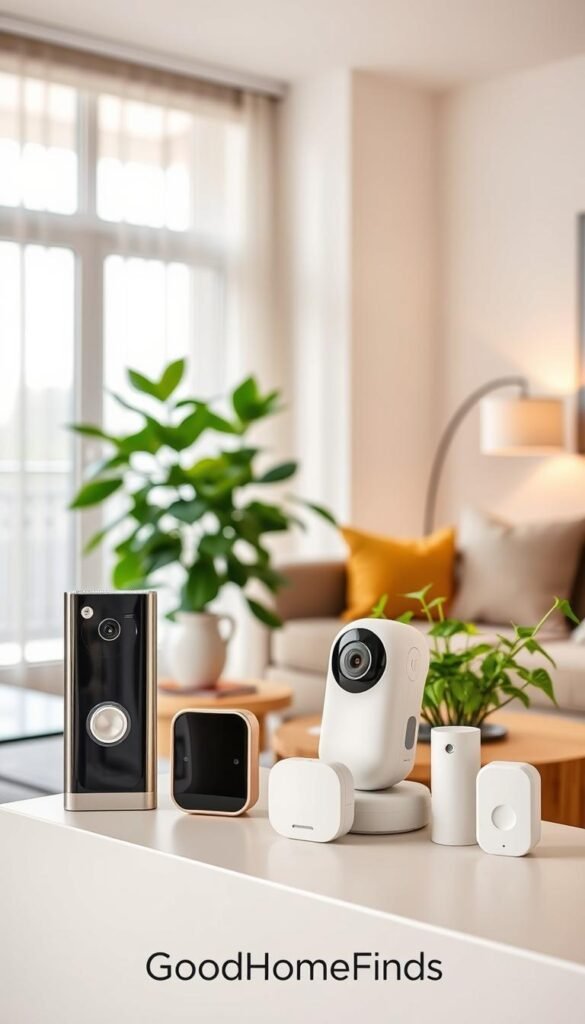
Smart locks without permanent changes: August Smart Lock Pro + Connect
The August Smart Lock Pro + Connect replaces a deadbolt and can be restored when you move. It supports HomeKit, Alexa, Google Assistant, geofencing, and IFTTT.
Pros: shared access, remote unlock, no permanent drilling. Cons: needs careful setup and steady Wi‑Fi/Bluetooth for smooth behavior.
Setup: moderate — align the deadbolt, pair the bridge, test shared access. Maintenance: battery changes and occasional firmware updates.
Indoor camera on a budget: Blink Mini 2 for pets and peace of mind
Blink Mini 2 is a budget indoor camera with a built-in spotlight and improved night vision. It streams to your phone and shows on Echo Show displays.
Pros: low cost, easy placement, good pet monitoring. Cons: cloud fees for extended storage, placement must respect privacy rules.
Setup: easy — plug in, link to app, and test notifications. Maintenance: check power and account settings regularly.
Safety alerts that matter: Nest Protect smoke and carbon monoxide detector
Nest Protect self-tests and sends alerts to your phone. It gives clearer alerts and helps you act fast if something goes wrong.
Pros: reliable notifications and automated self-checks. Cons: higher upfront cost than basic alarms.
Setup: simple wiring or battery models. Maintenance: replace batteries as prompted and follow test schedules.
What to confirm with your landlord before installing
- Allowed lock changes and whether you must restore original hardware on move-out.
- Rules on camera placement and shared common areas to avoid privacy violations.
- Whether smoke/CO devices must meet building specs or be installed by management.
„The best security upgrade is one you actually use daily and can remove without a mark.“
Wi‑Fi that can handle roommates, streaming, and smart devices
If roommates stream and you use cameras, Wi‑Fi stability becomes the most practical upgrade. A steady connection cuts dropouts, keeps voice assistants responsive, and stops buffering during shows.
Fixing dead zones cheaply
TP‑Link AC1200 RE315 is a low-cost first fix. It covers up to 1,500 sq ft, offers up to 1,200 Mbps, and includes an Ethernet port.
Use an extender when you have one or two weak spots, not whole-home coverage issues.
When mesh is worth it
Choose mesh like the TP‑Link Deco M9 Plus or a Netgear Orbi alternative when you face long hallways, thick walls, or many rooms needing steady coverage.
Both options blanket a place well. Pick based on budget, how many nodes you need, and ease of placement.
Placement tips for small homes with thick walls
- Put nodes out in the open, not hidden behind furniture.
- Aim for a straight line down hallways for best handoffs.
- Keep one node near your router and another where devices are used most.
| Solution | Best for | Notes |
|---|---|---|
| TP‑Link AC1200 RE315 | Single dead zone | Cheap, easy, Ethernet backhaul option |
| TP‑Link Deco M9 Plus | Multiroom coverage | Mesh features, Editors’ Choice level quality |
| Netgear Orbi alternatives | Larger layouts, thick walls | Good performance, varies by model and price |
| Placement | All setups | Open spots and hallway line improve reliability |
Cleaning tech: robot vacuums and compact tools that actually get used
Frequent, light cleanings from small devices stop crumbs and dust from becoming weekend projects.
What these products do best
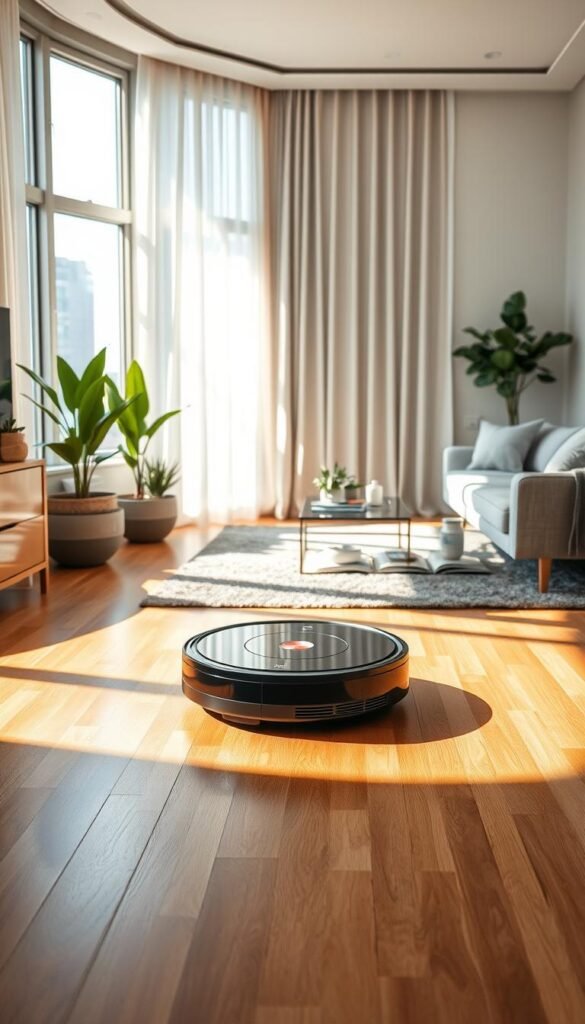
Robot vacuums excel at daily surface upkeep. They pick up crumbs, light dust, and pet hair so floors stay tidy between deep cleans.
iRobot Roomba Vac — budget, simple scheduling
Pros: easy app, physical buttons, ~2 hours runtime, and automatic return to base. It’s beginner-friendly and reliable for daily runs.
Cons: no self-empty base, so you must empty the bin after runs. It won’t replace occasional deep clean sessions.
iLife V8s — vacuum-and-mop multitasker
Pros: cheaper, vacuums and mops in one pass. Good if you want an all-in-one that saves some time on wet spills.
Cons: simpler navigation and more hands-on upkeep. Mopping adds maintenance and you may need to pre-sweep stubborn debris.
Noise and best run times
These robots make steady noise. If you have thin walls, run them while you’re out or during daytime hours to avoid bothering neighbors.
Best rule: schedule runs when you’re not on calls or sleeping.
Maintenance you can’t ignore
Keep a simple routine so performance stays high:
- Empty the bin weekly.
- Check and clean brushes and rollers for hair tangles after a few runs.
- Wipe sensors and charging contacts monthly.
| Model | Best for | Key tradeoff |
|---|---|---|
| iRobot Roomba Vac | Reliable daily cleaning | No self-empty; manual bin emptying |
| iLife V8s | Budget vacuum+ mop | Simpler navigation; more upkeep |
| General advice | Small homes needing frequent upkeep | Runs replace light cleaning, not deep cleans |
Who should buy: anyone who wants less floor-care time and a cleaner home day to day. For more compact cleaning ideas and gadgets for tiny spaces, see this helpful guide on cleaning gadgets for small places: best cleaning gadgets for small places.
Kitchen tech for small apartments: fast meals, less mess
A few compact devices can turn cooking from chore to quick win. The right picks save time, cut cleanup, and give more usable counter space in tight rentals.
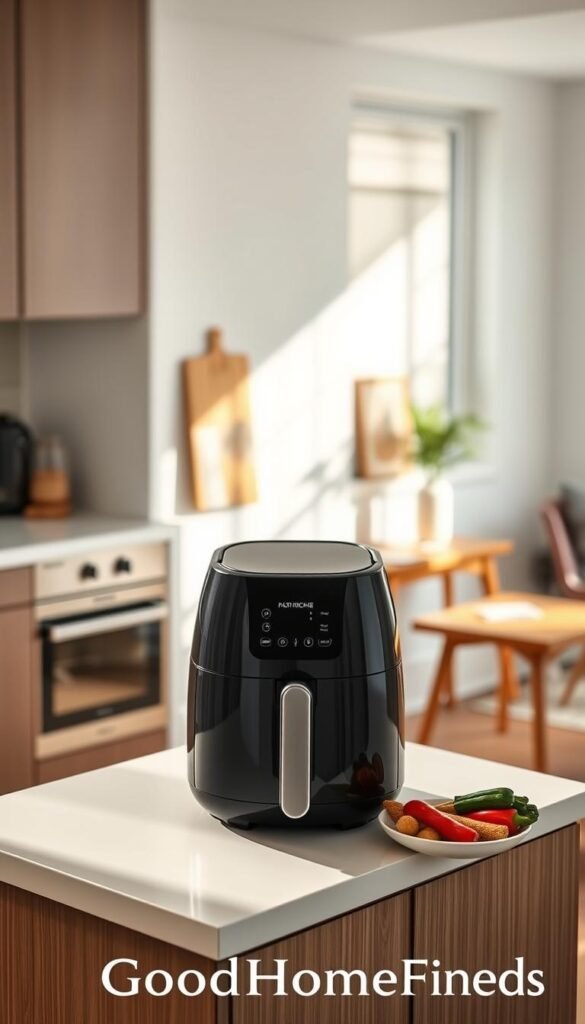
Instant Pot Vortex 2QT Mini air fryer — small, fast, practical
What it is: a compact air fryer that fits small counters and cooks fast for one person.
Pros: quick preheat, simple controls, low footprint. Cons: small capacity; not great for hosting or batch meal prep.
hOmeLabs compact countertop dishwasher — sanity saver
This countertop dishwasher clears dishes with minimal fuss and is a real time-saver when you don’t have a built-in unit.
Tradeoff: you must allocate counter or cabinet space and accept a dedicated spot for the unit.
AmazonBasics Microwave with Alexa — training wheels for beginners
Voice controls via phone or Alexa are handy for timers and simple tasks. The voice features are nice, but the microwave’s basic cooking function is the main value.
Space, ventilation, and power basics
- Run small cookers near a window or vent to avoid smoke and excess heat.
- Check amperage and spread high-draw devices across circuits to avoid tripping breakers.
- Pick one or two devices that save you the most time and money rather than filling the counter.
| Device | Best for | Key limit |
|---|---|---|
| Instant Pot Vortex 2QT | Quick single meals | Small batch size |
| hOmeLabs Compact Dishwasher | No-dishwasher rentals | Needs counter space |
| AmazonBasics Microwave | Beginners & voice control | Voice is optional |
For more compact options and renter-friendly picks, see a roundup of top kitchen gadgets and practical fixes in the kitchen problem mix.
Air quality and comfort tech that doesn’t overcomplicate your life
Clean air and sensible cooling give quick comfort wins in small spaces. These choices favor energy savings and quiet operation so you get real use without constant fuss.
When air gear is actually worth it
If you have allergies, wildfire smoke nearby, heavy street exhaust, pets, or a damp, musty unit, adding an air solution helps. Otherwise a window fan and good ventilation often suffice.
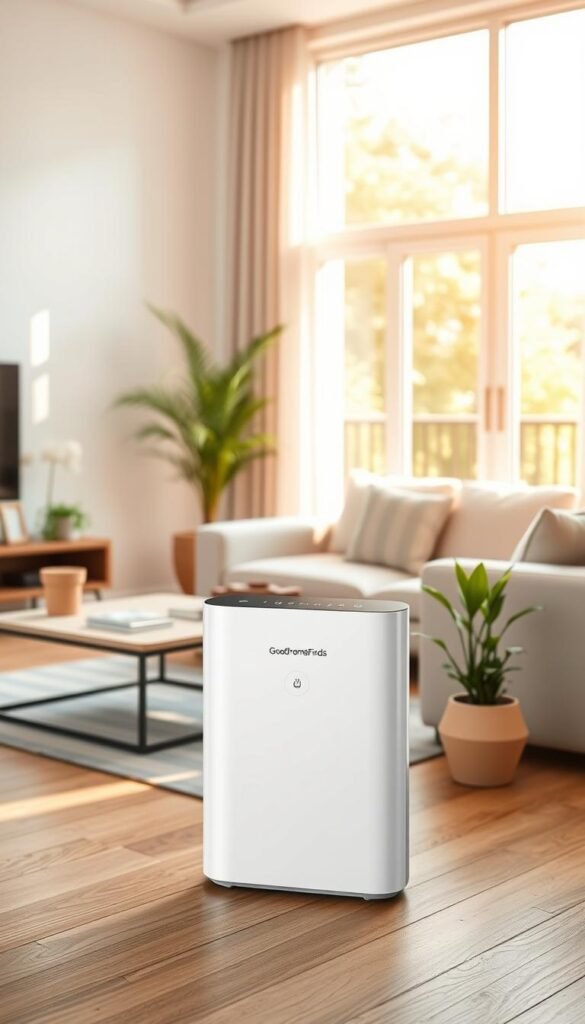
Small-space pick: Levoit Core 300S
Levoit Core 300S is a compact air purifier that runs nearly silent on low and is tolerable on higher settings. Filters cost about $35 to replace, so expect recurring maintenance costs.
Noise notes: use low for sleeping and work-from-home hours; boost it when cooking or after guests leave. Placement matters—don’t block intake or output with furniture.
Smart window cooling: LG 8,000 BTU Wi‑Fi model
The LG 8,000 BTU unit links to your phone and works with Alexa and Google Assistant. It lets you set simple schedules and remote on/off so you only cool when needed.
Energy reality check: cooling costs add up. Aim for modest target temps, set timers, and power off when you leave. And don’t forget filters—ignoring them cuts performance fast.
„A quiet purifier and a scheduled AC beat flashy features when comfort and bills matter.“
Lighting that makes tiny rooms feel bigger (without a remodel)
A few well-placed lights can make your space feel wider and more usable.

Why it works: lighting is a simple, renter-friendly upgrade. You don’t need paint, holes, or hard wiring. Swap bulbs or move a lamp and the whole room reads differently.
Smart bulbs vs smart floor lamps: what saves more space
Smart bulbs keep your floor clear. They fit existing fixtures and give color, schedules, and dimming without extra furniture. They are low-cost and easy to remove.
Smart floor lamps add light where no fixture exists. They take floor space but deliver stronger output and direction. Use one lamp to brighten corners and create depth.
Premium splurge: Govee Floor Lamp Pro
Govee Floor Lamp Pro outputs up to 2,100 lumens, rotates 300 degrees, and pairs a Bluetooth speaker base for basic music. It supports Matter for easier ecosystem setup.
Pros: strong, flexible light and integrated music in one footprint. Cons: higher cost — you pay for convenience and vibe, not necessity.
- Practical routines: bright morning work light; warm, dim light at night to calm the home.
- Placement tip: light corners to make the room feel wider and avoid harsh overheads.
„Good lighting is the easiest small-space makeover you can undo in minutes.“
For quick inspiration, see these simple lighting ideas that work in tight homes.
Entertainment upgrades that don’t eat your budget or space
Smart streaming and portable audio deliver the biggest payoff per square foot. A small stick and a compact speaker lift shows and music without a larger TV or extra furniture.
Make any TV smarter fast
Streaming sticks are the easiest upgrade: tiny, plug-and-play, and reversible. The Roku Streaming Stick 4K wins for smoother cross-service search and broad voice-assistant support (Siri, Google, Alexa).
Fire TV Stick Lite is the cheaper path and fine if you want straightforward apps and low cost.
Audio that fits the space
Sonos Roam 2 is a premium portable smart speaker that supports Alexa and Google Assistant and sounds great across rooms. It costs more but moves with you from kitchen to balcony.
If you just want sound, a budget Bluetooth speaker gives decent music and saves money.
Projector for flexible viewing
Portable projectors like the Cinemood offer a battery-powered, big-screen option you can pack away. They work well for movie nights without letting a TV dominate the place.
| Item | Best for | Notes |
|---|---|---|
| Roku Streaming Stick 4K | Cross-service search | Broad assistant support |
| Fire TV Stick Lite | Budget streaming | Lowest cost, basic voice |
| Sonos Roam 2 | Portable premium sound | Good battery, multiroom |
„Good audio doesn’t mean loud audio—aim for clarity and neighbor-friendly volumes.“
For more compact, budget-friendly options, see a roundup of best tech gifts and practical budget home gadgets that work in small places.
Daily electronics that quietly improve life in a new place
The right low-fuss electronics can make a new place feel organized and calm.
These are the small items you use every day. They should save time, reduce clutter, and not demand constant setup. Focus on practical wins that make daily life easier without adding app headaches.
Silent alarm for partners and roommates
Try a Shake‑N‑Wake style silent alarm if you share walls, a room, or keep different schedules. PCMag notes these vibrating alarms wake one person without noise. That prevents morning fights and keeps roommates asleep when you get up early.
Use cases: one partner with early shifts, a roommate studying late, or shared bedrooms where loud alarms bother others. They are simple to set, low maintenance, and gentle on schedules.
Charging built into furniture: USB beds, lamps, and desks
Furniture with built-in USB ports cuts cable clutter and keeps your phone topped up. PCMag highlights storage beds and desks with integrated ports and drawers as practical examples.
This matters because fewer loose chargers means fewer outlet fights and a neater home. In small spaces, a storage unit that also charges devices often saves more money and space than separate pieces.
- Who it helps: roommates, partners, and anyone who values a tidy nightstand.
- Buying tip: prioritize durability and simple convenience over flashy smart features you won’t use.
- Maintenance note: cheap cables fail first—buy fewer, better chargers and keep a spare.
„Small, reliable electronics are the quiet upgrades you actually use every day.“
Budget vs premium apartment tech: what to buy first
Focus on three practical wins that change daily life fast. Start with low-cost items that solve real problems. Then upgrade where reliability, safety, or quieter operation actually saves you time and money.

Best budget starters under a typical new-place spend
Buy these first. They cost little and improve daily life immediately.
- Kasa smart plug — schedules and „everything off“ routines. Low price, high convenience.
- Roku Streaming Stick — better shows with minimal setup.
- Roomba Vac (basic) — schedule daily runs to cut cleaning time.
Premium upgrades that earn their keep over time
Premium products reduce fuss. Expect fewer false alerts, stronger networking, and quieter motors.
Worth examples: Nest Protect for safety and a reliable lock or a high-quality mesh Wi‑Fi system for steady coverage.
Where paying more truly matters
Safety, reliability, and lower maintenance are the real reasons to splurge. If a product protects you or saves hours each week, higher price is justified.
| Tier | Example | Why buy |
|---|---|---|
| Budget | Kasa plug, Roku, basic Roomba | Immediate wins, low price |
| Premium | Nest Protect, mesh Wi‑Fi | Fewer issues, less upkeep |
| When to pay more | Locks, smoke/CO, networking | Safety and reliability matter most |
Buy order to avoid overspend: start with two budget starters, add one mid-tier if needed, then invest in safety or networking last.
Renter reminder: prefer portable, reversible picks you can take when you move. Want more renter-focused gear ideas? See smart-home gadgets for your first apartment.
„Will this save you time weekly, or just look cool once?“ — ask this before a premium buy.
Quick compatibility checklist before you hit “buy”
A short compatibility checklist saves time, money, and roommate headaches. Run it on any product page before you add to cart.
Voice control: Alexa vs Google Assistant in real apartments
Decide which assistant you and your housemates already use. If someone relies on Google services, pick gear that supports Google Assistant. If Echo devices are common, prioritize Amazon Echo compatibility.
Roku and many smart hubs support multiple assistants. That helps if people prefer different systems.
App clutter and shared access for roommates
Fewer apps mean fewer fights. Choose devices that let you share access in one app or via account linking. Test guest access on your phone so roommates can control common items without admin hassles.
Matter support and why it can simplify your setup
Matter is a compatibility helper. Devices that support it—like some Govee lights—are easier to add across ecosystems. It cuts the chance you’ll need three apps and a separate hub.
„If a device needs three apps and a hub, it’s probably not renter-friendly.“
| Checklist item | What to check | Why it matters |
|---|---|---|
| Assistant support | Alexa / Google Assistant / Siri | Ensures simple voice control from your smart speaker |
| Matter | Yes / No | Reduces ecosystem friction over time |
| App & shared access | Single app or easy guest setup | Less clutter; easier roommate control |
| Hub requirement | Bridge or none | If hub needed, adds cost and complexity |
Conclusion
Your best bets are practical fixes that save time, not headline-grabbing gadgets. Start with a smart plug to cut standby draw and add a smart light for better routines. Next, add cleaning help like a scheduled robot vacuum and a compact air fryer that fits your counter.
Then upgrade safety: a renter-friendly lock and Nest Protect phone alerts matter more than flashy extras. Keep air quality simple with a quiet purifier and check noise, footprint, and power draw before you buy.
What to do this weekend: fix Wi‑Fi dead zones, set routines in your app, and schedule the robot vacuum so it actually runs.
Pick Alexa or Google, reduce app clutter, and ignore CES 2026 hype unless a device is proven. If it saves you time, improves air, or reduces stress in your place, it’s worth it; if not, skip it and keep home simple.


