
You’re not building a perfect smart home. You want practical, renter-friendly upgrades that save time and energy. This guide focuses on real benefits you notice day to day: lower bills, fewer “did I leave it on?” moments, and less time spent cleaning.
We’ll cover smart home basics, security, safety, air comfort, kitchen helpers, cleaning devices, Wi‑Fi, and streaming. Each item will list Who needs this, Setup time, and Common mistakes. I’ll call out noise, power use, and space needs because those often decide what works in a small place.
This roundup compares budget vs premium options and flags renter realities like leases, roommates, and building rules. Expect clear notes on privacy and simple compatibility with Alexa, Google Assistant, and reliable app control. The aim is honest, usable advice about the best apartment tech, small-space gadgets, and choices that are easy to move or remove.
Key Takeaways
- Focus on renter-safe, no-drill upgrades that add real value.
- Watch noise, power draw, and footprint before you buy.
- We compare budget and premium so you can match needs and cost.
- Look for Alexa/Google support and simple app control.
- Each pick includes setup time, maintenance, and common pitfalls.
What makes apartment tech worth buying in 2026
In 2026, renter-friendly gadgets earn space on your shelf only if they save time, cut costs, or reduce stress. Your purchases should do clear work for daily life. If a gadget adds clutter, needs drilling, or creates monthly fees, it probably isn’t worth it.
Real benefits renters actually notice day to day
Real benefits are simple and observable. Lights that come on when you arrive. A smart plug that shuts off a heater you forgot. A robot vacuum that keeps dust down between deep cleans.
Apartment-friendly priorities: energy saving, safety, and small-space fit
Prioritize energy and safety over flashy features. In small spaces, every outlet and shelf matters. Energy-saving upgrades often pay for themselves faster than decorative gear.
Compatibility basics: Alexa, Google Assistant, and simple app control
Pick devices that work with Alexa or Google Assistant and have a reliable app. That avoids surprises when you add more gear. Check the product listing for voice support and key features.
Noise levels, power consumption, and space requirements to check before you buy
Check power needs first. High-watt items like heaters and window ACs need planning. Low-watt smart plugs and bulbs are easier to add.
Also check noise ratings. A quiet purifier or robot vacuum is worth more if you work or sleep at home.
„Who needs this, Setup time, and Common mistakes“ are the quick filters you should use before buying.
- Measure the spot where the device will live.
- Confirm outlet availability and Wi‑Fi strength.
- Look up noise levels and ongoing costs like filters or subscriptions.
Common mistakes: buying gear that needs an extra hub, ignoring recurring costs, or assuming new devices will fix weak internet. Use the checklist and aim for long-term convenience.
Smart home basics that work in any apartment
Start with compact, renter-friendly gear that changes daily routines without permanent changes. These foundation buys are small, easy to move, and deliver quick wins you notice right away.
Smart plugs for lamps, coffee makers, and chargers
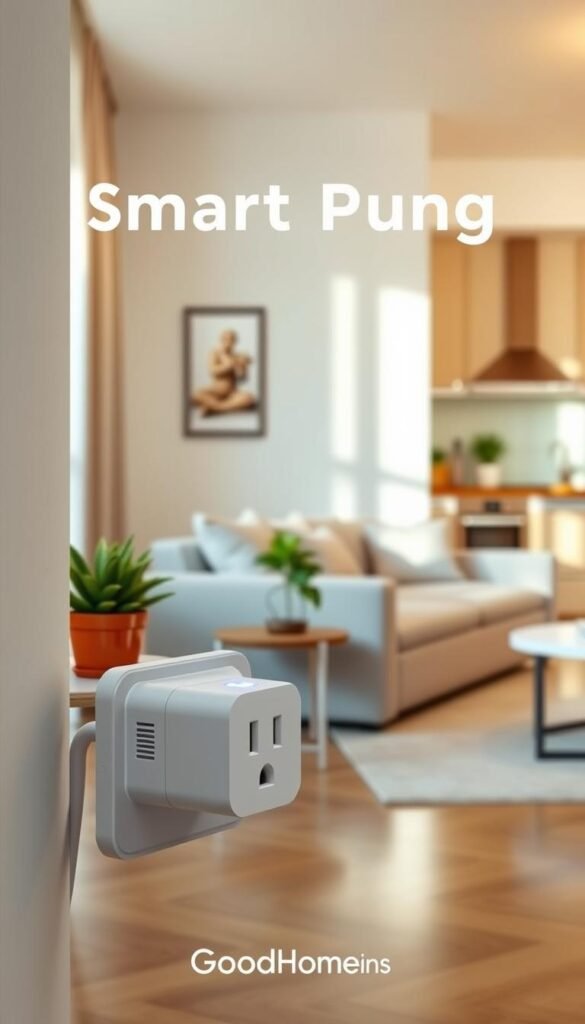
Use a smart plug to schedule a lamp at sunset or turn the coffee maker on before you wake. The Kasa Smart Plug Mini 15A is compact and reliable. The WeMo Insight adds power-use monitoring if you care about consumption.
Smart light bulbs for schedules and “looks occupied” lighting
Smart bulbs handle timed lighting, gentle wake-ups, and dimming for movie nights. Kasa Bulbs give strong value and a simple app. Wyze Bulb Color is the low-cost way to add color without fuss.
Smart speakers and displays as your control hub
Echo Show 5 fits small spaces as a control center. Google Nest Hub Max is the larger, premium choice if you want a bigger screen and camera feeds. Both work with google home and voice control for routines.
Setup time
Install the app, connect devices to Wi‑Fi, name them by room, then create one routine (like “Good night”). You can be up and running in under 30 minutes.
Common mistakes
- Overloading outlets or blocking the second socket with a bulky plug.
- Using smart bulbs where roommates flip the wall switch off—plugs plus lamp can be more reliable.
- Placing your speaker/display where Wi‑Fi is weak; expect occasional reconnects after router changes.
„Small, renter-safe devices give the most practical upgrades with minimal fuss.“
Security and peace of mind without drilling holes
Security should give you calm, not extra work. Focus on renter-safe choices that are easy to remove when you move. Small upgrades cut lockouts, let you hand temporary access to guests, and let you check in from your phone for genuine peace.
Smart lock: The August Smart Lock Pro + Connect replaces your deadbolt and restores the original hardware later. It turns your phone into a key, supports voice services, and makes remote locking simple. Renters like it because it’s removable and keeps the door intact.
Indoor camera: The Blink Mini 2 is budget-friendly, has better night vision, a built-in spotlight, and two-way audio. It works well with Echo Show displays for quick live views. Use it to check pets, confirm packages, or peek in during short trips.
Who needs this
Roommates sharing access, solo renters who want reassurance, and frequent travelers who want remote check-ins. These home devices give control from your phone and reduce small daily worries.
Privacy and rules
Check your lease and building rules before installing cameras. Avoid pointing a camera at shared hallways or a roommate’s private space. Know local audio laws before enabling recording.
Common mistakes & maintenance
- Buying a lock that doesn’t fit your deadbolt type.
- Skipping a backup key or secondary entry method.
- Placing cameras where they capture private areas unintentionally.
- Neglecting battery checks, firmware updates, and lens cleaning.
| Device | Primary benefit | Renter notes | Daily use |
|---|---|---|---|
| August Smart Lock Pro + Connect | Phone-based entry, remote lock/unlock | Removable; restores original deadbolt | Grant temporary access; check lock status |
| Blink Mini 2 | Live view, two-way audio, night vision | Compact; avoid shared area views | Check pets, packages, and quick home checks |
| Echo Show (integration) | Local display for camera feeds | Works with Blink and locks for quick checks | See live feeds without opening the phone app |
„Frame security as peace of mind — practical steps that reduce hassle, not create it.“
Safety upgrades every renter should consider first
Make safety the first upgrade you buy—small sensors can prevent big losses. Safety gear protects people and property, not just your schedule. Start with devices that give clear, fast alerts and are easy to remove when you move.
Smart smoke and carbon monoxide detection and what makes Nest Protect different
The Nest Protect combines smoke and CO in one unit. It runs self-tests and sends alerts to your phone when you’re away.
Real benefits: fewer dead-battery surprises, faster awareness of real danger, and less doubt when you smell something off.
Maintenance reality: batteries, alerts, and limits of „self-testing“
Self-tests cut down on forgotten checks, but they don’t replace cleaning the unit or swapping batteries when warned.
Always take a loud local alarm seriously. Self-testing helps, but your eyes, nose, and calling maintenance still matter.
Common mistakes and renter tips
- Don’t place detectors too close to kitchens or bathrooms — expect nuisance alarms.
- Don’t ignore repeated warnings or assume a building’s old detector is enough.
- Know your lease. Some buildings let you add supplemental devices instead of replacing existing units.
„Phone alerts depend on Wi‑Fi, so choose loud, well-placed units that protect your home even offline.“
Comfort and lower bills with smarter air and temperature control
Small, smart upgrades to how you cool and clean your air can cut bills and improve sleep.
Why this pays back: Run devices smarter, not harder. Pre-cooling with a schedule or using an air purifier on auto reduces runtime and often lowers energy use while improving comfort.
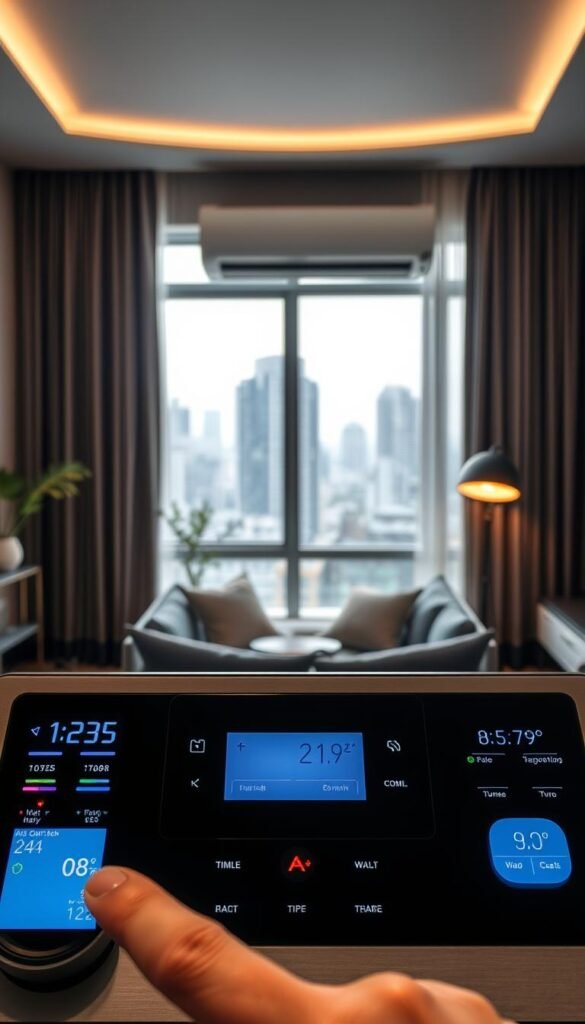
Window smart AC
The LG 8,000 BTU Wi‑Fi window unit connects to your phone and works with Alexa and Google Assistant. You can cool the room before you arrive. Voice control helps when you’re already in bed.
Setup is straightforward if you have a supported window and a nearby outlet. Plan the circuit; ACs draw serious power and should not sit on cheap power strips.
Small-space air purifier
The Levoit Core 300S fits a small room without dominating floor space. It auto-adjusts fan speed and is nearly silent on low for sleep or work. Replacement filters run about $35, so factor that into running costs.
Keep a reminder to swap filters. A clogged filter reduces cleaning power and can start to smell dusty.
Power, noise, and placement
Power consumption: Expect the AC to be the major draw. The purifier is low energy but needs continuous runtime for best results.
Noise levels: Low fan settings are usually sleep-friendly. High modes are noticeably louder—use them while out of the room or when you need fast clearing.
Space requirements: The AC needs a secure window fit and an outlet on the same circuit. The purifier needs clearance around its intake; don’t block vents.
Who needs this
Choose these when you face allergies, city air pollution, seasonal wildfire smoke, or top-floor heat. They also help a one person studio sleep better and spend less on inefficient, constant cooling.
| Device | Primary benefit | Setup difficulty | Maintenance |
|---|---|---|---|
| LG 8,000 BTU Wi‑Fi window AC | Pre-cool room remotely; voice control | Moderate — window fit and outlet planning | Seasonal cleaning; check seals and drain |
| Levoit Core 300S | Quiet daily air cleaning for small rooms | Easy — plug in and set auto mode | Replace filter ≈ $35; monthly dust check |
| Combined approach | Comfort that lowers runtime and energy use | Low — scheduling and routines in app | Monitor runtime, clean intakes, replace filters |
„Run quieter modes overnight and higher modes while you’re away to balance comfort and energy.“
Kitchen tech that earns its counter space
In small kitchens, every inch of counter space must pull its weight.
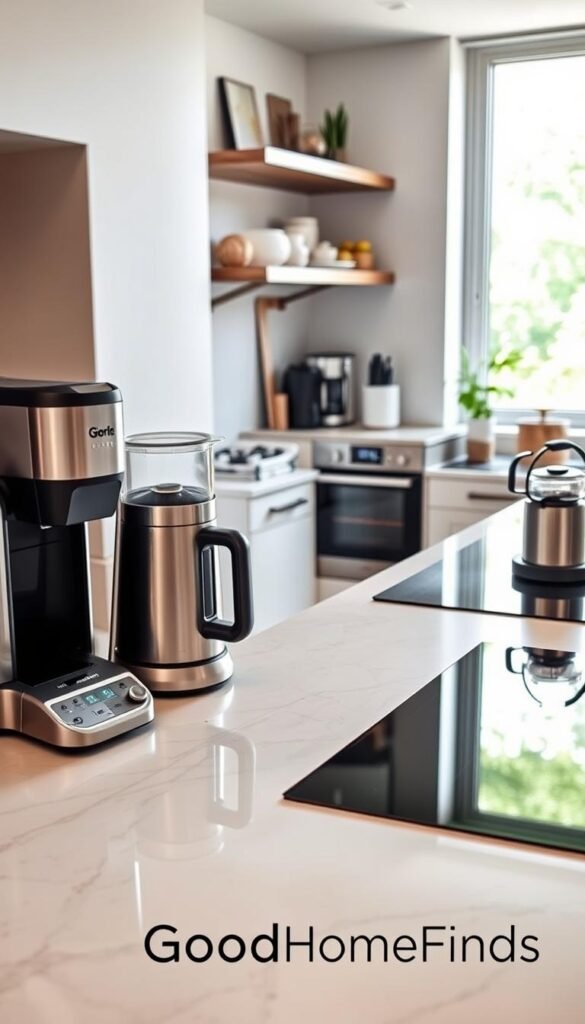
Mini air fryer: Instant Pot Vortex 2QT
The Vortex 2QT is compact and heats fast. It crisps leftovers and makes single‑serve meals without heavy oil.
Real use case: you reheat pizza or roast a few vegetables in under 10 minutes.
Downside: the small basket limits batch cooking and you may run multiple cycles for dinner.
Countertop dishwasher: hOmeLabs compact
This dishwasher cuts sink pileups and saves time. It fits on counters and connects to the sink when you use it.
Real life benefit: fewer roommate arguments about who washes dishes. Honest downside: it needs a drain hookup and makes noise during cycles.
Voice-friendly microwave: AmazonBasics Microwave with Alexa
Voice control helps when your hands are full or you’re juggling ingredients. Use simple voice commands to start, stop, or add time.
Pairing with alexa google systems gives hands‑free convenience during meal prep.
Space, maintenance, and power realities
Space advice: Measure counter depth and leave clearance for vents. Confirm a dedicated outlet can handle higher-watt items.
Maintenance: Wipe crumbs weekly, clean grease splatters, and rinse dishwasher filters or traps after use to avoid smells.
Noise & power: Dishwashers and air fryers run loud at high settings. If your kitchen sits next to your bed or work area, schedule them when you’re out or on a break.
„If a counter appliance doesn’t save you time each week, it doesn’t deserve a permanent spot.“
| Appliance | Primary benefit | Space needs | Maintenance |
|---|---|---|---|
| Instant Pot Vortex 2QT | Crispy single‑serve meals; fast reheats | Small footprint; needs 2–4″ clearance | Wipe basket; clean heating element monthly |
| hOmeLabs compact countertop dishwasher | Reduces dish pileups; saves time | Moderate counter space; sink hookup needed | Rinse filter weekly; run vinegar cycle for odors |
| AmazonBasics Microwave with Alexa | Hands‑free start/stop; easier multitasking | Standard microwave footprint; vent clearance | Wipe interior after spills; check door seal |
Cleaning gadgets that save time in small apartments
Small, regular help from cleaning devices keeps tight living spaces feeling orderly with minimal effort. A robot is meant for daily upkeep, not deep cleaning. Expect fewer quick sweeps and more time saved between thorough chores.
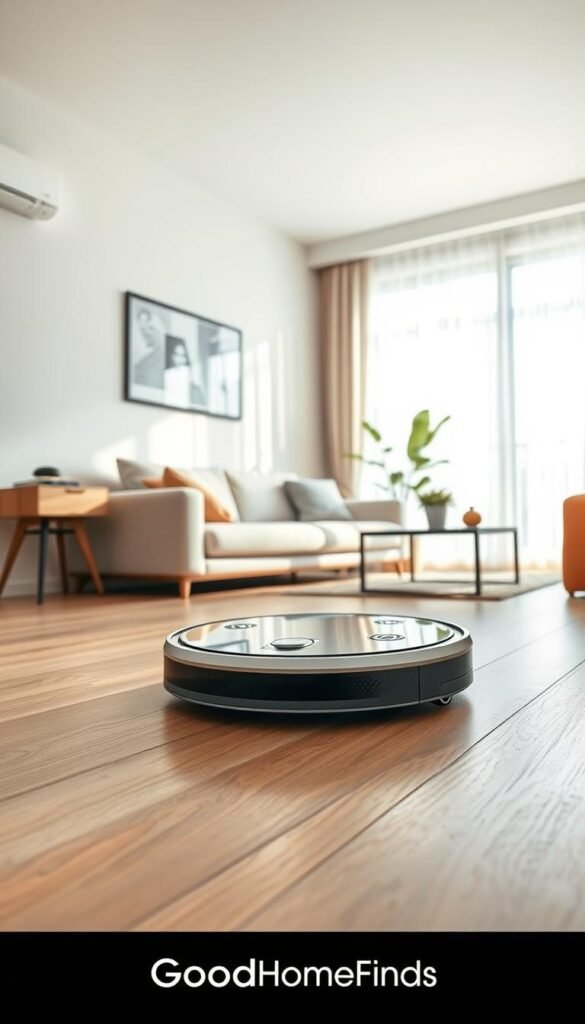
Real benefits
Less visible dust, fewer crumbs at the door, and fewer roommate arguments about chores. Scheduled runs make the floor look cared for every day.
Setup time
Place the dock in an open spot, charge, run a learning cycle, and set a schedule in the app. Do a quick floor prep: pick up cords, socks, and small clutter so the vacuum can do its job.
Common mistakes
- Leaving cords or fringe rugs that tangle brushes.
- Expecting the robot to handle pet accidents—it can spread mess instead.
- Forgetting to empty the bin or clean brushes until performance falls.
Noise levels & maintenance
Run cleaners while you’re out or between calls. They are quieter on low but still noticeable during meetings.
Compare options: the iRobot Roomba Vac gives a smooth, reliable app experience and about two hours runtime. The iLife V8s is a vacuum+mop choice for hard floors at lower cost. Both need weekly bin and brush checks to keep quality running.
„A simple schedule and a clutter-free floor often beat paying for extra mapping features.“
Wi‑Fi and connectivity for apartments with thick walls
Wi‑Fi is the make-or-break layer for a smart home. Flaky signal turns useful devices into frustrating failures. A steady network keeps smart plugs, cameras, and speakers responsive and reliable.
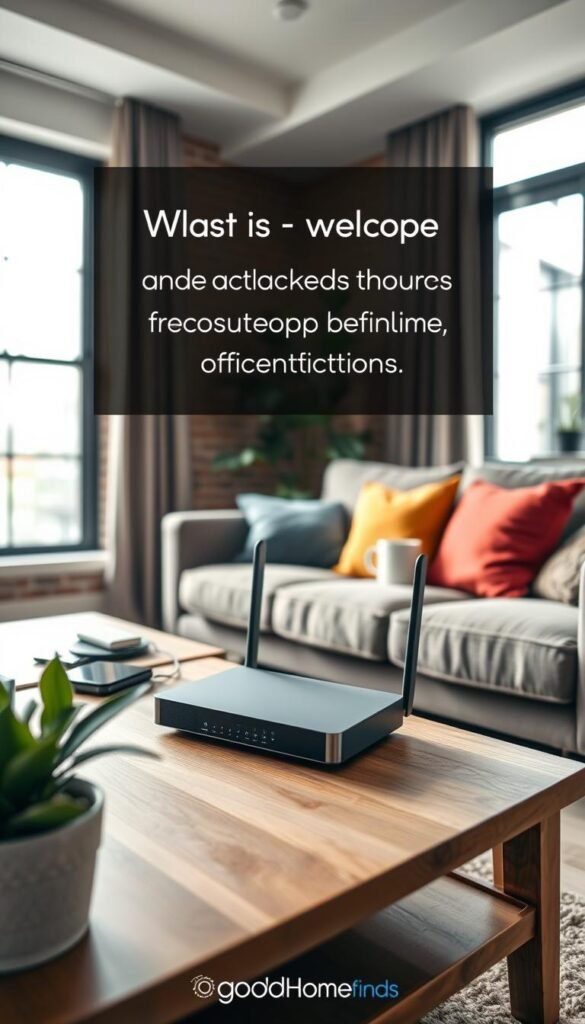
When one dead zone is the issue:
When a Wi‑Fi extender is enough (TP‑Link AC1200 RE315)
The TP‑Link AC1200 RE315 covers about 1,500 sq ft and can hit up to 1,200Mbps in ideal spots. It’s a solid, low-cost option when a single room or back bedroom loses signal.
Why choose it: quick setup, affordable, and it includes an Ethernet port to give a stable wired link to a TV or console.
When you need a mesh system instead (TP‑Link Deco M9 Plus)
Choose a mesh system when your layout is long, walls are thick, or multiple rooms see dropouts. The Deco M9 Plus blankets larger or trickier layouts and hands off devices smoothly as you move through the space.
Why mesh helps: consistent coverage, fewer reconnects, and better overall reliability for many simultaneous devices.
Setup time and common mistakes
- Setup time: An extender usually takes 10–20 minutes. Mesh can take 30–60 minutes including placement testing and a short walk‑around to check signal.
- Common mistakes: hiding nodes behind TVs or inside cabinets, placing extenders too far from the router, and assuming new gear raises your ISP speed.
- Practical note: better Wi‑Fi also improves voice assistant response, including Google Assistant, so commands reach devices faster.
| Option | Coverage | Best use case | Renter notes |
|---|---|---|---|
| TP‑Link AC1200 RE315 (extender) | ≈1,500 sq ft (ideal placement) | Fix one dead zone; stable Ethernet for TV | Fast install; cheaper; place mid‑way to router and dead zone |
| TP‑Link Deco M9 Plus (mesh) | Whole‑home blanket for tricky layouts | Long layouts or many rooms with drops | Higher cost; needs node testing for best placement |
| Both options | Variable | Improve smart home reliability | Neither increases ISP speed; placement is key |
„Fix signal gaps first; a stable network makes every smart device feel worth owning.“
Entertainment and daily electronics that feel like a real upgrade
You don’t need a new TV to get a sharper streaming experience or faster access to a show. Small moves give high joy and low clutter. They fit a small home and make daily routines better without big furniture or long installs.
Streaming sticks that beat a new TV price tag
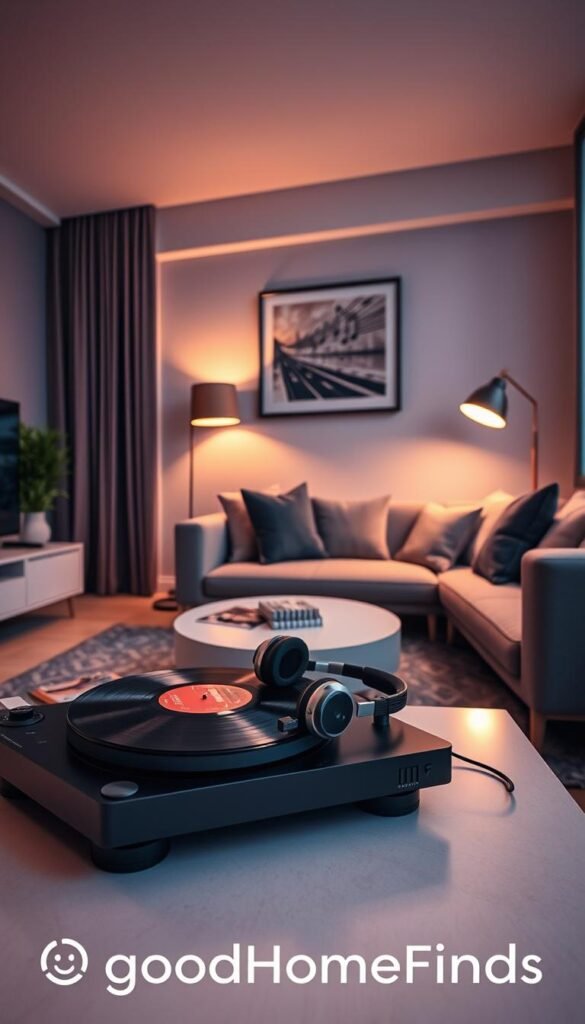
Roku Streaming Stick 4K adds smart-TV features for under about $50. It brings apps, faster navigation, and voice search with Alexa, Siri, or google home. For a renter, it’s often smarter than replacing the whole screen.
Speakers that fit small rooms without blasting the neighbors
Sonos Roam 2 is compact, portable, and supports voice assistants for quick play/pause. It fills a small room with surprisingly full sound.
Ikea Eneby is the budget choice that gives reliable music playback with minimal fuss.
„Better placement and moderate volume beat bigger speakers in tight spaces.“
Setup time: Connect to Wi‑Fi or pair via Bluetooth, update firmware once, then set a default volume. This keeps unexpected loud playback at night from waking neighbors.
Honest tradeoffs: Premium speakers integrate smarter and sound nicer. Budget speakers save money and handle casual listening well. Choose what matches your space and daily use.
best apartment tech picks by budget vs premium options
Start with a few high-impact items that make life easier right away.
Best value starter setup for a first apartment
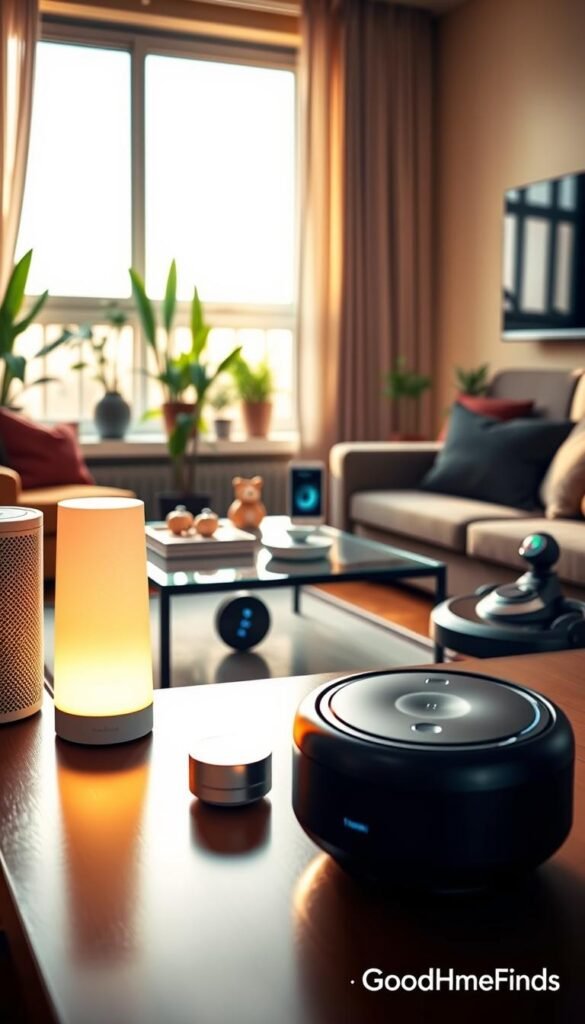
What to buy: Kasa smart plug, Kasa/Wyze bulb, Echo Show 5, and a Roku stick. This bundle gives routines, remote control, and better streaming with minimal fuss.
Daily result: Lights on schedule, one-tap scenes, voice control, and cleaner TV navigation.
Premium upgrades that make sense if you’ll stay put
What to add: Nest Protect, a Sonos Roam 2, mesh Wi‑Fi, a smart lock, and a Levoit purifier or a Wi‑Fi window AC if air is a concern.
These raise reliability, safety, and long‑term comfort.
What to skip in small spaces
Avoid bulky floor gadgets, loud units, and devices that need extra hubs. If it won’t get weekly use, don’t claim counter or floor space.
Quick comparison: ongoing costs
- Filters: Levoit ≈ $35 each.
- Robot vacuum parts and bags vary by model.
- Cameras can add optional subscriptions for cloud video.
Value test: if you won’t use it weekly, it’s probably not worth the space.
Setup time, renter-safe installation, and compatibility checklist
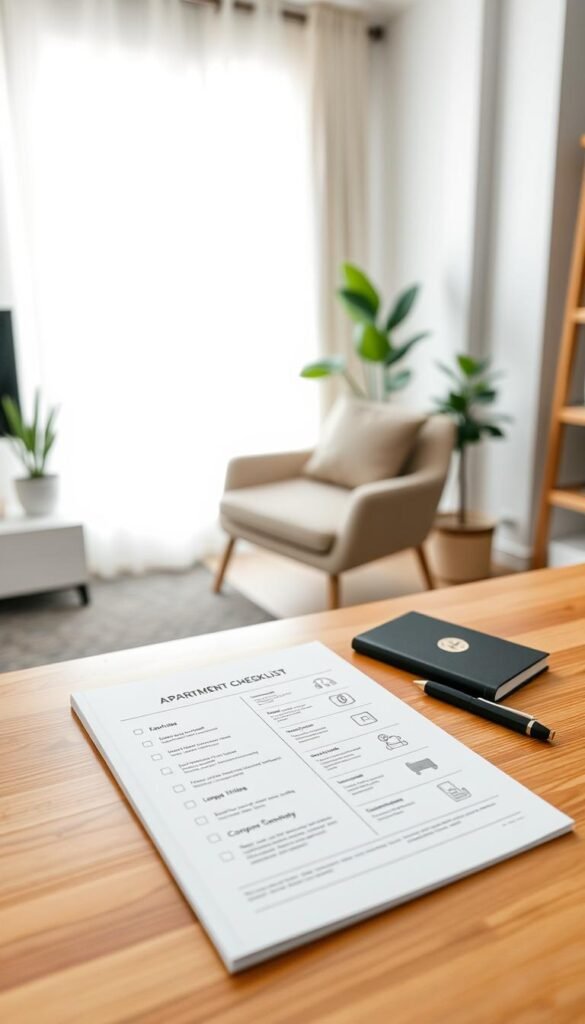
Quick planning saves returns and late-night frustration. Below is a short, practical checklist to help you install reliably, keep things renter-safe, and avoid common pitfalls.
What you can install in minutes vs what takes an hour
Minutes: smart plugs, smart bulbs, and a streaming stick. These usually need an app, a name, and a quick wifi join.
About an hour: smart lock swaps, Wi‑Fi extender or mesh tuning, and camera placement plus privacy settings. Expect extra time for firmware updates and testing.
Compatibility checklist: alexa google assistant, google assistant, and app reliability
- Confirm the product lists support for alexa google assistant and for Google Home if that’s your hub.
- Read recent reviews focused on the app — schedules, alerts, and firmware updates matter long after setup.
- Pick brands that clearly document voice integration so phone control and routines behave predictably.
Power and outlet planning: smart plugs, power strips, and safe loads
Map your outlets. Walk each room and count usable plugs. Decide where you need smart plugs versus a surge-protected power strip.
High-watt items like window ACs and countertop ovens must plug straight into a wall outlet. Do not run them through smart plugs or cheap strips.
Common mistakes that cause disconnects, annoyance, or returns
- Weak Wi‑Fi in the far room — test signal before you buy more devices.
- Mixing many brands so each device needs its own app and account.
- Placing devices where roommates will unplug them or block cameras.
- Buying five devices at once — test one smart plug with your phone and routines before scaling up.
„Test one device, confirm app and voice support, then expand. Small checks prevent big returns.“
Conclusion
, Finish by building your smart home in small layers so each purchase proves its value before you add more.
Start week one with a simple plan: add one smart plug, one smart bulb, and one routine controlled by your phone. Make that routine something you use every day.
Prioritize safety first, then energy and comfort, then convenience and entertainment. Keep lights and voice controls consistent by fixing Wi‑Fi problems before buying more devices.
Choose renter-friendly gear you can move easily. Plan short monthly checks for filters, bins, batteries, and app updates so your home stays reliable.
If a product saves time, cuts stress, or lowers waste, it earns space in your place. If it brings clutter or constant troubleshooting, skip it.


