
Loose cords around a desk, TV stand, or kitchen counter create clutter and safety risks. They trip people, pull on plugs, and make cleaning harder. You want a practical setup that cuts energy waste and tames noise like coil whine.
Good management means safer walkways, less tugging, easier vacuuming, and chargers that stay put. There is no single product that fixes every room. This roundup groups solutions by common areas and real use cases, not hype.
We use a simple framework for each entry: what it’s for, how hard it is to install, what space it needs, and what upkeep looks like after a week or month. You’ll see budget options like ties and clips, and premium choices like under-desk trays or enclosed boxes.
Renters and small-apartment owners: removable clamps and adhesive mounts can look clean without drilling. Sources like The Strategist and BTOD informed these practical picks and honest pros and cons.
Key Takeaways
- Loose cables cause clutter, trip hazards, and small energy waste.
- Good solutions improve safety, cleaning, and daily convenience.
- We organize items by use case, not product hype.
- Simple clips solve most problems; boxes or trays handle heavier setups.
- Renters can use non-drill fixes that still look tidy.
Real benefits of cable management at home (beyond “looking neat”)
Taming loose cords does more than tidy a room — it lowers risk, saves small amounts of energy, and cuts daily friction in tight spaces.
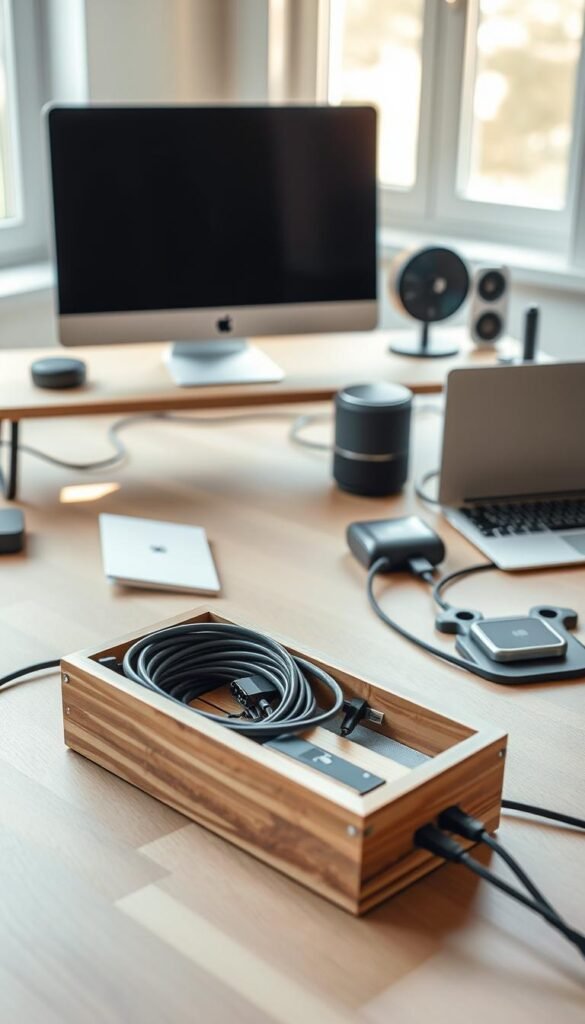
Safety wins for small apartments
Loose cables in a small space turn into trip hazards fast. This is true around a desk, bed, or sofa where you walk at night or in socks.
Less slack at plugs reduces strain on a cord and lowers the chance of frayed ends. That helps prevent intermittent charging and heat at outlets.
Energy saving basics
When chargers and power strips are grouped, you stop leaving “always-on” bricks plugged in everywhere. It becomes simple to switch off a power strip at the end of the day.
Tidy routing also makes it easier to spot a warm brick or faint buzz so you can unplug or replace a fault quickly.
Easier cleaning and daily convenience
Fewer loops behind furniture mean fewer dust traps when you vacuum or wipe counters. Wires won’t drag on the floor and get in the way of cleaning.
Finally, keeping the one cord you use most within reach saves time and the annoyance of fishing a charger off the floor.
Quick, good-enough tip: start by grouping cords by device, then decide if clips, ties, or a small tray fit your space and routine.
Who needs this most (and what to buy for your space)
Start by identifying how you use gear, then pick an organizer that fits that pattern and your space.

Work-from-home desks: If your desk or office has power bricks and many chargers, an under-desk tray plus reusable ties is a practical match. Measure under-desk clearance before buying.
Kitchen counters
For counters, choose surface-friendly clips and small holders. They keep chargers handy and wipeable, and cut crumbs and dust around cords.
Living room setups
Sleeves, ties, and a small box hide runs behind the TV. The goal is fewer visible runs and a cleaner side view from the couch.
Renters and temporary setups
Clamp-on trays like the Quszmd model come first. Then add removable adhesive clips. Only use screws if you plan to keep the furniture long term.
Travel and hybrid workers
A cable organizer bag such as the Ruggard case keeps cords and small items tidy on the move. No tools, no risk to rental walls.
„Everyone’s setup is different; group by device, not by brand.“
| Use case | Recommended item | Why it fits | Renter-friendly |
|---|---|---|---|
| Desk / office | Under-desk tray + ties | Hides bricks and groups chargers | No (tray clamp models available) |
| Kitchen | Surface clips & small holders | Easy to wipe; keeps counters clear | Yes |
| Living room | Sleeve + small box | Cleaner side view; hides streaming boxes | Yes |
How we picked the best cable management gadgets
Our picks prioritize reusable solutions, renter-friendly mounting, and airflow to avoid hot power bricks.
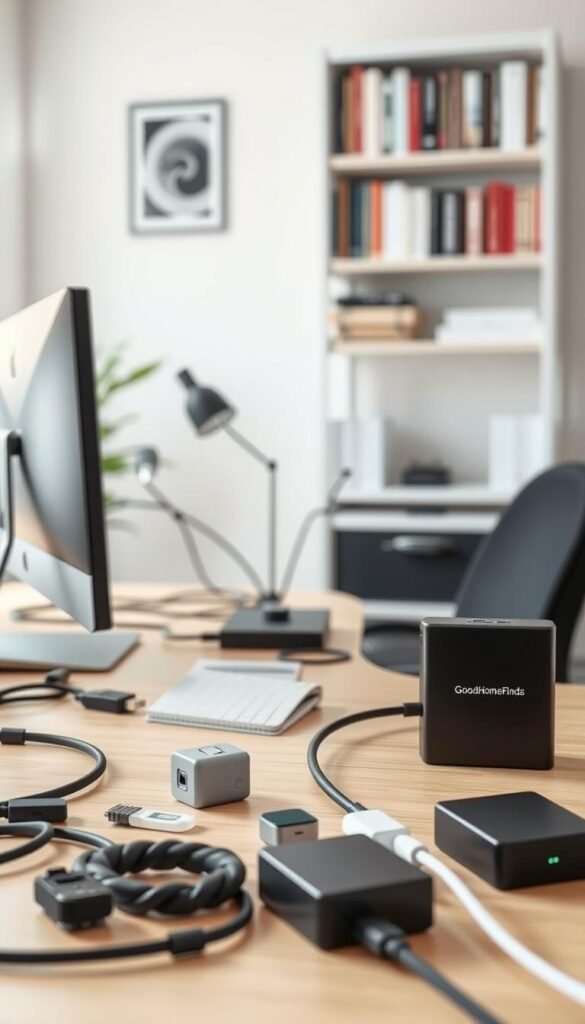
Reusability and upkeep
Pick ties and bags when you change gear often. Velcro and reusable wire ties bend back into place and save time.
Single-use zip ties work for permanent runs but frustrate frequent reconfiguration. They are cheap, but not renter-friendly.
Mounting style and surface safety
Adhesive clips stick fast on clean surfaces but can fail on textured or dusty walls. Clamps slide on and move with furniture.
Screws give a tidy look but are permanent. If you rent, prefer clamps or removable adhesive that you can replace later.
Space, heat, and noise
Measure under-desk sizes and tray clearance before you buy. A tray needs room for knees; a box needs a footprint that does not invite clutter.
Don’t overfill an enclosed cable management box. Plan holes and entry points so power bricks get airflow and stay cool.
Finally, if you hear a buzz, clean routing makes it easier to find the noisy power brick. Proper ties and routing cut that troubleshooting time.
Best cable management gadgets for everyday charging and small electronics
If you charge phones and smart-home sensors every day, choose solutions that make grabbing a cable effortless. Small, focused organizers cut the time you spend untangling cords and keep counters and nightstands usable.
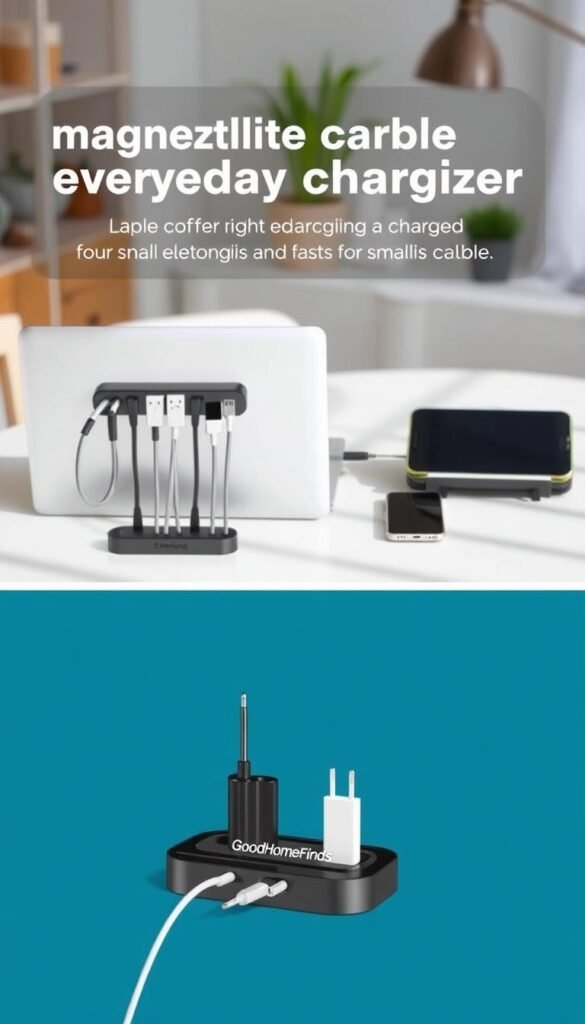
Magnetic organizers for grab-and-go cables
Why they work: Magnetic holders like the Anker Magnetic Cord Keeper snap cables in place so you grab one and go. The Anker set is about $15 for two and uses reusable adhesive with five slots.
Pros: quick access, repositionable, neat base. Cons: very thin USB‑C or delicate cords can feel pinched, so avoid over-clipping fragile leads. Setup difficulty: easy, minutes to stick in place.
Adhesive clips for single cords that fall behind furniture
When one cord keeps sliding behind a nightstand, single adhesive clips like BlueLounge Mini CableDrop solve the annoyance fast. A pack of nine runs about $10 and holds one thin cable per clip.
Note: many adhesive clips act like a one-and-done product. Clean the surface first and place carefully. Setup difficulty: very easy, but not always renter-friendly if you remove often.
Holders for nightstands, entryways, and kitchen counters
Small holders create a drop zone for chargers near a door or on a counter. They keep chargers within reach and reduce clutter near smart speakers and appliances.
Mount holders on the side of a shelf or the edge of furniture to save usable surface area in tight rooms.
Budget vs premium: simple clips vs magnetic systems
Budget clips are cheap and work for single cords. Premium magnetic sets cost more but save time and repositioning pain. Choose clips when price matters. Choose magnetic if you grab the same cables all day.
- Who it’s for: small spaces, kitchens, renters, and nightstand setups.
- Quick tip: pair a magnetic set with one adhesive clip where a single cord keeps falling out of reach.
Best ties and sleeves for bundling cables without making changes painful
A quick set of ties or a simple sleeve can turn a messy pile of cords into one neat run in minutes. These are the fastest wins because they need no drill and work well in rentals.

Velcro One-Wrap: flexible default
Why use it: Velcro Brand One-Wrap is cheap and easy to undo. It suits frequent reconfigurations at a desk, TV stand, or bedside.
Maintenance: Reuse, wash if dusty, and relabel with tape for quick ID.
Nite Ize Gear Ties: durability upgrade
Gear Ties cost more but resist lint and stay grippy. They wrap around wires and hold shape longer than Velcro for repeat adjustments.
Zip ties: set-and-forget (and when not to)
Pearstone plastic zip ties hold bundles tight and cost almost nothing for a lot of pieces. Use them where you won’t change the setup.
Be honest: cutting zip ties risks nicking insulation and leaves sharp edges. Trim carefully and keep those ends away from hands and moving cords.
Cable sleeves for messy runs
For the waterfall of cords down the back of a desk, a Joto sleeve groups many cables into one tidy run. It hides wires, makes dusting easier, and improves looks.
- Quick tip: label or color-group bundles so you can unplug one device without disturbing everything.
- Who it fits: renters, small-space desks, and anyone who wants an easy, low-cost fix.
Best under-desk cable organizers: trays, racks, and privacy panels
An under-desk organizer is often the quickest way to clear floor clutter and free your knees. Moving cords off the floor gives a cleaner sightline and stops cords from catching on chair legs.
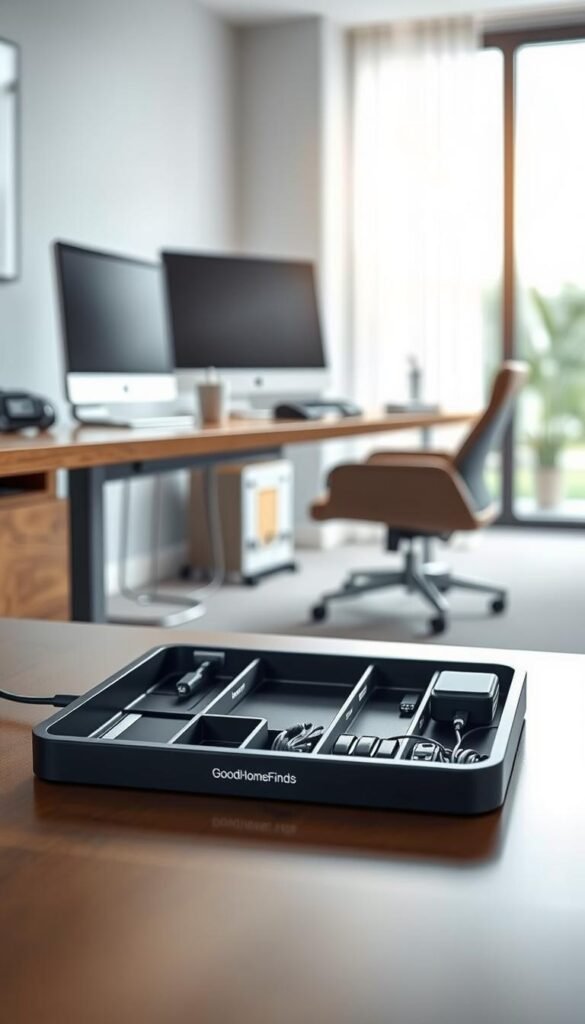
Clamp-on trays for renters
Why choose them: Clamp trays like the Quszmd ($15) attach without drilling and are deeper so cords sit out of view.
Pros: renter-friendly, portable, holds medium load. Cons: clamps need a firm lip and can shift if not tightened. Setup difficulty: moderate, a few minutes to secure.
Screw-in trays for a permanent look
Screw-in trays (stand desk tray ~ $60) give the cleanest bottom-of-desk finish. They usually hold more power bricks and have Velcro rows for tidy straps.
Pros: stable, higher capacity. Cons: permanent holes, longer setup time, not ideal for short-term renters.
Flexible trays and the holes tradeoff
Pamo trays (~$35) are rigid yet flexible and feature large openings that make routing easier. Big holes help feed bundles but can show individual cords if you skip bundling first.
Premium drop-down trays
Premium drop-down models (Humanscale NeatTech ~$137.99) hide wiring well and give easy access for tweaks. They are a pay-for-convenience option for busy home offices.
Privacy panels with pockets
Privacy panels like Mount-It! ($36) hide messy runs quickly. Pockets swallow bricks and extra cords and improve the room view from across the office.
What to measure: check clearance for knees, chair arms, and standing-desk crossbars before you buy so the tray doesn’t become a daily annoyance.
Noise and heat note: avoid overfilling enclosed trays. Leave airflow around power bricks and route noisy adapters where you can feel them during maintenance.
Budget vs premium
Budget trays get rid of floor clutter and cost little. Premium gives better materials, easier access, and more capacity for big power bricks. Choose based on how often you tinker and how tidy you must keep the room.
| Option | Example | Setup | Best for |
|---|---|---|---|
| Clamp-on tray | Quszmd ($15) | Clamp, minutes | Renters, moving desks |
| Screw-in tray | Stand desk tray ($60) | Drill & screws, 20–40 min | Permanent setup, high capacity |
| Flexible tray with holes | Pamo (~$35) | Mount or clamp, 10–20 min | Easy routing, frequent changes |
| Drop-down premium | Humanscale NeatTech ($137.99) | Mount, 15–30 min | Quick access, visual calm |
| Privacy panel | Mount-It! ($36) | Clamp or screws, 10–20 min | Hide messy bundles fast |
Best cable management box and “hide the power strip” solutions
When the messy part is the power strip and bulky chargers, an enclosed box can tidy the whole scene while keeping cords out of sight.
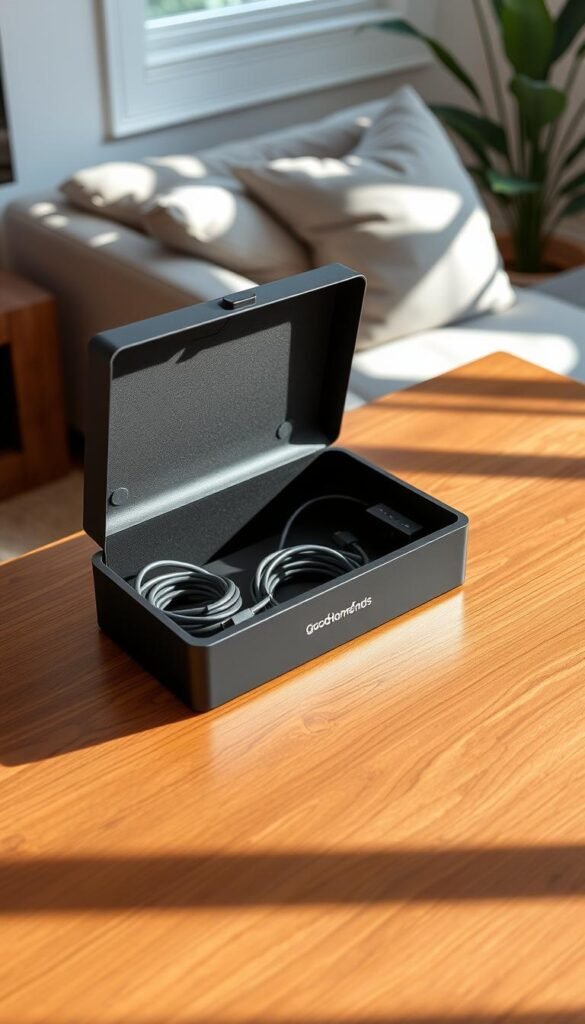
Decor-friendly boxes for living rooms and bedrooms
Decor boxes like the Chouky Large Cable Management Box ($26, pack of two) give you room for a power strip and a few bulky bricks. The wooden lid doubles as a small surface so the box blends with furniture instead of standing out.
„Choose a box that looks like a piece of furniture, not a utility bin.“
Natural wood vs plastic: heat, durability, and fit
Wood often matches wood furniture and improves the overall look. Plastic wipes clean more easily and resists dents. Either option needs breathing room so power bricks don’t trap heat.
What fits inside and how to plan holes
Measure your power strip length and count large chargers before you buy. Confirm that entry and exit holes line up so cords leave without sharp bends.
- Pack tip: leave at least an inch between bricks for airflow.
- Hole plan: use side holes for flat runs and rear holes for longer cables to avoid pinched insulation.
Space requirements and placement
A box helps when it replaces a pile of cords near a TV stand or nightstand. It becomes clutter when oversized or placed in a walkway.
Placement tip: tuck the box to the side of the TV stand or behind a nightstand, never in the center of a path.
Maintenance and safety
Open the box every few months. Remove dust, check for warm bricks, and inspect strained cords. Good upkeep keeps the solution safe and long-lasting.
Setup time and difficulty: what to expect before you buy
Some fixes take minutes, others take an afternoon—know which one you need before shopping. This saves you frustration and keeps the project renter-friendly.
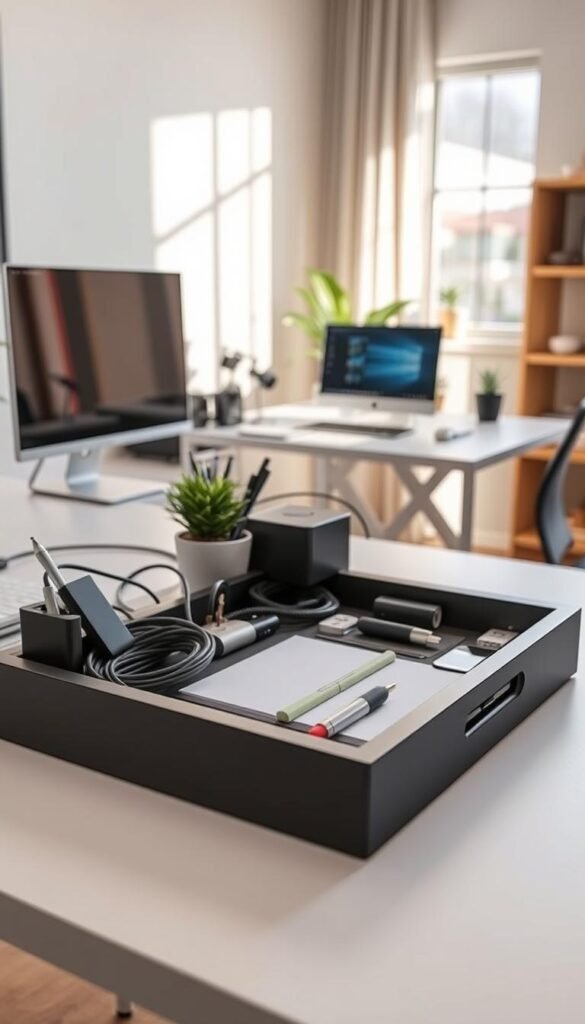
Quick setups in minutes
Ties, sleeves, and desktop clips are the fastest route. You can sort and secure most cords in under 15 minutes with no tools.
Who it fits: nightstands, small desks, and entry counters.
Moderate setups
Clamp trays, adhesive raceways, and a cable management box take more time. Expect 30–90 minutes depending on routing and how many items you hide.
Example: a Quszmd clamp tray moves slowly to install but stays portable. A cable management box hides bulky bricks and needs measured holes for exits.
Longer installs
Screw-in under-desk trays and larger enclosed systems look tidy but demand planning. Count on measuring, drilling pilot holes (4 screws for a stand-desk tray; ~6 for a large box), and careful routing. Budget an afternoon.
Maintenance routine
Keep upkeep simple: re-tighten ties, re-label a few cords, and dust under the desk every few months. Leave a bit of slack for frequently plugged cords so daily use stays easy.
„Route one device at a time: unplug, sort by device, mount, then route.“
Clean routing helps with troubleshooting. When a brick buzzes you can find which cable or cable management box is noisy without pulling a whole bundle apart.
Common mistakes that make cable management look worse (or less safe)
A crowded cord box can turn a tidy setup into a heat and safety problem.
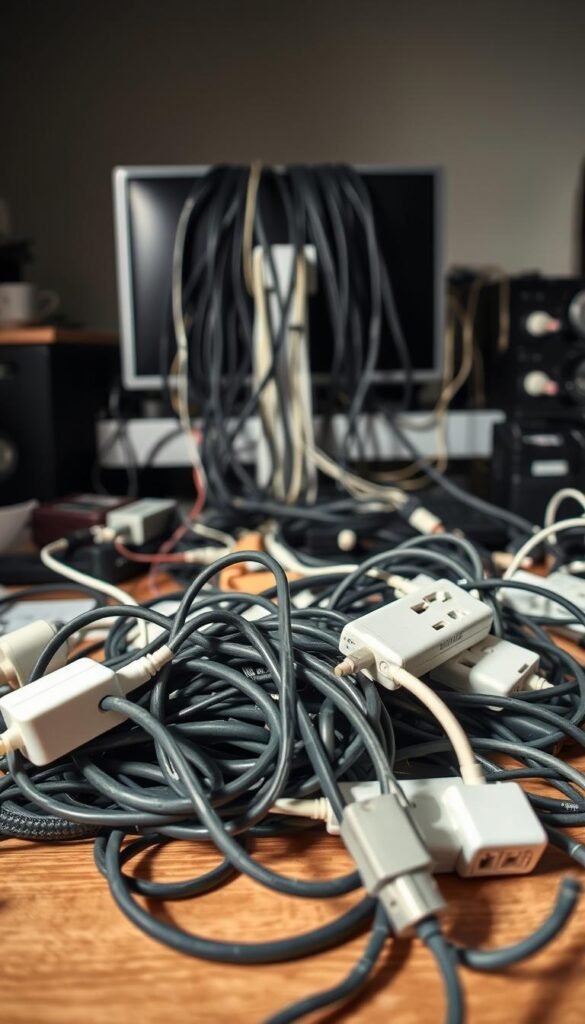
Overstuffing a cable management box is the top safety misstep. Packing power bricks and coils tightly traps heat. Leave breathing room and stagger plug positions so bricks do not touch.
Skipping surface prep with adhesive
Adhesive fails on dusty or oily surfaces. Wipe with rubbing alcohol and let the surface dry before you stick clips or raceways. This step makes adhesive last and keeps things renter-friendly.
Using single-use zip ties when you change gear
Zip ties are fine for permanent runs. But if you reconfigure often you’ll cut and replace them. Choose reusable ties or Velcro to save time and reduce risk when trimming near wires.
Mixing high-traffic and never-touch cords
Group by device. Keep daily chargers and laptop cords separate from TV or router lines. This simple rule makes daily use smooth and troubleshooting faster when a brick buzzes.
Tension at plugs and outlets
Cords pulled tight under a desk strain plugs. That causes loose contacts and wear. Leave a small slack loop at the bottom of each run. It protects plugs and makes unplugging easy.
„Avoid duct tape and random sticky hacks—they leave residue and can cause more problems than they solve.“
| Mistake | Why it matters | Quick fix | Renter-friendly? |
|---|---|---|---|
| Overfilled box | Heat buildup around bricks | Leave 1″ between adapters; use vented box | Yes |
| Dirty surface + weak adhesive | Clips fall off | Clean with alcohol, wait to dry | Yes |
| Permanent zip ties for changing setups | Hard to reconfigure; cut risk near wires | Use Velcro or reusable ties | Yes |
| Tight routing at plugs | Strain, loose outlets, faster wear | Leave slack loops; secure mid-run | Yes |
Conclusion
,
Focus first on the cords that slow you down every day, then tidy the rest. Start with Velcro ties and a few adhesive clips for nightly chargers and the cord you grab most. That kit solves most small-space headaches fast.
Next, move to a clamp tray under your desk or a decor box like Chouky if a power strip still looks messy. For a cleaner, more permanent option, premium trays such as Humanscale NeatTech hide runs and make changes easier.
Practical wins: fewer trip hazards, less strain on cables, easier cleaning, and lower phantom power use. Measure first, choose renter-friendly mounts, and buy only what you need.
Rule of thumb: if you change gear often, pick reusable, easy-access solutions. If you rarely touch it, bundle-and-hide is the smarter way.


