Morning chaos is real in small apartments. Phones die, cables tangle, and the counter fills up fast.
You need one clear spot that keeps daily devices charged and easy to grab. In this guide, you get practical picks for renter-friendly living.
We define these solutions as a single hub that sorts phones, tablets, and earbuds. You’ll see multi-port USB hubs, wireless pads and stands, and foldable travel picks.
This roundup is organized so you can jump to “best overall,” “budget,” or “for Apple.” It focuses on footprint, cable control, outlet use, and safe overnight use.
No hype. You’ll get honest pros and cons, real use cases, and clear notes on power draw, heat, and noise. That way your setup works in bedrooms and kitchens.
Key Takeaways
- Short list of renter-friendly choices for small spaces.
- Clear pros and cons for daily use and real life cases.
- Focus on footprint, cable control, and outlet needs.
- Notes on energy use, heat, and overnight safety.
- Options that balance budget and performance.
Real benefits families actually notice from a charging station
A single drop-off spot changes how mornings and homework time feel in a small home. It gives you a clear surface where everyone leaves devices each night.
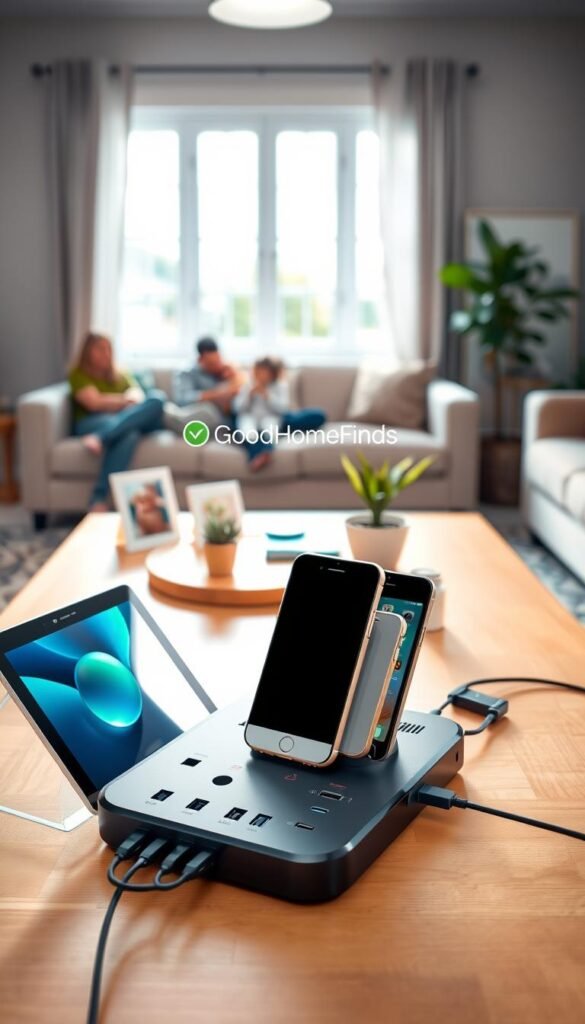
Less cable clutter on counters, desks, and nightstands
Short, contained cables cut visual clutter on a kitchen counter or desk. That keeps the entry table tidy and frees up usable surface area.
Fewer dead batteries during busy mornings and school nights
If everyone drops phones and earbuds in one place after dinner, mornings start with charged devices. You avoid last-minute scrambles for a low battery.
Safer shared charging vs. random cords and loose power strips
Fewer loose cables mean less tripping and fewer bent plugs when kids or pets tug cords. A single hub also lowers the urge to daisy-chain power strips, which cuts overload risk and trapped heat.
A simple “home base” for phones, earbuds, tablets, and apple watch
A consistent home base reduces lost earbuds cases and missing watch chargers. Tablets also charge more reliably when a hub supplies the right output.
„The most useful setup is the one your family actually uses every day.“
| Problem | Practical benefit | Where it helps |
|---|---|---|
| Messy cables | Short, organized cables cut visual clutter | Kitchen counter, desk, nightstand |
| Dead battery in morning | Routine drop-off keeps phones and earbuds charged | Entry table, charging shelf |
| Safety hazards | Fewer loose cords and overloaded outlets | Homes with kids and pets |
| Lost accessories | Consistent home base protects earbuds and apple watch chargers | Nightstand or shared desk |
Who needs this and who can skip it
Decide quickly: do your nightly device habits need a shared hub or a single fast plug? Use that rule to save time and counter space.
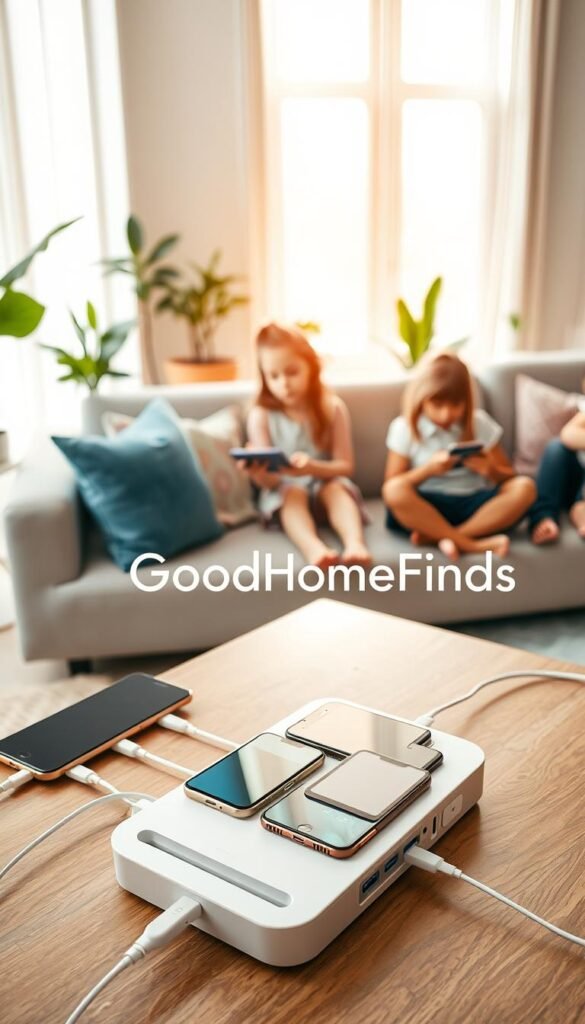
Families with multiple daily items
If you top up 3+ devices every night, a multi-port setup usually cuts clutter and fights morning battery drama.
Small apartments and limited outlets
When you have few outlets and little surface space, one organized unit saves room and keeps cords from taking over the counter or entry table.
Apple-only versus mixed-device homes
Apple-only households often get by with a tidy 3-in-1 wireless charger that covers iPhones and apple watch. Mixed-device homes do better with multiple USB ports for phones, earbuds, and a tablet used for school.
When a single fast charger is smarter
If you only top up one phone quickly before heading out, a single high-power charger is cheaper and faster than a bigger unit.
- Compatibility is the real dealbreaker. Check ports and watch support before you buy.
- Trade-off: wireless convenience vs wired speed matters when you plug in minutes before leaving.
Best charging station gadgets: what to look for before you buy
Before you buy, count the devices your household charges nightly and note which need fast power.
How many devices at once? A unit that lists six ports might still struggle if you plug in two tablets and four phones at full speed. Count real use: phones, tablets, earbuds, and a wearable. That gives you a realistic port and power goal.
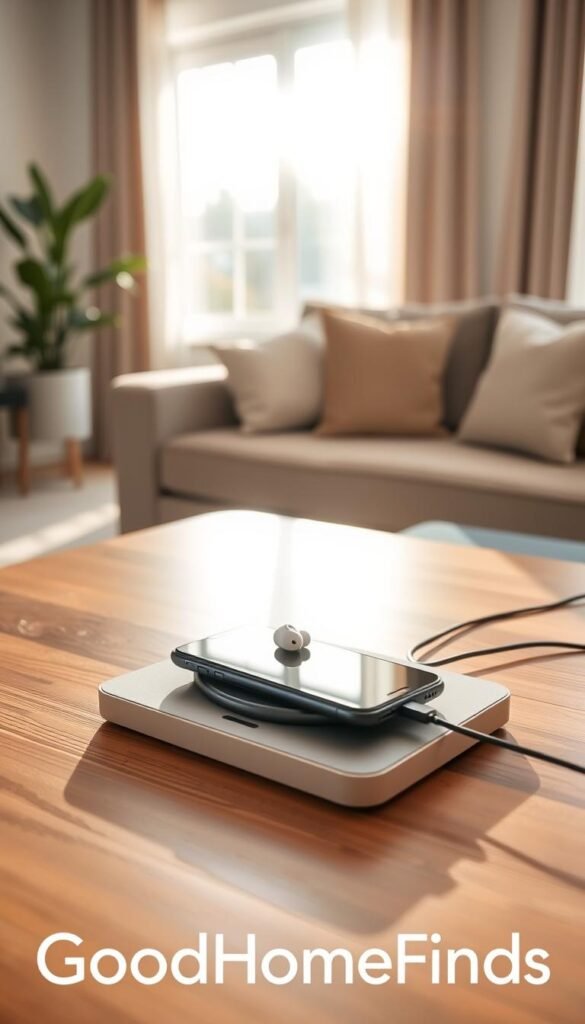
Power and speed in plain English
Total output is the shared power budget. Per-port power is what each plug can actually give. If the total is 60W and one tablet needs 30W, the rest share the remaining 30W. Choose higher total power or a dedicated high-power port when tablets join the mix.
Wireless vs wired: clean look or faster fill-up?
Wireless pads and stands look neater and make daily drops easy. Wired ports generally give more speed and work with older devices and larger batteries. Remember: thick cases or big camera bumps can slow wireless charging performance.
Small-space placement and overnight safety
Pick a compact stand for a nightstand, a slim pad for an entry table, or a corner unit for a kitchen counter. For overnight use, prioritize heat control, a stable base, and a reputable brand. Avoid tucking cords under pillows or cramped corners where heat can build.
- Practical rule: if tablets are present, favor higher total power or dedicated ports.
- Safety: watch for excess heat, firm footing, and no pinched cables under furniture.
Wireless charging vs. wired docks for families in 2026
Match your charging spot to the times you need devices topped up most often. The right setup depends on who uses it and how fast you need power.
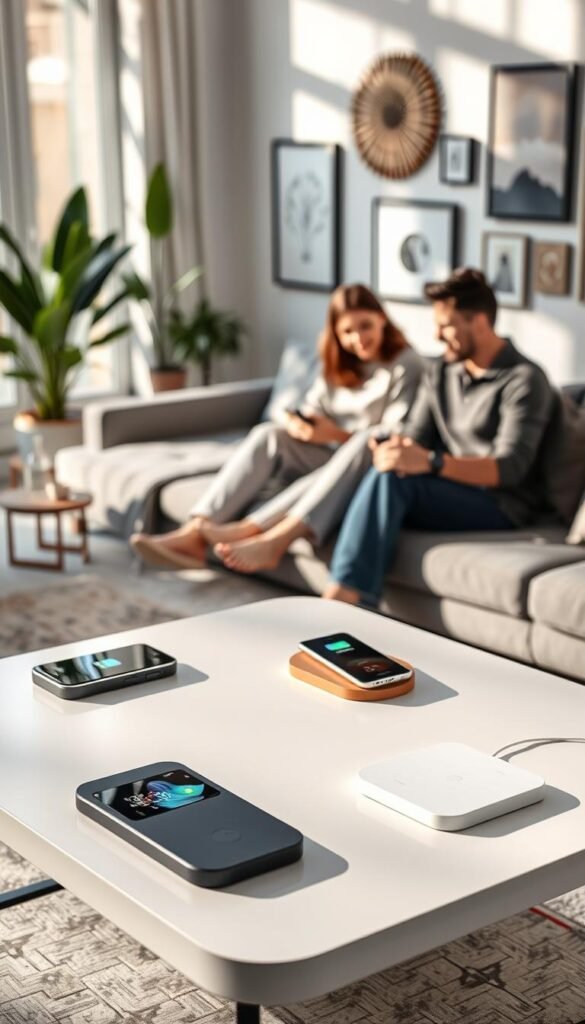
When wireless is worth it for daily convenience
Wireless chargers shine for nightly phone top-ups and a tidy bedside routine. They cut cord clutter and make dropping a phone simple. For overnight fills or quick desk top-ups, wireless offers true convenience.
When wired USB docks still win
Wired docks beat pads when tablets or older devices are common. They deliver steady, faster power for big batteries. If you rush out in the morning, wired ports give the reliable speed you need.
Magnetic alignment made simple
MagSafe and Qi2-style magnets help by snapping the phone into the correct spot. That reduces missed connections and the surprise of a dead phone in the morning.
- Speed vs convenience: wireless is fine overnight; wired is better for short top-ups.
- Placement tip: on a busy counter choose a solid base and cable control over a loose pad.
- Compatibility: newer standards help, but check your phone and case before you commit.
Power consumption, heat, and noise levels in everyday use
In a small apartment, heat and fan noise quickly become the real annoyances—not the wattage label. Below are simple, practical points to help you pick a quiet, safe setup that keeps daily life calm.
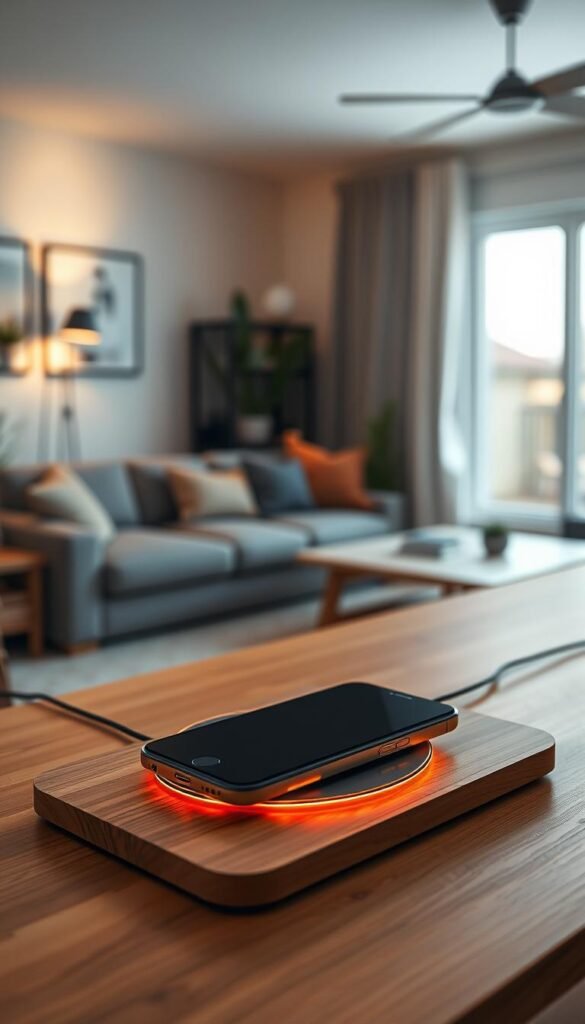
What a „60W“ or „90W“ number actually means
Wattage is a maximum output. A 90W unit can deliver up to 90 watts total when devices need it. Real use depends on what you plug in and for how long. If phones draw small current, the hub rarely runs at full power.
This means your electric bill stays low for routine nightly charging. Still, leaving high-power units on all the time wastes power without benefit.
Why wireless pads can feel warmer than cables
Wireless energy transfer creates heat in both the pad and the phone. Misalignment or a thick case raises loss and warmth. Wired ports move less energy as heat, so they often stay cooler.
Heat is normal, but avoid hot-on-touch devices. That reduces strain on the battery and extends device life.
Noise notes and smart night placement
Most units are silent. Some high-output wireless stands add small fans to keep temps down. Fans help speed, but they can be noisy at night. If LEDs or fans bother you, move the unit to an entry place or counter surface instead of a nightstand.
- Daily tips: unplug when not in use to save power.
- Heat safety checklist: don’t cover chargers, don’t wedge them in tight corners, and never charge under pillows.
- Noise tip: choose silent models near beds; accept small fans near busy counters.
Keep setups simple and predictable. In small rooms, small annoyances add up. Prioritize energy saving, safety, and a quiet routine so your devices top up without disrupting family life.
At-a-glance product comparison table for family charging stations
Match device counts and space limits at a glance so you buy what your family will actually use. This quick guide shows how each product handles simultaneous devices, the physical footprint, and setup difficulty. Use it to pick a category before diving into detailed reviews.
Quick comparison
| Model | Ports / Slots | Power | Space & setup | Who it’s for |
|---|---|---|---|---|
| SIIG 90W | 10 ports + device holders | 90W total | Bulky; needs shelf space; plug-in USB setup | Large families, multi-tablet homes |
| Soopii Quick Charge 3.0 | 6 ports with dividers | 60W total | Medium footprint; includes short cables; gentle setup | Mixed-device families on a budget |
| Belkin BoostCharge Pro | 3-in-1 Apple-only | ~15W phone (MagSafe) | Small bedside footprint; needs correct adapter | Apple-only homes wanting tidy bedside use |
| Anker PowerPort 6 | 6 USB ports | 60W total | Compact; cable clutter risk; plug-in wall unit | Budget buyers who add short cables |
| Anker PowerWave / ZUBARR | Single-device pads / stands | 5–15W wireless charging | Small nightstand fit; needs correct adapter and placement | One-phone households or travel use |
How to read this at a glance
Ports vs slots: ports are raw plugs; organized slots hold devices upright. If you have many phones and an apple watch, favor organized holders with enough ports.
Space notes: SIIG is bulky and meant for a charge shelf. Belkin and single pads fit a nightstand. Anker PowerPort 6 is compact but can create a cable spread unless you shorten cords.
Setup difficulty: USB plug-in stations are fast to install. Wireless pads and MagSafe stands may need a higher-watt adapter and careful alignment for reliable wireless charging.
„Choose the layout that matches your counter or shelf — simple fit beats clever features you never use.“
Watch-outs: always-on LEDs, fragile dividers, missing adapters or cables, and slow 5W pads that extend overnight top-ups. Use short cables to cut clutter and reserve wireless pads for overnight convenience.
Best overall for big families: SIIG 90W 10-Port USB Station
A single shelf that holds everyone’s gear cuts morning scrambling and keeps backpacks ready. The SIIG 90W is built to be a family charge hub with room for many phones and tablets at once.
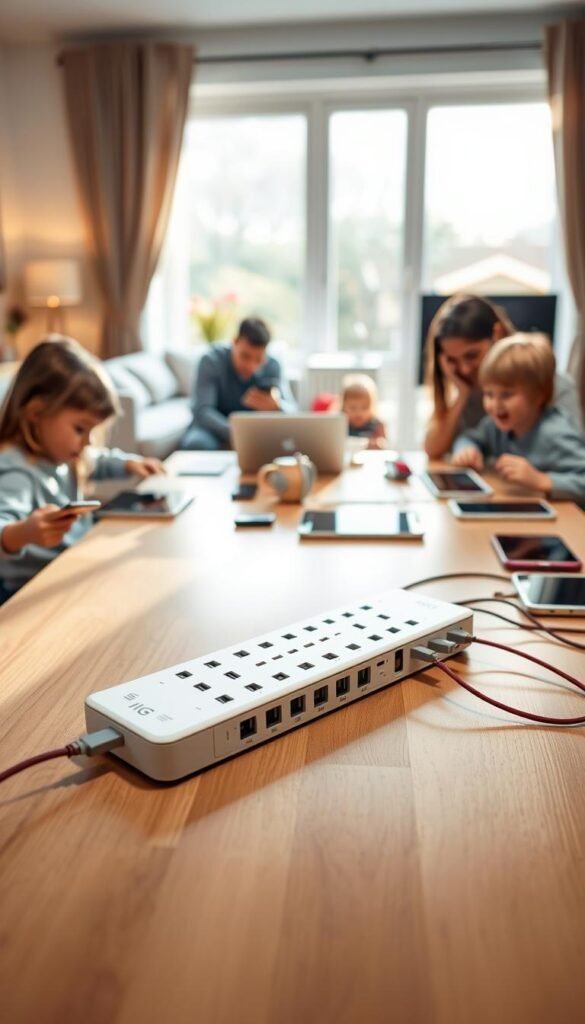
Real use cases
Put the unit on an entry table or a kitchen corner. Backpacks, keys, and devices land in one visible zone. Kids drop phones and earbuds before bed. Parents add a tablet for homework.
Quick pros and cons
- Pros: 10 ports (USB-A + USB-C), vertical holders for up to eight phones/tablets, non-slip deck, built-in nightlight that makes pickups easy.
- Cons: Large footprint, no short cables included, total power can slow when many high-draw devices share the hub. Nightlight stays on and may bother light-sensitive sleepers.
Space, setup, and upkeep
Setup is simple but renter-friendly: buy short cables to avoid a tangle behind the unit. It fits best on a shelf, entry table, or bookshelf—not a narrow nightstand.
Maintenance is easy. Wipe ports and holders weekly. Replace frayed cables quickly to avoid hazards.
„The SIIG works when families need one clear, organized place for nightly device drops.“
| Feature | Why it matters | Apartment fit |
|---|---|---|
| 10 USB ports | Charges many devices without swapping | Good for shared shelves or charge zones |
| Vertical holders + deck | Keeps phones/tablets upright and visible | Needs horizontal depth on a shelf |
| No included cables | Buy short cables to control clutter | Plan cable storage behind or under shelf |
Best bang for the buck: Soopii Quick Charge 3.0
A compact hub that tucks cables away can cut counter clutter in minutes. The Soopii Quick Charge 3.0 is the practical sweet spot for renters who want neat daily routines without a premium price tag.
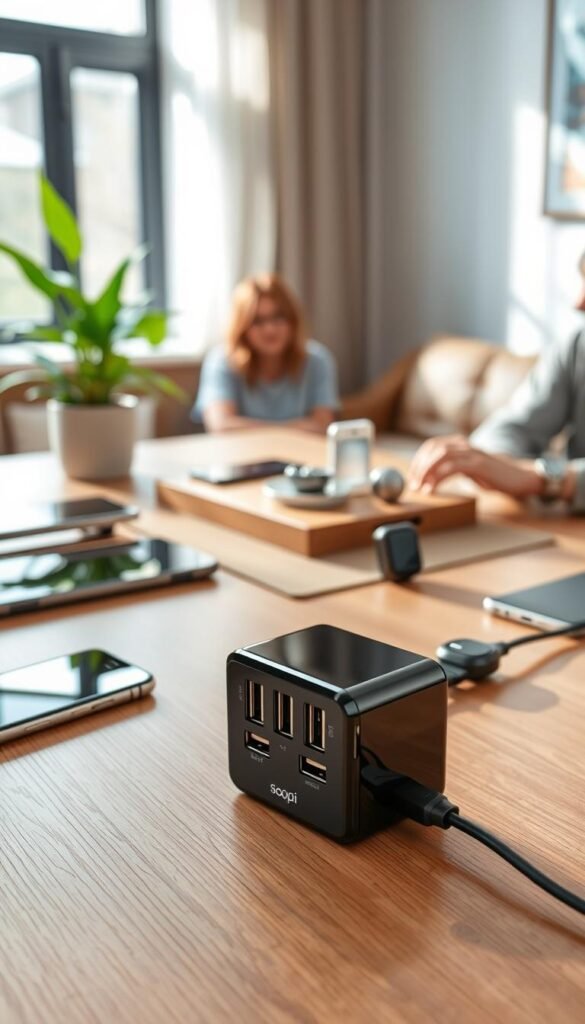
The unit powers up to six devices and includes short cables for phones, earbuds, and an Apple Watch. It also offers a Qualcomm Quick Charge 3.0 port for faster top-ups when you need one quick burst of power.
Pros
- Strong performance: solid output for multiple small devices.
- Organized design: dividers keep devices upright and visible.
- Includes cables: short cords cut cord mess right away.
Cons
- Dividers are plastic and can crack if the unit is knocked or lifted by them.
- Total power shared across six ports can slow when many high-draw devices run at once.
Who this suits
Choose this product if you want fewer cords on the counter and a renter-friendly setup that moves easily. It fits families who top up phones, earbuds, and an Apple Watch overnight without fuss.
Setup is quick: plug in, give each person a slot, and tuck extra cables away. For maintenance, avoid lifting the hub by the dividers. Move it from the base to prevent cracks and replace worn cables as needed.
„A tidy, low-cost hub with real daily convenience — just protect the dividers from rough handling.“
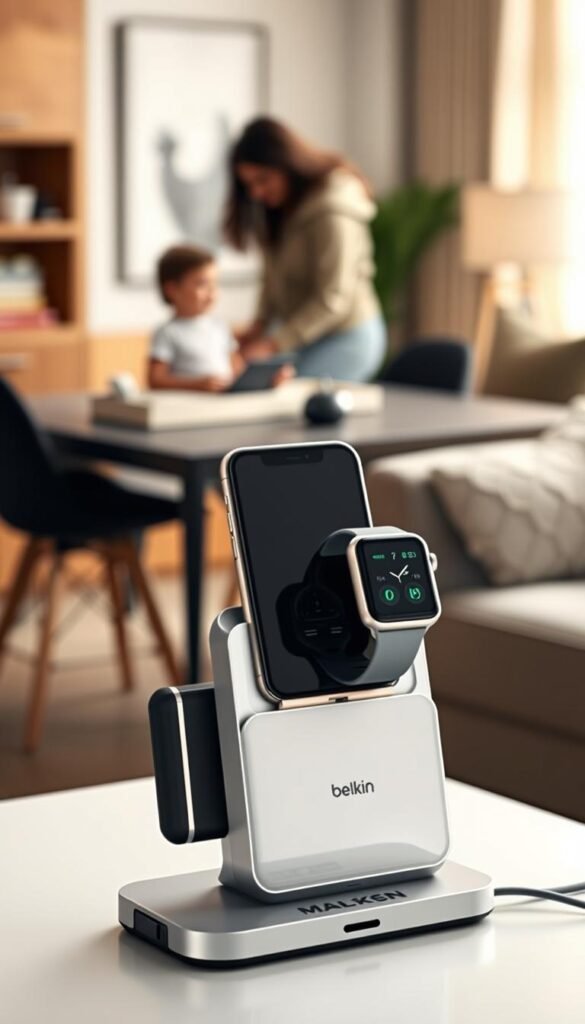
Best for Apple loyalists: Belkin BoostCharge Pro 3-in-1
If you want a tidy nightstand that handles your iPhone, apple watch, and earbuds with no fuss, this model nails it. The Belkin BoostCharge Pro combines three Apple chargers into one premium unit. It looks polished and keeps cords out of sight.
Pros
Clean design that replaces three separate plugs and adapters. It delivers about 15W to iPhones for solid overnight top-ups. The unit is case-friendly so you rarely need to remove your everyday cover.
Cons
It is expensive and made for newer MagSafe-style Apple devices. If your household uses Android or older Apple gear, it won’t serve everyone.
Best placement
Put it on a bedside table or desk where you want fewer cables and a calmer look. One outlet powers phone, watch, and earbuds and frees other plugs for lamps or a laptop.
„One neat dock replaces three cords and makes nightly top-ups automatic.“
If your home mixes ecosystems, consider a multiport USB hub instead. That choice gives broader device support and often a lower price for similar daily convenience.
Best budget wall option for many devices: Anker PowerPort 6 Wall Charger
A compact wall brick that serves six USB plugs can be a simple, low-cost fix for crowded counters.
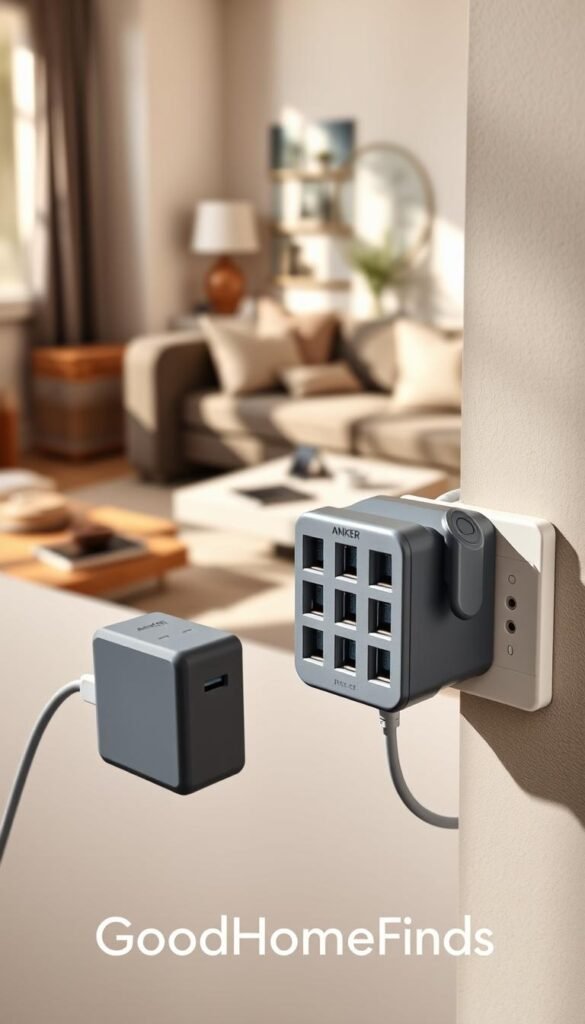
The Anker PowerPort 6 offers six USB ports with up to 2.4A per port and 12A total. It gives solid power to multiple small devices without taking up surface space.
Why this is a smart wall pick
Lots of ports in a small brick. For families with many phones, earbuds, and small tablets, this charger keeps outlets flowing. It is inexpensive and fits behind a sofa table or inside a cabinet.
Be honest about the limits
No device storage. Without slots or holders you get a cable spider web fast. Standard-length cables can spill across counters and floors.
Make it renter-friendly
- Swap to short cables so cords don’t drape across the counter.
- Use a small cable tray or basket to hide the power brick and coil extra cable length.
- Place the unit inside a shallow cabinet, on a shelf, or behind a sofa table to keep clutter out of sight.
Setup time and safety
Setup is fast: plug in, label cords, and you’re running the same day. For safety, don’t pinch cables behind furniture and don’t stack papers over the charger where heat can build.
| Feature | Why it matters | Apartment fit |
|---|---|---|
| Six USB ports (2.4A each) | Multiple devices get steady power | Good for shared charging nooks |
| Compact wall brick | Saves surface space compared with a dock | Fits behind tables or in cabinets |
| No included cables | Plan for short cords to cut clutter | Requires small cable tray or basket |
„A small wall charger gives many ports without stealing precious counter space.“
Best low-cost wireless organizer: ZUBARR Wireless Charging Station
For a tight budget and a tidy counter, the ZUBARR wireless organizer gives you a simple way to drop a phone upright and out of the way.
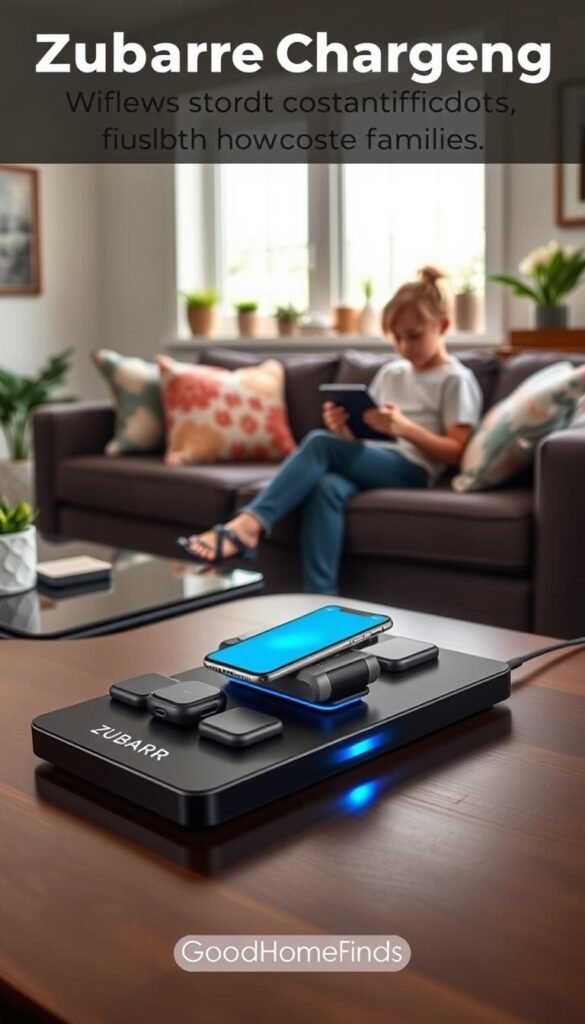
The unit favors form over speed. It holds phones upright so you can see notifications while they top up. LEDs show status, but the pad only delivers about 5W to most phones.
Pros
- Inexpensive and neat on a small surface.
- Upright orientation keeps the screen visible.
- Works with many phone models and common cases.
Cons
- Slow 5W fills—better for overnight than last-minute boosts.
- Light base can tip if bumped in tight walkways.
- Materials wear: rubber pads may peel with heavy use.
Who this is for: you want a tidy, renter-friendly wireless stand on a desk or kitchen counter and accept slower top-ups.
Quick tips: place the unit against a wall or in a corner of the surface to reduce tipping. Check pads and rubber supports now and then; replace them if they peel so alignment stays reliable.
If you like the wireless life, consider upgrading later to a sturdier, higher-watt option for faster fills and better stability.
Best travel-friendly foldable pick: Iseyyox Magnetic Wireless 3-in-1 Foldable
A compact, foldable dock solves the hotel-nightstand outlet scramble on family trips.
The Iseyyox folds small, snaps shut with magnets, and has durable hinges that survive a packed bag. It holds three apple-oriented devices at once and keeps your nightstand neat in one place.
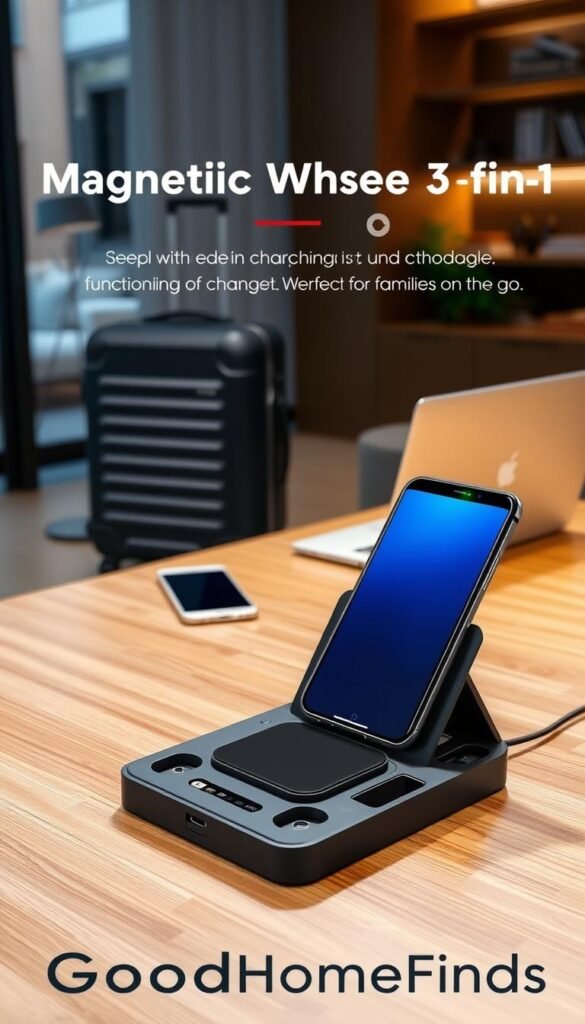
Portability wins: it packs flat, reduces lost cords, and fits a travel tech pouch for weekend trips.
Real trade-offs
Plan for overnight fills. Output is about 7.3W per phone, so it’s slower than wired plugs. Don’t expect a fast top-up before you run out the door.
The design favors Apple users—iPhone, apple watch, and AirPods pair well. It does not hold a phone upright, so you can’t prop the screen while it charges.
Quick tips and use case
- Bring a reliable wall adapter with the right wattage for consistent performance.
- Store the folded unit in your tech pouch to keep it ready and protect the hinges.
- Use one shared device hub in hotel rooms instead of packing multiple cables.
„A single foldable pad saves bag space and reduces the tangle of travel cords.“
| Feature | Why it matters | Travel fit |
|---|---|---|
| Fold-flat design | Packs small, protects connectors | Excellent for carry-on or day bag |
| Magnetic closure & hinges | Keeps unit shut and durable in transit | High—resists spills and shifting in luggage |
| 7.3W per phone (approx.) | Good for overnight, not quick boosts | Best for night use; not for rapid top-ups |
| Apple-focused layout | Pairs well with iPhone and apple watch | Ideal for Apple-only travel groups |
Best for a single phone: Apple MagSafe vs. Anker PowerWave stand
If you only need to top up one phone each night, a dedicated pad or stand is a simple, space-saving choice.
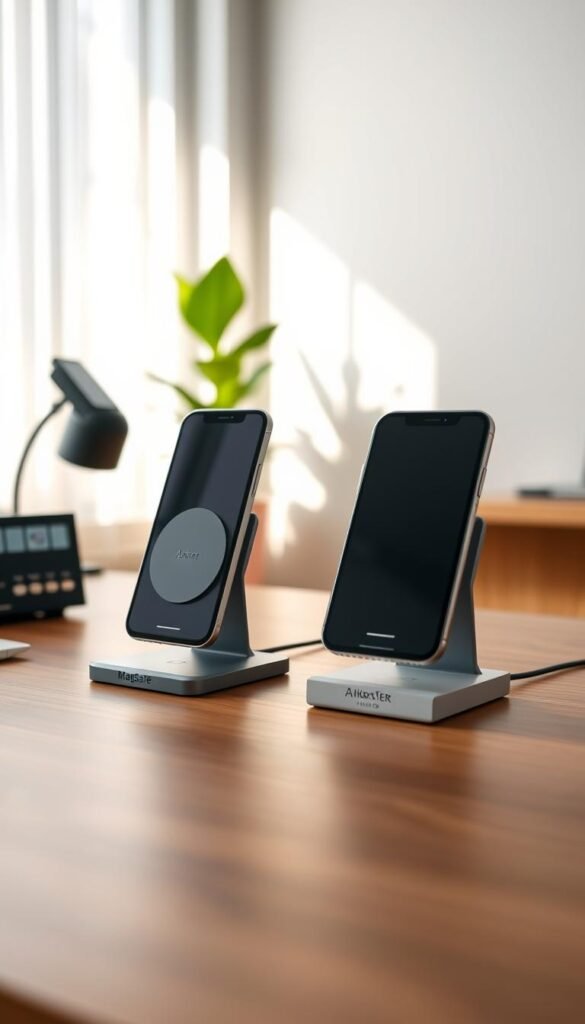
Apple MagSafe uses magnets to snap compatible iPhones into perfect alignment. That reduces missed contact and the surprise of a phone that didn’t charge. Note: Apple’s MagSafe charger may not include a wall adapter. Check you have a high-watt adapter if you want faster speed.
Anker PowerWave stand
The PowerWave is a budget wireless stand that doubles as a phone holder. It keeps your screen visible on a desk. It works with many models and is renter-friendly. Expect slower fills than a cable-based fast charger.
Watch-outs and trade-offs
Case thickness can reduce magnetic grip and charging efficiency. Unstable stands can slide on smooth surfaces and break alignment.
| Feature | MagSafe | PowerWave |
|---|---|---|
| Alignment | Magnetic, reliable | Relies on placement |
| Included adapter | Often not included | Usually included or low-cost |
| Use case | iPhones that need reliable drop-in | Budget desk stand and display |
„Choose MagSafe for reliable alignment; choose PowerWave if you want a budget stand that also holds your phone.“
Budget vs. premium charging stations: what you really pay for
When your counter is tiny, paying a little more for tidy design often saves time every morning.
Under $50: pads, basic wall chargers, and what you give up
Under $50 you get functional pads and compact wall bricks. They work and meet basic power needs.
You give up neat organization, fast wireless fills, and heavier materials. Expect more visible cords and simpler build quality.
$50–$150: the practical sweet spot for families
This price range balances power and organization. You often get more ports, shorter included cables, and better cable routing.
For many families, this range delivers true daily convenience without paying mainly for looks.
$150 and up: style, materials, and when it’s worth it
Premium units focus on wood, leather, and a cleaner desk or nightstand design. You pay for polish, not always faster charging.
Choose premium when the unit is a daily focal point, seen on camera, or when small-space tidiness saves you time and stress.
| Price tier | Typical features | Trade-offs | Good for |
|---|---|---|---|
| Under $50 | Single pads, wall bricks | Slower wireless, more cords | One-phone homes, travel |
| $50–$150 | Multi-port hubs, short cables, holders | Less luxury finish, strong function | Small families, renters |
| $150+ | Premium materials, integrated design | Higher price for looks over speed | Visible nightstands, desks on camera |
„Pay for compatibility and safety first, then buy design if it makes daily life easier.“
Setup time: what it takes to get a family charging station running
Set aside 20 minutes and you can turn a jumble of cords into one easy nightly routine. A quick, practical setup saves you morning stress and keeps devices visible and ready.
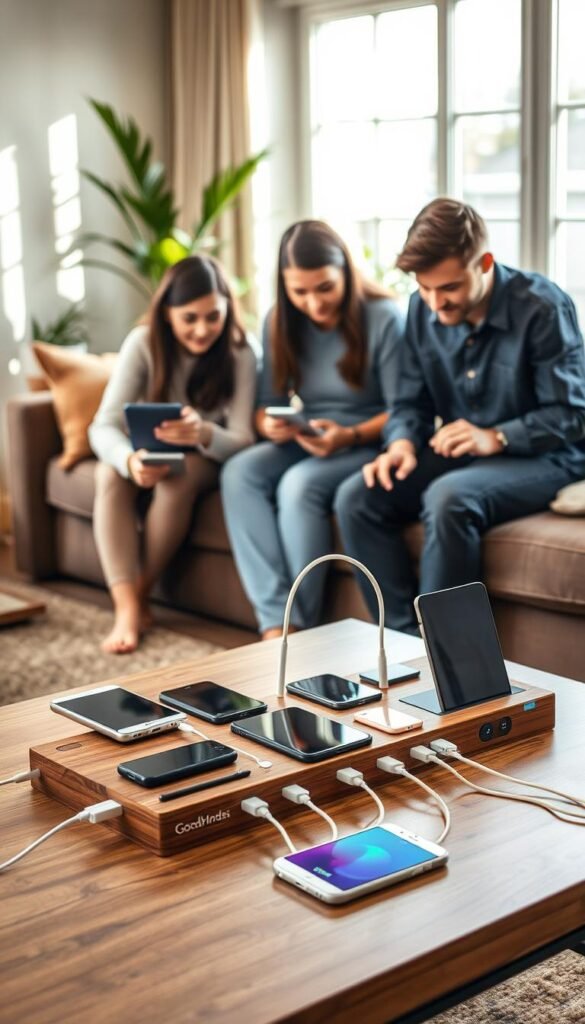
Fast setup: plug-in USB stations and wall chargers
Plug in. Route short cables to each port. Give every person a slot and you’re done.
Use short cables so the counter stays neat. Stick a cable bundle behind the unit to hide excess length.
Medium setup: wireless stands and adapter needs
Wireless stands need the right wall adapter and careful placement. Test alignment with each phone and move the pad until charging is consistent.
If a phone misses a charge, swap adapters or shift the pad a half inch. That small time spent now avoids nightly faults.
Family-friendly labeling and rules
- Label slots and cords with colored tape or a label maker.
- Keep one small tray for extra cables and adapters.
- Set a family rule: devices return to the place each night.
Result: a renter-friendly, low-effort setup that saves minutes every morning and keeps your home calmer.
Common mistakes that cause slow charging, clutter, or safety issues
A few simple setup errors are the usual cause of slow fills, clutter, and safety headaches. Fixing them is often quick and renter-friendly.
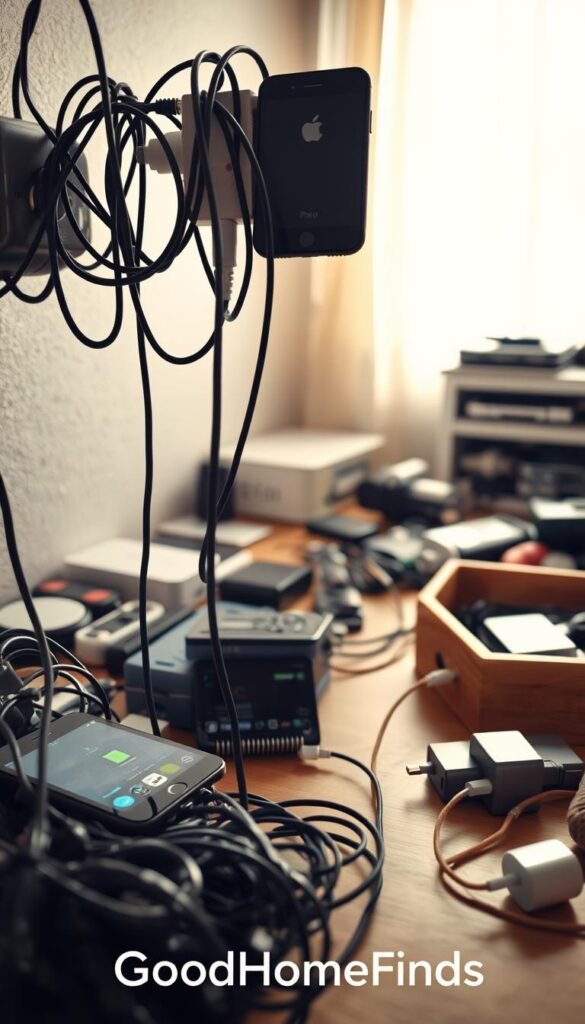
Using long cables that defeat the point
Long cables spill across counters and turn a tidy hub into a mess. Short, labeled cables keep the area neat and make daily pickup easier.
Overloading total power with too many high-demand devices
Total power is shared. Plugging many tablets and phones at once cuts per-port speed. Prioritize high-demand devices first—tablets or a laptop—then top up earbuds and watches.
Wireless misalignment and thick cases
If a phone sits off-center, wireless fills slow or stop. Remove very thick cases or nudge the pad until the phone shows charging. Try a quick test before you rely on overnight fills.
Heat traps and poor placement
Don’t put chargers under papers, pillows, or in cramped corners. Blocking airflow raises temperature. For safety, give units room and avoid soft surfaces.
Watch and older smartwatch quirks
Apple Watch units can be picky. Older smartwatch models may need their original puck or a compatible dock. Check compatibility before you assume a single hub will serve every watch.
- Swap long cables for short ones to cut clutter.
- Charge big devices first to keep overall speed.
- Center phones on pads and test with cases.
- If something feels unusually hot, unplug and reposition before overnight use.
Maintenance and daily upkeep in small apartments
Simple, scheduled maintenance makes your device area reliable and safe every night. In tight spaces your charging spot doubles as a landing place for keys, crumbs, and mail. A small routine keeps the surface tidy and the gear working.
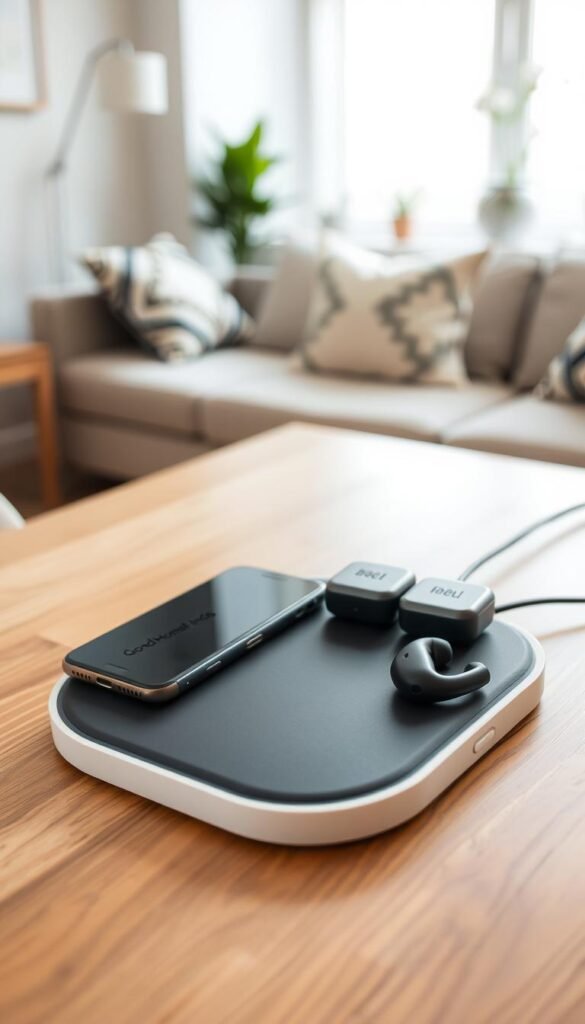
Keeping ports and pads clean in kitchens and entryways
Wipe the pad and holders weekly with a dry microfiber cloth. Crumbs and dust collect fast near cooking areas. Use a soft brush or compressed air to clear ports gently.
Keep liquids away from the hub and never spray cleaners directly on surfaces. A clean pad improves reliability and the overall user experience.
Replacing worn cables before they become a safety problem
Check cables for fraying, bent ends, or loose connectors. Replace any cable that wiggles in a port or shows exposed wire.
Store spare short cables in a small bin near the hub. Short replacements cut clutter and reduce trip hazards.
Managing LEDs at night (and why some lights don’t shut off)
Some units have nightlights or persistent LEDs that never turn off. If the hub is on a bedroom nightstand, rotate it to an entry table or use a small piece of light-dimming tape over the LED.
For renter-friendly fixes, move the hub away from pillows or use the LED-friendly placement so the kids and pets don’t get disturbed. Regular upkeep is the key to lasting safety and a tidy daily routine.
„Maintenance keeps a tidy solution from turning back into clutter.“
Conclusion
Wrap your setup around how many devices you actually use each night and where you have room. Count phones, tablets, and watches. Note outlets and which items need fast fills.
For clear matches: SIIG suits large families who need many ports. Soopii gives organized value for mixed homes. Belkin works for Apple bedside simplicity. Anker PowerPort 6 is a smart budget pick when you want many ports in one plug.
Wireless pads buy daily convenience and a tidy look. Wired hubs still win for speed and big batteries. Pick the type that fits your routine.
Keep safety simple: avoid heat traps, don’t overload totals, and replace worn cables early. Give the hub room and test alignment before you rely on it overnight.
Choose one home base, keep cables short, and make the habit stick. Prioritize compatibility and safe daily use first, then pay extra only if it truly improves your space and routine.
Final rule: match device count, space, and budget to the right charging station so your daily routine stays calm and reliable.