
Practical picks, not hype. This roundup shows tools that fix daily friction in small homes. You’ll see honest pros and cons, real use cases, and how each fits tight spaces.
You’ll find a focused list that covers charging, cables, robot vacs, kitchen upgrades, compact speakers, and trackers. Brands like Anker Nano Charger 45W, Roborock Saros 10/10R, Jura J10, and B&O Beosound A1 Gen 3 appear because they help real routines.
Each entry explains what it does well and what is annoying. I note setup difficulty, maintenance needs, and the space, noise, and energy cost. Recommendations favor US compatibility with common outlets and phone ecosystems.
Who this is for: renters, small-apartment owners, and anyone who wants tools that save time. You’ll get budget vs premium comparisons so you spend more only where it truly changes your life.
Key Takeaways
- Clear pros/cons for practical, renter-friendly gear.
- Focus on space, noise, and ongoing maintenance.
- US compatibility with common outlets and phones.
- Real use cases and setup difficulty noted per item.
- Budget vs premium guidance so you buy what matters.
What “actually use” means for everyday tech in a small apartment
When floor space is measured in square feet, utility matters more than features. Choose items that store flat, don’t block outlets, and avoid an extra always-on brick that draws power all day.
Apartment-first priorities:
- Size and placement: pick gear with a clear home so docks and chargers don’t become clutter.
- Noise: shared walls make vacs, grinders, and speakers a make-or-break issue.
- Energy: devices with timers, auto-shutoff, or overload protection save cash and hassle.
Quick decision rule: if you can’t name the exact moment you’ll use a feature, you probably won’t. Smart options are worth it when they cut steps—timers, easy scheduling, or auto-off. Skip them when they add apps, buggy connectivity, or constant notifications.
Bottom line: favor items that reduce steps in your routine. Prioritize practical design over novelty. Your daily use is the goal, not gadgets for bragging rights.
How we picked these gadgets for real life in the United States
We chose items that keep working after months of real use, not ones that look good in ads. Reliability came first. You should expect daily charging, occasional drops, and real spills. If a product fails under that pressure, it doesn’t belong here.

Reliability and maintenance over flashy features
Durability beats bells and whistles. We tested how units hold up to daily charging, moving, and routine cleaning. We note what upkeep you’ll actually do: emptying bins, wiping milk systems, and swapping small batteries.
Compatibility with common phones, plugs, and small-home setups
We check USB-C vs Lightning needs, US wall outlet spacing, and whether it pairs with iPhone or Android. A good system fits your phone and your room, not the other way around.
Safety checks we prioritize: heat, water resistance, and overload protection
Safety is non-negotiable. Chargers that manage heat, power banks with reputable protection, and water-resistant designs for bags or kitchens make the cut. We flag items that need strong connectivity or long setup, so you can skip them if you dislike tinkering.
| Priority | What we test | Why it matters |
|---|---|---|
| Reliability | Daily charge cycles, drop tests | Keeps working with real use |
| Compatibility | USB-C/Lightning, outlet fit, OS pairing | Reduces adapters and slow charging |
| Safety | Heat control, overload, water resistance | Prevents failures and hazards |
In the end, we judge by real performance: does it save time, cut clutter, and stop small failures like loose cables and dead batteries? If yes, it earns a place on the list.
Real benefits you can expect from the right everyday gadgets
Choosing the right chargers and a few compact additions makes your daily routine simpler and safer.
Lower energy use and fewer always-on devices. Consolidating wall bricks into a compact multi-port station cuts phantom power. A quality charger with heat control uses less standby power and lasts longer than cheap adapters that run hot.
Less clutter, fewer replacements
A dependable power bank and one reliable cable stop those emergency „red battery“ moments. One multi-port hub can replace a pile of random chargers on your nightstand and reduce cable sprawl.
Safer routines in kitchens, cleaning, and charging
Fewer daisy-chained adapters and sketchy cords lower overheating and slow-charge risks. Simple cleaning tools keep lint out of ports and extend the life of earbuds and connectors.
- Consolidated charging cuts wasted power and saves money.
- Reliable gear improves battery life in real use, not just specs.
- A small addition like a multi-port charger simplifies the nightstand.
- Basic tools for cleaning prevent flaky connections.
- These changes make your daily experience quicker and less stressful.
Who needs this and who can skip it
If your priority is less fuss and clear storage, these picks deserve a look. This section helps you decide which small upgrades are worth your money and which you can skip.
Renters and small-space households
Renters benefit most. You can’t remodel, so make minor, reversible upgrades that cut friction. Choose compact chargers, silent vacs, and one cable that fits multiple devices.
Small homes need a tighter range of items. Pick quiet units that tuck away and do not add storage headaches.
Busy households that want “set it and forget it” maintenance
You’ll like robot vacs with predictable upkeep and reliable charging stations. They save you time if emptying and filters are simple.
Travelers and commuters building a simple carry kit
For long days away, one power bank and one flexible cable are enough. This is a smart choice for airport and transit life.

- If you already have a clean charging setup and rarely run out of battery, you can skip extra buys.
- Frame purchases as „buy once for the year„: choose durable basics over trends.
- Decide where each item will live — nightstand, entryway, or desk — because if it has no place, you won’t use it.
Setup time: what you can install in minutes vs what takes an afternoon
Some things you can set up between coffee and work; others need a focused afternoon. „Plan for the work, not the hype.“
Quick wins: plug-in chargers, trackers, and basic wearables pair fast and take minutes. These items give immediate value with almost no hassle.
Medium effort
Expect one afternoon of adulting for multi-device charging stations and cable management. Label ports, route cords, and create a single charging spot so your devices stop floating around the apartment.
More time
Robot vacs need real prep: mapping, clearing cords, and testing thresholds. Adjust schedules to control noise and learn which rugs cause trouble.
A countertop coffee machine requires routine care. Rinse cycles, milk cleaning, and occasional deep descaling become part of weekly upkeep. Treat maintenance time as part of the initial setup.
„Choose one weekend to set up the home basics so it stays stable for months.“
- Quick installs save annoyance later.
- A watch or smartwatches needs extra notification and tracking choices.
- Charging stations only work if you commit to a system.
Common mistakes that waste money, space, or battery life
Small mistakes add up fast in a tiny apartment; money, space, and battery life are easy to waste. This section calls out the typical errors so you can avoid them.
Buying oversized gear that never finds a home
If a unit won’t fit in a drawer or under a cabinet, it becomes clutter. Think about size and storage before you buy.
Decide the place it will live. If you can’t name that spot, skip the purchase.
Mixing random cables and chargers
The #1 charging error is using mismatched bricks and cables. That gives slow charging, extra heat, and flaky overnight refills.
Use one reliable charger and matched cables to save time and reduce power waste.
Cheap cables that cost more over time
Cheap cords fray, fail, and cause inconsistent charge. Replacing them often costs more than a single durable cable.
Ignoring maintenance until performance drops
Robot vacs and coffee machines work fine until you stop cleaning them. Skipping simple upkeep is the fastest way to waste money.
Buying without checking noise and timing
You might buy a powerful unit and never run it because the sound is too loud during calls or at night.
Build quiet routines: schedule runs when you’re out or in daytime if you share walls.
„Decide where it will live before you buy. Storage is part of the product in a small home.“
| Common mistake | Why it wastes money/space | Quick fix |
|---|---|---|
| Oversized item | Takes permanent floor or counter space; becomes clutter | Measure storage first; choose compact alternatives |
| Mismatched cables/chargers | Slow charging, extra heat, shorter battery life | Use certified chargers and one multi-port station |
| No maintenance | Performance drops; repairs or replacements sooner | Set simple weekly cleaning tasks and reminders |
| Too loud | Avoided use; defeats purpose of the product | Check decibel reviews and schedule quiet runs |

Best everyday tech gadgets that solve the daily charging problem
Charging is the silent daily task that decides whether your devices are ready when you need them.
Why it matters: phones, earbuds, and sometimes laptops compete for a few outlets in a small apartment. Pick gear that fits your routine and your space.
High-capacity power banks for outages, travel, and long days
The Anker 737 Power Bank is a practical example. It packs 24,000mAh, three ports (1 USB-A, 2 USB-C) and up to 140W on USB‑C. It has a digital display that shows input/output and recharge time.
Pros: long runtime, can top laptops, clear status display. Cons: heavier than pocket banks and adds weight on travel days. Setup is zero: charge it and go.
Small wall chargers that don’t block outlets
Choose low-profile chargers like the Anker Nano 45W. They keep the second outlet usable in tight US wall plates. Setup is instant: plug in and pair your cable.
Pros: compact design, good performance for phones and tablets. Cons: single-port units may need multiple adapters if you have many devices.
Multi-port charging stations to reduce cable clutter
Multi-port stations shine if you share space or have multiple devices at one desk. They consolidate cords and cut phantom power when you choose a model with a physical switch or smart power saving.
Pros: fewer bricks, neat nightstand. Cons: larger footprint and slightly more setup to route cables.
Wireless charging pads for nightstands (and when they’re not worth it)
Wireless pads cut fiddling at night. A foldable option, like Anker MagGo, is travel friendly and easy to store.
Pros: convenient for nightly top-ups. Cons: slower charging, wasted energy if alignment is off. Avoid if you need fast top-ups or want every watt counted.

What to look for: ports, heat, and standby power use
Checklist:
- Count the ports you need and include at least one USB-C for phones and laptops.
- Look for heat management and overload protection to protect batteries.
- Avoid always-on docks that draw standby power or run warm; choose models with smart sleep or a power switch.
- Prefer compact design that stores flat if you have limited nightstand space.
| Use case | Recommended device | Setup difficulty | Key safety note |
|---|---|---|---|
| Outages / travel | Anker 737 Power Bank (24,000mAh) | Low — charge and carry | Watch weight; keep display for charge info |
| Tight wall plates | Anker Nano 45W | Low — plug and go | Compact design avoids blocking second outlet |
| Desk / shared charging | Multi-port station (smart power) | Medium — route cables | Choose overload protection and switchable power |
| Nightstand convenience | MagGo-style wireless pad | Low — align device | Slower charging; avoid misalignment waste |
Budget vs premium charging picks: what you really pay for
Pick a charger that matches what you actually use, not what might sit in a drawer. This section compares a carryable premium bank with a compact wall charger so you can choose based on routine, not specs.
Premium example: Anker 737 Power Bank
The Anker 737 packs a 24,000mAh battery into a carryable unit. It has 3 ports (USB-A + 2x USB-C), a smart display, and up to 140W power on USB‑C.
Why pay more: safer heat handling, steadier performance, and build quality that lowers the chance you replace it within a year.
Value example: Anker Nano Charger 45W
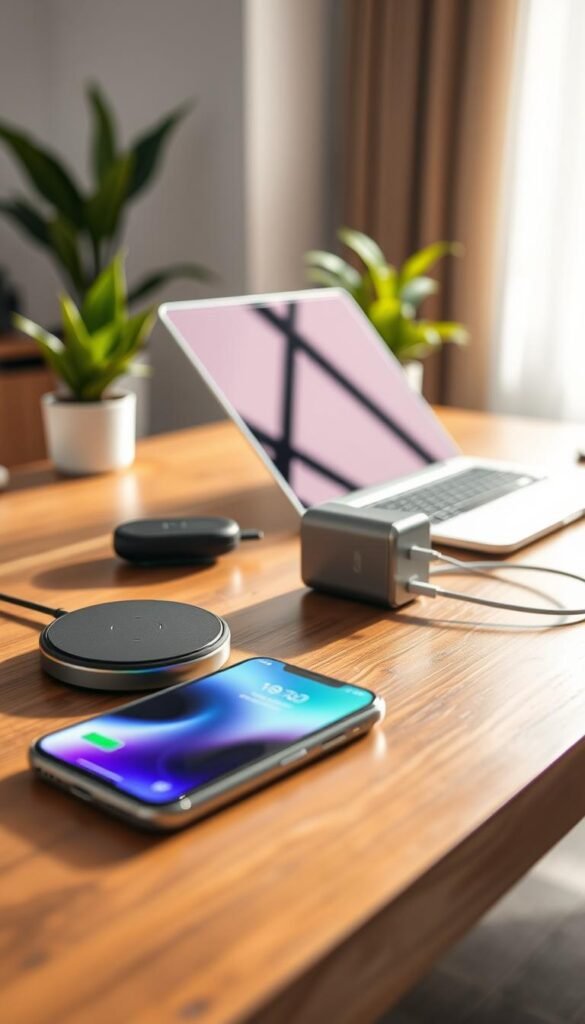
The Nano 45W is tiny, uses GaN, and fits in a bag. It fast-charges phones and cuts outlet clutter at home.
When high wattage matters
High wattage helps with laptops. For phones, a reliable charger and the right cable deliver most of the real benefit.
| Pick | Good for | Quick note |
|---|---|---|
| Anker 737 | Travel, long days | Carryable powerhouse, heavier |
| Nano 45W | Daily carry, tight outlets | Compact, fast for phones |
| How to choose | Your real device mix | Match chargers to what you use |
„Spend a bit more on one solid wall charger and one great cable — you’ll say thanks every trip.“
Everyday cables and small add-ons that reduce friction
A smart cable setup removes small daily hassles that add up fast. One bad cord can make a perfectly good device feel unreliable. Fixing that is cheap and quick.
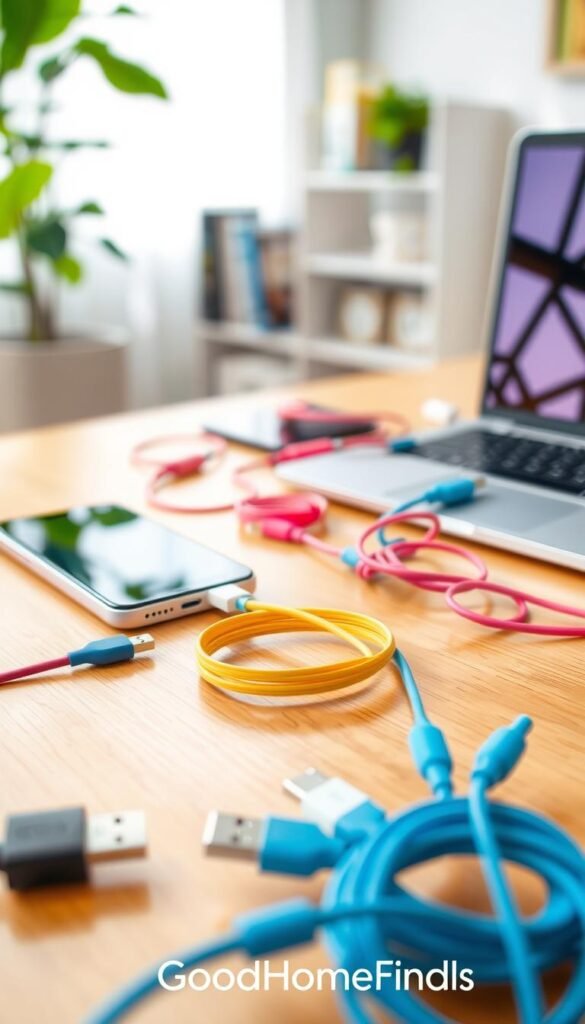
Multi-connector cables are the easiest win. If you share chargers or have mixed devices, get a 3–5 head cable or a USB-C kit with Lightning and Micro adapters. This improves connectivity and cuts the need to carry three separate cords.
Durability basics that matter
Pick braided cables with firm strain relief at both ends. Those handles at the plug stop fraying. Choose the right length so you aren’t yanking cords across a small room. Good design here prevents worn ports and bent pins.
Watch out for a common mistake
“Fast charging” on the box is a package feature, not a promise. If the cable can’t handle the wattage your charger sends, speed will be limited. Match high-power USB-C cables (some support up to 140W) to high-watt chargers only.
Practical system and quick setup
Keep one short cable for travel, one longer for the couch or bed, and label them. Use a simple hook or small pouch as your cable tools. A 20-minute setup — sort, label, and tuck — pays off daily.
„Buy fewer, better cords instead of a drawer of cheap spares. It saves time and prevents failures.“
| Problem | Simple fix | Why it works |
|---|---|---|
| Tangled, worn cords | Braided cable + strain relief | Lasts longer and resists fray |
| Mixed connectors | Multi-head cable or adapter kit | Reduces clutter and improves connectivity |
| Slow charging despite „fast“ label | Match cable watt rating to charger | Delivers expected speed and protects batteries |
| Migration of cords around home | Label and assign short/long cables | Keeps a predictable system and reduces lost cords |
Cleaning and maintenance tech that keeps daily electronics working longer
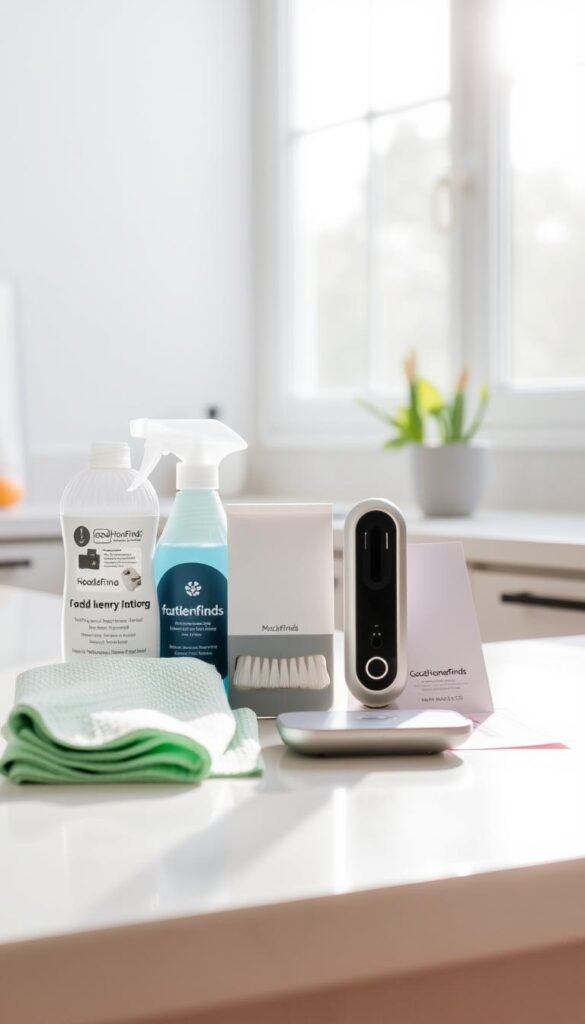
A tiny, cheap cleaning kit saves you time and avoids annoying charging failures. A Roname-style multi-function kit with brushes, cloths, and putty tools is a useful, low-cost addition for small homes.
Simple cleaning kits for earbuds, phones, and ports
Use a soft brush and putty tool to remove lint from ports and case crevices. Clean earbuds and speaker meshes with the small brush and a lint-free cloth. These kits are designed for tight spots that regular cloths miss.
Real use case: pocket lint and bad connections
Pocket lint in a phone port often causes cables to charge only at an angle or stop entirely. That leads to slow charging, flaky audio, and wasted time troubleshooting. A quick scrape and a soft brush usually fix it in under two minutes.
Maintenance reality: how often you’ll actually use it
Do a fast weekly wipe-down for earbuds and phone surfaces. If you carry devices in pockets or gym bags, add a monthly deep clean for ports and meshes. Keep the kit visible near your nightstand so you actually use it.
Safety note: what not to do
- Don’t spray liquids into ports.
- Don’t jam sharp metal tools into connectors.
- Don’t force debris deeper when you can lift it out with putty or a brush.
„Two minutes a week prevents the kind of small failures that ruin calls, commutes, and content creation.“
Robot vacuums for apartments: clean floors with minimal noise and effort
A compact robot vacuum is one of the rare devices that truly changes your cleaning routine. If you have mostly hard floors and little extra time, a model that runs reliably can cut weekly work to zero.

Premium performance examples
Roborock Saros 10 and Saros 10R deliver strong navigation, solid suction, and better access under low furniture. TechRadar notes they handle object ID well and offer docks that manage much of the maintenance.
Space and placement
You must assign a clear place for the dock near an outlet. In small homes that often means the entryway or living room. The dock needs a small open range around it so the vacuum can return reliably.
Noise and scheduling
Sound matters in apartments. Schedule runs when you’re out, during daytime, or while you’re not on calls. That keeps neighbors happy and keeps your experience quiet.
Maintenance reality
Even “hands-off” docks need bin emptying and brush cleaning. Ignore these and performance drops fast. A quick weekly check keeps suction and mapping accurate.
Common mistakes and quick setup
Common mistake: leaving cords, small rugs that bunch, or clutter in the vacuum path. Do a five-minute floor reset before first runs. Clear cords, fold rugs, and move small items so the device can finish a full cycle.
| Topic | Practical note | Why it matters |
|---|---|---|
| Dock space | Near outlet, clear 1–2 ft each side | Prevents return failures and lost runs |
| Noise scheduling | Run when out or daytime | Keeps neighbors and calls uninterrupted |
| Maintenance | Weekly bin and brush check | Maintains suction and mapping accuracy |
Kitchen upgrades you’ll notice every day: coffee and small-appliance wins
Choose upgrades that reduce steps at breakfast; that’s the real test of value in a small kitchen. If a device saves you time every morning, it pays for itself in routine ease.
Premium example — Jura J10
Why the Jura J10 can make a difference
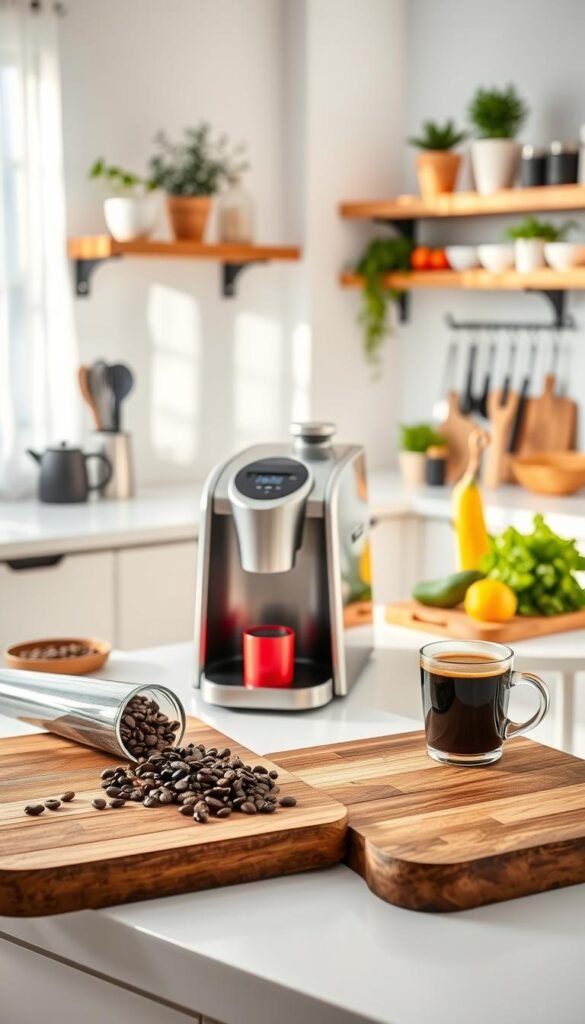
The J10 is a bean-to-cup machine that consistently extracts hot espresso and cold brew. It automates milk steaming with varied textures and supports syrup-infused milk drinks, so you get café-style results without daily barista work.
Space and design reality
The machine needs real countertop footprint and clearance for bean hoppers, water fills, and cleaning access. In a small apartment measure twice: the base, the rear clearance, and room to lift the bean lid.
Power and sound: honest trade-offs
Grinders and milk systems demand notable power and can be loud. If you live in a studio or rise earlier than others, the sound and grind cycle may be disruptive. Run noisy steps while you’re out or use a quieter grinder if that matters.
Maintenance and real upkeep
Milk cleaning is not optional. Daily rinses and scheduled descaling keep flavor and performance steady. Skip this and you’ll face worse taste, blocked lines, and more repairs over the year.
Honest pros and cons
- Pros: consistent quality, automated milk textures, saves morning time if you drink coffee daily.
- Cons: premium price, regular cleaning, needs countertop space and steady power.
„If coffee is your daily anchor, a premium machine can be worth the upkeep. If it’s occasional, a simple brewer plus a good grinder is often a better match.“
| Use case | Practical note | Why it matters |
|---|---|---|
| Daily drinker | Jura J10 — consistent hot and cold options | Quality and convenience justify the price |
| Limited space or low maintenance | Simple brewer + quality grinder | Saves counter space and reduces upkeep |
| Noise-sensitive homes | Choose quieter grinder or schedule runs | Prevents disturbances and unused gear |
Smartwatches that earn their spot: battery life, comfort, and daily usefulness
A watch that earns space on your wrist must be comfortable, reliable, and genuinely reduce friction. It should cut phone checks, support health habits you keep, and feel fine for all-day wear.
Apple Watch Ultra: who it’s for and when it’s overkill
Pros: rugged build, excellent tracking, and tight iPhone integration.
Cons: heavy for small wrists and more than most people need for simple notifications.
If you live inside Apple’s ecosystem and want durability, the apple watch ultra pays off. If you mainly want alerts and step counts, it can be too much.
Samsung Galaxy Watch 5 Pro: strong Android choice
Pros: solid sensors, long runs between charges, and Android pairing that works well.
Cons: bulk and charging frequency still matter more than extra features for daily comfort.
Value alternative: Amazfit Active 2
The Amazfit Active 2 is a budget-friendly pick with strong health tracking for around $99. TechRadar notes the value is real. Tradeoffs include no NFC and less polish than major ecosystems.
Real-life battery life you can expect between charges
Battery life depends on brightness, notifications, and GPS use. Expect nightly charging for intensive displays. With conservative settings you may stretch to several days.
Setup: pairing, notifications, and what to turn off
Pair the watch with your phone, allow only the apps you need, and disable always-on sensors you don’t use. That simple setup keeps distractions low and saves power.
„Choose comfort and useful features over a long spec list — you’ll wear it more, and it will actually help.“

Trackers and small safety helpers for daily peace of mind
Small, reliable trackers remove the morning panic of lost keys and vanishing bags.
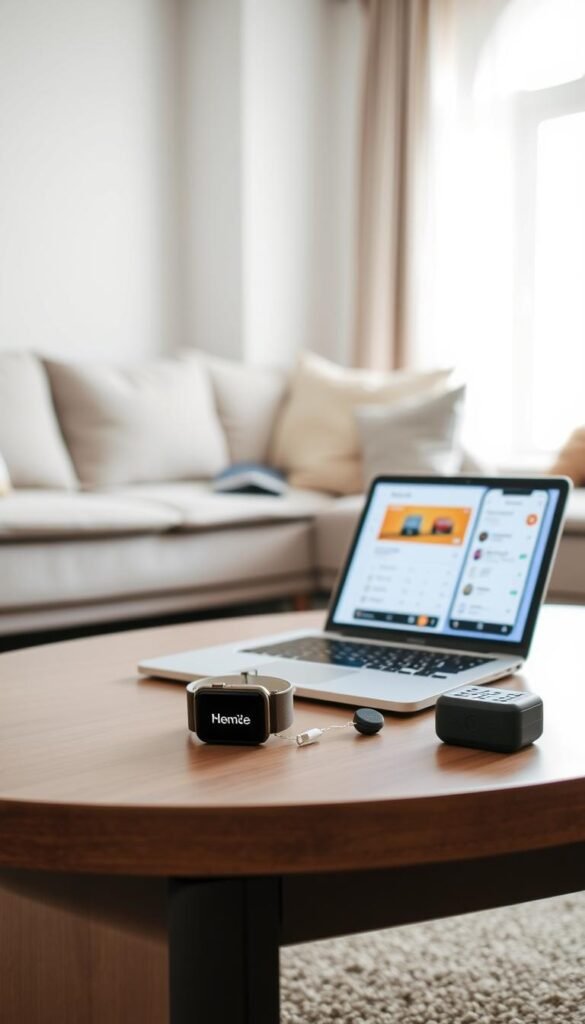
The Apple AirTag 4-pack is the practical addition for iPhone users who want fast finding for keys, backpacks, and luggage. It links to Find My, has a built-in speaker to help you locate items close by, and uses a replaceable battery that lasts about a year.
Pros and cons
- Pros: quick location on your phone, compact, reliable for daily carry.
- Cons: the speaker can be noisy in quiet rooms, and you need a secure case or holder so it doesn’t fall off.
Privacy, maintenance, and practical tips
Use trackers only on your own things. Alerts and anti-stalking rules are built into the system, but keep usage simple and respectful.
- Decide tracking priorities before you buy so you don’t waste tags.
- Replace the coin cell roughly yearly and check attachments weekly.
- If you’re not in Apple’s ecosystem, choose a compatible alternative — don’t force a bad choice.
„Trackers are a small safety helper that cut daily stress. Use them where they truly help.“
Speakers and sound that fit apartment life without shaking the walls
Good apartment audio focuses on clarity at low volume, not club-level bass.

The goal is clear sound you enjoy without bothering neighbors. Aim for balanced mids and controlled lows. That gives presence without wall-rattling.
Premium example: B&O Beosound A1 Gen 3
The B&O Beosound A1 Gen 3 packs surprising low-end and refined tuning into a compact design. TechRadar praises its materials and quality. The tradeoff is a premium price for a small footprint.
Noise control and placement
Keep speakers off shared walls and avoid room corners that exaggerate bass. Place units on soft surfaces or pads to cut vibration. Set a „quiet hours“ volume limit so you don’t need to guess what’s polite.
Power use and battery habits
Know the typical battery life and charging frequency for a portable unit. Don’t leave it plugged in 24/7 if you rarely need constant power. Use standby only when you want instant playback.
| Topic | Practical tip | Why it matters |
|---|---|---|
| Placement | Off shared walls; avoid corners | Reduces neighbor complaints and muddled bass |
| Volume | Use limits during quiet hours | Keeps good relations and consistent listening |
| Power | Charge as needed; avoid constant plug-in | Protects battery and reduces standby power draw |
What you pay for: better materials, finer tuning, and a more pleasing listening experience at normal volumes. If it fits your space and habits, you’ll say thanks every time music plays without stress.
Conclusion
Your final filter for any purchase should be: does it save time, space, or effort in your home?
Start with charging: one reliable wall charger, one good cable, and one power bank. That single change fixes most daily misses and protects battery life.
Next, add a small cleaning kit and a simple routine. That keeps ports and headphones working and prevents avoidable replacements.
Only then consider bigger additions like a robot vacuum or a premium coffee machine. Measure the footprint, check noise, and confirm compatibility with your phone and laptops.
Quick rule: pay for reliability and heat management, not extra features you won’t use. If a product adds clutter, constant app work, or noise, skip it.
Upgrade one category at a time. Test it for a week, then move on. You’ll build a quieter, safer, and more useful setup without wasted space or money. Thanks for reading — make choices that actually fit your life.


