
You’ll get devices you actually use every day in a small apartment. This guide focuses on real home tech that saves energy, improves safety, and fits renter-friendly spaces. No flashy extras. No overblown promises.
Expect honest pros and cons for each pick. You’ll see clear notes on real benefits, who needs each item, setup time, and common mistakes that waste money. I cover maintenance and how these devices connect via phone apps or voice assistants.
Compatibility is simple. I explain Alexa, Google, and Apple options so you don’t need a full ecosystem. I’ll also compare budget picks with premium upgrades and say when the pricey option is worth it.
Key Takeaways
- These picks work well in small apartments and renter setups.
- Focus on energy savings, safety, and compact design.
- Each item lists real pros, cons, and setup time.
- Compatibility advice for Alexa, Google, and Apple included.
- Budget options can be worth it; premium only when needed.
What “practical” means in a smart home (no hype, just daily value)
Practical home tech cuts daily friction and makes small spaces feel more controlled.
Real benefits are simple: save energy, save time, and gain more peace mind in daily life.
Expect real outcomes like lights that turn off on schedule, plugs that stop phantom energy use, and alerts that let you check on a place when you’re away.

Common mistakes to avoid
Subscriptions and hidden costs: Many cameras and services lock key features behind monthly plans for video storage or advanced alerts. Those costs add up fast.
App clutter: Buying a lot of different brands can fill your phone with separate apps. If you must open an app every day, the device probably isn’t worth it.
Compatibility gaps: Some devices work best with one voice assistant. Mixing ecosystems can mean lost features or more time troubleshooting.
- Rule of thumb: If it needs daily app fiddling, skip it.
- Voice assistants are a useful way to cut down on app switching.
- In small apartments, simplicity and renter-friendly installs matter most.
| Issue | Why it matters | Quick fix |
|---|---|---|
| Monthly service fees | Surprising recurring costs raise ownership expenses | Pick local storage or cameras with no-subscription options |
| Too many apps | Phone becomes cluttered and routines break | Favor devices that work with one assistant or hub |
| Assistant-only features | Some functions won’t work across ecosystems | Check compatibility before buying and prioritize cross-platform support |
How we chose the best practical smart gadgets for small apartments
Our selection starts with simple rules: small footprint, renter-safe install, and low upkeep.
Apartment-friendly filters focus on space requirements you can see. I check countertop room, floor clearance, and whether a base station needs a permanent spot. If something needs drilling or leaves marks, it drops off the list.
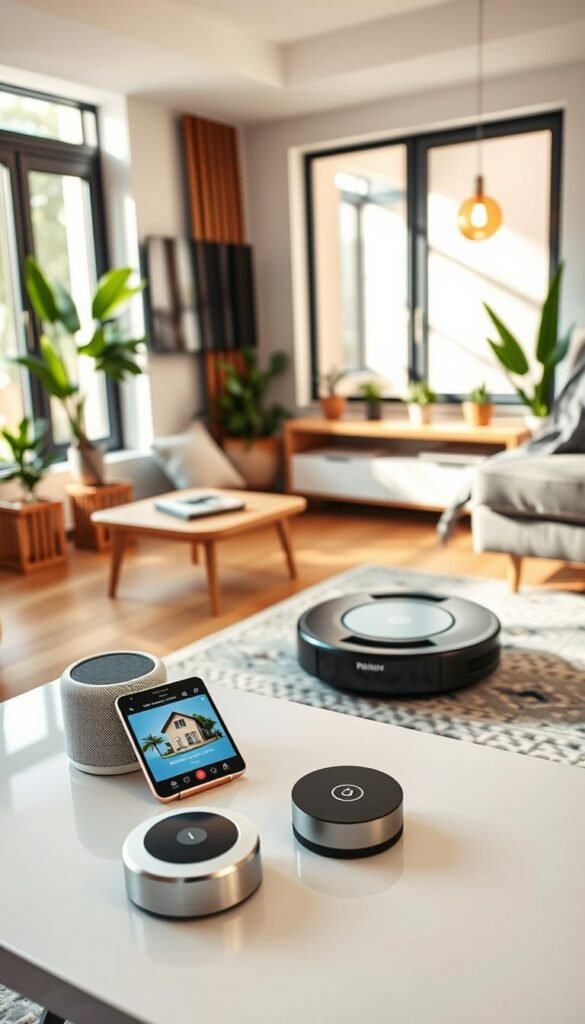
Energy and safety checks
Every device is screened for power draw and heat output. Low power use and minimal heat help keep electric bills down and reduce risk around high-watt appliances.
Set-and-forget reliability matters. I favor devices that run routines once set and need little daily fiddling. That includes battery life checks and noting when Wi‑Fi-only items may drain a battery faster.
Compatibility basics
Pick your main assistant first: Alexa, Google Assistant, or Apple HomeKit/Siri. Devices that act as a hub or support Matter and Thread earn extra points. They aren’t magic, but they make adding more items later less painful.
- Choose compact, renter-friendly products and Wi‑Fi options when you need no tools.
- Prefer items that can double as a hub to reduce another device on a shelf or table.
- Expect clear notes on power and battery needs so you know what to recharge or hardwire.
Bottom line:Favor devices that fit the room, stay cool, and run without daily attention. That keeps your home efficient and hassle free.
Smart speakers and displays that actually simplify your day
A single voice hub often clears more clutter than three separate apps and a dozen remotes. Pick one speaker that matches your assistant and you cut app hopping and get reliable home control fast.
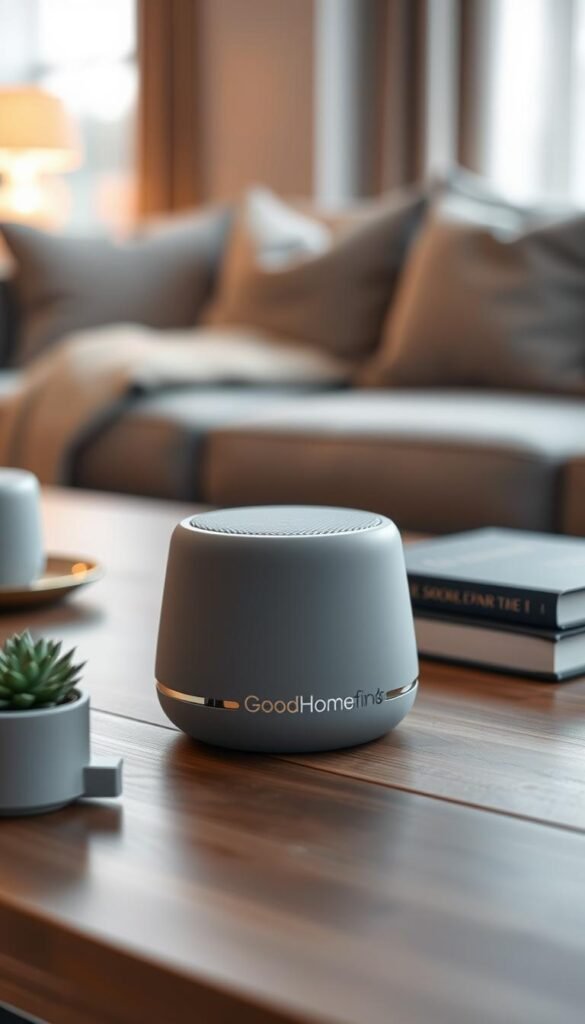
Speaker and display picks by platform
Alexa-friendly: Echo Dot Max or Echo Show 8/11 for voice control and display needs.
Google-friendly: Nest Audio and Nest Hub Max for solid sound and Google Assistant.
Apple/HomeKit: HomePod mini for Siri and Matter support. Sonos Era 100 works with Alexa and has richer sound but check assistant limits.
Real use cases and setup time
Use timers when cooking, turn lights off from bed, and ask for weather or reminders without opening an app. A basic setup takes under 20 minutes: plug in, join Wi‑Fi, sign in, name the device, and test a few voice commands.
„One well-placed speaker can outperform three that you never hear.“
Common placement mistakes
Don’t hide the speaker behind books or put it next to a noisy fan or TV. Mics struggle near loud appliances and you’ll mute helpful voice control by accident.
| Device | Assistant | Small-room fit | Why choose it |
|---|---|---|---|
| Echo Dot Max | Alexa | Yes | Affordable, strong sound for its size |
| Nest Audio | Yes | Good voice recognition and clear mids | |
| HomePod mini | Siri/HomeKit | Yes | Matter support and tight Apple integration |
| Sonos Era 100 | Alexa (limited) | Fits counters | Premium sound, multiroom options |
Quick tip: One well-placed speaker beats several that can’t hear you. If you want visual prompts or camera view, add an Echo Show or Nest Hub for the counter.
Smart lighting that saves energy without turning your home into a disco
Choosing the right bulbs and routines keeps your apartment cozy and efficient. Good lighting cuts wasted power and removes friction from daily life. You want lights that work reliably, save energy, and don’t need wall changes a landlord will notice.
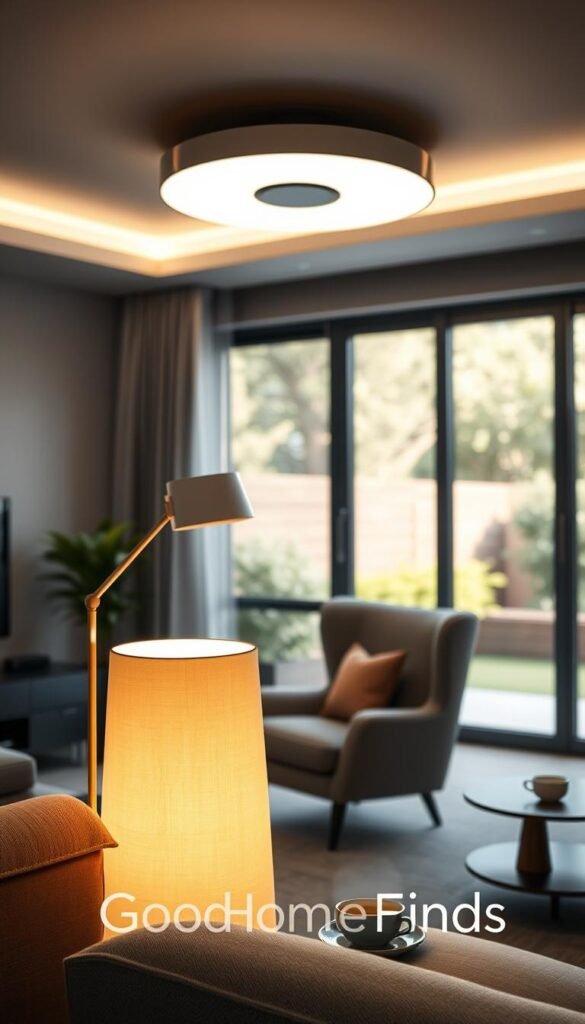
Smart bulbs vs switches: which is better for apartments?
Bulbs win for renter-friendly installs. They screw in, go with you, and need no wiring. Bulbs are easy to set up and usually support schedules and motion rules that reduce energy use.
Switches can be cleaner for whole-room control but often need an electrician or landlord sign-off. If you rent, bulbs are the safer choice.
Budget bulb option: Linkind Wi‑Fi Matter Smart Bulb
Why pick it: Matter support means broader compatibility and fewer app headaches. It offers colors and tunable white without a hub.
- Pros: Low cost, Matter compatible, renter-safe.
- Cons: Build quality varies; firmware updates matter.
- Setup: Easy—screw in, join Wi‑Fi, and add to your app.
Premium ecosystem option: Philips Hue (and when the starter kit is worth it)
Why pay more: Hue gives smoother routines and a reliable bridge for many lights. Buy a starter kit if you plan to expand or want complex schedules that just work.
- Pros: Strong ecosystem, reliable routines, wide accessory support.
- Cons: Higher upfront cost and a bridge for full features.
Space and comfort: brightness and night mode
Choose bulbs with the right lumen rating so small rooms feel open. Warmer whites and lower lumens help for evening use.
Night mode dims color and shifts tone to avoid harsh blue light before bed. Schedule it for automatic comfort and energy savings.
Maintenance and common mistakes
Bulbs are mostly set-and-forget, but keep firmware updated and avoid constant scene flipping. That wastes energy and shortens interest in the lights.
| Issue | Why it matters | Fix |
|---|---|---|
| Wrong base | Bulb won’t fit | Check socket type before buying |
| Mixed platforms | Lost features, extra apps | Favor Matter devices or a single ecosystem |
| Overused color scenes | Quickly ignored and wastes energy | Use color sparingly and rely on schedules |
„Set schedules and night mode once, and lights start saving energy without thinking about them.“
Smart plugs and power strips: the easiest energy-saving upgrade
Swap one outlet for a connected plug and you get immediate control and measurable savings. This is the fastest quick-win for rental spaces because it needs no tools and leaves no marks.
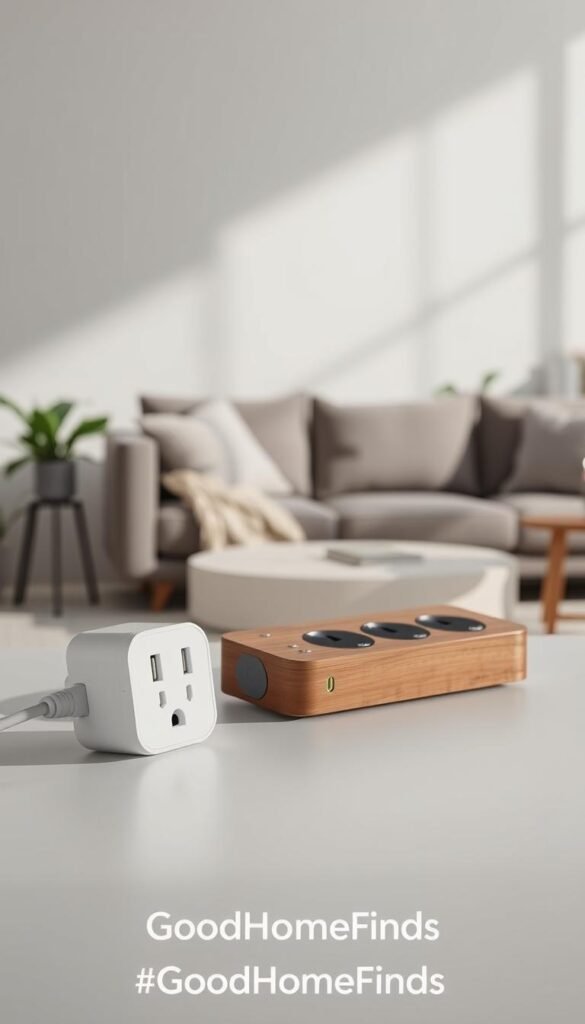
Real use cases
Turn a lamp on at sunset, cycle a fan while you sleep, or cut standby power on a desk setup. Holiday lights, coffee makers, and “did I leave it on?” devices are perfect fits.
Pick with energy monitoring: TP-Link Kasa KP125M
Why it matters: The KP125M reports energy so you can spot which devices quietly raise your bill. Use the app to track daily draw and adjust habits.
Power strip option: TP-Link Kasa HS300
The HS300 gives individually controlled outlets in one compact strip. It’s ideal for desks and media areas where multiple plugs would otherwise crowd a surge protector.
Setup and common mistakes
Setup takes 5–10 minutes: plug in, connect in the app, name the plug, then test a voice command. Clear names keep voice control reliable.
Safety notes: Check ratings. Don’t run high-watt space heaters through a plug. Avoid blocking the second outlet or forcing a bulky plug behind furniture.
| Model | Feature | Small-home fit |
|---|---|---|
| KP125M | Energy monitoring, Wi‑Fi | Yes — lamp, coffee maker |
| HS300 | Multi-outlet control, surge | Yes — desk, media |
| Quick win | No tools, renter-friendly | Any apartment |
Smart thermostats that cut bills (even in a rental)
A better thermostat cuts waste from long HVAC cycles and helps small homes stay comfortable.
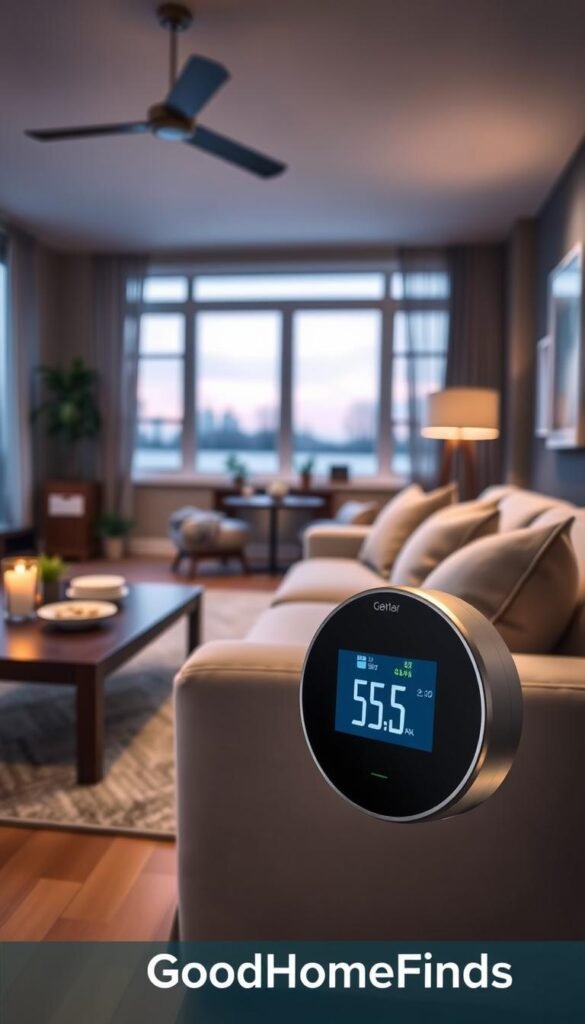
Why it pays back: A connected thermostat reduces run time by using schedules and occupancy cues. If your heating or cooling runs often, the device can lower energy use and trim monthly costs over a season.
Budget pick: Amazon Smart Thermostat
The Amazon Smart Thermostat is an affordable entry. It handles basic schedules, app control, and voice commands. It draws minimal standby power and is a good option if you want lower upfront costs.
Premium pick: Ecobee Smart Thermostat Premium
Ecobee’s unit includes a remote sensor that measures temperature in a separate room. That helps balance comfort when one zone is too hot or cold. The sensor reduces short cycling and improves reliability for bigger systems.
Who needs this
You benefit if you forget schedules, if one room always feels off, or if your bills spike seasonally. These devices help people who want steady temperature control without daily fiddling.
Setup difficulty
Some apartments allow a DIY swap. Others need landlord sign-off or a pro if wiring is locked or shared. Check your HVAC system compatibility and any local rebates before installing.
Common mistakes
- Skipping utility rebates that lower out‑of‑pocket costs.
- Setting unrealistic schedules and expecting instant savings.
- Ignoring system compatibility or poor sensor placement in a room.
Simple maintenance tip: Check settings after one week, then let it run. Small tweaks beat constant tinkering.
| Model | Why choose | Small-home fit |
|---|---|---|
| Amazon Smart Thermostat | Low cost, basic scheduling | Yes |
| Ecobee Premium | Room sensors for balanced temperature | Yes — uneven apartments |
| Notes | Check rebates, wiring, and HVAC compatibility | Renter-friendly when permitted |
Smarter entry safety: video doorbells, locks, and “package peace of mind”
Seeing who’s at your entry and skipping spare keys delivers real day-to-day security. Entry tech gives you quick video of deliveries and a way to talk to visitors without opening the door.
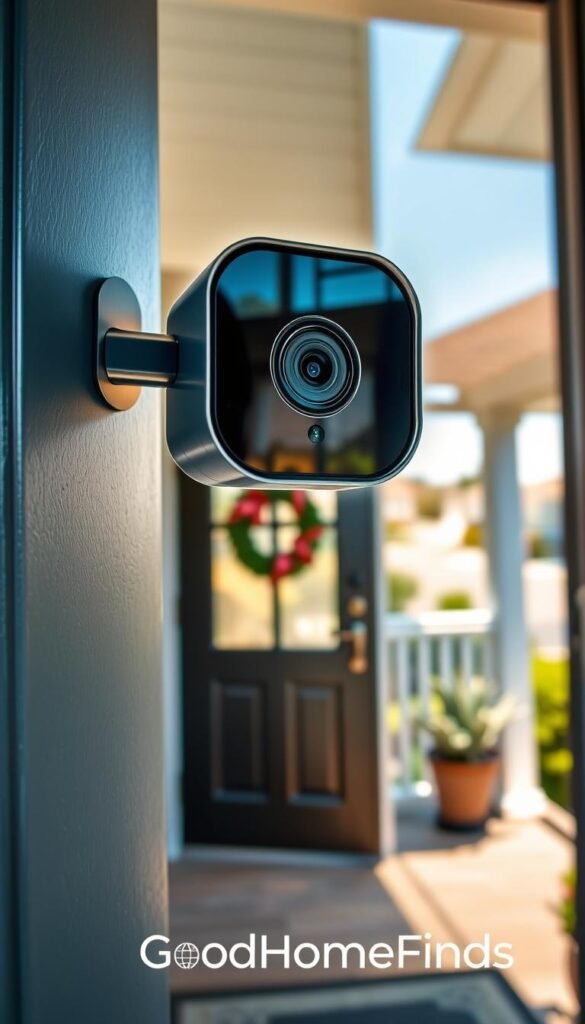
Budget video doorbell options
Arlo Video Doorbell offers HD/2K clarity and a wide 180° view. You can wire it if the building allows or use it wire-free for renter flexibility.
Blink Video Doorbell is lower cost and simple to install. Expect workable motion alerts and basic video without a heavy setup.
What you pay for with premium
Ring Wired Doorbell Pro brings sharper detail, better low-light color, and radar-powered motion detection. That improves identification and zoom when you need close-up proof.
Lock choices for renters
Schlage Encode gives high security and a built-in alarm. Note: strong Wi‑Fi features can use more battery if you pick the battery model.
Ultraloq Bolt / Ultraloq Bolt Fingerprint add fingerprint, keypad, app, and optional HomeKit support. They remove spare-key hassles and make guest access easier.
Power, maintenance, and common mistakes
Battery models are renter-friendly but need charging or swaps. Cold weather can cut battery life fast, so expect seasonal checks.
Wired units lower daily maintenance if your building supports them. Still check doorbell power compatibility before you buy.
Quick setup and warning
- Wi‑Fi at the entry: Weak signal ruins alerts and video. Test your network before installing.
- Subscription costs: Many video features need a plan for cloud storage. Check that before you buy.
„A clear feed and a reliable lock solve most entry worries for apartment life.“
| Item | Why it matters | Renter fit |
|---|---|---|
| Arlo Video Doorbell | 2K video, wide view, wired or wireless | High — flexible power |
| Blink Video Doorbell | Low cost, easy install | Good — simple use |
| Ring Wired Doorbell Pro | 4K detail, radar motion, better night | Medium — best if wiring allowed |
Indoor cameras for apartments: simple security without constant notifications
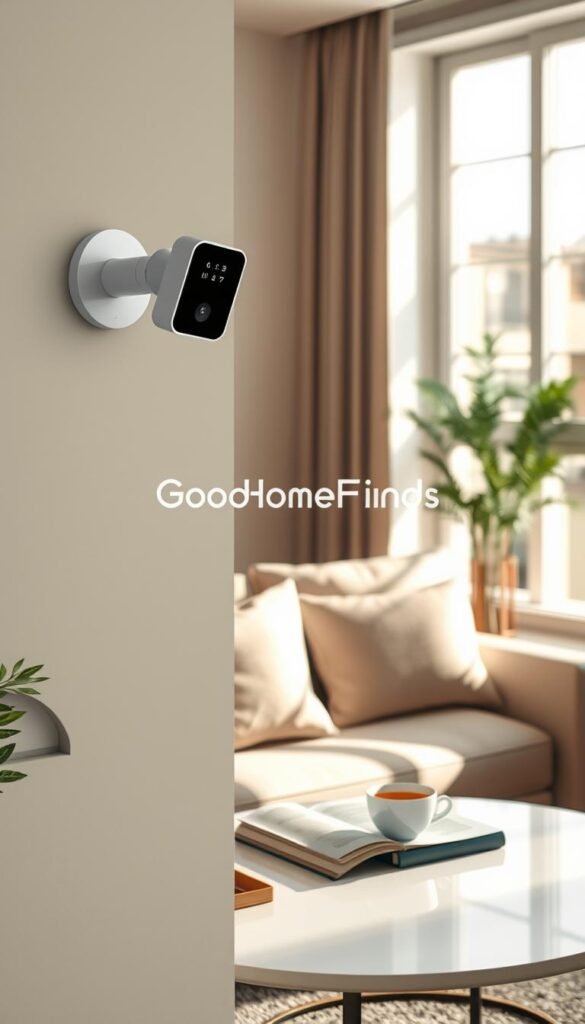
Indoor cams give you a quick, low-effort way to check on what matters without endless alerts. The Eufy E220 Indoor Cam is the value pick here. It records high-resolution video, supports local and cloud storage, and offers motion tracking found on pricier models. It also works with common voice assistants so you can ask for a live view from your phone or speaker.
Who needs this
You if you live alone and want reassurance. Frequent travelers who want a quick home check. Pet parents who need a glance to see that animals are okay. These devices act as a practical check-in, not an always-on watch.
Noise and privacy
Turn the mic off when you want silence. Mute the speaker to avoid feedback near TVs. Use “do not record” zones in the app to exclude private areas.
Tip: Tweak motion sensitivity so the camera ignores curtains and pets where needed. That cuts useless alerts and keeps notifications meaningful.
Setup time: shelf vs mount
Shelf placement is renter-friendly and fast. Mount only if you need a higher view and you have permission. Basic setup takes 10–20 minutes: plug in, add the device to the app, name it, and test motion zones.
Maintenance: Wipe the lens, update firmware, and review notification settings after one week so the camera stays helpful without noise.
| Model | Video | Storage | Renter fit |
|---|---|---|---|
| Eufy E220 | 2K clarity, motion tracking | Local + optional cloud | Excellent — shelf or light mount |
| Use case | Check-ins, pets, short trips | Minimal recurring cost | Easy setup, low maintenance |
Kitchen smart gadgets that earn their counter space
In a small kitchen, anything that keeps counter clutter low and saves you minutes each day earns a spot. Choose items that cut steps or remove daily friction in your home.
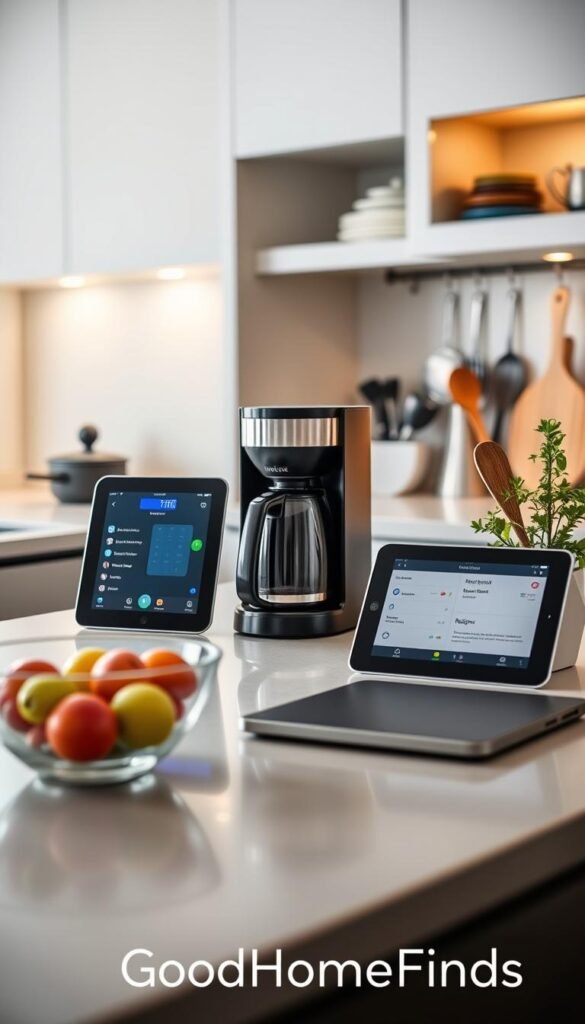
Kitchen “brain” for recipes and timers: Echo Show 8
Why it fits: The Echo Show 8 shows recipes, runs timers, and answers hands-free with voice. It replaces a cookbook and a timer.
Setup: Quick plug-in, Wi‑Fi sign-in, and link to your app. Easy daily payoff.
Budget coffee automation: Hamilton Beach Smart Coffee Maker
Set a schedule and wake to brewed coffee. It frees up morning time and avoids the “did I start it?” scramble.
Note: Low upkeep. Descale regularly for best taste.
Premium coffee upgrade: xBloom Studio — who should buy
If coffee is your hobby and you’ll use brewing features every day, xBloom Studio earns its place. Otherwise it’s extra bulk on a small counter.
Guided cooking: Tovala Smart Oven
Tovala reduces guesswork with guided meals. Optional meal plans and subscription services are available—skip them if you want only the oven.
Nice-to-have: Ecozy Nugget Ice Maker
Fun for drinks, but check cabinet height and clear counter space. It needs regular cleaning and drains to stay fresh.
Common mistakes
- Not measuring counters or cabinet clearances before buying.
- Ignoring cleaning cycles that add upkeep time.
- Buying units that are noisy or too tall for shelves.
„Only keep products on the counter that save you real minutes every day.“
| Item | Who it helps | Setup/maintenance |
|---|---|---|
| Echo Show 8 | Home cooks who use recipes and timers | Easy; update app |
| Hamilton Beach | Routine coffee drinkers | Low; descale monthly |
| Tovala / Ecozy | Guided cooks / occasional hosts | Medium; clean devices regularly |
Robot vacuums and mops for small apartments: clean floors with less effort
Less square footage means robot cleaning runs are shorter and more effective. In a small home, these units cut daily chores and free up time for other things.
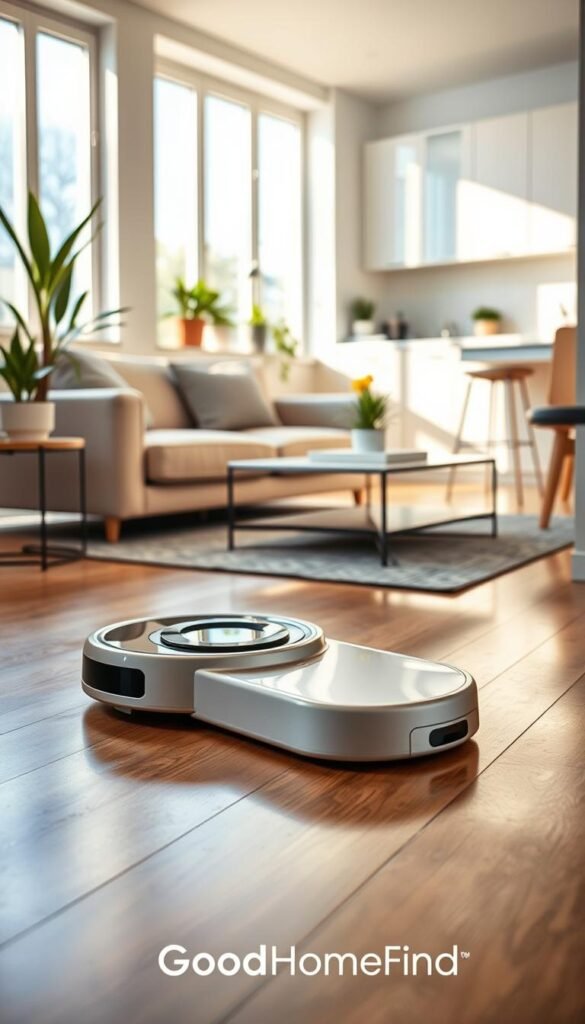
Budget pick: TP-Link Tapo RV30 Max Plus. It includes a self-emptying dock so you don’t dump dust every few runs. That feature matters when you want low-maintenance cleaning without extra daily work.
Premium and pet-focused options
All-in-one: Ecovacs Deebot X8 Pro Omni cleans and mops, but the base needs real floor space. Measure before you buy to avoid a bulky dock on your main walkway.
Pet owners: iRobot Roomba j9+ reduces messy incidents with better obstacle avoidance. The “POOP promise” means fewer gross pickups and less babysitting after accidents.
Mop-only alternative: Braava Jet m6 fits if you already have vacuum coverage and only need a mop for sticky spills.
Noise, maintenance, and common mistakes
Expect normal vacuum noise during runs and a louder burst when the dock self-emptying kicks in. That matters in thin‑walled buildings.
- Maintenance: Clean brushes and filters regularly, empty bins, and wipe the dock to keep mapping accurate.
- Common mistakes: Leaving cords on the floor, using thick shag rugs that trap wheels, and skipping no-go zones will stall the unit.
- Renter tip: Pick models with simple docks and minimal drilling. Measure dock space and plan where it will live.
| Model | Highlight | Small-home fit |
|---|---|---|
| TP-Link Tapo RV30 Max Plus | Self-empty dock, budget | Excellent |
| Ecovacs Deebot X8 Pro Omni | Vacuum + mop, big base | Good if measured |
| iRobot Roomba j9+ | Pet avoidance, fewer accidents | Great for pet homes |
„A short, regular run keeps small floors clean without you spending an hour on your hands and knees.“
Air comfort tech that matters: smart ACs and purifiers for better sleep and breathing
Clean air and steady cooling change how your apartment feels at night and while you work. This is one of the most direct upgrades you can make for sleep, focus, and daily comfort.
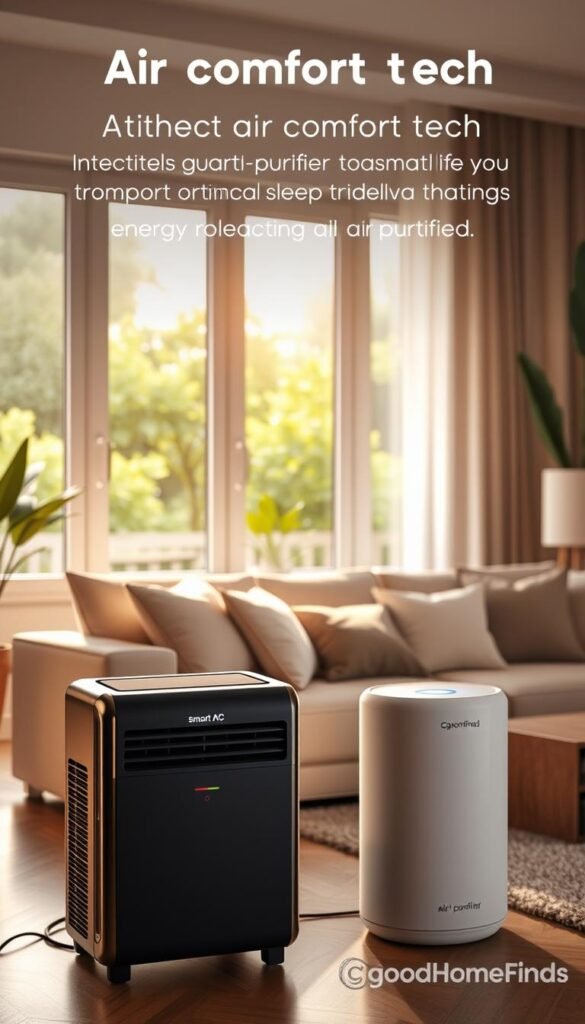
Quiet cooling pick
GE Profile Clearview Smart Air Conditioner fits windows with less fuss. Its design keeps the unit steady and reduces vibration, so you hear less at low fan speeds.
It uses scheduling to cut wasted energy and avoids blast-cold periods that wake you. Expect low hum on quiet mode and a louder but short runtime on high.
Premium air purifier pick
Dyson Big+Quiet Formaldehyde BP03 is for people who want very clean air and low background noise. It removes gases and particulates but needs regular filter swaps and intake cleaning.
Maintenance note: Replace HEPA and carbon modules on the maker’s schedule and wipe intakes every 1–2 months.
Real benefits, noise, and space
Scheduling reduces runtime and energy use while keeping night temps stable. Cleaner air cuts allergy flare-ups and fewer wake-ups. Put an AC where the window holds it securely and set the purifier on a low table or corner that keeps airflow clear of foot traffic.
„A quiet unit with scheduled runs saves energy and keeps you sleeping through the night.“
| Item | Noise (low/high) | Energy & maintenance | Bedroom fit |
|---|---|---|---|
| GE Profile Clearview AC | Low hum / moderate | Scheduling saves energy; seasonal cleaning | Fits standard windows; needs 6–8″ clearance |
| Dyson BP03 Purifier | Very quiet / moderate | Filter modules to replace; clean intakes | Small footprint; place on bedside table or dresser |
| Real gains | Less night noise | Fewer allergy events; lower wasted runtime | Works well in small bedrooms |
Real-world buying guide: budget vs premium devices (and what’s worth upgrading)
Focus your spend where it earns real time savings and fewer interruptions. For a small home, some items should be cheap and replaceable, while others are worth an upgrade because they cut daily work or recurring costs.
Where budget wins
Save on plugs, basic bulbs, and entry-level speakers. These devices give reliable control, easy app setup, and immediate energy savings. They rarely need special wiring or long installs.
Where premium pays off
Spend up for self-empty robot docks, higher-grade indoor cams, and cohesive ecosystems when you plan to expand. These products reduce maintenance, improve reliability, and lower notification noise over time.
Setup time expectations
- Quick wins (5–15 min): plugs, bulbs, basic speakers.
- Moderate (20–60 min): cameras, power strips, thermostats that are DIY-friendly.
- Weekend projects (1–3 hours): door locks, hardwired thermostats, multi‑device hub installs.
Common mistakes and compatibility checklist
Mixing systems leads to extra apps and lost features. Weak Wi‑Fi at doors and bedrooms turns a useful device into an annoyance.
„Prioritize Matter support and a single main app so devices behave together, not apart.“
Compatibility checklist:
- Matter support: future-proofs cross-platform work, but verify device firmware.
- Wi‑Fi strength: test signal at the planned device spot before buying.
- Subscription risk: expect cloud fees for some cameras and doorbells.
- Ongoing costs: budget for batteries, filters, and occasional updates.
| Category | Budget win | When to spend more |
|---|---|---|
| Plugs & bulbs | Affordable, renter-friendly control | Only upgrade for energy-monitoring or Matter support |
| Speakers & hubs | Basic voice speaker for single-assistant use | Buy premium for multiroom audio and strong ecosystem ties |
| Cameras & robots | Basic cams and vacuums for light use | Premium for better night video, self-empty docks, and reduced alerts |
Final tip: Start with a few low-cost items to test your app and Wi‑Fi. If they simplify your day, upgrade selectively to reduce chores and subscription surprises.
Conclusion
, Wrap up with a simple rule: add only tech that solves a real problem in your home. Start small. One speaker or display, a few lights, and a couple of plugs cover most daily needs in a small home.
Focus on energy savings, safer entry checks, and less time cleaning. Choose a single voice platform, keep compatibility front of mind, and avoid extra subscriptions that add surprise costs.
Skip mixing too many brands and test Wi‑Fi where you’ll place each device. When a gadget stops saving time, rethink it.
Simple next step: pick one category from this roundup to upgrade this week. Live with it for a month, then add more if it truly improves your home and app workflow.


