
You want practical picks that actually work in tight spaces. This guide uses a „tested and kept“ approach. That means items that earn a permanent place because they help day to day life, not just look good on a shelf.
What this guide delivers: honest pros and cons, renter-friendly setup notes, and real use cases. You will see energy-saving options, safety choices, and space-aware selections for apartments and studios.
We’ll cover these categories: energy and outlets, lighting and comfort, security, kitchen, cleaning/air/water safety, and setup time. Each pick is judged on space needs, power draw, noise, app experience, and renter compatibility.
Expect a clear comparison of budget versus premium picks so you can spend where it matters. Compatibility is a make-or-break issue in a studio: fewer apps means fewer headaches and better routines.
Key Takeaways
- Recommendations chosen for daily use in compact spaces.
- Focus on energy, safety, and low maintenance.
- Judged by space, power, noise, apps, and renter-friendliness.
- Includes budget and premium comparisons for smart home needs.
- Real use cases and a „common mistakes“ checklist at the end.
Real benefits of small-space home technology (no hype, just daily wins)
You want simple, practical gains you notice every day. In tight layouts that means lowering energy use, cutting clutter, and getting quiet, reliable alerts.
Lower energy use: scheduling cuts waste. An Emporia smart plug shows usage charts, supports non-peak scheduling, and helps you spot a hungry lamp or heater before it spikes your bill.
Less clutter: wall-mounted radiant units and outlet-integrated devices free floor and counter space. A Kelvin wall-mounted heater saves footprint and offers scheduling plus energy tracking.
Better safety: leak sensors under sinks, door sensors on entry, and motion alerts give quiet protection in tight rooms. SwitchBot Air Quality Monitor adds temperature, humidity, and CO2 alerts with about a year of battery life.
- Room-by-room control matters: place sensors where you sit and sleep, not just centrally.
- Noise is a feature: avoid loud purifiers, buzzy plugs, or chatty cameras in a studio.
- Pay for automation that reduces steps, not extra apps.
| Benefit | Example | What to check | Why it helps |
|---|---|---|---|
| Energy tracking | Emporia smart plug | Usage charts, scheduling | Cut phantom loads and bill surprises |
| Air & alerts | SwitchBot Air Quality Monitor | CO2, temp, battery life | Comfort monitoring without constant checks |
| Space-saving heat | Kelvin wall heater | Mounting needs, energy tracking | Safer heat and freed floor space |
Who needs this: the right gadgets for studios, renters, and small households
Not every device fits a tight layout. Pick gear that solves the daily frictions you actually face.
Renters should favor peel-and-stick sensors, plug-in devices, and battery-powered options. These avoid drilling and complex wiring. A SwitchBot leak detector sits under a sink in minutes and sends Wi‑Fi alerts with an onboard siren. That protects against costly damage without permanent changes to the space.
Busy people want “set it once” automations that save time. Use a smart display for timers and recipes, and rely on compact routines for kitchen and cleaning chores. Avoid devices that demand daily app babysitting or constant charging.
Pet owners need quiet, low-touch gear. The Petcube wireless pet fountain runs silently, wakes on motion, and its battery lasts ~3 weeks with app reminders. Choose filters and maintenance that fit your schedule, not items that add daily chores.
- Help you self-sort: focus on a few devices that solve big pain points.
- Renter-friendly: peel-and-stick, plug-in, battery options over hardwiring.
- Busy schedules: kitchen timers and single-setup automations reduce friction.
- Pet owners: quiet operation, easy cleaning, and app reminders keep upkeep low.
- Reality check: devices needing daily charging or constant app checks rarely last in a studio.
- Compatibility matters: if a device won’t work with your phone or voice assistant, you’ll stop using it.
| Persona | Good fit | Why it works |
|---|---|---|
| Renter | SwitchBot leak detector, peel sensors, plug-ins | No drilling, quick setup, removable |
| Busy professional | Smart display, kitchen timers, set-and-forget routines | Saves time, reduces mental load |
| Pet owner | Petcube wireless pet fountain, quiet feeders | Low maintenance, quiet, app reminders |
| Security-conscious | Arlo sensor kit | Compact sensors, optional monitoring, no contract required |
Best small home tech for energy, outlets, and everyday control
Start by thinking of outlets as limited real estate: each plug should add real control, not clutter.
Emporia smart plug: energy monitoring that pays attention
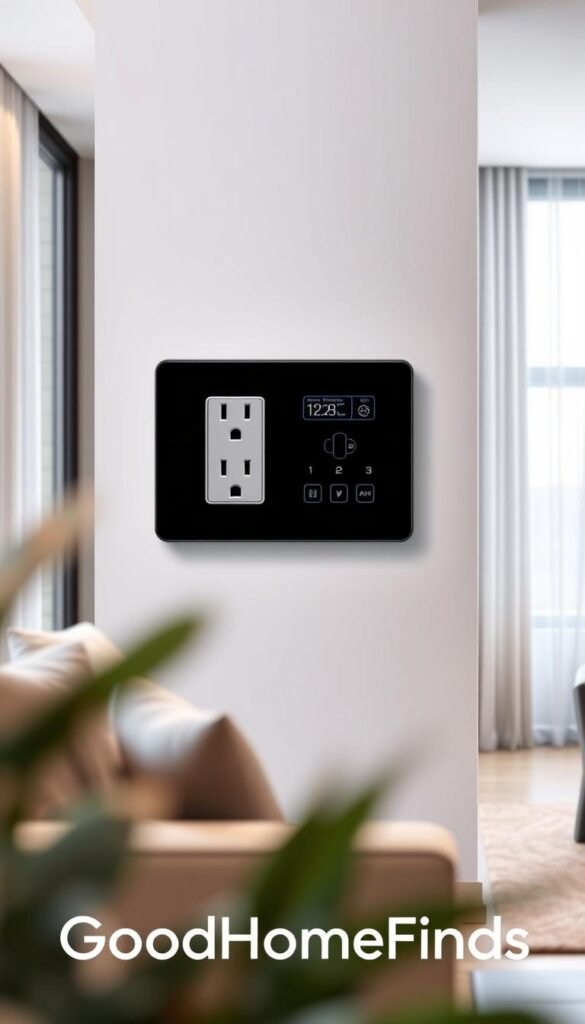
The Emporia smart plug handles up to 15A and shows hourly, daily, weekly, and monthly energy charts.
Use it for lamps, coffee makers, and portable heaters. Schedule around non-peak utility hours to cut bills, but only if you’ll actually set the schedule.
Display versus speaker: when the screen matters
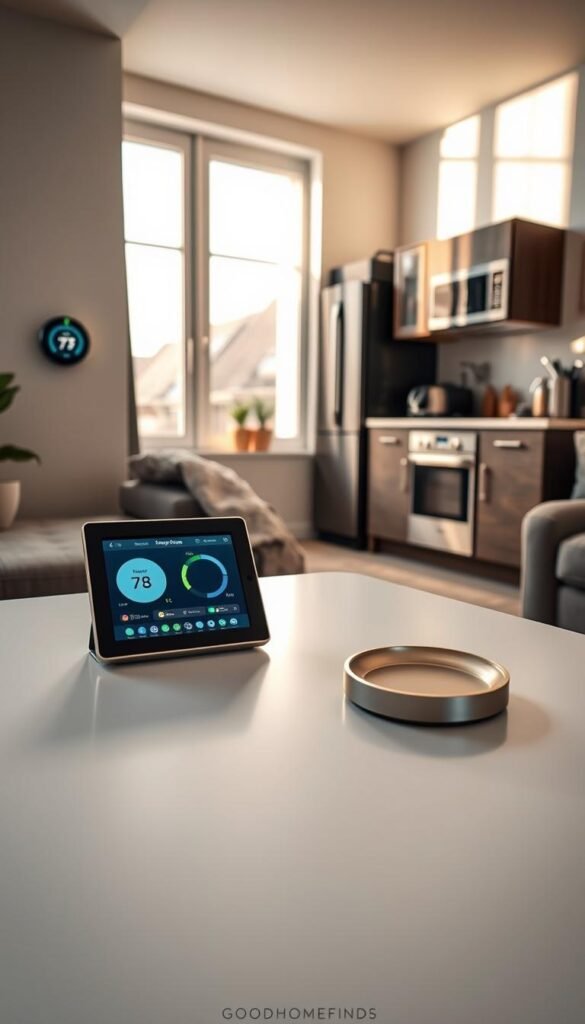
The Echo Show 11 gives glanceable recipe steps, multiple timers, and short news or sports clips.
A speaker is cheaper and fine for timers and voice control. Choose a display if you cook or want quick visual information.
One-app control and budget vs premium
Stick to major ecosystems like Google Home or Google Nest to avoid juggling apps. That keeps routines reliable and reduces frustration.
Budget models save upfront cash. Premium products buy better energy tracking, smoother automations, and richer features.
- Pros: real energy data, scheduling, clearer control.
- Cons: plugs can block sockets, displays take counter space, multiple apps create friction.
| Product | Key feature | Who it fits |
|---|---|---|
| Emporia smart plug | 15A, energy charts, scheduling | Lamps, heaters, coffee makers |
| Echo Show 11 | Display, multiple timers, mini TV | Cooking, quick info at a glance |
| Google Nest devices | Integration with Google Home | Users who want one-app control |
Lighting and comfort upgrades that don’t waste space
Good lighting and smart heating make a studio feel larger and more livable without extra furniture. Focus on fixtures that free outlets, cut glare, and give warm color options for evening wind-downs.
Auto-dimming nightlight that frees the outlet
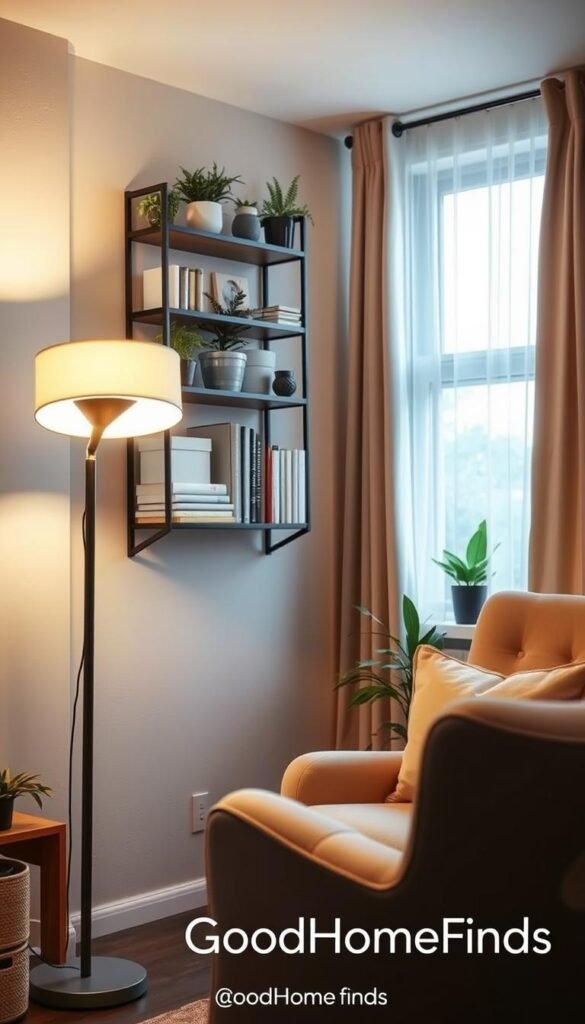
SnapPower Guidelight 2 replaces an outlet cover so the light doesn’t steal a plug. It auto-dims at night and includes a warm-color switch to reduce harsh glare.
This is a renter-friendly swap that keeps your laptop charger available and reduces bright lights that wake you up.
Apartment-friendly “set it and forget it” lighting routines
Simple routines give you three reliable settings: wake, work, and wind-down.
Use bright, neutral color for focused daytime work and warm color at night. Schedule lights to dim before bed so the room feels calmer without extra effort.
Temperature comfort without bulky gear
In a single room, drafts and where you sit matter more than raw wattage. Measure where you live and pick a unit that heats that zone quickly.
Radiant wall-mounted heater for less floor clutter
Kelvin smart heater mounts on the wall, saves floor space, and reduces fire risk versus many portable heaters. It supports scheduling and tracks energy in the app. Expect a higher upfront cost for these safety and convenience gains.
| What to check | Why it matters | Quick tip |
|---|---|---|
| Power consumption | Avoid tripping breakers | Match heater amps to circuit |
| Noise levels | Quiet gear helps sleep and work | Look for fanless or low-dB ratings |
| Clearance/space | Safe airflow and heat spread | Confirm mount height and wall type |
Renter note: wall mounting may need permission. If you can’t mount, invest in lighting and routines first. They deliver comfort and better room design without permanent changes.
Small-apartment security essentials: door, camera, and sensor protection
Focus your security on entry points and main living zones for the most impact. You want coverage that stops real risks: the front door, a main window, and one shared living area.
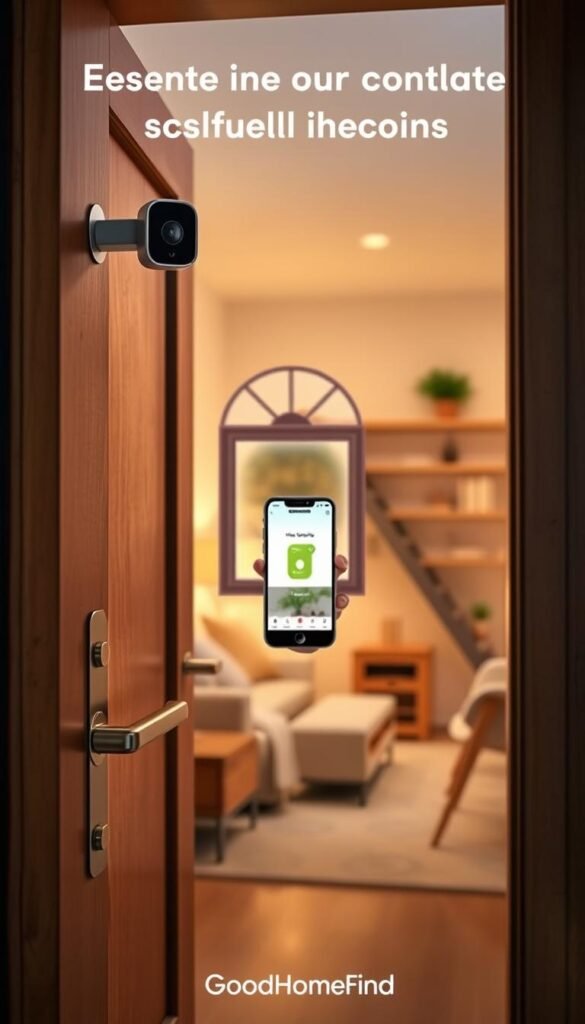
Compact system for doors, motion, smoke, and temp
Arlo Home Security System is a renter-friendly kit with two flexible sensors. They track door open/close, motion, smoke, and temperature.
No monthly contract is required. You can add optional pro monitoring if you want. The setup is quick and does not demand hardwiring.
Floodlight camera reality: owners vs renters
The Google Nest Cam floodlight gives bright LEDs, solid video, and smart object detection. It often sells around $200 on deals.
Be frank: it needs wiring and ladder work. That makes it great for owners and tricky for renters. If you can’t modify the building, choose a plug-in or magnetic mount alternative.
When a doorbell camera is worth it
A video doorbell adds value when you get frequent deliveries or want front-door checks. It reduces porch theft and gives peace of mind in busy buildings.
Pick one with good notification settings to avoid constant pings.
Placement and space tips
- Avoid pointing cameras at mirrors or reflective windows.
- Keep door sensors at the correct height recommended by the manufacturer.
- Ensure clear line-of-sight; even compact cameras need an unobstructed view.
- Hide cords safely to prevent trip hazards in tight layouts.
| Item | Pros | Renters vs Owners |
|---|---|---|
| Arlo sensor kit | Flexible sensors, no wiring, multi-alerts | Great for renters; easy to remove |
| Google Nest Cam floodlight | Bright LEDs, strong AI video detection | Best for owners; needs wiring and ladder |
| Video doorbell | Delivery checks, motion video, live view | Worth it in busy buildings; check wiring options |
Budget vs premium: paying more usually buys smarter alerts and cleaner video. That means fewer false pushes and better event clips.
Privacy note: be mindful of shared spaces and neighbors. Use activity zones and tailored alerts to keep security useful and respectful.
Kitchen tech that saves time, energy, and counter space
Counter constraints and limited outlets mean every appliance must earn its place. Think practical: choose gadgets that speed up tasks and reduce load on circuits.
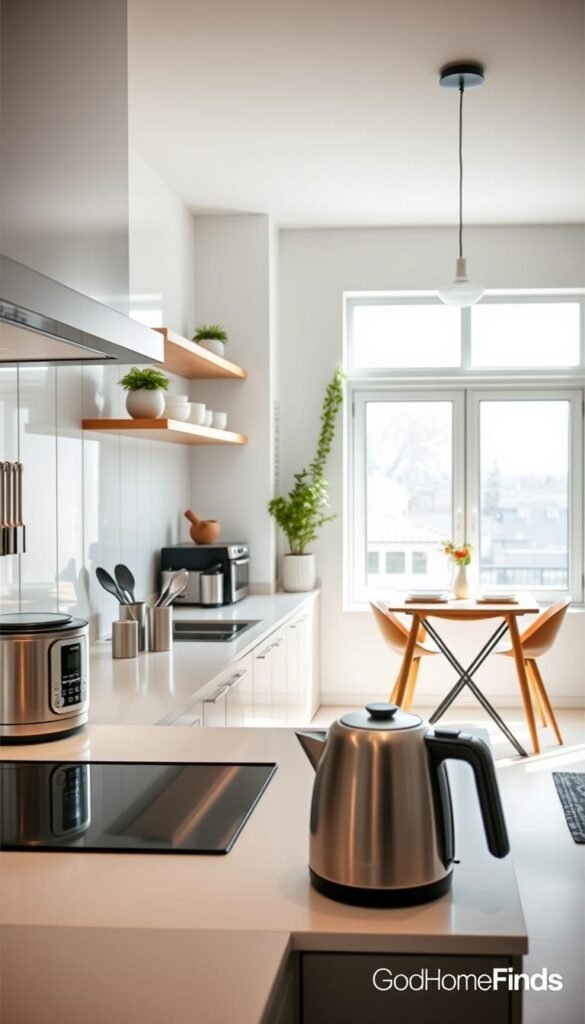
Smart displays: recipes, timers, and quick news
Echo Show 11 is useful in a compact kitchen. It shows step-by-step recipes and multiple timers at a glance.
You can follow a recipe without touching the screen. It also plays quick news or information while you cook, which saves time when multitasking.
Air fryer vs portable hot plate
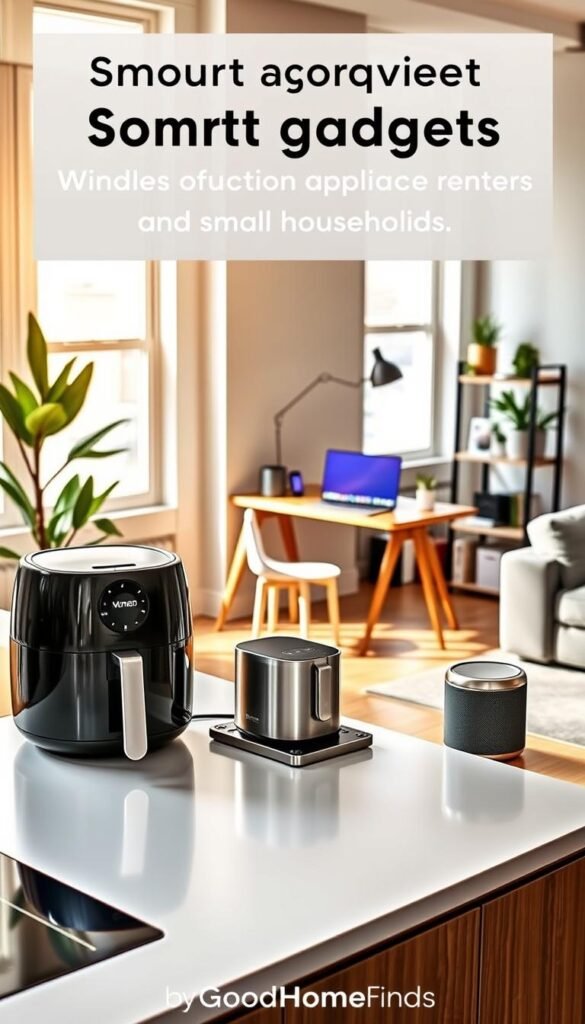
An air fryer (e.g., Philips) crisps with less oil and can replace an oven for many meals. It still generates heat and smells, so place it where airflow is good.
The Bruno compact hot plate is A4-sized and multi-cook. It uses less storage space and fits on a narrow counter, but it can’t replicate all fryer functions.
One device, many meals: pick a versatile cooker that you’ll actually use. That can replace multiple bulky pans and save time and storage.
Small dishwasher reality check
Tabletop dishwashers help if you cook daily and hate doing dishes. They require counter or cart space and a sink hookup. If you rarely fill one, it’s not worth the footprint.
Power draw and cord safety
Check each appliance’s power draw before using a power strip. Avoid running several heat-heavy appliances from one outlet.
Keep cords away from the sink and stove edge. Don’t run high-heat units under cabinets with poor airflow.
| Appliance | Where it shines | Drawback | Who it suits |
|---|---|---|---|
| Echo Show 11 | Recipes, multiple timers, news | Takes counter space and needs Wi‑Fi | Frequent cooks who want visual info |
| Philips Air Fryer | Crisps food fast; replaces oven for many meals | Heat and smell; medium footprint | Users who cook fry-style meals often |
| Bruno Compact Hot Plate | Multi-cook, low storage profile | Limited to stovetop-style cooking | People who need flexible surface cooking |
| Tabletop Dishwasher | Saves time on dishes | Counter footprint; hookup required | Daily cooks who want less cleanup |
Cleaning, air quality, and water safety in small homes
Silent, slow leaks and stale air cause most preventable damage and discomfort in compact living spaces. Start with leak detection and air monitoring before buying larger cleaning gadgets.
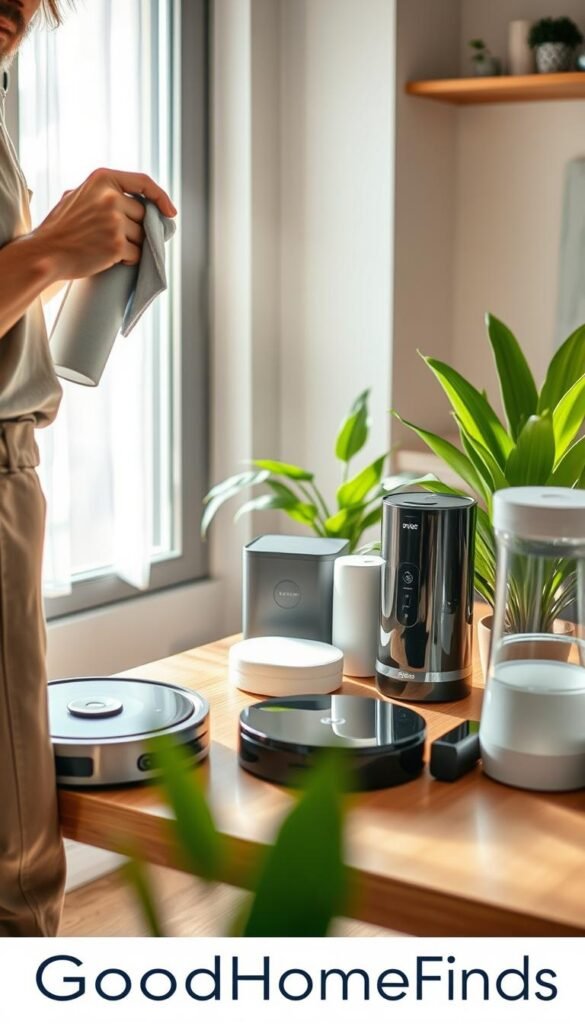
Leak protection that catches “silent disasters”
The SwitchBot leak detector sits under sinks and sends Wi‑Fi alerts to your app.
Why it matters: under‑sink leaks run for hours while you’re out. The onboard siren helps if your phone is silent. Expect battery alerts after a few years.
Air monitoring: temperature, humidity, and CO2
The SwitchBot Air Quality Monitor tracks temperature, humidity, and CO2 so you know when to crack a window or move a purifier closer to where you sleep.
Use its alerts to act, not to check the numbers every day.
Air purifier fit and noise trade-offs
Pick a purifier sized for your room. Too small won’t help; too large is noisy and steals floor space. Prioritize quiet fans and true HEPA filtration over extra app features.
Pet fountain and maintenance reality
The Petcube wireless pet fountain is quiet, motion‑activated, and easy to clean. App reminders and filter swaps matter—its battery runs ~3 weeks per charge.
Maintenance, placement, and value
- Keep sensors where problems happen: under sinks, near litter areas, and by sleeping zones.
- Be blunt: filters cost money, batteries need replacing, and sensors only help if powered.
- Budget vs premium: you pay for better sensors, clearer alerts, longer battery life, quieter fans, and superior filtration—choose what you’ll actually use.
| Item | Key feature | Why it matters |
|---|---|---|
| SwitchBot leak detector | Wi‑Fi alerts, siren | Catches leaks fast; protects property |
| SwitchBot Air Quality Monitor | Temp, humidity, CO2 | Helps decide ventilation and purifier placement |
| Petcube wireless pet fountain | Quiet, easy clean, app reminders | Keeps pets hydrated with low upkeep |
Setup time: what it takes to get these gadgets working in a small apartment
Getting devices running in a tight space is mostly about planning and testing. A clear timeline helps you pick what to install today and what to schedule for a weekend project.
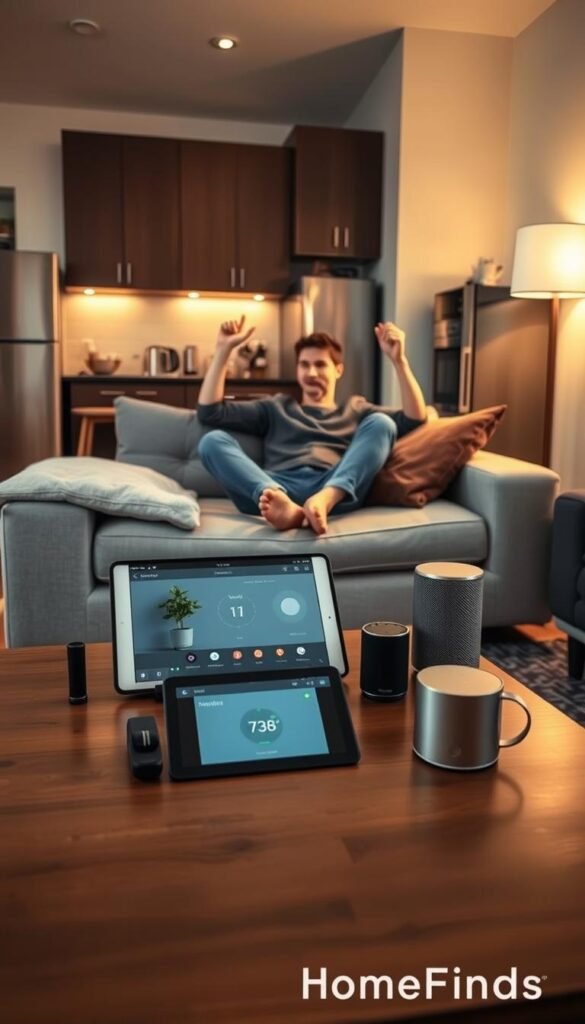
Under 10 minutes: plug-ins, outlet lights, and place-anywhere sensors
Plug-in smart plugs and outlet-cover lights are the fastest wins. Pop them in, sign in, and they work. Peel-and-place sensors, like SwitchBot, sit where you need them and run long on batteries.
About 30 minutes: app setup, naming, routines, and alerts testing
Plan roughly half an hour to add devices to your app, name them clearly, and build basic routines for morning and bedtime. Use the app to test alerts so they arrive when you’re away from Wi‑Fi.
Half-day projects: wired cameras, wall mounting, and ladder safety
Wired cameras and floodlight mounts take longer. They often need wiring, a ladder, and a power shutoff. Renters should check permissions before drilling. If you can’t modify the unit, use plug-in or magnetic mounts instead.
Compatibility checklist: Wi‑Fi, apps, and when a hub helps
Check Wi‑Fi strength at the actual placement spot. A fast plan won’t help if the signal is weak. Move a router or add a mesh point to fix coverage.
Limit apps by using one ecosystem when you can. If reliability is a problem or you have many devices, a hub can simplify control and reduce latency. If you only own a few gadgets, a hub often adds complexity.
Test day tip: trigger a door sensor, simulate a leak safely, and confirm notifications on your phone off-network. The best setup is the one you maintain: fewer apps, fewer routines, fewer failure points.
| Task | Typical time | Who should do it |
|---|---|---|
| Plug-in smart plug or outlet light | Under 10 minutes | Anyone; renter-friendly |
| App sign-in, naming, and basic routine | About 30 minutes | Anyone comfortable with smartphone apps |
| Wired camera or floodlight mount | Half-day (with wiring) | Owner or professional installer |
| Wi‑Fi check and mesh placement | 10–60 minutes | Anyone; may need extra device |
Conclusion
Focus on daily wins: choose upgrades that cut friction, save energy, and keep you safe. A few reliable choices beat a crowded shelf of novelty gadgets.
Start here: add one energy tracker (like an Emporia smart plug), one safety sensor (SwitchBot or Arlo), and one comfort routine (lighting with SnapPower or Kelvin) before you buy more. Keep devices and automation in one ecosystem for clearer control.
Budget vs premium is simple. Pay more when it reduces false alerts, runs quieter, or saves real energy. Don’t pay for extra features you won’t use.
Locks note: check building rules and door compatibility before buying smart locks. If you can’t change locks, sensors and a video doorbell deliver most value.
Common mistakes: weak Wi‑Fi, loud appliances, ignoring power draw, blocked outlets, misplaced sensors, wired cameras without a plan, too many apps, and forgotten filter/battery costs.
What to do today: measure outlets and counters, list two daily pain points, then pick the single product that fixes one with the least setup.


