
Start practical, not flashy. You want a few reliable items that save time, cut waste, and make your apartment feel safer without turning it into a project. In real life, a beginner setup is a small stack you will use every day.
Common starter devices include smart plugs, simple sensors, voice speakers or displays, and cameras. Look for “Works With” labels so gear pairs with your chosen assistant. Pick a single hub—Alexa or Google—and check compatibility before you buy.
We focus on energy saving, safety, and ease of use. Each pick will list purpose, setup time, upkeep (batteries or updates), and tradeoffs. Noise, outlet limits, and placement matter in small spaces. You can begin on a budget and upgrade where you notice real benefit.
Key Takeaways
- Choose a small, daily-use starter stack, not a long wishlist.
- Start with plugs, sensors, a speaker/display, and a camera.
- Check “Works With” labels and pick one assistant as your base.
- Consider setup effort and ongoing upkeep before you buy.
- Focus on energy, safety, and practical wins for kitchens and cleaning.
Real benefits beginners actually notice with a smart home
You’ll notice real, day-to-day improvements from just a few well-chosen devices. Small changes deliver measurable energy savings, clearer security, and easier daily tasks without a long setup.
Energy savings you can see on your bill
Track and schedule. A plug like the Emporia Smart Plug shows energy charts and lets you schedule around non‑peak hours. That helps cut standby power and reveals one big energy hog—say a space heater—before it spikes costs.
Safety wins for renters and small apartments
Simple protection. A SwitchBot Leak Detector under a sink alerts you to slow leaks. Motion alerts give peace of mind when you’re away. You get better door visibility with a camera or display without any remodeling.
Convenience for kitchens, cleaning routines, and daily electronics
Everyday helpers. Use a display for hands‑free timers, conversions, and music while cooking. Automate vacuum or purifier schedules to fit your cleaning routines. Schedule lights for “reset time” so your room feels tidy with no extra effort.
Better awareness with alerts without overcomplicating your setup
Pick only the alerts that matter: leaks, motion in key spots, and air‑quality thresholds from a SwitchBot Air Quality Monitor for temperature, humidity, and CO₂. That keeps your phone calm and your home safer.
- Pros: Real billing impact with tracking and schedules; renter-friendly installation; clear day-to-day convenience.
- Cons: Initial setup takes patience; savings need consistent use; buying unused devices won’t pay for themselves.
Who needs this (and who should skip it)
People in apartments, dorms, and packed households get the quickest payoff from basic automation. These setups work well when you need renter-friendly solutions that don’t require wiring or permits.
Best-fit homes
Renters and small apartments: You can add a plug, a speaker, and a couple of sensors without remodeling. One display or speaker can control multiple devices and save space.
Dorm-style and shared spaces: Shared areas benefit from scheduled lights and quiet alerts. A few sensors cover high-risk spots without clutter.
Busy households: If you often forget lights, plugs, or doors, automation cuts friction and routine tasks.
When to skip or hold off
Spotty Wi‑Fi: If your connection drops often, devices become unreliable. Wi‑Fi also drains battery-powered sensors faster. Consider extenders or mesh before you buy more gear.
Tight budgets or maintenance limits: If you can’t replace batteries or afford a decent device, upgrades may not be worth it. Factor in setup, troubleshooting time, and firmware updates.
Privacy worries: If microphones or cloud apps make you uneasy, choose local-control devices and mute options. Start with one smart plug and one speaker to test whether you’re comfortable.
- Quick compromise: One plug + one speaker = daily value with minimal cost.
- Apartment factor: Use adjustable alerts to avoid false-alarm noise that disturbs neighbors.
Smart home basics: compatibility, apps, and choosing a “home base”
Choose a single control hub early so your devices behave like a single system. Pick Amazon Echo (Alexa) or Google Home (Google Assistant) based on which app and services you already use. Sticking to one assistant keeps commands predictable and reduces extra apps.
What “Works With” means: If a box says “Works With Alexa” or “Works With Google Assistant,” it can be discovered and controlled by that assistant. That label is the fastest way to avoid buying a device that won’t pair the way you expect.
Do you need a hub or is Wi‑Fi enough?
Many Wi‑Fi devices work without a hub and are quick to add in the app. But battery sensors often use low‑power radios and need a hub or bridge. If you plan several battery sensors, consider a hub that supports low‑power protocols.
Keeping your setup renter-friendly
Prioritize plug‑in items, adhesive mounts, and portable speakers. Avoid anything requiring hardwiring or drilling. That way your setup moves with you and stays low risk for deposits.
„Confirm the exact model is supported in the app before you buy.“
- Place your speaker/hub centrally for best coverage.
- Avoid hiding it behind metal or in a cabinet.
- Use a mesh or extender if you see dead zones in small spaces.
Best smart plugs and outlets for energy-saving control
A single plug can turn an ordinary appliance into a measurable energy saver. Use a plug to control what already runs in your apartment. That gives fast value with low commitment.
Top pick: Emporia Smart Plug for tracking and scheduling
Why it stands out. The Emporia Smart Plug is rated 15A and provides detailed energy charts by hour, day, week, and month. You can schedule devices to run in non‑peak utility hours and confirm savings with the charts.
Real use cases beginners try
Kitchen coffee maker on a morning timer. A lamp for evening routines. An air purifier overnight. A standalone space heater only if the plug rating matches the heater.
Power consumption notes
The plug itself uses a small amount of power. That cost is usually offset by cutting long, unnecessary run times. Use the charts to spot true energy hogs and stop phantom loads.
Setup difficulty and maintenance
Simple steps: plug it in, pair in the app with a Google login if you prefer, give it a room name, set a schedule. Check charts after a few days. Update firmware when prompted.
„Start with one plug and one routine. You can add more once you see the savings.“
Budget vs premium: which to pick
Budget plugs do reliable on/off and schedules. Premium energy-monitoring models cost more but can pay for themselves if you control heaters or frequent-use devices.
| Feature | Budget plug | Emporia (energy model) |
|---|---|---|
| Core function | On/off, basic schedule | On/off, advanced scheduling, energy charts |
| Rated load | Usually 10–13A | 15A |
| Best for | Lights, small appliances | Heaters, purifiers, verified energy savings |
| Price vs payoff | Low cost, quick installs | Higher cost, faster ROI if used often |
Kitchen-friendly devices you’ll use every day (display & speakers)
A single countertop device can change how often you use timers, look up recipes, and hear the morning news while you cook.
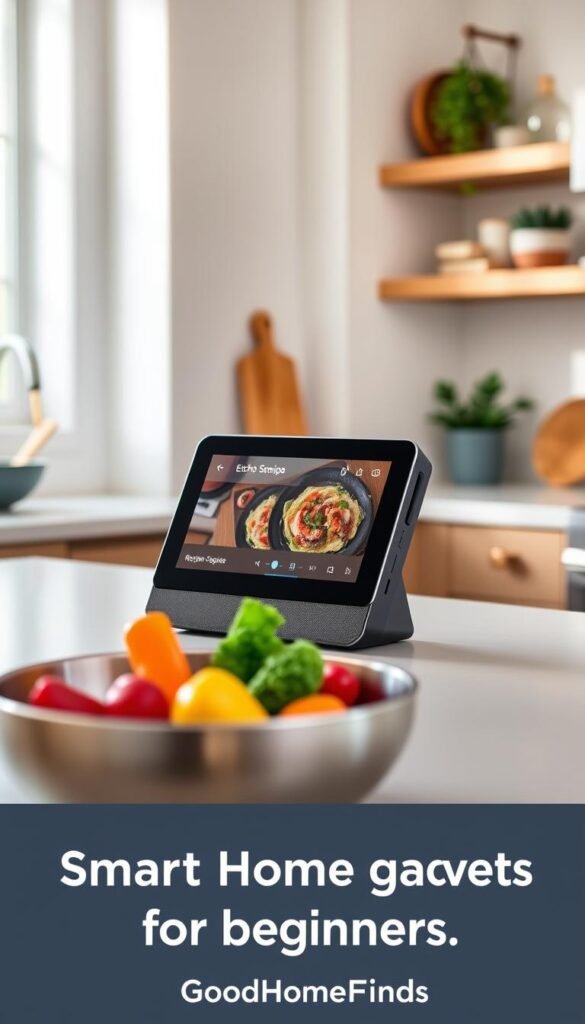
Echo Show 11: timers, recipes, and at-a-glance info
Why it earns its place: The Echo Show 11 shows multiple timers and recipe steps at a glance. That keeps your hands free and cuts mistakes when you juggle pots.
The larger screen also doubles as a mini TV for quick news or sports highlights while you make coffee. Setup is simple: connect to Wi‑Fi, sign in, place it, and test a timer.
„See timers and steps while you cook — that visibility is the real daily win.“
Budget alternative: speaker-only setups for music, news, and simple commands
A speaker gives voice timers, shopping lists, music, and quick answers without a screen. It costs less and uses less counter space.
Tradeoff: You lose visual recipe steps and multiple on-screen timers. But for many kitchens, voice-only features cover the core daily needs.
Noise levels and placement tips for small rooms
Small apartments amplify sound. Set a sensible volume cap and mute notification chimes to avoid surprise beeps.
Placement matters: keep the device away from splashes, heat, and the stove fan. Put it where you can hear it over running water and where it won’t block walkways.
Privacy note: You can mute the microphone when you don’t want voice listening and adjust permissions in the app.
- Pros: Hands-free timers, visible info (Echo Show 11), easy music and news.
- Cons: Screen takes counter space; speakers can be loud in small rooms.
Small sensors that prevent big problems (leaks, air quality, motion)
Small sensors quietly stop costly problems before you ever see them. They run in the background and alert you only when something matters.
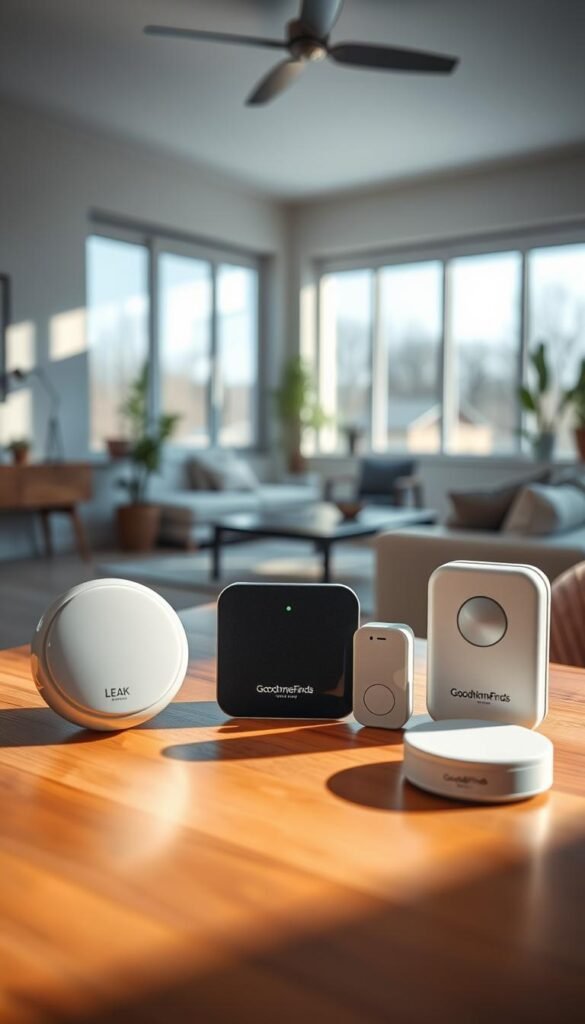
SwitchBot Leak Detector — renter-friendly leak alerts
Why it helps: place it under the sink or near appliances and get an immediate app alert and an onboard siren if water is detected.
It pairs with Wi‑Fi and takes minutes to set up. Be honest: the device is a bit bulky. Put it where it won’t be kicked, blocked by supplies, or buried behind pipes.
SwitchBot Air Quality Monitor — track temperature, humidity, and CO₂
Practical use: the monitor shows temperature and humidity and reports CO₂ levels out of the box. Move it between the bedroom and kitchen to see real differences.
This helps you decide if an air purifier schedule or a window-open routine is worth running.
Battery life, maintenance, and sensible alerts
Batteries are the main upkeep. The leak detector will warn you years before replacement is due. The air monitor lasted about a year in testing.
Occasionally re-check placement if alerts look off or you rearrange the room. Keep thresholds sensible to avoid alert fatigue.
Space guidance for small apartments
Put leak sensors low near likely failure points. Keep air monitors where you sit and sleep, not in corners or high traffic lanes.
Tip: avoid placing sensors behind large appliances or inside cabinets where they can miss motion or temperature shifts.
„Quiet sensors are the low-effort guards that stop messy, expensive problems before they start.“
- Pros: renter-friendly, quick setup, real protection.
- Cons: some devices are bulky; battery changes are periodic.
| Device | Core features | Typical battery life | Best room placement |
|---|---|---|---|
| SwitchBot Leak Detector | Wi‑Fi alerts, onboard siren, easy placement | Several years (low-drain) | Under sink, near washing machine, behind fridge |
| SwitchBot Air Quality Monitor | Temperature, humidity, CO₂, customizable refresh | About 1 year (varies by refresh rate) | Bedroom, living room, move to kitchen when cooking |
| Motion sensor (generic) | Instant motion alerts, battery-powered | 6–18 months (depends on use) | Hallway, entry, high-traffic corners |
Lighting upgrades that feel “smart” without a remodel
A few targeted changes to light and fixtures give instant comfort and safety without drilling or wiring. Lighting is a beginner win because you see results right away and you rarely need an electric permit.
SnapPower Guidelight 2 fits into an outlet cover so you don’t lose a plug. It auto-dims as your room gets darker and has a warmer color switch option so the glow isn’t harsh at night. Use it in hallways, bathrooms, or kitchens where outlets are limited.
Smart bulbs vs smart switches for renters
Bulbs are the easiest path. You keep the existing switch and you can take the bulbs when you move. They give app control, schedules, and color options with little fuss.
Switches solve the problem of people flipping the wall switch off. But they often need installation and may not be renter-friendly. Choose a switch only if you can return walls to original condition later.
Energy, comfort, and room placement
Energy: pick bulbs with the brightness you actually need. Use schedules to cut “left on” lights. Don’t buy a higher lumen bulb just because it’s available.
Comfort: favor warmer tones in bedrooms and living areas so you wind down easily. Cooler, brighter light works for task areas like kitchens.
Placement tips: prioritize pathways and entryways for night safety. Avoid glare into beds and facing mirrors. In small rooms, one well-placed light usually beats several cluttered fixtures.
„Smart enough“ lighting means immediate comfort, renter-friendly installs, and sensible energy use.
| Option | Renter-friendliness | Core benefit | Downside |
|---|---|---|---|
| SnapPower Guidelight 2 | High (outlet cover install) | Frees outlet, auto-dim, warm tone toggle | Limited brightness for large rooms |
| Smart bulbs | High (plug-and-play) | App control, color, schedules | Depends on switch position; can be turned off manually |
| Smart switches | Low–medium (may need wiring) | Reliable control for multiple fixtures | Requires installation; may not be allowed in rentals |
- Pros: Immediate visual impact, renter-friendly options, better nighttime safety.
- Cons: Bulbs can be undermined by wall switches; switches may need work or landlord approval.
Beginner home security without the overwhelm (cameras, doorbells, starter systems)
Protect the few high-risk spots in your place without turning security into a full-time job. Your goal is simple: cover the front door, the main living area, and one vulnerable entry. Do that and you get useful alerts without a monitoring center or constant tuning.
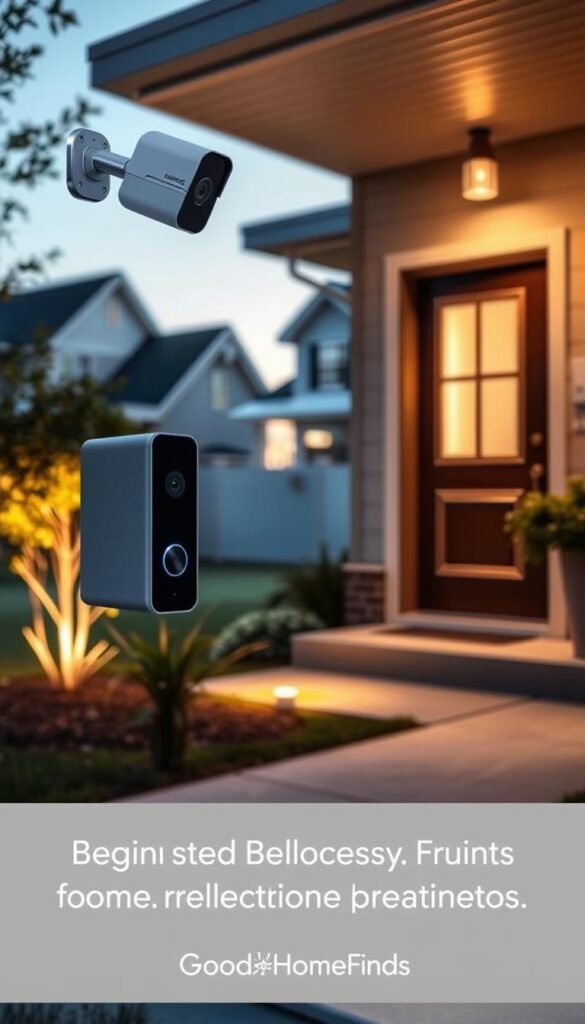
Google Nest Cam Floodlight: premium outdoor security with bright lighting
Google Nest Cam Floodlight pairs very bright, adjustable LEDs with a camera that you can aim easily thanks to a magnetic base. It has strong AI object detection and integrates with the Google Home app for alerts and clips.
This is a premium outdoor option with clear advantages in low light and detection quality. Expect to pay more and watch for sales around major shopping events.
Wiring and installation reality check
This floodlight is not a peel-and-stick device. It needs a power source, ladder work, and secure mounting. If you rent, get permission and follow building rules before you start.
Many beginners skip outdoor wiring at first and begin with indoor cameras or a doorbell camera that uses existing wiring or battery power.
Arlo Home Security System: compact sensors for doors, windows, motion, and more
The Arlo kit is a starter-friendly option with ultra-compact sensors for doors and windows. You can add motion, smoke, and temperature sensors depending on the configuration.
It works without a contract and offers optional professional monitoring. The kit gives broad coverage with less invasive installation than hardwired floodlights.
Budget vs premium: indoor cameras and doorbell cameras vs multi-sensor kits
For many apartments, a single indoor camera or a battery doorbell covers the main risk. Multi-sensor kits give better coverage but increase notifications and setup time.
| Option | Core benefit | Typical install |
|---|---|---|
| Indoor camera / doorbell | Easy start, low install | Plug or battery; minutes to an hour |
| Arlo sensor kit | Wide coverage, renter-friendly | Small mounts; minimal wiring |
| Google Nest Floodlight | Premium detection and bright LEDs | Wired, ladder work, permit check |
Noise and daily-life considerations: sirens, alerts, and false alarms in apartments
Sirens and push alerts can be stressful in tight buildings. Choose devices where you can adjust volume and notification rules. Mute or schedule non-critical alerts during sleep hours.
To cut false alarms, place sensors away from busy hallways and reduce sensitivity near pets. Test the setup for a week and tweak thresholds before you rely on automation.
„Cover a few likely risks well, then expand slowly.“
Setup time: what it really takes to get smart home devices working
Expect quick wins first, then set aside time for devices that require wiring or mounting.
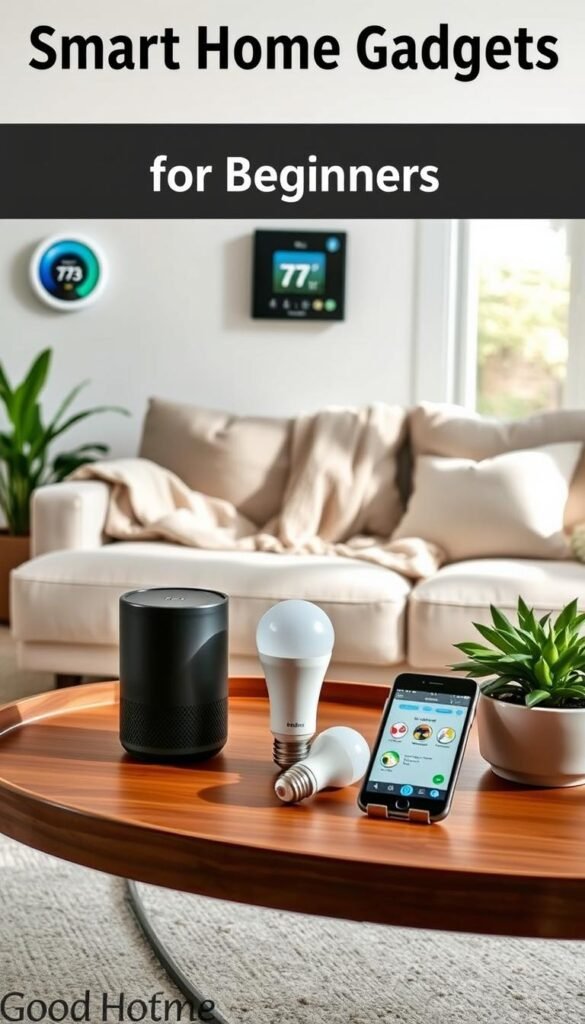
Fast setups: smart plug, nightlights, basic speakers
These installs are the quickest. A smart plug pairs in minutes via the app. Swap a SnapPower-style nightlight in under five minutes.
Speakers on Wi‑Fi take ten to twenty minutes to connect and name. Tip: do one device at a time so you can confirm control before you move on.
Medium setups: sensors and indoor cameras
Sensors need careful placement. Put leak detectors low and air monitors where you sleep. Cameras require angle checks and app permissions.
Set privacy zones and notification rules during setup to stop false alerts. Battery sensors are easy to place but need periodic checks.
Longer setups: wired floodlight cams and thermostats
Wired floodlight cameras need ladder work and wiring. Smart thermostat swaps may need landlord approval in rentals.
These are “schedule a slot” projects. They often finish in an afternoon but require tools, anchors, and safety checks.
„Start small, name devices, and build one routine that matches your day.“
| Category | Typical time | Notes |
|---|---|---|
| Quick (plug, nightlight) | 5–20 minutes | Wi‑Fi pairing, app name, one routine |
| Medium (sensors, cameras) | 30–90 minutes | Placement, angles, permissions, privacy zones |
| Long (floodlight cams, thermostats) | 2–4 hours | Wiring, mounting, landlord permission, testing |
Hidden time: naming, organizing by room, tuning notifications, and making a routine can add an hour or two total.
Common mistakes first-time smart home owners make (and how to avoid them)
The quickest way to frustrate a setup is to buy gear that won’t talk to each other.
Compatibility mix-ups: Don’t mix assistants without a plan. Pick either Google Assistant or an Amazon Echo as your main control and stick with devices labeled Works With that assistant. Double-check the device appears in your chosen app before purchase.
Don’t overload your network
Adding dozens of devices at once can slow everything down. Add devices in small batches. If you see lag or drops, consider a mesh router or a separate IoT SSID for devices that only need basic control.
Watch power draw and airflow
Heaters and air purifiers need space to breathe. Use an Emporia-rated plug for high-draw appliances and keep vents clear. Overheating risks and wasted energy come from blocked airflow and undersized outlets.
Placement that avoids false alarms
Cameras aimed at windows trigger motion from reflections. Sensors tucked behind boxes miss leaks. Put displays where a speaker can hear you, and place cameras away from direct sunlight and busy vents.
Simple maintenance habits
Set a monthly reminder to check batteries, wipe sensors, and accept firmware updates. SwitchBot devices and cameras will warn about low battery or outdated firmware if you keep alerts sensible.
„Too many alerts trains you to ignore them. Pick only the notifications you actually need.“
| Mistake | Why it matters | Quick fix |
|---|---|---|
| Mixing assistants | Lost features and split control | Pick one assistant and check „Works With“ first |
| Wi‑Fi overload | Lag, dropped devices, unreliable automations | Add devices slowly; use mesh or separate SSID |
| Poor placement | False alarms, missed triggers, noisy rooms | Reposition cameras, sensors, and speakers for clear lines |
| Ignoring power and airflow | Fire risk, reduced appliance life, higher energy | Use rated plugs and leave clearance around appliances |
| Skipping maintenance | Sudden failures and annoying glitches | Monthly checks for batteries, cleaning, and updates |
Final rule: start small, name devices clearly, and tune notifications. In a small apartment, small mistakes become loud problems. Keep things quiet, renter-friendly, and useful.
Conclusion
Choose one room and add one useful device at a time to see real benefits fast. Start with a simple starter set: an Emporia plug for energy tracking, an Echo Show or speaker for timers and voice control, and a SwitchBot leak sensor under the sink for peace of mind.
Buy premium only where you’ll use it daily, like a kitchen display or a key security camera (Nest floodlight if you need bright wired coverage). Go budget for simple on/off gear or extra plugs.
Pick Alexa or Google first, then buy devices that clearly support your assistant. Improve one room this week, add one device at a time, and keep installs renter-friendly.
Check batteries and settings now and then. The payoff is fewer forgotten tasks and fewer small problems becoming expensive ones. The best smart home gadgets are the ones you use every day to make your home calmer, safer, and easier to run.


