Practical help for messy cords in small homes. You want a safer, renter-friendly way to reduce visible clutter and trip hazards. This guide skips the photo-op tricks and focuses on real results you can keep week to week.
What real life looks like: the tangle under a desk, the mess behind a TV, a crowded kitchen counter, or a vacuum dock surrounded by cords. You’ll learn easy steps to tidy that setup without permanent changes.
Expect honest pros and cons. I’ll cover low-cost clips and Velcro for quick wins, and under-desk trays or grommets for a deeper reset. Heat, power bricks, short cords, pets, and outlet limits shape choices. Safety and airflow come first.
You’ll get clear time ranges for each task, maintenance tips, and notes on power consumption and noise so you pick solutions that suit your space and daily devices. If you want staged options, see practical upgrades like under-desk trays and low-cost options.
Key Takeaways
- Start by planning the layout, not just hiding cords.
- Choose Velcro and removable clips for renter-friendly management.
- Balance budget and premium items based on noise, space, and power needs.
- Prioritize safe airflow around adapters to reduce heat and energy waste.
- Pick quick wins first, then schedule deeper setup work later.
Why Cable Clutter Matters in Real Life
When cords run wild, your space shrinks and your devices wear faster. Small homes feel smaller when floor and counters are blocked. You get more trips, more unplugged devices, and more time spent untangling.
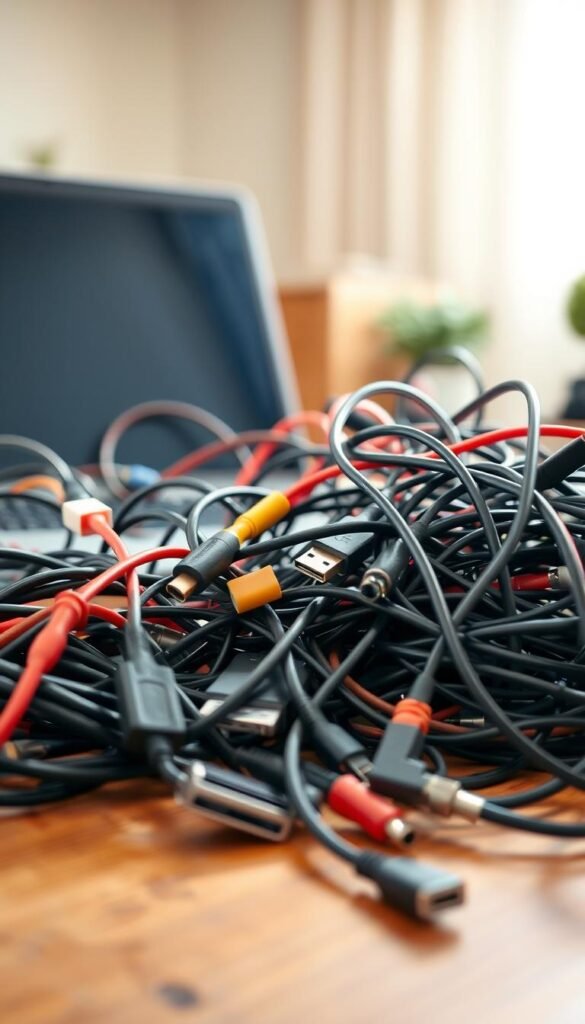
Real benefits: less mess, fewer trip hazards, and faster daily routines
Real benefits are simple and practical. You stop stepping over cords. You stop unplugging the router by mistake. You can sweep and wipe surfaces without snagging anything.
Safety and gear protection
Loose runs create real risks. Tension and yanks bend plugs and loosen ports. That leads to those “why did this stop charging?” moments.
Apartment-friendly upgrades
Good cable management gives usable floor and shelf room. Open legroom at a desk, less blockage by the TV, and cleaner kitchen counters make a small place feel larger.
Power and heat reality check
Overfilled trays trap heat from power bricks. Don’t cram adapters into sealed boxes. Leave visible gaps so hot parts can breathe and avoid early failure.
- Stop stepping over cords and tripping.
- Avoid accidental unplugging and device wear.
- Reduce rattles from dangling runs that annoy you.
Cable Chaos Fix: What to Buy (and What to Skip)
Start with a compact shopping list that actually improves daily life. Focus on renter-friendly, small-space items you can move and reuse.
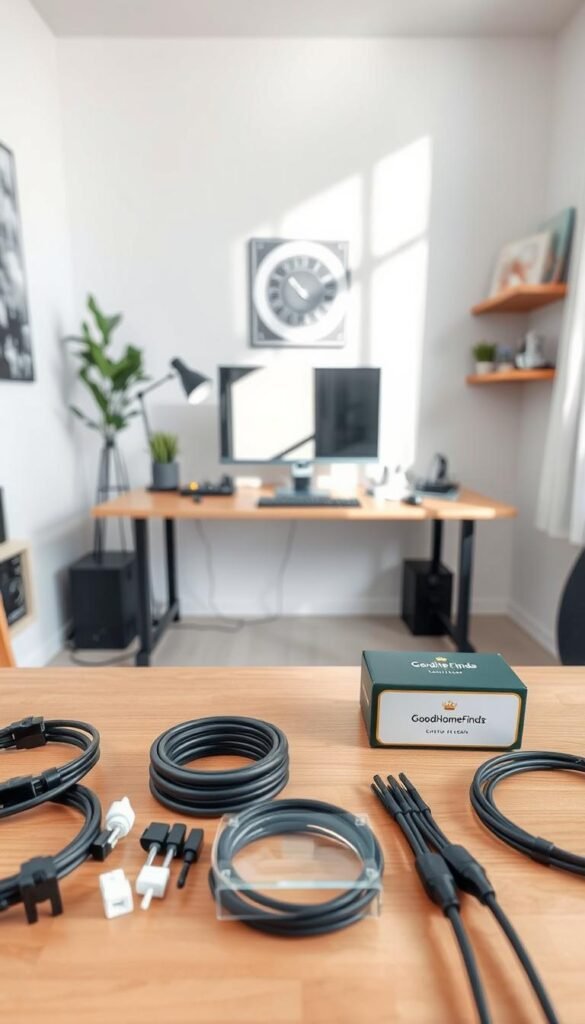
Budget basics that work
Velcro straps are reusable and kinder to cords than tape. Adhesive clips route cables along edges fast. A simple cable box hides one power strip cleanly.
Premium options worth it
Under-desk trays and desk grommets keep lines off the floor and cut noise. Built-in routing in desks gives the cleanest long-term design, but costs more up front.
When ducts, labeling, and accessories help
Use a self-adhesive duct when outlets force runs along baseboards. Choose conduit only if abrasion, pets, or heavy foot traffic demand protection.
Label only look-alike cords. Color tags save time without turning the job into a project.
Accessories like a VCOM headphone stand replace a separate hub and keep charging tidy; it includes USB 2.0 data and charging ports.
- Skip: tiny zip-style ties that bend plugs, flimsy kitchen hooks, and boxes that trap heat.
For more small-space ideas, see closet space solutions.
Step-by-Step Setup for Desks, TVs, Kitchens, and Cleaning Gear
Plan your setup by time and scope so you pick quick wins or a deeper reset that fits your day.

-
Step 1 — The great purge
Unplug everything and wipe surfaces. Clean areas let adhesive clips stick and reveal what you actually use.
-
Step 2 — Map power first
Place a reachable surge protector. Leave about a 20% air gap so power bricks can cool. Don’t bury strips under fabric.
-
Step 3 — Route with intention
Run cables along edges with clips, put bundles in an under-desk tray, or use a baseboard channel where floor crossings cause trips.
-
Step 4 — Use the slack rule
Keep roughly one foot (~30 cm) of slack near ports. This protects connectors when you move desks or adjust heights.
-
Step 5 — Separate power and data
Don’t tightly bundle Ethernet and power lines. Separation reduces interference and makes troubleshooting easier.
Room specifics
- Desks: keep power bricks off the floor but not packed tight; leave breathing room for heat.
- TVs: group runs by device and label duplicates sparingly so swapping is quick.
- Kitchens: route cords away from heat and water; avoid runs that cross prep zones or snag drawers.
- Cleaning gear: create a docking zone so chargers and robot docks never leave cords across the floor.
| Task | Quick time | Tools | Why it matters |
|---|---|---|---|
| Clip and tidy | 10–20 min | Adhesive clips, Velcro | Reduces trips and visible clutter |
| Under-desk tray | 1–2 hrs | Tray, zip-free straps | Keeps runs off the floor and quiets rattles |
| Full reset | 2–4 hrs | Labels, channels, re-route | Long-term tidy and safer airflow |
| Kitchen safe route | 30–60 min | Heat-safe clips, cable guards | Prevents water and heat hazards |
Finishing touches: choose Velcro over permanent ties when you swap devices often. For more desk ideas see desk cable management or this creator desk guide. For broader solutions check management ideas and organization finds.
Quick rule: keep setups renter-friendly, safe, and easy to change. Good design stays flexible and saves you time later.
Common Mistakes and How to Avoid Them
Small, avoidable choices often turn tidy setups back into frustration. This section names the usual errors and gives renter-friendly ways to stop them.
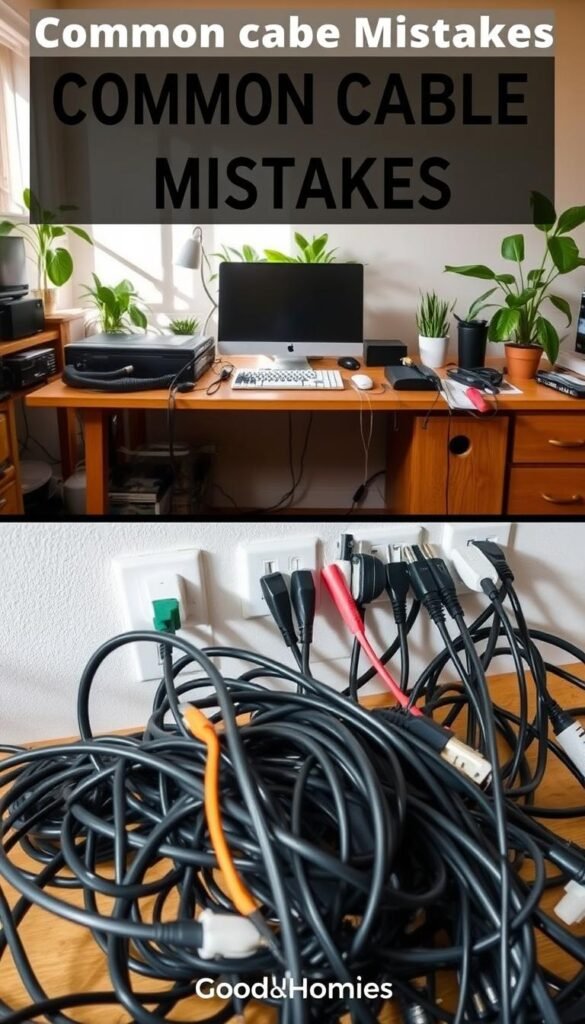
Overstuffing trays and boxes
Why it matters: packed power bricks run hotter and fail sooner. Leave a little air gap so adapters can cool.
Mixing power and data too tightly
Tightly bundled power and data lines slow troubleshooting and can cause interference. Keep runs separate and label groups.
Relying on permanent ties
Permanent ties feel neat today but make upgrades painful. Use Velcro or reusable straps instead of one-time ties.
Ignoring cord length
Six-foot cords can be too short for adjustable desks. Ten-foot cords give reach but need tidy routing to avoid loops and trips.
Bad power-strip placement
Don’t tuck strips where switches are blocked or dust collects. Place strips where you can reach switches and clean under them.
Skipping maintenance
Check mounts and clips every few months. Dust and pet hair loosen adhesives and bring back the mess unless you inspect periodically.
| Mistake | Impact | Easy avoidance |
|---|---|---|
| Overpacked tray | Heat, shorter adapter life | Space bricks, leave vents clear |
| Mixed runs | Interference, slow fixes | Group by function and label |
| Permanent ties | Hard to change, risk damage | Use Velcro straps or clips |
| Poor placement | Blocked switches, dust traps | Mount visible, reachable strips |
For step-by-step organization ideas see step-by-step organization. For PC setup tips try these PC cable tips.
Conclusion
A simple plan you can keep beats a perfect system you never use. Start with the unplug-first purge, then group what you actually need. Leave slack at ports and give power bricks a little air so they run cooler.
Small wins matter: one visible power hub, runs off the floor, and Velcro straps for flexibility. Avoid overpacking trays or boxes that trap heat or hide problems.
Do a 2-minute monthly check for loose clips, dust buildup, and any cord that has drifted onto the floor. For an adjustable desk solution, consider the Cable Management Spine to keep lines tidy as you move.
Result: safer walkways, faster cleaning, fewer unplug accidents, and easier device swaps. A practical plan keeps daily life simple and sustainable.