
This is a practical, no-hype home guide you can use today. It defines simple tools and habits that keep your cables, cords, and power bricks from taking over small spaces. You’ll get renter-friendly options first and honest trade-offs.
Start with a clear goal: safer, easier-to-clean, and easier-to-use setups for apartments. I’ll cover a quick audit, the essential products worth buying, budget versus premium picks, realistic setup time, and common mistakes that let the mess return.
Safety and energy matter. Always-plugged chargers and crowded outlets waste power and can be risky. Good organization is also a smarter power strategy.
This guide is for people who add devices over time and want a system that matches daily use. Expect honest pros and cons. What hides cords best can be harder to access. What’s easiest to use may look less invisible, and that’s okay.
Key Takeaways
- Practical steps, renter-friendly tools, no drilling where avoidable.
- Quick audit helps you decide what to hide or keep accessible.
- Focus on safety and energy savings, not showroom looks.
- Balance access vs. invisibility; choose what fits your daily use.
- Expect simple upkeep; organizing by device makes maintenance easier.
Real benefits you’ll actually notice with better cable management
Small changes to how you route and group cords make a big difference in daily life. These moves are renter-friendly and practical for small apartments.
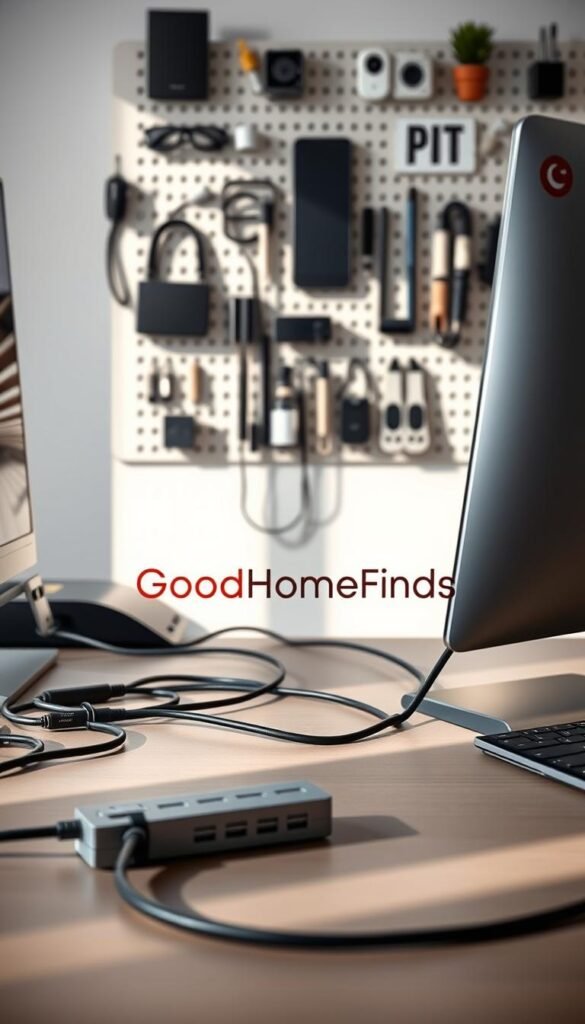
More usable space on surfaces
Move cords off desks, nightstands, and TV stands and you free up room for work and decor. Group what belongs together so chargers and power bricks live near their device instead of spreading across surfaces.
Less daily friction
Clips and simple bundles keep chargers from slipping off edges. You spend less time fishing behind furniture and more time using your devices.
Safer floors and easier cleaning
Fewer loose cords across walkways cuts trip risks. Keeping cords away from sinks, stoves, and heaters reduces real hazards in kitchens and bathrooms.
Vacuuming and wiping are faster when cords don’t snag the vacuum head or drag dust around.
Faster troubleshooting later
Label both ends of common cables and you unplug the right thing on the first try. Bundling by device makes setups easier to maintain long term.
- Predictable cable routes feel calmer in tight rooms.
- Some visible cords remain, but they follow clear paths.
- Quick wins: clip edge keepers and simple labels now.
| Benefit | Small-apartment win | Quick tool |
|---|---|---|
| More usable space | Clear desk and nightstand surfaces | Under-desk tray, clips |
| Less friction | No more chasing chargers | Cable clips, edge holders |
| Safer & easier cleaning | Fewer trips and faster vacuuming | Bundling ties, labels |
For a few practical ideas and renter-friendly options, see this home problem solver roundup.
Who needs this (and who can keep it simple)
Decide if a few clips will do or if your space needs a proper under-desk tray and box. That choice depends on how many devices you use and how often you swap gear.
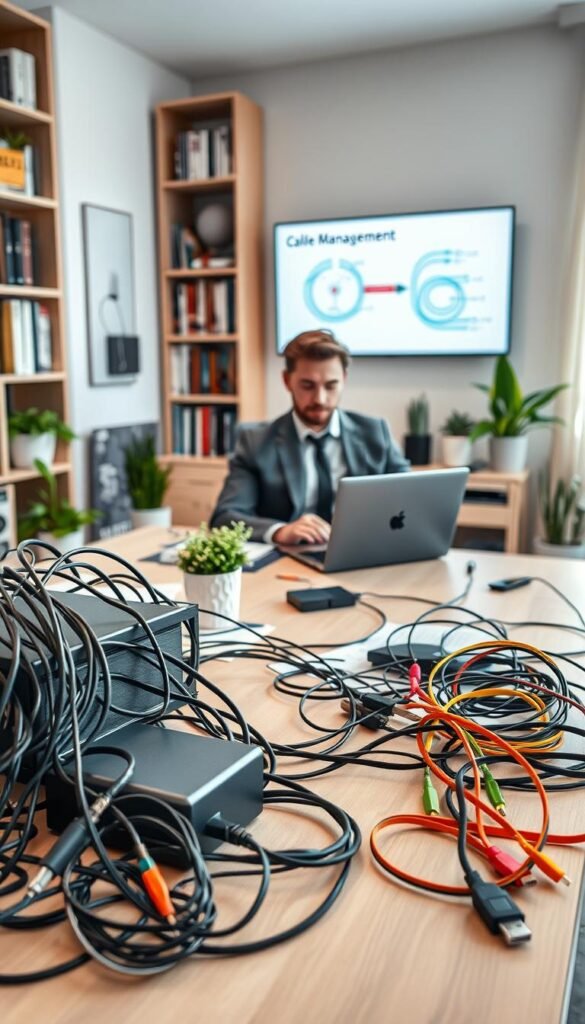
Work-from-home desks with laptops and docks
If your desk hosts a laptop, monitor, and a dock, an under-desk tray keeps cords and power bricks accessible and tidy.
Pair the tray with a few reusable ties. This combo is a low-effort solution for computer setups you change often.
Kitchen counters and charging stations
Counters need extra care around water and heat. Keep chargers off wet surfaces and route cords away from stoves.
A small box to hide a power strip works well when you plug in several phones or small appliances.
Living room entertainment
TVs, streaming boxes, and speakers create quick clutter. Group cords by device so troubleshooting is simple.
Smart home basics
Routers, hubs, and cameras often bring bulky power bricks. Give those bricks a home in a box or tray to cut visual noise and free floor space.
- Keep it simple: one lamp and a phone charger only need clips and one wrap.
- Full setup: choose trays, boxes, or raceways when you run many devices or rarely unplug things.
For renter-friendly options and comparisons, see this renter setup comparison.
Quick cable audit before you buy anything
Begin by pulling out that random box and laying everything on the table. Working in one session saves you money and time. You’ll see what you really need before buying organizers.
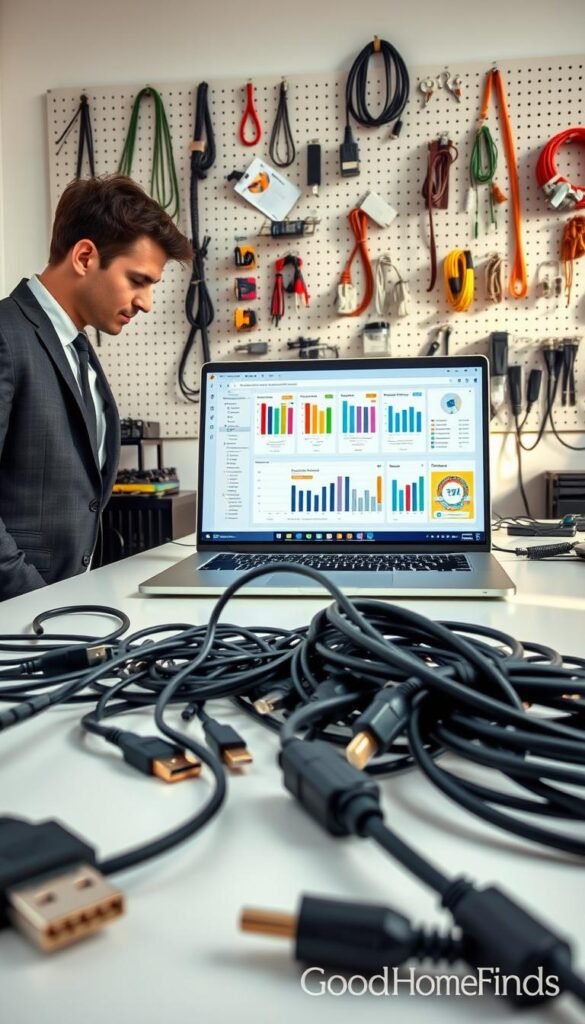
Sort fast by type
Untangle each item and make simple piles: USB-C, HDMI, power, audio, and chargers. Seeing duplicates makes decisions obvious.
One strict rule
If you don’t know what it is, don’t keep it. Mystery cords are how clutter returns. Toss or recycle unknown items instead of saving them „just in case.“
Label now, save time later
Wrap a sticky label or tag around both ends. A quick name like „phone charger“ or „monitor“ stops guesswork when you need to unplug something.
Store spares so they don’t tangle
Use small containers, Ziploc bags, or repurposed takeout tubs and toilet-roll tubes to hold coiled wires separately.
- Remove damaged wires (frayed jackets, bent ends) — it’s a safety step.
- Finish this audit in one focused pass and you’ll reduce future mess and save time.
Cable management tech essentials: what to buy and what each one is best for
A compact kit of reusable ties, a few clips, and one hiding spot covers most small-space needs.
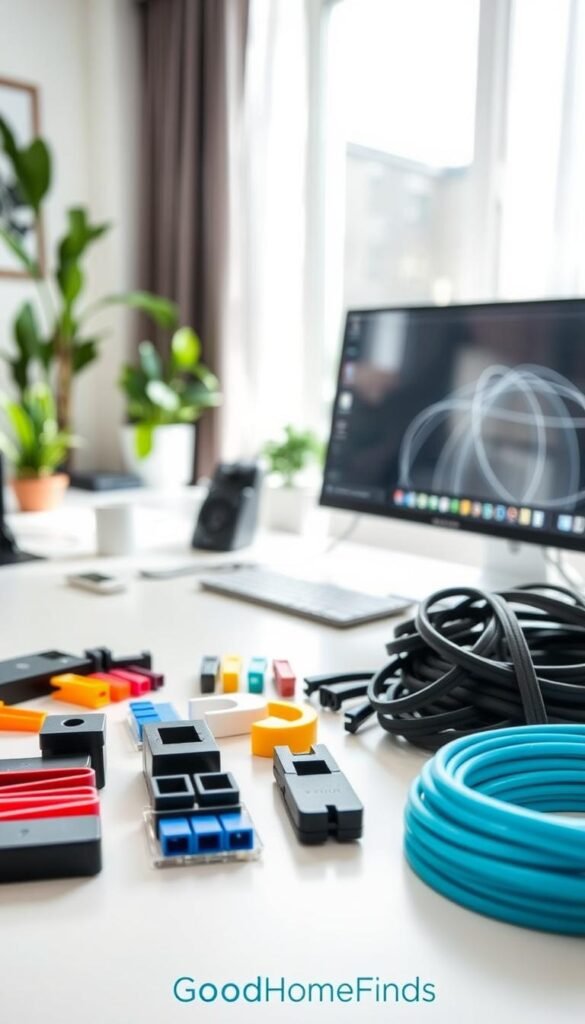
Reusable wraps
VELCRO® Brand ONE-WRAP® ties are adjustable and come back for daily changes. They fit different bundle sizes and are renter-friendly. The downside: velcro can pick up lint over time.
Zip ties
Cheap and tidy, zip ties are perfect for set-and-forget runs. They hold plastic bundles tight but must be cut to change. Use them for permanent installs only.
Clips, magnets, trays, and boxes
Clips keep charging cords at the desk edge or nightstand. Adhesive styles vary by surface; test first.
Magnetic clips work well on metal legs and shelves for quick-grab cables. They are not for heavy power bricks.
Under-desk trays lift wires off the floor and make vacuuming simple. Clamp-on trays last longer than adhesive-only models.
Cable management boxes hide a power strip and power bricks in one spot. Leave airflow and avoid cramming high-heat items.
Raceways, labels, and surge protection
Raceways make clean wall runs and many are paintable. Choose adhesive versions if you rent, or screw-mounted if you own the space.
Label both ends so you unplug the right device fast.
„Use surge protectors for sensitive electronics. Do not plug high‑amperage appliances into them.“
Budget vs premium options: where spending more is worth it
Pick products that match how you use your desk and how often you move. In small spaces, the right spend balances durability, renter-friendliness, and daily convenience.

Budget basics
Velcro ties and basic plastic cable ties work well for simple bundles. Use adhesive clips for short runs and lightweight chargers.
When it’s enough: you swap gear often or need a low-cost quick fix. These are cheap and replaceable.
When they feel limiting: adhesives peel over time and plastic zip ties are single-use.
Midrange upgrades
Clamp-on under-desk trays and sturdier clips pay off for frequent use. Clamps move with you and grip better than adhesives.
They free floor space and survive apartment moves. For a reliable midrange product, choose wider trays that fit thick power bricks and slimmer cords.
Premium convenience
Magnetic cord keepers, desk privacy panels with pockets, and nicer-looking boxes buy speed and appearance.
You pay for easier access and a cleaner surface that can stay in view. Premium pieces are worth it if aesthetics and daily comfort matter.
„Adhesives can fail with heat and dust; clamps last longer and screws are most secure.“
- Adhesives: renter-friendly but can fail over time.
- Clamps: best balance of durability and mobility.
- Screws: most permanent and stable; least renter-friendly.
Choose sizes and colors that fit thicker power cords and skinny data lines. The best product is the one you will maintain without dreading change. For a practical cost comparison, see this budget vs premium guide.
Setup time: what to expect for common cable projects
Split the work into quick wins, a focused desk reset, and an optional weekend overhaul. This approach keeps projects doable in a small space and helps you keep momentum.
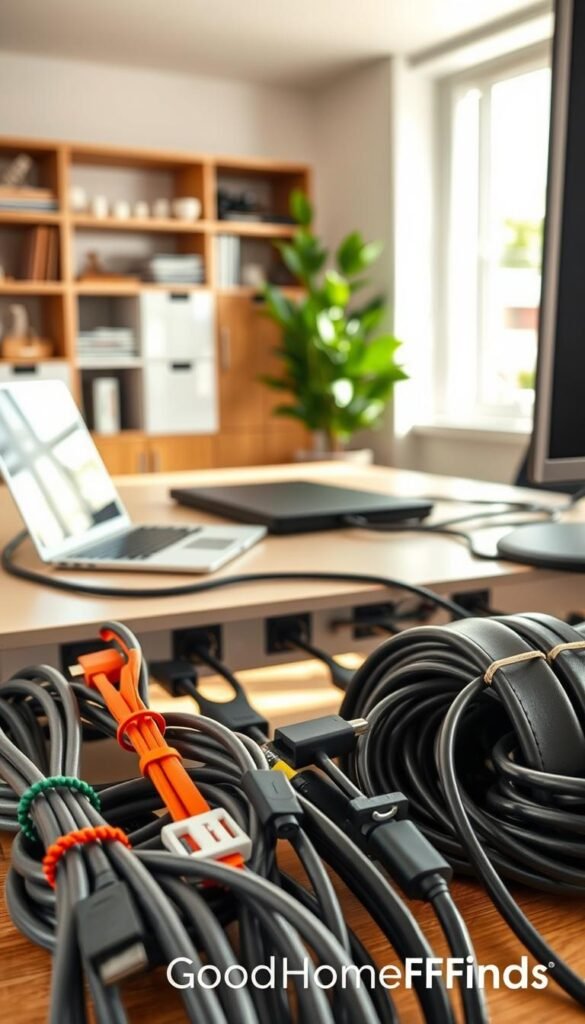
Five-minute wins
Bundle chargers with one reusable wrap. Add a short label or tag at each end so you know what each cord does. These steps cut daily friction fast.
Thirty-minute desk reset
Start by mounting a tray or positioning a tidy box. Then group bundles, add ties, and clip loose cords at the edge of the desk. This order saves redo time and gives the best payoff for a single session.
Weekend-level hiding
Plan routes for raceways along walls. Move power strips into boxes and test every device after hiding runs. This takes longer because you map, hide, and confirm connections.
Difficulty & maintenance: The more invisible the setup, the more you need clear labels and service loops. Organize by device so future changes are quicker. Stop when it’s clean and safe; perfect can become a mess if you never maintain it.
| Project | Typical time | Difficulty | Maintenance |
|---|---|---|---|
| Quick bundles & tags | 5 minutes | Easy | Low (update tags) |
| Desk reset (tray+ties+clips) | 30 minutes | Moderate | Medium (re-bundle occasionally) |
| Raceways & entertainment hide | Weekend | Harder | Higher (labels & testing) |
For practical routing tips and a detailed guide, see this cable management guide.
Step-by-step: a clean desk cable setup that’s easy to maintain
Begin with the path, then secure—this prevents trapped wires and wasted effort.
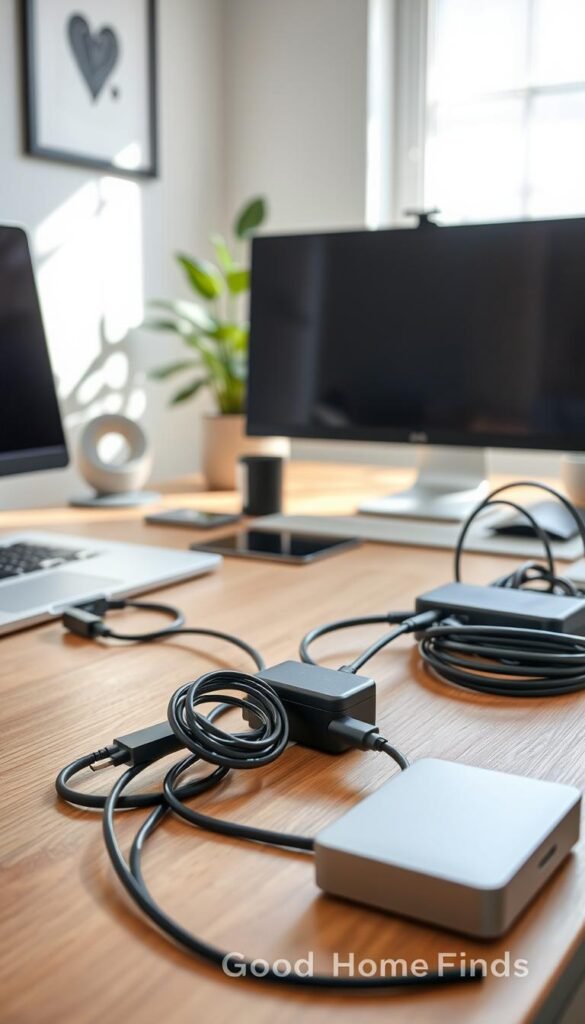
Group by device
Make stacks for each device: computer, monitor, speakers, chargers. Bundle only what belongs together.
Route before you tie
Mount a tray or choose a route under the desk first.
Clip loose runs so you can see where each wire ends before you lock anything down.
Ties and permanence
Use reusable ties (velcro or velcro brand wraps) where you swap gear. They are renter-friendly and easy to change.
Reserve cable ties and zip ties for runs you do not expect to touch.
Service loop & accessibility
Leave a short service loop at each plug so you can move a laptop or swivel a monitor without tugging.
Add desk-edge clips so charging cords stay reachable and do not fall behind the desk.
Labeling and upkeep
Label both ends of HDMI, Ethernet, and power lines. Use simple tags so troubleshooting is quick.
Monthly mini-check: two minutes to tighten loose ties, re-route sagging wires, and add new devices to bundles.
| Step | Action | Quick pro | Trade-off |
|---|---|---|---|
| Group | Bundle by device | Easier moves | Visible bundles remain |
| Route | Mount tray/plan run first | Fewer re-dos | Requires planning time |
| Tie | Reusable vs zip ties | Flexible vs permanent | Velcro picks lint; zip ties are single-use |
| Maintain | Service loop & labels | Less stress on plugs | Small monthly check needed |
For a quick under-desk tray guide and renter-friendly options, see this under-desk tray guide and tips on how to route runs under-desk routing.
Room-by-room cable management for small spaces
Treat each room as a small project: one tidy solution per use case keeps things simple.
Living room: Use a small box to hide the power strip and power bricks. Bundle TV-related cables so you can swap or troubleshoot a streaming box without hunting behind the stand. Keep bundles labeled for quick fixes.
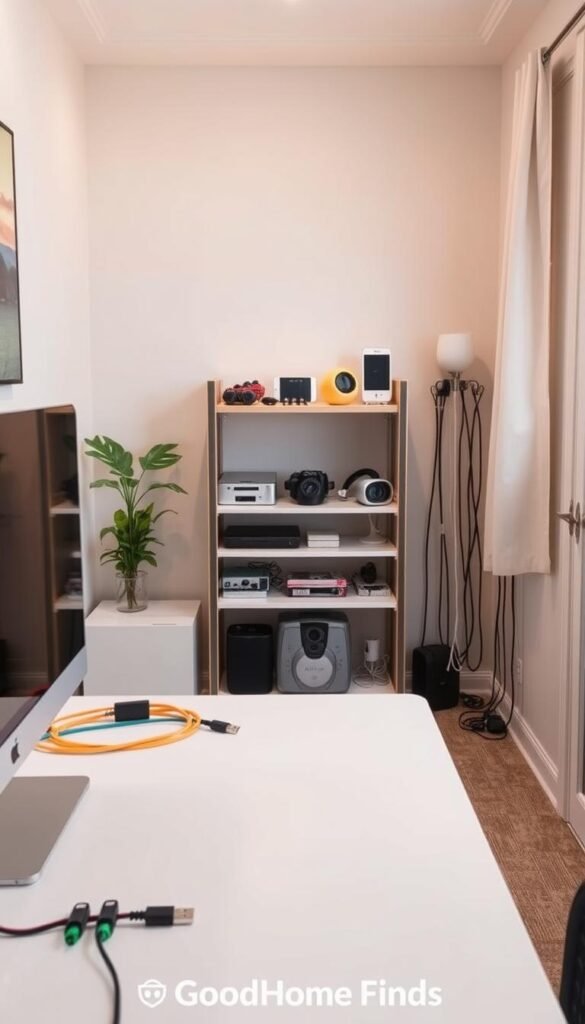
Kitchen
Keep chargers off wet surfaces. Route cords away from stoves and sinks. If you need a counter charger, pick a raised tray or a wall-hugging raceway to reduce spill risk.
Bedroom
Use clips or magnetic holders on the nightstand edge. That keeps charging cords reachable so you can plug in with one hand in the dark. Prioritize safety over invisibility for nightly devices.
Entryway drop zone
Designate one charging spot near the door. A single tray or box stops cords from spreading through a small home and makes daily grabs predictable.
Cleaning closet
Wrap vacuum and gadget cords neatly to avoid kinks and snags. A hook or small reel makes the tools faster to grab and safer to store.
| Room | Best fix | Why it helps | Quick tip |
|---|---|---|---|
| Living room | Small box + labeled bundles | Hides strip, eases troubleshooting | Label both ends |
| Kitchen | Raised tray or raceway | Keeps chargers dry and away from heat | Route along backsplash |
| Bedroom | Clips or magnetic holders | One-hand access at night | Mount on nightstand edge |
| Entryway / Closet | Dedicated tray / wrapped cords | Prevents spread and kinks | One charging spot for all devices |
Realistic rule: in high-use rooms prioritize safe and reachable over fully hidden. You will maintain what you actually use. For renter-friendly organizer picks, see a focused collection of desk organisers here.
Safety, energy saving, and everyday practicality (without the hype)
A tidy power setup does more than look good — it cuts waste and risk.
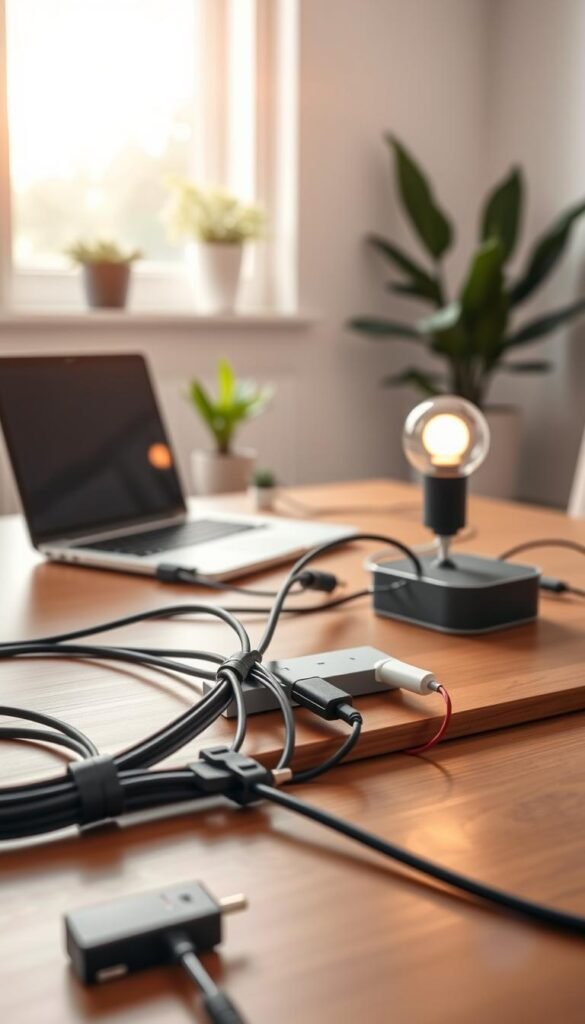
Power consumption made simple
Chargers and power bricks left plugged in draw a small trickle of power. Over weeks and months that adds up.
Unplug or switch off what you don’t use. This is an easy energy win you can do today.
Surge protectors as organizers and protectors
Surge protectors centralize plugs, reduce outlet crowding, and help protect sensitive electronics like routers, computers, and TVs. Brands such as CableOrganizer® note they also cut messy plug clusters.
What not to plug into a surge protector
Do not plug high‑amperage items into a surge strip. Space heaters, large kitchen appliances, and similar heat‑makers belong on a dedicated wall outlet.
Noise and space: practical tips
Buzzing adapters can disturb sleep and work. Move noisy bricks into a ventilated box or off the bedside surface.
For small apartments, choose low‑profile trays, slim boxes, or wall‑hugging raceways so you keep legroom and clear surface space.
- Avoid tightly coiling wires under heavy bricks.
- Keep cords away from water, heat, and pinch points.
- Designate one charging drop zone; see a quick comparison for entryway setups here.
„A tidy power habit is a safety habit.“
Common mistakes that make cable clutter come back
What looks tidy today can turn into a mess next month if you skip simple upkeep. These are the real mistakes you see in small apartments. Fixes that fail are predictable and avoidable.
Over-tightening ties and sharp bends
Cranking ties too tight stresses connectors and shortens wire life. Keep bundles snug, not crushed.
Relying on one-time adhesive clips
Adhesive can peel in warm or dusty spots. For high-heat areas choose clamps or a removable tray. The Strategist notes adhesives fail over time; plan for that.
Hiding everything without labels
Neat looks fail when you unplug the wrong device. Label both ends so a clean setup stays usable.
Using zip ties for every run
Zip ties work for permanent runs. But they frustrate you when devices change. Use reusable ties where you swap gear often.
No home for power bricks
When bricks pile on the floor they collect dust and trip you up. A small box or tray keeps them off the surface and easier to clean.
Keeping mystery items “just in case”
Unknown cables bring future clutter. Sort by type and toss or recycle what you can’t ID. If you don’t know it, don’t keep it.
- Quick rule: snug ties, labels, and a single box for bricks beat short-term fixes.
- For a fuller list of recurring errors see this top mistakes roundup.
- Renter-friendly idea: a raised tray or wall-hugging raceway works well in kitchens—see a compact home problem solver.
Conclusion
Finish with a simple routine that keeps your setup useful, safe, and easy to change.
Quick path: do a fast audit, bundle by device, pick a few reliable ties or wraps, and label what matters. This saves time when you swap electronics and avoids future frustration.
In small spaces, aim for cords that are reachable and easy to clean around, not perfectly hidden. Reduce always‑plugged chargers, avoid overloaded clusters, and keep wires away from heat and water for safety and energy savings.
Monthly resets take two minutes. Buy a basic kit: reusable ties, a tray or box if needed, a few clips, and simple labels. For a deeper look at why effective systems help business and home setups, see effective cable management.
You’ll still have some cables, but you can control where they run, how they bundle, and how easy they are to use.


