
Practical buying starts with asking one simple question: do you need a full EV station or a compact wall plug for daily devices in a small apartment? This guide keeps it real and renter-friendly. You’ll get a straight list of five EV stations (Emporia, ChargePoint, Tesla, Wallbox, Grizzl‑E) and five everyday electronics alternatives for phones, tablets, and laptops.
Space first. We define small space as shared outlets, narrow entryway shelves, crowded counters, and nightstands with little clearance. You’ll see how footprint and cable storage shape real use.
We’ll use a clear decision path: footprint, then speed (watts/amps), then safety and heat, then price and long-term value. Expect honest pros and cons, install difficulty for EV units, and outlet-fit issues for chunky multiport bricks.
No hype, just practical options. You’ll learn how budget vs premium affects cable management, app features, warranty, and daily hassle. By the end, you’ll know what to buy for a kitchen drop zone, bedside setup, or garage without overpaying.
Key Takeaways
- Pick based on space first, then speed and safety.
- Small apartments often need compact, low-heat products more than max power.
- Expect install work and higher cost for EV stations versus plug-in alternatives.
- Budget buys basic function; premium pays for cable management and longer warranty.
- We test for noise, heat, compatibility, and real-world fit.
How we picked these chargers for small apartments in the United States
Think less about peak power and more about everyday fit and use. You want devices that work in tight spots and quiet rooms. We tested items for practical fit, real-world speeds, and renter-friendly safety.

What “fast enough” looks like
A 20W USB-C brick tops many phones to 50% in about 30 minutes. That’s great for quick top-ups. Dual-port 45W units handle a phone and tablet together. A 65W unit can run a laptop all day.
Outlet-friendly design, heat, noise, and safety
Bulky bricks can block the second outlet or sag in old sockets. We favored slim shapes and folding plugs. Efficient units waste less energy as heat and stay cool on a nightstand.
Most good wall devices are quiet. Expect a faint hum only under heavy load. For EV units, look at amperage—40A vs 48A vs 50A changes charging speeds, but not every driver needs the top end.
Quick specs at a glance
| Device | Typical output | Best for | Notes |
|---|---|---|---|
| Anker PowerPort III Nano | 20W | Phone top-ups | Fast for short time boosts |
| Belkin Boost Charge Pro | 45W (combined) | Phone + tablet | Two-port convenience |
| Anker 735 Nano II | 65W | Laptops, multi-device | Higher output for heavier loads |
| Emporia / ChargePoint / Grizzl-E | 40–50A (10–12 kW) | EV daily charging | Pick amperage for your daily range |
Real benefits you can expect from a good charging setup
When you claim one spot for power, the rest of the apartment breathes easier. A small, dedicated station makes everyday life simpler in tight kitchens, on crowded nightstands, and at that entryway shelf where everything lands.
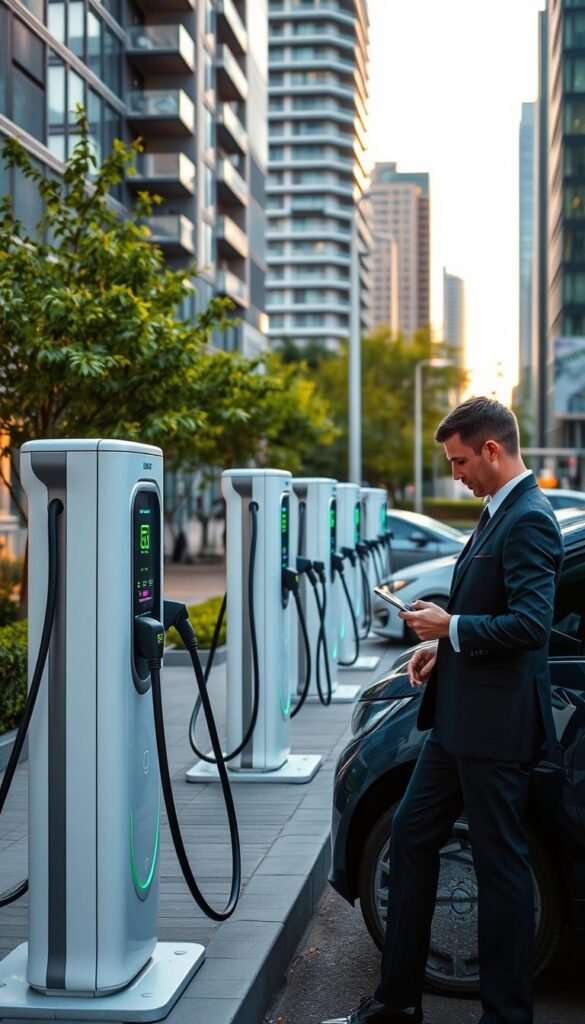
Less cable clutter in kitchen and drop zones
A single charging zone reduces loose cords. Put phones, tablets, and accessories in one place. That keeps counters clear and the entry shelf tidy.
Fewer loose cables means you can wipe surfaces without unplugging a mess. You also avoid blocked outlets behind furniture and fewer tripping hazards in tight spaces.
Fewer dead-battery emergencies
When your phones, tablet, earbuds, and watch all recharge at the same spot, you skip the morning scramble. Keep one power bank topped up at the station for travel days or long commutes.
This won’t fix bad cables or worn outlets. But it does cut the number of low-battery surprises you face each week.
Smarter energy use: charge only as fast as you need
Use just enough power. Many devices charge fine at moderate rates. That reduces wasted heat and lowers running cost in a small home.
Set a routine: plug in when you drop keys, not only at bedtime. A tidy station makes that habit easy and keeps multi-device charging orderly.
| Benefit | Where it helps | Quick result |
|---|---|---|
| Reduced cable clutter | Kitchen, nightstand, entry | Cleaner surfaces, safer walkways |
| Fewer dead batteries | Shared charging spot | Always-ready phones and accessories |
| Energy efficiency | Moderate charging rates | Less heat, lower cost |
Who needs this and who can skip it
Decide what your day looks like before buying more ports. List what you plug in each day and where those items live. That simple step saves you time and money and keeps rentals tidy.

Best fits: roommates, couples, and multi-device households
If you share outlets, a planned drop zone prevents fights over space. A multi-port solution clears clutter and keeps phones, tablets, and small accessories in one spot.
Great for small-space work-from-home setups
For a laptop, phone, headset, and a ring light, extra ports make your day smoother. You’ll notice less cable juggling and fewer mid-meeting battery scares.
When a simple single-port wall charger is the better value
Skip the multi-port gear if you only charge one phone overnight and have a reliable cable. A single-port wall unit costs less and fits loose sockets better in older apartments.
- Budget vs premium: pay for better heat control and warranty only if you actually use those extras.
- Practical rule: spend where daily friction ends—entryway stations beat raw power numbers most days.
Charger comparison: quick decision guide by space, speed, and budget
Start with where it will live, then match the power to your routine.
If you want the best value per watt
Look for units that give useful speed at a fair price. Emporia at $399 and Grizzl‑E at $395 often hit the sweet spot for EVs. For small electronics, a 65W brick gives laptop-capable output without a huge cost.
If you need multi-device charging from one outlet
Pick multiport USB models with balanced watts across ports. That stops one device hogging the power output and keeps phones and tablets charging together.
If you prioritize smallest footprint and clean setup
Choose slim, folding-plug units or compact EV bodies like the Wallbox Pulsar Plus. A small body prevents blocked sockets and bent cords on nightstands and counters.
If you want premium build, app features, and longer warranty
Premium models (ChargePoint Home Flex $549 plug-in / $599 hardwired, Wallbox $699) buy better app control, stronger warranty, and neater cable management. Those features matter if you need remote scheduling, energy reports, or shared parking controls.
„Match output to real use. More watts only help when your device can use them.“
| Situation | Best option | Typical output | Why |
|---|---|---|---|
| Single phone or travel | Anker 20W | 20W | Small, pocket-friendly, low heat |
| Multi-device at entry | 45W dual USB | 45W (combined) | Share power without slowdowns |
| EV daily use, plug-in | Emporia / Grizzl‑E | 40–48A (10–11.5 kW) | Good value per range and price |
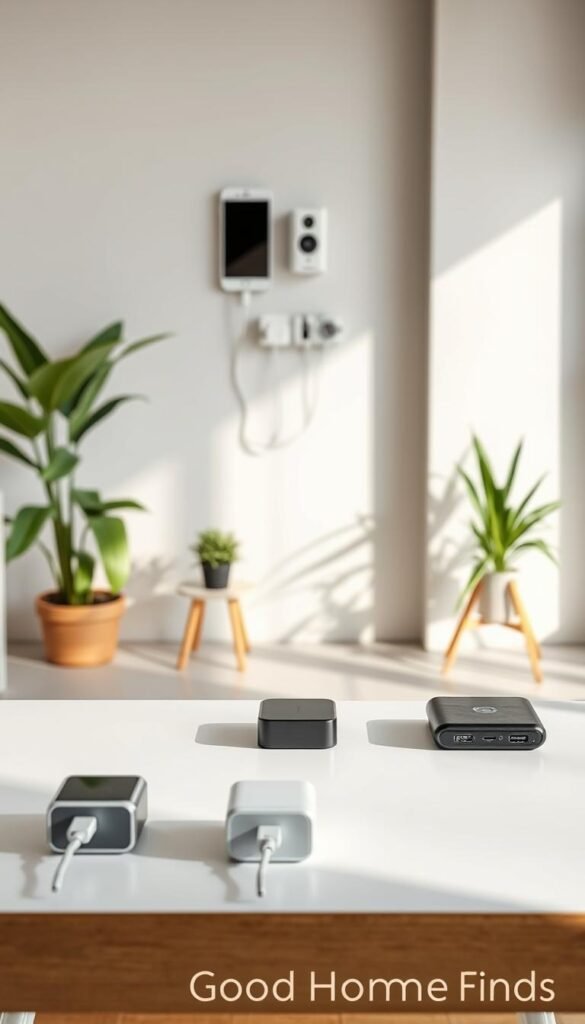
Top charging station pick for value: Emporia 48‑amp (Level 2 EV charger)
For a mix of power, features, and renter-friendly flexibility, the Emporia 48‑amp is hard to beat. At about $399 you get an AC Level 2, Type 1 (SAE J1772) unit rated 48A with adjustable current from 6–48A and a max of 11.5 kW.
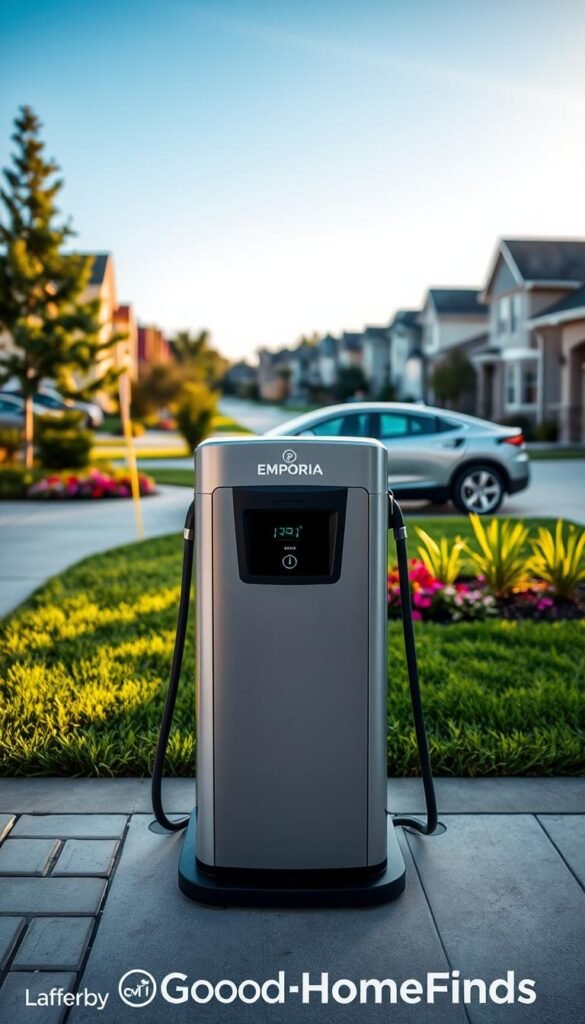
Why it stands out
High output and smart features arrive at a near‑budget price. The Wi‑Fi lets you track energy and schedule sessions. Adjustable current helps when your panel or outlet needs a lighter load.
Space and installation notes
The box measures 12.6″×9″×3.4″. That fits most garage walls without crowding a small space. The 24‑foot charging cable reaches awkward parking spots.
If you have a NEMA 14‑50 outlet you can plug in. Otherwise hardwiring may need permission and extra cost in rentals.
Everyday pros and cons
- Pros: fast overnight recovery (48A), adjustable current, Wi‑Fi, UL listed, NEMA‑4 weather rating, 3‑year warranty.
- Cons: still a wall‑mounted box with a thick cable—plan tidy storage to avoid a trip hazard.
„Match output to real use. More watts only help when your device can use them.“
Maintenance is simple: check the plug and cable for wear, keep the enclosure clean, and verify Wi‑Fi updates. In our testing this unit proved reliable and renter‑friendly when space and budget matter.
Best premium charging station with strong app support: ChargePoint Home Flex
If you value a refined app, adjustable current, and plug-in flexibility, ChargePoint Home Flex is a sensible premium pick. It focuses on polished remote control and tidy everyday use, not just headline speed.
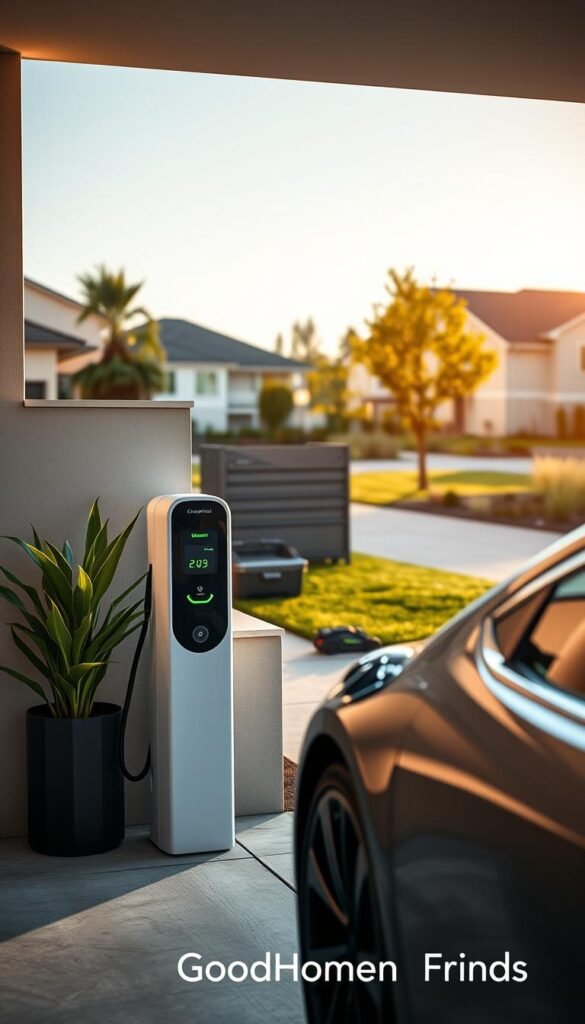
Power output and installation flexibility
The unit offers up to 50A and a max of 12 kW. You can set the output between 16–50A to match your circuit or vehicle.
Choose plug-in ($549) if you already have a NEMA 14‑50 or 6‑50 outlet. Pick hardwired ($599) if building rules require it or you want a cleaner install.
Pros and cons for apartment garages and shared parking
Pros: polished app, Wi‑Fi scheduling, 23 ft cable, UL safety rating, NEMA‑3 enclosure, and a 3‑year warranty. The app helps you set schedules and monitor performance from your phone.
Cons: higher cost than value models and NEMA‑3 is weatherproof but not as rugged as heavy‑duty housings. Shared parking needs a cable routine—23 ft helps, but cable management matters.
| Feature | Spec | Why it matters |
|---|---|---|
| Adjustable output | 16–50A (max 12 kW) | Matches circuit limits and vehicle acceptance |
| Mount options | Plug-in ($549) / Hardwired ($599) | Renter-friendly or permanent installs |
| Cable length | 23 ft | Good reach for shared or awkward parking |
| Certs & rating | UL listed, NEMA‑3 | Safe for most garages; not the toughest outdoor rating |
| Support | 3‑year warranty | Solid coverage for a premium model |
„Polished app control and flexible installation make real-life use easier in shared garages and tight spaces.“
Bottom line: ChargePoint Home Flex is worth it when you’ll use the app and need flexible install options. You pay for the ecosystem, support, and tidy daily performance. If you only want raw output for the lowest price, look at value models instead.
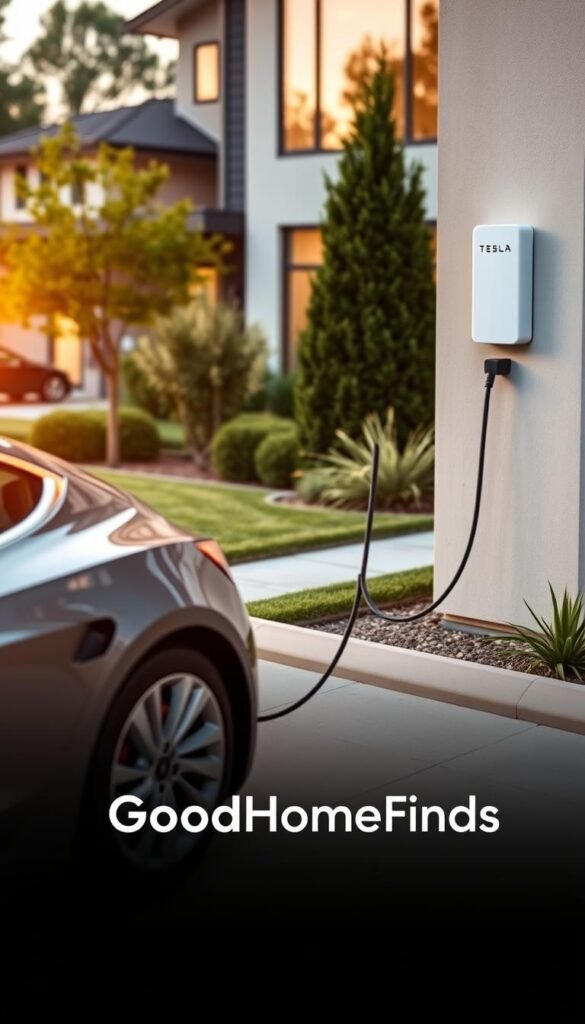
Most seamless for Tesla households: Tesla Universal Wall Connector
If you drive a Tesla but host non‑Tesla guests, a single wall unit that handles both plugs saves time and adapters. The Tesla Universal Wall Connector includes both J1772 and NACS, so mixed households avoid constant dongles and can get every vehicle to the spot they need charge.
Real compatibility win
Why it works: the unit is rated 48A (adjustable 12–48A), max 11.5 kW, and ships with both connectors. That means your Tesla and a non‑Tesla can use the same hardware without fiddly adapters.
Pros and cons
Pros: 24 ft cable, Wi‑Fi, Energy Star, NEMA‑3 enclosure, and a 4‑year warranty. The extra warranty and compatibility justify the higher price for many mixed garages.
Cons: hardwired only. Expect electrician costs and permits. At about $620 the upfront price is higher than some plug‑in options.
Space and cable management tips
- Mount 48–54 inches high to keep the connector off the ground.
- Add a wall hook to store the 24‑ft charging cable and keep walkways clear.
- Use a soft loop or over‑the‑hook holder to avoid pinching the cable in tight spots.
„Universal fit ends adapter juggling and makes everyday charging simpler for mixed households.“
Maintenance note: check the cable and connector for wear regularly, especially in shared or tight parking where cords can get stepped on.
Best compact charging station when wall space is tight: Wallbox Pulsar Plus 48-amp
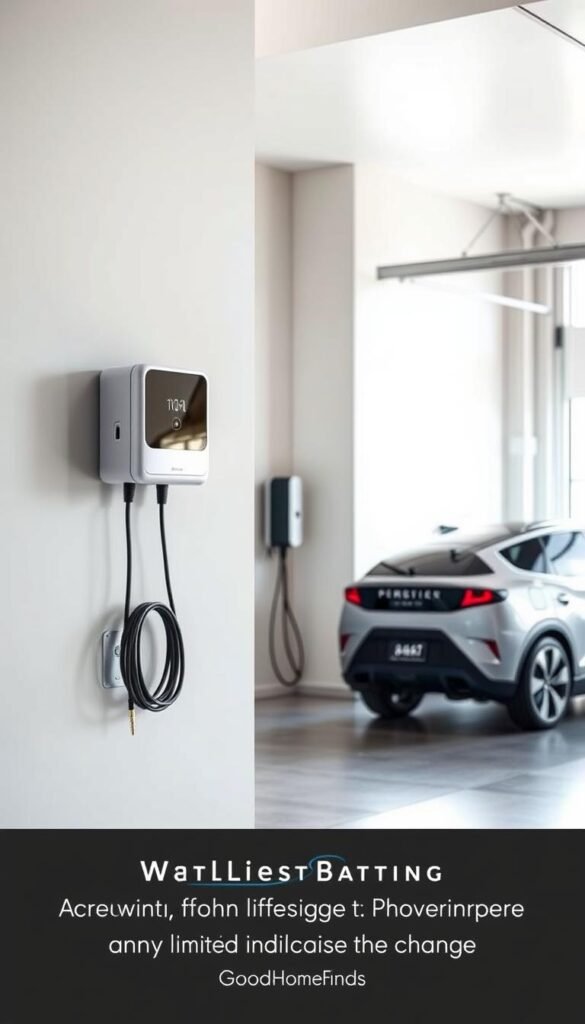
Tight clearances and shelves change what charging options actually fit in your daily life. The Wallbox Pulsar Plus focuses on a small footprint so you can mount it where larger boxes won’t work.
Why the smaller body matters
The unit measures 7.8″×7.9″×3.9″, so it fits beside garage door tracks, shelves, or hooks without crowding. That compact design prevents awkward cable angles and keeps the plug head off the ground.
Pros and cons: connectivity, enclosure rating, and price
- Pros: 48A (adjustable 6–48A) with max 11.5 kW output, Wi‑Fi + Bluetooth for easy setup, NEMA‑4 enclosure, Energy Star certified, 25 ft cable, made in USA.
- Cons: At about $699 it is one of the more expensive options. You’ll still need a tidy wrap for the long cable and a plan for mounting in rentals.
- Real life: Expect low noise and modest heat with routine use. Adjustable output helps you save energy by not running max power every time.
If you value space, neat installs, and solid app control, this is worth the price; otherwise a simpler option may do the job.
Best rugged “set it and forget it” choice: Grizzl-E Smart
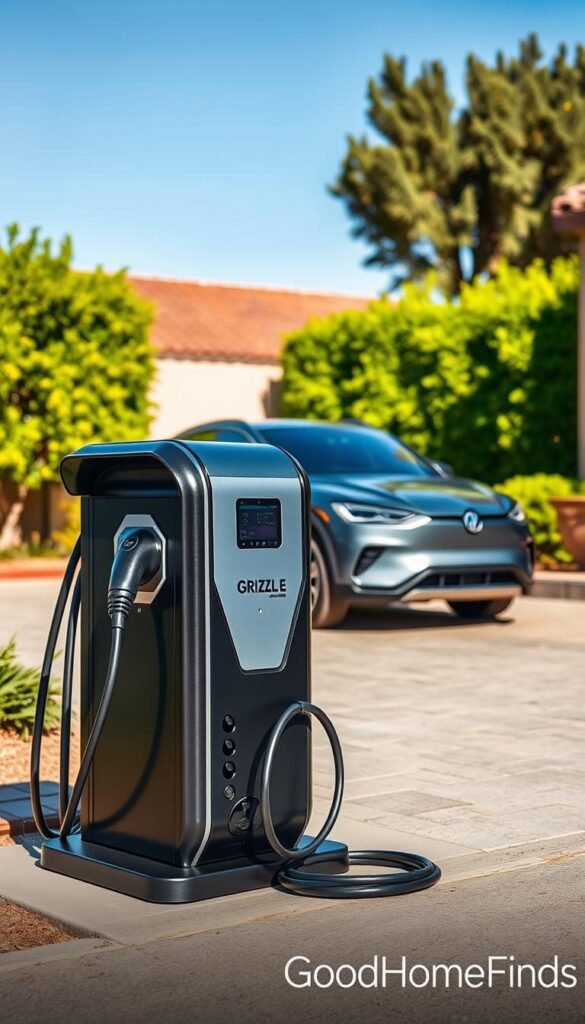
If you want a tough, no‑nonsense unit that works through dirt, kicks, and corner parking, Grizzl‑E Smart is designed for that life. It focuses on durability, safety, and low maintenance so you can stop worrying about daily fuss.
What 40A means for real charging time
The Grizzl‑E runs at 40A (adjustable 16–40A) with a max of 10 kW. In real life that still refills most EVs overnight. Unless you come home very low every day, you likely won’t notice the missing 8A versus a 48A unit.
Adjustable output helps you avoid wasted heat and excessive load. That saves energy and keeps the unit running cool in tight garages.
Pros and cons: durability focus vs fewer “nice‑to‑haves”
Why it stands out: IP67 rugged enclosure, safety certified, Energy Star, Wi‑Fi, 24 ft cable, multiple plug options (NEMA 6‑50, 14‑50, hardwired). The body is built to take real use.
Tradeoffs: fewer polished app features and UI frills compared with premium models. The base price of $395 is strong value. A 3‑year warranty is standard; add 2 years for $100 if you plan to stay long term.
„Built to last beats flash for many small garages and shared parking setups.“
- Small‑space note: 24 ft cable reaches far but store it tidy to keep walkways clear.
- Maintenance: check the cable and enclosure occasionally; rugged design lowers upkeep.
- Value: solid long‑term performance at a reasonable price and simple install options.
Best alternative for ultra-small spaces: Anker PowerPort III Nano (20W USB‑C)
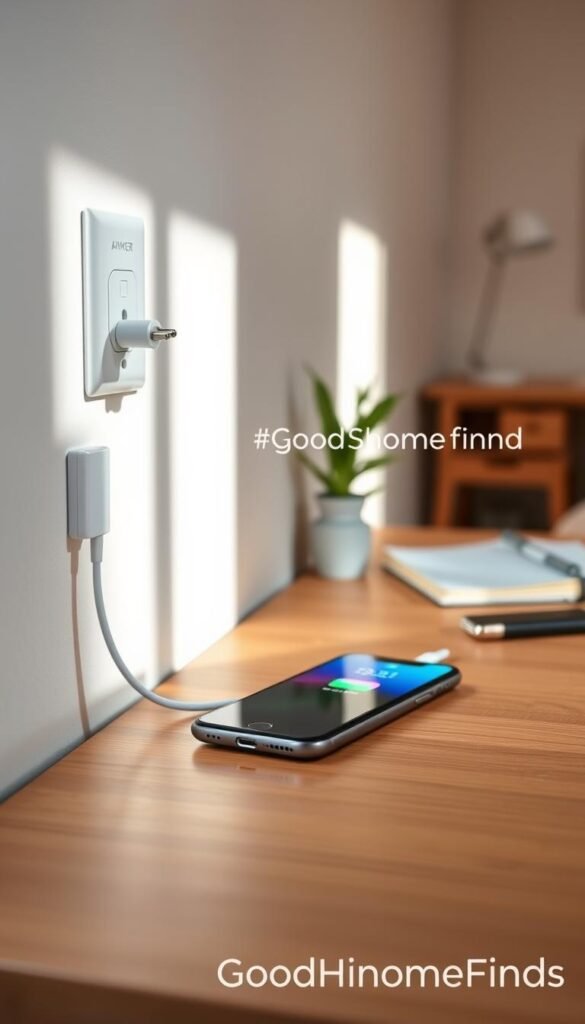
A tiny USB‑C cube can solve most morning battery panics without stealing outlet space. The Anker PowerPort III Nano is one of those minimal options. It offers a single USB‑C port up to 20W and measures about 1.2″×1.1″×1.1″.
Best use cases
Use it for quick top‑ups before you leave. Plug in while you make coffee or shower. It brings many phones to roughly 50% in about 30 minutes.
Pros and cons
- Pros: tiny footprint, low chance of blocking the second outlet, budget‑friendly, quiet and only mildly warm under normal load.
- Cons: one port only — not ideal for charging multiple phones or powering a laptop. You’ll need another unit if you routinely charge extras.
„Small body, real speed for phones — perfect when outlets are precious.“
| Feature | Spec | Why it matters |
|---|---|---|
| Output | 20W USB‑C | Fast enough for most phones; not for laptops |
| Size | 1.2″×1.1″×1.1″ | Won’t block adjacent outlets or crowd power strips |
| Noise & heat | Quiet, mildly warm | Comfortable for bedside and small spaces; stop use if hot to the touch |
Practical tip: keep a short USB‑C cable at the station. That avoids tugging the plug from a tight outlet and makes daily charging friction disappear.
Best alternative for two devices at once: Belkin Boost Charge Pro 45W Dual USB‑C
Two-port bricks solve the nightly tug-of-war over outlets in small apartments. The Belkin Boost Charge Pro has two USB‑C ports with a combined max output of 45W. That makes it a practical middle ground between tiny single-port cubes and heavy multiport bricks.
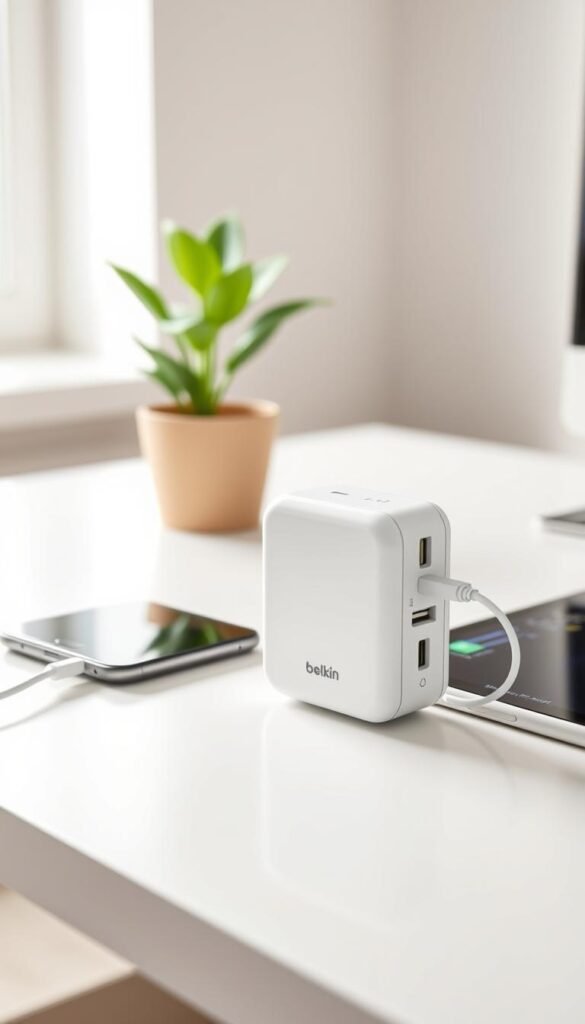
Real-world performance: phone plus a second device
In real life you can fast‑charge a phone while topping up a smartwatch or earbuds. It also handles one larger device, like a tablet, without throttling much.
Why 45W matters: it’s noticeably faster than 20W for tablets and heavier phones. Yet the unit stays compact enough for a nightstand or small shelf.
Space and travel perks
The folding plug and pocket-friendly shape make it easy to stash in a drawer or bag. That travel friendliness means one tidy unit covers hotel rooms and shared outlets.
- Pros: two useful ports, small footprint, folding plug, solid power for two devices at once.
- Cons: no cables included, so you must bring your own USB‑C leads.
„Two ports beat a messy adapter pile — you get practical dual‑device charging without stealing outlets.“
Clean setup tip: keep short cables by the bedside and reserve longer cords for desks. That reduces tangles and keeps the small space tidy for daily use.
Best alternative for shared outlets and travel: Anker 735 Nano II 65W multiport
One compact brick can replace a tangle of plugs at your desk or in a hotel room. The Anker 735 Nano II puts 65W of power into a small body with three ports (2×USB‑C, 1×USB‑A) so you can top a laptop and a phone from one socket.

Why 65W matters for laptops and daily electronics
At ~65W you can realistically run a MacBook or Chromebook and still feed a phone. That level of power makes this a true all‑in‑one for small‑space WFH and travel use.
Pros and cons
Pros: GaN tech keeps heat down and boosts charging efficiency. Two USB‑C ports and one USB‑A mean fewer adapters and fewer competing outlets.
Cons: the brick is heavier and about 2.6″ long. In loose, older sockets it can sag or pull forward and interrupt a connection.
Noise and heat expectations
Under heavy load it may feel warm but should not buzz or smell hot. If it gets uncomfortably hot, unplug and reduce load.
| Feature | Spec | Real-life effect |
|---|---|---|
| Max output | 65W | Runs laptops plus phone with room to spare |
| Ports | 2×USB‑C, 1×USB‑A | Charge multiple devices without extra bricks |
| Port sharing | Top USB‑C ~40W when all used | Laptop may charge slower if others draw power |
| Form factor | 2.6″ length, ~3.9 oz | May sag in loose outlets; use lower socket or short extension |
„One tidy brick can clear outlet fights and serve as your go‑anywhere power hub.“
Practical tip: plug into the lower wall outlet, avoid heavy cables pulling down, or use a short, approved extension when allowed. This unit is a strong single‑item solution for daily use, travel, headphones, and power banks.
Setup time: what it really takes from unboxing to first charge
Getting from box to usable power rarely takes as long as you fear. Basic wall units are plug-and-play and ready in minutes. Unpack, fold the plug, and start charging.
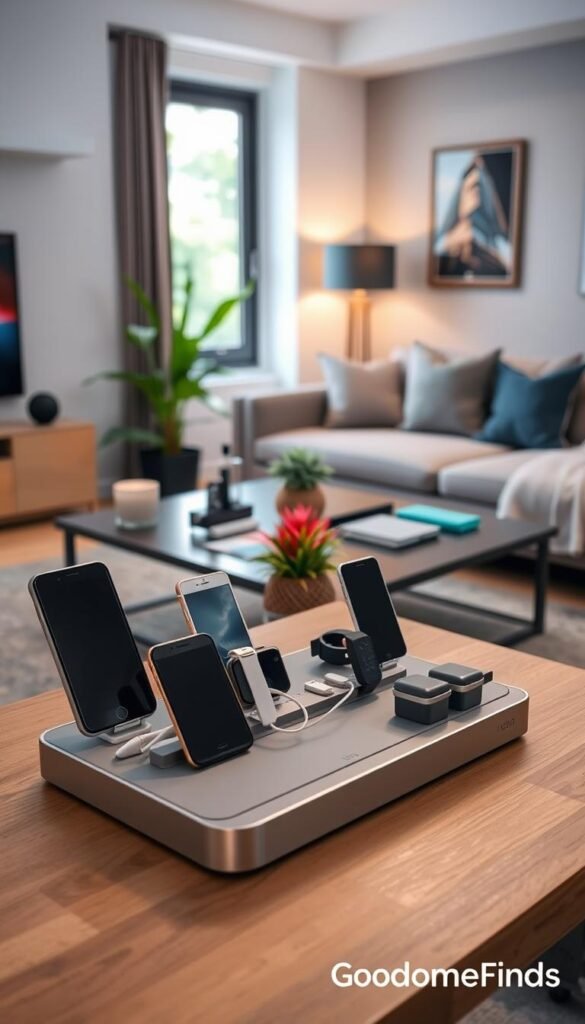
Plug-in wall chargers: minutes, not hours
Small USB wall units need almost no setup. They work right away on a standard wall outlet and are renter-friendly. You’ll spend more time choosing which device to plug in than installing the unit.
Multiport bricks: cable planning and outlet placement
Multiport bricks take thought, not sweat. Plan where cables run and which devices live at the station. Keep short cables for nightstands and medium lengths for desks.
EV stations: hardwired vs plug-in installs
Plug-in EV options use NEMA outlets and can be simple if your unit already has one. Hardwired installs look cleaner but often need landlord approval and an electrician. That adds cost and time but gives a neater wall mount and steady power.
Apartment-friendly placement ideas
- Entryway shelf: daily drop zone for phones and keys.
- Kitchen corner: shared station for earbuds, tablets, and power banks.
- Nightstand: short cable only; avoid blocking lamps or outlets.
| Item | Estimated setup time | Notes |
|---|---|---|
| USB wall unit | 2–5 minutes | Plug-in and go; minimal fuss |
| Multiport brick | 10–30 minutes | Plan cables and outlet placement |
| EV station (plug-in) | 30–90 minutes | Needs proper outlet; easier if present |
| EV station (hardwired) | Hours to days | Electrician, permits, landlord OK often required |
„Plan cables so they don’t run under rugs or get pinched; safety prevents headaches.“
Practical tip: label cables, keep a tidy loop, and choose the placement that fits daily use. This is the easiest way to save time and avoid damage in small homes.
Common mistakes that waste power, time, and money
A few simple choices can save you power, time, and a lot of frustration. Small missteps often add heat, clutter, and higher bills in tight homes.

Buying more watts than your devices can actually use
Buying top-end output you don’t need usually costs extra money and adds heat. Phones and tablets cap at certain watts, so pay for features you will use.
Practical tip: match the rating to what your device accepts. Save cash and reduce wasted energy by choosing the right size for daily use.
Using the wrong cable and blaming the charger
A worn or low-quality cable can slow charging, cause disconnects, or spark confusion. Replace frayed cords and use data‑rated leads for fast devices.
Overloading one outlet with too many devices and adapters
Stacking adapters on a single outlet or wall strip creates loose contacts, heat, and trips. Spread plugs across circuits when possible.
Ignoring space requirements: blocked outlets, bent cords, and tripping hazards
Blocked ports force bent cords. Bent cords fail faster and can trip someone at a nightstand or entry shelf. Keep the wall area clear and store cables neatly.
Skipping safety features and proven certifications
Buy items with visible marks from reputable labs. Certs mean the unit was tested to reduce failure and overheating risks. That protects your devices and home.
- Energy-saving habit: charge at the speed you need, then unplug or stop topping off all day.
- Red-flag checklist: wobbling plug, buzzing sound, scorching heat, or discoloration — stop use immediately.
„Simple checks and the right cable save you power, time, and money in the long run.“
Preventive steps are cheap and easy. Follow them to keep charging safe, efficient, and renter-friendly.
Conclusion
Pick the setup that solves your daily hassles, not the one with the biggest number on the box.
Start by naming what you charge each day: EV or small electronics. Then match output to that routine and check the footprint so it won’t block outlets in your small space.
Budget options can be perfectly fine when they meet your needs. Premium units are worth it when they cut friction, add compatibility, or make daily use easier.
Choose one dedicated charging spot in an entryway, kitchen corner, or nightstand. Commit to cable discipline and a simple storage plan.
Safety first: if an outlet feels loose, a cable is frayed, or the device runs hot, fix that before chasing more power. The best result is a setup you actually keep using every day.


