
This practical intro shows what this charging station guide covers — how to pick hardware and software that fit your property and the people who use it. You’ll get realistic expectations on setup difficulty, maintenance, safety, energy use, space planning, and compatibility for renters and small apartments.
Scope: U.S. commercial sites in 2026 — workplaces, retail, hospitality, and multifamily. I’ll explain what commercial charging looks like in real life: shared access, billing, reliability, and keeping hardware working in public spots.
You’ll preview the big buyer decisions: Level 2 vs fast chargers, ports count, software and payments, electrical capacity, and ongoing service. Expect plain-English checklists so you can talk with electricians, utilities, and vendors without feeling talked down to.
Success means drivers charge without frustration, costs stay predictable, and the site can expand later without redoing everything. I’ll also share honest pros, cons, and common mistakes so you don’t waste money on the wrong speed or layout.
Key Takeaways
- Focus on real-world fit, not impressive specs.
- Plan for shared access, billing, and reliability at commercial sites.
- Decide between Level 2 and faster options based on use and cost.
- Use simple checklists to work with electricians and vendors.
- Design for expandability to avoid costly rework later.
Real benefits
Practical perks matter more than specs—this section looks at what people actually gain.
Most drivers do most of their top-up at home (about 64%). Even so, on-site options change daily life for renters and anyone without a private garage.
Convenience that matches how people actually charge
People prefer to top up where they already park. A well-placed charging station at work or multifamily parking removes extra errands and keeps the day simple.
When you host chargers, you can set pricing that fits your goals. You avoid some public markups and can choose free, discounted, or paid access to match tenant or employee needs.
Scheduled, off-peak charging cuts energy bills and eases demand on your electrical panel. Think of timers for appliances—same idea, less peak-rate exposure.
Property value and tenant retention upside
Providing reliable access helps leasing and retention. But uptime matters more than shiny features. One broken unit can spoil the whole experience.
- Pros: Best for long-dwell parking, predictable users, and improved tenant satisfaction.
- Cons: Less value for quick-turn stops and if only slow power is installed for 20-minute stays.
EV adoption is rising, so doing nothing risks falling behind. Practical, reliable on-site power is a quality-of-life upgrade for many renters and small-apartment residents.
Who needs this
Think first about people, not hardware: who will plug in, when, and for how long?
Workplaces: all-day parking with predictable users often makes Level 2 the practical choice. If most staff stay at least six hours, modest numbers of ports can cover routine needs without overbuilding.
Retail and hospitality: this is opportunistic charging. About 26% of people top up at supermarkets and 22% while shopping or dining. It works best when the payment and signage are clear and dwell time is at least an hour.

Multifamily: shared access and billing are the hard parts. Good software, access rules, and reporting matter as much as the hardware you buy.
Drivers without home access: renters and small-apartment residents rely on workplace, public, or shared-property locations to keep daily life running. Public ports are used by about 31% of drivers.
- Who should wait: low-traffic lots with short visits rarely justify fast units unless on a travel corridor.
- Right-sizing: focus on numbers of ports and turnover, not the biggest amps you can afford.
- Quick checks: run a short user survey and do a walk of the site to find the safest, most accessible location.
Charging locations that matter most in 2026
A clear map of where people actually plug in stops guesswork and saves your budget.
Home remains the default for most drivers. Over 64% regularly top up at home. That makes residential access the backbone of any planning effort. But renters and small-apartment residents still need options off-site.
Workplaces show predictable demand. About 34% of drivers charge at work and 65% say their employer lacks enough ports. If you manage an office lot, expect steady interest and plan for regular day-long use.

Opportunistic retail and hospitality
Retail, grocery, and dining visits are good for top-ups during longer stays. Data: 29% top up at gas locations, 26% at supermarkets, 22% at malls or restaurants.
Public as the safety net
About 31% use public options. These serve renters, travelers, and people without reliable home or work access. Drivers expect clear payment, reliable uptime, and fast resolution when things fail.
- Practical takeaway: Pick options based on dwell time and traffic, not the flashiest tech.
- Planning question: Where do your drivers already park for 2, 4, or 8 hours?
| Location type | Primary use | Typical dwell | Implication for you |
|---|---|---|---|
| Home | Daily top-ups | 8+ hours | Focus on residential outreach and renter solutions |
| Work | All-day charging | 4–8 hours | Provide modest Level 2 capacity; expect steady demand |
| Retail & hospitality | Opportunistic top-ups | 1–3 hours | Use charging as a convenience amenity for longer visits |
| Public/Travel | Safety net & corridor stops | 0.5–2 hours | Prioritize uptime, payment options, and clear signage |
Charging levels explained in plain English
Pick the right power level by matching how long cars sit and how fast you need them to top up. This section describes the three common speed-and-setup choices so you can match a type to your property without memorizing specs.
Level 1: standard outlet and when it’s good enough
What it is: A household plug that gives about 2.3 kW and adds roughly 4–5 miles of range per hour.
When it works: Low daily miles, overnight at a private garage, or as a temporary solution.
Pros: Cheap to start and simple to plug in.
Cons: Very slow, can strain home circuits if used long-term, and often not practical for shared parking.
Level 2: day-to-day workhorse for commercial lots
What it is: Dedicated 240V power delivering about 7.4–22 kW and roughly 25–75 miles per hour.
When it works: Workplaces, multifamily parking, and retail spots where vehicles stay hours.
Pros: Faster top-ups, safer with dedicated breakers, and good value where dwell time is long.
Cons: Needs a proper electrical hookup and more upfront cost than a standard outlet.
Level 3: fast option for short stops and corridors
What it is: DC power in the 50–350 kW range (some units up to 400 kW) that feeds the battery directly.
When it works: Travel corridors, high-turn retail, and highway rest areas where drivers stop briefly.
Pros: Adds miles very quickly and suits quick-turn trips.
Cons: High cost, complex electrical needs, and usually not suitable for homes or low-traffic lots.
Key plain-English difference: Level 1 and 2 are AC and let the car convert power. Level 3 is DC and pushes energy straight into the battery much faster.
Don’t do this: Avoid installing fast hardware where people park eight hours. Also avoid only Level 2 ports in lots where visits last 15 minutes—both choices waste budget or frustrate drivers.
| Level | Typical power | Miles added per hour | Best use |
|---|---|---|---|
| Level 1 | ~2.3 kW | 4–5 miles/hr | Low-mileage home or temporary use |
| Level 2 | 7.4–22 kW | 25–75 miles/hr | Workplaces, multifamily, long-dwell retail |
| Level 3 (DC) | 50–350+ kW | Fast top-up (varies by car) | High-turn retail, travel corridors |
Simple rule to use here: match level to dwell time, budget, and your electrical service reality. Connector compatibility and payment standards matter later, but start with the right type for how people park.
Charging speed, per hour math, and what it means for your site
Think in miles gained per hour, not kilowatts, to see if a site actually helps drivers.
Typical miles added per hour by level
Level 1: about 4–5 miles per hour. Good for overnight or very low daily miles.
Level 2: roughly 25–75 miles per hour depending on the power delivered to the car.
DC fast: can reach ~80% state-of-charge in 20–40 minutes on a compatible car, so think tens to hundreds of miles in an hour.
How dwell time decides value
If most visitors stay one hour, Level 2 might add 25–75 miles and keep drivers happy for short retail stops.
For 8-hour parking, Level 1 or Level 2 covers daily needs and the extra speed of DC fast rarely justifies the cost.
Why real-world speed is lower than specs
The car limits how fast it will accept power. Batteries also taper charging as they fill.
Site power, concurrent users, and demand limits can reduce per-hour throughput even if the unit is rated high.
- Quick per-hour example: a 1-hour visit on Level 2 ≈ 25–75 miles; on DC fast ≈ 40–150 miles depending on setup and car.
- Planning point: speed affects how many ports you need and whether you set shorter session limits to avoid all-day parking.
- Budget note: faster power draws more in a short time and can raise demand charges on commercial meters.
Remember: you manage a simple system—drivers + parking behavior + electrical capacity + rules—not just hardware. Match speed to time on site and your power budget for the best results.
Charging station guide for choosing Level 2 vs fast charging
Deciding between Level 2 and DC fast comes down to how people use your parking, not marketing claims.
Best-fit uses for Level 2
Who it serves: offices, multifamily lots, and long-dwell retail where cars sit 4+ hours.
Why it works: It delivers steady top-ups, costs less to install, and suits tenant-focused goals like retention and daily convenience.
Pros: lower install cost, simpler utility needs, good tenant experience.
Cons: too slow for short-stop retail unless you add many ports.
Best-fit uses for DC fast
Who it serves: travel centers and high-turn retail where drivers want a quick top-off.
Why it works: Speed meets customer time pressure and can generate revenue at public sites.
Pros: fast turnover, higher per-session fees, clear value for travelers.
Cons: high cost, complex utility coordination, and higher uptime expectations.
Hybrid setups: practical middle ground
A common, budget-minded way is a hybrid layout. Add a few DC fast units for quick stops and more Level 2 ports for day-long users.
This mix covers tenants and visitors without overpaying for unused speed. It also balances cash flow goals versus renter-friendly service.
| Property type | Best fit | User experience | Budget note |
|---|---|---|---|
| Office | Level 2 | Plug in and work | Lower install & operating cost |
| Multifamily | Level 2 | Simple billing and tenant perk | Focus on software and access |
| Retail | Level 2 or Hybrid | Shop or short top-up | Hybrid adds flexibility |
| Travel/High-turn | DC fast | Wait and go | Higher capital and utility work |
What to do next: Measure average dwell time at your site before you buy. Match level and models to that behavior and your business goals.
Costs that impact the budget more than the charger itself
Sticker price is just the start; hidden work drives most project bills.
Level 2 installed typically runs about $3,000–$7,000 per port. That range usually covers the unit, basic conduit, mounting, and a simple hookup to an existing panel.
DC fast units jump to roughly $40,000–$150,000+ each. The higher cost reflects heavier equipment, larger transformers, and much more utility coordination. Expect stricter uptime and faster service needs for these installs.

Big installation variables
- Distance to power: trenching and conduit add $50–$150 per linear foot.
- Panel upgrades: $5,000–$25,000 if you need more capacity or a new meter.
- Permits and inspections: $500–$2,500 depending on locality.
- Site repair: asphalt cuts, striping, and restoring stalls can add time and cost.
Ongoing operating costs you can’t ignore
Electricity often runs $0.10–$0.30 per kWh. Network or software fees range $15–$75 per port per month. Maintenance is commonly $200–$500 per port each year.
Demand charges and timing can surprise you. High use during peak hours raises bills quickly. Load management and off-peak pricing help control that cost.
Incentives and planning for reality
Incentives, credits, and state or utility programs can cover up to ~30% in some projects. Treat them as helpful, not required. Build a plan that works without rebates.
Time and disruption: installs may close stalls for days or weeks. Schedule work around tenant and employee parking to limit impact.
Budget vs premium charging stations
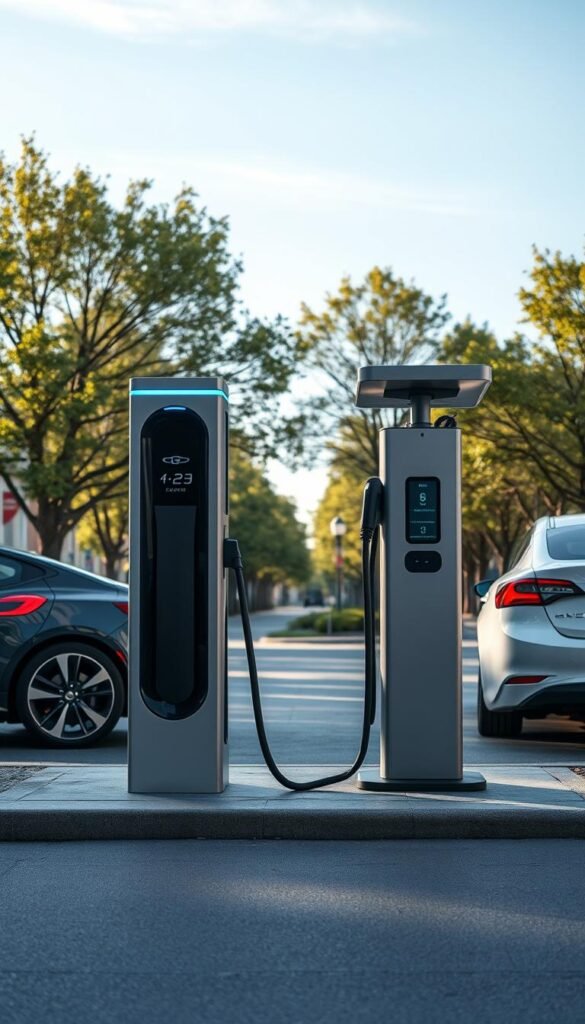
Your real cost of ownership shows up when a unit stays offline on a busy day. A cheap upfront price can be fine for a private lot with low use. But public or mixed-use sites need more uptime, faster support, and tougher hardware.
What “budget” usually means
Budget models ($600–$1,200 for Level 2) give basic power and fewer rugged features. They often lack heavy-duty enclosures, cable strain relief, and fast spare-part access.
Pros: lower initial costs, easy to buy. Cons: lower expected uptime and slower support.
What premium models buy you
Mid-range ($1,500–$3,500) and high-end units ($4,000+) focus on reliability, warranties, and fast service. They aim for ~98.5%+ session success with proactive monitoring and quick repair.
Value points: stronger enclosures, better warranty terms, and vendor support that keeps customer complaints down.
When mid-range is the smart pick
For most commercial lots, mid-range models hit the sweet spot. You get durability, software compatibility, and manageable costs without paying for niche features.
- Check manufacturers‘ track record and local parts availability.
- Expect total costs to include maintenance and management fees over time.
- For public-facing sites, prioritize support and monitoring over the lowest hardware price.
Practical tip: pick a system you can service quickly in your area. If you need cost ideas for small projects, see a short list of affordable gear at best budget home gadgets.
Electrical infrastructure and space requirements for real parking lots
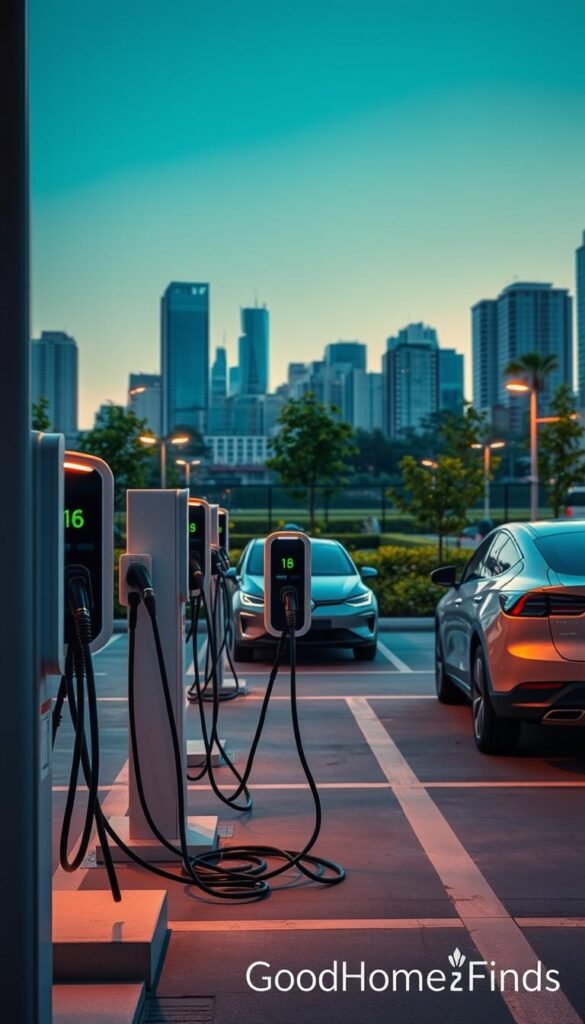
Start by checking what your building’s main panel can realistically deliver. That single fact guides whether you need upgrades or smarter equipment.
Power needs by level
Level 2 usually uses 208–240V and 30–80A circuits. That is common for workplaces and multifamily lots.
DC fast often requires 480V three-phase service and utility coordination. Expect bigger transformers and stricter uptime needs.
Load management to add more ports
Load management lets you share available power across multiple units. It can add usable numbers without a costly panel upgrade.
Space planning and cable reach
- Place pedestals so cables reach wheels without crossing walkways.
- Use cable reels or hangers to prevent trip hazards and ADA issues.
- Mark stalls and add clear signage for shared lots and tight garages.
Noise levels and practical risks
Level 2 systems are quiet. Fast equipment and cooling fans are louder and may matter near bedrooms.
„Plan cable routing and power first — it keeps people safe and avoids failed inspections.“
For local rules on equipment and incentives, check state and utility rules at state and utility rules. For renter-friendly options, see renter-friendly options.
Software, payments, and charging station management basics
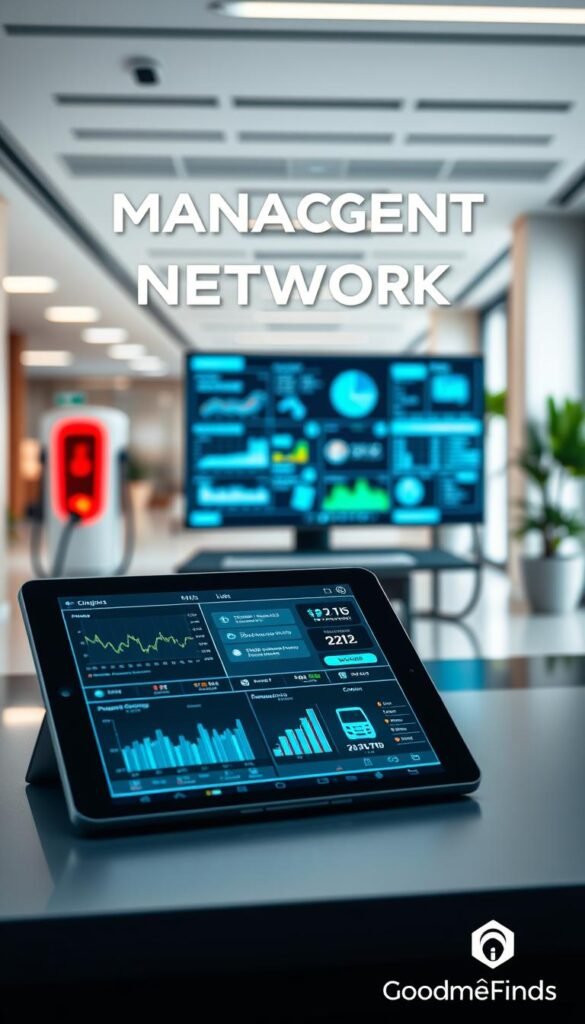
Good software turns on-site hardware into a manageable, predictable service for operators. It should make daily work easy: set access rules, fix faults quickly, and show simple reports you can act on.
Networked vs non-networked
Non-networked gear can work in a private garage. It is cheap and simple. But it lacks visibility and remote control.
Networked systems give you monitoring, access control, and payment tools. For commercial lots, networked setups reduce manual tasks and improve uptime.
Open standards to avoid lock-in
OCPP compliance protects you from vendor lock-in. It lets multiple manufacturers and operators work together. That keeps your options open if service issues or price changes happen.
Payment options made simple
- App: flexible and good for public users, needs setup.
- RFID: easy for tenants and staff, low friction.
- Tap-to-pay: fastest for visitors but may cost more per session.
Reports you’ll actually use
Focus on utilization by time of day, energy delivered, and reliability stats. These let you allocate costs, set pricing, and cut peak demand.
„Good management software prevents the silent failures that frustrate drivers and managers.“
| Feature | Why it matters | Who benefits |
|---|---|---|
| Remote monitoring | Fast fault detection and fewer downtime incidents | Operators and drivers |
| OCPP support | Avoids vendor lock-in and enables flexibility | Property owners and service teams |
| Payment methods | Matches visitor needs and reduces friction | Public users, tenants, and guests |
Start simple: choose the few controls and reports you will use daily. Expand the system later as needs grow. For more on software choices, see EV charging software.
Setup time
Getting a commercial site from assessment to live service usually takes a few months. Being honest about the timeline helps you set budgets, plan parking disruptions, and keep stakeholders calm.
What a realistic commercial timeline looks like
Typical 10–12 week roadmap:
- Weeks 1–2: Site assessment, engineering, and electrical review.
- Weeks 3–4: Permits submitted and local approvals started.
- Weeks 5–8: Procurement and vendor lead times.
- Weeks 9–10: Installation and on-site infrastructure work.
- Weeks 11–12: Inspections and commissioning into service.
Note: If your electrical infrastructure needs panel upgrades or new service, add 4–8 weeks for utility work and transformer scheduling.
What delays projects most
Utility coordination and permitting cause the most hold-ups. Utilities may require load studies, extended approvals, or transformer work. Permitting backlogs and inconsistent inspector schedules also add days or weeks.
Other common delay points are long equipment lead times and unexpected site repairs like trenching or ADA adjustments.
Easy ways to reduce delays:
- Start permit applications early and track them weekly.
- Confirm vendor lead times before signing purchase orders.
- Work with the utility early to pre-check service capacity.
- Plan a phased rollout if major electrical upgrades are needed.
| Step | Typical weeks | What you can control |
|---|---|---|
| Assessment & design | 1–2 | Hire experienced engineers; scope site walk once |
| Permits | 1–4 | Submit complete docs; use a permit expeditor |
| Procurement | 3–4 | Lock lead times; pick stocked hardware |
| Installation | 1–2 | Schedule off-hours; stage materials on site |
| Inspection & commissioning | 1–2 | Book inspectors early; run pre-checks |
State rules and incentives can change timelines and costs. Some programs speed make-ready work, others add steps. Check state and utility requirements and factor them into your plan. For technical details, see technical guidance.
„Plan the work around people: tell tenants and visitors where to park during construction.“
Quick checkpoint list for operators:
- Permits submitted and tracked
- Utility engagement confirmed in writing
- Equipment lead times locked
- Installation window scheduled with minimal disruption
- Inspection slots reserved and commissioning test plan ready
Maintenance and service you can’t ignore
Small, frequent checks keep equipment reliable and save big repair bills. Treat upkeep as daily usability work, not an annual chore. One out-of-service unit creates repeated complaints and extra workload.

What to inspect regularly
Do a short visual walk weekly. Look for cuts or abrasions on the cable, bent pins, dirt in connectors, cracked housings, and impact marks on pedestals.
Check screens, buttons, and lights. Note any loose covers or water ingress. Log issues and flag anything that affects safety.
Connectivity and uptime monitoring
Remote monitoring finds silent failures—when units stop reporting, or payments fail. Aim for high session success rates (98.5%+).
Pick a management system that sends clear alerts, not noise. That cuts truck rolls and speeds fixes.
Cleaning and simple upkeep
Clean connectors gently. Remove grit that blocks contact. Wipe pedestals and keep cable paths clear to prevent trip hazards and ADA problems.
Repeated slow sessions or odd error logs can signal power or wiring issues. Those need electrician review, not just a parts swap.
Who does what: your team can handle daily checks, basic cleaning, and logging. Outsource firmware updates, warranty repairs, and major electrical work to certified service providers with defined response times.
„Pick hardware and a management system that make troubleshooting simple and alerts understandable.“
For detailed compliance and preventive schedules, see a technical maintenance reference at equipment calibration and service. For renter-focused service options, compare setup and operator choices at renter setup comparison.
Common mistakes
Installing the fastest hardware often looks smart — until it sits idle all day. Be practical. Match power and speed to how long drivers actually park.

Buying for peak speed instead of dwell time
Don’t buy fast charging because it sounds impressive. If most users stay 4–8 hours, Level 2 ports give better daily value.
Underbuilding ports and skipping expansion planning
Under-provisioned lots create queues, disputes, and constant complaints. Plan for 50–100% more ports or at least make conduit and spare capacity ready now.
Ignoring cable management and ADA risks
Loose cables cause trip hazards, blocked access, and failed inspections—especially in tight multifamily lots. Use reels, hangers, and clear signage.
Forgetting total power use and demand charges
Pricing that ignores peak demand can flip profitable sessions into losses. Model total kW, concurrent use, and commercial demand fees before you set rates.
Choosing incompatible connectors
The connector landscape is shifting. Pick a compatibility strategy (adapters, mixed ports, or a clear upgrade path) so drivers aren’t stranded with the wrong plug.
- Quick prevention checklist: measure dwell time, map parking flow, confirm electrical limits, prep conduit for future ports, pick open management software, standardize signage and rules.
- Bottom line: the best system is the one drivers use without calling you — not the one with the flashiest specs.
Avoid common plug and safety mistakes to keep renters and tenants happy and safe.
Conclusion
The clearest rule is simple: match power to how long cars actually sit, not the highest spec on the sticker.
Start with Level 2 for long-dwell parking and add fast chargers only where short stops and heavy turnover justify them. A hybrid mix often gives the best balance.
Budget reality: plan for installation, electrical upgrades, software, and upkeep. These line items usually outweigh the unit price.
Prioritize safety and usability: tidy cable routing, clear signage, and reliable payments keep users happy and reduce support work.
Future-proof with open systems and a clear connector strategy. For more on differences and planning, see understanding the difference between EV options.
Quick actions this week: measure dwell times, count stalls, consult an electrician about available power, and shortlist networked chargers with local support. When it all works, drivers simply plug in and go — that is the real win.


