
This list focuses on practical picks that earn a spot in your small apartment. You’ll get renter-friendly tech that solves real problems, not shelf clutter. Each pick shows what it does well, what annoys, who it fits, and how hard it is to set up and maintain.
Think small-space realities: few outlets, tight counters, limited storage, and noise that carries to neighbors. I evaluate items through that lens so you don’t buy something that won’t fit or work for apartment life.
Expect clear pros and cons, direct comparisons of budget vs premium, and a quick compatibility heads-up—USB-C vs Lightning, Apple vs Android, and why “fast” can mean different things based on your setup.
Core pain points covered: low battery, cable chaos, lost keys, messy kitchen cleanup, and small fixes you need as a renter. The goal is simple: help you spend where it matters and save where it doesn’t.
Key Takeaways
- Choices focus on small apartments and renter needs.
- Each product section lists real pros, cons, and setup effort.
- We compare budget and premium picks so you can prioritize spend.
- Watch compatibility: ports, platforms, and speed claims matter.
- Solutions target battery, cables, keys, kitchen cleanup, and minor repairs.
- Advice is practical, honest, and aimed at daily use in U.S. apartments.
How we picked these gadgets for real life in a small apartment
I picked items that actually fit tiny rooms and tight counters. You get practical picks, not hype. The focus is on space, energy, safety, and simple compatibility so you only buy what helps.
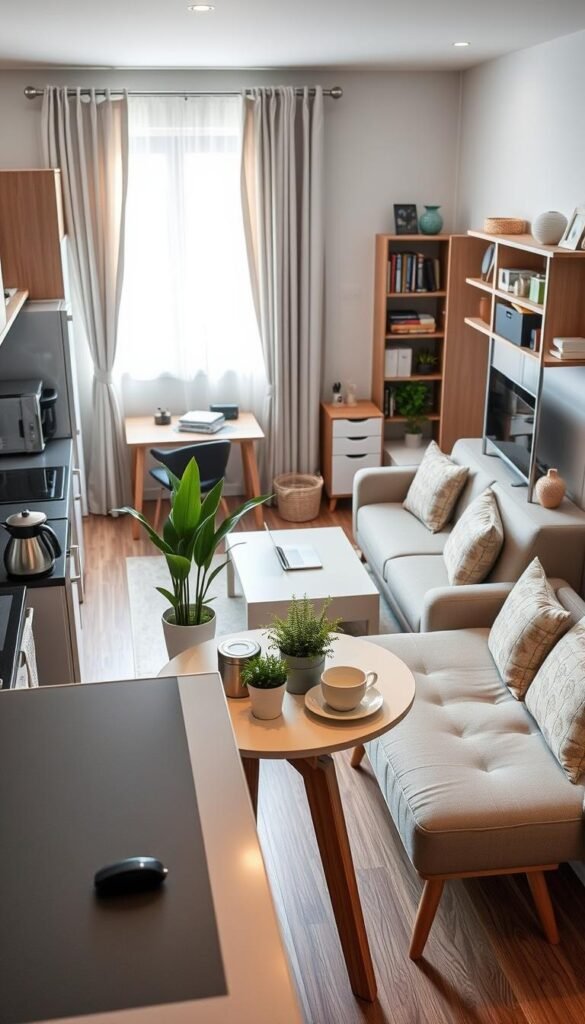
Small-space fit: footprint, storage, and counter clutter
We check where a product lives: nightstand, desk, or kitchen. Does it block an outlet? Can it fold or tuck into a drawer?
Counter clutter factor means it must replace something else or pull double duty. If it needs permanent space, it has to be worth it.
Energy, safety, and compatibility checks (without the hype)
We look for heat, ventilation, surge protection, and water resistance. You’ll know if it’s safe to leave plugged in overnight.
Compatibility covers iPhone vs Android, Apple Watch vs Galaxy Watch, USB-C vs Lightning, and mixed-device households. We also note design and simple setup needs.
What we measured: power use, noise, and upkeep
Measured means real checks: how warm it gets, how loud it is, and what maintenance looks like over a month.
„If a tool smells or stays damp, it’s not renter-friendly.“
- Where it lives and outlet impact.
- Whether it replaces other tools or increases clutter.
- Energy and safety items to watch for.
- Compatibility options and which accessories you may need.
Real benefits
A few practical swaps can shave minutes off your morning routine. That adds up to less stress and more usable space in a small rental.
Less daily friction: faster charging, fewer lost items, cleaner spaces
Right charging gear cuts cord hunting. You top up quickly and avoid dead-phone surprises. Trackers help you keep eye on keys and bags so you stop checking pockets twice.
Cleaning ports and earbuds prevents „mystery charging“ problems. That saves money on replacements and keeps devices working longer.
Energy-saving wins that actually show up on your bill
Efficient chargers waste less power and run cooler. Unplug bulky bricks you don’t need all day. Those small savings are real in a compact living setup.
Safety and peace of mind
„Avoid overheating, don’t overload outlets, and use water protection when needed.“
- Use surge-protected strips for multiple plugs.
- Keep vents clear so chargers don’t overheat.
- Store wet gear separately and dry before you use it again.
| Benefit | Practical effect | Small-space tip |
|---|---|---|
| Faster charging | Less downtime for phone and laptop | Pick compact GaN chargers for nightstand use |
| Trackers | Less time lost looking for items | Attach to keys and bag handles |
| Cleaning | Fewer port faults and replacements | Quick monthly wipe of ports and contacts |
Who needs this
This section helps you match the right gear to how you live and move in a small space. Read these short profiles to find which picks matter most for your routine and setup.
Small-apartment renters and dorm dwellers
You need compact, renter-friendly items that don’t require drilling or permanent changes. Pick low-footprint chargers, slim storage, and tools that tuck in a drawer.
Work-from-home and hybrid commuters
If you split time between a desk and transit, favor reliable everyday carry and tidy desk setups. One multi-tip cable or a compact charging station keeps you ready for work and travel.
Apple users vs Android users
Apple households gain more from MagSafe chargers and AirTag-style tracking with Find My. Android users should prioritize USB-C power and Galaxy Watch compatibility for smoother pairing and fast charging.
People who cook daily and hate kitchen mess
If you cook a lot, choose fast-clean tools over another smart device. Look for washable, compact cleaning kits and splash-safe chargers that free counter space.
Skip this if: you rarely leave home or already have a stable multi-device station. In that case, focus on maintenance, not new buys, to keep your life simpler.
Setup time
Getting devices up and running doesn’t need to eat your day. Use a short, honest plan so your gear stays useful and out of the way.

Plug-and-play: chargers, cables, and trackers
Difficulty: very low. What to do in 2–5 minutes: plug the charger in, label cables, and pick a default charging spot.
Add trackers in their app and name them. Quick wins are a labeled cable and a single charging spot on a nightstand or drawer.
A little setup: smartwatch pairing and settings that matter
Difficulty: light. Pair the watch, sign into the app, and choose only the alerts you need.
Turn off noisy notifications, enable only useful health tracking, and confirm your nightly charging routine. That keeps the watch helpful, not annoying.
Hands-on setup: deep-clean tools that take a few minutes
Difficulty: moderate. Prep towels, soap, and a drying space before you start.
Clean ports and earbuds, then dry thoroughly. In a small place, drying prevents moisture build-up and odors.
- Realistic rule: pick the simplest setup you will keep doing daily.
- Use cable clips, a small tray, or one drawer to keep accessories tidy.
Common mistakes
You can avoid most power and safety problems by changing a few buying habits. This short list calls out the typical errors renters make and gives quick fixes that fit small spaces.

Buying oversized power banks and chargers you won’t carry
Big capacity looks good on paper but is heavy in your bag. If a power bank stays on the shelf, it fails its purpose. Pick something you will actually carry for daily use.
Overloading outlets and ignoring heat buildup
If a charger brick feels hot or you stack adapters into a tower, stop. Hot plugs and crowded outlets raise fire risk. Give chargers ventilation and spread loads across outlets.
Choosing the wrong cable ends and losing performance
Using the wrong cable end slows sync and kills fast charging even with a good wall unit. Check device ports, match the cable, and check the label on both charger and cable for wattage support.
Storing wet gear without drying it first
Waterproof pouches can trap moisture. Dry phone pouches and wet cases before you store them to avoid odor and sticky seals.
- Small fix: keep a small box in one drawer for spare cables and adapters so you stop rebuying them.
- Safety rule: if a plug is hot, reduce loads and improve ventilation.
„Prevent heat and match parts; small changes keep your setup safe and useful.“
everyday gadgets that solve the “always low battery” problem
Low battery kills momentum; pick a backup that fits your day and your bag.
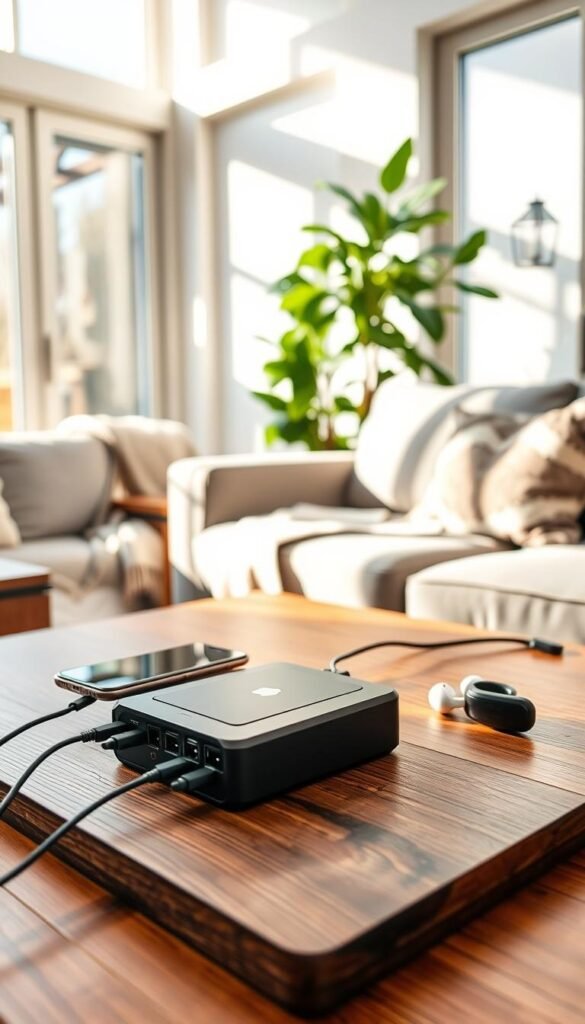
Anker 737 Power Bank: premium portable power for phones and laptops
What it is: a 24,000mAh product built for power-hungry devices. It has 3 ports (1×USB-A, 2×USB-C) and up to 140W USB-C output.
Why choose it: fast charging for laptops and a clear digital display showing input/output and recharge estimate.
SABANI Portable Charger: budget-friendly capacity with built-in cables
This 35,000mAh unit includes built-in cables for iOS, USB-C, Micro USB, and USB‑A. It charges up to six devices and shows remaining percent.
Real use: great for commuter bags and fewer forgotten cords. It keeps your phone and extras topped up without hunting for adapters.
GOODaaa Power Bank Wireless Charger: emergency-style extras
At 45,800mAh this unit adds 15W wireless, solar and a hand crank, plus SOS/strobe light and compass. Treat it as a preparedness tool, not a sleek everyday carry.
What to expect day to day
Plan bag space: Anker is heavier (about 1 lb 6.1 oz) and fits a backpack, not a pocket. SABANI is more commuter-friendly. GOODaaa is bulkier and best stored for outages.
Recharge time: charge overnight if you use these hard during the day. Store power banks on a hard, ventilated surface while charging and avoid soft fabrics.
Pros and cons: fast charging vs bulk
- Pros: fast outputs, multi-device support, real laptop-level power (Anker).
- Cons: weight, cost, and heat — don’t charge under pillows or on cluttered fabric.
| Model | Capacity | Key feature | Best for |
|---|---|---|---|
| Anker 737 | 24,000mAh | 140W USB-C, digital display | Laptops and heavy device use |
| SABANI | 35,000mAh | Built-in cables, 6-device support | Commuters and mixed-device bags |
| GOODaaa | 45,800mAh | Solar/crank, wireless, emergency light | Emergency kit and infrequent use |
For more budget options that suit small spaces, see this best budget home gadgets guide.
Wall chargers and charging stations that reduce outlet chaos
Cut the cord clutter: one compact hub can free up outlets and calm your counters. Pick a single wall charger or station that covers phones, earbuds, and a laptop. That reduces messy bricks and makes daily charging simple.
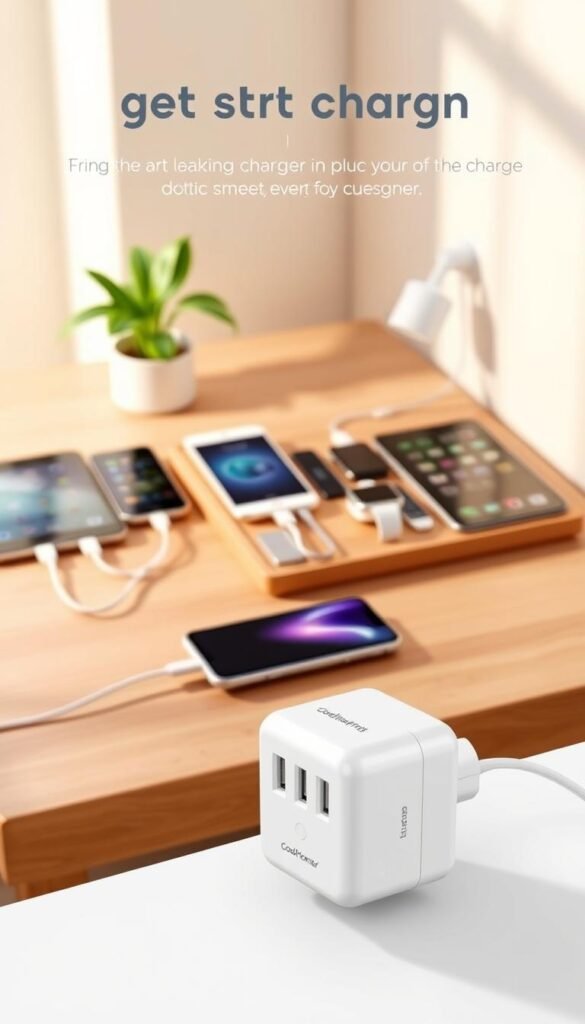
Quinjwin 50W — budget-friendly many-port option
The Quinjwin is small (2.56×2.56×1.18 in) and gives 50W max across 5 ports (2×USB‑C, 3×USB‑A). It includes overcharge, overheat, and short-circuit protections.
Who it’s for: phone and earbud users who want one low-cost wall charger for a nightstand or small desk.
HHETP 200W GaN — premium multi-device hub
HHETP packs 200W total and uses GaN tech for greater efficiency and less heat. Its footprint is still compact (3.94×3.94×1.18 in). That makes it a strong choice if you run laptops and several devices at once.
Who it’s for: you need higher wattage, fewer heat concerns, and a single hub for desk or shared charging stations.
TESSAN wall plug station — outlets plus USB for tight spots
TESSAN blends regular outlets (1×3‑prong, 3×2‑prong) with USB (2×USB‑A, 1×USB‑C) and 15.5W USB total output. Size: 4.7×1.2×1.1 in. It’s ideal for kitchens, entryways, or cramped nightstands where you need both plug and USB access.
Space requirements: nightstand vs desk vs kitchen counter
Nightstand: favor compact wall chargers (Quinjwin) or TESSAN so cords don’t drape into sleeping zones. Use short cables and a small tray to keep things tidy.
Desk: premium stations (HHETP) handle laptops and multiple devices without overheating. Place the hub near a power strip or recessed outlet and route cables behind the desk.
Kitchen counter: pick a unit with grounded outlets (TESSAN) and keep chargers away from sinks and splashes.
Safety notes: ventilation, protection, and cable routing
Do not cover chargers. Leave a few inches of breathing room. Avoid daisy-chaining adapters or stacking bricks on top of one another.
Choose units with over-current and short-circuit protection. Route cables so they don’t bend sharply at the plug or cross walkways.
| Model | Key specs | Best for |
|---|---|---|
| Quinjwin 50W | 5 ports (2C + 3A), 50W max, compact | Phones, earbuds, budget nightstand |
| HHETP 200W | 200W total, GaN, less heat | Multiple devices, laptops, desk hub |
| TESSAN | Outlets + USB, USB 15.5W total | Tight spaces, kitchen, entryway |
- Small-apartment win: one good wall charger replaces many single bricks and frees outlets.
- Budget vs premium: Quinjwin saves space and money; HHETP gives more power and lowers heat for heavier device loads.
- Quick tip: match cable length to placement so cords don’t cross walking paths.
Wireless charging that makes sense in a small apartment
A compact charging station can turn a crowded nightstand into a calm one. For Apple households, the AC ISLAND Folding 5‑in‑1 MagSafe is a clear fit. It folds to 4.8×3.4×0.8 in, gives up to 15W wireless output, and adds extra USB ports for other gear.

Real use cases
Nightstand: set the unit as a single drop zone. You get easy access to your phone and watch at night without cable clutter.
Travel kit: the folding design fits a toiletry bag or backpack pocket and protects the pads in transit.
Shared spot: place it on a shelf or console for roommates to top up phones and AirPods in one place.
Trade-offs and maintenance
Wireless charging is convenient but can be slightly slower than wired fast charging. Alignment matters—thick cases may block MagSafe magnets and reduce speed.
Small-space tip: avoid putting the station on a kitchen counter. Cooking splatter and steam add cleaning work.
- Wipe pads weekly and keep vents clear.
- Don’t stack papers or fabric on the charger while in use.
- Confirm Apple ecosystem compatibility for best results with an Apple Watch and iPhone.
Cables you’ll actually keep in your bag (and not replace every month)
Carry the right cables and adapters and your bag becomes a portable charging station.
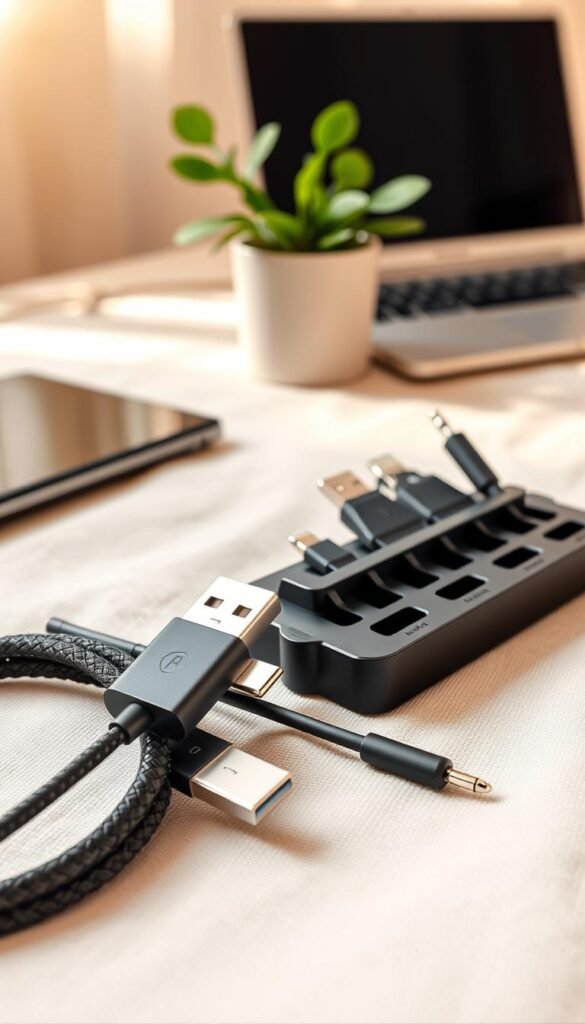
Yinow kit: one compact pack for mixed ports
Why it works: the Yinow kit fits in a 3.9×2.4×0.6 in case and keeps adapters (USB‑A, Micro USB, Lightning) tidy around a USB‑C core. It saves drawer space and is ideal when friends visit or you travel.
Carry tip: stash it in a small pouch so you don’t lose the tiny adapters.
YOUSAMS PD 60W: the one-cable day bag
This PD 60W 5‑in‑1 cable handles USB‑A/C input to USB‑C, Micro, and Lightning ends. It is the commuter choice for mixed devices.
Pros: fewer pieces, lighter bag. Cons: one cable means one point of failure—keep a cheap spare.
PINGXIN 140W: pay for power when you need it
If you charge a laptop over USB‑C, PINGXIN’s 140W cable (6.6 ft, swivel head) is worth the premium. It supports higher wattage and feels more durable.
Who should buy: laptop users and creators who want reliable, fast charging without swapping cords mid-day.
Light-up cords: OuTrade and MTAKYI
Light-up cables make finding a cord behind a bed or desk painless. OuTrade’s braided USB‑C (60W) and MTAKYI’s Lightning lead the pack.
Downside: some people dislike the glow at night. If that bugs you, pick a short non-lit cable for the nightstand.
What fast charging actually needs
Fast charging is a system. The cable, charger, and device all must support the same fast standards. One weak link slows everything down.
Quick rule: match a PD-capable cable with a PD wall unit and a compatible phone or laptop for the speed you expect.
- Small-apartment rule: fewer, better cables beats many cheap spares.
- Keep one compact kit (Yinow) and one daily cable (YOUSAMS) in your bag.
- For laptop power, choose a premium USB‑C like PINGXIN.
- For quick finds, a light-up OuTrade or MTAKYI cable helps—just weigh the glow trade-off.
For more budget-friendly picks that fit small spaces, check this best Amazon finds under $25.
Phone protection and carry options that don’t get in the way
Keep phone protection light and practical so it moves with you, not against you.
In a small apartment you move between pockets, a bag, and quick trips downstairs. Your choices should protect the device and keep clutter low. Match mounts and pouches to how you leave the home and where you store the phone.
Quad Lock: secure mounting for car, bike, and desk use
Real use: mount the phone on a bike or car dash for maps, or clip it to a desk stand when filming hands-free. Quad Lock’s dual-stage locking keeps the phone steady during rides and commutes.
Renter-friendly tip: check case thickness before buying mounts so the lock fits with your current case.
Pelican Marine IP68 floating pouch: water and sand protection
Real use: beach days, boating, pool visits, or rainy commutes. The IP68 pouch floats, has high-visibility color, and a detachable lanyard for hands-free carry.
Care rule: rinse with fresh water after salt or sand, dry fully before you store it to avoid trapped moisture.
Gentlestache leather holster: quick access without stuffed pockets
Real use: wear the leather holster on a belt when you prefer flat pockets or carry keys and small tools. It has extra slots for cards or cash so you can leave a wallet behind.
Who should skip it: if you favor minimalist outfits or no-belt looks, this holster adds visible bulk and may not suit your style.
Quick compatibility check: confirm your exact phone model and any case thickness before buying mounts or waterproof pouches. Some mounts need a thin case or a specific adapter.
Pros and cons: bulk vs protection, convenience vs style
- Quad Lock: secure, low movement; adds a small mounting system and requires case compatibility.
- Pelican Marine pouch: excellent water and sand protection; bulkier in pockets and needs drying before storage.
- Gentlestache leather: stylish, quick access, and card slots; adds visible bulk and relies on a belt or clip for stability.
| Option | Primary benefit | Best for | Minor drawback |
|---|---|---|---|
| Quad Lock Case | Secure mounting (dual-stage) | Bikers, drivers, content creators | Requires compatible case thickness |
| Pelican Marine IP68 Pouch | Waterproof, floats, high visibility | Beach, pool, rainy commutes | Bulkier; must dry before storing |
| Gentlestache Leather Holster | Fast access, card slots | Belts, tradespeople, minimal pocketers | Adds visible bulk; not belt-friendly outfits |
„Confirm fit before you buy—mounts and pouches depend on exact model and case thickness.“
Smartwatches that earn their place on your wrist
A smartwatch should earn its spot by cutting phone checks and saving you real minutes.

Start with the earn‑your‑place test: if a watch reduces how often you pull your phone, helps you manage time, or supports workouts you actually do, it’s worth it. If not, skip it.
Apple Watch Ultra — premium pick for iPhone users who want cellular freedom
What it does: GPS + Cellular, titanium case, built for phone‑free walks and workouts.
Who it fits: iPhone owners who value leaving their phone at home during errands or runs.
Samsung Galaxy Watch 5 Pro — Android-friendly alternative with strong battery life
What it does: durable build, long battery life, Titanium and sapphire options for toughness.
Who it fits: Android users who dislike daily charging and want reliable multi‑day use.
Noise and distraction factor: notifications you should turn off
- Disable social app banners and promotional alerts.
- Keep calendar and important work alerts only.
- Use Do Not Disturb or Focus modes during deep work or sleep.
Maintenance: charging routine, band cleaning, and comfort in hot weather
Make nightly charging a habit. Wipe sensors once a week and wash bands per manufacturer guidance.
For hot, sweaty days, swap to a breathable band and loosen the fit slightly to avoid rash and skin buildup.
| Model | Standout | Best for |
|---|---|---|
| Apple Watch Ultra | Cellular, GPS, rugged titanium | iPhone users who want phone‑free outings |
| Samsung Galaxy Watch 5 Pro | Long battery life, durable build | Android users who hate daily charging |
Trackers that help you keep an eye on keys, bags, and essentials
Trackers solve the small, repetitive panics that steal minutes from your day. They should be simple, reliable, and work with tools you already use.
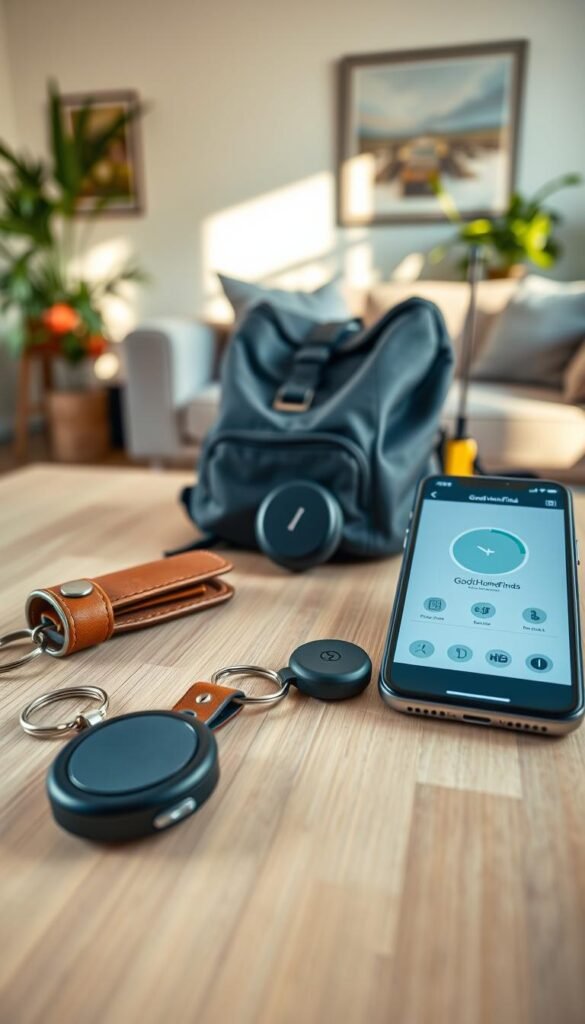
Apple AirTag 4-pack is the best choice for iPhone households. It pairs with Find My for precision finding on compatible phones. Each AirTag has a built-in speaker, a replaceable battery that lasts about a year, and water and dust resistance.
Real use cases
- Keys: clip one on your key ring and set a consistent drop spot by the door for easy access.
- Backpack or camera bag: tuck an AirTag into an internal pocket so a lost bag is found fast.
- Luggage and moving-day bin: place a tag in a checked suitcase or a box with chargers and documents.
Upkeep and habit-building
Set a yearly calendar reminder to swap the AirTag battery. Label each tracker in the Find My app so alerts are clear and useful.
Lost item fatigue is real. Start by tagging the top two or three items that actually get misplaced. Make trackers a backup, not your only system—store keys and bag in one consistent spot so you rarely need to use the tracker.
| Feature | Why it matters | Best placement |
|---|---|---|
| Find My integration | Precision finding with compatible iPhone | Keys, backpack, luggage |
| Replaceable battery (~1 year) | Low upkeep; simple yearly swap | Label in app; set reminder |
| Water/dust resistance | Survives spills and travel | Camera bags, checked luggage |
Cleaning gadgets for daily electronics (because grime is real)
A little dirt goes a long way toward slow charging and flaky ports in close quarters. In a small apartment, cooking residue, dust, and pocket lint collect faster than you expect. That gunk moves from counters to phone ports and earbuds pretty quickly.
Roname multi-function cleaning kit is a compact, renter-friendly product for quick maintenance. It includes a precision brush, microfiber cloth, cleaning putty, and small tools for crevices. The kit fits a desk drawer or a small pouch so you can grab it often.
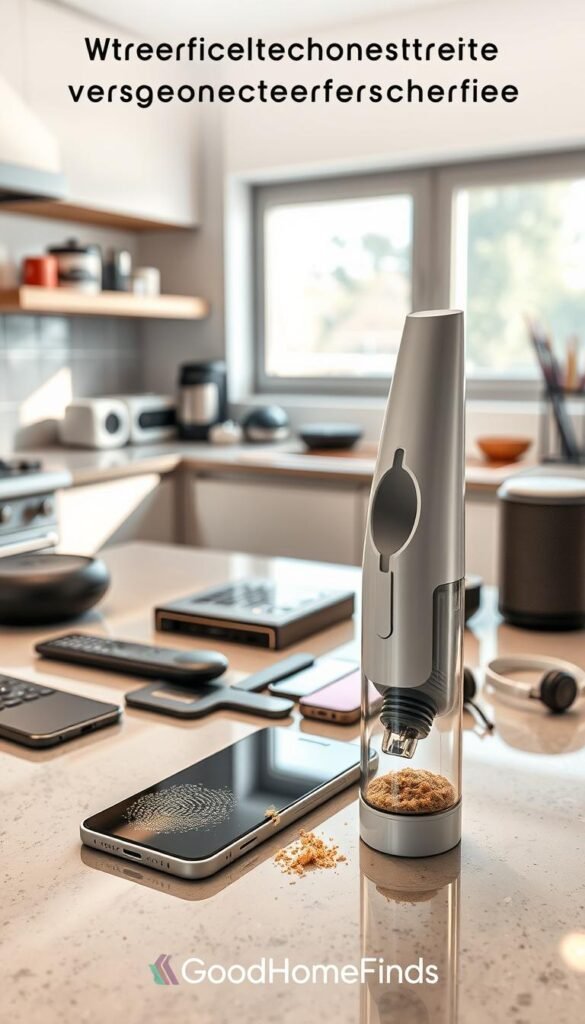
How tidy saves you time and money
Dirty ports make chargers sit loose and charge slowly. Cleaning stops the „wiggle to charge“ habit and reduces failed cables and earbuds. That means fewer replacements and less frustration.
Simple weekly routine
- Wipe screens and cases with the microfiber cloth.
- Use the precision brush for ports and speaker holes.
- Press cleaning putty into crevices to lift lint, then air dry parts before use.
- Avoid liquids near openings; keep it low effort so you repeat it.
„A tiny cleaning collection kept in one place makes maintenance repeatable and worthwhile.“
Tip: build a small cleaning collection and store it by your charger. Weekly care keeps charging reliable and stretches the life of your phone and earbuds.
Kitchen cleaning gadgets that cut scrubbing time without harsh chemicals
If you cook a lot, the right cleaning tools can cut scrubbing from an hour to ten minutes.
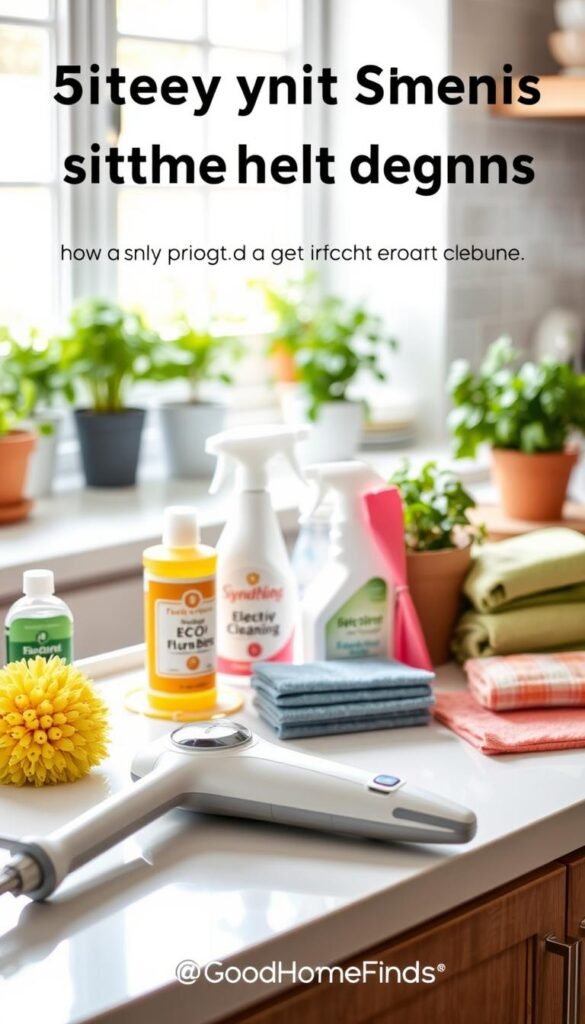
The Drill Brush set is a renter-friendly way to speed kitchen cleanup. It uses color-coded bristles so you don’t cross-contaminate. Green is for stoves, cabinets, countertops, and linoleum. Yellow handles tile and bathroom jobs. Black and red are for heavy outdoor or oven work. White is soft for glass and upholstery.
Apartment-friendly use
Start on low drill speed to limit splatter and neighbor annoyance. Work during daytime when noise levels are less likely to bother others. Place a towel barrier to catch runoff and protect counters.
Power and water safety
Keep cords away from standing water. Don’t operate the drill with wet hands near outlets. Stop if the drill heats up and let it cool; this reduces power consumption and risk.
Maintenance and storage
Rinse brushes thoroughly after each use and dry them fully. Store where air moves to prevent odor. Expect a small space trade-off if you keep multiple heads.
Pros and cons
- Pros: fast results, less chemical waste, time saved (one renter cleaned a rental tub in ~10 minutes with soap and baking soda).
- Cons: takes drawer space, needs drill compatibility, and some heads are stiff for sensitive surfaces.
For more creative cleaning options and renter-safe methods, see this guide to unconventional tools for easy kitchen.
| Feature | Brush color | Best use |
|---|---|---|
| Soft | White | Glass, leather, upholstery |
| Medium (bath) | Yellow | Tile, porcelain |
| Medium (kitchen) | Green | Stove, counters, linoleum |
| Stiff / Heavy | Black / Red | Ovens, grills, siding |
Compact tools for quick fixes and small-space living
You don’t need a toolbox — just a few pocket-ready pieces that do most small jobs. In a studio or one-bedroom, these items let you tighten, pry, open boxes, and finish small repairs without taking up a drawer.
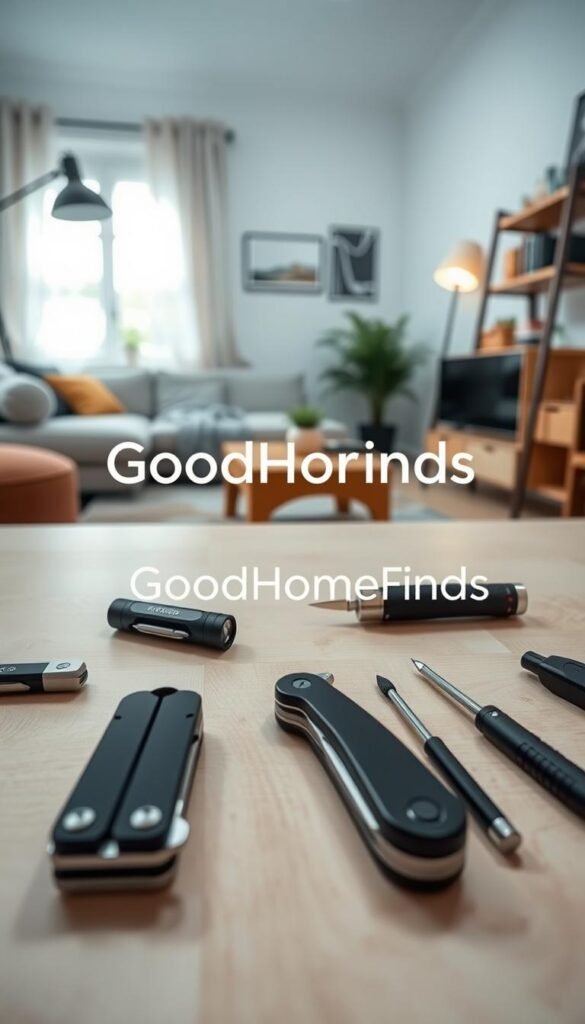
Keychain-ready options
Orbitkey Multi-Tool V2 slides into a key organizer and adds screwdrivers, a bottle opener, and small wrenches without bulk. It stays on your keys so you always have a fix on hand.
CRKT Pry Cutter gives a finger-safe cord cutter, pry tip, and hex slots. It’s slim enough to hang with keys and works for deliveries and quick pries.
Pocket tools and pens
BIGiDesign TPT Slide is a titanium pocket tool with a replaceable blade concept. Use it for opening boxes, light scraping, and small cuts. It’s TSA-friendly if you keep blades compliant.
Ti Click EDC Pen replaces throwaway pens. It fits common refills and feels solid in hand, so you reach for it daily.
When premium materials matter
Titanium lasts, resists corrosion, and feels premium in hand. It costs more. Buy it if you will carry and use it often; otherwise a budget steel option is fine.
Safety reminder: follow local rules, pack blades responsibly for travel, and use edges carefully in shared living spaces.
For a compact kit that fits renter life, see this compact versatile tools guide.
Budget vs premium comparisons: what’s worth paying extra for
Spend smart: pay extra only when an upgrade solves a real problem in your small space.
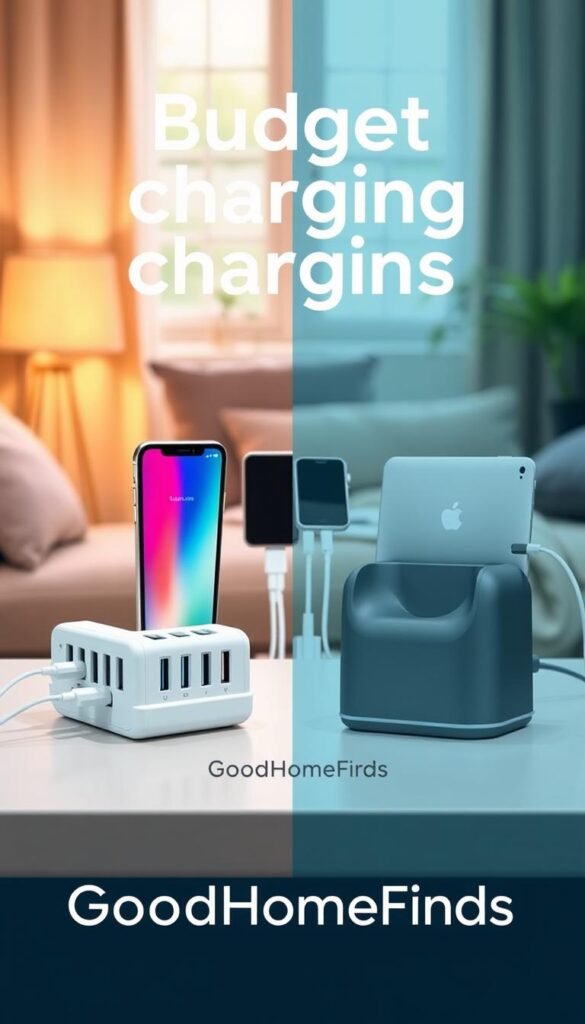
Charging: high-watt power vs basic multi-port bricks
If you run a laptop or need quick top-ups between outings, high-watt fast charging matters. It shortens time plugged in and helps when you only have short charging windows.
For overnight top-ups and phones plus earbuds, a basic multi-port brick is enough. It is cheaper, takes less space, and handles nightstand needs without heat fuss.
Rule: choose high-watt when you need speed or laptop power. Pick a multi-port brick for steady overnight charging and fewer cables.
Wearables: premium features vs phone convenience
Pay more for cellular models, longer battery life, and tougher builds if you want phone-free runs and multi-day use. Those features replace carrying a phone and add real utility.
If you mainly want notifications and step counts, your phone may already cover those needs. A basic watch or tracker saves money and reduces clutter.
Cleaning: reusable tools vs repeated disposables
Reusable kits like the Drill Brush and a small multi-purpose cleaning kit cost more up front but cut ongoing spending on wipes and harsh cleaners.
They also reduce waste and perform better on ports, fabric, and tight spots. For renters, a one-time buy often proves smarter than repeat purchases.
Space and noise: when premium pays off
Premium GaN chargers are smaller and run cooler. Better motors and build quality usually mean lower noise levels in fans and drills.
In apartments, quieter and more compact gear improves daily life and can be worth the upcharge on practical grounds alone.
- Simple spending rule: pay extra when it saves space, reduces heat or noise, or replaces multiple items.
- Charging tip: fast charging for laptops and quick top-ups; multi-port bricks for overnight and shared nightstands.
- Wearables tip: buy premium for cellular freedom, durability, or long battery life; otherwise save.
- Cleaning tip: choose reusable tools to cut recurring costs and improve results.
| Need | Budget pick | When to upgrade |
|---|---|---|
| Fast daily top-up | Multi-port brick | Upgrade to high-watt fast charging for laptops or short charging windows |
| Wearables | Basic tracker or watch | Upgrade for cellular, tougher build, or multi-day battery life |
| Cleaning | Disposable wipes | Upgrade to reusable kits and brushes to save money over time |
„If an upgrade shrinks footprint, cuts noise, or replaces several items, it’s worth the extra cost.“
Decision checklist: Do you need speed (laptop or quick top-ups)? Is space limited? Will noise bother neighbors? If you answer yes to any, consider premium. Otherwise pick the budget option and save.
For tested, wallet-friendly tech picks, see this top budget buys and for cleaning solutions check these cleaning finds.
Small-apartment checklist: power, noise, and space before you buy
Don’t bring home gear that fights your layout—check power, noise, and size first. Use this short shopping scan to avoid clutter and renter regret.

Power consumption: what stays plugged in vs occasional use
Quick check: label items you expect to keep plugged in all day (charging stations, smart hubs) and those for occasional use (power banks, drills).
Always-plug items should list wattage and heat notes on the box. If it draws steady power, plan ventilation and a dedicated outlet.
Noise levels: tools, chargers, and notification habits
Consider noise levels for anything with a motor or fan. Cleaning tools, dock fans, and loud alerts can annoy neighbors and roommates.
Pick quieter models or set tool times during the day. Turn off constant watch or app chimes you won’t use.
Space requirements: drawer fit, cable reach, countertop real estate
Measure where the item will live. Does it fit a drawer? Does the cable reach without stretching? Will it steal countertop real estate?
Safety mini-check: confirm basic protections (surge/overcurrent), needed ventilation, and whether it will sit near water.
- Shopping checklist: wattage and duty cycle, estimated noise level, dimensions, and cable length.
- Setup reality: if full setup takes more than 10 minutes, choose the simpler option you will maintain.
- Need more guidance? See a compact moving and setup list in a first apartment checklist.
„A quick pre-buy scan keeps your small place efficient and safe.“
Conclusion
A smart purchase frees space, time, and energy in a small home. Pick items that solve a real pain point, not ones that sit in a drawer. Start small: choose one charging upgrade, one organizer, and one cleaning kit to test the gain.
Match buys to how you live—commute, coffee-shop work, or lots of cooking. Keep safety front and center: don’t overload outlets, give chargers airflow, dry wet gear before storage, and stow power tools away from sinks.
Adopt a simple maintenance rhythm: weekly wipe-downs, monthly cable checks, and one consistent charging spot. If a gadget doesn’t save time, save space, or cut stress, it’s not a perfect addition.
For travel-friendly options that map back to renter priorities, see these best travel tech picks. Keep choices practical and renter-friendly, and you’ll quickly see better daily routines.


