
No hype. Just practical picks. You’ll get a clear, no-nonsense roundup of small-apartment friendly items that actually help your daily routine. This piece focuses on value, safety, energy savings, and renter-friendly setup.
Quick note on scope: I mean a true kitchen tech comparison — here that phrase defines comparing what saves time or prevents mistakes versus what only adds cost and steps.
The smart gear market grew fast, but adoption lagged. In 2023 smart products made about 2% of the global kitchen category value. Forecasts show big growth by 2033, so now is a good time to pick what’s worth it.
You’ll see five must-have items and five you can skip. Each entry covers real benefits, who needs it, setup time, common mistakes, space, noise, power use, maintenance, and budget vs premium choices.
Key Takeaways
- Focus on tools that save time or prevent errors, not novelty features.
- Advice is aimed at US renters and small-space homes.
- Each gadget lists pros, cons, setup, and maintenance needs.
- Smart features count only if they reduce work or risk.
- Budget vs premium comparisons show when to splurge.
What this product roundup covers for US kitchens right now
Smart features sound modern, but they often add steps you won’t want to repeat.
Why “smart” doesn’t always mean better (or easier)
Smart usually means Wi‑Fi control, notifications, or AI-style auto decisions. That can be handy.
But it can also mean extra logins, firmware updates, pairing hassles, and a longer path to start cooking. These steps create friction. They make a simple task feel like maintenance.
How we kept the focus on value, safety, and small-apartment fit
We asked one practical question for each product: Does this make you faster, safer, and more consistent?
If a gadget is bulky, loud, or hard to store, it had to earn its spot. If a basic tool achieves the same result, we call that out.
| Filter | What we check | Why it matters |
|---|---|---|
| Value | Outcome vs simple tool | Avoids paying for features you won’t use |
| Safety | Heat, steam, stable placement | Prevents accidents in small spaces |
| Space & noise | Footprint, storage, decibel level | Fits renter layouts and shared living |
How we judged each gadget: price, space, noise, and power consumption
We scored products on outcomes you notice every day. That means you get clear advice about value, safety, and renter-friendly fit. We reward items that cut steps, reduce dishes, and deliver consistent function with little babysitting.

Space requirements
Look past specs and measure real life. We check countertop footprint, height under cabinets, and whether the item can be stored away between uses.
We also count extra buys. Some tools need special jars or filters. Those add to the overall price and storage needs.
Noise levels
Noise matters in shared walls and studio layouts. We mark anything that will interrupt a TV call or wake a roommate.
Powerful motors often equal louder noise. Low-noise is worth more if you run the gadget at odd hours.
Power consumption
High-watt tools can still save energy if they cut cook time. Always-on standby is the real waste.
We measure both peak draw and typical use so you can see if the unit pays back the upfront price.
Maintenance
We list cleaning time, whether filters or descaling are required, and which wear parts need replacing. Short, frequent care is okay. Long, fiddly routines are a strike against a product.
Setup difficulty
Plug-and-play wins for most renters. Wi‑Fi pairing, accounts, and app updates add friction. AI features that „learn“ can be helpful but often add steps you won’t want.
- Bottom line: we favor safe, low-noise, renter-friendly items that save you time and power without hidden ongoing costs.
Smart kitchen tech in the past few years: big promises, mixed follow-through
Promises of fully automated cooking have outpaced the actual ways people use new appliances. Growth forecasts look large — a 2024 projection puts smart gear at about $76B by 2033 — but in 2023 smart features made up roughly 2% of the broader market.
Adoption reality check: smart kitchen is still a small slice of the market
That gap matters. When only a few buyers adopt a product, manufacturers may cut support. Apps, firmware updates, and cloud services can disappear.
Where the “too smart” approach backfires for everyday cooks
Too smart often means rigid workflows. If you like to tweak recipes or cook by feel, an appliance that enforces presets can feel controlling.
Trust is fragile. One bad automated cycle and you stop using the feature. Discontinued ovens and sold-off projects — like the June oven story — show how features can vanish and leave you with half a machine.
- What to watch for: prefer gadgets where automation helps you, not replaces your judgment.
- Bottom line: choose machines that make daily tasks easier and survive long-term support issues.
Must-have: Digital kitchen scale for consistent results
A reliable scale gives you repeatable results with less cleanup. It removes volume guesswork so your baking and meal prep produce consistent results every time.
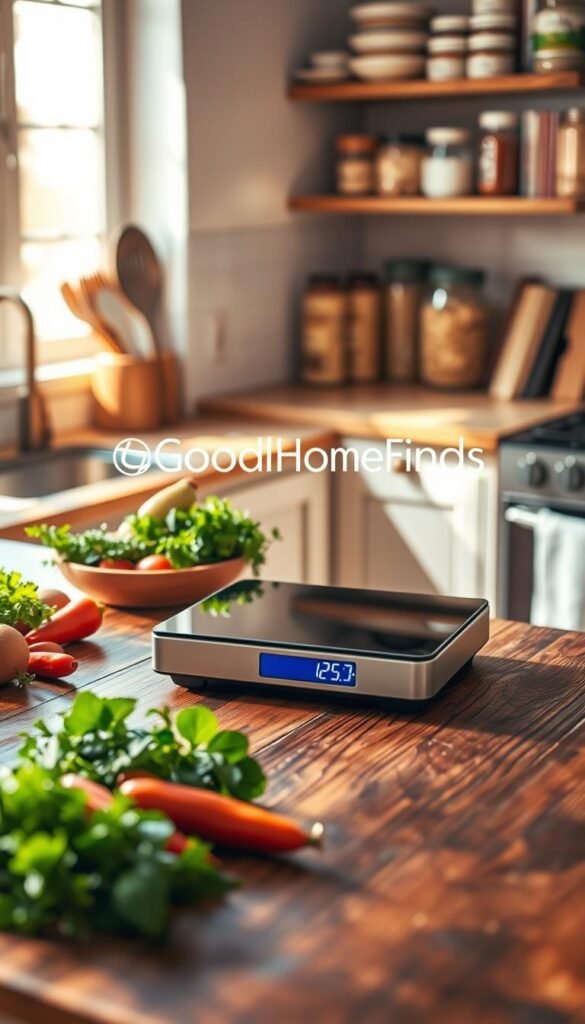
Real benefits
Measure by weight and avoid packed flour or uneven dough. You get precise ingredients for better baking and steadier coffee pulls.
Saves time and dishes. Tare a bowl, add multiple ingredients, and wash one dish instead of several measuring cups.
Who needs this
Bakers, coffee lovers, meal preppers, and anyone in a small space who wants repeatable results. It also helps when you scale recipes up or down.
Setup and common mistakes
Setup is under a minute: insert batteries, place on a flat surface, and zero it. Common mistakes are forgetting to tare, mixing grams and ounces, and letting batteries die mid-recipe.
Budget vs premium
The Escali Primo-style scale is durable, accurate, and dead simple. It often beats app-connected models that add pairing steps you won’t use.
Small-apartment fit: stores flat in a drawer, wipes clean in seconds, and earns its space because you’ll use it for many tasks.
- Quick use cases: weighing coffee beans, portioning meals, measuring cheese, and dialing in dough ratios.
- Bottom line: a basic digital scale is a high-value buy that improves results and saves time in tight spaces.
Must-have: High-performance blender that can do more than smoothies
A high‑power blender changes more than your smoothie game; it solves texture problems for sauces and soups.
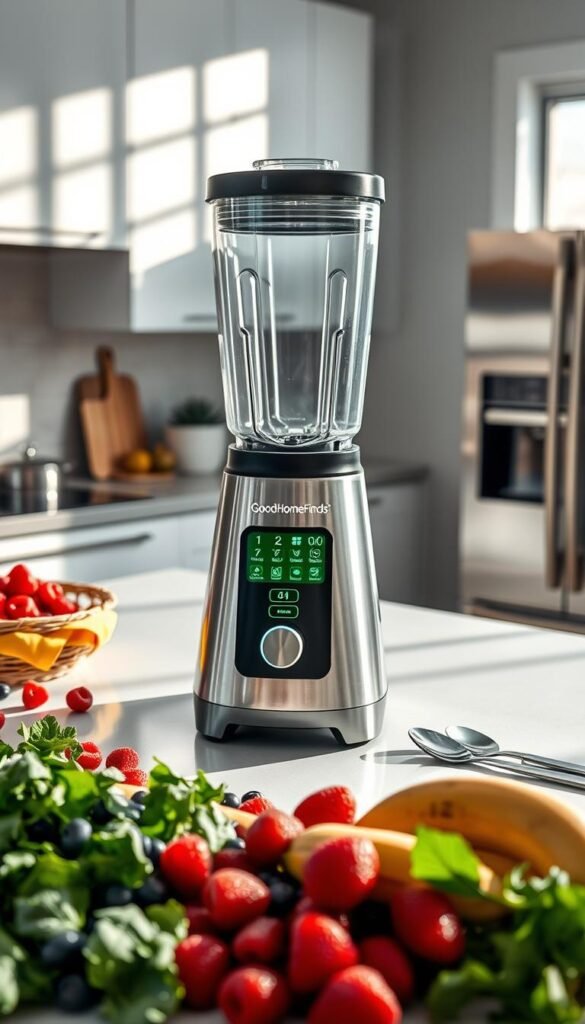
Real benefits
Smoother sauces, soups, dressings, and batters come through when lower-power units leave bits behind. A robust motor grinds nuts, frozen fruit, and dried items into a consistent texture.
Who needs this
You cook from scratch, feed a family, or blend frozen ingredients often. It helps make quick pizza sauce, silky soups, and nut‑based dressings without extra straining.
Setup and maintenance
Setup is fast. Attach the pitcher, add ingredients, and blend. Cleaning matters: rinse right away or residue sticks.
Watch blades and gaskets. Avoid metal tools inside the jar. Check seals periodically to prevent leaks and odors.
Noise, space, and practical limits
Powerful motors are loud and tall. Measure cabinet clearance before you buy. A blender will not fully replace a food processor for shredding or kneading dough.
Budget vs premium and price context
Entry high-power units can start around $250. Vitamix tiers give clear choices: One ~$250, Explorian ~$350 (good midline), Legacy ~$400, Ascent $500+. Spend based on how often you use tough ingredients.
Common mistakes
- Overfilling hot liquids.
- Running long cycles until the motor overheats.
- Expecting it to do every food processor task.
Bottom line: pick a model that matches your ingredient list and space. For many renters, the Explorian-level power is worth the price and daily convenience.
Must-have: Smart coffee maker that saves time without taking over your kitchen
A smart coffee maker can turn a chaotic morning into a calm, predictable start. It gives you a ready pot or a single cup without extra steps. That real, repeatable win matters when you’re running late.

Real benefits
Wake-up brewing means you step into a home that already smells like coffee. You lose fewer minutes and skip the line at a shop.
Who needs this
Early risers, commuters, and people in shared apartments benefit most. Consistent timing reduces morning friction for everyone.
Setup time and power
Use it like a normal maker and you’re ready in two minutes. Add app pairing and Wi‑Fi and expect 10–20 minutes of setup. Standby draw adds a small power cost. If you prefer, an outlet timer gives similar convenience with less standby use.
Maintenance and common mistakes
Descale on the manufacturer schedule and rinse the reservoir often to avoid mold and off tastes. Don’t place the unit where Wi‑Fi is weak. Fresh beans matter — stale grounds ruin results no matter how smart the machine is. And make sure the device still brews manually when the app fails.
- Practical buy lens: choose a model that keeps basic brewing simple if connectivity drops.
- Renter-friendly alternative: a reliable drip maker plus a simple outlet timer for most of the same time-saving benefit.
Must-have: Electric multicooker/pressure cooker for weeknight meals
An electric multicooker gives reliable, hands-off results for staples like rice and shredded chicken. It cuts the number of pots you touch and frees up time on busy nights.
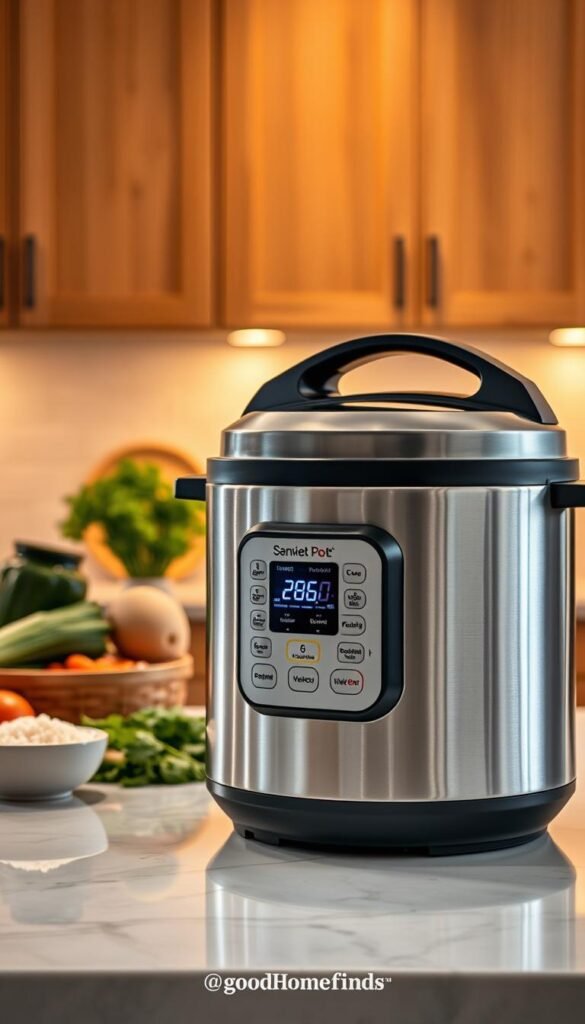
Real benefits
Hands-off weeknight cooking means you can start dinner, leave for a short errand, and return to a finished meal. You also wash fewer dishes, which matters in small space living.
Who needs this
This is ideal for renters, meal preppers, and anyone who wants steady results for beans, grains, soups, and shredded proteins.
Setup and learning curve
You can set a program in minutes. Expect a moderate learning curve to read labels, time pressure cycles, and pick liquid ratios.
Safety basics
Check the seal before each run. Release pressure and steam safely. Keep vents clear and never overfill past the max line.
Power and efficiency
These units use higher wattage for a short period. That brief burst of heat often uses less energy than long stovetop simmering.
Common mistakes
- Wrong liquid-to-ingredient ratios that prevent full pressure.
- Quick-release mishaps that spray steam and cause burns.
- Overfilling, which can clog valves and trigger errors.
Small-space guidance & maintenance
Place your cooker away from cabinets and direct overhead shelves so steam won’t warp surfaces. Store the lid separately or clipped under the base to save counter space.
| Feature | What to check | Why it matters |
|---|---|---|
| Setup | Read manual, test with water, set pressure program | Builds confidence and avoids early mistakes |
| Safety | Seal integrity, steam release, vent clearance | Prevents burns and mechanical faults |
| Space | Placement, lid storage, cord reach | Keeps counters clear and protects surfaces |
Tip: connected multicookers can send notifications that remind you to release steam or finish a step. Use that feature to avoid rushed, unsafe releases and to get the most reliable results.
Must-have: Smart meat thermometer for better chicken, steak, and roasts
A reliable meat thermometer removes guesswork and saves both time and wasted dinner. You stop hovering at the oven and avoid dried-out chicken or overcooked roasts. A probe that reports true internal temperature gives consistent results and more confidence when you cook.
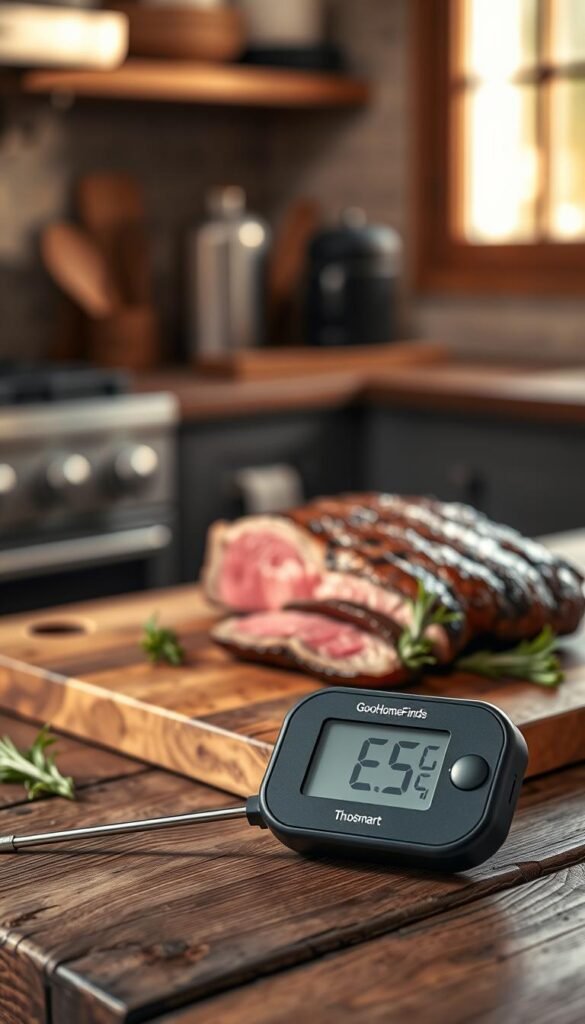
Real benefits
Fewer ruined meals. You hit safe temps without guessing and you rescue steaks and roasts from overcooking.
Less hands-on time. Alerts let you step away without risking burned food.
Who needs this
If you cook meat at home — especially beginners — this product improves safety and repeatability. It helps with chicken, roasts, and tricky thick cuts.
Setup time & common mistakes
Allow 5–10 minutes for pairing and correct probe placement. For instant-read models, setup is faster.
Common mistakes: placing the probe next to bone, probing the wrong spot, and trusting a flaky connection without a backup check. Calibrate occasionally; some models drift.
Budget vs premium
| Type | Good for | Trade-offs |
|---|---|---|
| Instant-read | Quick checks, tight budgets | No alerts, manual use |
| App-enabled probe | Hands-off monitoring, alerts | Possible connectivity glitches; needs calibration |
Practical tip: Keep cords away from direct heat, allow for carryover cooking, and trust accuracy over flashy displays. A simple, accurate unit often beats a feature-packed but buggy product.
Skippable: Over-engineered smart countertop ovens that cost more than they save
Big feature lists and flashy panels don’t make up for tiny interiors and high price tags. You end up with a bulky countertop appliance that fits less food and adds friction to simple meals.
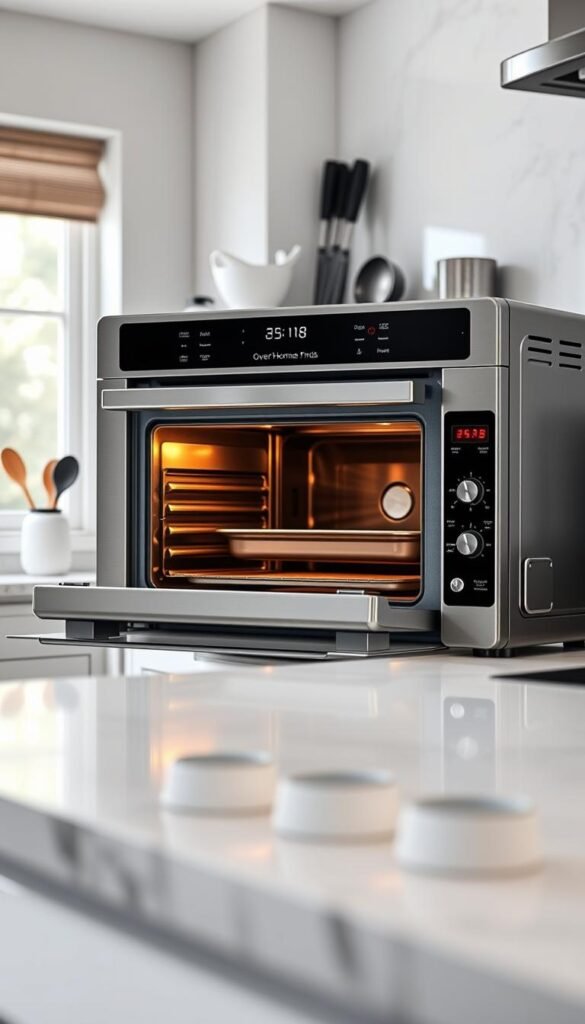
Why they disappoint
Too many modes, small capacity, high price. A $1,300 Brava with a 0.6 cu ft interior shows the mismatch. That price buys a lot of single-use features but not usable tray space for family meals.
Real-world risks
The June oven cost $600–$1,000 and later lost support after resale. When connected products are discontinued, smart features quickly lose value.
Setup and space
Expect account creation, firmware updates, and an app learning curve. These tasks turn a quick dinner into a project.
Also note the footprint: many countertop models take up more counter space than their usable chamber justifies.
What to buy instead
Choose a solid toaster oven that nails heat, timing, and a clear alert when preheat or timer finishes. It saves time and frees up space.
Premium exception
Breville Joule (~$500) offers a lighter smart layer and excellent toaster-oven performance. It still works well if you ignore the app, so it can be worth the price if you want a durable, high-end unit.
| Option | Usable chamber | Setup time | Value |
|---|---|---|---|
| Over-engineered smart oven | Often small (e.g., 0.6 cu ft) | High (accounts, updates) | Poor for small-space cooks |
| Basic toaster oven | Practical tray space | Low (plug and use) | High day-to-day value |
| Breville Joule (premium) | Good tray area | Moderate (optional app) | High if you want top performance |
Skippable: Subscription-tied cooking machines that lock you into one “way” to eat
A device that needs meals-by-mail to shine usually costs more over time than you expect. These systems pair a specialized machine with a recurring menu. The upfront price looks reasonable until the subscription adds up.
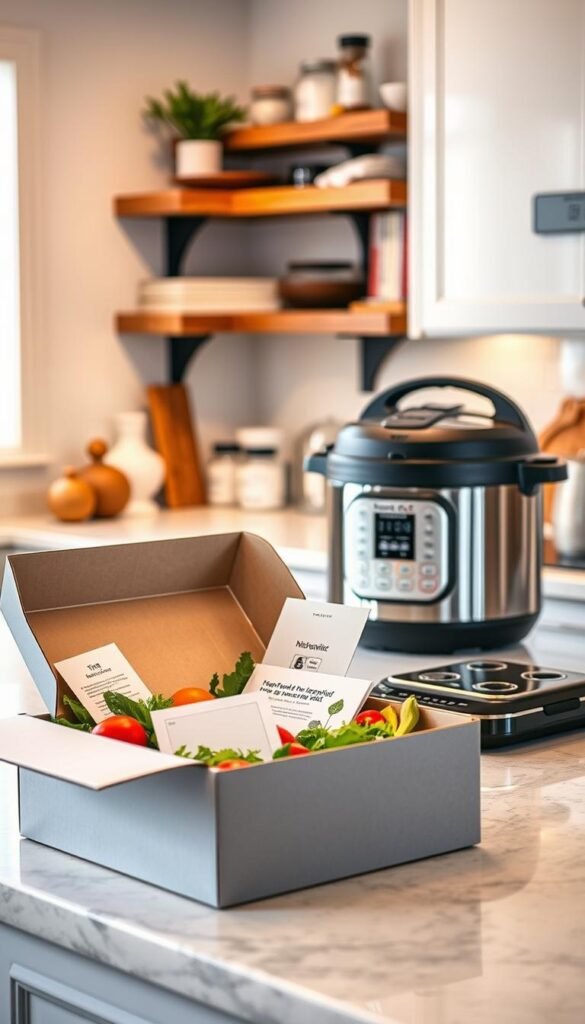
Why it’s a poor value
Ongoing bills: subscription fees can exceed the device price in months. That makes the apparent value vanish fast.
Limited flexibility: the machine often works best with a brand’s packaged food. You lose freedom to cook your own meals or try new recipes.
Who it fits (rarely)
This model suits someone who wants ready-made convenience and who will buy the brand’s meals consistently. If you prefer variety, it’s not for you.
Common mistakes
- Buying for “future use” and letting the machine sit while the subscription charges.
- Assuming the device will handle any food — many are optimized for one system.
- Underestimating storage needs for packaged meals and extra cleanup for trays.
Practical alternatives
Choose flexible tools that support many ways to eat. A digital scale, multicooker, and a reliable thermometer cover most daily needs without recurring cost.
Bottom line:If you value real-life habits and budget control, skip subscription machines unless you already plan regular meal orders.
Skippable: Smart fridges with cameras if your budget is tight
A fridge with built-in cameras and a big screen promises convenience, but that promise often carries a hefty ticket price.
These models can show shelf contents on your phone and suggest recipes. In real life you still shop, rotate food, and clean spills. Cameras do not fix those basics.
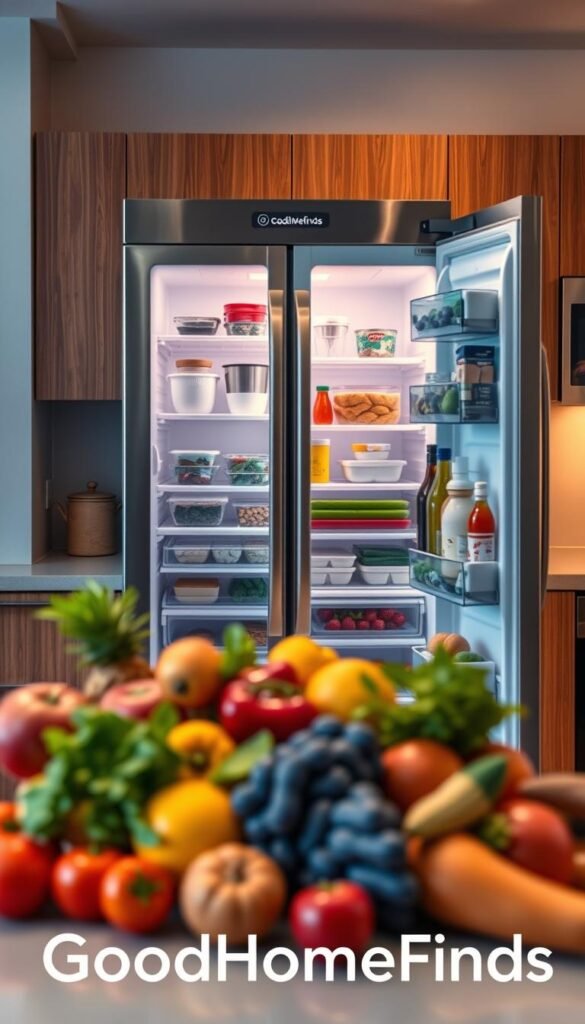
The real tradeoff: convenience features vs a major jump in cost
Smart fridges with cams can cost around $4,000. That is a major jump over a reliable basic model. For many renters, the extra cost buys novelty, not daily value.
Better alternatives for small apartments
Try simple, renter-friendly fixes that improve how you store food at home and save space.
- Keep a short inventory list on your phone to avoid duplicate buys.
- Use clear, labeled containers and bright interior bulbs to prevent forgotten food.
- Spend on a quieter, more reliable basic fridge or tools that improve cooking results.
| Option | What you gain | Cost tradeoff |
|---|---|---|
| Smart fridge with camera | Remote view, recipe suggestions | High price; limited space benefits |
| Inventory list + labels | Less food waste, fewer duplicates | Low cost; renter-friendly |
| Better lighting + containers | Easier visibility of food, longer freshness | Low to moderate cost; saves space |
Habit stack: do a weekly fridge check, toss old items, and keep labeled containers. This routine beats an expensive screen for most small kitchen dwellers.
Skippable: Stand mixers with “smart” features most renters won’t use
A heavy, smart stand mixer sounds useful until you realize you need counter space more than automation.
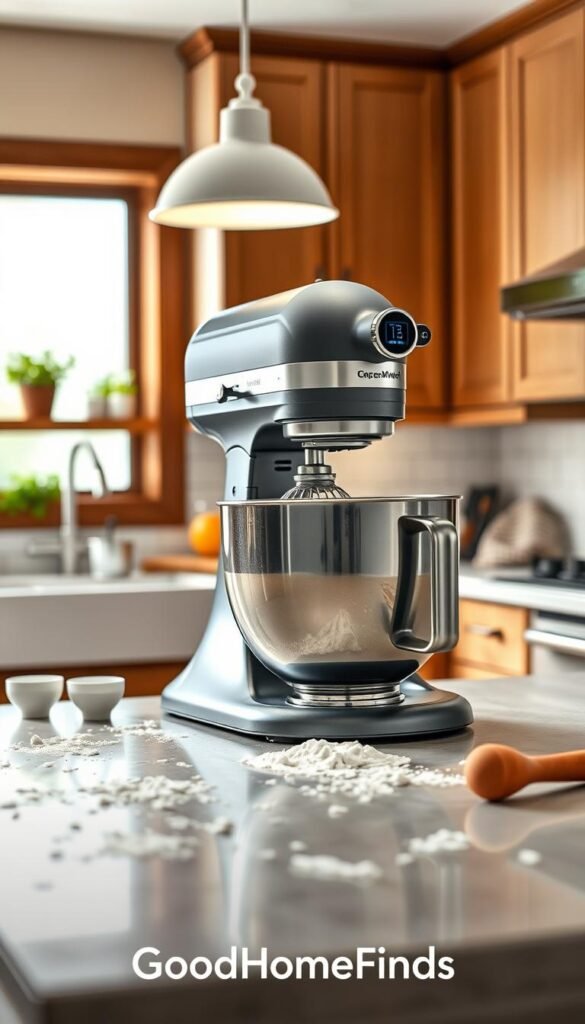
Why it’s overkill: these mixers are bulky and heavy. Many models sit in a closet because hauling them out kills the habit of baking.
High-end smart units can push near $1,000. The GE Profile example shows built-in scales and dough-sensing automation at a premium price. For occasional bakers that premium rarely changes results.
Practical renter-friendly plan
Use a compact hand mixer plus a digital scale. The combo gives repeatable dough and batter results without the footprint or noise. A scale makes recipes predictable. A hand mixer handles most mixing jobs fast.
Who should still consider a larger unit
If you bake weekly, host often, and have dedicated counter room, a durable mixer makes sense. Even then, prioritize build quality over smart add-ons.
| Option | Best for | Trade-offs |
|---|---|---|
| Stand mixer (smart) | Frequent bakers with space | High cost, heavy, large footprint |
| Hand mixer + scale | Renters, occasional bakers | Low cost, easy storage, consistent results |
| Basic stand mixer (no smart) | Serious bakers who want durability | Less automation, better longevity |
Skippable: Smart composters for everyone—until price and space make sense
For many renters, a smart composter is a neat idea that clashes with high price and tight space. These units promise less food waste, fewer smells, and alerts when the bin is full. That is real value for people who generate lots of scraps and lack other options.

Real benefits
Less food waste ends up in the trash. Many models, like the Mill Bin, also send full-bin alerts and speed composting.
Why many apartments should wait
The Mill Bin can cost about $33/month or $899 outright. That price and the unit’s footprint compete with prep space. Maintenance takes a little time and a routine. Miss a cleaning and odors and performance drop fast.
What to do instead
- Keep a freezer scrap bag and empty it weekly.
- Use local drop-offs or municipal compost hubs.
- Join a building compost program if one exists.
Value test: a smart composter is worth it only if you produce steady scraps, lack pickup options, and can spare counter space. Otherwise low-cost alternatives save money and keep your food routine simple.
Kitchen tech comparison: budget vs premium picks that actually change daily life
Practical upgrades beat flashy add-ons when daily convenience matters most. Pick items that shorten tasks and survive moves. That rule keeps value high and fuss low for renters.
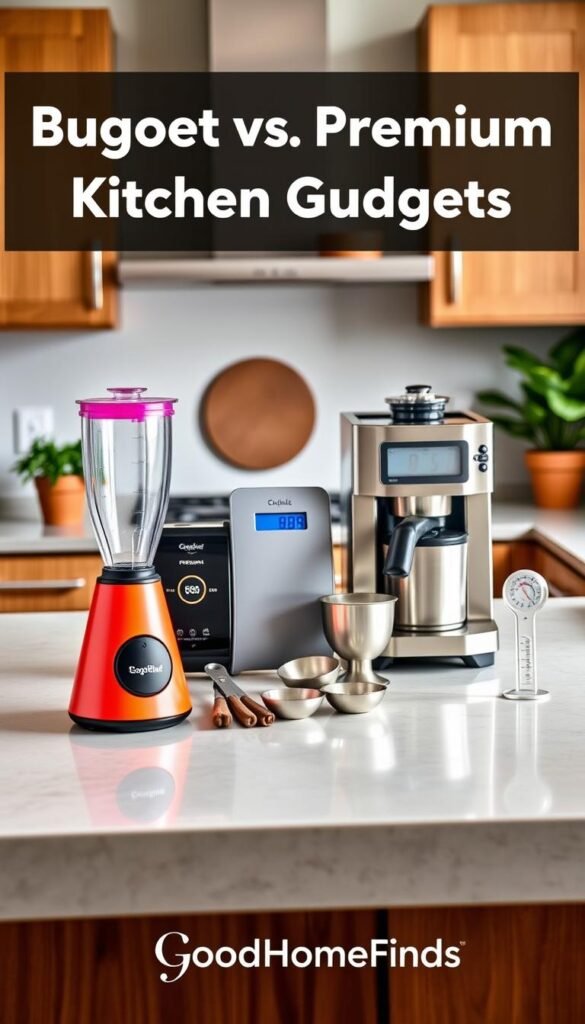
Best budget upgrades
Scale: small, accurate, and used daily for portioning and baking.
Basic toaster: a reliable toaster oven saves time and fits most small counters.
Coffee tools: a good grinder and a simple brewer give better morning results than smart features.
Best premium splurges
Spend up when core performance improves outcomes. A high‑power blender transforms sauces and soups. A dependable thermometer gives safer, consistent roasts. Durable cookware lasts years and reduces replacement cost.
Where premium isn’t worth it
„Screens, cameras, and AI that add setup steps rarely beat a solid, manual tool.“
Avoid costly displays and subscription layers that increase setup and fail-outs. Pay for clear performance, not features you ditch after week one.
| Category | Budget win | When to splurge |
|---|---|---|
| Measuring | Digital scale | — |
| Toasting & heating | Basic toaster oven | Premium if you need bigger build and even heat |
| Drink prep | Grinder + simple brewer | Smart brewer only if you need exact scheduling and reliable alerts |
- Decision rule: pay for performance and reliability, not modes you won’t use.
- Renter-friendly tip: choose items that move with you and need no special hookups.
Setup time cheat sheet: what you can use today vs what needs tinkering
Setup time decides whether a gadget earns its place or becomes a weekend project.
Plug-and-play winners
Pick these when you want something for tonight: a scale, an instant-read thermometer, or a basic blender.
They work out of the box with minimal steps. Insert batteries, place on a flat surface, or plug in and you are ready to use.
- Fast wins: weigh, probe, blend — then clean.
- Why they work: no accounts, no updates, few failure points.
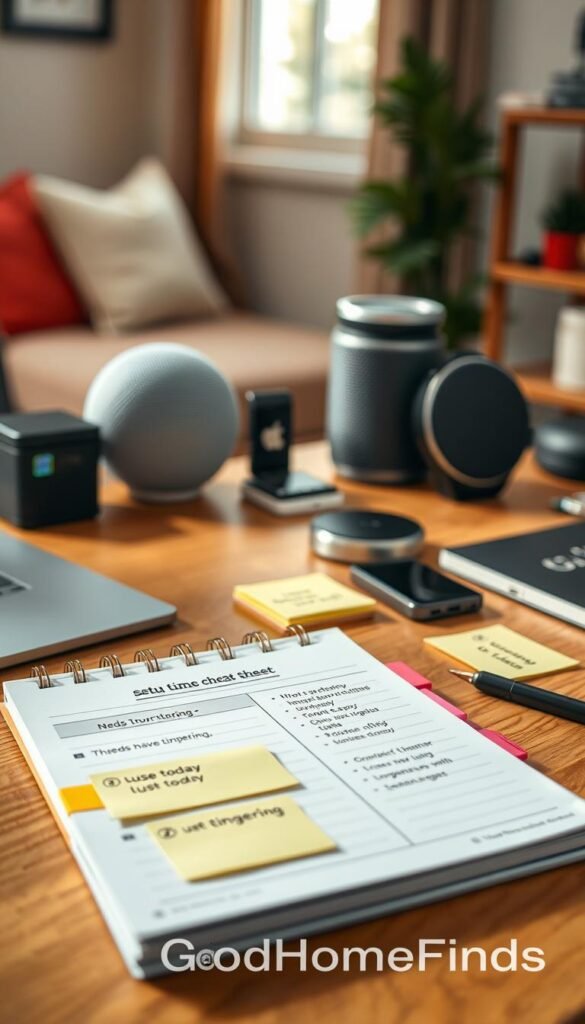
Wi‑Fi/app gadgets: what takes longer and why
Connected devices often need pairing, accounts, firmware, and a steady signal. That can add many minutes or hours.
They also draw small standby power when always-on features are enabled. Check if the app is optional.
- Expect pairing steps, permission prompts, and occasional troubleshooting.
- If your router is shared or weak, app features may become an ongoing annoyance at home.
Pre-buy checklist: confirm manual operation, verify local support, and ask whether the machine still runs if the app fails.
Plan realistically: choose plug-and-play for tonight’s meal. Pick connected gear only if you enjoy setup and remote alerts for daily tasks.
Common mistakes people make when buying kitchen gadgets
Buying without picturing daily use is the fastest way to let a pricey tool collect dust. Picture the full routine: setup, cooking, cleaning, storage. If any step feels painful, you likely won’t use the item enough to justify the purchase.
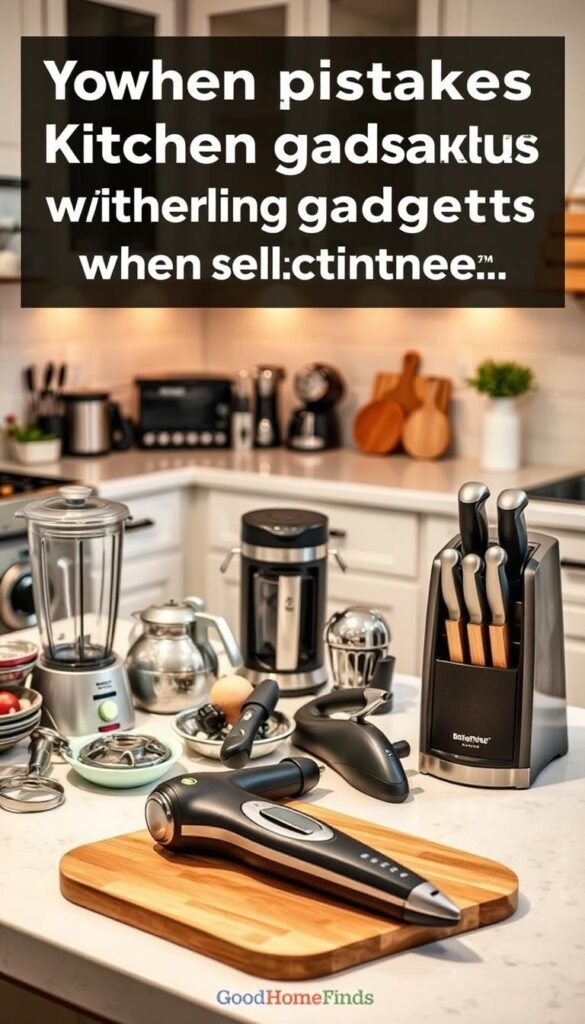
Ignoring cabinet height and countertop depth
Measure before you buy. A tall blender or wide appliance can block cabinets or never fit under shelves.
Think storage. If you can’t tuck it away, it will crowd your prep area and reduce usable space.
Underestimating noise levels in apartments
Powerful motors and fans sound great in specs but loud in a studio. Ask for decibel ratings or read real-user notes.
Decide when you’ll run it. Late-night blending or a loud fan during calls is a clear regret for many renters.
Paying for features you won’t use after the first week
High price often buys modes, screens, and apps you stop using. Prioritize core performance over gimmicks.
Rule of thumb: if a feature doesn’t save time or improve results, skip it.
Skipping maintenance until performance drops
Descale, change filters, and deep-clean on schedule. Skipping this lowers lifespan and raises repair costs.
Simple habit: schedule one quick clean after each heavy use to avoid big chores later.
- Picture the full routine before you click buy.
- Use a one-week test: if you can’t see weekly use, pass.
- Favor items that fit your storage and match daily habits.
Small-apartment checklist: space requirements, safety, and compatibility
A good appliance choice starts with measuring real space and planning where heat and steam will go.

Electrical safety: outlets, cords, heat, and steam
Check outlet capacity before you buy. Many high-watt units draw more than a toaster. Avoid plugging several heavy loads into one strip.
Keep cords clear of hot surfaces. Run them away from ovens and hot pans. Replace frayed cords and never tuck a cord behind a hot appliance.
Give steam-producing appliances breathing room. Place them where steam vents won’t hit cabinets or electronics.
Ventilation and smoke: what matters for ovens and air-frying
Ovens and air-frying units can make smoke and trap heat. Position them near airflow or open a window when you run high-heat cycles.
Smart notifications help, but they don’t replace good placement and attention. Plan for occasional smoke and keep a small fan or range hood available if possible.
Storage strategy: stackable, collapsible, and multi-use tools
Prioritize stackable and collapsible items. They free counter space for prep and reduce clutter in a small footprint.
Favor multi-use design: an appliance that doubles as a steamer, slow cooker, or pressure cooker cuts the number of items you own.
| Checklist item | What to check | Why it matters |
|---|---|---|
| Measure space | Counter depth, cabinet height, storage shelves | Ensures the appliance fits and stores easily |
| Outlet access | Dedicated outlet, amp rating, avoid overloaded strips | Prevents tripped breakers and fire risk |
| Heat & steam clearance | Distance from cabinets, vents, and electronics | Protects surfaces and prevents moisture damage |
| Ventilation | Window access, fan, or hood availability | Reduces smoke, odors, and heat buildup |
| Design & cleaning fit | Removable parts, sink clearance for washing | Makes regular maintenance easy and practical |
Final tip: choose appliances that match your real-life use. A device that fits your space, power limits, and habits is worth more than one stuffed with unused features.
Conclusion
Aim for tools that cut steps and hold up to weekly use. Pick items that improve your daily results and remove friction. Favor reliability, low maintenance, and clear safety over screens and modes you won’t keep using.
Practical rule: ask who needs it, how long setup takes, and what common mistakes look like. Check space, noise, power, and cleaning needs before you buy.
Skip bulky, over‑engineered devices that demand accounts or constant babysitting. Instead, pay for core performance that saves time, energy, and headaches.
In a small apartment, the best buys are what you can safely run, quickly clean, and actually use each week.


