Quick guide: if you live in a small apartment, your shared space must pull double duty. It serves as a TV area, a casual office, and a place to host. That means every gadget has to justify its footprint.
This section sets expectations. You’ll get renter-friendly, practical picks. No hype. You’ll learn which items save energy, add safety, and actually fit your current ecosystem.
Each product will be judged on space needs, noise, power, and maintenance. I’ll call out setup difficulty and compatibility. The rule for a small space is simple: fewer devices that do more, fewer apps, and fewer cords across walkways.
Expect comparisons of budget vs premium across categories: voice hub, smart remote alternatives, lighting, air care, audio, display/art, temperature, blinds, security, and charging. You’ll see honest pros and cons and real-life use cases so you can spend where it actually pays off.
Key Takeaways
- Focus on renter-friendly picks that earn their footprint.
- Decisions hinge on space, noise, power use, and maintenance.
- Fewer multipurpose devices beat many single-use items.
- We compare budget and premium so you can prioritize spend.
- Compatibility with your current ecosystem matters most.
How to Choose Living Room Gadgets for a Small Apartment
Pick gadgets that earn their place by doing more than one job. Start with a quick reality check: measure usable floor footprint, needed clearance for movement, and where power will run before you buy.
Space requirements: what earns its footprint
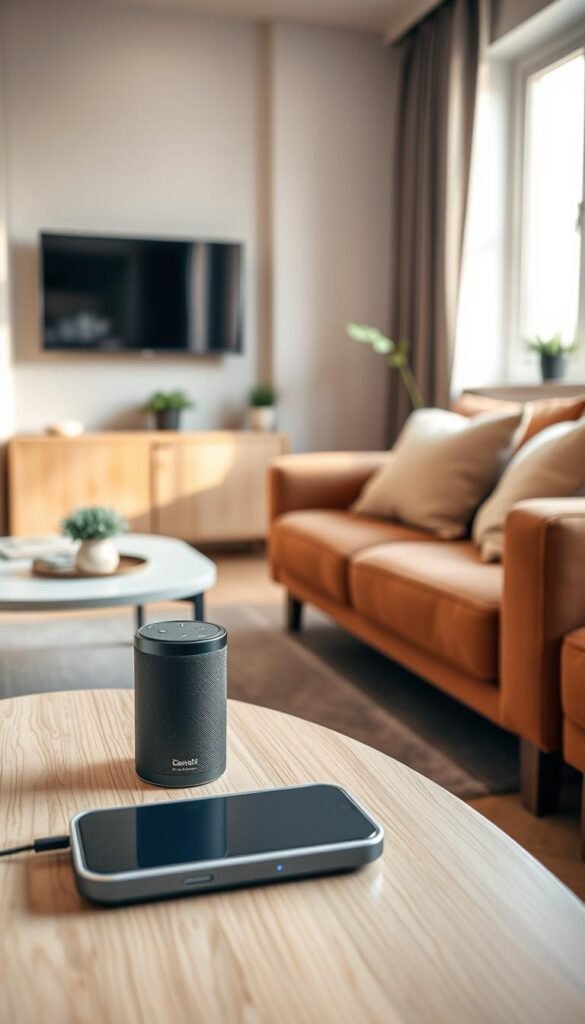
Measure footprint + clearance + cord paths, not just product dimensions. If a device replaces two items—hub plus speaker or soundbar plus assistant—it usually earns the space.
Power consumption and energy costs to watch for
Anything that stays „always on“ adds bills. Look for schedules, auto-off, and low-power modes. Favor items with clear standby specs and easy timers.
Noise levels that matter in open layouts
Open layouts amplify noise. For purifiers and fans, check low-speed dB claims and user reviews. If you take calls or watch late shows, quiet matters more than raw power.
Compatibility basics
Pick one main ecosystem—Alexa, Google Assistant, or Apple HomeKit—so devices can talk to each other. A smart hub consolidates controls and cuts clutter.
Safety and cable management
Route wires along walls. Avoid loose cords across walkways. Don’t overload strips and keep liquids away from outlets.
Simple checklist:
- Measure real space and clearance.
- Choose multipurpose devices.
- Check energy and standby use.
- Verify quiet operation at low speeds.
- Pick one ecosystem and use a hub.
- Secure wires and use no-drill mounts when renting.
Decision shortcut: If you rent, favor plug-in, no-drill, easy-to-remove options that keep your home tidy and reversible.
Real benefits you’ll actually notice day to day
The real test is whether a device makes your daily routines measurably easier. If it saves you from getting up several times a day, you’ll feel the difference right away.
Comfort without the walk
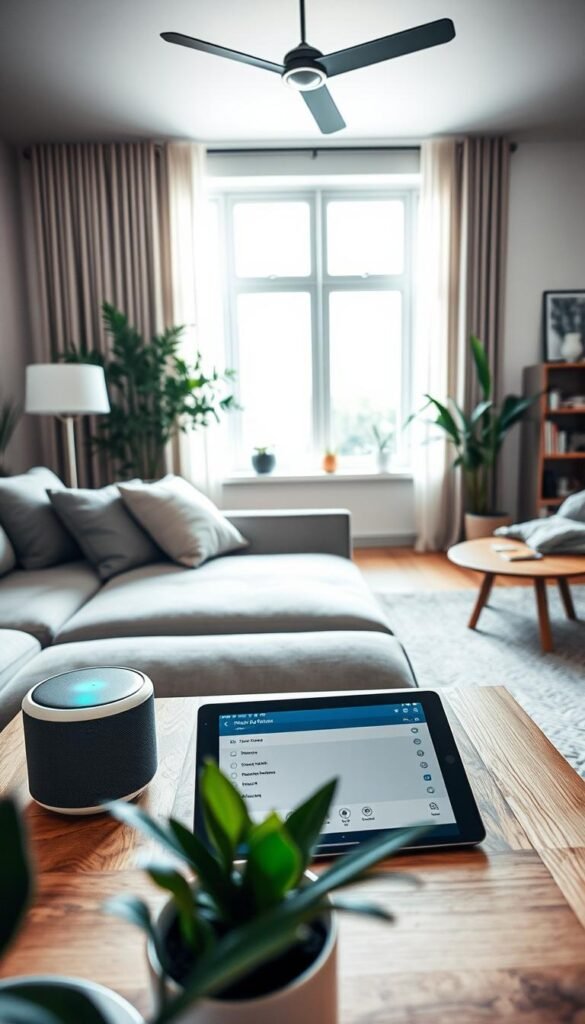
Try the „couch test“: if you can change lighting, volume, or temperature without leaving the couch, that’s instant convenience. A quick thermostat nudge during movie night or a dimmer that greets bedtime saves energy and improves sleep.
Cleaner surfaces, fewer remotes
Hubs and smart remotes consolidate controls. That cuts clutter from chargers and clickers on side tables. Fewer cords also means fewer tripping hazards and cleaner surfaces you can actually use.
Air that stays fresh
In a small flat, kitchen fumes move fast. An air purifier or localized extractor reduces odors and smoke. The result feels like immediate cleanliness and fewer complaints from roommates.
Better lighting for every mood
Smart lighting reduces glare for screens, warms the tone for winding down, and brightens up when you host. That small change improves daily life and can lower energy use when set on schedules.
Honest note: automation helps only when you keep it simple. Too many routines create a different kind of clutter. Start with one or two automations that pass the couch test.
Who needs this living room tech (and who can skip it)
Start with one practical upgrade that solves a real, recurring hassle in your apartment. If a device saves you trips, cuts clutter, or makes daily tasks easier, it earns its space. If not, skip it.
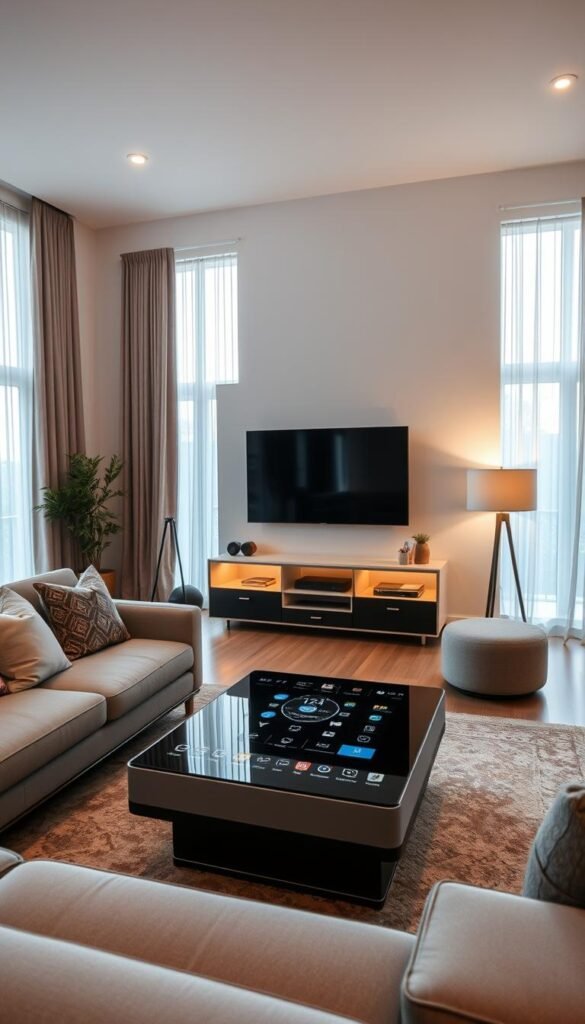
Renters and small-space dwellers
Prioritize plug-in devices, adhesive mounts, and take‑with‑you upgrades. Think bulbs, lightstrips, portable speakers, and hubs you can move. No-drill mounts and USB power keep installations reversible and renter-friendly.
Families who want shared calendars and routines
One display can replace wall calendars and reduce morning friction. Devices like Google Nest Hub support shared calendars, timers, and quick voice requests that speed up routines.
Pet owners and peace of mind
Smart cameras double as pet monitors. Use alerts and quick check-ins without making the common areas feel like surveillance. Keep clips off cloud plans if privacy matters to you.
People sensitive to dust, smoke, or cooking smells
An air purifier can cut dust and odors that drift from kitchens into shared spaces. For many, a single well‑sized purifier is the most noticeable upgrade.
- If you hate apps or refuse microphones/cameras, skip smart devices.
- If you move often, favor portable gadgets with few mounts.
- Start with one “daily driver” upgrade—a hub or smart lighting—before adding more gadgets.
Smart hub and voice control that keeps things simple
A smart hub can shrink your control clutter to one clear surface. It replaces multiple apps and remotes with a single, easy interface.
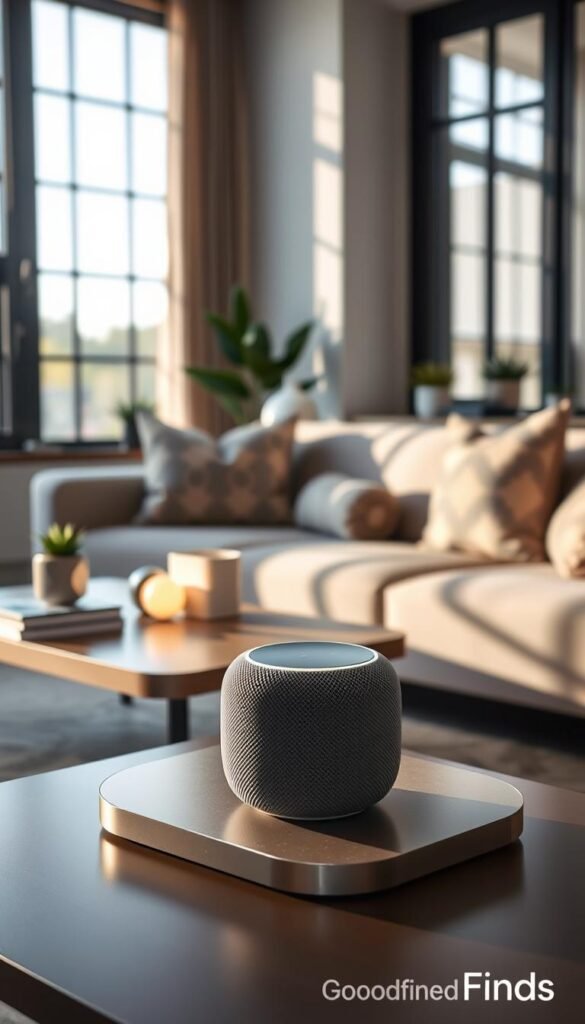
Google Nest Hub experience: quick control from one display
The Google Nest Hub (2nd Gen) lets you tap to operate thousands of compatible devices. Simple gestures pause or play media when your hands are full.
Real life: check a family calendar, start music, or dim lights from one screen.
Choosing one “brain” to avoid app overload
Pick one ecosystem—Google, Alexa, or HomeKit—and buy mostly within it. This rule stops account juggling and keeps setup fast.
Privacy considerations before you add a mic
Microphones in shared spaces can feel intrusive. You can mute the mic, limit permissions, and set guest boundaries.
Tip: place the hub where people pass, not pointed at private desks.
| Feature | Benefit | Ideal spot |
|---|---|---|
| Single display | Clears counters and centralizes control | Near couch or entryway |
| Gesture/tap | Hands-free quick pauses | Within reach of seating |
| Permissions & mute | Manage privacy easily | Visible but not intrusive |
Short caution: hubs invite more purchases. Set a budget and stop point before the „one more device“ trap takes hold.
Smart remote alternatives so you stop losing the clicker
Stop hunting for a remote—use the one device that’s already in your hand. Your phone rarely leaves you. It can act as a reliable, clutter-cutting controller for Fire TV and Chromecast setups.
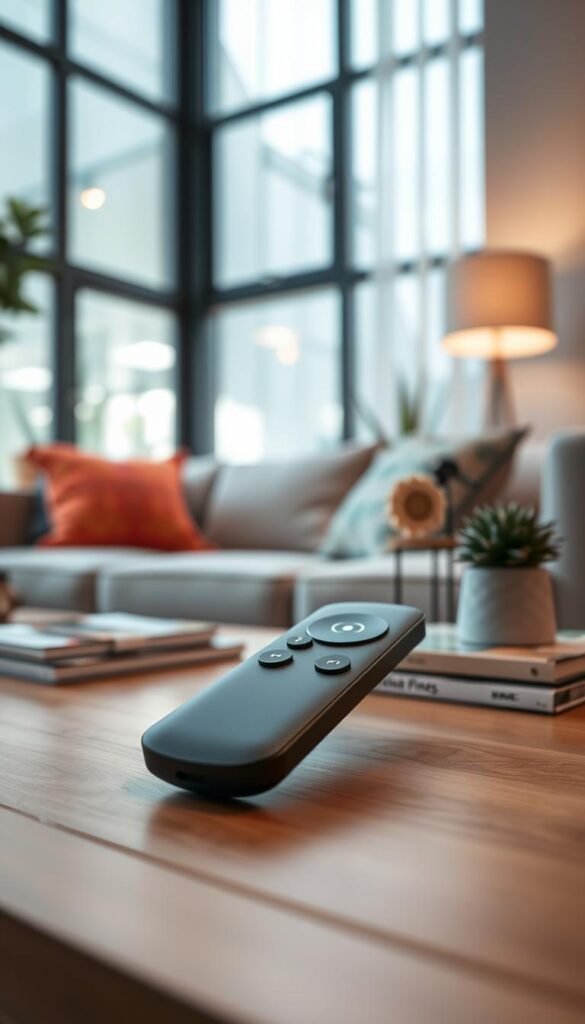
Using your phone as a remote with Chromecast and Fire TV
Setup is simple. Install the streaming app, join the same Wi‑Fi as your streamer, and tap to connect. Fire TV apps offer a built‑in phone remote. Chromecast works via the Google Home app or a compatible smart TV.
Why this works best in small apartments
If you have multiple streamers across rooms, one phone speeds switching and clears the coffee table. Voice search in apps also cuts typing with a tiny clicker.
- Pros: fewer objects, faster app switching, voice search.
- Cons: phone battery dependency; keep a charger or one physical remote as backup.
- Clutter tip: make a single folder for streaming apps so you stop hunting during movie night.
| Option | Setup effort | Best for |
|---|---|---|
| Phone remote | App install + Wi‑Fi | Multiple streamers, small spaces |
| Physical remote | Plug and play | Backup when phone dies |
| Hybrid (phone + one remote) | Low | Balanced convenience and reliability |
Practical note: if you rent and want a quick guide to renter-friendly setups, see this renter setup comparison for compact solutions and recommendations.
Smart lighting for mood, safety, and energy savings
Good lights do more than brighten—they reduce glare, guide paths, and set mood. In a small space, that matters. Fewer harsh overheads improve TV viewing. Softer edge lighting helps safe, low‑light movement at night.
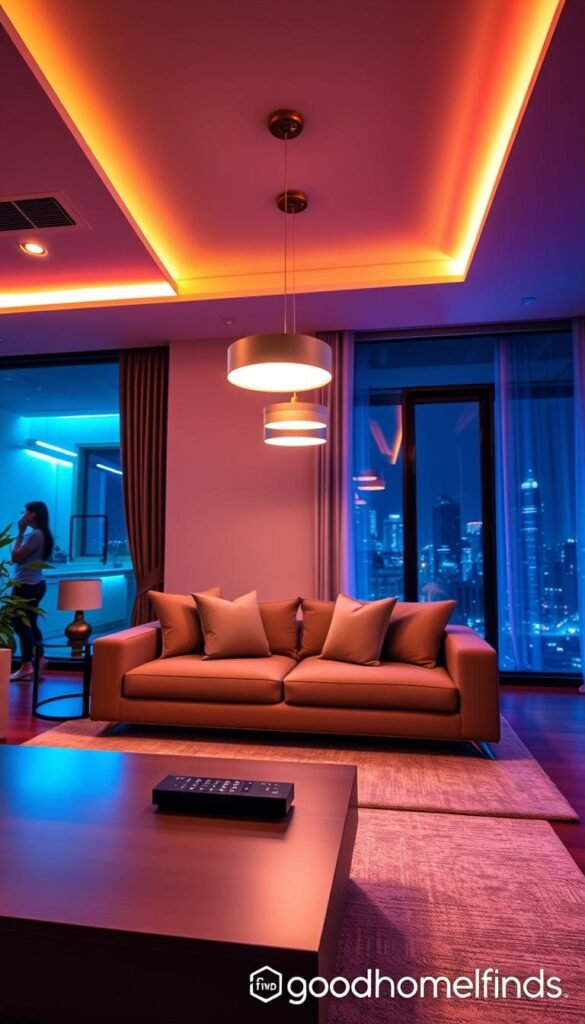
Budget pick: Nanoleaf Essentials
The Nanoleaf Essentials line (80″ and 40″ lightstrips plus A19 bulbs) gives 16+ million colors and tunable whites. Use scenes for movie night, cleaning, or hosting without extra lamps. They are plug‑in, renter‑friendly, and easy to move.
Premium look: Helios Touch Evolution
Helios Touch Evolution panels act as functional decor. These modular wall panels are touch sensitive so they double as art and usable light. They are best when you plan to stay put and want a statement piece that adds usable glow.
Setup, power, and placement
Pairing is usually simple. The trick is placement. Hide hotspots behind furniture, aim strips along backs of shelves, and avoid a messy glow that washes walls unevenly.
| Option | Setup | Best for |
|---|---|---|
| Nanoleaf Essentials | Low | Renters, flexible scenes |
| Helios Touch Evolution | Medium | Statement wall decor, permanent installs |
- Power: Always‑ready lights draw small standby power. Use schedules and timers to save energy.
- Safety: Never run cords across walkways. Use clips or raceways and avoid overloading adapters behind stands.
- Buyer tip: Start with bulbs or strips if you rent; add wall panels later when you’re settled. See a compact renter guide for setup options here.
Air purifier options for living rooms that share air with kitchens
Cooking odors and grease travel farther in small open layouts than you expect. That makes your shared air a priority, not an afterthought.
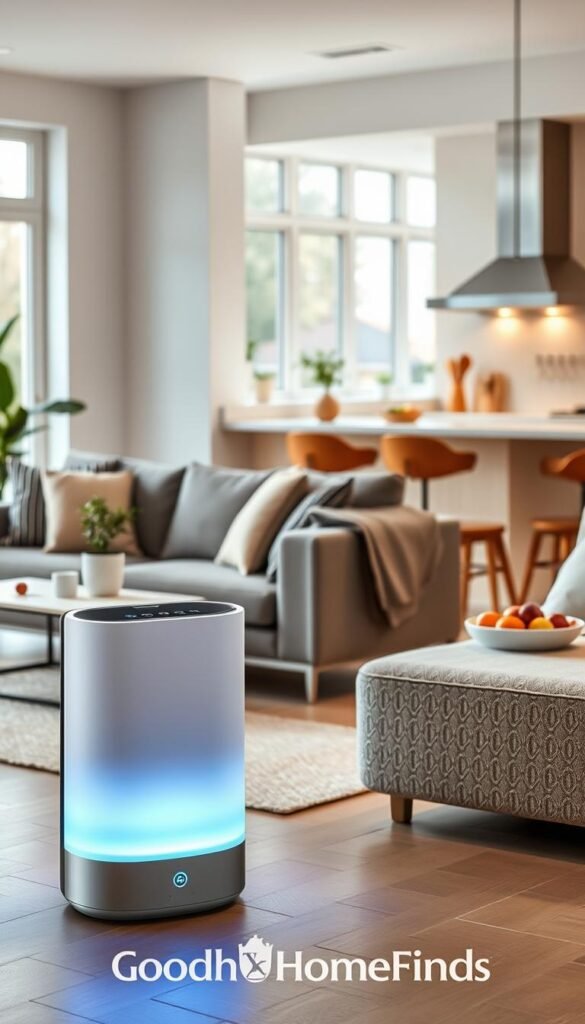
Samsung Cube Smart Air Purifier
What it does: removes 99.97% of ultrafine dust and covers up to 310 sq ft.
Why it works: modular, stackable design lets you add coverage later without a second unit.
Respira Smart Air-Purifying Garden
What it does: uses plants for biofiltration, adds humidity, and cools via evaporation.
Why it works: self-watering and auto-feeding make plant care low-effort while improving air quality.
Noise, maintenance, and placement
Noise: „Quiet“ means you forget it’s on at low speed. Use higher modes only when you’re actively cooking or when smoke appears.
Maintenance: filters are recurring costs. Gardens need water refills and occasional cleanings despite self-watering claims.
Placement: keep units clear of curtains and couch backs. Don’t tuck purifiers into corners where airflow stalls.
- Best for: open layouts, frequent kitchen use, pets, and anyone sensitive to dust or odors at home.
Sound and music upgrades without a bulky setup
Clear voice and balanced music make a bigger impact than huge bass in compact setups. In a small space, better dialogue clarity beats loud volume. That reduces neighbor complaints and saves hours rewinding dialogue.
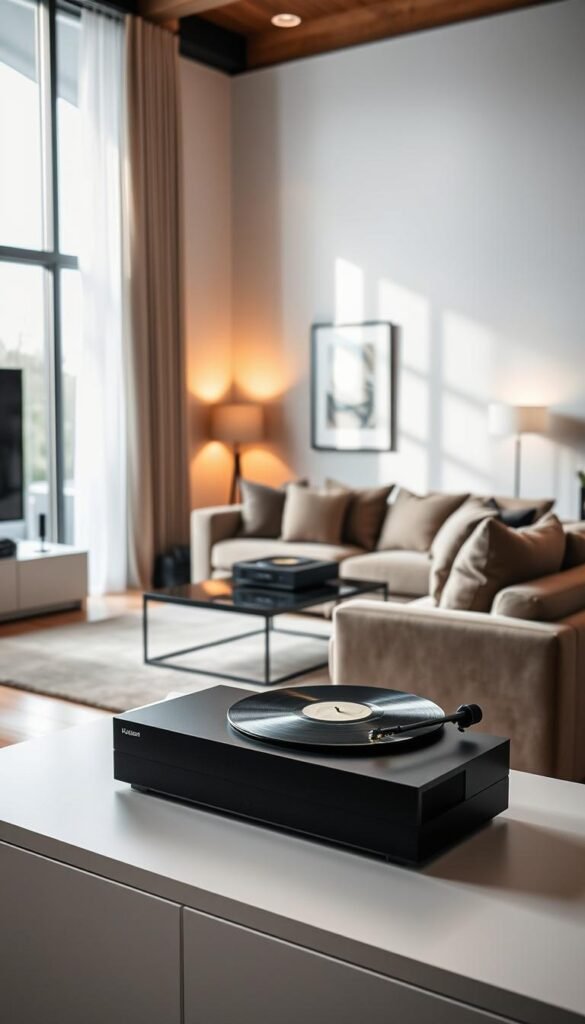
Budget-friendly pick: Polk Audio React
The Polk Audio React is a one-bar home theater option with built-in Amazon Alexa. It gives virtual surround, Dolby and DTS support, and a simple setup that keeps floor space free.
Premium flexible audio: Bang & Olufsen Beosound Level
The Beosound Level is a portable Wi‑Fi speaker you can stand, lay flat, or hang. It fills rooms with balanced sound and adapts as your furniture changes.
Placement and common annoyances
Keep a soundbar centered and unobstructed. Avoid tucking speakers into cabinets; they get muffled. If your space doubles as a workspace, choose clarity over deep bass for clearer voice calls.
| Model | Why pick it | Best for |
|---|---|---|
| Polk Audio React | Alexa control, one-bar setup | Tight spaces, budget home setups |
| Beosound Level | Flexible placement, premium sound | Style-conscious, adaptable layouts |
Honest downside: multi-room syncing can drop if Wi‑Fi is weak. Don’t buy whole‑home audio unless your network is solid.
For compact pairing ideas and renter-friendly mixes, see this small-space audio fixes.
TV and art display tech that fits your decor
A display should blend with your decor, not dominate the small footprint you worked to keep tidy. In tight living spaces, a screen that doubles as art or stays visually quiet is worth the premium.
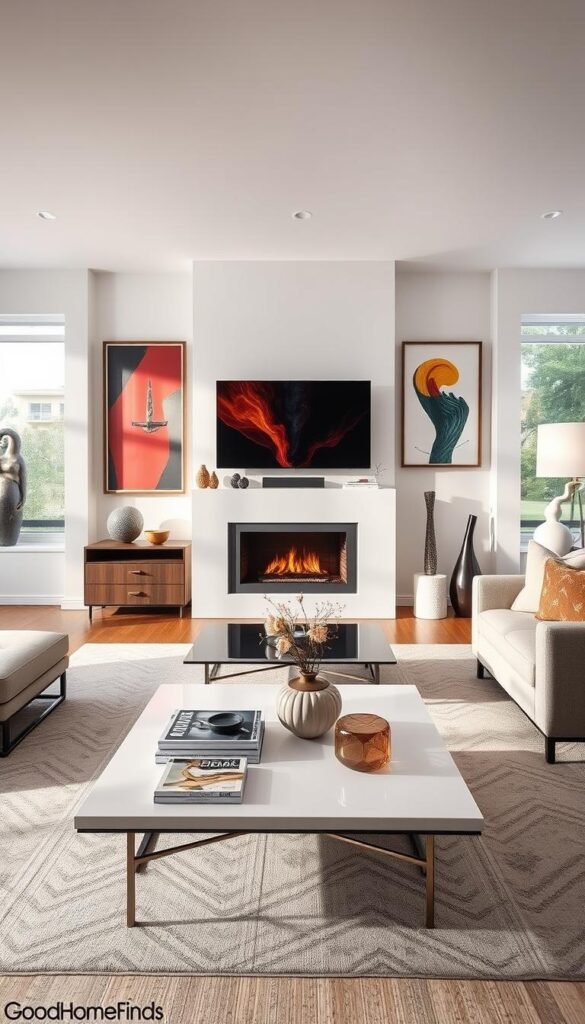
Samsung The Sero: for vertical-video viewers
The Sero rotates between landscape and portrait. The 43″ QLED handles apps or phone-style clips with no cropping. It supports Apple AirPlay 2 in both orientations.
Perk: the integrated stand and 4.1‑channel, 60W speakers reduce the need for extra audio gear.
Con: it suits a specific viewing habit. If you rarely watch vertical video, the feature is nice but not necessary. For other frame-like options see the The Frame lineup.
Netgear Meural Canvas II: art-first display
The Meural Canvas II shows images with an antiglare matte finish. It reads like a print and cuts down the “big black rectangle” effect when off.
Practical note: both choices need thinking about stands, wall clearance, and glare from windows.
- Set goals: prioritize art or media use.
- Measure stand footprint and wall clearance.
- Control glare with placement or blinds.
Temperature and airflow tech to stay comfortable for less
When sun and cooking send temps soaring, airflow becomes your easiest comfort fix. Small apartments swing temperatures quickly, so a focused fan or schedule often beats extra AC.
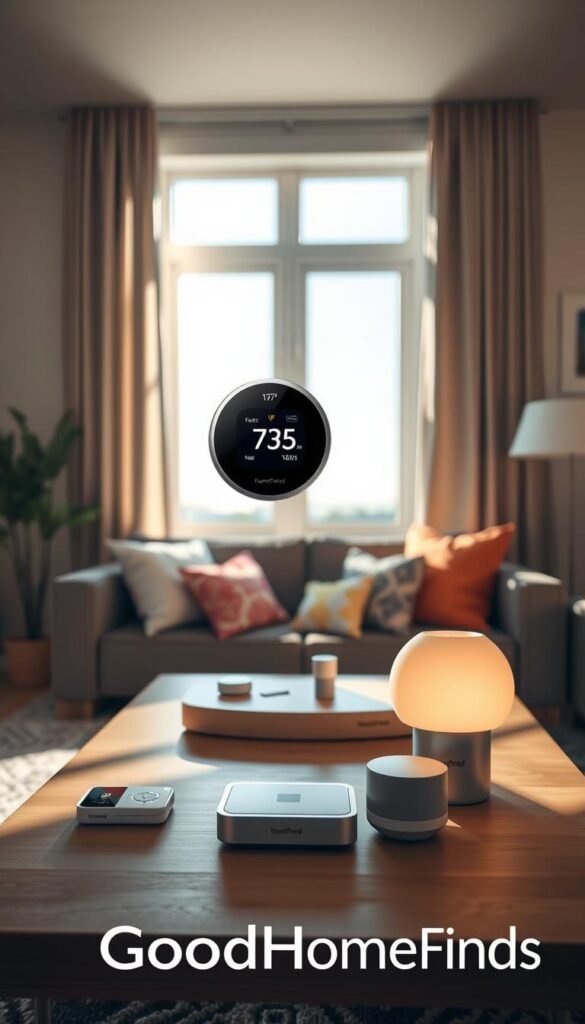
Haiku smart ceiling fan
Big Ass Fans Haiku uses built-in automation to turn on and off based on setpoints. It keeps steady comfort without constant fiddling. That saves effort and can lower bills by reducing AC runtime.
When a smart thermostat makes sense
A smart thermostat helps only if you can access and control your HVAC. If your landlord won’t allow changes, don’t force it. When allowed, a thermostat can learn schedules and cut costs via remote control.
Energy tips that don’t require rewiring
- Use fan schedules and eco modes so you feel cooler at higher setpoints.
- Run fans during peak sun to move hot air out before it builds.
- Choose a quiet fan if your space doubles as a workspace.
| Item | Benefit | Best for |
|---|---|---|
| Haiku fan | Auto on/off, steady airflow | Renters who can use ceiling mounts |
| Smart thermostat | Remote control, learning schedules | Controlled HVAC access, cost savings |
| Fan + routines | No rewiring, immediate relief | Any renter, budget setups |
Practical note: if you can’t change the thermostat, improve airflow and add timed routines. For renter-friendly upgrades and mixes, check renter-friendly upgrades at renter-friendly upgrades.
Smart blinds and shades for privacy, glare, and cooling
Sun-facing windows can spoil an evening show and spike your cooling bill fast. In small apartments, a single window can create TV glare and push heat into the shared space and kitchen.
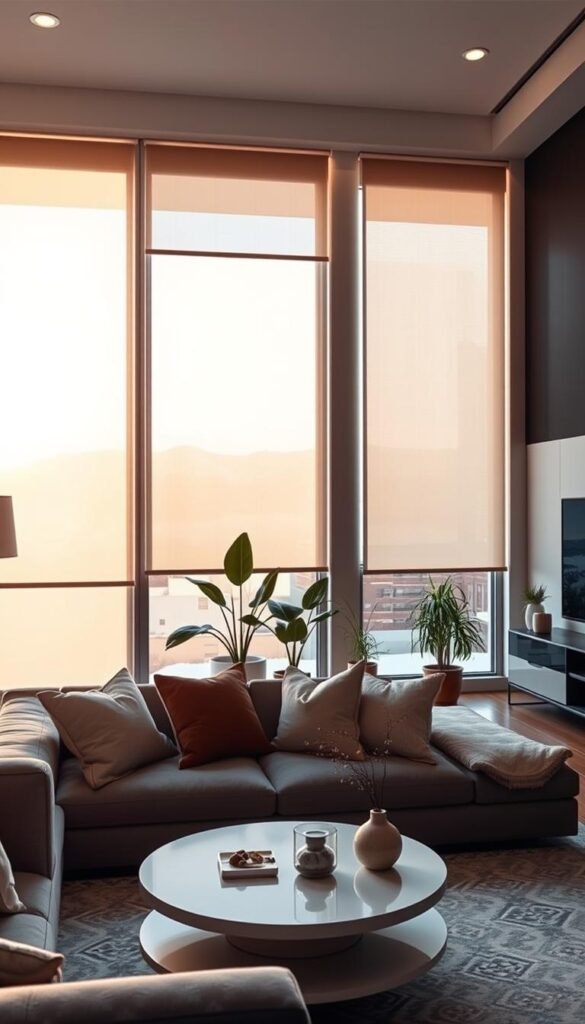
Why blinds matter: they cut glare, protect screen contrast, and block peak sun when you need cooling most. Good shades also add privacy without bulky drapery.
Teptron MOVE 2: motorize bead-chain blinds
The Teptron MOVE 2 lets you keep existing bead-chain blinds and add a motor. It plugs into a wall outlet, so you avoid replacing the full window treatment.
Practical perks: smartphone group control, automation, and simple schedules. Decorilla-style routines can sync shades to time or weather for extra energy savings.
Setup difficulty and real prep
Measuring matters. Mounting takes patience and a level hand. You also need an outlet nearby or a plan to hide the cord along the wall.
Renter-friendly tip: use no-drill brackets or removable raceways where possible. Test mounting height before final screws.
Energy impact and simple routines
Blocking peak sun lowers heat gain and can reduce AC runtime during afternoon hours. It’s a small step that pays back in comfort and lower bills.
- Close blinds during the hottest part of the day.
- Open them to warm the space in winter when sun helps.
- If your kitchen shares the same windows, treat them together to keep both areas stable.
| Item | Why pick it | Best for |
|---|---|---|
| Teptron MOVE 2 | Motorizes bead-chain blinds, plugs into wall | Renters with existing blinds |
| Smart curtains | Sync to time/weather for efficiency | Longer-term installs |
| No-drill mounts | Easy removal, low impact | Renters seeking temporary installs |
Living room security that doesn’t look like security
Good security blends into decor so guests notice comfort first, not surveillance.
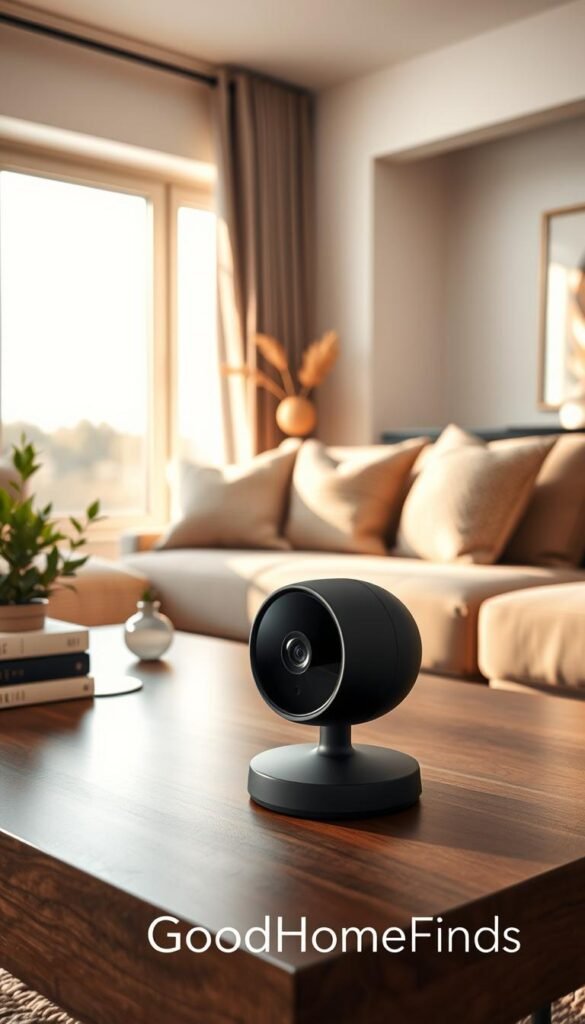
Eve Cam for HomeKit Secure Video users
Eve Cam pairs with Apple HomeKit Secure Video and requires no registration or cloud account. That makes it a practical privacy-forward pick if you use HomeKit. It sits neatly on a shelf or mounts to a wall and reads like a small decorative piece.
Netatmo Smart Indoor Siren: deterrent layer
The Netatmo Smart Indoor Siren pairs with Netatmo cameras and delivers a 110 dB alarm when an unknown person is detected. It works as a loud deterrent, but its value depends on correct camera placement and timely alerts.
Placement and privacy in small spaces
Shelves hide devices and keep the look subtle. Wall mounts increase coverage but are more visible. Avoid pointing cameras directly at sofas to respect shared zones.
Privacy boundaries and practical notes
Tell roommates and guests about any camera, use physical shutters if available, and pause recording during gatherings. Cameras can create notification fatigue. Use motion zones and schedules to cut noise.
| Item | Benefit | Consideration |
|---|---|---|
| Eve Cam | No cloud, HomeKit privacy | Best for Apple users; shelf or wall mount |
| Netatmo Siren | 110 dB strong deterrent | Needs camera pairing and good placement |
| Placement | Subtle decor or wide coverage | Shelves = discreet, walls = broader view |
For more discreet options and hidden-camera ideas, see this hidden camera ideas.
Charging and outlets that stop the couch-side power struggle
When outlets are far from your seating, simple charging becomes a recurring hassle. That leads to messy chargers, visible wires, and daily friction around where you sit.
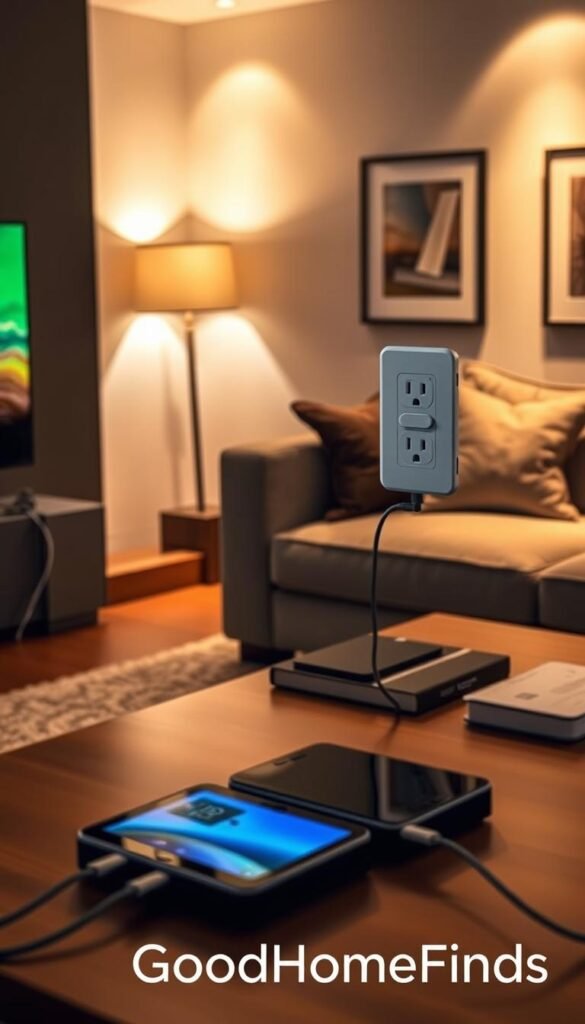
Smart tables and why they help
Smart tables add convenient outlets and wireless pads where you actually use your devices. Brands and Asurion note that some models integrate multiple plugs and USB ports to reduce extension cords.
Sobro Cooler Coffee Table adds a practical twist: a refrigerated drawer so you can host or binge without kitchen trips. It keeps snacks and drinks close while cutting the need to jump up for every refill.
Safety notes: heat, spills, and overloaded strips
- Keep drinks off charging surfaces and away from outlets to avoid shorts.
- Avoid stacking chargers; heat buildup shortens battery life.
- Don’t daisy-chain power strips. Plug into a single, rated surge protector.
Honest con: many smart tables are bulky. Measure walking paths so outlet convenience doesn’t cost you a cramped setup.
Quick alternative: a slim surge protector plus a cable raceway keeps wires tidy and fits renters. For more compact options, see this charging station ideas for renter-friendly setups.
| Problem | Smart-table benefit | Best for |
|---|---|---|
| Few nearby outlets | Built-in plugs and USB hubs | Small apartments, frequent device use |
| Messy wires across floor | Local charging, fewer extension cords | Households with guests or pets |
| Trips to kitchen during long sessions | Refrigerated drawer (Sobro) | Hosting, long viewing sessions |
Setup time: what to expect by category
Plan installs by category so you don’t spend an evening half‑done and frustrated. This quick guide gives realistic time windows and what usually slows you down.
Fast installs: bulbs, lightstrips, speakers
These are mostly plug‑and‑play. Expect 10–30 minutes each if you have the right app ready and your Wi‑Fi is stable.
Medium installs: hubs, cameras, air purifiers
Allow 30–90 minutes. They often need permissions, firmware updates, and placement testing for best control and coverage.
Longer installs: motorized blinds, ceiling fans, wall panels
Plan 1–4 hours or a full weekend. Measuring, mounting, and clean cable runs take time. Electrical or drilling increases complexity.
What slows you down: Wi‑Fi, permissions, and account logins
Common blockers:
- Weak Wi‑Fi in the seating area that causes pairing failures.
- Multiple accounts and notification prompts you rush through.
- Firmware updates that run during setup and pause progress.
Practical tip: do one category at a time. Confirm each device works before moving on. That prevents a pile of „almost working“ installs and saves you real time.
Common mistakes that waste money (and how to avoid them)
A clever gadget that doesn’t fit your setup turns useful tech into clutter. Start with a short checklist before you buy. That saves cash and keeps your small space tidy.
Buying the wrong ecosystem
If you mix platforms you’ll juggle multiple apps and lose easy control. Pick one ecosystem and stay mostly inside it. That keeps setup simple and cuts subscription overlap.
Ignoring noise until it’s too late
Don’t guess on noise. Check low-speed dB claims for purifiers and fans. A quiet baseline matters more than a loud boost mode that you rarely use.
Underestimating maintenance costs
Filters, refills, and cloud plans add up. Budget for recurring costs before purchase. Otherwise the device becomes unused clutter.
Overdoing it with lights and automations
Too many lights and routines create app overload. Start with one or two automations you will actually use. That keeps your smart home simple.
Poor placement and messy wires
Blocked sensors, stalled airflow, and visible wires ruin performance. Do a brief placement test before mounting. Route cords along walls and keep walkways clear.
- Quick fixes: test placement, limit apps, check noise, budget for filters, and consolidate control.
- For a list of wasteful upgrades to avoid, see wasteful upgrades.
Budget vs premium comparisons: where spending more pays off
My rule: a premium buy is worth it when it improves daily experience, reduces clutter, or fixes a persistent problem like noise or space.
Lighting: strips and bulbs vs statement panels
Bulbs and lightstrips give the most benefit per dollar. They add scenes, save energy, and stay renter‑friendly.
Premium: wall panels like Helios act as decor and usable light. Spend more if design and a statement piece matter.
Audio: soundbar convenience vs premium portable speakers
Soundbars win for minimal footprint and clear dialogue. They cut clutter and pair easily with TVs.
Premium portable Wi‑Fi speakers (Bang & Olufsen) give better sound staging and flexible placement. Buy up if audio quality and style matter to you.
Air: single purifier vs modular or plant systems
One Samsung Cube often covers a small flat. Modular stacking helps open layouts.
A Respira plant system adds vibe and humidity but needs refills and cleaning. Choose based on maintenance you’ll do.
Security: basic camera vs camera + siren
An Eve Cam is usually enough for monitoring and privacy. Add a Netatmo siren only if you need a loud deterrent and clear privacy rules.
| Category | Budget | Premium |
|---|---|---|
| Lighting | Bulbs/strips — cheap, flexible | Helios panels — decor + light |
| Audio | Soundbar — convenient, compact | Beosound — superior sound, versatile |
| Air | Single purifier — sufficient | Modular/plant — coverage + vibe |
| Security | Basic cam — monitoring | Cam + siren — deterrent, higher impact |
Buying path: start with one anchor upgrade—lighting or audio—then add air or security as a clear need. For guidance on where to spend more, see where to scrimp vs splurge.
Conclusion
Choose one small upgrade that removes a daily friction, then stop. In a small living room, the best gadgets are the ones you use every day and barely notice because they cut steps and save time.
Decide by footprint, noise, power draw, compatibility, and maintenance cost. Start with one ecosystem as your brain and pick a single high‑impact category: smart lighting, audio, or air care.
If your home shares air with the kitchen, prioritize an air solution and simple routines. Keep safety first: tidy cable runs, avoid overloaded outlets, and keep liquids away from power.
Next step: choose 1–2 items, budget for upkeep, set them up on a weekend, and expand only after they pass the couch test. For more practical guidance, see about GoodHomeFinds.
FAQ
What should I consider first when adding gadgets to a small apartment?
How do I keep energy costs down with smart devices?
Which voice platform should I pick: Alexa, Google Assistant, or HomeKit?
Will smart devices add too much noise in an open layout?
Are smart displays like Google Nest Hub worth it for control?
How do I manage cables and safety with multiple devices?
What lighting options work best for mood and TV time?
How often do air purifiers need maintenance and what are real costs?
Can my phone replace the TV remote effectively?
What audio setup gives good sound without taking much space?
Do smart blinds and shades save energy in summer and winter?
Is a smart thermostat useful in an apartment?
How do I avoid buying incompatible devices?
What are common setup delays and how do I avoid them?
Are camera-based security devices okay for shared or rented spaces?
What should I budget for a basic vs premium setup?
FAQ
What should I consider first when adding gadgets to a small apartment?
Start with space and function. Choose devices that earn their footprint—like a combined smart speaker and display or a slim air purifier. Prioritize renter-friendly gear that needs minimal wiring or drilling, and pick products that serve more than one role so you avoid clutter and extra outlets.
How do I keep energy costs down with smart devices?
Watch power consumption and standby draw. Use bulbs and strips with low idle power, set schedules or routines for HVAC and fans, and use motion or presence sensors to avoid leaving always-on devices running. A smart plug or a thermostat with energy reports helps you track real-life usage and tweak settings.
Which voice platform should I pick: Alexa, Google Assistant, or HomeKit?
Pick the ecosystem that matches the devices you already have and the apps you use. Google Nest integrates well with Chromecast and Android. Amazon Alexa has broad device support and routines. Apple HomeKit is strong on privacy and works best if you’re deep in the Apple App ecosystem. Choose one “brain” to avoid app overload.
Will smart devices add too much noise in an open layout?
Noise matters. Look for quiet-rated air purifiers and fans if you watch movies or work from the couch. Soundbars and speakers list impedance and SPL; choose models tested for low distortion at typical listening volumes. Place noisy gear away from seating and use night or eco modes for quieter operation.
Are smart displays like Google Nest Hub worth it for control?
Yes for convenience. A Nest Hub gives quick access to music, timers, and routines from one spot. It reduces remotes and helps with calendars and video calls. Consider privacy settings and microphone controls before you place a mic-equipped display in shared spaces.
How do I manage cables and safety with multiple devices?
Use surge-protected power strips and mount or zip-tie cables along baseboards. Choose furniture with built-in outlets or a smart table to hide plugs. Avoid overloading circuits and keep heat-generating devices clear of fabrics or liquids to reduce fire risk.
What lighting options work best for mood and TV time?
Use bias lighting behind the TV and dimmable smart bulbs or lightstrips for mood. Color-tunable bulbs let you switch from warm reading light to cooler task light. For a premium look, consider wall panels as functional art, but plan placement to reduce glare and wasted light.
How often do air purifiers need maintenance and what are real costs?
Filters typically need replacement every 6–12 months depending on use and model. HEPA and activated carbon filters add recurring costs. Devices that use water or living plants need refills and occasional pruning. Budget for filter costs in your first-year estimate.
Can my phone replace the TV remote effectively?
Yes for most setups. Apps like Chromecast, Fire TV, and Roku let your phone act as a remote and keyboard. This reduces lost clickers and is ideal in small spaces with multiple streamers. Keep a dedicated physical remote for power or IR-only devices if needed.
What audio setup gives good sound without taking much space?
A compact soundbar is the best compromise. Look for models with smart assistant support and HDMI ARC to simplify wiring. If you want premium sound, consider a portable Wi‑Fi speaker that can sit on a shelf. Plan placement to avoid reflections and syncing issues across rooms.
Do smart blinds and shades save energy in summer and winter?
Yes when used strategically. Motorized blinds can lower cooling load by blocking direct sun and raise blinds to capture passive heat in winter. Measure carefully and consider battery or plug-powered options if outlet access is limited.
Is a smart thermostat useful in an apartment?
It depends on your HVAC control. If you control the thermostat, a smart model helps with schedules, away modes, and energy reports. If the building controls central HVAC, prioritize smart fans and window treatments instead.
How do I avoid buying incompatible devices?
Check platform compatibility before purchase. Look for devices that list Alexa, Google Assistant, and HomeKit support if you want flexibility. Read product pages for required hubs or bridges and avoid systems that lock you into one expensive proprietary ecosystem.
What are common setup delays and how do I avoid them?
Slow Wi‑Fi, account verification, and firmware updates are the main time sinks. Create device accounts ahead of time, update your router firmware, and place new devices close to the router during setup. Keep passwords and two-factor codes handy.
Are camera-based security devices okay for shared or rented spaces?
They can be, but respect privacy. Place cameras in common areas away from private spaces. Use motion zones and schedule recording times. Check local laws and building rules. For roommate situations, talk through boundaries before installing cameras.
What should I budget for a basic vs premium setup?
Budget setups can include smart bulbs, a compact soundbar, and an entry air purifier for 0–0. Premium setups with wall panels, high-end audio, motorized blinds, and multi-room air care can run
FAQ
What should I consider first when adding gadgets to a small apartment?
Start with space and function. Choose devices that earn their footprint—like a combined smart speaker and display or a slim air purifier. Prioritize renter-friendly gear that needs minimal wiring or drilling, and pick products that serve more than one role so you avoid clutter and extra outlets.
How do I keep energy costs down with smart devices?
Watch power consumption and standby draw. Use bulbs and strips with low idle power, set schedules or routines for HVAC and fans, and use motion or presence sensors to avoid leaving always-on devices running. A smart plug or a thermostat with energy reports helps you track real-life usage and tweak settings.
Which voice platform should I pick: Alexa, Google Assistant, or HomeKit?
Pick the ecosystem that matches the devices you already have and the apps you use. Google Nest integrates well with Chromecast and Android. Amazon Alexa has broad device support and routines. Apple HomeKit is strong on privacy and works best if you’re deep in the Apple App ecosystem. Choose one “brain” to avoid app overload.
Will smart devices add too much noise in an open layout?
Noise matters. Look for quiet-rated air purifiers and fans if you watch movies or work from the couch. Soundbars and speakers list impedance and SPL; choose models tested for low distortion at typical listening volumes. Place noisy gear away from seating and use night or eco modes for quieter operation.
Are smart displays like Google Nest Hub worth it for control?
Yes for convenience. A Nest Hub gives quick access to music, timers, and routines from one spot. It reduces remotes and helps with calendars and video calls. Consider privacy settings and microphone controls before you place a mic-equipped display in shared spaces.
How do I manage cables and safety with multiple devices?
Use surge-protected power strips and mount or zip-tie cables along baseboards. Choose furniture with built-in outlets or a smart table to hide plugs. Avoid overloading circuits and keep heat-generating devices clear of fabrics or liquids to reduce fire risk.
What lighting options work best for mood and TV time?
Use bias lighting behind the TV and dimmable smart bulbs or lightstrips for mood. Color-tunable bulbs let you switch from warm reading light to cooler task light. For a premium look, consider wall panels as functional art, but plan placement to reduce glare and wasted light.
How often do air purifiers need maintenance and what are real costs?
Filters typically need replacement every 6–12 months depending on use and model. HEPA and activated carbon filters add recurring costs. Devices that use water or living plants need refills and occasional pruning. Budget for filter costs in your first-year estimate.
Can my phone replace the TV remote effectively?
Yes for most setups. Apps like Chromecast, Fire TV, and Roku let your phone act as a remote and keyboard. This reduces lost clickers and is ideal in small spaces with multiple streamers. Keep a dedicated physical remote for power or IR-only devices if needed.
What audio setup gives good sound without taking much space?
A compact soundbar is the best compromise. Look for models with smart assistant support and HDMI ARC to simplify wiring. If you want premium sound, consider a portable Wi‑Fi speaker that can sit on a shelf. Plan placement to avoid reflections and syncing issues across rooms.
Do smart blinds and shades save energy in summer and winter?
Yes when used strategically. Motorized blinds can lower cooling load by blocking direct sun and raise blinds to capture passive heat in winter. Measure carefully and consider battery or plug-powered options if outlet access is limited.
Is a smart thermostat useful in an apartment?
It depends on your HVAC control. If you control the thermostat, a smart model helps with schedules, away modes, and energy reports. If the building controls central HVAC, prioritize smart fans and window treatments instead.
How do I avoid buying incompatible devices?
Check platform compatibility before purchase. Look for devices that list Alexa, Google Assistant, and HomeKit support if you want flexibility. Read product pages for required hubs or bridges and avoid systems that lock you into one expensive proprietary ecosystem.
What are common setup delays and how do I avoid them?
Slow Wi‑Fi, account verification, and firmware updates are the main time sinks. Create device accounts ahead of time, update your router firmware, and place new devices close to the router during setup. Keep passwords and two-factor codes handy.
Are camera-based security devices okay for shared or rented spaces?
They can be, but respect privacy. Place cameras in common areas away from private spaces. Use motion zones and schedule recording times. Check local laws and building rules. For roommate situations, talk through boundaries before installing cameras.
What should I budget for a basic vs premium setup?
Budget setups can include smart bulbs, a compact soundbar, and an entry air purifier for $300–$600. Premium setups with wall panels, high-end audio, motorized blinds, and multi-room air care can run $1,500–$5,000. Spend more where you’ll notice daily benefits: sound, air quality, and control simplicity.
How can I reduce app clutter from multiple brands?
Choose a single hub or use a home app like Apple Home, Google Home, or Amazon Alexa to centralize devices. Pick brands that support those platforms. Limit routines to a few essential automations to keep things manageable.
Which devices are renter-friendly and easy to remove?
Battery-powered blinds adapters, plug-in air purifiers, smart plugs, stick-on sensors, and peel-and-stick lightstrips are renter-friendly. Avoid hardwired fans or permanently mounted wall panels unless you have landlord permission.
How do I handle subscriptions for features like cloud video or air quality monitoring?
Review what features require subscriptions before buying. Many cameras and purifiers offer limited free features but lock advanced history or analytics behind a monthly fee. Factor subscription costs into long-term value and compare with local privacy-friendly, no-subscription options.
,500–,000. Spend more where you’ll notice daily benefits: sound, air quality, and control simplicity.
How can I reduce app clutter from multiple brands?
Choose a single hub or use a home app like Apple Home, Google Home, or Amazon Alexa to centralize devices. Pick brands that support those platforms. Limit routines to a few essential automations to keep things manageable.
Which devices are renter-friendly and easy to remove?
Battery-powered blinds adapters, plug-in air purifiers, smart plugs, stick-on sensors, and peel-and-stick lightstrips are renter-friendly. Avoid hardwired fans or permanently mounted wall panels unless you have landlord permission.
How do I handle subscriptions for features like cloud video or air quality monitoring?
Review what features require subscriptions before buying. Many cameras and purifiers offer limited free features but lock advanced history or analytics behind a monthly fee. Factor subscription costs into long-term value and compare with local privacy-friendly, no-subscription options.