Practical definition: You get a ready-to-use device, plug it in once, pair it, and it starts making daily tasks easier without drilling or rewiring.
Real promise: fewer small hassles at home—smarter lights, safer cooking, cleaner air, and less rush-hour friction. This is about useful, renter-friendly upgrades, not a sci‑fi fully automated house.
Expect short setup times. A smart outlet takes 2–5 minutes. Lights or speakers take 10–20 minutes. Robot vacuums need 30–60 minutes to map. Plan small ongoing updates and app checks.
Honest trade-offs: You will deal with apps, Wi‑Fi quirks, occasional firmware updates, and limited outlet space. Common mistakes include overbuying, ignoring noise, blocking vents, or choosing cheap units without safety features.
This article uses the term plug and play tech in everyday home terms. It also notes Play Tech Center as a Silicon Valley company and accelerator known for innovation in start-up support.
Key Takeaways
- These devices are renter-friendly and reversible.
- Real benefits: energy savings, safety, and less daily friction.
- Setup ranges from minutes to an hour, plus light upkeep.
- Watch for outlet limits, noise, and blocked vents.
- Choose well-built items over the cheapest options for safety.
Plug and play tech basics for small apartments and daily routines
Most renter-friendly devices are ready in minutes, not hours. In this article “plug play” means devices that require no drilling or rewiring. It also can mean a busy startup ecosystem — CB Insights named Plug and Play Tech Center the most active accelerator worldwide from 2020–2022, averaging 929 deals per year. In home life, the focus is simple: fast setup and clear benefits.
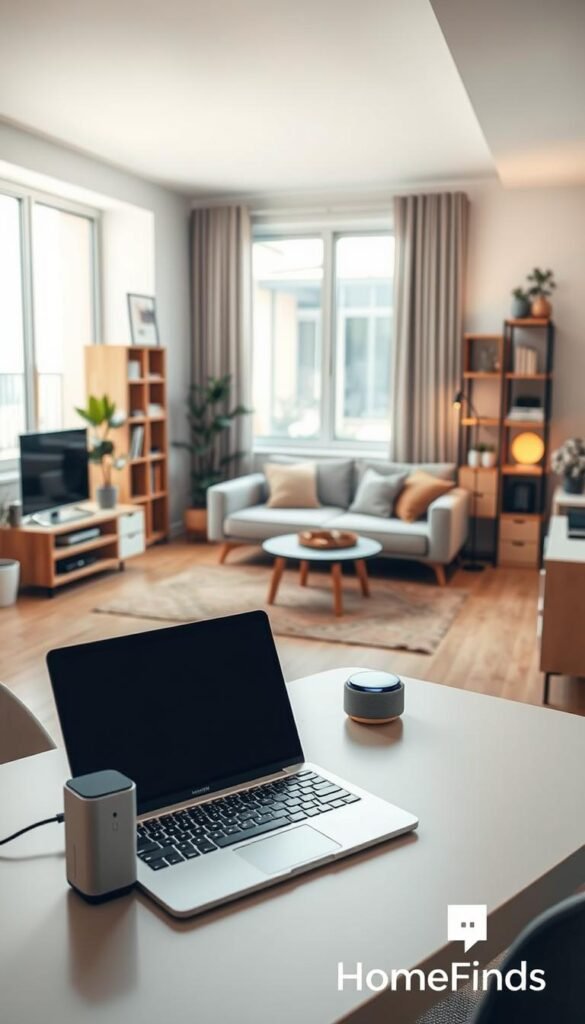
What “plug play” really means at home
Most devices need a quick app setup, a 2.4 GHz Wi‑Fi link, and phone permissions. It’s easy, not magic.
- Plug in
- Connect to Wi‑Fi
- Name the device
- Test — done
Real benefits
Energy savings: schedule a coffee-maker outlet to stop auto-run and cut vampire draw.
Safety: timed shutoffs and away-mode lighting reduce risk near stoves and sinks.
Less friction: automations save repeated tasks and free your routine.
Who needs this
You renters, students, and busy households benefit most. No drilling, no landlord calls, just renter-friendly upgrades.
Space, common mistakes, and noise
Plan footprint: robot vac docks need floor space, purifiers sit on counters, bulky smart plugs steal outlets.
- Measure device footprints before buying.
- Don’t block purifier intakes.
- Avoid power strips that won’t fit behind furniture.
Watch noise for studios: pick sleep modes, avoid vacuuming at night, and angle purifiers away from beds.
„Your plug play experience depends on Wi‑Fi stability and device compatibility.“
For a compact buying list and hacks, see the home problem solver mix.
Plug and play tech for kitchens, cleaning, and smart home basics
A few well-chosen devices help you cook safer, clean smarter, and keep daily gear simple.
Kitchen upgrades that don’t require remodeling
Smart outlets make kettles and coffee makers schedulable so you stop asking, „Did I leave it on?“ Use only rated plugs for high-watt items. Never run space heaters on undersized connectors. Keep cords dry and away from sinks.
For air quality, use your stove exhaust, a small purifier near the cooking zone, and crack a window during smoky pans.

Cleaning helpers that earn their space
Robot vacuums are worth it for hard floors and low clutter. Expect dock placement, a full first charge, and a mapping run as setup time. Common mistakes: leaving cords out, using dark rugs that confuse sensors, or jamming the dock behind furniture.
If you have stairs, many rugs, or tight closets, a compact cordless stick vac is usually the better buy.
Smart home basics that stay simple
Start with smart bulbs, a small speaker for timers and lists, and a renter-friendly door-view camera if allowed. Voice control is handy but needs stable Wi‑Fi and trades some privacy.
Power consumption reality check
Find always-on devices (speakers, cameras, router). Check watts in the app or use a plug meter. Multiply watts by hours per month and divide by 1,000 to get kWh, then use your utility rate to estimate cost.
Maintenance you’ll actually do
- Weekly: quick brush on robot vac brushes.
- Monthly: check purifier filters and clean speaker grilles.
- Occasional: descale kettles and humidifiers; install firmware updates.
„Many products come from different companies and apps; a simple setup often beats a complex infrastructure for daily life.“
For compact, budget-friendly picks see the best budget home gadgets.
Budget vs premium: honest comparisons on value, compatibility, and upkeep
Your choice should balance safety, noise, and long-term upkeep, not just the sticker price.

Smart plugs and power strips
Premium models often include clear overload specs, metal contacts, and reliable apps. They usually draw less standby power and show better safety labeling.
Budget options work fine for lamps or clocks. Avoid cheap strips for heaters or dense kitchen loads.
- Common mistakes: overloading strips, hiding cords under rugs, using low-rated outlets for heaters.
- Setup time: expect 5–20 minutes; budget apps can be slower or confusing.
Robot vacuums
Premium units map rooms and clean in straight lines. That saves battery and time in bigger layouts. Budget robots often run random paths that still work well in small, open spaces.
What matters: brush design, wheel clearance, and whether it gets stuck under furniture. High suction numbers don’t guarantee better pickup.
Upkeep: filters, brushes, and optional self-empty bags add cost. Premium parts can be pricier but last longer in some models.
Air purifiers and fans
Match purifier size to room square footage. Focus on filter cost and realistic noise at night.
Practical tip: a midrange unit with cheaper replacement filters can beat an expensive unit with high filter fees.
Compatibility checklist
- Confirm 2.4 GHz or dual-band Wi‑Fi support before buying.
- Check voice assistant compatibility and local control options.
- Read “works only with” notes; prefer devices that offer offline or LAN control.
- Plan a 15-minute troubleshooting buffer for any setup.
| Category | Budget Pros | Premium Pros | When to buy used |
|---|---|---|---|
| Smart plugs / strips | Low cost, good for lamps | Clear safety ratings, lower standby draw | Avoid used for high-load items |
| Robot vacuums | Cheap, fine for small open rooms | Mapping, better navigation, fewer jams | Used OK if brushes and battery replaced |
| Purifiers / fans | Affordable, decent for small rooms | Higher CADR-style performance, quieter sleep modes | Avoid used unless filters are new |
„Like startups in Silicon Valley, many companies sell innovation; your goal is reliable daily value, not constant app events.“
For budget-friendly additions that still work well in real life, see best Amazon finds under $25.
Conclusion
A careful short list of buys and habits will keep your apartment safer, quieter, and cheaper to run.
Real benefits in one line each: save energy by scheduling devices and cutting standby waste, improve safety with timers and better habits, and reduce daily friction with simple automations you will actually use.
Buy-first plan: start with one smart plug + one smart bulb. Add a robot vacuum or compact cordless model only if you have space to store the dock. Consider a small air purifier if cooking or odors are frequent.
Setup time is short. Plan one focused session, label devices in the app, and test routines immediately to avoid quitting mid-install.
Avoid common mistakes: don’t overload power strips, don’t buy items that won’t fit your floor plan, check noise for shared walls, and keep apps to a minimum so they work together.
Fix flaky Wi‑Fi first; even well-built gear feels unreliable without stable service. For context on the name difference, see this Play Tech Center overview and this venture note.
Maintenance promise: set a monthly reminder for filters and brushes and a quarterly check for firmware. Small upkeep keeps devices useful year after year.
For renter-friendly starter kits and comparisons, check a concise renter setup comparison. You don’t need a Silicon Valley office ecosystem to benefit — just a small, stable stack that fits your space and routine.