
Practical home safety starts with simple, lease-friendly gear you can install and remove without tools.
You need devices that fit small spaces, work with limited outlets, and move with you at lease end. Focus on portable, no-drill setups that protect your front door and main living area without turning your apartment into a gadget showroom.
Realistic expectations: these systems raise awareness, deter casual intruders, speed response, and calm daily routines. They do not promise perfect safety. Expect tradeoffs: budget vs premium kits, subscription vs self-monitoring, and Wi‑Fi reliability vs cellular backup.
In the product roundup you’ll see comparisons of renter-friendly systems, sensors, cameras, video doorbells, and retrofit smart locks. I’ll show setup time, common mistakes, and energy or battery impacts so monthly upkeep stays predictable.
For a quick comparison and starter setups by apartment size, see this renter setup comparison.
Key Takeaways
- Pick no-drill, portable gear that removes cleanly at move-out.
- Start small: base alarm plus one entry sensor for studios.
- Weigh subscription costs against self-monitoring.
- Watch battery life and choose systems with clear energy notes.
- Avoid obvious camera sightlines in shared spaces.
- Expect faster alerts and better awareness—not total protection.
What Renters Can and Can’t Do Under Typical Lease Rules
You can improve safety and still keep your deposit by picking noninvasive, temporary devices. Leases usually forbid permanent changes. That means no drilling, no hardwired installation, and no exterior alterations without permission.
Why portable systems win: peel-and-stick sensors, battery-powered camera models, and hubs that just plug into an outlet avoid holes and wiring. They give the protection of traditional security systems without permanent work or landlord approval in most cases.

No-drill installs and practical mounts
- Use Command-style strips for light sensors and small home devices.
- Try tension mounts or removable clamps for heavier pieces like video doorbells in hallways.
- Choose magnetic mounts only where the surface and weight make them stable.
Camera placement and privacy
Keep indoor cameras out of bathrooms and bedrooms. Aim them toward your front door and main hallway inside your unit.
„Avoid pointing cameras at neighbors‘ doors or shared corridors unless your lease and building rules allow it.“
Retrofit locks that don’t change the deadbolt
Retrofit options fit over your existing deadbolt so you keep the key and can remove the module when you move. They add app control and access logs without drilling into the door or replacing hardware.
Quick permission check: scan your lease, ask the landlord if unsure, and document the apartment condition before you install anything. The best option is a setup that protects your space and keeps relationships friction-free.
Real Benefits You’ll Actually Notice Day to Day
Practical, easy wins come from small, portable systems that fit your routine. You’ll get clearer alerts, less guesswork, and quieter nights without major installs.
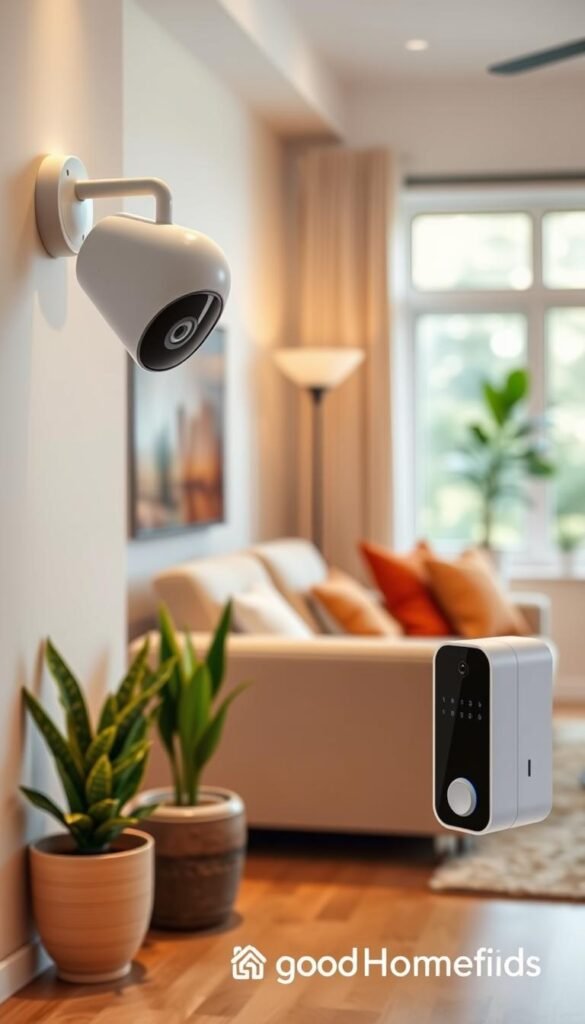
Faster awareness at the front door (without being glued to your phone)
You can get a door-open alert or a doorbell motion ping while you’re cooking or on a call. Use alert schedules and chime modes so only important events push to your lock screen.
Safer nights with door/window sensors and motion alerts
Door/window sensors remove the nightly guess of whether a balcony or window is closed. Set critical alerts for night and quieter chimes for daytime.
Deposit-friendly gear that moves with you
Portable kits pack like any small electronics. You reinstall them in a new lease and keep protection without landlord headaches.
Potential renters insurance discounts and the math
- What may qualify: monitored systems, smoke/CO sensors, or documented professional monitoring.
- Typical discounts range 5–20%, but subscriptions can be $20–$50 per month, so run the numbers.
- Energy wins: fewer trips to check doors, smarter lights, and lower wasted power.
For practical add-ons and setup mixes, see this home problem solver mix.
Who Needs This and Who Can Skip It
Not every apartment requires a full kit. If you want straightforward coverage, a small, focused setup is usually the best option.

Studios and small units
If you live in a studio or small one-bedroom, start with front-door coverage plus one interior motion zone. That handles the most common entry paths without clutter.
Roommates and shared access
For shared flats, pick a system with shared codes and clear arming rules. Agree on who arms at night and mute nonessential alerts to avoid spamming everyone.
Frequent movers
Choose gear that moves easily and a monthly plan you can cancel. Avoid long contracts that outlast your lease and look for equipment transfer guides.
Platform fit: Apple HomeKit vs Alexa/Google
Apple HomeKit support is less common. If you want native HomeKit, consider Apple-friendly brands like Aqara.
Alexa/Google homes often have broader mainstream support. Abode can bridge platforms and adds extra third-party integrations via upgrades.
„Pick the smallest setup that matches your daily habits. Simpler systems are easier to live with and keep you in control.“
| Need | Typical Setup | Best Fit |
|---|---|---|
| Studio | Door sensor + 1 motion | Minimal kit, low monthly plan |
| Roommates | Shared access + alert rules | System with multi-user codes |
| Frequent movers | Portable gear + month plans | Avoid long contracts |
| Apple HomeKit users | HomeKit-capable hubs and sensors | Aqara or upgradeable platforms like abode |
If you prefer minimal fuss, skip complex app routines and pick a simple monitored option or a nonsubscription setup. For starter recommendations and renter-friendly options, see this best home finds for renters.
Quick Comparison: Best Home Security Systems for Renters in the US
Compare the top kits so you can shortlist systems that match your layout, monthly budget, and patience for subscriptions. The picks below focus on easy installs, small-space fit, and realistic monitoring options.

SimpliSafe — Best equipment option
Pros: high-quality, peel-and-stick sensors, DIY install, month-to-month monitoring. Setup is fast and noninvasive.
Cons: some smart features sit behind paid plans. Advanced automation may need upgrades.
Cove — Most affordable pick
Pros: low-priced gear and professional monitoring from $19.99/mo with cellular backup on plans.
Cons: no self-monitoring option. If you want zero monthly fees, this is a drawback.
Frontpoint — Easiest setup and support
Pros: guided setup, strong phone support, clear instructions for small homes.
Cons: monitoring runs higher (~$49.99/mo) versus DIY rivals.
Ring Alarm — Compact kits, easy expansion
Pros: 5-piece kits fit small apartments and scale up easily.
Cons: many features require Ring Protect and the Pro router can complicate installs.
abode — Best for smart home compatibility
Pros: broad third-party integrations and flexible automations. Works well if you already own smart home devices.
Cons: HomeKit support may need an upgrade or extra hub.
Aqara — Tiny sensors and Apple-friendly
Pros: very small sensors, good Apple integration, great for tight spaces.
Cons: deep customization can feel complex if you only want basics.
| System | Fit | Monitoring | Best for |
|---|---|---|---|
| SimpliSafe | Small to mid | Self $9.99 / Pro $21.99+ | Balanced gear + month plans |
| Cove | Small | Pro from $19.99 | Budget with pro monitoring |
| Frontpoint | Small to mid | ~$49.99 | Guided setup & support |
| Ring Alarm | Small | $5–$20 (Protect) | Expandable kits |
„Pick two or three systems to shortlist: one for tight budgets, one for easiest setup, and one for smart-home compatibility.“
How to choose:
- Count entry points for door/window sensors.
- Decide if you want professional monitoring or self-monitoring.
- Check app sharing for roommates.
- Limit camera use to avoid privacy problems in shared areas.
Budget vs Premium: What You Gain (and What You Don’t)
Small apartments reveal differences between budget gear and premium systems more clearly than large homes.
Under $200 starter setups usually include one hub or camera, one door sensor, and one motion detector. That combo gives basic awareness and quick alerts. It works for front-door coverage but it won’t cover every entry point.
$300+ full coverage kits add extra sensors, a louder siren or chime, and better backup like cellular. You get fewer false alerts, stronger hubs, and clearer notifications in dense Wi‑Fi buildings.

Subscription value vs toll
Subscriptions pay for recordings, richer notifications, app control, and professional response. Some brands lock features behind a monthly plan, which can feel like a toll if you only bought basic equipment.
„Subscription fees can turn a cheap upfront buy into an ongoing cost you can’t ignore.“
Practical rule
If you travel often or sleep through alerts, professional monitoring is worth the extra month cost. If you’re home most nights, self-monitoring is a solid option.
| Price Tier | Typical Gear | Monthly Costs | Best For |
|---|---|---|---|
| Under $200 | 1 hub/camera, 1 door sensor, 1 motion | $0–$10 (optional) | Basic awareness, tight budgets |
| $300+ | Multiple sensors, stronger hub, siren, backup | $20–$50 (monitoring) | Full coverage, fewer false alerts |
| Midrange ($200–$300) | Balanced kit, some extras | $5–$20 | Small spaces needing reliability |
Best Starter Kits for Small Apartments (Minimal Gear, Maximum Coverage)
For small apartments, build a kit that covers the most likely entry points without cluttering limited shelf or wall space.
Starter kit that actually works: a front door sensor, one motion sensor for the living area, and a compact hub or base station near power. This combo gives fast alerts and low upkeep.

How many door/window sensors you need
Fit a sensor to every exterior door and any easily accessible balcony or large window.
Skip high, unreachable windows to save money and batteries.
Space requirements and placement tips
- Keep the base off the floor so it won’t get unplugged during cleaning.
- Mount keypads inside the entry but out of sight from the hallway.
- Place motion sensors away from cooking paths to reduce false triggers.
„Fewer devices mean fewer batteries, fewer alerts, and a cleaner look in a tight home.“
| Item | Why | Notes |
|---|---|---|
| Door sensor | Primary entry alert | Peel-and-stick, easy install |
| Motion sensor | Covers living area | Adjust sensitivity near kitchens |
| Hub | Connects devices | Keep near modem and power |
Best Video Doorbell Options for Renters
A video doorbell can add front-door awareness without permanent changes. For most apartment layouts, a battery doorbell is the practical first choice.

Battery doorbells vs wired
Battery doorbells avoid wiring, install fast, and remove cleanly at move-out. They fit where you can’t or won’t alter wiring. Battery models also let you place a camera near the entry without drilling.
Wired doorbells make sense only if the wiring already exists and your lease allows changes. Otherwise the hassle and potential landlord approval usually aren’t worth it.
Peephole-style cameras and rule-friendly installs
Peephole cameras like the Ring Peephole Cam are a solid alternative in hallways where external mounts are restricted. Check building rules first and keep the device limited to your unit’s sightlines.
Real-world motion alerts
Tune motion zones and sensitivity to avoid constant pings from hallway traffic. Good alerts focus on person detection at your door, a package zone if offered, and quiet hours at night.
- Pro tip: If you want recordings or sharing, expect a paid plan—live view often stays free.
- Daily use: You’re in the kitchen with headphones on and still get a clear person alert for visitors without watching live video constantly.
„Choose simple, removable options and spend time on motion zoning. That balance gives awareness without annoyance.“
Best Security Cameras for Apartments: Indoor, Window, and Balcony Setups
Focus on placement and privacy rather than chasing specs. In a small space, a single camera aimed at your main entry and living area will catch the most useful events without clutter.
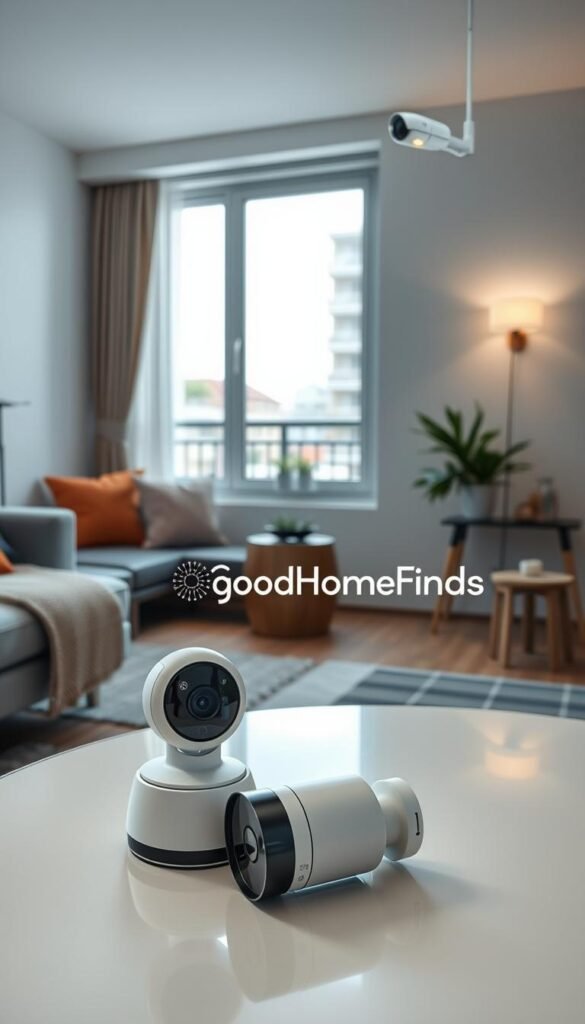
Battery life expectations and recharge routines
Battery cameras usually run about 3–8 months depending on activity. Busy hallway-facing windows and frequent motion shorten that range.
Check battery levels once a month. Pick a day to swap or recharge batteries so you don’t lose recordings when you need them most.
Privacy features that matter in rentals
Physical shutters, clear home/away modes, and easy on/off scheduling matter more than advanced analytics. Choose a camera with a visible shutter or a reliable privacy mode.
„Place cameras to cover doors and common areas, not bedrooms or bathrooms.“
Space and sightlines: avoiding camera clutter
One well-placed camera beats three that crowd counters. Use corners, shelves, or a small wall mount to keep devices out of daily traffic and cleaning paths.
| Location | Why | Notes |
|---|---|---|
| Entry / hallway | Primary view of anyone entering | Avoid pointing at neighbors‘ doors; aim inside your unit |
| Window or balcony | Package and exterior approach view | Avoid reflections; do not record shared corridors |
| Shelf / corner | Discreet, out of the way | Keeps camera safe during cleaning and charging |
Door/Window Sensors, Motion Sensors, and Glass-Break: What’s Worth Adding
Start by covering the front door and the closest easy windows; that simple map catches most real break-ins. Entry sensors are the most cost-effective way to know when a door or window opens. They stick on with adhesive and are easy to remove.
Real entry points first: front door, balcony or patio doors, then any ground-level or easily reached window. Add sensors only where someone can actually get in.
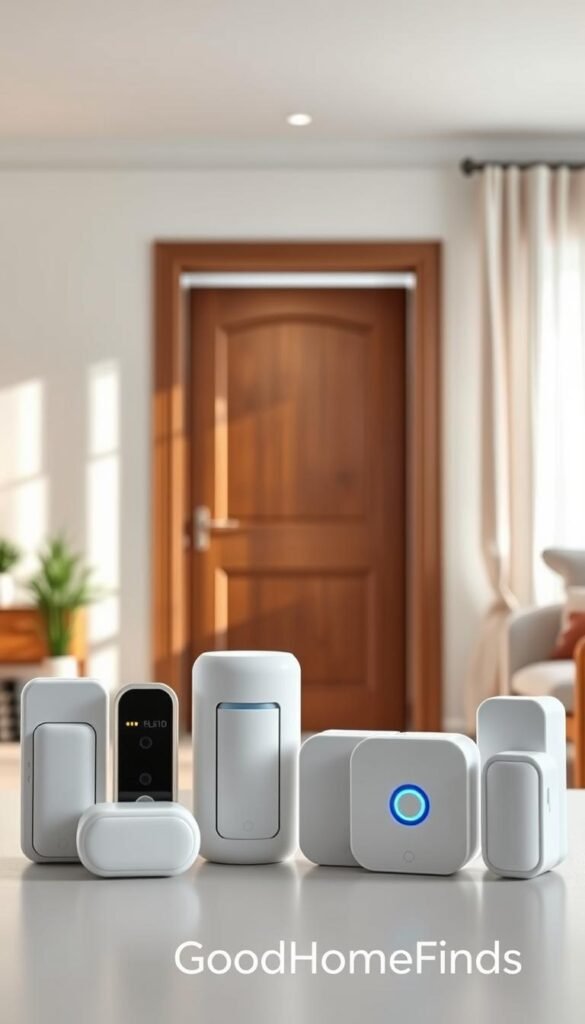
When glass-break sensors matter
Glass-break devices help ground-floor units and apartments with street-facing windows. They detect the sound of breaking glass and can catch forced entries that skip doors.
They aren’t worth the extra cost for high-floor units with no accessible windows.
Pet-friendly motion and false alarms
Motion sensors with pet-immune settings reduce false alerts from cats and small dogs. If your pet stays home alone, pick sensors rated for your pet’s size and place them to avoid furniture paths.
Noise, sirens, and neighbor-friendly alerts
Sirens can be loud and stress your neighbors. Look for systems with adjustable chimes, silent push alerts, and night modes. A practical plan: chime when you’re home, push alert when away, and quiet hours for sleep.
„Add sensors where they reduce real risk, not just because a bundle includes them.“
| Sensor Type | Best Use | Pros | When to Skip |
|---|---|---|---|
| Door/window contact | Front doors, balcony doors, reachable windows | Low cost, adhesive mount, instant alerts | High windows or inaccessible panes |
| Pet-immune motion | Living areas with pets | Fewer false alarms, reliable day sensing | Homes with large pets above sensor rating |
| Glass-break | Ground-floor units, street-facing windows | Catches forced entry via glass | Upper-floor units with no reachable glass |
Keep costs sensible: buy door/window contacts for primary entries first. Use motion sensors where you need room coverage. Add glass-break only if windows are easily reachable.
Professional Monitoring vs Self-Monitoring for Renters
Deciding between professional monitoring and self-monitoring starts with how often you can respond to alerts.
Professional monitoring pays for a trained operator to handle alarms 24/7, call contacts, and dispatch emergency services if needed. Plans commonly run about $20–$50 per month depending on features like cellular backup and video response. Examples: Cove starts around $19.99/mo, SimpliSafe’s pro tiers run $21.99+, and Frontpoint sits near $49.99/mo.

When pro monitoring is worth it
Choose a professional plan if you travel often, work long shifts, or sleep deeply. It’s also helpful if you want someone else to manage the “what now?” after an alert.
When self-monitoring is enough
Self-monitoring keeps costs low and gives instant control through the app. It’s a good option when you’re usually home, comfortable with notifications, and willing to verify alerts and call building security or police yourself.
- What pro monitoring buys you: 24/7 response, missed-alert handling, and often cellular backup.
- Your responsibility with self-monitoring: respond quickly, verify events, and call help when needed.
- Noise note: professional plans don’t force loud sirens; you can usually pick quieter push alerts in shared-wall buildings.
| Option | Typical month cost | Best for |
|---|---|---|
| Self-monitoring | $0–$10 | Home most nights, app-savvy |
| Professional monitoring | $20–$50 | Frequent travel, heavy sleepers, hands-off response |
| Hybrid (month-to-month) | Varies | Start self-monitored, add pro during trips or incidents |
„Start self-monitored, then upgrade month-to-month during travel, holidays, or after a building incident.“
For a clear cost comparison that helps you weigh budget and premium options, see this plan comparison.
Setup Time: What to Expect From Unboxing to “Protected”
Expect a short, practical process that gets you covered without fuss. Small kits are usually a quick win. Larger kits need a bit more planning but deliver fuller coverage.
Realistic time range
- Small starter kits: about 20–45 minutes to unbox, pair, test, and mount.
- Full kits with many sensors: plan ~60+ minutes for careful placement and testing.
Simple step-by-step installation
- Charge or insert batteries.
- Connect the hub to power and your router.
- Update firmware in the app.
- Pair sensors and name each one (Front Door, Balcony).
- Run tests for alerts and camera angles.
- Mount devices when placement and range look good.
App time and user setup
You’ll spend a bit of time learning the app, naming devices, and setting rules. Plan 10–20 minutes for this the first time. If you have roommates, add accounts or codes and agree who gets which notifications and who arms at night.
Wi‑Fi and cellular backup
Test the wi-fi signal where you plan to mount cameras or sensors before you stick anything. Crowded networks in apartments can slow alerts. Some plans include cellular backup; confirm that before you rely on it. Note: certain hubs (like Ring Alarm Pro) may ask to replace or add a router, which can complicate installs in shared buildings.
Before you stick anything — quick checklist
- Clean and dry the surface.
- Test wireless range from the hub.
- Confirm camera sightlines and angles.
- Check router settings so the system can connect reliably.
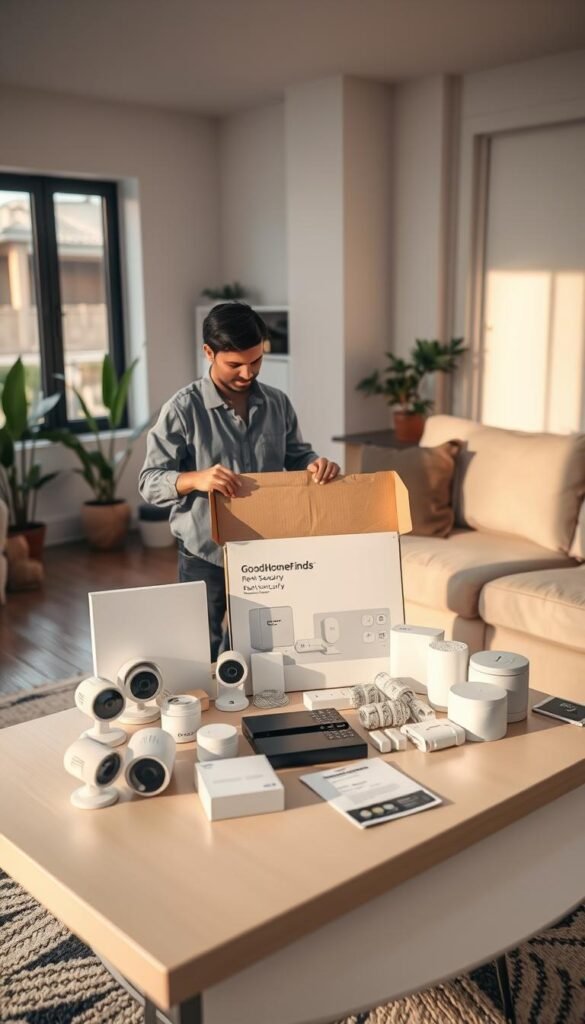
Pro tip: start with a basic kit and expand after you’re comfortable. If you want a clear cost/monitoring comparison before committing to professional plans, see this DIY vs professional monitoring guide.
Common Mistakes Renters Make With Security Systems
The biggest practical mistake is skipping surface prep before installation; that costs you time and money.
Mounting sensors on the wrong surface
Sticking contacts to dusty, chalky, or damp walls is the #1 reason they fall off. Clean the spot with rubbing alcohol, let it dry, then attach the pad.
Use Command/3M removable strips when included adhesive looks weak. That protects your deposit and keeps devices secure.
Pointing a camera into private or shared areas
Don’t aim lenses at neighbors’ doors, shared hallways, bedrooms, or bathrooms. Keep sightlines inside your unit and near your front door.
Respect privacy: tell guests where cameras are and use privacy modes when needed.
Buying too much equipment for the apartment
Bundles can tempt you to add sensors you don’t need. Extra gear brings more batteries and false alerts in tight spaces.
Start minimal, run the system for two weeks, then add based on real alerts and layout gaps.
Ignoring subscription limits until you need recordings
Many platforms lock recordings and advanced alerts behind plans. You may get live alerts but no saved video without a subscription.
Check plan details before you buy. For guidance on common pitfalls and how to avoid them, see addressing common mistakes.
„Fewer false alerts mean you take the system seriously when it matters.“
Energy Use, Battery Costs, and Noise: The Unsexy Stuff That Matters
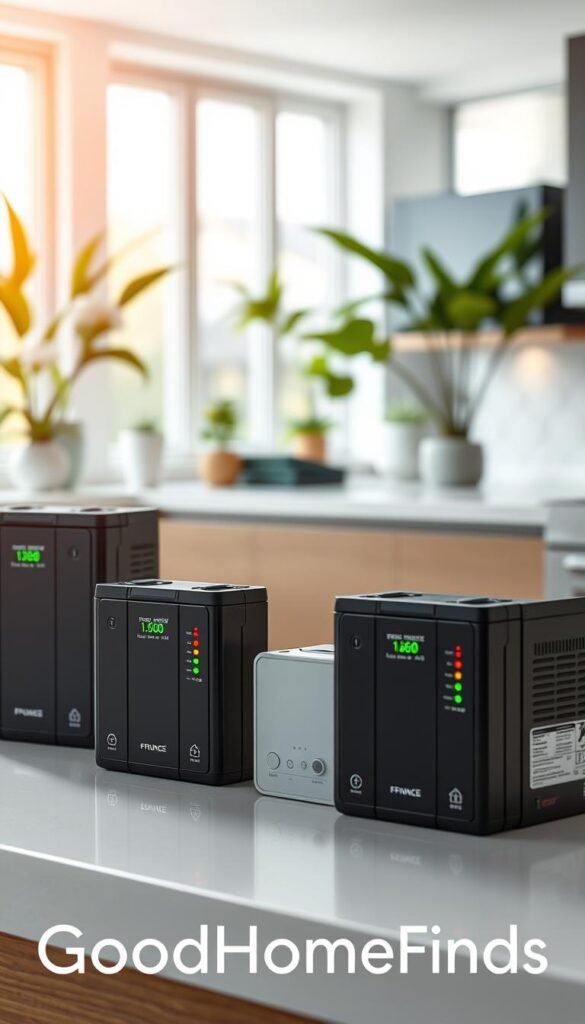
Small habits make systems less annoying and less costly. A hub and keypads usually sit plugged in and draw steady power. Battery devices trade outlets for occasional replacements or recharging.
What actually draws power: hubs, base stations, and always-on cameras use constant energy. Motion sensors and door/window contacts run on tiny coin cells and sip power.
Battery life you can plan around
Entry sensors often last about five years on a coin cell. That makes them nearly “set and forget.”
Battery cameras and doorbells need more frequent attention—expect roughly 3–8 months depending on activity and recordings.
Low-effort maintenance habit
Check battery levels when you pay a bill or swap HVAC filters. A monthly glance keeps small problems from becoming big ones.
Noise and living with neighbors
Sirens can annoy neighbors and trigger complaints. Voice prompts also get old fast. Look for systems with adjustable volume and a night mode.
„Use phone push alerts and soft chimes while you’re home. Reserve loud alarms for away mode.“
| Item | Typical life / use | Practical tip |
|---|---|---|
| Hub / base station | Plugged in, constant draw | Place near modem; use a power strip with surge protection |
| Door/window sensors | ~5+ years (coin cell) | Test annually; replace when app warns |
| Battery cameras / doorbells | 3–8 months | Set a monthly recharge day; reduce motion sensitivity to extend life |
| Keypad / chime | Plugged in or AA batteries | Use silent or low-volume modes in shared walls |
Energy-saving tips: schedule lights and cameras to sleep during predictable away windows. Lower camera resolution for constant recording and keep motion zones tight to reduce uploads and battery drain.
Practical sound strategy: use phone push alerts and subtle chimes when you’re home. Keep full alarm volume for away mode only. That keeps your home calmer and the system useful instead of disabled.
Compatibility and Smart Home Basics Without the Headache
Keep integrations simple and practical. Your goal is a system that works with what you already own, not one that forces a full smart home rebuild. Focus on straightforward compatibility and small-apartment wi-fi realities so daily use stays easy.
Alexa and Google Home support: what’s commonly available
Alexa and Google support is common across many DIY systems. Expect basic voice commands to arm/disarm, check status, and run simple routines like turning lights on when a door opens.
These assistants make daily tasks hands-free. Use routines for arrival and bedtime. They reduce app switching and keep alerts in your usual workflow.
Apple HomeKit support: what to look for if you’re an iPhone household
Apple HomeKit is less common. If you want devices in the Apple Home app, confirm clear Apple HomeKit support before buying. Brands like Aqara are Apple-friendly. abode can work with HomeKit but may need an upgraded kit.
Buy only if the vendor lists native HomeKit compatibility. Third-party bridges add complexity that can defeat the “easy” goal.
Choosing a system that won’t fight your existing router setup
Some kits (Ring Alarm Pro) may ask to replace or manage your router. In apartments with ISP gear this can cause trouble. Avoid systems that demand a full network swap unless you want the setup headache.
Do a quick router sanity check before you commit:
- Confirm you can access your wi‑fi name and password.
- Check if devices need 2.4GHz versus 5GHz support.
- Test signal strength where cameras or sensors will sit.
If you prefer simple day-to-day benefits over elaborate automation, pick the system with the clearest alerts and the fewest extra apps. For a short starter guide that helps you get set up fast, see this get-started guide.
Moving With Your System: How to Pack, Transfer, and Reinstall Smoothly
Pack and label your devices so reinstallation takes minutes, not hours on move-in day. Use small zip bags for sensors and a single box for cables. Mark each item by function — for example, Front Door or Bedroom Window.
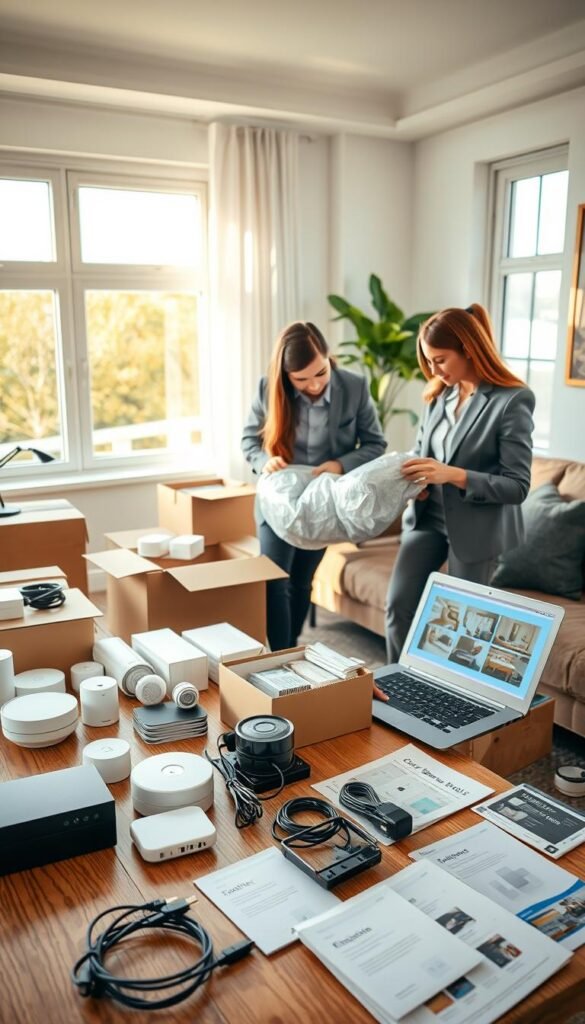
Removing adhesives without damage
Warm adhesive with a hair dryer for a few seconds. Pull strips slowly along the wall line and use the manufacturer tab if present.
If residue remains, rub gently with a soft cloth and isopropyl alcohol. Document the original wall condition with photos to protect your deposit.
Monitoring and address updates
If you use professional monitoring, update your address before you arm the system at the new place. This avoids false dispatch and ensures first responders go to the correct location.
Call your provider or update the account in the app on move day.
Quick reinstall plan for the new layout
- Install the front-door sensor first to restore core coverage.
- Add reachable window contacts next.
- Place one motion device in the main living area last.
Test wi‑fi and outlet spots before final mounting. In small rentals, outlets move and dead spots show up fast, so check signal strength where each device will live.
„Keep it simple on day one: basics first, extras later.“
For tips on protecting gear during a move, see this moving protection guide.
Conclusion
Focus on a small, practical setup that gives fast alerts and moves with you when you leave. Start with a front door sensor plus one motion sensor or a renter-friendly video doorbell. That covers the most likely entry points and keeps upkeep simple.
Expect faster awareness, calmer nights, and a system that won’t risk your deposit. If you travel or sleep deeply, consider pro monitoring for ~$20–$50/mo. Otherwise self-monitoring keeps monthly costs low.
Avoid common mistakes: poor mounting surfaces, bad camera angles, overbuying gear, and ignoring recording or subscription limits. Pick the option that fits your space, noise tolerance, and Wi‑Fi reality. For more renter-focused picks, see the best home security for renters.


