
This practical guide shows you how to add a few reliable devices to your apartment or rental without stress. You’ll get clear advice on setup, daily use, and honest pros and cons. The goal is fewer headaches and purchases that feel worth it in real life.
You’re not building a sci‑fi house. You are solving small daily problems in your home with a simple plan. Start slowly — SafeWise suggests one or two products first. Typical spending ranges from about $500 to $2,000, but you can begin under $100–$200 if you pick wisely.
Expect small ongoing costs: power draw, notifications, updates, and occasional batteries. This guide previews a basic control center, a couple of plugs or lights, and one security upgrade if you need it. You’ll also learn to avoid common traps like weak Wi‑Fi, too many apps, and gadgets that don’t work together.
For clear picks and honest recommendations, see our approach at GoodHomeFinds. The advice here is renter‑friendly, practical, and focused on energy you can measure, safety that feels usable, and convenience that actually saves time.
Key Takeaways
- Start with 1–2 reliable devices to test value and compatibility.
- Budget can be low to start; expand only if you use what you bought.
- A small control center, a couple of plugs/lights, and one security item are enough to begin.
- Watch for weak Wi‑Fi, too many apps, and incompatible gadgets.
- Plan for small ongoing costs like power and maintenance.
What a smart home is and what it isn’t
A practical system lets you control lights, locks, and plugs from your phone or with simple voice commands. That is the core idea: easy control plus a few automations that run by themselves.
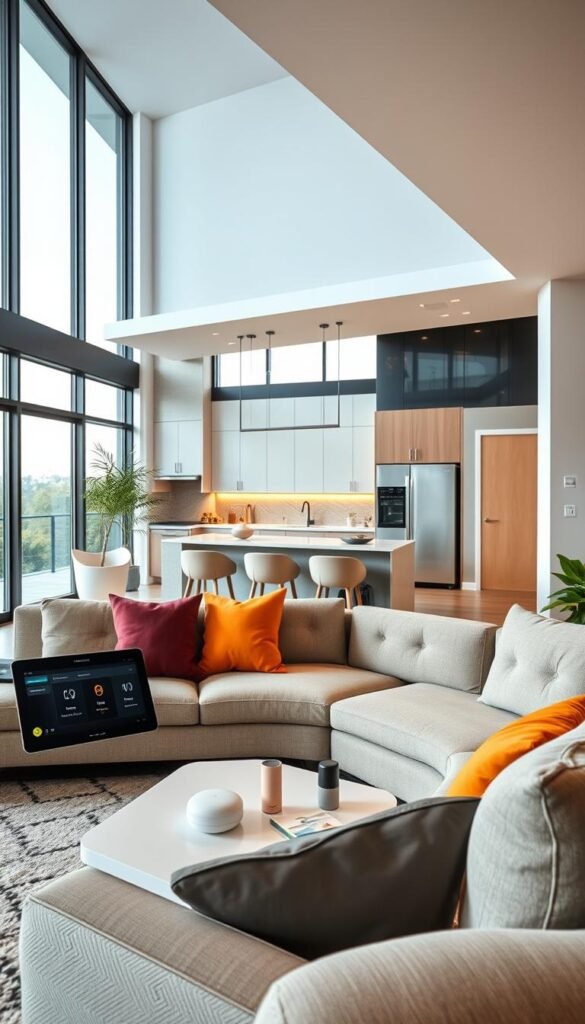
Simple definition: control + automation from your phone or voice
Control means you can use an app or a voice assistant to turn things on or off. Automation means rules that act for you, like lights that come on at dusk.
Routines vs. automations in plain English
A routine is a command you trigger, like saying „Goodnight“ to turn off lights and lock doors. An automation runs on its own, for example a hallway light that turns on when motion is detected after 10 PM.
What “works together” really means
Pick a platform where you want control to live—Google Home, Alexa, or Apple. Buy devices that list that platform. „Works with“ may mean simple on/off only. Check details so you don’t lose a feature you expected.
| Feature | Routines | Automations | Compatibility note |
|---|---|---|---|
| Trigger | User says a phrase | Sensor, time, or condition | May need same platform |
| Use case | Goodnight scene | Motion light after 10 PM | „Works with“ varies by feature |
| Control | App or voice | Automatic | Check app and assistant support |
When you understand control and automation, you can choose the first devices that add real value. For renter-friendly setup options, see our renter setup comparison.
Real benefits you’ll actually notice in daily life
You can gain real, measurable wins from modest tech choices in a compact living space. Pick one or two useful items and you’ll feel the difference in routine tasks, energy use, and simple safety checks.
Convenience that saves time in small apartments
Less walking across a tiny apartment matters. Use voice or an app to turn off lights, silence speakers, or pause video without leaving the couch.
You’ll skip the „did I leave that on?“ worry. Start a morning routine while dressing. Set a voice timer in the kitchen when cooking.
Energy savings you can measure (and when you won’t)
Smart plugs with energy monitoring show what draws power. That data helps you stop standby drain from older TVs, chargers, or speakers you forget to unplug.
When it won’t help: adding more always-on gadgets can cancel savings. You only save if you cut actual run or standby time.
Safety and peace of mind without a fortress
Basic security gear gives practical alerts. A video doorbell handles deliveries. A small indoor camera checks on pets. Motion lights make coming home feel safer at night.
Remember: these tools add convenience and info, not a substitute for solid locks and smoke alarms.
Entertainment and kitchen help that feels useful
Grouped speakers fill a place with music while you clean. Cast a recipe video to a display in the kitchen. Quick voice commands save minutes and keep your hands free.
- Quick wins: one button to turn all lights off at bedtime.
- Real data: energy monitoring shows what to unplug.
- Practical peace: simple cameras and alerts, not a fortress.
For easy control, consider a Google Home or similar speaker as your hub. Small choices add up to less wasted time and more useful conveniences in daily life.
Who needs this and who should skip it (for now)
Start with needs, not trends: choose devices that match how you use your place.
Renters and small-space households
You can get clear value without altering walls or wiring. Use plugs, bulbs, and compact speakers that plug in and move with you.
These items make daily life easier in apartments and other small homes.
Who benefits most right away
Busy families gain routines that save time, like a single command to dim lights and lock doors.
Pet owners get quick check-ins and simple cameras that reduce worry while you’re out.
Frequent travelers can use scheduled lights for basic away presence and receive door alerts for extra security.
„Start slowly. Pick one or two reliable devices that match your budget and daily habits.“
When to skip or choose a simpler option
If your Wi‑Fi is unreliable, landlord rules are strict, or you dislike constant notifications, pause before buying more gear.
Sometimes a regular fan or a reliable coffee maker is the better value than a cheap connected version.
Energy-focused people: start with energy monitoring and schedule-based shutoffs before buying larger devices.
| Who | Best first picks | When to wait |
|---|---|---|
| Renters | Smart plugs, bulbs, compact speaker | Landlord bans or no outlet space |
| Busy family | Speaker hub, scheduled lights, locks | Complex installs needed |
| Energy savers | Plugs with monitoring, schedule timers | Poor Wi‑Fi or many always-on items |
| Frequent travelers | Doorbell camera, away lighting | High notification anxiety |
One ecosystem matters. If devices use different apps or assistants, your setup will feel messy. Pick gear that works together and you’ll save time and frustration.
For budget-friendly picks that work well in rentals, check our roundup of budget gadgets.
Start here: Wi‑Fi, placement, and smart home basics that prevent headaches
Start with the network — a stable connection makes most upgrades work as intended.
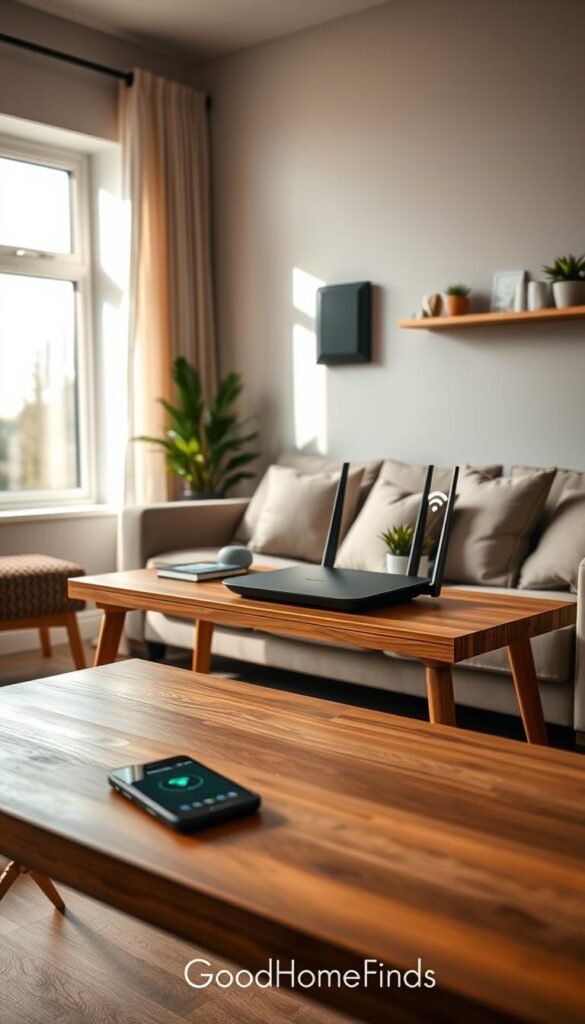
How to tell if your signal is strong enough
Run a quick internet test in the rooms you use most. If streaming or calls stutter, expect smart devices to act flaky too.
Quick check: poor streaming = fix the connection first.
Where to put your router in an apartment
Keep the router central and out in the open. Avoid hiding it behind TVs or inside cabinets. Thick walls and long halls make dead zones.
Do you need a hub, or will Wi‑Fi devices be enough?
Wi‑Fi devices are easy to start with. A hub helps when you add many devices. It can reduce Wi‑Fi congestion and keep automations reliable.
Matter and Thread in plain terms
Matter helps different brands work together. Thread makes local connections more stable so devices stay online more often.
Privacy and account basics
Use unique passwords and turn on two‑factor authentication. Keep device accounts tidy so you aren’t locked out later.
| Item | When to use | Benefit | Note |
|---|---|---|---|
| Wi‑Fi | Small setup, few devices | Easy setup, no extra gear | Can get crowded in apartments |
| Hub | Many devices or Zigbee/Thread needs | Less Wi‑Fi load, stronger local logic | Adds one extra box and setup |
| Matter & Thread | Mixing brands for reliability | Better compatibility and offline control | Not all devices support both yet |
| Local control | Outages or privacy focus | Basic control without internet | Check brand for local mode |
Your first smart home devices that give the best value
A single, good control hub changes how easily your place feels managed. It makes voice and app control simple and keeps other devices from multiplying apps and fuss.
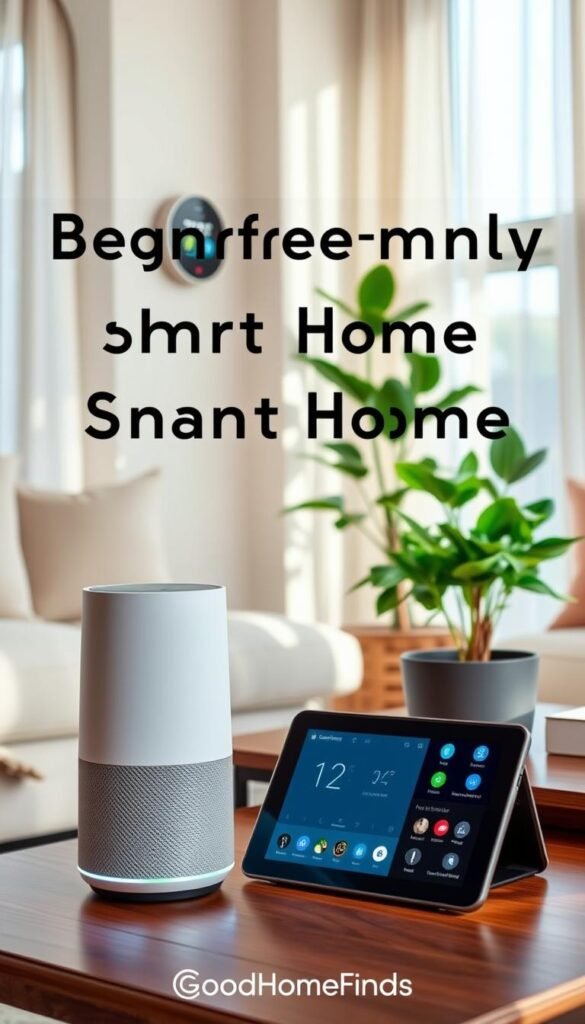
Smart speaker or display: easiest control center
Why buy one first: a speaker or display acts as the central control point for other devices and gives reliable voice control for timers, music, and quick checks.
Budget vs premium: budget speakers give basic voice and timers. Premium models add better mics, richer sound, and a touchscreen that helps in the kitchen. Popular picks include Echo Dot and Nest Audio.
Smart plugs: the best first utility buy
Plugs convert lamps, fans, and coffee makers without rewiring. Choose a smart plug with energy monitoring if you want measurable savings.
They are renter-friendly and easy to set up. TP‑Link and Kasa outlets are good examples for scheduling and „away“ modes.
Smart lighting: bulbs vs. switches
Smart bulbs are the simplest option for renters. They screw in, offer color and schedules, and need no permission to install.
Smart switches feel cleaner day to day but may require wiring and landlord approval. Philips Hue works well for bulbs; switches suit long-term installs.
Video doorbells and cameras: practical security
Cameras and doorbells give visibility and two-way talk. They help you check deliveries and visitors, not stop crime on their own.
Note subscription tradeoffs: live view usually works free, but history and advanced alerts often cost extra. For best picks see a roundup of the best smart home devices.
Smart locks: convenience with tradeoffs
Smart locks solve guest access and „did I lock the door?“ moments. They add battery tasks, another device to manage, and occasional troubleshooting.
Weigh convenience against the need for backups like physical keys and clear battery monitoring routines.
| Device | Best for | Setup difficulty | Cost range |
|---|---|---|---|
| Speakers / displays | Control hub, voice | Easy | Low to medium |
| Smart plug | Appliances, energy monitoring | Very easy | Low |
| Smart light | Ambient light, schedules | Very easy (bulb) / Medium (switch) | Low to medium |
| Camera / video doorbell | Security, visits | Medium | Medium |
| Smart lock | Access control | Medium | Medium to high |
Start with a speaker or display, add a plug and a lamp, then choose a camera or lock only if you need them. For renter-focused fixes and real picks, check our home problem solver mix.
Kitchen, cleaning, and daily electronics that make a smart home feel worth it
Small kitchen upgrades often deliver the biggest everyday wins in a tiny apartment.
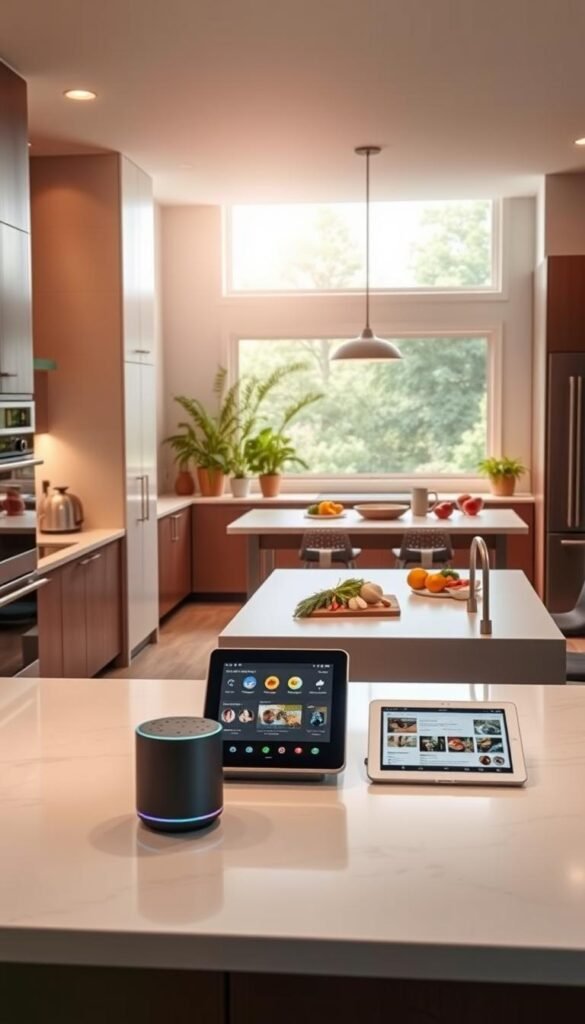
Kitchen routines that help every day
Practical routines save time. A morning routine can turn on a light softly, start coffee, and cue music on your speakers with a single voice phrase.
Use an app or voice to set timers, convert units, or add items to a shopping list while you cook. Google and TP‑Link give good examples of scheduling kettles or coffee makers at sunrise.
Smart plug ideas for countertop appliances
Put a smart plug on a lamp, a coffee maker, or a slow cooker. Only automate heating devices that the manufacturer approves for scheduled power. Safety matters more than convenience.
Robot vacuums for small apartments
A robot vacuum saves minutes but needs clear floors. It can be loud during calls and TV time, so schedule runs when you’re out.
Space needs: a free outlet for docking, room to turn, and storage for brushes and filters. They still require occasional pick-up and maintenance.
Value check: the best automations fix tiny daily annoyances, not add complicated chores.
devices I kept using · robot cleaning devices · best kitchen finds
Energy saving, power consumption, and maintenance to plan for
Small, constant draws add up — and most people miss that until the bill arrives.
Many devices stay ready all day. That standby power can be small per item but large in total.
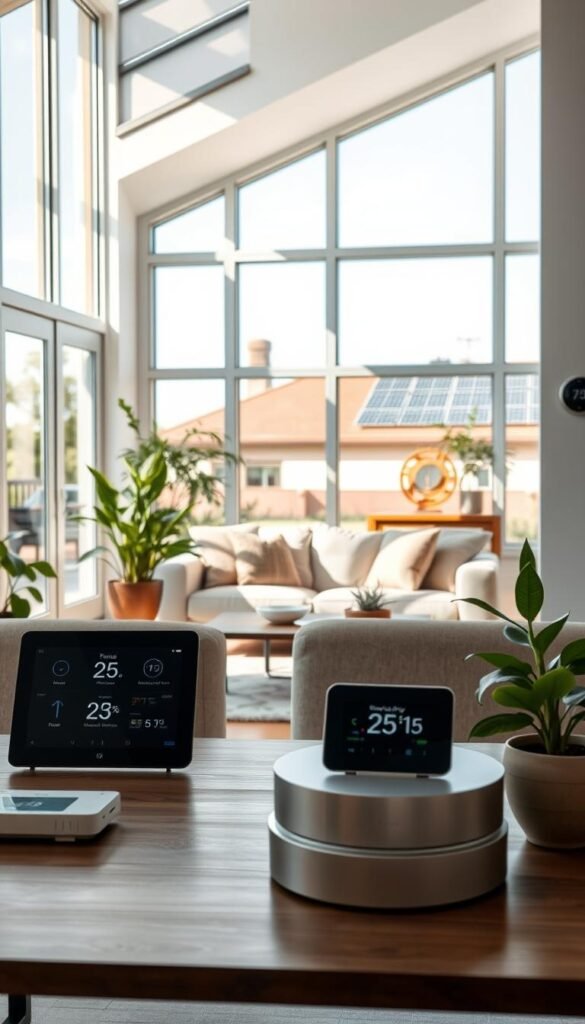
Standby draws and where to look
Start with an energy monitoring plug to find what wastes power. Lamps, routers, and media boxes often draw when „off.“
Schedule shutoffs for low-priority products. That reduces wasted power without changing routines.
Thermostats, sensors, and real savings
A smart thermostat can cut bills by adjusting temperature when you’re away. Savings depend on how often you leave and your climate.
Sensors — motion, contact, and temp/humidity — help keep comfort efficient. They let systems run only when needed.
If wiring or HVAC looks complex, hire a pro. One correct install can save weeks of troubleshooting and avoid higher bills.
Maintenance checklist you can follow
- Replace batteries on locks and sensors every 6–12 months.
- Run firmware updates monthly for security and features.
- Clean camera lenses and dust sensors to keep readings accurate.
- Maintain robot vacuum brushes and filters to keep efficiency high.
Budget vs. premium: buy to reduce waste
Cheaper bulbs and budget products may flicker or drop offline. That leads to more replacements and more waste.
Premium gear costs more up front but lasts longer, offers better features, and often reduces overall energy and replacement cycle.
Plan for maintenance and target real power consumption with meters and schedules. For practical tips on saving energy and efficiency, see energy savings tips.
Setup time and common mistakes beginners make
Setup can be quick or take an afternoon — know what to expect before you start. This short guide helps you plan realistic steps for plugs, bulbs, speakers, cameras, and locks.
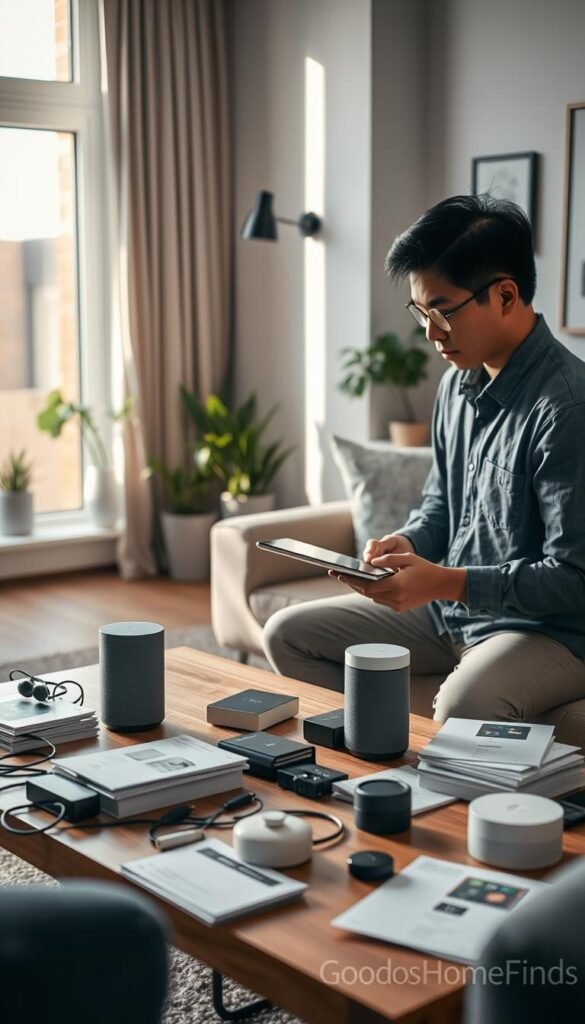
What to expect by device
Plugs and bulbs often install in minutes. Grouping lights or linking bulbs to a hub may take a bit longer.
Speakers and displays are usually fast, though adding routines can add time. Cameras, video doorbells, and a smart lock need placement, alignment, and security steps. Plan extra minutes for mounts and testing.
Common mistakes that cause drop-offs
Weak Wi‑Fi, devices at the edge of coverage, and juggling too many apps kill momentum. Mixing ecosystems forces repeated sign-ins and extra steps.
Apartment pitfalls
Watch for plugs that block the second outlet, crowded Wi‑Fi from neighbors, and landlord limits on drilling for a doorbell or camera.
Notifications, noise, and troubleshooting
Start with only essential alerts like doorbell rings. Add motion or video alerts for specific times or rooms to avoid overload.
If a device drops offline: check signal, power-cycle it, confirm you’re on the right network, then reset only if needed. Many brands let basic functions work locally on the same Wi‑Fi during an outage, which can save you a lot of frustration.
Practical tip: read a short list of common setup mistakes before you buy — it saves time and keeps the project livable. For deeper reading see five common setup mistakes.
Conclusion
End with a simple, practical checklist to move forward. First, fix your Wi‑Fi and pick one platform for control. Then add devices only when you have a clear daily use for them.
Starter plan: one speaker or display, two plugs (one with energy monitoring), and a lighting upgrade for your main room. This bundle saves time, cuts energy waste, and improves routine control.
If you want more security next, consider a video doorbell or a single well‑placed camera. Expect some alerts and possible subscription fees.
Keep automations tiny: one or two routines you’ll use every day. Set reminders for batteries and updates so the system stays helpful, not annoying. For a quick refresher, see our smart home 101 guide.


