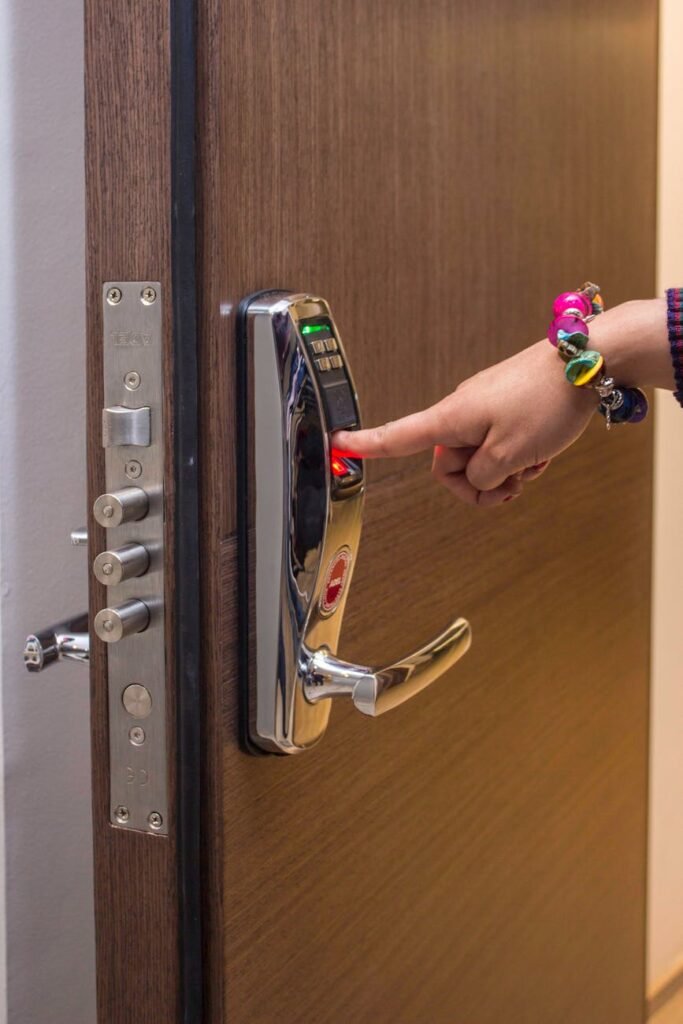
This is a practical buyer’s overview for renters and small-space dwellers. You’ll get plain answers about which bulbs, strips, or switches work in apartments and tiny kitchens.
Think daily use, not flashy demos. This section explains how app control, voice commands, and schedules solve real problems like cooking with your hands full or quick night trips to the kitchen.
You don’t need to convert every fixture. Start with one room, test for a week, then expand if it proves worth it. I’ll help you choose product type, connection method, and ecosystem so you buy the right kit at the right price.
Expect honest pros and cons. I’ll compare budget and premium picks, note hidden costs like bridges, and flag small-space realities such as outlet placement, strip sizing, and Wi‑Fi stability. Setup and upkeep timelines are included so you know what you’re signing up for.
Key Takeaways
- Focus on daily comfort: dimming and warm-to-cool schedules beat constant color changes.
- Start small: one room or fixture can deliver most value in an apartment.
- Decide on bulb vs strip vs switch, then pick Wi‑Fi, Bluetooth, or hub based on reliability.
- Watch for hidden costs: hubs, replacement LEDs, and app quality affect long‑term value.
- Plan placement and power needs for small spaces; consider renter-friendly, non-permanent options.
- Use reviews and safety listings; try items before you expand—see practical renter tips at renter finds.
What smart lights are and what they actually do
Good lighting quietly helps with cooking, reading, and late-night paths. In plain terms: these devices look like regular fixtures but let you dim, set warm-to-cool white, or pick colors from an app or by voice.
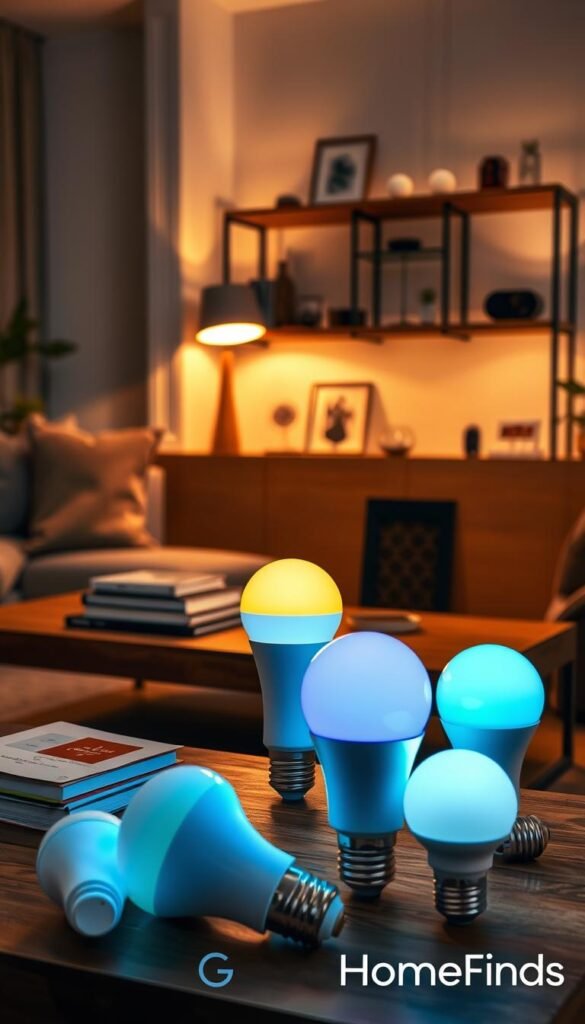
Bulbs, strips, or a switch?
Replace a bulb when you want a simple swap. Bulbs fit standard sockets and offer tunable white or full color. Light strips add task or accent lighting and plug into an outlet. A single light switch can make a whole fixture controllable but may need permission or basic wiring.
White vs color for everyday rooms
Tunable white color handles about 90% of daily needs. It gives warm evenings and cool task light for cooking. Color bulbs are fun for mood or TV backlighting, not daily chores.
How you control them
Use an app for fine tuning, voice for quick changes, schedules for routines, and motion triggers for hands-free safety. Name groups like „kitchen“ or „hallway“ so commands work without fuss.
- Renter-friendly: bulbs and strips are easiest — no rewiring.
- Expectations: motion features vary; some need separate sensors.
- Outcome: fewer trips to the switch and lighting that fits your activity.
Real benefits you’ll notice day to day
Everyday chores feel simpler when your fixtures work on a schedule. You get real wins in three areas: energy, comfort, and safety. This section shows what changes are immediate and which need a routine to pay off.
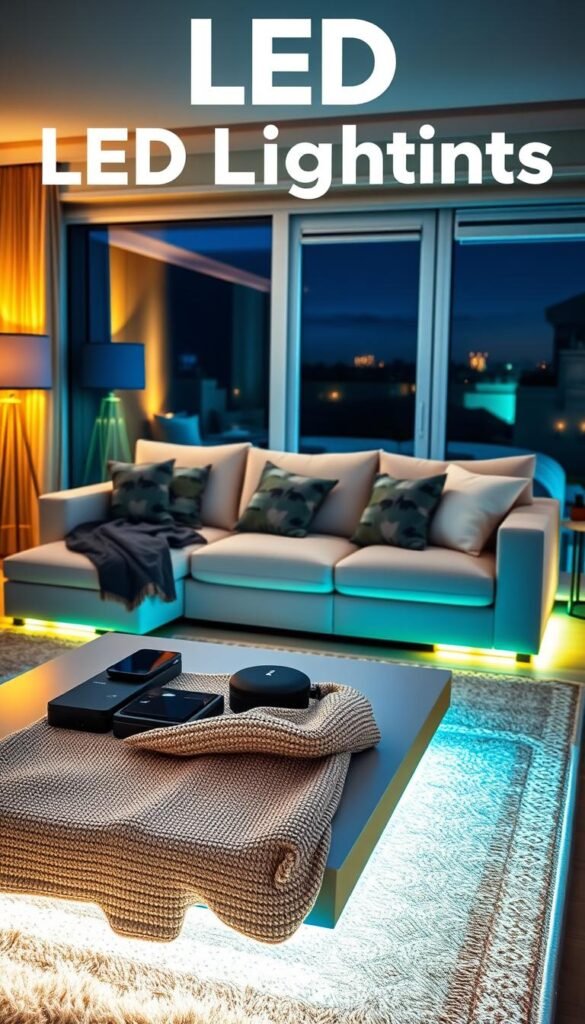
Energy savings and what LED means for your bill
LED bulbs use far less power than incandescent or halogen. That matters when you leave lights on while cooking or cleaning. A single LED can use 10–15% of the old bulb’s wattage.
Reality check: the biggest savings come from schedules, auto-off timers, and dimming. Swapping one bulb helps, but automation saves more over time.
Comfort upgrades you feel right away
Dimming that does not flicker is an instant quality-of-life win. Tunable white shifts from warm evenings to cooler mornings. Sunrise/sunset routines slowly change brightness and tone so mornings are gentler and evenings feel calmer.
Safety and peace of mind
Motion-triggered paths and a low-night setting stop you from blinding yourself on late trips to the bathroom. Vacation modes or randomized on/off patterns make a rented place look occupied while you’re away. Many systems support routines via Alexa, Google, or Apple for easy setup.
| Benefit | Typical effect | Small-apartment use case |
|---|---|---|
| Energy | Lower watts, lower monthly bill | LED bulbs for kitchen and hall reduce hourly draw |
| Comfort | Smoother dimming, tunable white color | Warm evenings, cool mornings via schedules |
| Safety | Motion triggers, low-night brightness | Motion-lit hallway to bathroom; night mode for bedrooms |
| Downside | Missed value if routines unused | If you keep using the wall switch, automations won’t help |
Quick tip: try one routine for a week. If it fits, expand. For practical fixes and examples, see this home problem solver resource.
Who needs this (and who should skip it)
Not every upgrade fits every home; focus on fixes that make daily life easier.
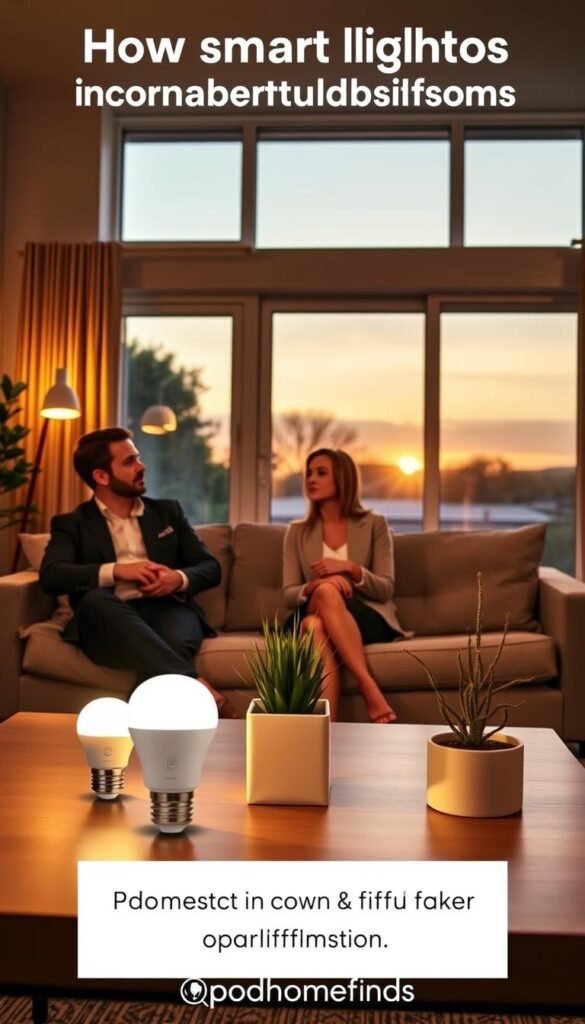
Who gets fast value: renters who can’t rewire, people in small apartments, and households that share a busy kitchen or living area. These setups work with standard sockets and adhesive strips. A single bulb or strip can change how your space feels without a permit.
Kitchen and shared spaces
Why start here: your hands get messy. Voice, motion, or schedules save time and keep counters brighter for safe prep and cleanup.
Starter spots that matter
- Kitchen main fixture or under-cabinet strip
- Hallway lamp for night paths
- Bedside lamp for easy „lights out“ routines
When to skip or delay
Don’t install in rooms you rarely use. Hold off if your Wi‑Fi is unreliable or you must stick to the cheapest possible bulbs with zero setup time.
„If roommates always flip the switch, automations won’t help unless you set expectations.“
Practical alternatives: one smart plug plus a lamp, or a hub-based switch in a high-traffic spot if installation is allowed. Bluetooth-only setups work well in small places but won’t help when you leave home.
Smart light guide: choosing the right system for your home
Pick a control path that fits how you actually live before buying any bulbs or strips.
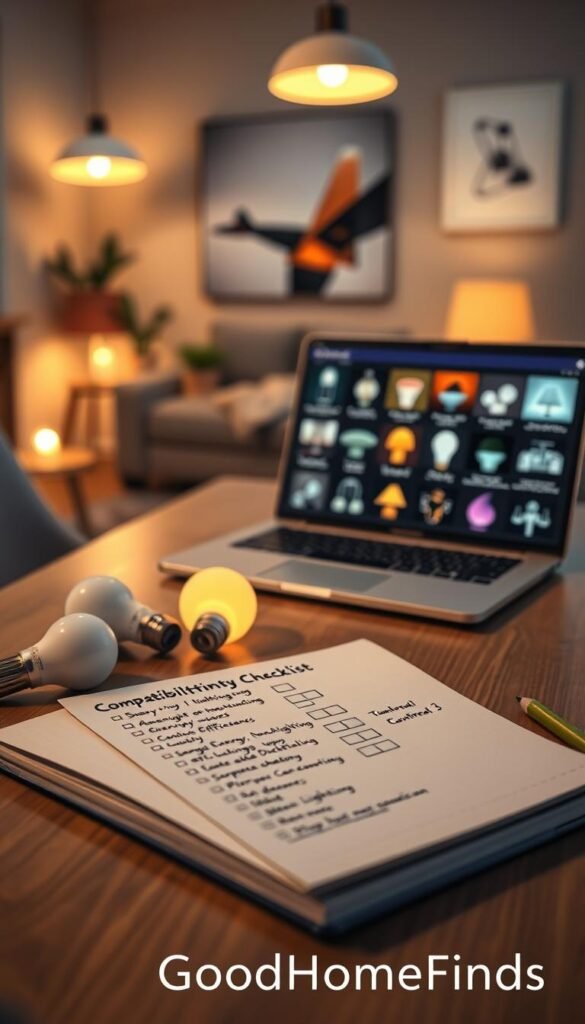
Compatibility checks: decide your voice assistant first. If you use amazon alexa, google home/google assistant, or Apple Home/Siri, confirm the brand lists those platforms. That prevents returns and wasted adapters.
Hub vs Wi‑Fi vs Bluetooth
Bluetooth is the simplest. It works from your phone in the room but not reliably when you’re away.
Wi‑Fi gives remote control and wide reach. It can add traffic to small routers.
Hub or bridge adds stability for many bulbs and strips. It also reduces Wi‑Fi load and often improves response.
Matter and mixing brands
Matter helps different brands play together in the same assistant. Look for Matter support if you plan to add various options over time.
| Decision | What to check | Small-apartment tip |
|---|---|---|
| Brightness | 800 vs 1,100 lumens | 800 okay for bedrooms; 1,100 for kitchens |
| Fit | Bulb base & shape | Measure fixture depth and socket type |
| Strips | Length, outlet, adhesive | Clean surface; plan power access |
| Bridge | Place near router | Use a shelf or closet near your modem |
Quick rules: pick one room, confirm app and voice compatibility, count outlets, and measure fixtures. Start small and expand only after the system proves reliable.
Budget vs premium smart light bulbs: what you get for the money
Not every bulb needs to be expensive to add real value in a small apartment.
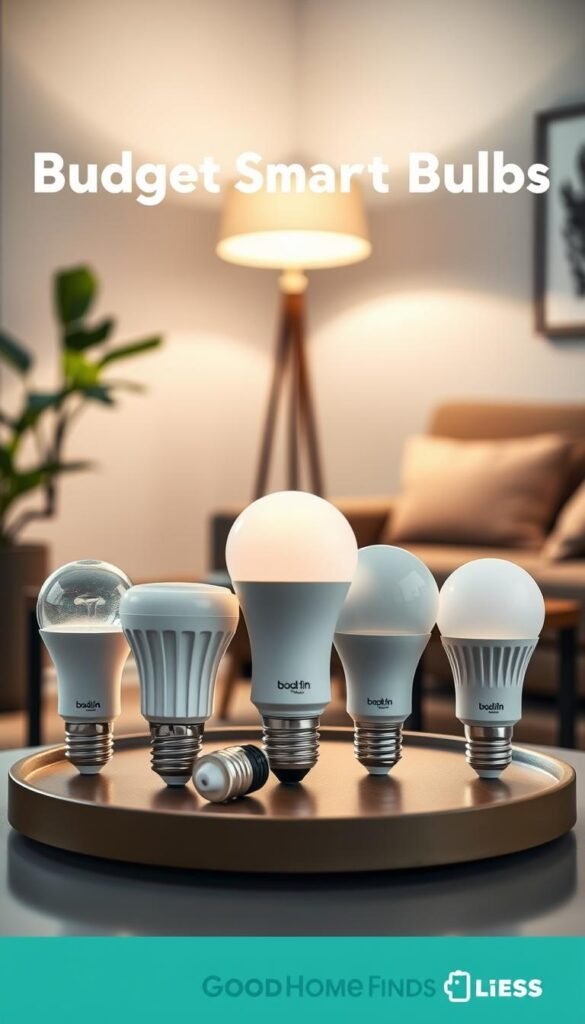
Budget options deliver the basics: dimming, tunable white, and sometimes color. They cut initial price and let you test one room without a big commitment.
Wiz is a practical starter at about $10 per unit and now supports Matter. Wyze works well for grouping many bulbs, though Apple users may see gaps. Tapo stands out when you need brightness — its 1,100-lumen bulbs suit kitchens and task areas.
Premium and when the bridge makes sense
Philips Hue buys reliability, a polished app, and richer scenes. That polish matters in high-traffic rooms like kitchens or hallways.
The Hue Bridge costs around $50. If you plan many bulbs or remote control across your home, the hub often pays off. For a single bulb, it can feel like overkill.
| Tier | Typical cost | Key strength | Best use |
|---|---|---|---|
| Budget (Wiz/Tapo/Wyze) | ≈ $10–20 per bulb | Low price, Matter options, bright models | Test rooms, low-stakes lamps, kitchen task light (Tapo) |
| Premium (Philips Hue) | ≈ $20–50 per bulb + bridge | App polish, robust scenes, long-term reliability | Main fixtures, whole-room setups, renters who move often |
| Tradeoffs | Varies | Less polish vs ecosystem lock-in | Buy reliability for high-traffic, budget for extras |
Simple rule: pay for reliability in the kitchen and hall. Use budget bulbs for lamps and testing. Match price to how much you rely on the feature set and durability.
Smart light strips and accent lighting for small spaces
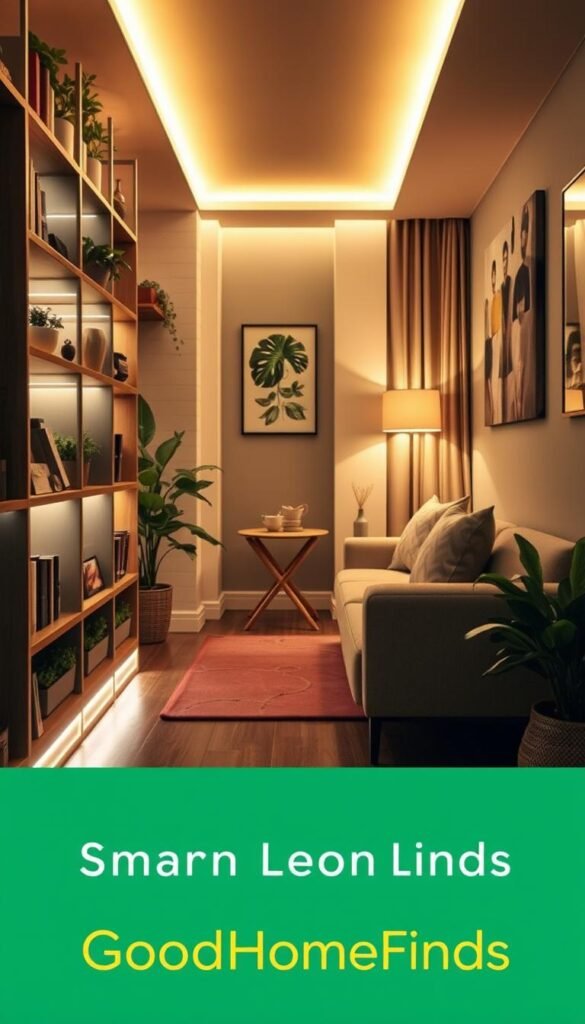
Strips are the easiest way to add useful accent and task lighting in tight spaces. They plug into a wall outlet and stick in place. That makes them renter-friendly and fast to try.
Under-cabinet task lighting that looks built-in
Under-cabinet strip removes counter shadows and gives cleaner prep light. It feels like a built-in upgrade without renovation.
Place strips at the front edge of the cabinet bottom. This reduces glare on work surfaces and highlights countertops for cooking and cleaning.
TV and desk backlighting for comfort
Backlights behind a TV or monitor cut harsh contrast at night. Set warm tones for late viewing and cooler tones for work sessions.
Position strips to avoid direct reflection on screens. Proper placement gives mood lighting without glare.
Govee vs Philips Hue: budget and premium options
Govee often wins on features like many lengths, scene modes, and music sync in the app. Some models cannot be cut to size.
Philips Hue costs more but is trimmable, extendable, and integrates tightly with the Hue ecosystem and bridge for stability.
| Feature | Budget (Govee) | Premium (Philips Hue) |
|---|---|---|
| Lengths & options | Many preset lengths, affordable | Flexible strips, extendable |
| Cut to size | Some models not cuttable | Trimmable at marked points |
| Sync & music | Robust music sync modes | Limited without bridge apps |
| Integration | Good app features, budget friendly | Strong ecosystem, bridge benefits |
What to watch for and a short mounting checklist
Common problems: no nearby outlet, adhesive failing on textured surfaces, or buying the wrong length.
- Clean surface before sticking.
- Plan power-brick placement and cable runs.
- Test position with tape before peeling adhesive.
- Buy a cuttable model if your run is shorter than the strip.
Final note: Strips are a small-space cheat code when mounted neat and paired with the right tone. Good cable management makes the result feel built-in.
Kitchen-first picks: practical setups for cooking, cleaning, and late-night snacks
Start in the kitchen: it’s where better lighting pays off every time you cook or clean.
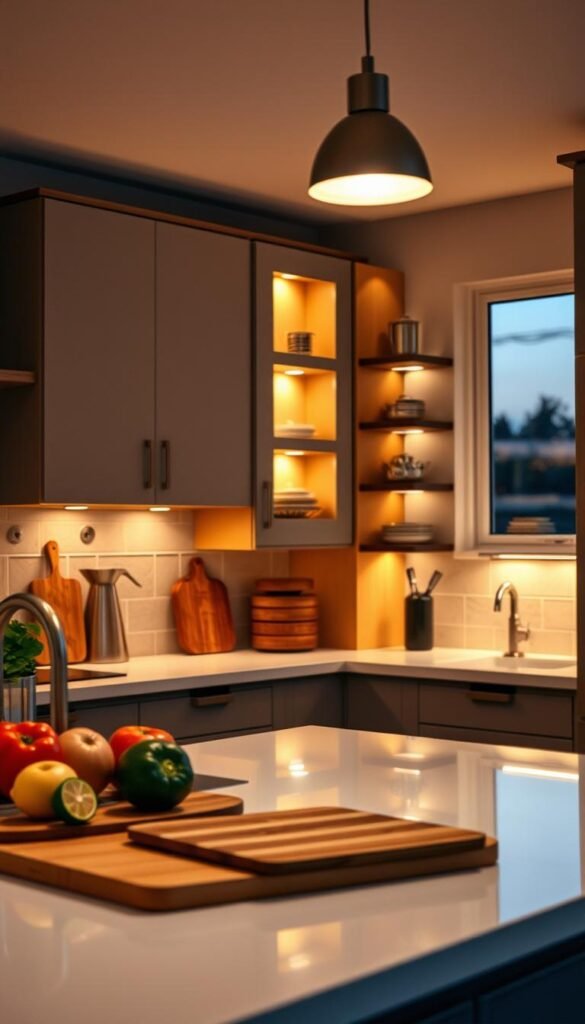
Bright task lighting for counters and sinks. Use a 1,100-lumen bulb over sinks and prep zones when the space is dim or you cut and chop often. Tapo’s 1,100-lumen Matter bulbs are a good renter-friendly pick for this use.
Higher brightness reduces shadows and keeps colors true when you cook. Reserve lower lumen bulbs for overhead ambient lighting.
Warm-to-cool schedules that match your day
Set a simple schedule: cool and brighter in the morning and during dinner prep, warm and dim after 9 pm. Use sunrise/sunset triggers so you don’t have to fiddle in the app every day.
Hands-full control: voice commands that stick
Name the group plainly — „kitchen“ — not clever labels. Short commands work best with amazon alexa or google assistant:
- „Turn on kitchen“
- „Kitchen 50%“
- „Kitchen warm“
These are easy to remember and reduce fumbling while your hands are wet or full.
Easy automations for cleaning and lights-out reminders
Create a cleaning routine: full brightness for 15 minutes, then shift to warm dim for dinner. Add a „lights out“ automation at midnight to cut waste and help sleep.
Shared spaces tip: if roommates toggle the wall switch, keep that switch on and rely on voice and schedules. Or, if allowed, install a smart switch for whole-fixture control.
„The goal is fewer steps and better visibility, not an overbuilt system you won’t maintain.“
Power consumption, noise levels, and comfort factors
A few practical settings make your home feel quieter and use less energy every day.
Standby draw explained: LED bulbs are very efficient, but bulbs with connected features use a tiny amount of power when „off“ so they can stay reachable for app or voice commands. That draw is small, but it exists.
How to cut waste:
- Use schedules and auto-off timers instead of leaving scenes running.
- Don’t over-light rooms; pick the right lumen level for the task.
- Turn off groups from your phone when you leave for long periods.
Noise and comfort reality check
Most LED bulbs are silent. Any faint buzz usually comes from the fixture, a dimmer, or a cheap driver — not the LED emitter itself.
If a fixture hums, test the bulb in another lamp, update firmware, or avoid incompatible dimmers. These steps often stop the noise fast.
Privacy and „listening“ concerns
The bulb itself rarely contains a mic. Your voice assistant device is the one that listens for commands. Place that device where it’s useful but not intrusive.
Quick troubleshooting: test the bulb in a different fixture, disable a dimmer, check for firmware updates, and swap in a known-good bulb to isolate the issue.
Takeaway: choose quality gear, set simple routines, and prefer warmer, dimmed tones at night for comfort. That keeps your home quiet, saves energy, and makes these features worth it in daily life. For practical system picks and tips, see this practical setup overview.
Setup time: what to expect from unboxing to first routine
Begin with a single goal: make one room work reliably with your phone and voice assistant. That keeps the process short and useful.
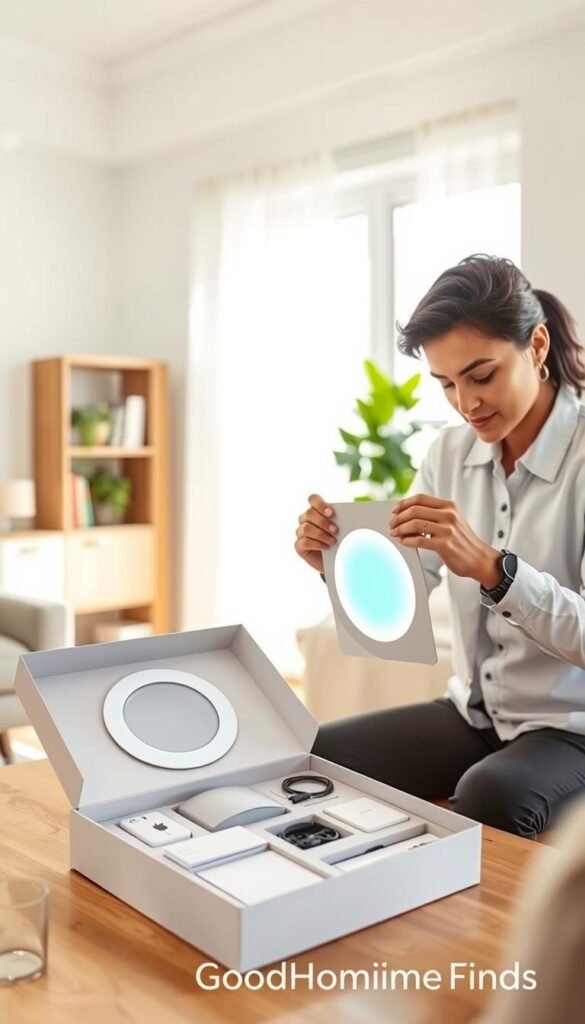
Fastest path for beginners
Do this in order: install the app, screw in one bulb or plug in a strip, open the app, and add the device. Then link it to amazon alexa or google home you already use.
Typical timelines
A single bulb often takes 5–15 minutes. You add a name and test a command.
Multi-bulb groups take longer because naming and grouping helps future control. Expect 20–45 minutes for a small room.
Strips need planning: route the cable, place the power brick, and stick the strip cleanly. That usually adds another 10–30 minutes.
Hub and bridge systems
Hub setups (Philips Hue, for example) add an initial step: plug the hub into your router. That takes extra minutes but often gives a more stable system as you scale.
Wi‑Fi basics that prevent drop-offs
Check the product notes. Some devices require 2.4GHz Wi‑Fi. Keep your phone on the same network while you finish setup.
Don’t get stuck:
- Confirm the Wi‑Fi password before you start.
- Keep your phone and app active during pairing.
- If a bulb drops, power-cycle it, check the app for firmware updates, and avoid overcrowding your router.
„Done“ looks like this: your lights are named, grouped by room, and at least one routine (sunset-on or bedtime-off) runs reliably.
For a step-by-step example with holiday setups and longer-run options, see a practical setup resource at setup for decorative lights.
Maintenance and upkeep (so your smart lighting stays smart)
A five-minute weekly check keeps routines working and prevents surprise dropouts. Do a quick pass through the app, confirm firmware prompts, and verify your main routines still run. Small, regular attention stops most problems before they grow.
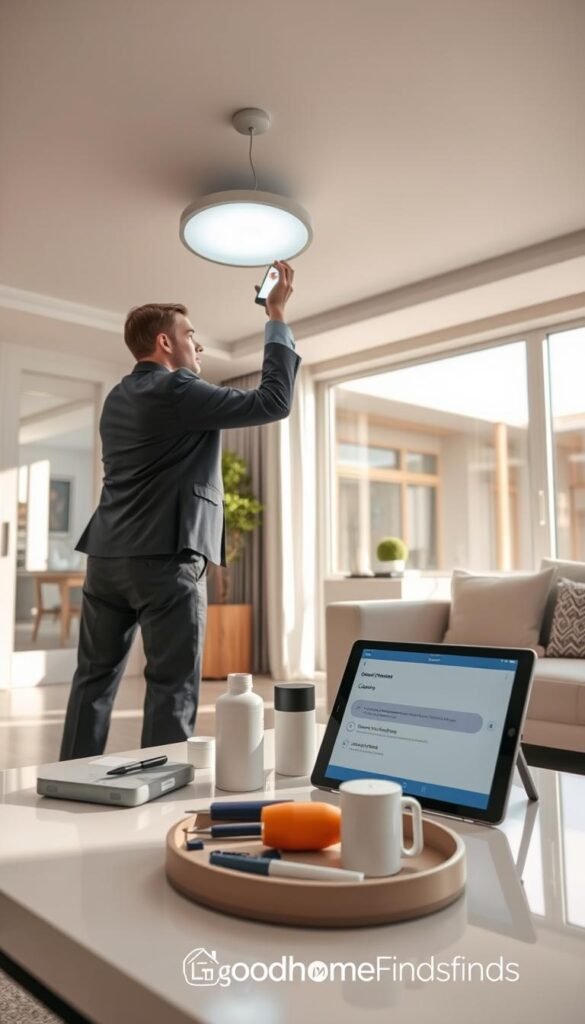
App updates, firmware, and steady controls
Always install app and firmware updates when convenient. Updates often fix connectivity and add stability for hubs and bulbs.
Tip: Allow updates overnight or during low-use hours so pairing and scenes are not interrupted.
Replacing bulbs, moving, and resetting routines
When a bulb dies, add the new unit and reassign it to the room. Clear, consistent names make this fast.
Moving apartments? Pick renter-friendly bulbs and strips you can remove cleanly. Plan a reset day: group devices, rename consistently, and rebuild your top 2–3 routines.
Cleaning, strips, and heat around stoves
Clean surfaces before sticking strips. Dust and oil defeat adhesive and shorten durability. Test position with tape before peeling the backing.
Avoid placing strips where they get direct heat from stoves or ovens. High heat can discolor strips and weaken glue.
Honest con: premium systems often feel more „set it and forget it.“ Budget options may need the occasional reconnect or app check.
Practical routine: spend five minutes each week on updates, names, and a quick adhesive check. That small time investment keeps your home routines dependable and low-stress. For more do’s and don’ts, see this maintenance checklist.
Common mistakes that waste money (and how to avoid them)
A small mismatch — wrong shape, missing outlet, or extra hub — can double your cost. Check a few practical details before you click buy.
Buying the wrong base or size
Match the bulb base and shape to the fixture. A19/E26 fits most lamps. BR30 and floodlight shapes suit recessed cans and outdoor fixtures.
Measure fixture depth and test a bulb in place if you can. Specialty fixtures often need a specific bulb shape or they won’t fit or cool properly.
Overbuying color when white color is enough
Color bulbs cost more and add complexity. For kitchens, hallways, and bedrooms, tunable white does most of the heavy lifting.
Practical rule: buy color only where mood scenes matter. Use white color for daily tasks and true-to-tone cooking.
Forgetting hidden costs and space needs
Factor in a hub, extra strip length, replacement adhesive, and the need for nearby power. A premium brand like philips hue may need a hub for full functionality and remote access.
Strips that aren’t cuttable or a missing outlet can force you to buy extenders or clips. Total the full price before checkout.
Mixing brands without a compatibility plan
Mixing can work, but pick a control layer first: amazon alexa or google home, and favor Matter when possible. Confirm compatibility on each product page.
„One app per brand, no naming plan, and conflicting groups is the common frustration pattern to avoid.“
Test one device in your system before scaling. That shows you how the hub, app, and voice controls behave together.
| Common mistake | Why it costs you | How to avoid it |
|---|---|---|
| Wrong base/shape | Returns, wasted time, poor fit | Measure socket and fixture; pick A19/E26 or BR30 accordingly |
| Buying color unnecessarily | Higher price for rarely used feature | Choose tunable white for daily rooms; reserve color for accents |
| Missing hidden accessories | Extra purchases: hub, extenders, mounting clips | Total the price including hub/hub alternatives and strip extensions |
| Unplanned brand mix | Multiple apps, naming chaos, unreliable voice control | Pick alexa google or google home first; prefer Matter and test one device |
Quick checklist: verify base/size, confirm compatibility, measure strip length, locate power, and add hub or extension price to your cart. If you want a short primer on common installation mistakes, see this common installation mistakes.
Conclusion
Start with one useful upgrade and judge value by how it fits your day. Pick one room, one app, and one assistant. Test a bright kitchen bulb or an under-cabinet strip for a week before expanding.
Simple buying order: confirm compatibility with your assistant, choose Wi‑Fi versus hub or Bluetooth for stability, then match brightness to the room. Budget bulbs are a cost‑effective test; premium systems like Philips Hue are worth it where reliability matters.
Routines deliver the payoff: schedules, auto‑off, and a couple of automations beat constant effects. Keep apps updated, label devices clearly, and don’t overcomplicate scenes. For practical starter picks and value options see this best budget gadgets list or this smart lights resource.