
Practical tech for small apartments. You want fewer daily steps, lower bills, and fewer alerts, not a hobby project. This guide looks at real-life picks that fit tight space, renter rules, and simple budgets.
We choose devices that are compact, easy to set up, and reliable for daily use. Tests focus on speakers, lighting, thermostats, cameras, and heaters to see what actually helps in an apartment.
You’ll get clear comparisons on value, setup time, app experience, compatibility, noise, power draw, and subscription needs. I’ll show when a premium buy is worth it and when a budget option does the job.
This list keeps renters in mind. Expect no drilling, no new wiring, and solutions that work with one assistant and one control app. By the end, you’ll have a shopping plan and a basic system to run routines and save time.
Key Takeaways
- Focus on small-footprint devices that cut effort and costs.
- Choices rated for ease of setup and app experience.
- Renters: prefer peel-and-stick or over-the-door options.
- Pay more for security and reliable Wi‑Fi; save on timers and basic lights.
- Compare value by setup time, noise, power draw, and subscription needs.
- Use this renter setup comparison for mounting and kit ideas.
How to choose smart home devices for a small apartment
Pick one control app first so your gear works together, not against you. Locking in an assistant and a single app saves setup time and keeps routines reliable. Google Home is easiest and broadly compatible. Amazon Alexa offers the most device options and strong routines. Apple HomeKit is privacy-first but needs HomeKit or Matter-certified devices. Home Assistant runs locally, supports 1,000+ integrations, and is the most flexible for advanced users.
Compatibility checklist
- Will it work with your assistant and app?
- Does the device support Matter, Zigbee, Wi‑Fi, or Bluetooth?
- Can multiple devices work together without extra bridges?
Network and range basics
Wi‑Fi is simple but can clog your router if you add many devices. Bluetooth is short range and good for nearby sensors. Zigbee is low-power with longer range through a mesh. Matter unifies platforms and reduces weird workarounds.
Space, power, and safety
Measure outlets and counter space before buying. Avoid plugs that block adjacent outlets. Check wattage and certifications like UL or ETL so you don’t overload circuits.
Noise to watch for
Small apartments make every hum louder. Listen for relay clicks in plugs, fan noise in heaters, buzzing from cheap dimmable bulbs, and camera IR switching at night.
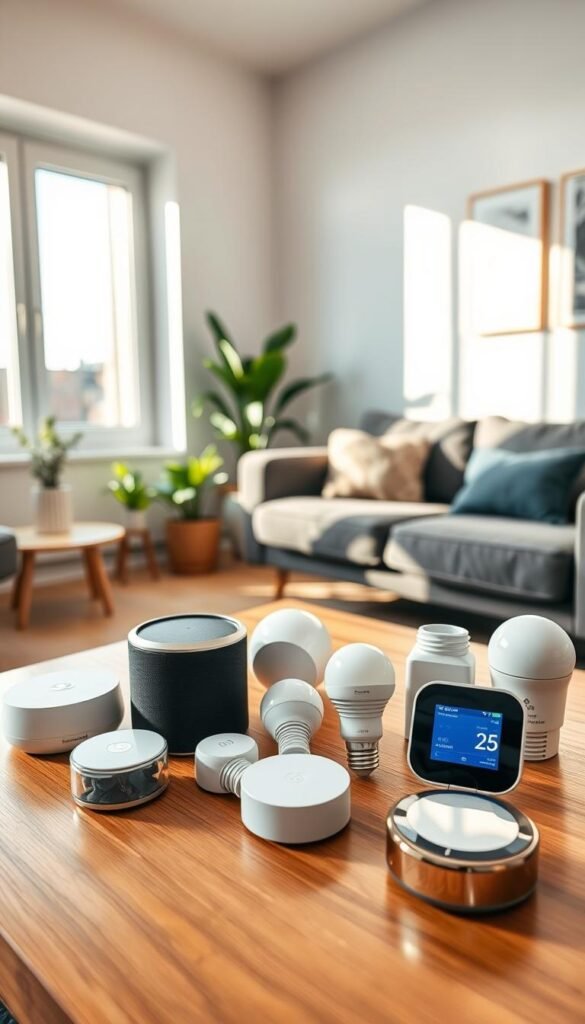
Real benefits
A few focused automations deliver real savings and less friction in daily routines.
Lower energy bills. Set schedules on lights and plugs and use the Nest Learning Thermostat’s Eco mode when you leave. Monthly energy reports show what changed. Example: run an air purifier only while you’re home or turn a lamp off automatically at midnight to cut standby power.
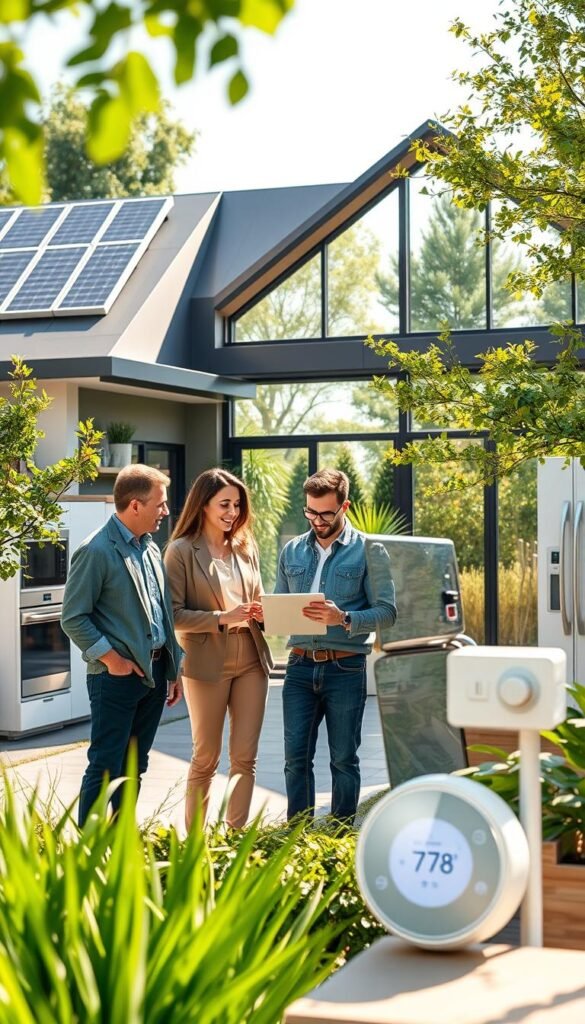
Less daily friction in kitchens and cleaning. A smart display gives step-by-step recipes and hands-free timers so you can cook and clean without stopping. Smart plugs run a countertop appliance on a schedule. Routines remind you when laundry is done or when to empty a filter.
Better safety coverage. Smoke and CO detectors can notify your phone remotely. Leak sensors under sinks send instant alerts and may include sirens. Door activity notifications let you check entries when you’re away.
Peace of mind without turning your place into a project. Pick a small set of reliable devices and automations that work and forget them. If a gadget needs weekly fixes, it’s not worth the hassle for most renters and busy households.
- Where savings come from: schedules on lights, plugs, and allowed thermostats—not flashy features.
- Concrete wins: lamp off at midnight, Eco mode when you leave, appliance schedules that save power and time.
- Safety wins: smoke/CO alerts, leak detectors, and door notifications for real apartment risks.
Who needs this
If you want useful upgrades without building work, focus on items that plug in or stick on. Renters, busy people, and anyone avoiding recurring fees will get the most value from a small, practical setup.
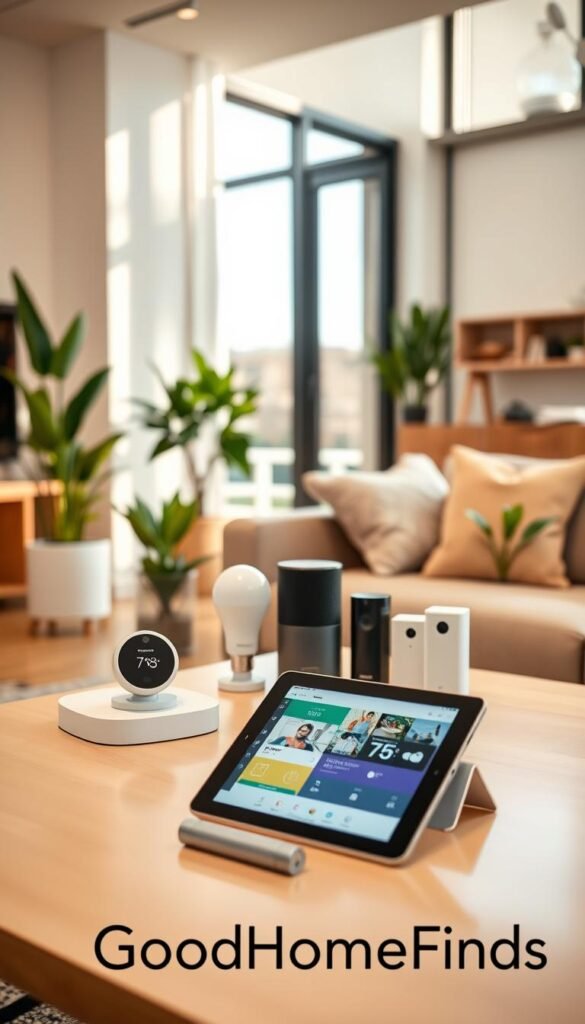
Renters who want easy installs and zero permanent changes
Start with plugs and bulbs. They require no drilling and usually work with adhesive mounts or over-door hooks. Pick battery or USB-powered sensors so you don’t need landlord approval.
Busy households who want voice commands and quick wins
Voice makes routines frictionless. Say „turn off the kitchen lights,“ „start a 10-minute timer,“ or „turn off the living room plug“ and get immediate value.
Apartment dwellers focused on safety
Buy entry sensors, leak detectors, and smoke/CO alerts first. A basic security system with local notifications covers real risks without extra complexity.
People who hate subscription fees
Subscription fatigue is real. Many video doorbells and cameras gate features behind a service fee. Choose devices that offer local storage or run via Home Assistant for low-cloud options. Quick worth-it test: if you won’t use it weekly, skip it.
„Pick simple devices that solve actual daily annoyances, not the fanciest feature list.“
- Buy in order: plugs & bulbs → sensors → cameras & Wi‑Fi upgrades.
- Prioritize no-drill installs, battery power, and local storage options.
- Watch for video features behind subscriptions; Eufy and local Home Assistant setups can avoid fees.
Setup time
Some devices are instant wins you can add between chores, while others require planning and patience.
Fast installs under 15 minutes. Plug in a smart plug, swap a bulb, drop a small speaker on a shelf, or tuck a leak sensor under the sink. These give quick payoff with almost no tools.
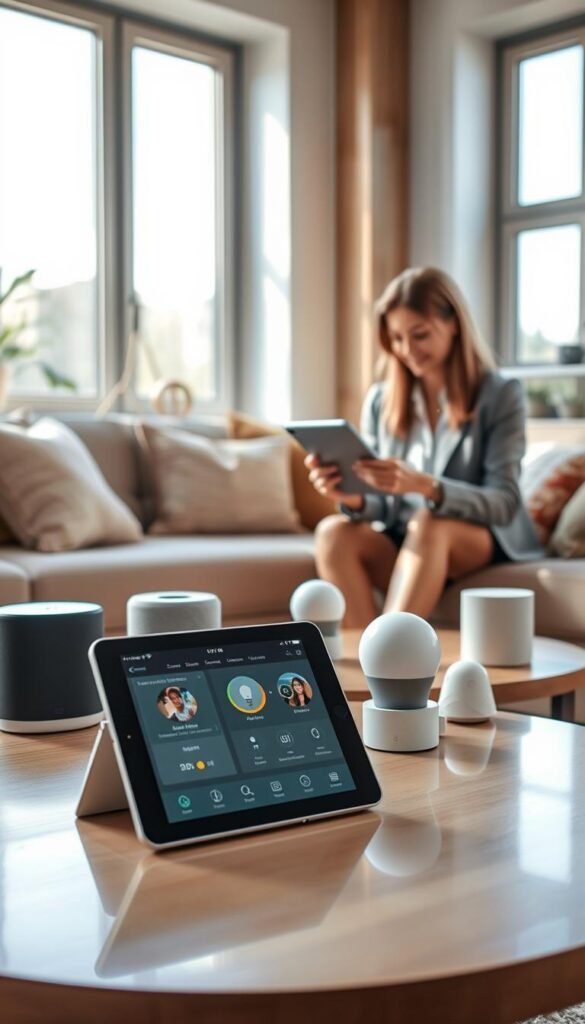
Moderate installs (under an hour)
Adding a camera, mounting a battery doorbell, or upgrading a router or mesh point usually takes less than an hour. Ring Alarm kits are DIY friendly and keep the process simple.
Longer installs that need planning
Wired items demand thought. Nest thermostats can reveal wiring gaps. Eufy S330 floodlight cameras must be hardwired. Kelvin wall heaters need secure mounting and proper power. Check landlord rules and tools before you start.
Maintenance you’ll actually do
Keep it simple. Swap batteries every 1–2 years for leak detectors. Wipe camera lenses. Update apps and firmware a few times a year. Fewer devices means fewer „why is this offline“ moments.
| Category | Typical time | Tools/permits |
|---|---|---|
| Plugs, bulbs, speakers, sensors | Under 15 min | None |
| Cameras, doorbells, Wi‑Fi | 15–60 min | Basic tools, ladder for some installs |
| Thermostats, floodlights, heaters | 1+ hours; plan ahead | Wiring knowledge, landlord OK |
Plan by category so you can save a weekend for projects and grab quick wins on weeknights. If you want budget gear ideas, check these budget gadgets.
Common mistakes
Many problems come from mixing systems, ignoring power limits, or forgetting subscriptions. Avoid these pitfalls and your setup will stay useful and safe.
Buying the wrong ecosystem mix
Buying half devices that work with alexa google home and half that prefer google home creates extra apps, doubled routines, and confusing voice control.
Rule: pick one main assistant for voice and one main app for control. Then choose devices that clearly support that pairing.
Power and outlet safety
Do not stack adapters or use cheap strips for high-watt heaters. Smart plugs often have limits. Plugging a high-watt heater into a weak plug can trip circuits or start fires.
Measure space and mounting first
Measure countertop depth, outlet clearance, and doorframe space before you buy. Many devices need a little extra room for cords or mounts.
Watch subscription and service costs
Write down monthly price expectations. Arlo and Ring often require subscriptions for cloud storage and AI. Echo Studio’s extra features can add a $20 fee. These fees add to your recurring home security cost.
Sensor placement mistakes
Place leak sensors under sinks or behind toilets. Aim cameras away from private spots. Put air monitors where you cook or sleep, not hidden behind curtains. These small changes avoid false alerts and missed events.
„Pick one assistant, check the plug rating, measure twice, and note subscription costs before checkout.“
Smart speakers that actually help you control a smart home
A compact assistant can turn routine tasks into quick voice commands. It acts as a single remote for lights, plugs, timers, and basic automations. For many renters, a speaker is the highest value first device.
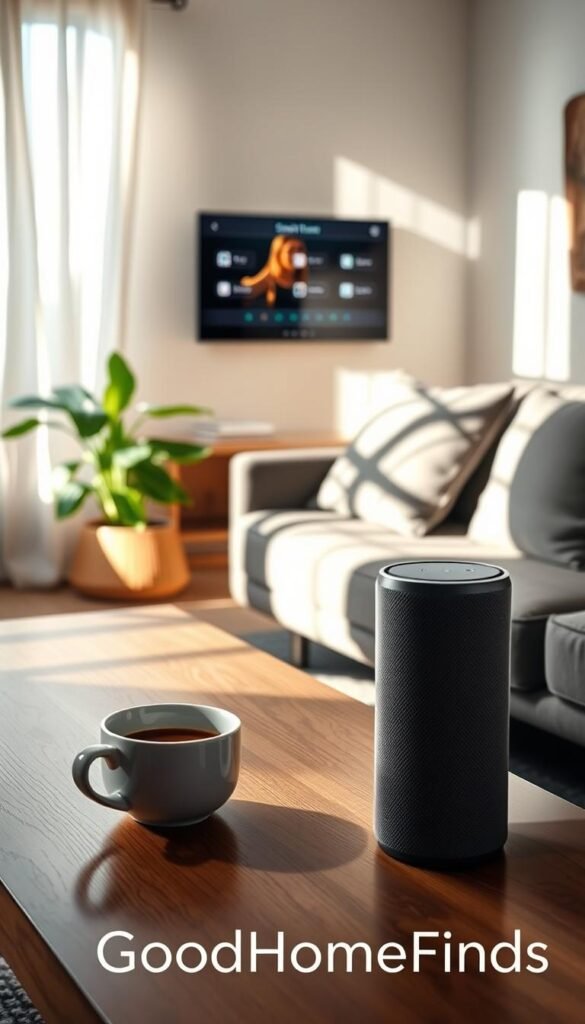
Budget pick: Google Nest Mini for small spaces and Google Home users
Why buy: tiny footprint, wall-mount notch, and clean Google Home integration.
Pros: cheap, easy setup, fits on a shelf or hook. Cons: limited bass and fewer advanced routines than larger units.
Premium pick: Echo Studio for stronger sound and broader routines
Why buy: spatial audio and deep amazon alexa routines across many brands.
Pros: rich sound, wide device compatibility. Cons: larger size and higher price. Note: amazon echo Plus features may add monthly cost if you don’t have Prime.
Power consumption and always-on listening: what to expect day to day
Speakers stay plugged in and listen for a wake word. The constant draw is small, but steady. Expect a minor, continuous power footprint on your meter.
Place the unit where you speak commands—entry, kitchen, or living area. Keep it away from noisy appliances so voice recognition works well.
- Why start with a speaker: it gives voice control without extra clutter.
- Small-space tip: wall-mount the Nest Mini or tuck the Studio near ear level for best results.
Smart displays for kitchens: recipes, timers, and camera live views
A kitchen display turns recipes and timers into hands-free helpers while you cook. It shows step-by-step recipes, visual timers, grocery reminders, and quick camera video views without needing your phone.
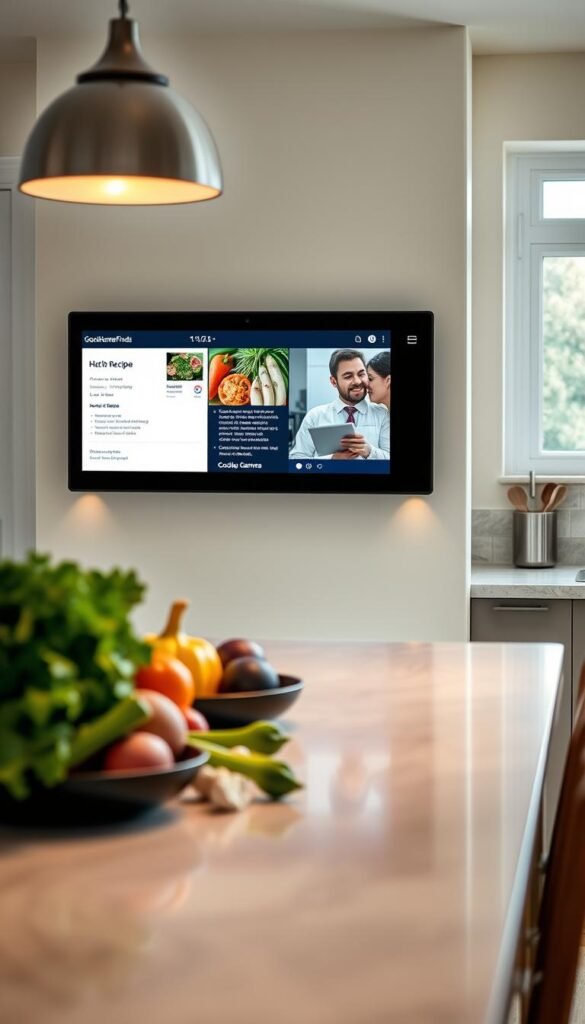
Best for Google homes: Nest Hub Max
Why it fits: the Nest Hub Max shows spoken commands on-screen. That confirmation cuts the „did it hear me?“ guessing while you have wet hands.
Pros: clear recipe walkthroughs, built-in camera feeds for supported doorbells, and on-screen confirmations.
Cons: larger size uses counter space and lacks some third-party app options.
Best for Alexa users: Echo Show options
Why it fits: Echo Show models give broad control smart home options and easy camera live views. They integrate well if you already run Alexa routines.
Pros: flexible app support and strong device control. The Echo Show 5 is a budget cooking pick with step-by-step recipes but a smaller screen and occasional ads.
Cons: smaller models can be hard to read from across a studio kitchen.
Space, glare, and placement checklist
Screen size vs space: bigger screens are easier to read, but protect limited counter area. Measure before you buy.
Avoid placing the display facing windows. Glare ruins recipe steps and camera views. Keep it away from splatter zones and route the power cord so it doesn’t clutter the counter.
- Apartment wins: visual timers, grocery reminders, and quick video checks without pulling out your phone.
- Tradeoffs: displays add one more device to clean and may surface suggestions or ads on some models.
„Use a mid-size model if you cook often. Go small only if counter space is very tight.“
Smart plugs: the cheapest way to make everyday electronics smarter
A single outlet-sized gadget can add schedules and voice control to gear you already own.
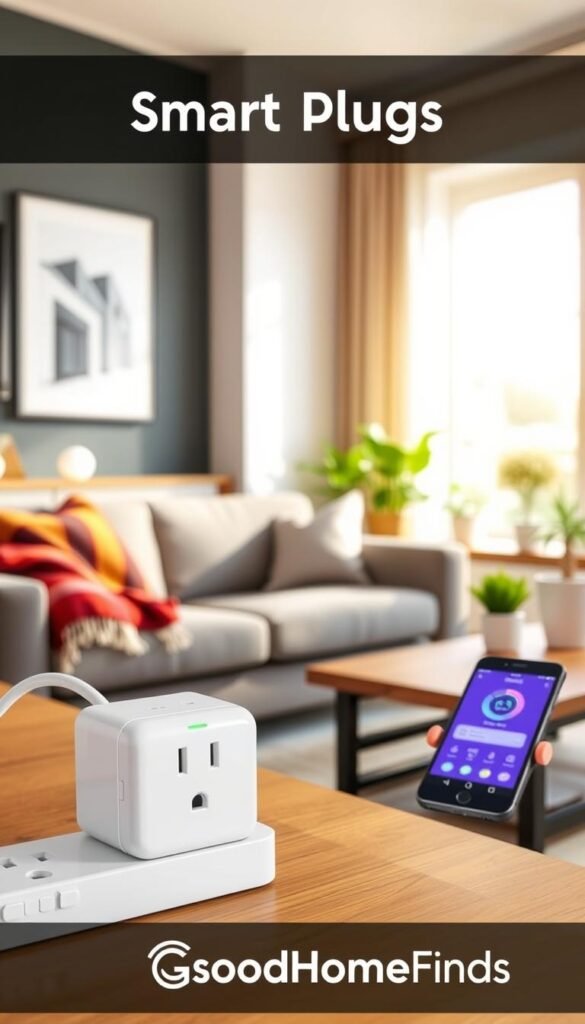
Why start here: plugs are the best budget starter because they make devices useful without replacing them. They work with lamps, fans, and countertop appliances that have a physical on/off switch.
Best budget value: TP‑Link Kasa Mini
Why buy: compact design that won’t block the second outlet, schedules, and support for Google Home and Amazon Alexa.
Pros: easy scheduling, stable app, and flexible voice control across platforms. Cons: no HomeKit support.
Alexa-only option: Amazon Smart Plug
Why buy: simplest setup if you use Amazon Echo and Alexa as your assistant.
Pros: quick pairing and Alexa Guard Away lighting routines. Cons: Alexa-only and occasional glitchy re-auth issues.
What not to plug in
Safety first. Do not plug space heaters, high-watt kettles, or other high‑power devices into a standard smart plug unless the manufacturer explicitly rates it for that load.
Overloading a plug risks tripped breakers or worse. For heavy loads, use a hardwired or UL‑rated solution.
| Model | Compatibility | Outlet friendly | Best use |
|---|---|---|---|
| TP‑Link Kasa Mini | Google Home, Amazon Alexa | Yes — slim profile | Lamps, fans, coffee makers with mechanical switches |
| Amazon Smart Plug | Amazon Alexa (Echo) | Compact but single-ecosystem | Simple lamp schedules and Away lighting |
| Generic high-load plug (not recommended) | Varies | Often bulky | Only rated heavy appliances if labeled |
Real use cases: set a lamp to shut off at midnight, run a fan only during sleeping hours, or schedule a coffee maker that has a physical switch.
Tip: after router changes you may need to re-authenticate plugs. Keep firmware and the app updated to avoid disconnect headaches.
For more practical picks that fit small spaces and renter rules, see this starter list of practical home products.
Smart lighting that saves energy without annoying setup
Lighting is one of the quickest upgrades that actually changes how your apartment feels and uses power.
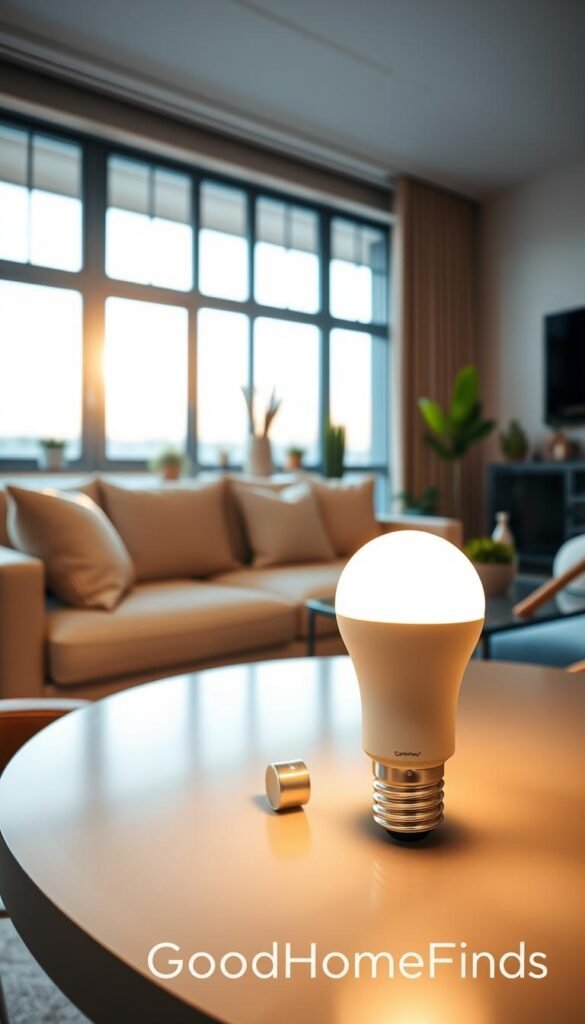
Start simple. Swap in warm-to-cool white bulbs for kitchen, living area, and bedroom. Those tones get used daily and avoid gimmicks you won’t touch.
Color vs white: practical choices
Philips Hue is a premium ecosystem with strong automation and reliable scenes. It costs more but integrates well with many devices.
GE Cync offers floodlight-style color effects, a simple app, and support for Google Home and Amazon Alexa. It’s a flexible, lower-effort alternative.
Noise and comfort notes
Some bulbs can buzz on older dimmers or flicker at very low levels. Set evening tones to warm and dim gradually to avoid harsh blue light at night.
Apartment-friendly rollout plan
Don’t buy a whole house at once. Start with one room—usually the living room or kitchen. Learn scenes and schedules. Then expand a few bulbs at a time.
| Feature | Philips Hue (premium) | GE Cync (budget-flex) |
|---|---|---|
| Color and scenes | Extensive, reliable | Good quadrant color effects |
| Voice support | Works with many platforms | Easy Google Home & Alexa support |
| Setup | Bridge recommended for full features | Direct Wi‑Fi pairing; simpler app |
| Best for | Users who want large, automated systems | Renters who want quick color and control |
Energy note: real savings come from schedules and dimming, not branding. Turn lights off automatically and lower brightness to cut power use.
If you want quick kit ideas that solve daily things without overbuying, see this lighting and setup mix.
Smart thermostats for real energy savings in apartments (when they’re allowed)
A thermostat can cut bills, but only if you actually control the HVAC and use schedules.
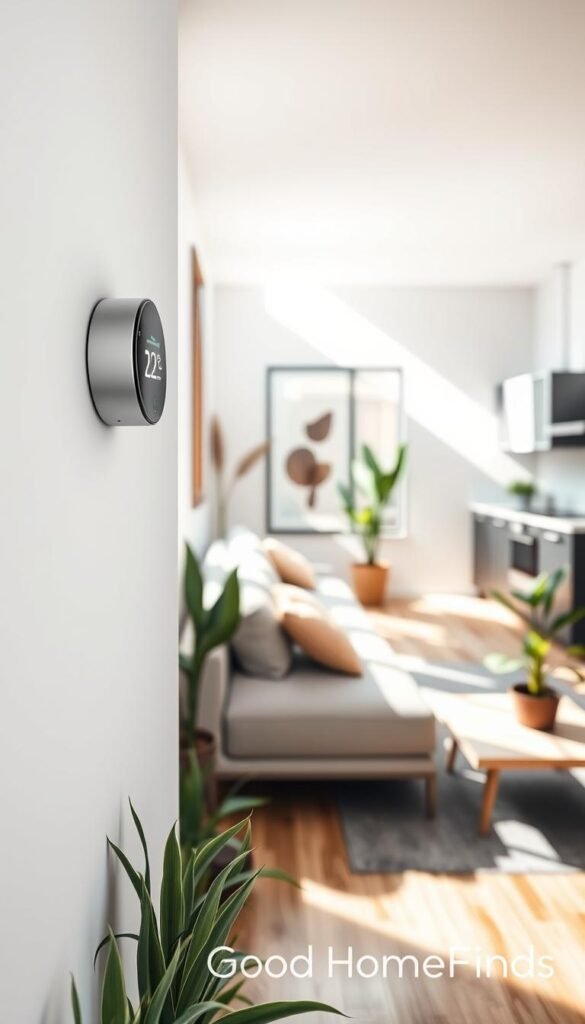
When it’s worth it: you pay the utilities, you have a single thermostat to replace, and you can keep steady schedules. In that case, a connected thermostat can reduce wasted heating or cooling and show monthly reports that prove the savings.
Premium pick: Nest Learning Thermostat
Why buy: the Nest learns patterns, uses Eco mode, and offers monthly energy reports and a satellite sensor to avoid conditioning empty rooms. These features help real ROI despite a higher upfront price.
Common blockers in apartments
Many buildings have central HVAC or lease clauses that forbid swapping the thermostat. If the building controls the system, a new unit won’t help. Ask your landlord before you buy.
Wiring and setup reality check
Compatibility depends on the wires behind the wall. Some older systems lack a C wire or use uncommon connections. Installation is simple with standard wiring but can need an adapter or pro help if it’s not straightforward.
Renter-friendly alternative: if you can’t change the wall thermostat, use smart plugs, app-controlled fans, or safe portable AC controllers to get partial energy wins without altering the building system.
- Quick checklist: confirm you pay utilities, confirm landlord permission, check wiring, compare price vs expected monthly savings.
Space-saving smart heating options with lower fire risk
Heating in a small apartment needs a careful plan because the risks and bills are real.
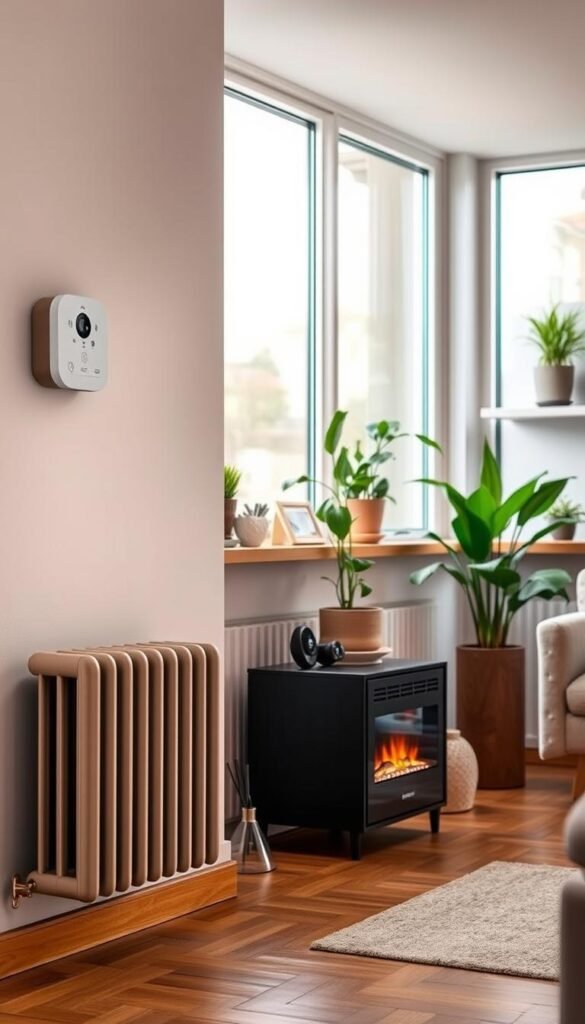
Why extra caution: heaters draw high power and live in tight spaces. That raises fire risk and can trip circuits fast. You should plan placement, clearances, and cord routing before you buy.
Premium wall-mounted pick
Kelvin smart radiant heater: a wall-mounted radiant unit with an app for timers and automations. It cuts floor clutter and lowers open-flame risk versus portable heaters.
Reality check: radiant heat warms steadily and quietly but takes longer to reach full comfort. Use schedules and the app timers to run it only when you need heat.
Power, cost, and noise
Heating costs far more than lighting or plugs. The device’s runtime matters more than peak wattage. Limit hours and use timers to control bills.
Fan heaters are louder and can disturb sleep or calls. Radiant models are calmer and better for studio living.
| Type | Power | Noise / best use |
|---|---|---|
| Wall-mounted radiant (Kelvin) | High draw; controlled by app | Low; steady room warmth |
| Fan heater (portable) | High draw; manual or plug control | Medium-high; fast warming, noisy |
| Smart plug + small heater | Depends on heater rating; watch limits | Varies; use for short bursts only |
„Treat heating as system planning, not just another device. Placement and runtime keep you safe and save money.“
- Check wall clearance and mounting needs.
- Confirm circuit capacity before install.
- Prefer app timers and automations to limit runtime.
- Read official safety guidance like this safest space heater guide.
Apartment security cameras that don’t overwhelm you
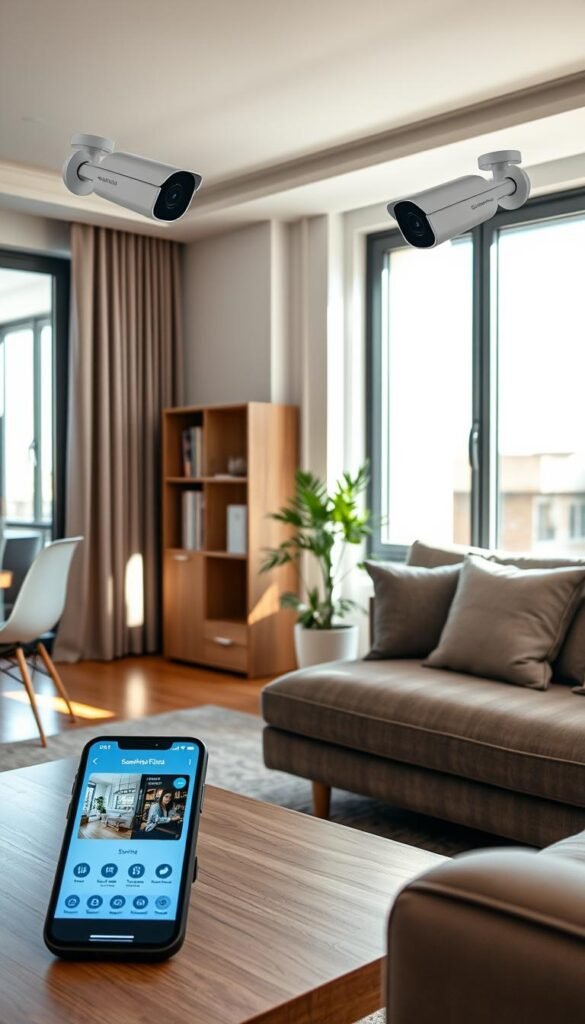
Apartment cameras should give clear entry coverage without turning your place into a monitoring maze. Aim for devices that show doors and main sightlines, not every corner. That keeps notifications useful and privacy intact.
Premium outdoor pick: Arlo Pro
Why consider it: 2K video, a 160° view, and smart alerts that cut false alarms. Pros: crisp video and a polished app. Cons: most AI features and cloud storage need a subscription (about $8+/month).
Subscription-free alternative: Eufy floodlight
Why consider it: 3,000 lumens, local storage, and AI tracking without recurring fees. Cons: it must be hardwired, which can be a deal-breaker for renters.
Indoor budget option: Wyze Cam
Why consider it: very affordable 1080p video for pet check-ins and basic monitoring. Cons: indoor use only, occasional Wi‑Fi dropouts, and limited advanced features.
Placement and privacy tips
- Aim cameras at doors and windows, not beds or private areas.
- Use motion zones to reduce false alerts from hallway traffic.
- Keep floodlight angles dimmable and pointed away from neighbors‘ windows.
- Monthly maintenance: wipe lenses, test notifications, and address offline alerts.
For more detailed picks and comparisons, see the best security cameras guide.
Video doorbells for renters and small entryways
A front-door camera often gives the most security per dollar in a small unit.
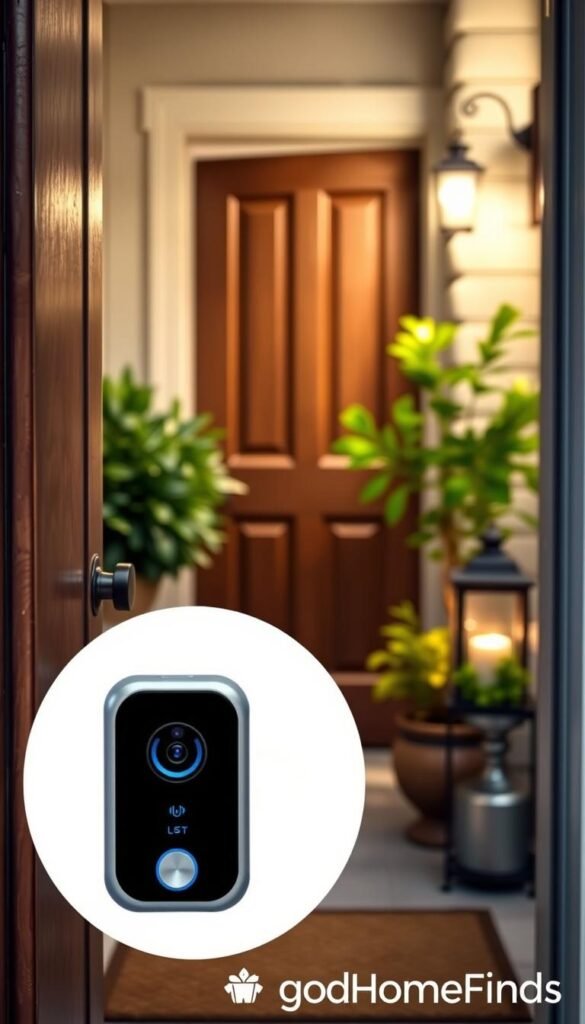
Doorbells cover the one point everyone uses to enter. One device can replace multiple cameras for daily checks and visitor logs. This makes them high-impact for renters with tight layouts.
Balanced pick
Arlo 2K Video Doorbell gives a wide, 180° head-to-toe view. That angle matters in narrow hallways where framing is limited. The device is bulky compared with some battery models, and full cloud features usually need a paid service (about $3/month).
Compact alternative
If wiring isn’t available or your landlord says no, choose a battery-powered, compact doorbell. These options are renter-friendly and simple to install. Expect shorter runtimes and occasional recharges.
Noise and neighbor considerations
Lower motion sensitivity and set quiet hours to avoid false chimes in adjacent units. Reduce chime volume so it doesn’t echo through thin walls. Use motion zones to avoid hallway traffic alerts.
„Pick angle and placement before you buy; a better view beats extra resolution in tight entries.“
| Model | View | Wiring | Notes |
|---|---|---|---|
| Arlo 2K Video Doorbell | 180° head-to-toe | Wired (battery backup) | Best for wide coverage; subscription for cloud extras |
| Compact battery doorbell (generic) | 120°–160° | Battery | Renter-friendly; charge regularly; lighter footprint |
| Small wired compact | 120°–150° | Wired | Lower bulk than Arlo; fewer cloud features |
- Renter path: pick battery if you can’t run wires.
- Small-entry tip: favor angle over megapixels for narrow halls.
- Maintenance: charge on a schedule, wipe the lens, and test alerts before trips.
- For more comparisons, see the best video doorbells.
DIY security systems that scale from “basic” to “full setup”
A scalable DIY plan makes sense when you want clear entry and motion coverage without a big install. A small kit gets you an armed/disarmed routine and useful alerts. You then add sensors or cameras only as you need them.
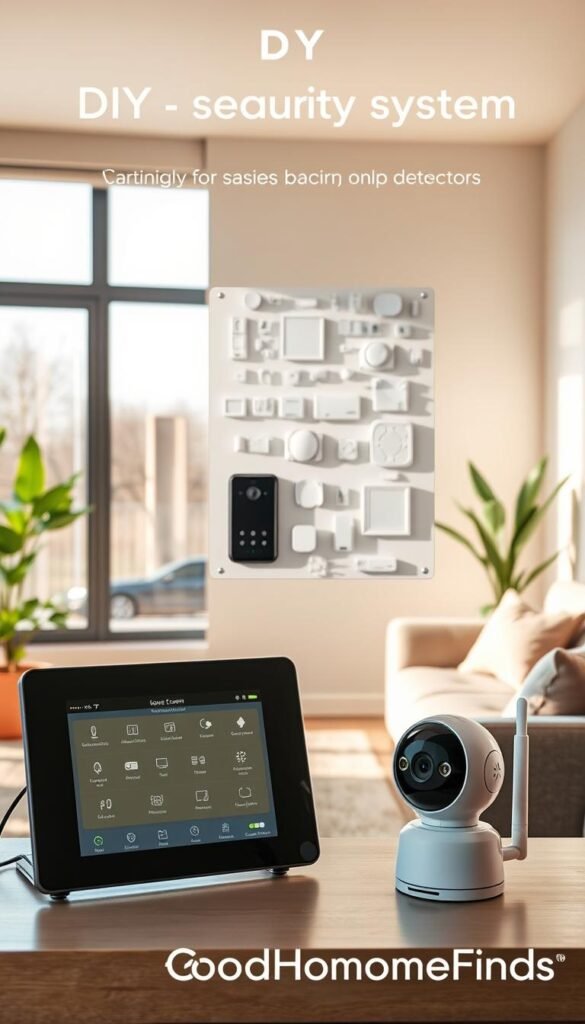
Best value kit: Ring Alarm
Ring Alarm is a solid starter for renters. An 8-piece kit is roughly $300 and includes a hub, range extender, and Z-Wave support. Subscriptions run about $5–$20/month for cloud features and professional monitoring.
Most affordable sensors: Kangaroo
If you want cheap motion and entry sensors, Kangaroo sells options around $29.99. These cheap devices let you begin with door and motion alerts and skip a full monthly plan while you test what you actually use.
Premium route: Vivint
Vivint offers professional install and advanced equipment but usually requires contracts and monitoring from about $30/month. That premium path is best if you want hands-off setup and higher-end sensors.
Space and scaling in apartments
Place the hub near your router and power. Mount the keypad by your entry with adhesive or a small screw. Use adhesive sensors or door-frame mounts to avoid damage. Start with a door sensor + motion sensor; add leak or smoke monitoring, then cameras if needed.
Practical tip: the best security system is the one you arm. Keep arming simple, limit noisy alerts, and choose the option that fits your apartment and budget.
Smart locks that make coming and going easier
A door lock that talks to your phone removes the daily key shuffle. In an apartment, a connected lock gives guest codes, auto-lock peace of mind, and fewer key handoffs to friends and cleaners.
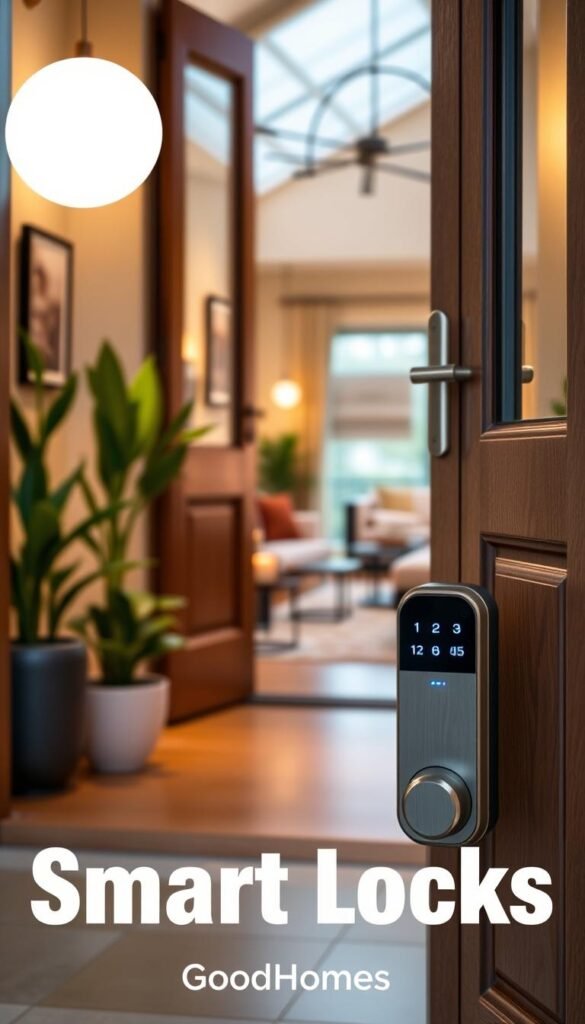
Feature-rich pick: Yale with keypad and auto-locking
Why Yale: it offers a keypad, Apple Watch and app access, hands-free sensing, and reliable auto-locking. Use the keypad for visitors and the app for temporary codes. The device integrates with assistants and other devices for simple routines.
Hidden cost to watch
Budget note: remote Wi‑Fi control often needs a separate module. That add-on raises the total price beyond the lock itself. Factor the module and any subscription into your buying decision.
Setup difficulty and renter considerations
Many installs are screwdriver-simple and swap right over your deadbolt. Some doors need alignment tweaks or a pro. Always ask your landlord and keep the original hardware to restore at move-out.
Maintenance: change batteries yearly, test auto-lock regularly, and run a calibration check so the lock does not trap you outside.
„Fewer keys, easier guest access, and auto-lock that actually works make this a practical security upgrade.“
- Real apartment value: fewer key handoffs and easy guest access.
- Day-to-day use: keypad for friends, auto-lock at night, app for temporary codes.
- Renter-friendly tip: document the swap and keep original parts for return.
For a detailed comparison of options and safety notes, see a curated smart-lock guide at best smart locks.
Small sensors that prevent expensive disasters: leak, smoke/CO, and air quality
A few well-placed sensors can save you from both bills and stress. These devices are the quiet safety net. They warn you early so you act fast and avoid big repairs.
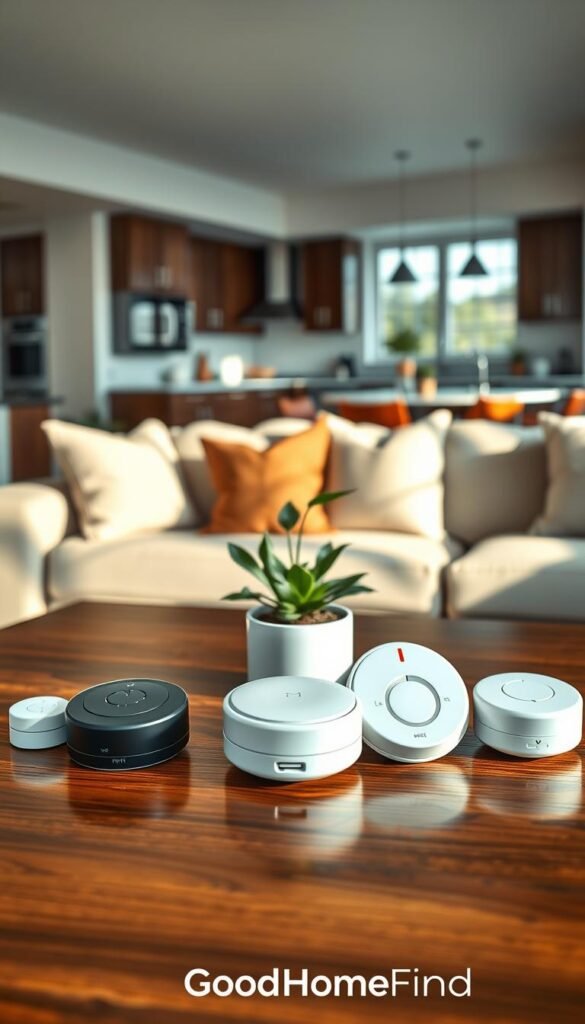
Leak detectors: put compact units under the kitchen sink, behind the toilet, and near any water heater or washer. Eufy and SwitchBot style sensors fit tight spaces, send phone alerts, and some detect freezing conditions. Many last about two years on batteries, or longer if paired with a base station.
Smoke & CO: choose a Nest Protect–style device for kitchen-adjacent risks. It reduces false alarms from steam and sends remote alerts you can trust. Mount per local code but avoid placing directly over stoves.
Air quality: a SwitchBot-style CO2 and humidity monitor helps in small apartments where cooking raises CO2 and steam fast. Track levels to run extraction fans early and stop lingering smells or mold risk.
Maintenance: swap batteries yearly to two-yearly depending on model, run a monthly test, and keep the app updated. Set sensible alert thresholds to avoid notification fatigue.
„Choose sensors that warn early, fit your space, and are easy to maintain.“
For detailed detector reviews and buying options, see the best smoke/CO detectors.
Wi‑Fi and smart home system basics for reliable control
If your network struggles, every device will feel slow or fail when you need it most. In small apartments the Wi‑Fi router is often the real hub for daily control. A reliable network keeps voice commands, automations, and camera feeds working without constant fixes.
Why Wi‑Fi matters in tight spaces
Even with few square feet, neighbor networks, building wiring, and crowded channels can cause drops. When signals wobble, devices work intermittently and routines fail.
Mesh option: Nest Wi‑Fi router and point for stable coverage
For dead spots or many devices, a mesh system is the simplest solution. Nest Wi‑Fi offers easy setup and steady performance. The point also works as a Google Assistant speaker. Downsides: it can be pricier and the point lacks ethernet ports.
Platform choices in 2026: practical comparison
- Home Assistant: local‑first, Matter ready, and supports 1,000+ integrations (HA Green around $159). Best if you want privacy, local control, and to avoid subscriptions.
- Google Home: intuitive, strong automations, and broad Matter support. Pairs well with Nest Wi‑Fi and Google Assistant devices.
- Amazon Alexa: widest device compatibility (Wi‑Fi, Zigbee, Bluetooth, Matter) and powerful routines. App can feel cluttered and privacy is a consideration.
- Apple HomeKit: privacy‑first for Apple users; works well with HomePod mini or Apple TV 4K but needs certified or Matter devices.
Compatibility checklist to avoid returns
Before you buy, confirm these items so devices work together and you avoid extra bridges or apps.
- Does the device support your chosen assistant and app?
- Is Matter supported or planned?
- Does it need a separate bridge or subscription?
- Is it Wi‑Fi only or does it offer Zigbee/Z‑Wave for mesh benefits?
- Will it pair with your phone ecosystem (iOS or Android)?
Return‑prevention tip: check the box or product page for hub requirements and test voice control in the store app or demo videos before ordering. Stable Wi‑Fi means fewer missed commands, fewer offline devices, and less time troubleshooting.
For a guided walkthrough on choosing the right system, see this how to choose a smart home.
Conclusion
Build a small, reliable system that fits your schedule and your landlord’s rules.
Start with one ecosystem and a speaker. Add plugs and lights next, then safety sensors. This order gives quick wins in power use, time saved, and daily control.
Watch for subscriptions and install needs. They are the hidden costs. If you prefer local control, consider Home Assistant to reduce cloud reliance.
Choose devices for compatibility, space, noise, and power draw. Test one room before you expand so you don’t waste money on gear you won’t use.
Want curated picks? See a roundup of the best smart home devices at best smart home devices for ideas and comparisons.


