
This roundup is for renters and anyone living in a small space who wants real value, not flashy ads.
Useful home tech here means fewer daily hassles, lower waste, better safety, and smoother routines in a small apartment.
I’ll focus on practical, renter-friendly choices. Expect honest tradeoffs on setup time, maintenance, noise, power use, and footprint.
We’ll cover smart basics, lighting, smart plugs, cameras, locks, thermostats, air quality, kitchen gadgets, and cleaning devices.
Decision filters include ecosystem fit (Alexa, Google, Apple), Matter support, subscription costs, replacement parts, and how much counter or floor space a device needs.
You’ll get budget vs premium review picks and clear notes on apartment realities like shared walls and limited outlets.
For more on our approach and testing, see about our testing and recommendations.
Key Takeaways
- Focus on renter-friendly devices that save time or money and fit small spaces.
- Pick an ecosystem first and prefer Matter-compatible options for fewer issues.
- Check noise, power draw, and footprint before buying.
- We give honest pros and cons and apartment-specific notes for each category.
- Budget and premium picks explained so you know when to spend more.
Real benefits you’ll actually notice in a small apartment
Small upgrades that save minutes and dollars matter far more than flashy features.
Smart setups reduce friction in daily life. They cut wasted time and lower monthly bills. In a small space, every gadget should earn its place.
Lower power bills with smarter lighting and schedules
Smart lights and simple automations turn lights off at bedtime, enable an away mode, and trigger hallway lighting on motion.
That saves energy because you stop leaving things on, not because the bulb is magical.
Less daily friction in kitchens, cleaning, and charging
Hands-free voice timers while cooking keep you focused. A scheduled vacuum runs while you work. A smart charging strip prevents overnight waste.
These small wins add up to more free time and fewer micro-decisions each day.
Safety upgrades that don’t require a remodel
Indoor cameras, video doorbells, and bolt-style smart locks give real security without drilling or rewiring.
They fit renters and often work with your existing door hardware.
What “quiet and compact” really means day to day
If a device is too loud in a bedroom or too large for a galley kitchen, you won’t use it. Look for low-decibel ratings and slim footprints.
Power matters too. Small apartments have fewer outlets, so slim plugs and smart strips matter more than brand names.
| Benefit | Example device | Why it works in an apartment |
|---|---|---|
| Lower bills | Smart bulbs + schedules | Lights turn off automatically; less waste |
| Less friction | Smart speaker + robot vacuum | Hands-free control; clean floors while you work |
| Renter-friendly safety | Video doorbell + smart lock | No major installation; better entry monitoring |
- Bedtime light routine — feels different in 1 night.
- Morning coffee automation — saves a little time each day.
- Fewer “did I leave it on?” moments — notice this within a week.
For practical setup tips and routines that match small spaces, see our apartment routines guide.
Who needs this and who should skip it
For renters and small-space households, pick devices you can remove without a fight. Plug-in items, peel-and-stick sensors, and freestanding units let you test features without drilling or landlord approval.
Renters and small-space households
Choose compact gear that fits a single room or mini kitchen. Limited outlets and tight entryways make slim plugs and stackable appliances better than bulky options.
Busy families and hybrid workers
Automation pays off for routines. Lighting schedules, thermostat holds, and quick voice controls cut small daily frictions into real time savings over a year.
Pet owners who want cleaner floors and peace of mind
Robot vacuums and cameras deliver the biggest payoff for pet hair and monitoring. Pick models with avoidance features and low maintenance filters.
When „smart“ adds cost without adding value
If your Wi‑Fi drops often, you hate apps, or you won’t keep routines, skip connected versions. Devices that add subscriptions, filters, or frequent replacements must save you time or money to be worth it.
- Quick self-check: If you won’t use voice routines or schedules after the first week, buy the cheaper non-smart option.
- Smart plugs are a low-risk switch if you want to try automation first.
Quick rules for buying useful home tech without regrets
Begin by choosing a single platform so your setup feels simple, not scattered.
Pick your ecosystem first: decide between alexa or google or Apple and buy most devices that match it. One main ecosystem keeps one app, one login, and fewer surprises.
What Matter does: look for Matter support. Think of it as a „works together“ label that reduces compatibility headaches as you add gear.
Why a hub can help
A hub ties different radios and brands into one network. In real life that means fewer drops, fewer bridges, and a steadier experience than juggling multiple apps and logins.
Watch for hidden costs
- Camera cloud plans and extra doorbell storage.
- Purifier filters, vacuum bags, and replacement batteries.
- Subscriptions that turn a cheap device into a recurring bill.
Apartment reality check
Ensure strong Wi‑Fi where the device lives. Count outlets and check counter or floor space for docks and chargers.
- Start small: one display or speaker, a couple of bulbs or plugs, then expand.
- Noise rule: anything that runs near sleep needs a truly quiet mode.
- Return window tactic: test automations in week one and return what doesn’t fit.
Smart home basics that deliver the most value
The fastest win for any small apartment is a simple hub you actually use every day. A speaker or a smart display becomes the single place you ask for timers, play music, check cameras, and control lights without hunting for your phone.
Smart speakers vs smart displays
A speaker-only device is compact and cheap. It handles voice commands well and fits tight counters.
A display adds a screen for timers, recipes, and camera feeds. That makes the kitchen and living room tasks faster. But a bigger screen takes more counter or table space.
Practical picks and who they fit
- Echo Show 8: ideal for kitchen counters and prep areas where you need readable text but not a giant footprint.
- Echo Show 11: best for shared living rooms that need a larger display and better sound.
- Nest Hub Max: the top pick for Google households who want a living-room control hub and camera integration.
Budget vs premium: what you gain
With a larger screen you get easier reading across the room, clearer camera views, and simpler tap controls. What you don’t get is more counter space or lower price.
Placement, noise, and privacy
Place the device where you naturally speak—kitchen prep, side table, or entry shelf. Avoid spots next to TV speakers so voice detection works well.
Privacy basics: use mic and camera toggles and avoid placing camera-equipped displays opposite bedrooms or neighbors’ windows.
„The hard part is naming devices and building routines you’ll keep.“
Quick setup tip
Setup is usually fast if your Wi‑Fi is stable. Spend a little time naming rooms and creating one or two routines. That small investment saves you time every day.
Smart light bulbs and lighting that save energy (and hassle)
Smart bulbs can turn repetitive switches into automatic routines that actually help.
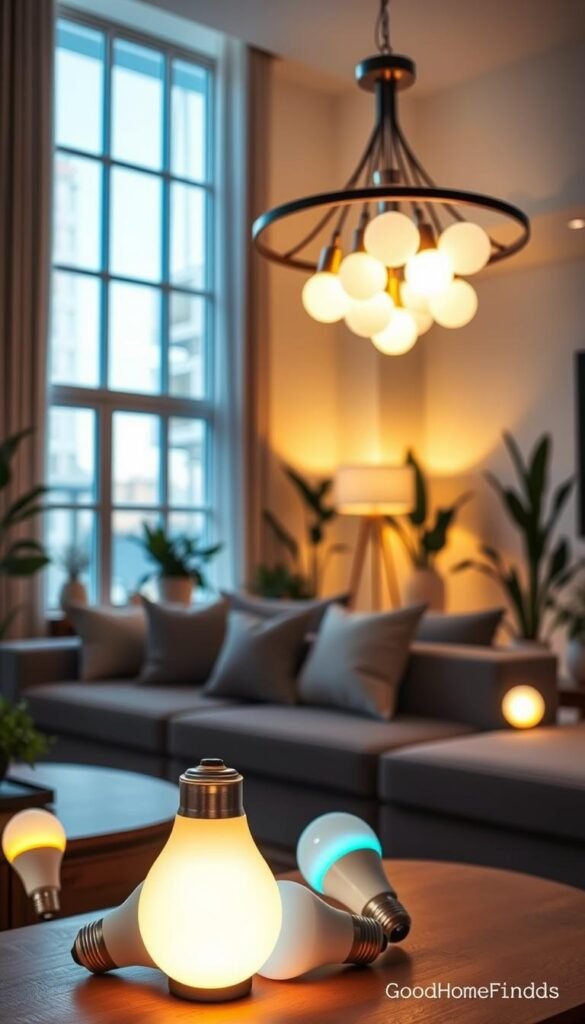
Everyday wins
You get real returns from simple automations. A wake-up lighting scene eases mornings. Sunset schedules dim lights for evening routines.
Motion-triggered hallway lights cut trips in the dark. One „all off“ routine at bedtime ends the nightly hunt for switches.
Budget vs premium
Govee Wi‑Fi bulbs are cheap and plug straight into your network. No hub, simple app control, and easy color changes. Colors aren’t as vivid as premium options, but they work without extra gear.
Philips Hue Color Ambiance looks better and scales reliably. It needs a Hue hub and costs more. If you plan many bulbs, Hue often feels smoother at larger scale.
Matter-friendly alternative
AiDot Linkind is a practical middle path. It supports Matter so you can use Alexa, Google, or HomeKit without locking into one ecosystem. That adds flexibility while keeping setup mostly straightforward.
Space and setup notes
Bulbs are the easiest route, but wall switches can break smart control if someone flips them off. Label switches or add a routine that restores the state.
If you can’t change wiring, use smart bulbs or plug-in lamps. Choose a smart switch only if your lease allows installation.
| Feature | Budget (Govee) | Premium (Philips Hue) | Matter option (AiDot) |
|---|---|---|---|
| Requires hub | No | Yes (Hue Bridge) | No (Matter compatible) |
| Color quality | Good, less vivid | Very vivid | Solid, competitive |
| App and ecosystem | Proprietary app | Hue app + wide integrations | Matter—works with Alexa/Google/HomeKit |
| Ideal for renters | Yes—easy swap | Yes—better if you keep it long-term | Yes—best for cross-platform flexibility |
Energy and maintenance: LED light bulbs already cut wattage. The bigger savings come from schedules and motion triggers that stop lights left on overnight. Bulbs are silent and low-maintenance. Expect occasional firmware updates in the app.
„Lighting is one of the quietest upgrades for thin-walled apartments—no noise, just fewer wasted hours and lower bills.“
Smart plugs and power strips for real power control
Smart plugs turn outlets into simple, scheduled helpers you actually use every day.
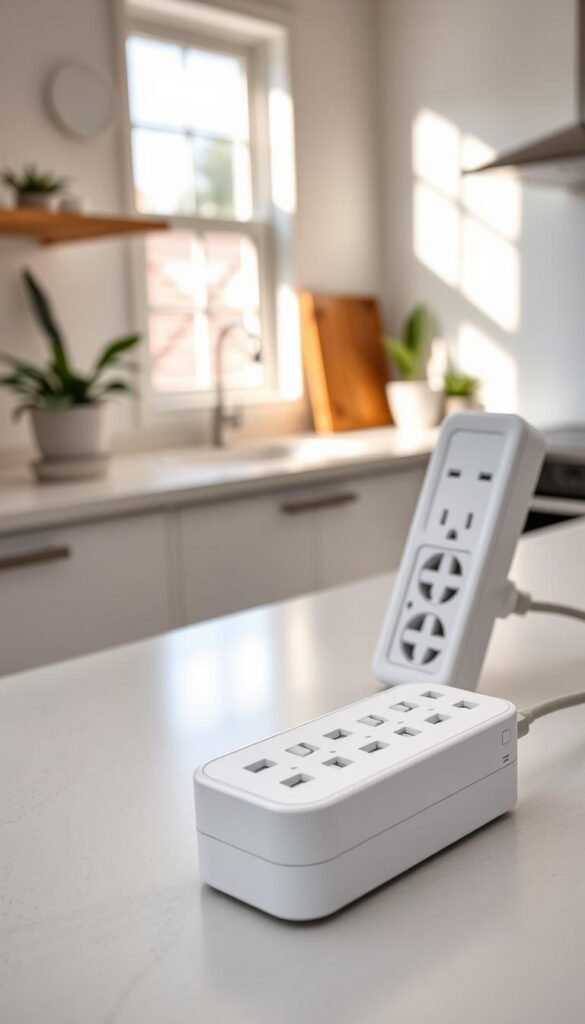
Best uses: coffee, lamps, fans, and chargers
Set your coffee maker to start before you leave the bed. Schedule lamps at sunset. Cycle a fan at night to save sleep and time.
Use a smart plug for single items and a power strip for an entertainment center or busy desk with many chargers.
Why power monitoring matters
Energy monitoring shows which devices quietly cost you money. The KP125M (Kasa Smart Plug Slim) can monitor watts so you spot phantom draw and fix it fast.
Kasa Smart Plug Slim vs basic plugs
The Kasa model adds monitoring and stronger app integrations. Basic plugs only toggle power and cost less. Choose the slim Kasa when you want data and schedules.
When to pick a smart power strip like Kasa HS300
Pick a smart strip for multiple outlets that need independent control. The HS300 is handy for media centers and charging stations when you’re short on outlets.
Safety notes: match ratings before powering heaters. Label outlets in the app. Check firmware and tight connections periodically.
Security cameras that aren’t overkill
Start with one smart camera in the living area and add only when there’s a clear need. That keeps setup simple and limits notifications that wear you down. One well-placed unit covers most risks in a small apartment.
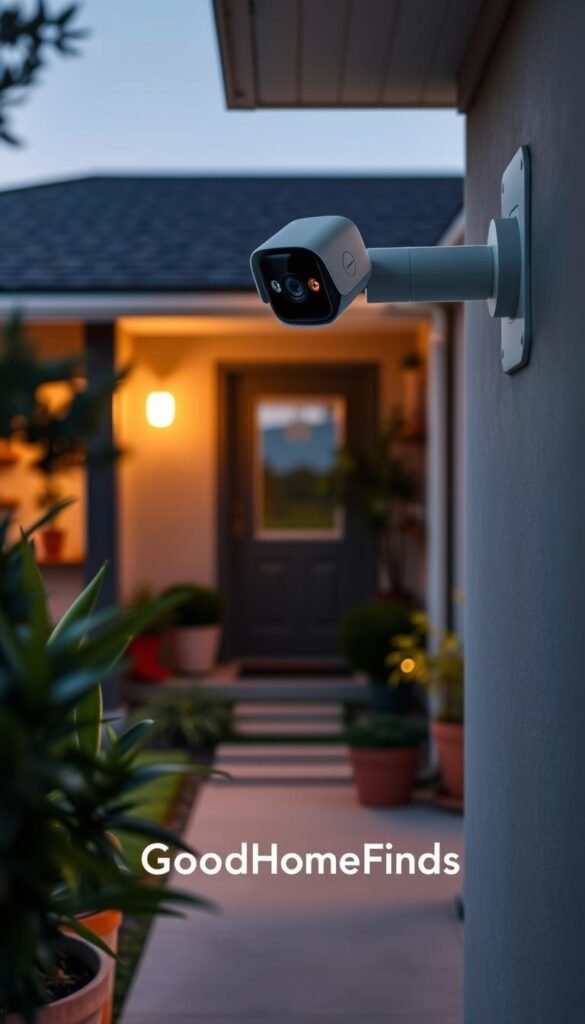
Indoor pick: Eufy E220
Eufy E220 is a solid apartment option. It offers strong video quality, motion tracking, and both local and cloud storage choices. You can keep footage local to avoid monthly fees.
Porch option: Aqara G5 Pro
If you have a porch, the Aqara Camera Hub G5 Pro is weather-resistant and has color night vision. It also doubles as a Matter/Thread/Zigbee hub. That makes it a practical two-in-one option for small setups.
Tradeoffs to expect
Subscriptions unlock longer storage and smarter alerts. Without them you rely on short local clips and manual review. Decide if extra alerts and cloud history are worth the monthly cost before you buy.
Noise, privacy, and notification basics
Place cameras facing common areas and entries. Avoid pointing any camera at beds, mirrors, or neighbors’ windows. Use schedules or an “off” mode when you want privacy.
Many cameras are quiet, but voice prompts and chimes can annoy. Turn off unnecessary sounds in the app. For notification fatigue, set activity zones and quiet hours so only real motion pings you.
| Need | Best option | Why it fits apartments |
|---|---|---|
| Single indoor monitor | Eufy E220 | High-res video, local storage option, low fuss |
| Porch/entry coverage | Aqara G5 Pro | Weatherproof, color night vision, doubles as hub |
| Fewer false alerts | Activity zones & schedules | Reduces notification fatigue; saves battery and attention |
Setup note: mounting, stable Wi‑Fi, and storage settings usually take the longest. If you want a side-by-side comparison of renter setups, see renter setup comparison.
„One practical camera that you actually check beats ten you ignore.“
Video doorbells and smart locks for safer, easier entry
Practical door devices focus on clear video, reliable access, and renter-friendly installs. A good setup helps you check the door from the couch, track deliveries, and avoid missed-package stress without a full remodel.
Doorbells that earn their keep
Arlo Video Doorbell is a solid apartment pick. PCMag recommends its clear HD/2K video and wide 180-degree diagonal field of view.
Why that matters: the wide angle shows packages on the ground and reduces blind spots you’d miss with a narrow lens.
Arlo offers wired or wireless installs. Wired often saves battery worries but takes longer to set up. Wireless is easier for renters but needs regular charging.
Smart locks you can actually use
Ultraloq Bolt Fingerprint pairs convenience with backup options. It supports fingerprint, keypad, app, physical key, and HomeKit.
That mix means you get key-free entry most days and real fallbacks if batteries die or Wi‑Fi drops.
Rent-friendly constraints and tradeoffs
- Check building rules before drilling; some HOAs ban exterior changes.
- Wiring doorbells can void a lease or need landlord OK; wireless avoids that but adds charging chores.
- Subscriptions give longer cloud history and smart alerts, but they add monthly cost—decide if you need them.
- Locks are usually less invasive than doorbells, but they still need careful alignment and testing.
| Need | Recommended device | Key practical note |
|---|---|---|
| Wide entrance coverage | Arlo Video Doorbell (180° diagonal) | Sees faces and packages; fewer blind spots |
| Key-free everyday access | Ultraloq Bolt Fingerprint | Fingerprint + keypad + key backups; HomeKit support |
| Renter-friendly install | Battery doorbell or retrofit lock | No wiring/drilling when rules forbid changes |
„See who’s at the door, save delivery headaches, and pick devices that give safe fallbacks when power or Wi‑Fi fails.“
For a deeper lock review of smart locks and budget gadget options that pair well with entry upgrades, see our curated picks for renters on a budget.
Smart thermostats and cooling that cut waste
Better temperature control starts with two simple features you’ll use every day. Focus on schedules and remote control first. These two changes stop heating or cooling an empty apartment and save real bills.
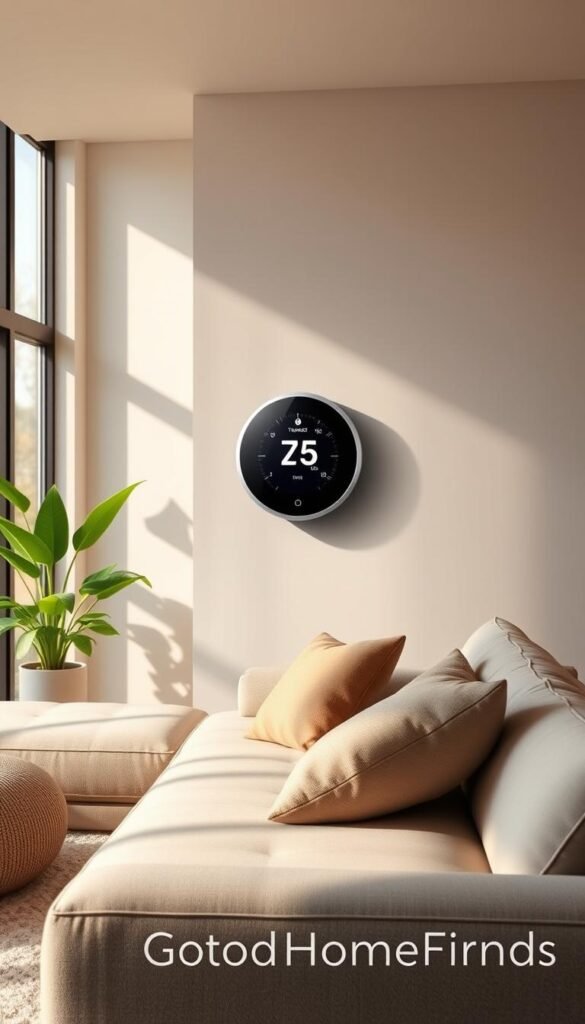
Energy-saving features people actually use
Schedules turn your heating and cooling off when you’re gone. Set a weekday routine and let it run.
Remote control lets you change temperature from your phone when plans change. That prevents wasted power and hassle.
Budget vs premium: basic price vs comfort tools
The Amazon Smart Thermostat is a low-cost option that covers schedules and app control. It works if you want simple temperature shifts at a low price.
Ecobee Smart Thermostat Premium adds remote sensors and finer comfort tuning. PCMag notes that included sensors help balance temperature across rooms. The sensors matter when one room runs hotter or colder than the rest.
| Feature | Amazon Smart Thermostat | Ecobee Smart Thermostat Premium |
|---|---|---|
| Price | Budget-friendly | Higher cost |
| Remote sensors | No (sold separately) | Included—better room balance |
| Energy tools | Basic scheduling | Advanced schedules + optimization |
| Best for | Simple setups, renters | Comfort seekers, multi-room apartments |
No central air? Smart window AC options
If you lack central air, a smart window unit gives similar control. Scheduling and remote shutoff cut wasted cooling when you’re not home.
Measure window clearance and interior protrusion before buying. Installation is physical and may need help for heavier units.
Noise levels and bedroom comfort
Noise is a dealbreaker for sleep. Verify decibel ratings and read real-user reports before you buy a unit for a bedroom.
Also note cooling devices draw significant power. Smart control reduces runtime, and that can have a bigger bill impact than most other gadgets.
„Two features—schedules and remote control—deliver most of the savings and comfort you’ll actually notice.“
Practical notes: check compatibility with your furnace or wiring. Thermostat installs sometimes need a pro. For a premium option with room sensors, see Ecobee’s lineup Ecobee Smart Thermostat Premium.
Air quality and quiet comfort devices that pull their weight
Before buying a purifier, check whether a small monitor can solve most of your ventilation questions.
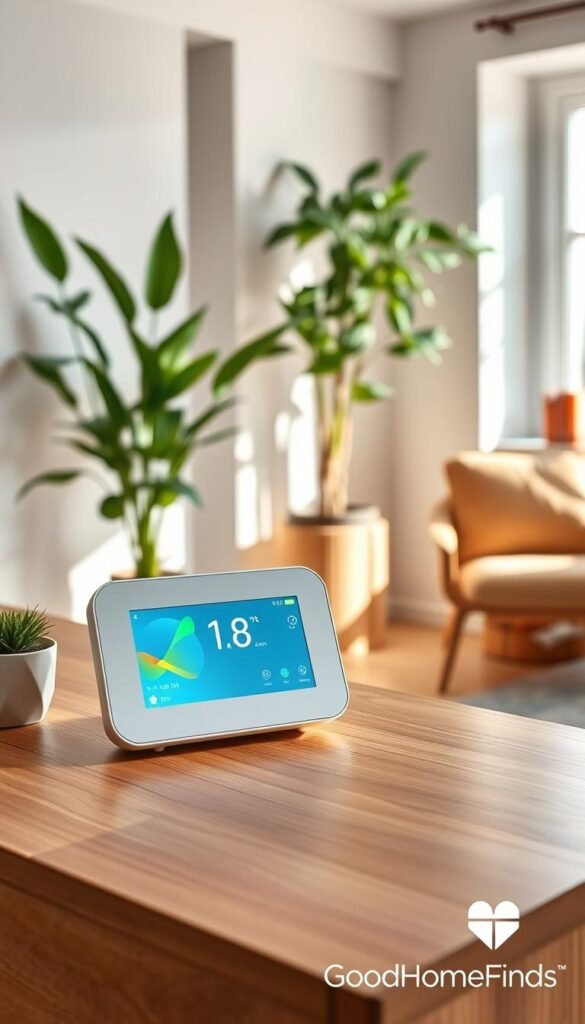
Start with a CO₂/temperature/humidity monitor. A single reading often tells you when to crack a window or run a fan. That saves time and avoids running a purifier unnecessarily.
When an air purifier is worth it
Get a purifier if you have allergies, wildfire smoke, frequent cooking odors, or rooms with poor airflow. In a small apartment, one well-placed unit can make a noticeable difference.
Premium pick to consider
Dyson Big+Quiet Formaldehyde BP03 is a premium option built for quieter operation and steady performance. It suits shared spaces where noise and consistent filtration matter.
Maintenance, noise, and space
Filters cost money and need regular replacement. Budget for filter changes over the year, not just the upfront price.
Purifiers need breathing room around their intakes. In a tiny apartment, placement is as important as filter class.
If the unit is loud on medium speed, you will run it less. Check decibel ratings before buying.
| Need | Simple first step | Premium option | Ongoing costs |
|---|---|---|---|
| Decide when to ventilate | CO₂ / temp / humidity monitor | — | Minimal (batteries) |
| Allergies or smoke | Use monitor + open windows when possible | Dyson BP03 | Filter replacements per year |
| Small space concerns | Move a monitor between rooms | Compact purifier placed centrally | Electricity + filters over year |
Quick rule: monitor first, ventilate when readings rise, and choose a quieter purifier if you’ll run it during sleep. For tests and buyer guidance, see the best air purifier review.
Kitchen tech that makes cooking and mornings easier
A compact set of countertop devices can change your mornings without taking over the room.
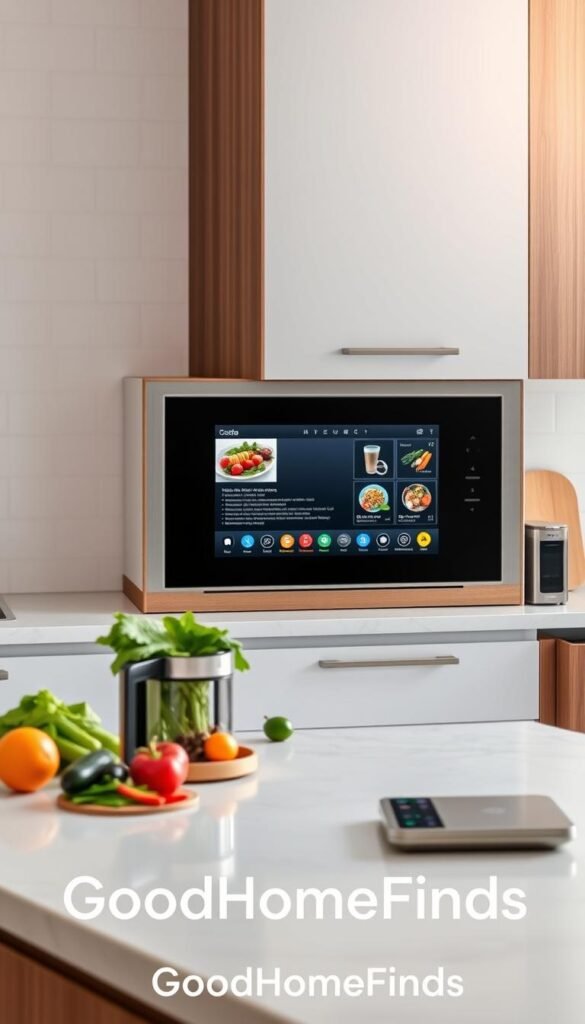
Small smart displays for timers, recipes, and lists
A small display like the Echo Show 8 gives you hands‑free timers, step‑by‑step recipes, and a visible grocery list while your hands are messy.
The screen keeps conversions and steps in view so you don’t unlock your phone with sauce on your fingers. Voice and quick taps speed common tasks and shave minutes off routines.
Countertop cooking: Tovala vs Instant Pot Pro Plus
Tovala Smart Oven is great if you want set‑and‑forget meals. It uses an app and QR codes to match cook profiles. Meal kits are pricey but convenience is high.
Instant Pot Pro Plus is more versatile for batch meals and pressure cooking. It saves counter time by replacing pots and a slow cooker. Cleanup differs: oven trays versus removable inner pots and seals.
Coffee maker choices that match daily habits
For basic scheduled brewing, the Hamilton Beach Smart Coffee Maker gives simple routines and reliable cups. It’s a budget‑minded pick you’ll actually use every day.
The xBloom Studio aims at precision and a better single‑cup experience. Choose it only if you drink several premium cups daily; otherwise its finer controls are wasted.
Measure for steam, space, and cleanup before you buy
- Footprint: measure where a device will live and whether you must move it to use it.
- Cord length and outlet location: confirm you won’t stretch cords across counters.
- Clearance and ventilation: steam and heat can damage cabinets without airflow.
- Cleanup: removable parts and dishwasher safety matter more than smart features.
| Need | Budget option | Premium option |
|---|---|---|
| Simple daily coffee | Hamilton Beach | xBloom Studio |
| Countertop meal convenience | Instant Pot Pro Plus | Tovala Smart Oven |
| Kitchen companion | Echo Show 8 (screen) | — |
Practical rule: prefer compact, movable appliances that don’t need permanent installation. If you want a curated list of tested options, see our picks for smart kitchen appliances.
Cleaning tech that saves time without constant babysitting
Cleaning gear should save you real minutes each week, not create new chores.
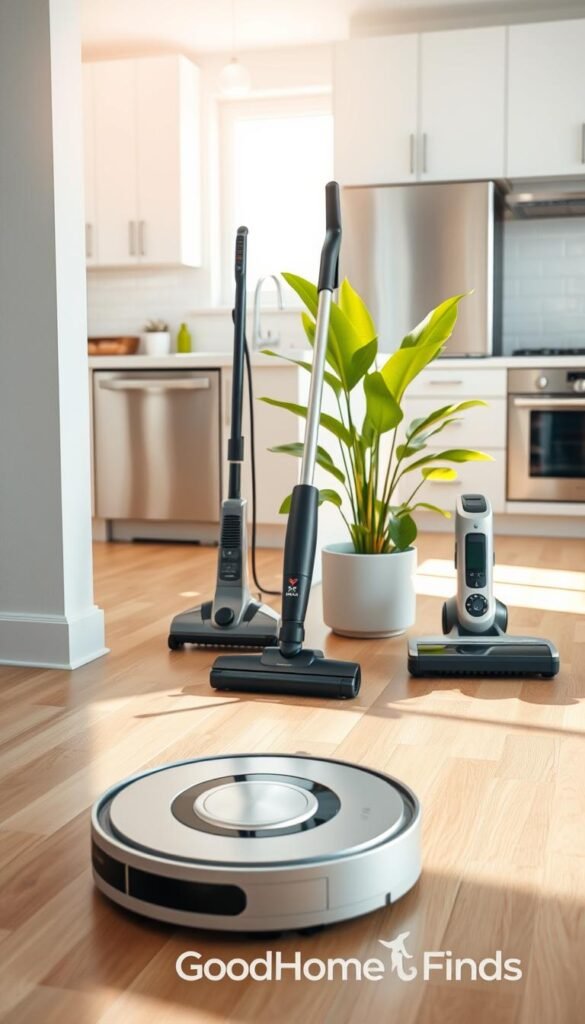
Budget pick: TP‑Link Tapo RV30 Max Plus
The Tapo RV30 Max Plus is a mini, budget robot with unexpected capability. PCMag notes its efficient navigation and a self-emptying bin under $300.
Why it works: you get routine sweep coverage and fewer bin trips. It buys you time on daily crumbs and light dust.
Premium all-in-one: Ecovacs Deebot X8 Pro Omni
The Deebot X8 Pro Omni is for people who want floors handled. It mops, vacuums, and self-serves at the dock so you open the house less.
Choose this pro option when automation and dock convenience justify higher cost.
Pet-focused pick: iRobot Roomba j9+
The j9+ adds advanced avoidance and a pet waste guarantee for one year. In small apartments that reassurance matters. Avoidance reduces messy run-ins that make robots more hassle than help.
Practical realities
- Run these on a schedule 3–5 times a week for the best results.
- Dock placement needs outlet access and a clear mini footprint so it won’t block walkways.
- Maintenance is non-negotiable: hair on brushes, full bins, mop pads, and occasional clogs.
| Need | Budget | Premium |
|---|---|---|
| Self-empty | TP‑Link RV30 | Deebot X8 Pro Omni |
| Pet avoidance | Basic | Roomba j9+ (guarantee) |
| Dock convenience | Good | Best |
„A robot saves daily chores, but routine upkeep keeps it working well.“
For a deeper look at automation of cleaning services and related options, see our automation of cleaning services review.
Setup time and common mistakes that waste money
Knowing which items set up in minutes and which take an afternoon saves frustration. Spend a little planning up front and you keep time and money from leaking away.
Setup time: what takes five minutes vs what takes an afternoon
Quick (5–15 minutes): smart plugs, bulbs, and single‑speaker setups. They pair fast and usually work in one app.
Medium (30–90 minutes): cameras, doorbells, and displays. Mounting, battery charging, and permissions add time.
Long (a few hours): thermostats, hardwired doorbells, or anything that needs a hub or rewiring. Expect an afternoon if you must check wires or call the landlord.
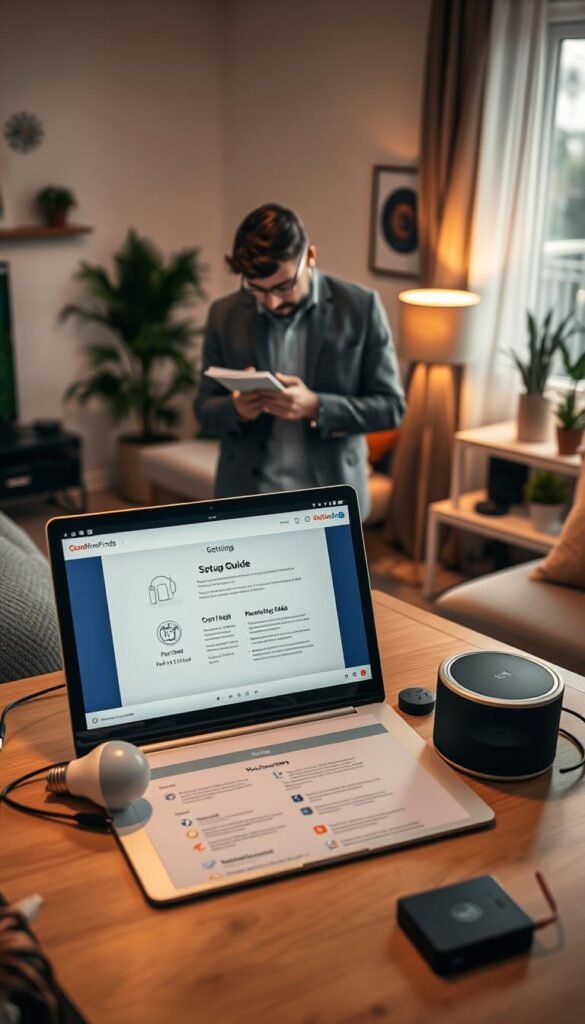
Common mistakes: buying incompatible devices (and how to prevent it)
Pick one ecosystem first. Check Matter support and confirm the device works with your chosen app and any existing hub. This habit avoids wasted time and returns.
Common mistakes: ignoring power draw, heat, and outlet limits
Count outlets and avoid overloading strips. High‑draw chargers and docks clustered in one corner can trip breakers or shorten device life.
Tip: keep heavy chargers and countertop appliances ventilated. Heat buildup costs replacement money and creates safety risks.
Common mistakes: putting loud devices in the wrong room
Don’t place vacuums, purifiers, or noisy fans next to bedrooms. A quiet room matters more than a marginal feature when you sleep.
Common mistakes: skipping maintenance until performance drops
Filters, brushes, and pads are part of ownership. Skipping routine upkeep is why smart devices stop feeling smart and start costing you time and money.
- Quick troubleshooting flow: check Wi‑Fi strength, then power and outlets, then app permissions, then automation rules.
- Start small: add one category, prove the habit, then expand.
Money-saving tip: test with a plug or bulb first. If the routine sticks, buy more. If not, return it and save both time and money.
„A little prep prevents returns, extra bills, and wasted afternoons.“
For common upgrade pitfalls that really cost you, see this short guide on wasteful upgrades.
Conclusion
Start with one central controller and build outward where you feel the biggest pinch.
Begin with a speaker or display for daily control. Add lights and smart plugs next. Then layer in security, comfort, and kitchen or cleaning devices only as your routines need them.
Pick one ecosystem and favor Matter-friendly options to avoid app clutter. Budget for filters, batteries, and any subscription costs so surprises don’t creep into your bills.
Keep three priorities in mind: save power, improve safety, and cut daily friction. Test routines in week one and return what you don’t use.
For vetted picks that match this path, see the best smart devices roundup.
Few well-chosen devices beat a crowded apartment of gear you don’t trust. Pick the next step based on your biggest pain point—bills, cleaning, cooking, or security—and keep it simple.


