
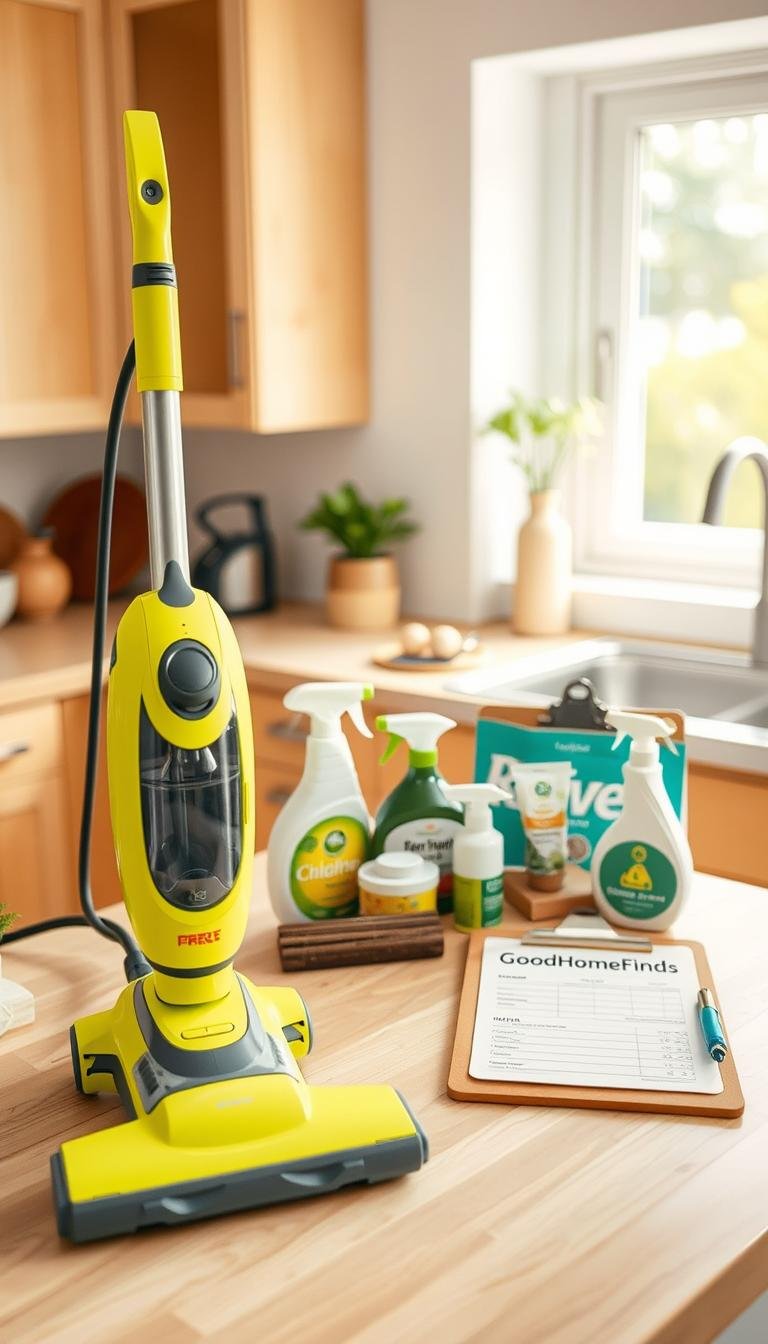
Practical choices beat hype. This guide helps you weigh upfront price against ongoing costs, time, and how often messes happen in your home.
What you’ll get: clear pros and cons, renter-friendly notes, energy and noise considerations, and real-life setup tips. We compare five affordable picks to five pro upgrades so you can see where upgrades are worth it and where they are not.
The term cleaning tech budget here means practical tradeoffs. Expect honest insights on consumables, maintenance, and hidden costs that show up after purchase.
You’ll learn simple filters to guide decisions: space size, floor type, storage, noise limits, and available time. The goal is to help you spend where you feel the benefit and cut re-cleaning and wasted time.
Key Takeaways
- Balance device price with ongoing costs and your schedule.
- Look for renter-friendly options and easy setup.
- Prioritize low-noise, energy-efficient models for small spaces.
- Premium features help when they save time or reduce babysitting.
- Watch for hidden costs: filters, pads, and repairs.
Real benefits you can actually feel from cleaning devices at home
The right tool changes how your home feels, not just how it looks. You get practical benefits you notice daily: less dust, fewer lingering odors, and fewer surprises in high-use areas like the kitchen and entryway.
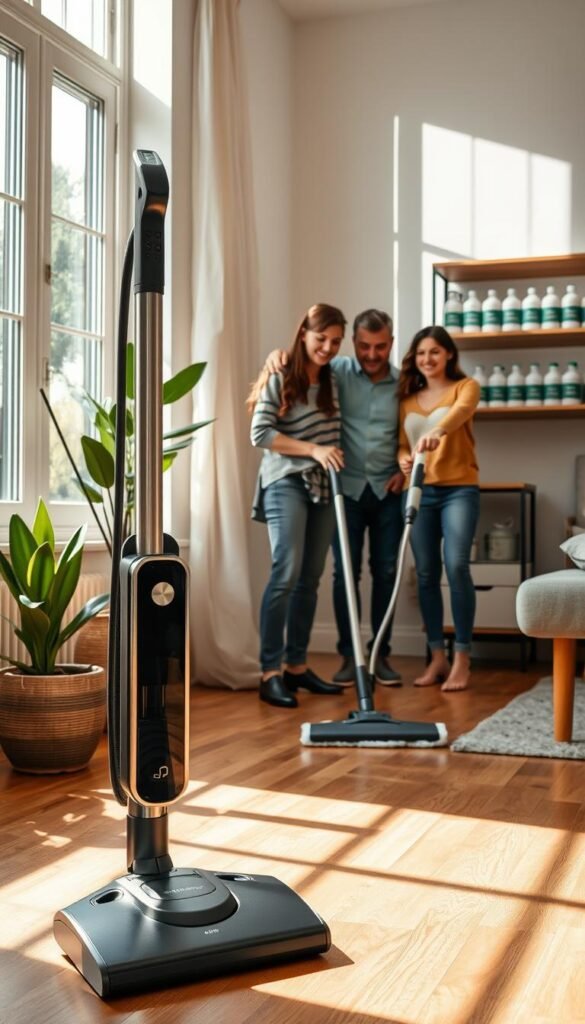
Health and safety gains beyond “looking clean”
Health improves when dust and particulates drop. Better filtration cuts allergens and reduces smells that settle into textiles.
Safety improves with the right approach: fewer slippery floors from over-wetting, fewer cords in walkways, and less need for harsh chemicals when sealed systems handle stains.
Time savings you can plan around, not just hope for
Devices shorten tasks. A 60-minute session can become two 15-minute passes you schedule easily around work or sleep.
That rhythm prevents deep-clean weekends and keeps overall quality steady.
Small-apartment wins and energy basics
One multi-use tool can replace several supplies, saving precious storage and reducing the number of items you buy.
Energy savings come from faster finishes, fewer repeat passes, and units that maintain power when filters stay clean. The wrong device forces rework and wastes both time and power.
| Benefit | What it feels like | Best for | Limit |
|---|---|---|---|
| Health | Less dust, fewer odors | Allergy-sensitive homes | Doesn’t replace deep sanitation |
| Safety | Fewer slips, fewer cords | Homes with kids/pets | Not a fix for chemical hazards |
| Time | Short, frequent passes | Busy schedules | Still needs occasional deep work |
| Storage | Less clutter | Studios and one-bedrooms | May sacrifice some feature depth |
Who needs this guide and what to buy based on your space, time, and needs
Match your gear to the rooms you use most and the time you have. Start by mapping your space and marking high-use areas. That map will show which equipment solves real needs and which features are unnecessary for daily life.
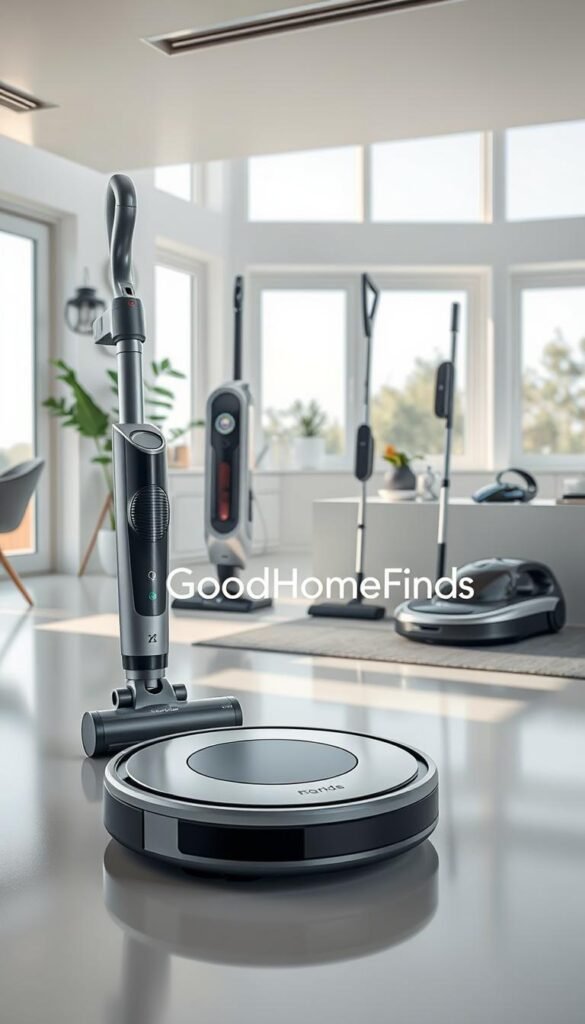
Studio and one-bedroom renters
Pick compact equipment with quiet modes and small docks or wall mounts. A slim stick that stores vertically saves floor space and reduces setup time. Pros: renter-friendly, easy storage. Cons: smaller dust bins need frequent emptying.
Busy households
If you work long hours, choose tools that start fast and run without babysitting. Quick vacuums and fast mops beat large, infrequent machines you never pull out. Save time by planning short, daily passes.
Pet owners and high-traffic areas
Look for brush designs that lift hair and filters that control odors near entryways and litter areas. Pros: better pickup and less smell. Cons: brushes tangle and filters need more frequent replacement.
Allergy-sensitive homes
Prioritize airflow and higher-grade filters. Regular maintenance keeps performance steady. The right match to your floor type—carpet, rug, or hard floor—prevents rework.
| Floor type | Best tool | Why it helps | Watch for |
|---|---|---|---|
| Carpet | Motorized roller | Deep hair and dust lift | Brush tangles |
| Rugs | Adjustable suction | Protects pile | Edge cleaning gaps |
| Hard floors | Soft roller / mop combo | Less scattering, faster finish | Wrong head forces rework |
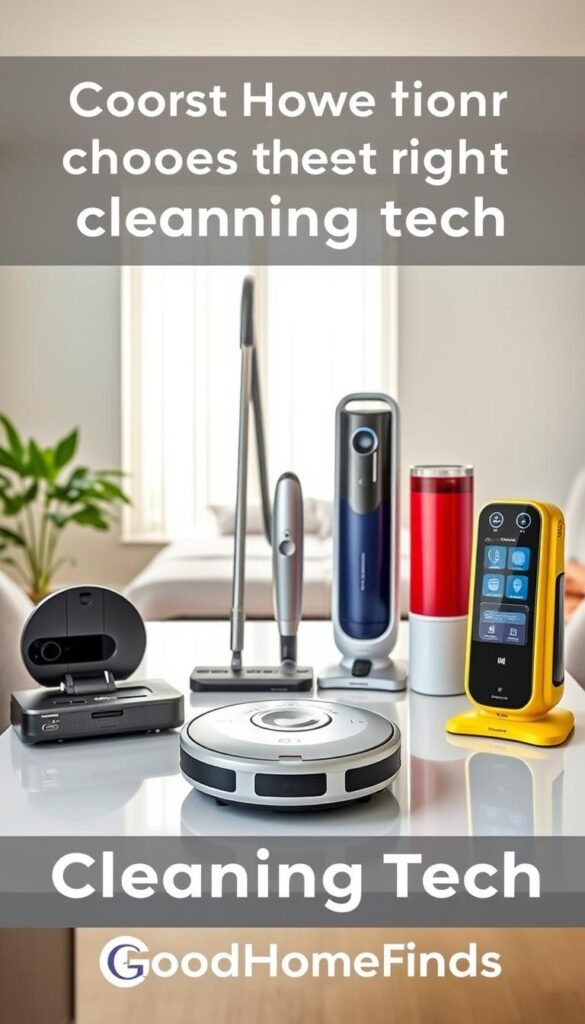
Cleaning tech budget picks vs pro upgrades: the ten devices worth considering
A clear rule helps you decide which tool to buy and which upgrade to skip. Below are practical comparisons that keep setup, ongoing costs, and apartment limits in mind.
-
Robot vacuum vs premium robot vacuum
Best at: Basic models handle daily debris; premium maps complex layouts.
Struggles: Budget units get stuck and miss zones. Premiums still need occasional supervision.
Setup & maintenance: Easy docks for both. Premium requires map setup and occasional map resets.
When pro is worth it: If you have many rooms, rugs, or pet zones, mapping saves real time.
-
Stick vacuum vs pro-grade cordless
Best at: Light daily pickup for hard floors; pro-grade excels on carpets and heavy hair.
Noise/space/power: Sticks are quieter and store vertically. Pro models use larger batteries and run hotter but last longer between charges.
Costs: Replaceable brushes and batteries raise total ownership costs for pro units.
-
Air purifier vs higher-CADR purifier
Best at: Small purifiers handle dust and light odors; higher-CADR units clear smoke, cooking smells, and pet dander faster.
When pro is worth it: You cook often or live with pets; stronger airflow and HEPA layers matter.
-
Steam mop vs powered floor scrubber
Use case: Steam helps quick touch-ups. Scrubbers beat steam on sticky kitchen messes.
Space & noise: Scrubbers need more storage and can be louder. Steam units dry quicker and tuck away easily.
-
Handheld vacuum vs wet/dry spot cleaner
Real example: For crumbs and quick sofa spills, a handheld wins. For set-in stains or car interiors, a wet/dry unit prevents repeat work.
Planning tip: Think pads, solutions, and drying time when choosing the pro option.
-
Gadget bundle vs premium “core kit”
Strategy: For small apartments pick a core kit: one versatile vacuum, one mop solution, and one air tool.
Why: This reduces storage, lowers ongoing costs, and simplifies maintenance.
| Device Pair | When Budget Works | When Pro Pays |
|---|---|---|
| Robot vac | Open studio, few obstacles | Multi-room, rugs, pets |
| Stick vs Pro | Mostly hard floors | Thick carpet, heavy hair |
| Air purifier | Occasional odors | Smoke, heavy pet dander |
Final note: Compare total cost of ownership, not just sticker price. Filters, pads, and batteries drive many hidden costs. Use simple data from your floor types and daily habits to choose the most practical, renter-friendly way forward.
Costs and maintenance that matter: power consumption, noise levels, and hidden expenses
Total cost is more than the sticker price. Your real cost is the device price plus consumables, repairs, and the time you spend fixing run-to-run problems. If a tool forces repeat work, it is not saving you money.
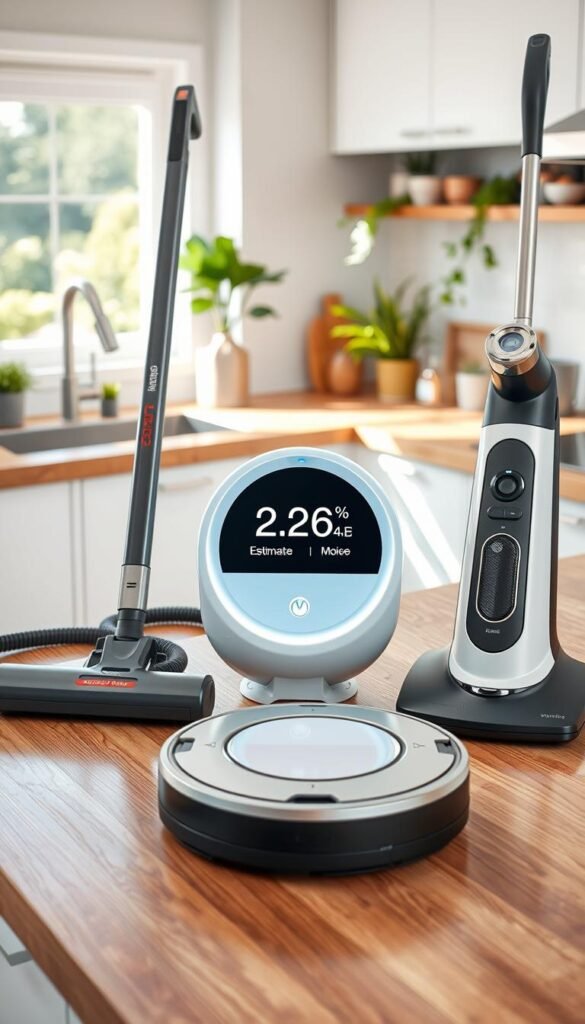
What drives total cost
Space size, floor type, and how often you run a device are the big factors. High-frequency tasks raise service needs and labor time.
Tip: Match durability and ease of maintenance to how often you use the unit.
Battery life and energy habits
Charging style matters. Topping off shortens long-term battery life. Rotate a spare battery if you need long runs; that can be cheaper than replacing a unit later.
Consumables and quiet monthly expenses
Filters, brush rolls, bags, mop pads, and solutions add steady expense. Add those to monthly planning from day one.
Noise, space, and safety
- Noise: Run loud cycles when neighbors are out. Use quiet modes at night.
- Space: Reserve a spot for docks, drying racks, and supplies so operations stay tidy.
- Risk: Watch cords, wet floors, and overheating. Lock buttons and store solutions away from kids and pets.
Quick checklist for smart buying
| Item | Why it matters | Action |
|---|---|---|
| Consumables | Raise monthly cost | Estimate monthly spend |
| Battery | Affects runtime and energy use | Plan charging habits or buy a spare |
| Noise & space | Limits when you can run devices | Pick quiet modes and measure dock location |
Run your home like a small business: set simple standards for daily crumbs, weekly floors, and a monthly deep pass. Clear processes reduce risk and make the overall cost easier to manage.
Setup time: what it takes to get each device working on day one
Some devices are plug-and-play; others need a weekend of mapping, pairing, and tweaks. Start by knowing which path your new unit follows so you set expectations for time and effort.
Quick-start vs weekend setups
Quick-start (under an hour): stick vacuums, handhelds, and basic air purifiers. Unbox, charge, install a filter or brush, and run a short test cycle. This process saves you hours of fiddling.
Weekend setups: robot vacuums, powered scrubbers, and spot cleaners. Expect mapping, no-go zone setup, firmware updates, and trial runs. These take more time and patience but improve long-term operations.
Smart home basics without jargon
You’ll need stable Wi‑Fi, an app account, and basic permissions. Apps ask for location or Bluetooth to speed pairing. You can decline voice integration if you don’t use smart speakers.
Day-one checklist by device type
- Unbox and read the quick guide.
- Charge batteries fully (or plug in).
- Install filters/brushes and rinse/prime if needed.
- Run a short test cycle to catch leaks, tangles, or noise issues.
| Device | Typical hours | Key day-one step |
|---|---|---|
| Stick / Handheld | 1 hour | Charge and quick run |
| Robot vacuum | 3–5 hours | Map rooms and clear clutter |
| Powered scrubber | 2–4 hours | Assemble heads and test pads |
Team tip: agree with housemates on dock location, run schedule, and who empties bins. Good coordination keeps operations smooth and avoids repeated setup chores.
Plan first runs when you are home. That way you catch problems fast and save hours later. Clear upfront information makes the whole setup process less stressful and more renter-friendly.
Common mistakes that waste money, create mess, or reduce cleaning quality
A misaligned tool or plan turns a quick task into repeated work and hidden cost. Small, practical errors add up to hours and extra months of expense.
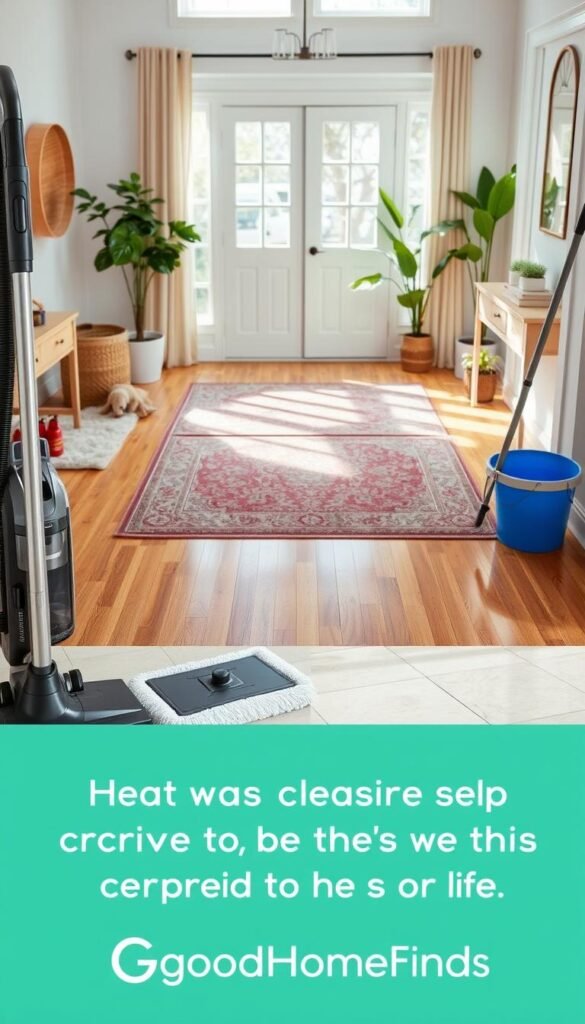
Wrong tool for your floors
If a vacuum head won’t lift rug fibers or a mop leaves streaks you will re-clean. That means more time and more wear on filters and pads.
Overpaying for unused features
Premium extras like niche app modes or complex integrations rarely improve real-life results. You pay more and add setup friction without better quality.
Skipping routine maintenance
Clogged filters and tangled brushes cause performance loss. Devices often look like failures when they just need simple upkeep. Schedule quick checks and you keep suction and flow steady.
Consumables and small-space storage
Not planning for pads, bags, and replacement parts turns a low-cost buy into a costly habit. Multiple single-purpose gadgets also create clutter and reduce use in apartments.
Unrealistic routines and safety slips
If your plan needs an hour daily you probably won’t stick with it. Build short, repeatable tasks like a 10-minute nightly pass. Also avoid safety mistakes: frayed cords, overfilled tanks, and wet floors left unattended.
Fix mindset: match tools to your mess, your space, and what you actually do. That way you spend less time re-doing work and more time living in a cleaner, safer home.
Conclusion
Close decisions by matching one reliable device to the messes you face most.
Start with an anchor — a vacuum or robot that fits your floor type and noise limits. Add a second unit (mop or purifier) only if it solves your daily pain point.
Practical rule: accept that a lower-price option may need more hands-on time. A pro upgrade pays off when it cuts babysitting, rework, and long-term costs.
Measure storage and drying space before you buy. Plan for ongoing costs like filters, pads, and brush replacements.
Today action: list your top two mess sources, weekly time limit, and available storage. Pick the device tier that matches those answers.
FAQ
What are the best budget devices for a small apartment?
For tight spaces pick compact, renter-friendly gear. A low-cost robot vacuum with a slim profile, a stick vacuum for quick spot work, a basic air purifier with a HEPA filter, a lightweight steam mop, and a handheld for upholstery cover most needs. These items save storage and are easy to use daily.
When is it worth upgrading from a budget model to a pro device?
Upgrade when your needs outgrow the device. If you have thick carpets, pets, or a large open layout, a pro-grade cordless vacuum or premium robot with mapping will cut repeat work. Also upgrade for higher CADR air purifiers if you cook often or have smoke exposure.
What real health benefits can I expect from these devices?
You get measurable reductions in dust, pet dander, and airborne particles. That eases allergies and lowers respiratory irritation. Steam cleaning can sanitize surfaces without harsh chemicals. Better air quality reduces sneezing, improves sleep, and makes your home safer for kids and pets.
How much time will these devices actually save me?
Expect predictable time savings. A robot vacuum can cut daily floor maintenance to minutes. A stick or cordless handles quick spills in under 10 minutes. Combined, they turn recurring 1–2 hour chores into short, routine tasks you can plan around.
Which devices work best in a studio or one-bedroom apartment?
Choose quiet, compact, and multi-purpose tools. A slim robot vacuum, an all-floor stick vacuum, a small HEPA air purifier, a foldable steam mop, and a handheld spot cleaner fit small storage spaces and reduce clutter.
What should busy households prioritize?
Prioritize time-saving automation and durability. A reliable robot vacuum with scheduled runs, a long-run cordless vacuum, and a higher-capacity air purifier reduce daily load. Pick models with easy maintenance and quick-charge batteries to match your schedule.
What’s the best approach for pet owners?
Look for high-suction vacuums with tangle-free brush rolls, a HEPA-rated purifier for odors and dander, and a wet/dry spot cleaner for accidents. Frequent, targeted cleaning beats infrequent deep cleans and keeps hair and smells under control.
Which devices help most with allergies?
A HEPA air purifier with adequate CADR for your room, a vacuum with sealed filtration, and a steam mop for surface sanitizing. Regular use and timely filter changes make the biggest difference for indoor air quality.
Robot vacuum or premium robot—what’s the real difference?
Budget robots handle basic debris and work best in simple layouts. Premium models add mapping, zoned cleaning, stronger navigation, and fewer manual interventions. Choose premium if you need consistent coverage and run schedules without frequent manual moves.
Stick vacuum or pro cordless for mixed floors?
A good stick vacuum is light and renter-friendly for quick tasks. A pro cordless delivers more power and longer run time for dense carpets and full-home cleans. Match choice to floor types and how often you deep clean.
Air purifier vs higher-CADR unit—which to buy?
Buy a higher-CADR purifier if you face smoke, heavy cooking, or multiple pets. For basic allergen reduction in smaller rooms, a budget HEPA unit can suffice. Check room size and CADR rating before you buy.
Is a steam mop enough or do I need a powered scrubber?
A steam mop handles routine sticky spills and sanitizing sealed floors. For heavy grease, deep grout, or commercial-style kitchens, a powered scrubber saves time and delivers stronger results. Choose based on mess frequency and floor durability.
What hidden costs should I plan for?
Factor replacement filters, brush roll swaps, pads, and occasional battery replacement. Also include electricity for charging, app subscriptions if any, and storage accessories like docking stations. These add to monthly operating costs.
How does battery life affect energy use and performance?
Short-run batteries need frequent charging, which raises energy use and can interrupt tasks. Longer runtime models finish larger areas in one go, lowering total charge cycles. Follow manufacturer charging tips to extend battery life.
How noisy are these devices and when can I run them in an apartment?
Noise varies widely. Budget vacuums and robots are generally quieter. Pro-grade vacuums and powered scrubbers are louder and best during daytime. Check decibel ratings and run noisy gear when neighbors are less likely to be disturbed.
How much space do devices and accessories need?
Consider docking station footprint, drying space for mop pads, and storage for cords or attachments. Slim robots and foldable sticks suit small closets. Plan a consistent spot near an outlet to keep gear ready and reduce clutter.
What safety risks should I be aware of?
Watch for overheating, tripping hazards from cords, wet floors after mopping, and small parts accessible to kids. Use surge protectors, follow charging instructions, and keep wet-floor signs or blocks to prevent slips.
How long does setup take for each device?
Quick-start setups like stick vacuums or basic purifiers take under an hour. Robots with mapping, advanced vacuums with attachments, or powered scrubbers can take a few hours to a day for mapping and optimization. Read the manual and clear the area first.
What smart home basics should I know before buying?
Ensure your Wi‑Fi network is stable and you’re comfortable granting app permissions. Check compatibility with voice assistants you use. Use simple names for devices and limit guest access to avoid accidental changes.
What common mistakes waste money or reduce results?
Buying the wrong tool for your primary floor type, skipping maintenance like filter changes, ignoring consumables, and overpaying for unused features. Pick tools that match real tasks and set a realistic routine to protect performance.
How often should I replace filters and brush rolls?
Replace HEPA filters every 6–12 months depending on use. Brush rolls need attention every 1–3 months and replacement when bristles wear or tangle. Follow manufacturer guidance and inspect parts monthly for peak performance.
What’s the best maintenance routine for long device life?
Empty bins and wash pads after each use. Clean filters and check brushes weekly during heavy use. Charge batteries properly and store devices in a dry, ventilated spot. Small routine tasks prevent costly repairs.
