10 Best Cleaning Tech Helpers
Explore the best cleaning tech mix for a cleaner, greener home. Get honest pros and cons, setup guides, and maintenance tips. Simplify your cleaning routine with the right gadgets
 backvervedesigns@gmail.com
·Januar 16, 2026
·11 min read
backvervedesigns@gmail.com
·Januar 16, 2026
·11 min read
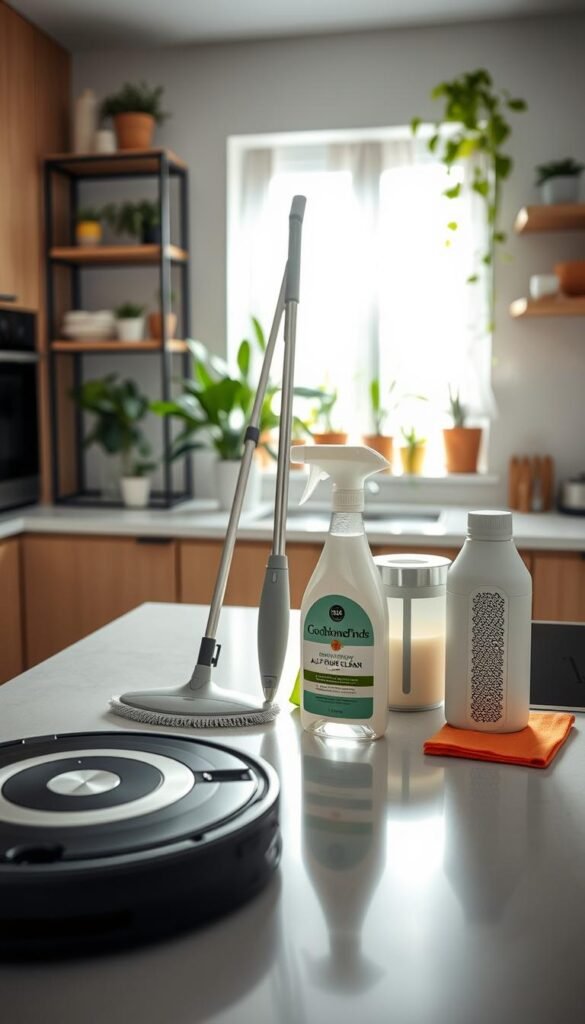
Ad · Affiliate links: this guide may contain tagged links. If you buy through one, we may earn a small commission — at no extra cost to you and with no influence on our verdicts. Researched from real reviews.
Practical help, not hype. This guide shows how a few well-chosen helpers can save you time and effort at home. You’ll get real-life value, renter-friendly tips, and simple buying advice.
By „cleaning tech mix“ I mean a lean set of devices that handle your biggest messes. Not every gadget. Just the ones that fit small spaces and your daily routine.
What to expect: clear pros and cons, energy and safety notes, and whether a feature actually saves you time. I’ll point out where automation helps and where it feels like a gimmick.
This list is built for apartments and busy people. You’ll learn which helpers cut effort between service visits and which ones make sense for your budget and team at home.
Key Takeaways
- Pick a compact set of tools that target your worst chores.
- Look for real time savings, not buzzwords.
- Watch energy use and safety basics before you buy.
- Fit and storage matter as much as features.
- These helpers can reduce how often you hire services.
What “Cleaning Tech” Actually Helps With in Real Homes Today
Real helpers focus on the small, repeat chores that eat time each week.
These devices tackle day-to-day problems: staying on top of floors, kitchen crumbs, pet hair, allergens, and high-touch messes without turning upkeep into a full project.
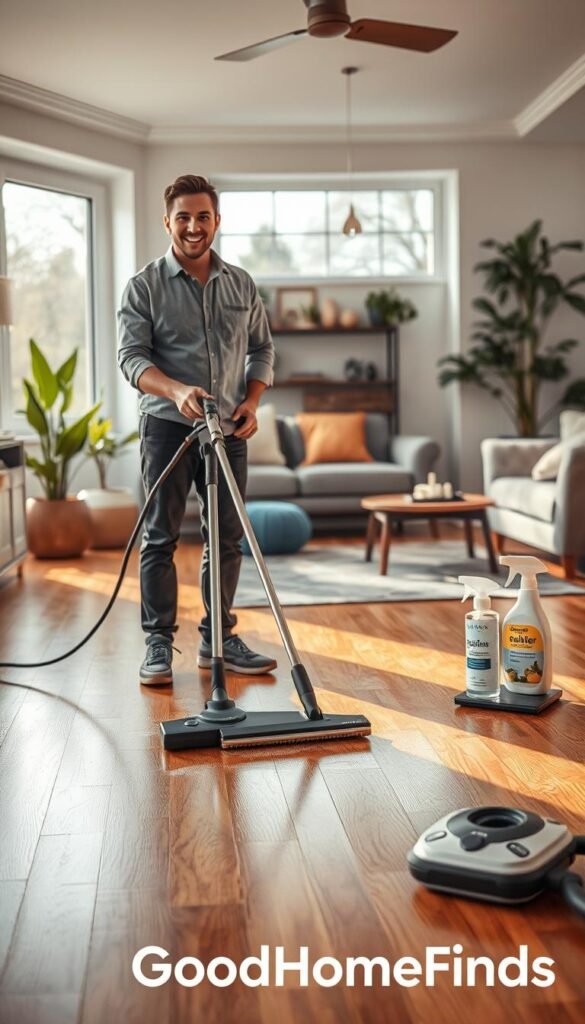
How we picked these helpers: time saved, energy use, noise level, and space needs
Time and noise: We measured how many minutes per week a device can save and how loud it runs in a studio.
Energy and water: Efficient models cut power and waste. That helps your bills and the environment.
Safety and quality: We favored simple, renter-friendly products that lower allergen levels and improve hygiene.
Small-apartment fit: storage, docking, cords, and clutter control
Practical fit matters: Docking stations take floor space, cords add clutter, and tanks or bulky bins are hard to store in a closet.
- Keep devices that nest or dock compactly.
- Pair systems when useful—like a robot for regular sweep-ups and a cordless for quick spills.
- Choose solutions that use plain water, steam, or microfiber when possible.
| Criteria | Why it matters | Small-apartment tip |
|---|---|---|
| Time savings | Frees minutes each week for other tasks | Pick schedule-capable devices you will actually use |
| Energy & water | Reduces bills and household waste | Look for efficient modes and low water use |
| Storage & noise | Impacts daily comfort and clutter | Choose compact docks and low-volume models |
Best Cleaning Tech Helpers for Floors, Kitchens, Air, and Everyday Surfaces
Pick straightforward products that handle the spots you use most and save you minutes each day. Below are renter-friendly options, with honest pros and cons and quick notes on setup and upkeep.
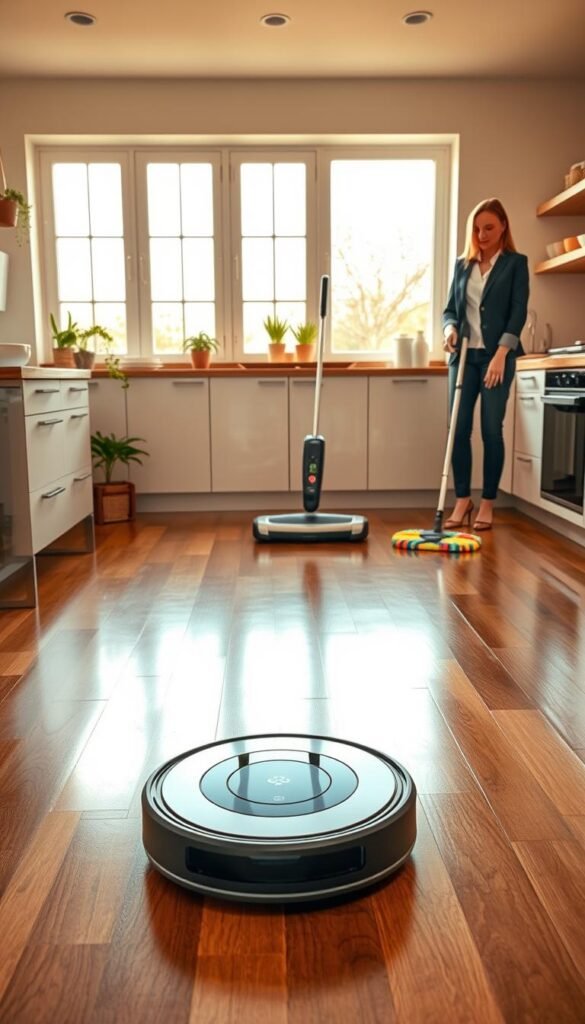
Robot vacuum with sensors
Best for: daily crumbs and pet hair. Use case: scheduled sweeps to keep floors “good enough.”
Setup: dock space and initial mapping. Maintenance: empty bin, clean brushes. Noise: medium. Power: low–medium. Space: small dock footprint.
Pros: saves time with scheduled runs. Cons: can get stuck, needs clutter cleared first.
Smart mop for tile and hardwood
Best for: steady shine without buckets. Use case: quick weekly maintenance on hard floors.
Setup: fill reservoir, pair sensors. Maintenance: wash pads, watch water use. Noise: low. Power: low. Space: compact dock or storage.
Pros: less hauling of water. Cons: not for heavy stains; risk of over-wetting rentals.
Cordless vacuum
Best for: entryways, kitchens, and pet messes. Use case: fast spot pickups after meals.
Setup: charge station. Maintenance: small bin, battery care. Noise: medium. Power: medium. Space: easy to store upright.
Pros: grab-and-go convenience. Cons: limited run time and capacity.
HEPA vacuum
Best for: allergy support and deeper carpet work. It can trap 99.97% of 0.3‑micron particles.
Setup: plug-and-play. Maintenance: filter replacement schedule. Noise: medium–high. Power: high. Space: moderate storage.
Pros: improves indoor air quality. Cons: filter costs and upkeep.
Steam cleaner
Best for: grout, bathrooms, and upholstery touch-ups. Use case: chemical-light disinfection.
Setup: fill water tank. Maintenance: descale occasionally. Noise: low–medium. Power: medium–high. Space: small to moderate.
Pros: reduces harsh products. Cons: avoid delicate surfaces and use caution with hot steam.
Microfiber tools
Best for: daily wipe-downs and reducing waste. Use case: counters, shelves, and quick dusting.
Setup: none. Maintenance: machine wash. Noise: quiet. Power: none. Space: minimal.
Pros: low-waste and low-cost. Cons: need regular laundering.
Touchless trash can with sensors
Best for: cleaner kitchen habits and less contact. Use case: cooking and food prep zones.
Setup: batteries or plug-in. Maintenance: replace batteries, empty bin. Noise: low. Power: low. Space: moderate footprint.
Pros: hygienic. Cons: battery drain on budget models.
UV sanitizer
Best for: phones, keys, and small high-touch items. Use case: targeted germ control.
Setup: place item in chamber. Maintenance: bulb or unit care. Noise: silent. Power: low. Space: small.
Pros: adds hygiene layer. Cons: does not replace visible surface cleaning.
Smart air purifier
Best for: cooking smells, pet dander, and dust. Use case: continuous air filtering with app control.
Setup: place in open area, connect app. Maintenance: filter changes. Noise: low–medium. Power: medium. Space: floor or small table footprint.
Pros: automatic modes and improved air quality. Cons: recurring filter cost.
Automatic window cleaner
Best for: large panes and hard-to-reach glass. Use case: safer monthly window care.
Setup: attach, run cycles. Maintenance: pads and battery check. Noise: medium. Power: medium. Space: store when not used.
Pros: safer and faster for high windows. Cons: setup time and storage size.
How to Build a Cleaning Tech Mix That Fits Your Apartment, Budget, and Routine
Begin with a single, reliable floor helper and build from there. Pick what solves your most frequent tasks first. This keeps purchases useful and storage light in a small space.
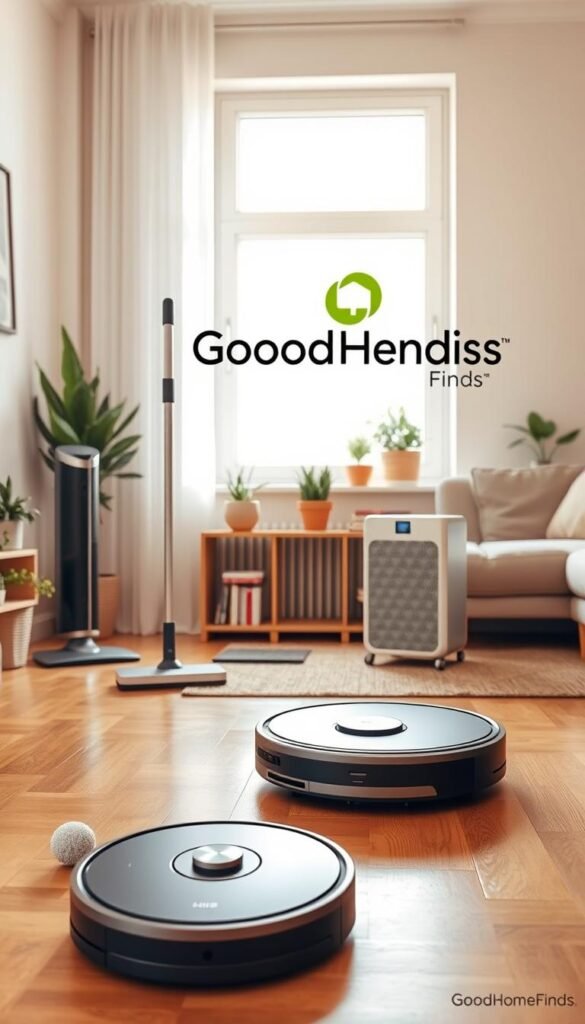
Budget vs premium: what to pay for (and what to skip)
Pay more for reliable navigation, quieter operation, and parts that are easy to replace. These save time and frustration in daily use.
Skip fancy extras you never use: oversized tanks, extra app modes, or accessories that add clutter.
Best combos by lifestyle
- Pets: a robot + cordless vacuum for fur hotspots.
- Allergies: HEPA vacuum + smart air purifier.
- Cooking-heavy: cordless vacuum + touchless trash can + microfiber cloths.
- Roommates: choose quiet models and set clear run schedules.
Compatibility basics
Check Wi‑Fi reliability, app stability, and voice assistant support only if you’ll use them. Confirm easy access to replacement pads, filters, and bags.
Tip: Favor renter-friendly storage, low-water systems, and products that lower waste for your budget and the environment.
Buying and Using These Cleaning Devices Without Regret
Buy fewer, better helpers that slot into your routine and storage, so they get used. This approach saves money, time, and closet space.
Real benefits
Daily wins: fewer crumbs, quicker floor resets, less dust in the air, and faster kitchen cleanups with fewer steps.
Use them consistently and the payoff grows. Expensive models don’t help if they stay boxed.
Who needs this
Best for busy schedules, small apartments, pet owners, and allergy-prone households. Skip heavy vacuums if you have no carpet. Drop the window robot if your panes are tiny.
Setup time
Minutes: cordless vacuums, touchless bins, and microfiber cloths. Afternoon: robot mapping, smart mop scheduling, and purifier app pairing.
Common mistakes
Cluttered floors ruin mapping. Wrong floor settings over-wet wood. Overusing water or solution can damage surfaces. Skipping filter care hurts air quality and performance.
| Topic | What to expect | How to reduce costs |
|---|---|---|
| Maintenance | Filters, pads, bins, and occasional replacements | Buy washable pads; check part prices before you buy |
| Running costs | Batteries, filters, water, and replacement pads | Charge smartly; reuse pads; choose long-life filters |
| Noise & energy | Medium to high during deep runs; low in quiet modes | Run loud cycles when out; use eco modes for daily upkeep |
Conclusion
Wrap up with a focused strategy that matches your space, schedule, and budget.
Main takeaway: choose a small, practical set that fits storage and real use at home. Pick tools that save time and lower energy use.
Start with two: one floor solution and one air or hygiene helper. Expand only if a clear gap remains.
For apartments, insist on low noise, minimal clutter, easy storage, and simple upkeep you will do regularly.
Think long term: filters, pads, and replacement parts matter as much as the price you pay upfront.
You don’t need every gadget. Just the right ones, used consistently and maintained well. Thanks for reading, and treat these devices as your small support team between deeper service visits.
FAQ
What should I prioritize when choosing helpers for a small apartment?
Prioritize storage footprint, noise level, and multitasking value. Choose compact cordless vacuums or robot models with slim docks. Favor devices that handle multiple surfaces so you avoid extra tools. Check battery runtime for quick pickups and look for easy-to-change pads or filters to cut maintenance time.
How do robot vacuums with sensors actually save you time?
Robots follow mapped paths and avoid obstacles, so you run fewer full clean sessions. They handle daily debris while you focus on deeper tasks once a week. Use scheduled runs and no-go zones to reduce manual spot-cleaning and keep floors consistent with minimal effort.
Are smart mops worth it for hardwood and tile?
Yes for routine upkeep. Smart mops use controlled water flow and microfiber pads to reduce streaks and waste. They cut the need for buckets and frequent mop changes. For heavy grime or grout, supplement with a targeted steam cleaner now and then.
What’s the difference between a cordless vacuum and a HEPA vacuum?
Cordless vacuums prioritize portability and quick pickups. HEPA models focus on filtration, trapping fine particles and allergens. If you have pets or allergies, pick a HEPA-certified unit. If you need speed for small messes, a lightweight cordless is more practical.
How much does maintenance typically cost for these devices?
Expect periodic costs for filters, pads, batteries, and replacement brush rolls. Budget models have cheaper parts but may need replacements sooner. Premium units often use longer-lasting batteries and higher-grade filters, which lowers long-term costs despite higher upfront prices.
Can steam cleaners replace chemical products?
Steam cleaners reduce reliance on chemicals for many surfaces. They sanitize floors, grout, and upholstery using heat. Avoid steam on sealed wood or heat-sensitive surfaces. For stubborn stains or heavy grease, a targeted cleaning solution may still be necessary.
How do I choose between budget and premium devices?
Match features to real needs. Pay up for reliable batteries, HEPA filtration, and durable parts if you have pets, allergies, or large areas. Save on single-purpose tools if you only need occasional use. Read real-life reviews and check warranty and service options.
Are touchless trash cans and UV sanitizers practical in everyday use?
Touchless trash cans reduce cross-contamination and feel worth it in busy kitchens. UV sanitizers work well for small high-touch items like phones and remotes, but they’re not a substitute for surface wipes. Use them as part of a broader routine focused on habit and frequency.
What are common setup mistakes to avoid with robotic and smart devices?
Avoid placing docks in cramped spots, cluttering paths, and skipping firmware updates. Don’t ignore correct floor settings or mapping routines. Keep cords and loose rugs secured to prevent entanglement. Good initial mapping saves time later.
How do I balance energy use and noise when selecting equipment for a studio or shared space?
Look for models with eco or quiet modes and energy-efficient ratings. Run heavy cycles when you’re out or during low-traffic times. For shared spaces, choose quieter units and schedule runs to minimize disruption.
Which combos work best for pet owners and allergy sufferers?
Pair a HEPA vacuum with a robot for daily hair pickup and a cordless for quick spot jobs. Add an air purifier with true HEPA and a dehumidifier if needed. Microfiber tools and washable pads cut waste and help control dander between deeper cleans.
How often should I replace filters, pads, and batteries?
Follow manufacturer guidance, but a safe routine is replacing filters every 3–6 months, pads as they wear or every few weeks with heavy use, and batteries every 1–3 years depending on charge cycles. Regular cleaning of reusable parts extends their life.
Do smart devices need constant Wi‑Fi and app control to work well?
No. Many devices have basic manual or onboard controls. Wi‑Fi and apps add convenience like scheduling and mapping updates. If you prefer simplicity or have unreliable Wi‑Fi, pick devices with solid local controls.
What should I expect in real-life performance versus marketing claims?
Expect variability depending on floor types, clutter, and pets. Marketing often highlights ideal conditions. Look for user reviews describing your home type. Real-life gains are usually time saved on routine tasks, not total elimination of manual effort.
How do I reduce water and waste when using these products?
Choose reusable microfiber pads, refillable solution tanks, and efficient mop heads. Use measured water settings on smart mops and avoid excess solutions. Regular maintenance prevents overuse and reduces disposable waste over time.
Founder of GoodHomeFinds. Reads the specs, tracks the prices, researches the products from real reviews.
More guides
 Tech & Gadgets
Best WiFi Essential Oil 2026: Top 3 Amazon Bestsellers Tested
 Tech & Gadgets
Best beste Solarweglichter 2026: Top 3 Amazon Bestsellers Tested
 Tech & Gadgets