
This roundup is practical, no hype. You’ll find renter-friendly picks that help you settle into a studio apartment fast. Think smoke alarms, a compact vacuum like a Roomba, and low‑profile sensors from SimpliSafe that won’t damage walls.
You get clear benefits and who each item suits. I’ll note setup time, common mistakes, and the real tradeoffs between budget and premium choices.
Expect a focus on no-drill, low-tool, app-guided products you can remove when you move. I’ll rank items by safety first, then energy savings, cleaning and comfort, and convenience extras.
I’ll also call out the annoying costs: replacement filters, subscriptions, battery swaps, and Wi‑Fi hiccups. Each entry shows space needs, noise levels, and power draw so you can see what affects bills and sleep.
Want quick damage‑free tips and a setup timeline? Check the renter-friendly comparison for mounting and removal advice at renter setup comparison.
Key Takeaways
- Focus on real life: choose tools that save time in small spaces.
- Prioritize safety gear and energy savings over flashy features.
- Pick no-drill, removable mounts for renter-friendly setups.
- Watch ongoing costs: filters, batteries, and subscriptions add up.
- Check space, noise, and power draw before buying.
- Compare budget vs premium to spend where it matters most.
What “easy install” really means for apartment gadgets
Think of setup as a physical step and a digital step, each with its own common snags. The physical side is usually the deal‑breaker in rentals where drilling is off limits.
For walls and doors, pick items that use adhesive strips, removable tabs, or battery power. SimpliSafe sensors use adhesive strips for tool‑free placement, which keeps damage risk low.
App setup vs. hardware setup (what takes time)
Hardware placement is fast when you can stick or hook a unit. The app side can take longer. Creating an account, entering Wi‑Fi, and installing firmware often adds 15–30 minutes when you’re tired after a move.
Compatibility basics: Alexa, Google Home, Apple Home
Match platforms to what you already use. Leviton Decora smart plugs list Amazon Alexa, Apple Home, and Google Home on the box and use the My Leviton app for control.
Quick checklist
- Two-part setup: physical placement + digital pairing.
- Choose adhesive or battery-powered sensors for renter safety.
- Expect app steps like account creation, Wi‑Fi entry, and updates to take extra time.
- Confirm platform compatibility on packaging before you buy.
- Some devices still need their own app for schedules and alerts even if they „work with“ a voice platform.
- Check that building Wi‑Fi is stable where the device will live—doorway, kitchen, or bedroom—before you commit.
For more renter-specific mounting tips and timelines, see this renter-friendly comparison.
Real benefits you’ll actually notice day to day
Small, practical upgrades can change how your apartment feels and functions every day.
Lower power bills with schedules and auto-off
Smart plugs that schedule lamps or hair tools remove one nightly worry. Set them to cut power after a set time and reduce standby draw. Over a month this can trim a few dollars from your bill and one less task on your list.
Less cleaning time in tight spaces
Robot vacuums keep crumbs and dust from piling up when the kitchen and living area share the same floor. Run short daily cleans while you work or sleep. You’ll notice less sweeping and faster touch-ups.
Better sleep and fewer noise interruptions
Sunrise alarms like Hatch Restore 3 and a Yogasleep sound machine smooth wakeups and mask hallway noise. They don’t fix thin walls, but they cut abrupt awakenings and help your sleep feel more consistent.
More safety without permanent changes
Adhesive entry sensors and battery motion detectors give you alerts without drilling. You get real-time app notices and basic automation that raises safety in small spaces.
Reality check: these tools improve routines and reduce annoyances. They won’t solve poor insulation or very loud neighbors. If you can’t state the benefit in one sentence after a week, it probably isn’t worth the spend.
- Noticeable wins: energy, cleaning, sleep, and renter-safe safety upgrades.
- One-sentence test: if you can’t describe the gain after seven days, skip it.
Who needs this (and who can skip it)
Not every renter needs a full smart setup; pick what solves your daily pains first. Think in terms of real gains: less time on chores, fewer false alarms, and better air in tight spaces.
First apartments and studios
If this is your first place you may be buying everything at once. Spend on high-impact items that are renter-friendly and low-risk.
Skip it if: you already keep a strict cleaning routine and don’t want extra monthly costs.
Busy schedules and frequent travelers
Automation and alerts cut the “did I leave it on?” stress. A single smart plug and a monitored smoke detector can pay off fast.
Pet owners and allergy-sensitive households
Robot vacuums help with fur and dander in compact layouts. City apartments also benefit from air purifiers to cut pollution and neighbors’ cooking smells.
Skip it if: you vacuum daily and have low allergy symptoms.
People who cook often in small kitchens
If you cook a lot, prioritize smoke/CO detectors and improved airflow. Smart detectors reduce false alarms from frying or steam.
Start small: try one smart plug for a routine and one safety upgrade. If it fits your daily life, add more. If it doesn’t, you’ve spent little and learned fast.
- Quick rule: buy for the problem, not the brand.
- High impact first: safety, air, then cleaning.
- Budget check: choose removable, renter-friendly options when possible.
Setup time and difficulty: a realistic checklist before you buy
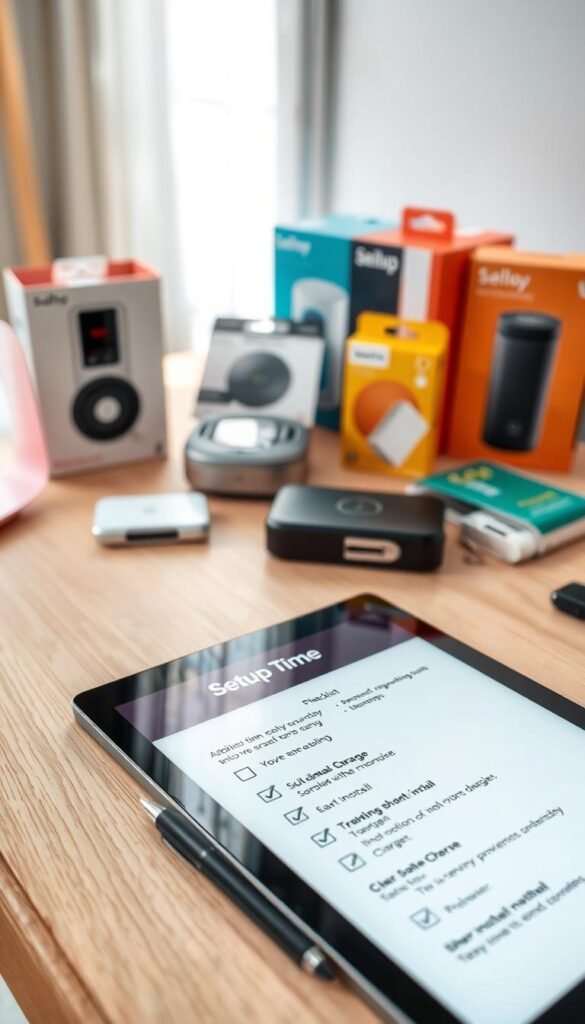
Budget your time and tools up front to avoid surprises when you pair new systems. A few products really are fast. Others need patience for mapping or updates.
Typical times by category
| Item | Typical time | Notes |
|---|---|---|
| Motion sensors / smart plugs | 5–15 minutes | Philips Hue motion sensor pairs in about a minute; account steps add time |
| Security kits (tool-free) | 20–45 minutes | SimpliSafe needs app pairing and sensor placement; no tools required |
| Robot vacuums | 45–90 minutes | Dock placement, mapping runs, and firmware updates extend the process |
What to have on hand
Before you start: your Wi‑Fi name and password, a charged phone, an accessible email, and at least one open outlet near the device base.
Where setup usually goes wrong in small apartments
Crowded outlets, weak Wi‑Fi near doors, and few flat surfaces slow you down. Firmware updates are the hidden delay that turns a 5-minute task into 30 minutes.
Test before you mount: pair the device in the app first, confirm reliable connection, then stick or mount. Keep removable cable clips and a short extension cord handy to avoid tripping hazards and outlet overloads.
Common mistakes that make “easy” gadgets annoying
A few simple placement and power errors make even the best devices a headache. Fix these common missteps and your tech will do its job without becoming clutter or noise.
Overloading outlets and power strips
Small apartments often have few outlets. Plugging lamps, chargers, a robot dock, and a surge strip into one wall creates clutter and raises heat. That can trip breakers or stress older wiring.
Placing sensors where they trigger constantly
Motion and door sensors are useful but misplace them and you get notification fatigue. A sensor aimed at a couch or busy hall will send constant alerts and you’ll start ignoring them.
Ignoring ongoing costs like filters and subscriptions
Subscriptions and replacement parts add up. SimpliSafe professional monitoring starts near $23/month. A Dyson filter may last up to five years, but others need yearly swaps. Count those costs before you buy.
Buying before measuring space (cords, docks, and clearance)
Robot vacuums need dock space and clearance under furniture. Measure the place for bases, cords, and switches before purchasing. A tight fit defeats mobility and creates tripping hazards.
Power and heat matter. Some devices stay always on. Others pull high wattage. Use timers for high-draw items and avoid stacking warm chargers in small gaps.
- Label cords and separate chargers by device.
- Use a spaced surge protector to keep bulky plugs from blocking others.
- Set quiet hours or push filters to reduce notification spam.
- Measure dock and outlet positions before buying, especially entryway setups.
| Problem | Why it happens | Quick fix |
|---|---|---|
| Outlet overload | Too many plugs and bulky adapters in one location | Use a spaced surge protector and redistribute devices |
| Sensor spam | Poor placement facing traffic or pets | Re-aim sensors or lower sensitivity and add quiet hours |
| Hidden ongoing costs | Subscriptions and filter replacements | Factor yearly costs into budget before buying |
| Dock/clearance issues | No room for bases or cord routing | Measure the place and check clearance specs first |
Want a practical checklist and renter-specific fixes? See this home problem solver mix for quick solutions that fit small spaces.
Easy install gadgets for safety first: smoke and carbon monoxide alerts
Smoke and CO detection is the high-impact upgrade you want first. These devices protect lives, not just comfort. In rentals you often can’t modify ceilings, so renter-friendly models that stick or sit are important.
Budget pick: Kidde Smoke and Carbon Monoxide Detector
The Kidde unit sends push alerts to your phone and links with Ring for timely notifications. It aims to cut false alarms near cooking areas while still warning you of real threats.
Why choose it: low cost, phone alerts, and simple placement. Good for renters who want basic protection without a big upfront price.
Premium pick: Nest Protect
Nest Protect gives clear, spoken messages and lets you silence nuisance alarms from the Nest app. It also shows the device status in the app. Example price: $118.99.
Why choose it: clear voice alerts, app silencing, and richer status info. Drawback: higher upfront cost and you must enable phone notifications to get full benefit.
Placement in kitchens: avoiding false alarms (the 10‑foot rule)
The NFPA recommends placing smoke alarms at least 10 feet from cooking appliances. Too close to the stove causes nuisance trips. Put detectors slightly away from the kitchen or use a model designed to resist cooking smoke.
Maintenance: battery checks and testing reminders
- Test the alarm monthly using the test button.
- Replace batteries when the unit chirps or on the manufacturer schedule.
- Keep phone notifications enabled and test them after setup.
„An alarm that doesn’t reach your phone is a warning you might miss. Keep alerts and batteries current.“
| Feature | Kidde (budget) | Nest Protect (premium) |
|---|---|---|
| Phone alerts | Yes, via Ring app | Yes, via Nest app |
| False-alarm resistance | Designed to reduce kitchen triggers | Advanced sensors + app silencing |
| Price | Budget-friendly | $118.99 (example) |
Apartment security without drilling: starter systems and add-on sensors
Apartment security needs to protect you without turning your rental into a project site.
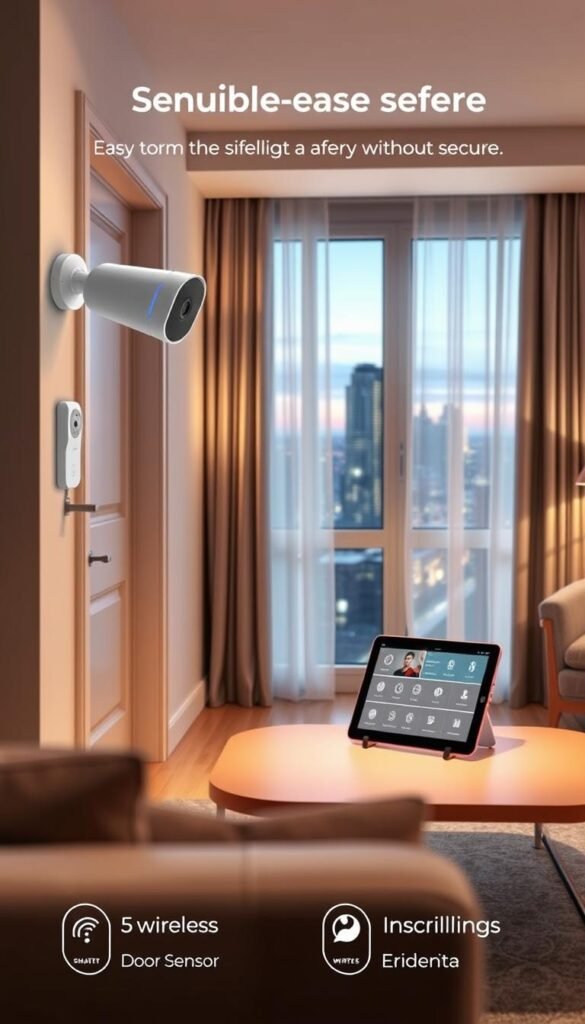
Why renters choose a tool-free system: SimpliSafe uses adhesive strips and battery power. The starter kit usually includes a base station, wireless keypad, one motion sensor, and one entry sensor. It fits small spaces and keeps walls intact.
Monitoring choices
Self-monitoring sends alerts to your phone. It saves money but depends on you noticing and acting fast.
Professional monitoring adds 24/7 response for about $23/month. It costs more but gives a verified call center that can alert police.
Add-ons that matter
- Entry sensors for doors and windows.
- Motion sensors to cover the main living area.
- Water sensors under sinks to catch leaks early.
- Temperature sensors for HVAC trouble or freezing pipes.
- Camera options are available if you want live video.
Privacy and noise: keep the base station and keypad where you’ll hear them but out of the main sightline. They should not clutter your counter.
| What | Why it fits renters | Quick tip |
|---|---|---|
| Starter kit | Tool-free, compact | Pair in the app before sticking sensors |
| Self-monitoring | Low monthly cost | Enable push alerts and test them |
| Professional plan | 24/7 response | Factor ~$23/month into budget |
Studio placement plan: entry sensor on the front door, motion sensor aimed away from bright windows, water sensor under the kitchen sink. That covers common risks without drilling.
Smart locks for keyless entry (and fewer spare keys)
Keyless entry cuts the awkward spare-key handoff and makes short-term access simple to manage.
Real-life win: give a dog walker, guest, or cleaner a numeric code instead of coordinating keys. Codes save time and remove hiding spots that compromise security.
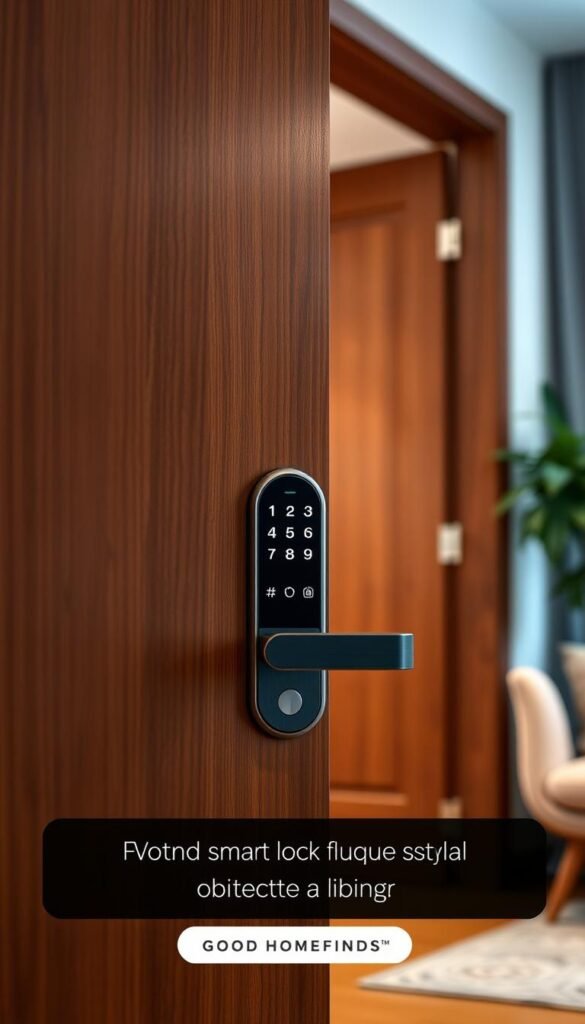
Premium pick: Schlage Encode WiFi deadbolt
The Schlage Encode stores up to 100 permanent, temporary, or recurring passcodes. It unlocks from the keypad or via the Schlage Home or Key by Amazon app. Example price: $249.
Space and fit check
Confirm door thickness and deadbolt alignment before you change hardware. Misalignment is the most common reason setup becomes frustrating.
Also check lease rules. You may be allowed to swap a deadbolt, but keep the original to reinstall when you move.
Power and upkeep
Batteries run out. Turn on notifications and keep a backup key or alternate entry plan. Periodic code audits are wise if you share access often.
| Aspect | What to check | Quick tip |
|---|---|---|
| Door fit | Thickness, hole size, strike alignment | Measure and compare to Schlage specs |
| Access options | Keypad, physical key, app control | Enable app alerts and add a backup key |
| Codes & sharing | Up to 100 passcodes; recurring schedules | Use temporary codes for guests |
| Cost & upkeep | Higher price; battery checks | Factor $249 and battery swaps into budget |
Pros: convenience, clear tracking, many passcodes. Cons: higher price and routine battery maintenance.
Smart plugs and switches that save energy and reduce fire risk
A single smart outlet can stop a fire risk and shave standby draw without changing your routine. Smart plugs give immediate scheduling and remote off control from an app. That alone makes them the best starter device for renters who want practical gains.
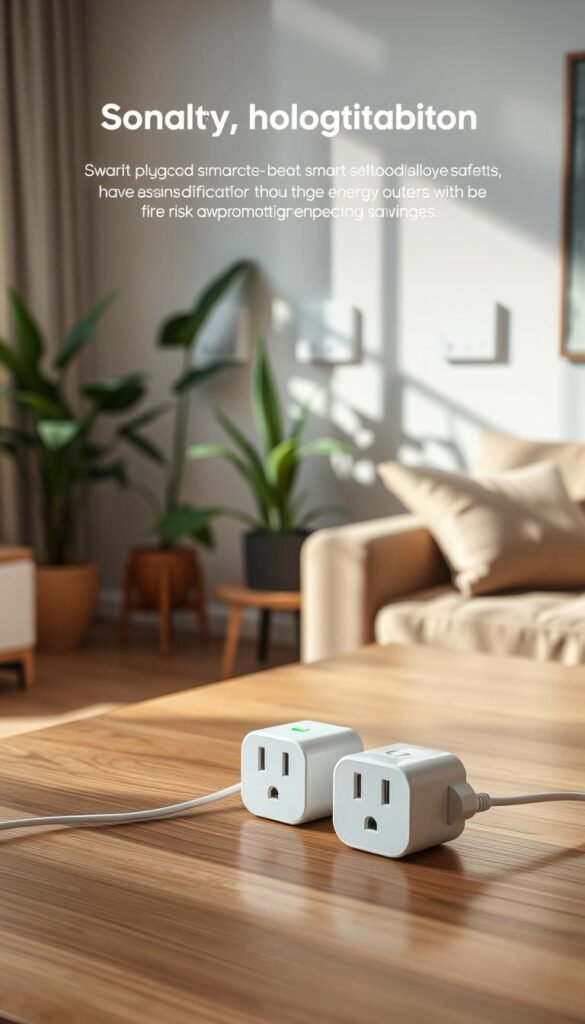
Budget-friendly daily control: Leviton Decora smart plug
Leviton Decora D23LP works with Amazon Alexa, Apple Home, and Google Home. It supports dimming for compatible lamps and uses the My Leviton app for schedules and on/off control. You plug it in, pair in the app, and you have timers and remote access.
Safety use case: scheduling hair tools and small appliances
Set a schedule for a hair straightener or curling iron so it powers off after a set time. You can also turn off a small appliance remotely if you think you left it on. For mornings, schedule a coffee maker to start before you wake, but place heating devices on stable, clear surfaces.
Power consumption tips: standby power and what to unplug
Standby power means some devices draw a small current even when “off.” Smart plugs cut that waste by fully switching power. That reduces monthly power consumption without new habits.
- Don’t overload a single circuit with multiple heating devices.
- What to unplug: old phone chargers, weekend-only appliances, and gear that stays warm in standby.
- Use dimming for lamps to lower draw and extend bulb life.
| Feature | Why it matters | Quick tip |
|---|---|---|
| App control | Remote on/off and scheduling | Pair before placing in final spot |
| Dimming | Reduce brightness and power draw | Use with compatible LED bulbs |
| Safety scheduling | Limits fire risk from heat tools | Auto-off after use or on a timer |
Small-space lighting upgrades: smart bulbs and motion sensors
Swap a harsh overhead bulb for layered lighting and the whole studio breathes easier. In a small apartment, the right brightness and tone make one room work for cooking, video calls, and winding down.
Philips Hue: scenes, colors, and daily routines
Philips Hue bulbs give app control, preset scenes, and full color control. Starter kits begin around $79.99, with two‑packs near $49.98. You can create a scene from a photo to match a mood fast.
Practical routine: set a bright, cool scene for work hours and a warm, dim scene for evenings.
Motion-activated night lighting
Battery-powered Hue motion sensors pair quickly—often about a minute—and can trigger gentle night lighting. Use low brightness and warm tones so you get a soft path to the bathroom without waking fully.
Hub, noise, and Wi‑Fi realities
Bridges or hubs need a small shelf spot near your router. They are silent, but extra cables and boxes can feel cluttered in a tiny space.
If your building has weak Wi‑Fi, move the router more centrally or add a mesh node. A nearby bridge reduces connection hiccups and keeps scenes responsive.
„Good lighting saves time, reduces stress, and makes a studio feel larger.“
For a renter-friendly bathroom lighting fix, check this budget lighting tip before you buy bulbs or sensors.
Robot vacuums for apartment cleaning that won’t take over your floor plan
Routine short runs beat rare deep cleans in tight layouts where crumbs migrate fast. A small, scheduled unit keeps floors tidy and reduces weekly sweeping.
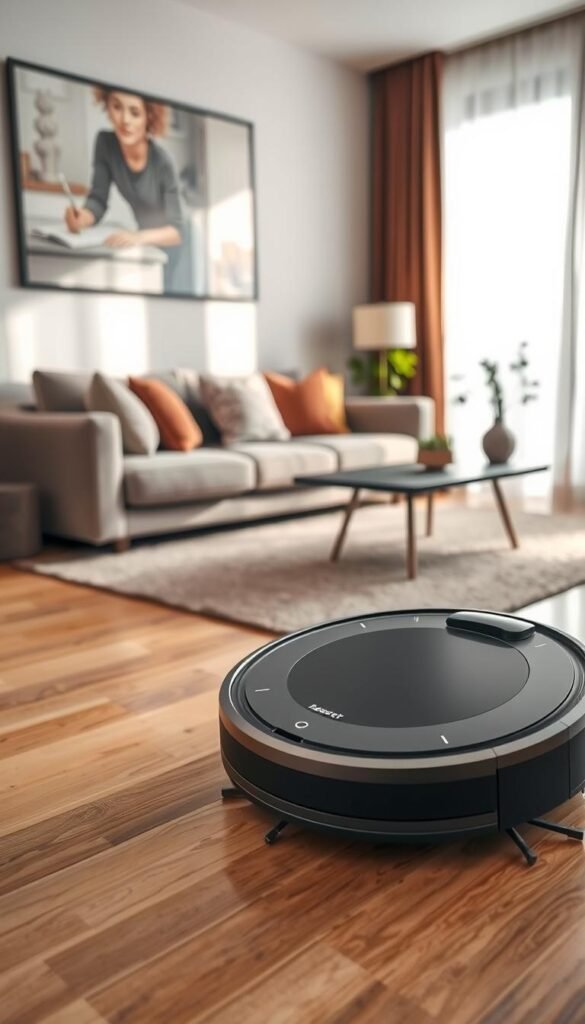
Budget vs. premium: Eufy E20 compared with Eufy E28 features
The Eufy E20 (about $649.99) is a solid 3-in-1 vacuum with basic mapping and suction for pet hair under couches. The Eufy E28 (~$1,399.99) adds HydroJet floor washing, hot air drying, and automatic self-emptying. Decide if wet-cleaning and an automated empty are worth the extra price for your floors.
Premium alternative: iRobot Roomba i7+ with self-empty base
The Roomba i7+ (example $949) maps rooms and empties into a sealable bag. If you dislike emptying bins, its base is a real time-saver. Mapping also improves coverage in tight studios.
Noise, space requirements, and maintenance
Schedule runs when you’re out or on errands to avoid noise. Docks need a stable spot by an outlet and 1–2 feet of clearance so the robot can dock reliably. Maintenance is real: brushes tangle, hair wraps, and bins or bags must be cleared or replaced often.
| Model | Price | Key features | Best for |
|---|---|---|---|
| Eufy E20 | $649.99 | 3-in-1 cleaning, basic mapping | Budget-minded renters, pet hair touch-ups |
| Eufy E28 | $1,399.99 | Self-empty, HydroJet wash, hot air dry | Hard floors, hands-off cleaning |
| Roomba i7+ | $949 | Auto-empty base, smart mapping | People who hate emptying bins |
For a broader comparison of the best models, see the best robot vacuum guide.
Deep-clean helpers for kitchens and bathrooms with minimal effort
When grout, tub rings, and stove splatter pile up, a focused tool speeds the job and protects surfaces. The Drill Brush kit is a practical product that fits small apartments and saves time.
Where it shines: tub rings, grout lines, tile corners, and stove splatter. Renters report cleaning a 30+ year tub in about 10 minutes using dish soap and baking soda with a Drill Brush head. That kind of result matters in tight spaces where a long scrub session isn’t realistic.
Pick the right bristle to avoid damage
Use the color guide to match surface hardness. White is soft for upholstery and glass. Yellow and green are medium for bathroom tile and kitchen surfaces. Red and black are stiffer for outdoors and grills. Always stress-test a hidden spot first.
Low-waste cleaning that works
Dish soap + baking soda cuts grease and lifts stains without harsh chemicals. It reduces fumes and ongoing cost. Combine with the correct brush head and a drill at low speed for fast, renter-friendly results.
Small-business cred: Drill Brush is made in New York and gets solid real-life reviews from renters who want fast outcomes without permanent changes.
| Bristle color | Stiffness | Best use |
|---|---|---|
| White | Soft | Upholstery, glass, leather |
| Yellow | Medium | Bathroom tile, porcelain, tubs |
| Green | Medium | Kitchen stoves, cabinets, countertops |
| Red | Stiff | Outdoor surfaces |
| Black | Hard | Grills, ovens, industrial scrubbing |
Cleaner air in a small apartment without constant filter shopping
A compact air purifier can turn a cramped studio into a noticeably fresher home.
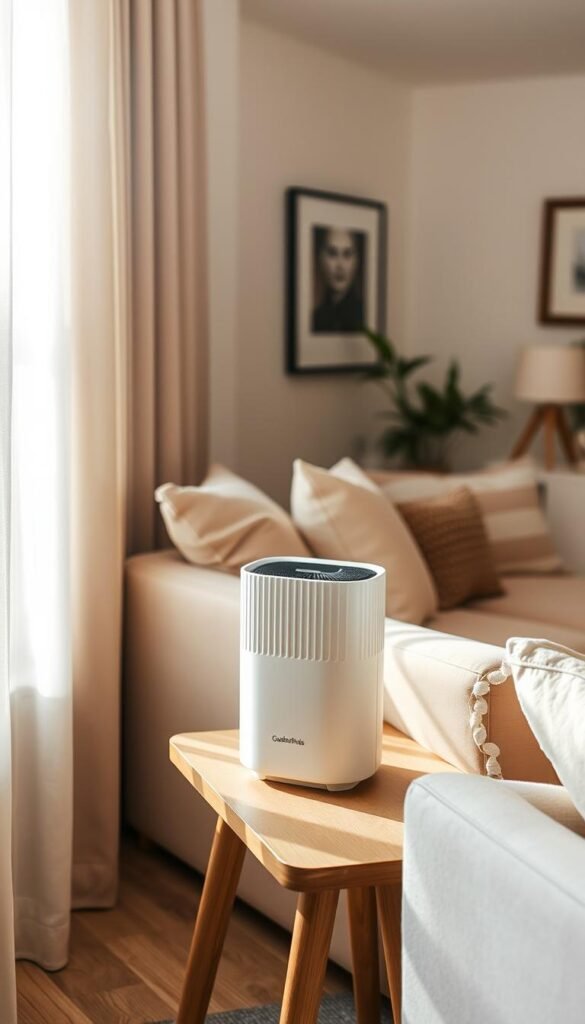
Premium pick: Dyson compact air purifier
Why this is practical: the Dyson unit runs quietly and has a long HEPA filter life—up to five years under normal use. You get an app that tracks air quality and run times so you don’t guess when to replace parts.
Real use cases
If you live on a busy street, have allergy seasons, or your neighbor’s cooking drifts through vents, you’ll notice cleaner air fast. Run it during peak pollution or when cooking smells linger for real benefit.
Power consumption and daily use
Running all day raises power bills but makes sense during wildfire smoke days or heavy pollen weeks. For normal days, schedule higher fan speeds only at peak times to cut energy draw.
Placement and space needs
Do not tuck the unit in a corner or behind curtains. Place it near where you spend most time, with clear airflow around the intake and outlet. In a studio, pick a slim footprint that won’t block walkways.
„Long filter life and low noise levels make this a premium, renter-friendly choice — but expect a higher upfront cost and keep windows closed when outdoor air is poor.“
| Feature | Notes | Who benefits |
|---|---|---|
| Filter life | Up to five years | City dwellers, allergy sufferers |
| Noise levels | Pleasantly low on low speed | People near sleep areas |
| Power consumption | Moderate; schedule for peaks | Those tracking bills |
Quick reality check: higher upfront cost but far less frequent filter shopping. If that sounds like a fit, consider a compact bedside purifier as a practical premium option.
Sleep and noise control tech for thin walls and early mornings
Thin walls don’t have to mean sleepless nights. You can reduce small interruptions and wake up calmer with targeted devices that fit a renter’s routine. Focus on tools that improve sleep without adding chores.
Hatch Restore 3 — gentler wakeups than a phone alarm
The Hatch Restore 3 uses a gradual sunrise light and soothing sounds to wake you. That gradual rise helps you leave sleep in stages instead of being jerked awake by a loud ringtone. The bedside light is dimmable and the clock display is designed not to be disruptive.
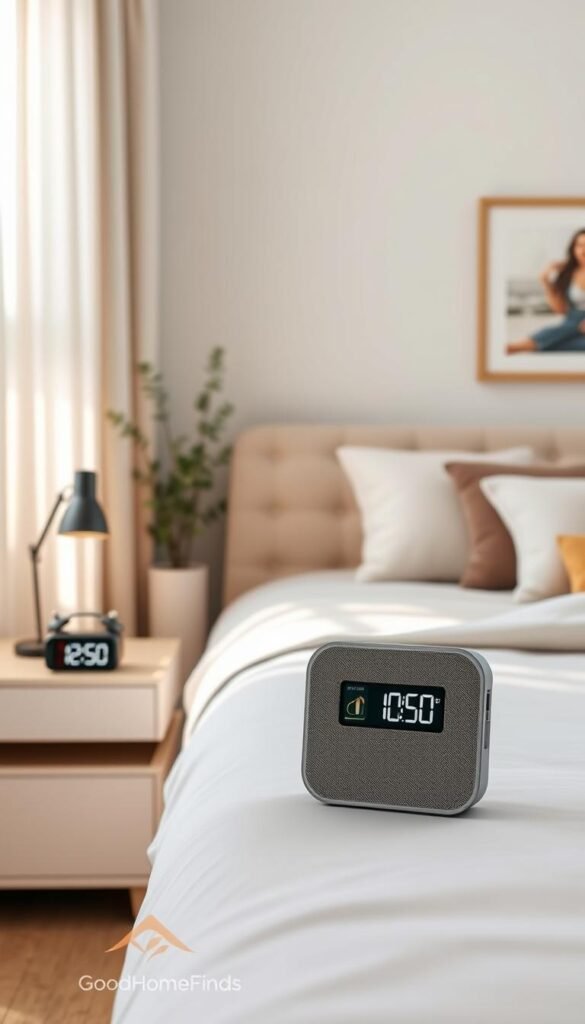
Yogasleep sound machine — steady masking for hallway and pet noise
Yogasleep provides consistent background sound that hides footsteps, hallway chatter, and pet rustling. Its steady output is reliable in buildings with thin walls and helps you sleep through common apartment noises.
Maintenance and daily use: brightness, sound levels, placement
Set brightness and volume once, then leave them. Changing settings nightly makes these devices another task. Choose levels that are strong enough to mask noise but low enough to support uninterrupted sleep.
Placement matters. Keep the unit within sight and hearing, but not at ear level. Avoid edges of tiny nightstands where it can be bumped. Put the sound machine a bit farther from the bed than the alarm so sound blends instead of blaring.
Be realistic: these tools cut frequent small disruptions. They won’t stop a loud party next door. For the most benefit, pair the sunrise alarm and a sound machine and test settings for a few nights.
| Feature | Hatch Restore 3 | Yogasleep |
|---|---|---|
| Main benefit | Gradual light wakeup, dimmable clock | Reliable sound masking for apartment noise |
| Best placement | Near bedside, visible but not at ear level | Off to the side to create a sound blanket |
| Daily upkeep | Charge and set brightness once weekly | Set volume and leave; occasional dusting |
For more reviewed options that boost sleep in small spaces, see the best sleep gadgets.
Easy entertainment upgrades that store away fast
A small, upright projector can turn a blank wall into a weekend movie room and tuck away when you need space. It gives a big-screen feel without dedicating a TV stand or wall year-round.
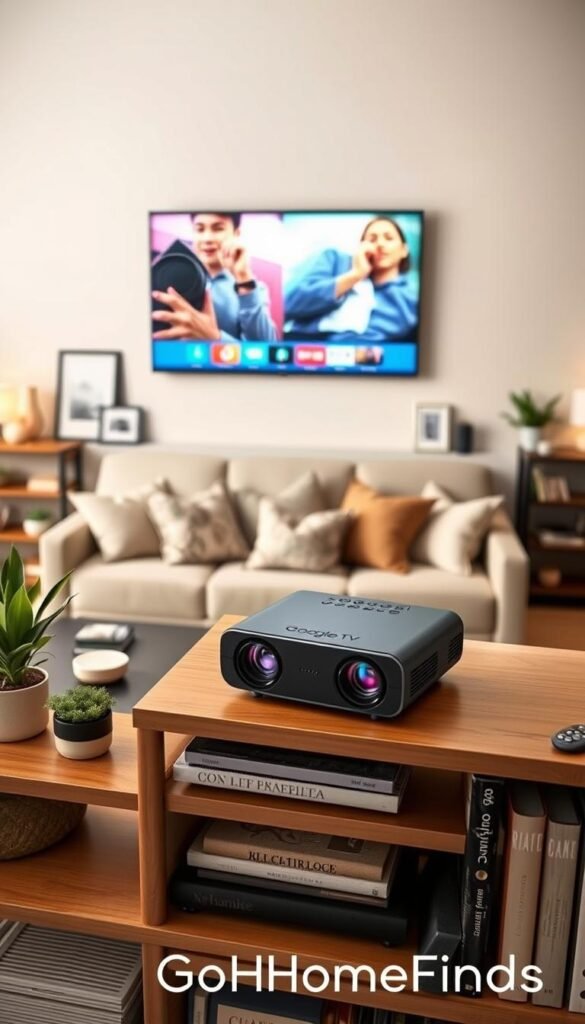
Compact projector with Google TV: big-screen feel without a big TV
Why it works for small spaces: the unit unpacks in minutes, sits on a shelf for use, and fits in a drawer afterward. Many compact upright projectors with Google TV offer access to 10,000+ apps, 700,000 movies and shows, and about 800 free live channels. Sign in once with a Google account and most streaming apps are in one place.
Remote-less control: using a phone as a universal remote hub
Projectors often ship with a remote and a carrying case. If you dislike remote clutter, use your phone as a hub. Third-party hubs or phone apps can replace multiple remotes and cut daily frustration.
Noise and heat: what to expect from small projectors
Small projectors use fans. You will often hear a faint hum during playback. They also vent warm air, so avoid placing them close to bedding or a tight shelf.
Storage and setup realities: plan a shelf or drawer for the unit and a spot for the power cord and any HDMI adapter. Measure throw distance and wall space before you buy to confirm your room can produce the screen size you want.
„Measure throw and plan ventilation—those two steps prevent the most common projector headaches.“
Smart home basics: the simplest way to control everything with your voice
One small speaker can act as the hub that ties lights, plugs, and timers together. Place one on a shelf or nightstand and you gain voice control for the devices you already own.
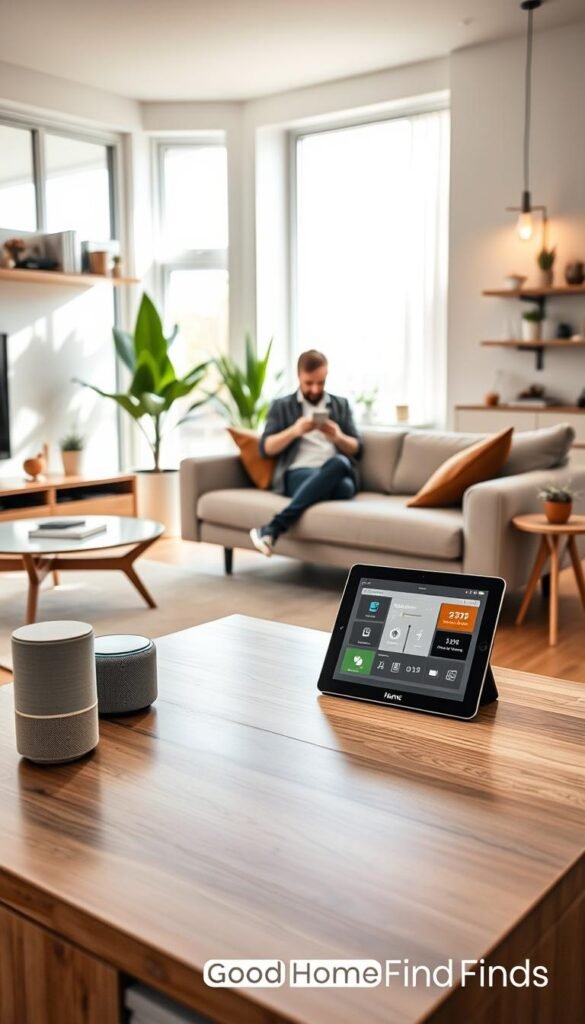
Amazon Echo Dot and Alexa routines for lights, plugs, and timers
The Amazon Echo Dot supports voice questions, music, alarms, and smart home control. At about $29.99 it is low-cost and fits small spaces. Use Alexa routines to run several actions with one phrase.
- Why it’s the glue: Say one command instead of opening multiple apps.
- Apartment value: small footprint, low barrier to entry, and works with lights and smart plugs.
- Practical routines: example routines are simple and repeatable.
Apartment-friendly automations: “good night,” “leave home,” “movie mode”
Here are realistic routine examples you will actually use:
- Good night: turns off lights, locks a smart lock, and sets a wake alarm.
- Leave home: turns off smart plugs and switches thermostats to a saver mode.
- Movie mode: dims lights and lowers speaker volume for a better viewing experience.
Routines cut the number of devices left on by accident. That saves small amounts of energy that add up over a month in a compact apartment.
„Pick one reliable routine and use it daily. It pays back time and reduces waste.“
Realistic con: smart speakers have microphones. Review privacy settings, limit voice history, and mute the device when needed.
Tip: pick devices that list Amazon Alexa, Google, or Apple support. That keeps routines simple and avoids app conflicts.
Want more on setting up a basic smart home? See this smart home beginner guide for step-by-step help.
| What | Why it helps | Quick action |
|---|---|---|
| Echo Dot | Small hub for voice control and routines | Set one routine within 10 minutes |
| Smart plug | Turns appliances on/off remotely | Add to a “leave home” routine |
| Smart bulb | Dimmable lighting without rewiring | Include in “movie mode” |
Kitchen gadgets that earn their counter space
In small kitchens, every countertop appliance must justify its footprint or it becomes clutter you regret.
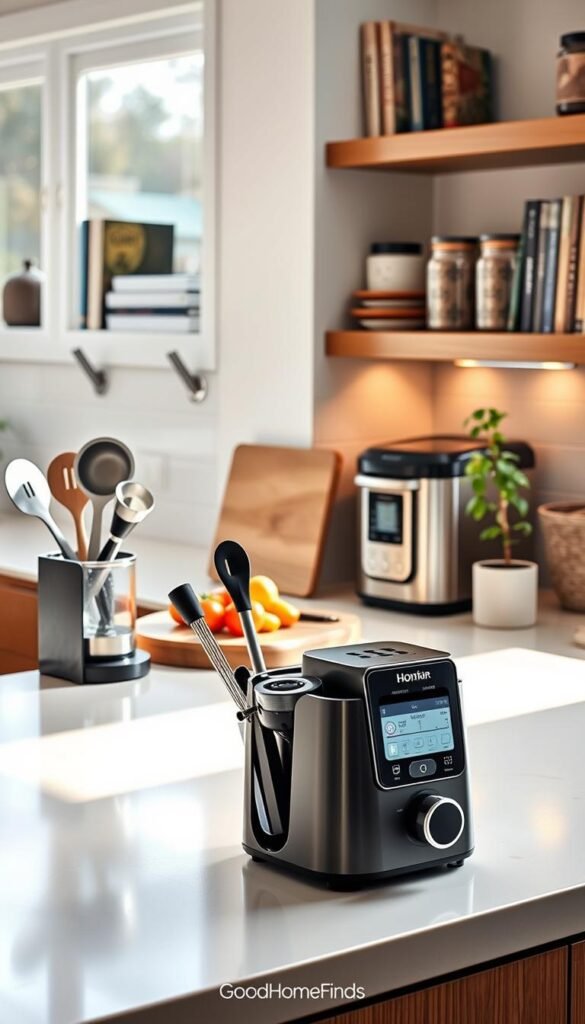
Budget air fryer pick: Ninja Air Fryer for fast weeknight cooking
Ninja Air Fryer is a solid budget choice for solo cooks and small households. It crisps food fast and cuts stovetop mess. That win matters on weeknights when you have little time and want a quick, tasty meal.
Premium convenience: Instant Pot Smart WiFi for set-and-check meals
The Instant Pot Smart WiFi (example price $149.95) adds remote control so you can start a braise from your phone and check progress while you work. It replaces slow-cookers and some stovetop steps. For busy routines, the set-and-forget feature saves real time.
Space requirements: what can live on the counter vs. in a cabinet
Keep high-use items on the counter: coffee gear, the air fryer, or the Instant Pot if you cook daily. Store bulky or rarely used appliances in cabinets.
Decide by frequency and weight. If you use it more than twice a week, it earns counter space.
Power draw reality: when you’ll notice it on your bill
High-heat appliances draw notable current while running. Short cook times often offset that by replacing longer oven cycles.
Watch simultaneous use. Plugging an air fryer and a kettle into one strip can trip a breaker and hike usage. Manage run time to avoid surprise loads.
Common mistakes: overcrowding baskets and skipping cleanup
- Overcrowding the air-fryer basket causes uneven cooking.
- Skipping cleanup leads to lingering smells and reduced performance.
- Plugging multiple high-watt devices on one strip risks overload.
| Item | Best for | Counter vs. Cabinet | Quick tip |
|---|---|---|---|
| Ninja Air Fryer | Fast weeknight meals | Counter if used 2+ times/week | Don’t crowd the basket; flip midway |
| Instant Pot Smart WiFi | Hands-off multi-step meals | Counter for weekly cooks; cabinet if rare | Use app to monitor and save time |
| Coffee maker | Daily coffee routines | Counter (daily use) | Keep near water; clear drip tray often |
Daily electronics that make life easier in small apartments
A tidy charging setup makes mornings smoother and keeps your limited counter space uncluttered.
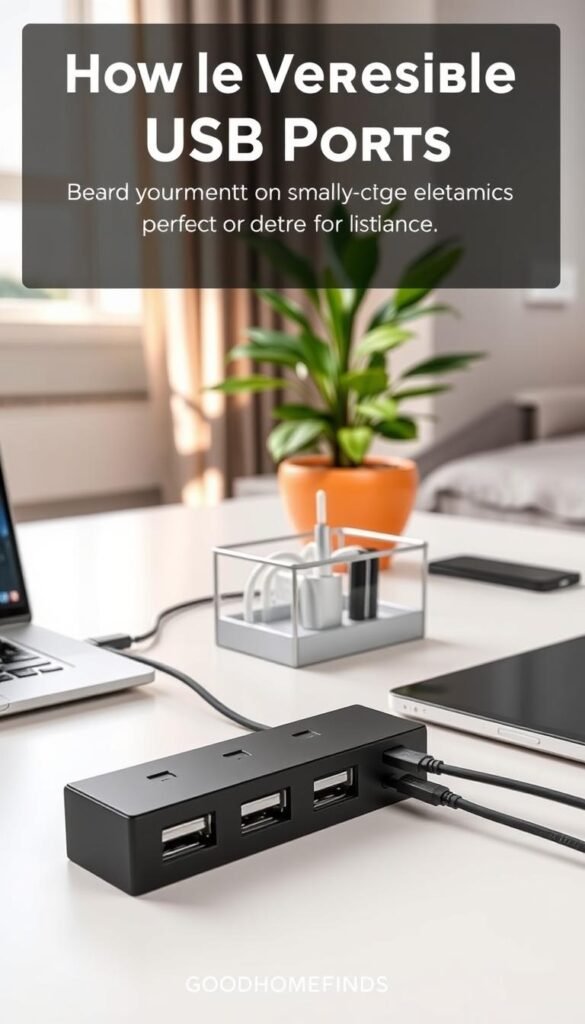
Portable USB battery packs: power on the go
Why a good battery pack matters: it replaces frantic searches for an outlet and keeps a backup charge for your phone and other devices when you leave the apartment.
Look for capacity that fits your routine, two USB ports, and a slim profile that fits in a bag or case. The RavPower Turbo Series 20100mAh is a practical example — two usb ports, slim body, and a typical price near $49.99.
USB ports and outlet planning: avoid bedside clutter
Map outlets before you set up a nightstand. Decide which plug is daily (lamp, alarm) and which is occasional (vacuum dock, projector).
- Use a short multi-port USB charger to centralize cables.
- Route cords behind furniture and secure with removable clips.
- Label cables or use a single color to reduce visual clutter.
Noise-free upgrades: chargers and power management that reduce friction
Chargers and power strips are silent helpers. They don’t beep, spin, or need constant attention. That makes them ideal for small spaces where noise is noticeable.
Quick con: battery packs must be recharged. Make charging the pack part of a weekly routine so it’s ready when you need it.
| Item | Why it helps | Quick tip |
|---|---|---|
| Portable battery pack | Phone backup and travel charging | Choose 20k mAh and two usb ports for dual charging |
| Multi-port USB charger | Reduces wall clutter | Keep at bedside; use short cables |
| Cable clips & case | Keeps cords tidy and portable | Store extras in a small case near the outlet |
Practical note: small, boring upgrades often beat flashy purchases. A better charging plan improves daily life immediately and costs far less than another subscription or device. For more compact-living ideas, check this useful apartment tech.
Conclusion
Conclusion
Start with a few high-impact products and add more only if they save real time or money. Buy a smoke/CO alarm first (Kidde or Nest Protect). Add one smart plug and a simple lighting routine next. For security, a SimpliSafe starter kit works without tools; professional monitoring runs about $23/month.
Premium options like Roomba i7+ self-empty docks and Dyson purifiers cut maintenance but raise the upfront price. Budget picks need more hands-on care. Measure door clearance, docks, and outlets before you buy—those checks decide whether a product fits your place.
Match devices to Amazon Alexa, Google Home, or Apple Home to avoid three separate apps. Set weekly reminders for batteries, filters, and camera checks. If a gadget doesn’t make your day noticeably better after a month, skip the next purchase.
Want a quick starter list and picks for one smart home path? See these top smart home picks for beginners to compare products that actually make life simpler.


