
This guide shows simple home gadgets that help you wind down and wake up calmer. Think compact devices you can use in an apartment without drama. They are renter-friendly, low on noise, and low on power draw.
The Sleep Foundation notes a bedtime ritual works best when it lasts 30–60 minutes and stays consistent. Evening screens can cut melatonin. A cool, dark, quiet bed area improves sleep quality.
Set expectations: these tools support your habits. They do not fix poor sleep by themselves. Start with one or two changes, test each for a week, then add the next.
What you’ll see here: light control, sound masking, temperature and air options, low-friction timers and lists, and wake-up solutions that avoid immediate phone scrolling. I call out real use cases, honest pros and cons, setup difficulty, maintenance, energy impact, and safety for small spaces.
Key Takeaways
- Use compact, quiet devices that fit small apartments and save energy.
- Tech supports a repeatable bedtime habit; it is not a cure.
- Test one change for a week before adding another.
- Prioritize safe placement, low power draw, and low maintenance.
- Easier mornings mean fewer rushed choices and calmer starts.
What “night routine tech” means for real life at home
Practical devices should remove friction from the habits you already want. Pick one simple change at a time. Start 30–60 minutes before your usual bedtime and set a reminder to begin. This helps your mind accept the wind-down window even after a busy day.

Tech that supports your habits, not hype you’ll ignore
Make gear earn its place by saving effort. If a lamp dims on a timer, you avoid fidgeting with the phone. If a small sound machine masks neighbors, you wake less. Choose items that match the exact habit you want to keep.
Apartment-first priorities: small footprint, low noise, low power draw
Shop for these basics:
- One device to change lighting.
- One device to manage sound.
- One tool to keep your phone out of the bed zone.
Quick compatibility checklist: outlet near the nightstand, cord length and routing, quiet operation, and stable Wi‑Fi if needed. Note power draw in familiar terms: a small lamp or sound machine can run all night, so choose efficient models for daily use.
Real benefits you can expect for sleep quality and mornings
Small, consistent changes in your evening space often yield clearer wins for sleep than one-off splurges. You’re aiming for a calmer last hour and fewer middle-of-the-night disruptions, not perfection every night.
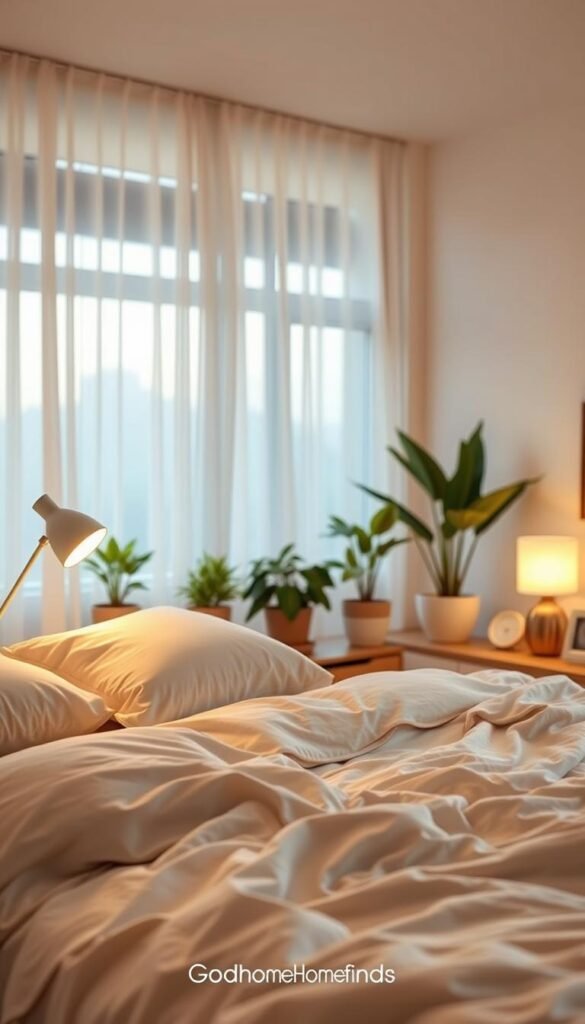
Falling asleep faster with a consistent wind-down window
Set a 30–60 minute wind-down each evening. Warm, dim light and low-volume pink or white noise tell your body to prepare to fall asleep. The Sleep Foundation notes blue light from screens suppresses melatonin, so reduce exposure before bed.
Less scrolling social media by changing the environment
If your lamp goes warm and your phone is across the room, scrolling social media becomes less automatic. Moving your phone and adding a simple alarm substitute breaks the habit and calms your mind.
Fewer wake-ups by masking noise and reducing light
Apartment wake-ups often come from a neighbor’s TV, hallway light leaks, or street noise. Sound masking and blackout-friendly lighting reduce those interruptions and improve overall sleep quality.
| Problem | Practical fix | Real benefit |
|---|---|---|
| Neighbor TV or street noise | White/pink noise machine or fan | Fewer middle-of-night wake-ups |
| Hallway light leaks | Blackout curtain or low-watt bedside lamp | Less early morning light disturbance |
| Bedside phone scrolling | Move phone away; use a basic alarm | Calmer mornings; less time lost to media |
Consistency over weeks matters more than buying the fanciest device. Start with one change for a week, then add another. For budget-friendly gadget ideas, see best budget home gadgets.
Who needs this most and who can keep it simple
Not everyone needs a complex setup to see real improvement in how they sleep. Use this short checklist to self-select the level of change that fits your life and space.
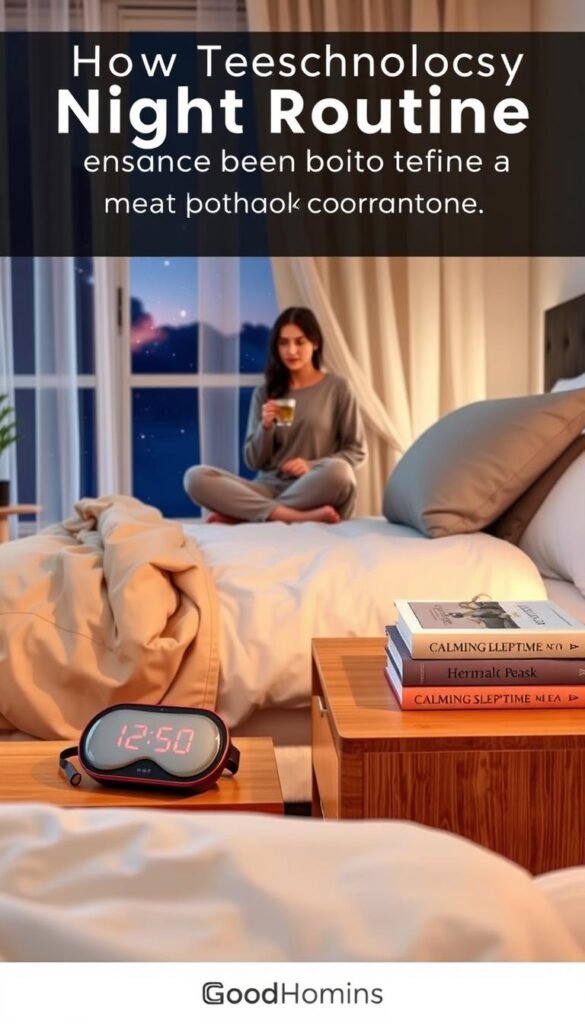
Light sleepers, shift workers, and noisy bedrooms
If sound or thin walls wake you, you get the biggest payoff. Light sleepers and people with early or late shifts also benefit. Small, targeted fixes reduce interruptions and make a big difference for daily focus and mood.
Phone-as-alarm users and social media habits
Two in three people use a phone before bed, and 42% fall asleep with social media, per a 2023 Sleepopolis survey. If your phone lives near the bed, you likely wake and scroll. Moving the phone and using a basic alarm cuts that habit quickly.
Small-apartment households
If you share a one-bedroom, keep solutions renter-friendly: one warm lamp, one basic alarm, and one sound option. Choose quiet, low-light gear that won’t disturb a roommate finishing dishes or cleaning late.
Small changes support health without stress. Start with one item for a week, measure how your mind and sleep respond, then add more if needed.
Start with the basics: reduce blue light and screen temptation
Cutting blue light is the easiest upgrade you can make without buying new gear. Turn on red-light or night filters earlier in the evening so accidental checks don’t reset your brain to daytime.
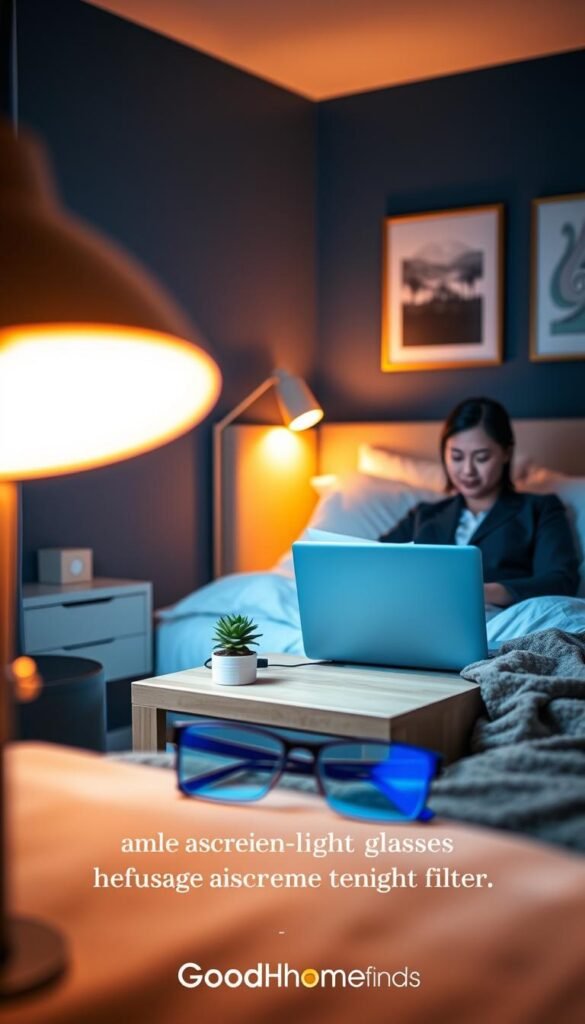
Setting a “screens off” alarm and moving the phone away from the bed
Set a screens-off alarm 60 minutes before your bedtime and treat it like a calendar meeting you keep. Use a basic alarm clock if you need a wake cue; many cost under $10.
Renter-friendly placement: move your phone across the room or to a shelf. The bed should be for sleep and rest, not scrolling social.
Using red-light or night filters earlier in the evening
Enable the phone’s night filter or red display mode well before your wind-down. Filters reduce blue light that can suppress melatonin and trick your brain into thinking it is daytime.
“Pretty much never… have your phone in bed,” — Katherine Veazey Morris (psychologist), advising to place phones away from bed.
Pros and cons of keeping a TV in the bedroom
Pros: saves space, can feel relaxing, and provides background sound.
Cons: easy to fall into late-night media and delay bedtime. For background noise, a sound machine or fan is a safer, low-distraction option.
- Avoid running long charging cords across walkways.
- Use a surge protector for limited outlets and do not overload it with heaters or high-draw devices.
- For simple comparisons of renter-friendly setups, see the renter setup comparison.
Lighting tech that actually helps you wind down
Choosing the right lamp can be the simplest upgrade to improve sleep and evening calm. Good bedside lighting shifts your space from active to restful without extra steps.
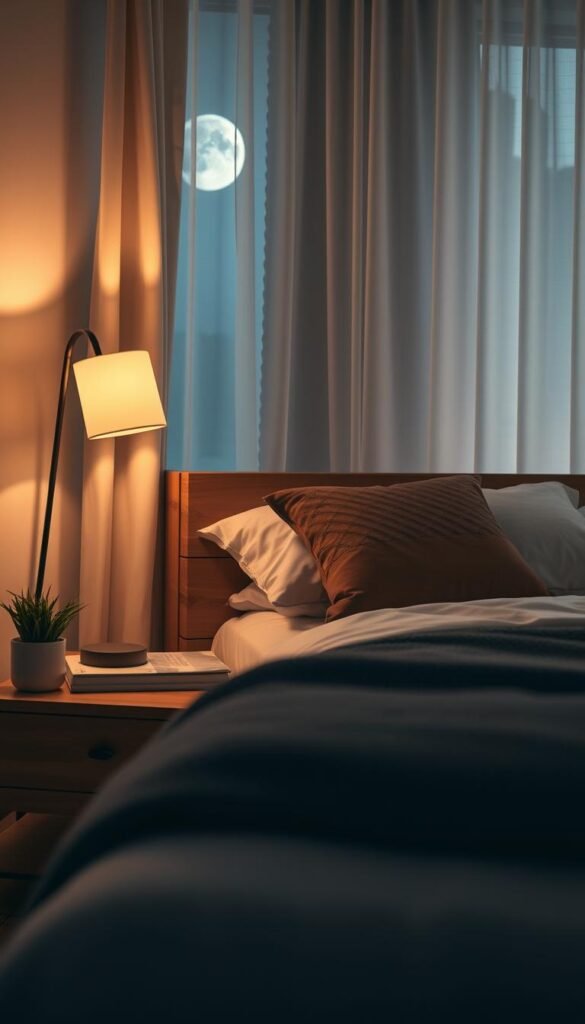
Warm bedside lamp vs. smart bulbs
Warm, dim bedside lamp: simple, reliable, and easy to use. Plug in, set a low-watt LED, and use a physical dimmer. It is ideal if you want a fuss-free, budget option that works every evening.
Smart bulbs: offer automation, schedules, and gradual dimming. They suit you if you like timers or syncing with a wake plan. They require Wi‑Fi and occasional app updates.
| Feature | Warm lamp (budget) | Smart bulb (premium) |
|---|---|---|
| Setup | Minute—plug and bulb | App pairing, schedule |
| Reliability | Very reliable | Depends on Wi‑Fi |
| Best for | Small spaces, renters | Automation fans |
Small-space checklist and cord management
Small-space checklist:
- Nightstand size: measure depth for a lamp base and a book or alarm.
- Outlet location: is it behind the bed or beside it? Consider a multi-port wall plug.
- Cord routing: shorter cords cut clutter and lower trip risk.
Use adhesive cable clips to run cords along the nightstand. Keep cords away from walk paths and bedding. That keeps the bed area tidy and safe.
Power reality check and comfort details
LED bulbs use very little power, but always-on chargers and bright lights add up if left every evening. A 6–9W warm LED gives soft light and low monthly cost.
A practical tip: avoid harsh overhead lights late in the evening. Warm tones and low brightness support better sleep quality and make it easier to fall asleep.
Sound and noise control: white noise, fans, and air purifiers
You don’t need silence—just a steady background that keeps sudden sounds from stealing your sleep. In apartments, the goal is to smooth spikes from doors, TVs, or traffic so they don’t pull you out of sleep or delay falling asleep.
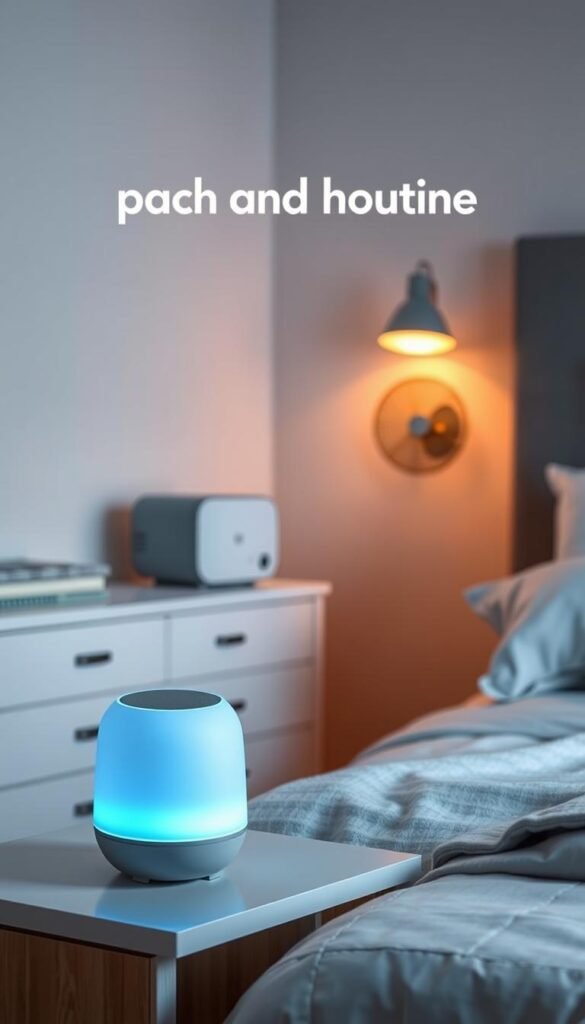
White noise vs. pink noise
White noise is equal energy across frequencies. It masks sharp sounds like voices or slamming doors. The Sleep Foundation notes white noise can help you fall asleep faster by masking other sounds.
Pink noise is deeper—think steady rain or ocean waves. Studies show pink noise can improve sleep quality for some people. For apartments, choose the color that blends best with your bed and personal comfort.
Noise levels that soothe
Aim for a level that fades into the background. Practically, that is about 40–50 dB at the bed for most people. If you notice the source, lower the volume. If it competes with your thoughts, it is too loud.
Fan vs. sound machine vs. air purifier
- Fan: Low cost and doubles for cooling. Best for steady hum and airflow. Can be louder at high speed.
- Sound machine: Purpose-built, consistent, and often offers white and pink options. Battery models suit shared outlets.
- Air purifier: Cleans air and adds gentle sound. Good if you also need improved indoor air for health. Filters add maintenance cost.
Maintenance and safety
Replace purifier filters per the manufacturer. Clean fan blades and sound‑machine grills monthly; dust buildup makes units louder over time. Keep devices stable and vents clear.
Safety basics: route cords away from walk paths, avoid blocking vents, and use surge protection when outlets are shared. These small steps keep your setup renter-friendly and low-risk.
Temperature and air: the comfort setup that supports quality sleep
Your body cools naturally before sleep; matching the room to that process can make falling asleep easier. A cooler, well-ventilated bedroom helps your body relax and can improve sleep quality across the hours you rest.
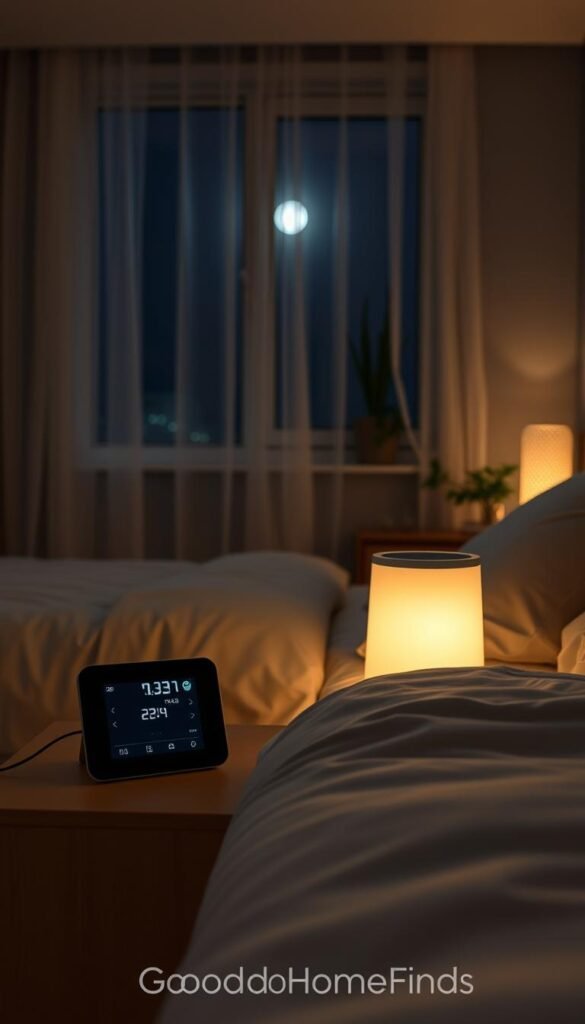
Aim for a cooler bedroom range and how to get there in rentals
The Sleep Foundation recommends about 65–68°F as a practical starting range. Adjust for personal comfort and seasonal changes.
Use breathable bedding and light layers so you can fine-tune warmth without changing the thermostat. A door draft stopper helps keep cool or warm air where you want it.
Portable options that fit small spaces without sounding like a jet
- Quiet fan: steady airflow, low power, and often the cheapest fix.
- Small air purifier: clears stuffy air and adds gentle sound; check filter costs.
- Breathable sheets and a thin topper: passive, no power, great for renters.
Space and noise note: portable units need clearance and can add sound. Choose models rated as quiet and place them so they don’t rattle against walls or furniture.
Cooling runs can raise power use more than lighting. Use timers, lower fan speeds, or set units to run for part of the night to save energy. For more on ideal bedroom temps and practical gadget ideas, see this guidance from the Sleep Foundation: best temperature for sleep.
Shared apartment tip: point airflow away from a roommate’s bed and avoid setups that transmit vibration through shared walls.
Bedtime routine tools: journaling, to-do list, and simple timers
A simple five-minute habit can clear your head and make it easier to fall asleep. Use a tiny system so you finish inside your wind-down window and leave bigger planning for daytime.
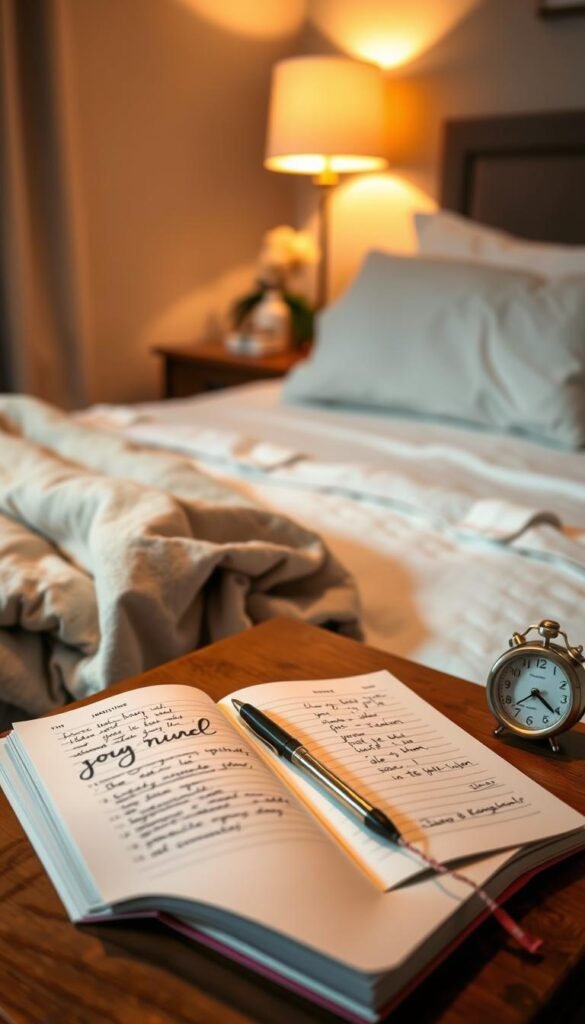
Using a notes app vs. paper to “put the day to rest”
Apps are fast and sync across devices. They work if you already keep quiet mode on and turn off alerts.
Paper keeps you offline and stops notification loops. It needs a consistent spot and a small bedside light.
| Method | Pros | Cons |
|---|---|---|
| Notes app | Searchable, reusable templates, quick | Can pull you back into notifications |
| Paper journal | Offline, tactile, breaks screen habit | Needs pen, light, and a place to store |
| Hybrid (photo of list) | Paper focus with digital backup | Extra step to capture and store |
Five-minute to-do list habit
Use this quick template and stop. Write it, set it aside, and let your mind rest.
- Three priorities for tomorrow.
- One small task you can finish early.
- One worry you’re parking for later.
Timers for reading, stretching, and breathing
Set a 10–20 minute timer for a reading book so you don’t drift into long scrolling. Use a short timer for light stretches or a breathing session of 3–5 minutes. These guardrails keep activities calming and finite.
Quick body calming options: gentle stretches, paced breathing, or a brief guided meditation. Do the practice, then stop. If herbal tea helps you slow down, enjoy it earlier in the evening to avoid late bathroom trips.
Practical links: For structured guidance on an effective bedtime routine for adults and a useful home problem solver mix, see those resources.
Alarm clocks and wake-up tech that doesn’t pull you back into media
How you wake sets the tone for the entire day; small changes can stop morning scrolling before it starts.
Why swap the phone: a basic alarm clock separates wake-up from opening apps. Many people use phone alarms and then check notifications, which drags you straight into social media. A simple clock gives you a clear, phone-free first few minutes.
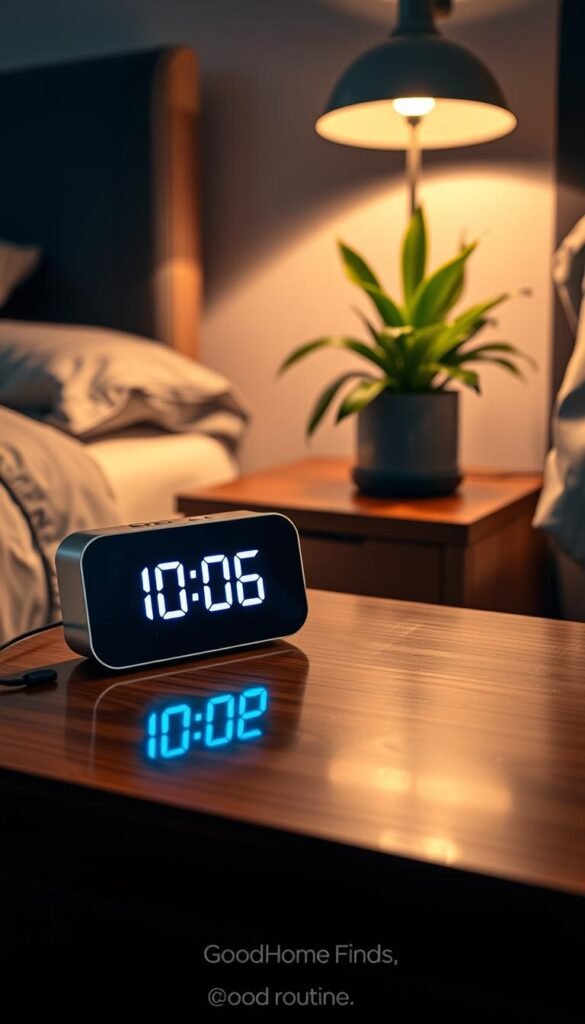
Basic alarm clock vs. phone alarm
Pros of a basic clock: inexpensive, reliable, and forces you to stand to turn it off. Good for small bedrooms and renters.
Cons of a basic clock: fewer features than a phone and one more device on the nightstand. Choose a model with a dimmable display.
Phone alarm pros: convenient, always with you, and easy to program.
Phone alarm cons: keeps media in reach and invites notification checks. Katherine Veazey Morris advises avoiding the phone in bed to reduce clock watching and distraction.
Smart alarms that add light or sound without overcomplicating things
Smart alarms can wake you with gradual light or gentle sound. They work well if you want a softer wake and can be renter-friendly.
- Keep setup simple: use one schedule and one sound or light option so it doesn’t become another project.
- Combo devices: some units offer white noise at night and a gentle alarm in the morning. That replaces two gadgets and saves space.
- Placement rule: put the alarm across the room so you have to stand up to turn it off. Standing reduces the chance you’ll reach for your phone first.
| Option | Setup difficulty | Best fit |
|---|---|---|
| Basic alarm clock | Easy—plug and set | Budget, small bed areas |
| Phone alarm | Easy—built-in | Those who keep phones out of bed |
| Smart alarm (light/sound) | Medium—pairing, schedule | Users who want gentle wake-ups |
Clock-watching warning: if you check the time, choose a dimmable display or face the clock away from the bed. Simple changes keep your wake-up calm and reduce the pull of media.
For a short list of reliable alarm choices, see this roundup of best alarm clocks.
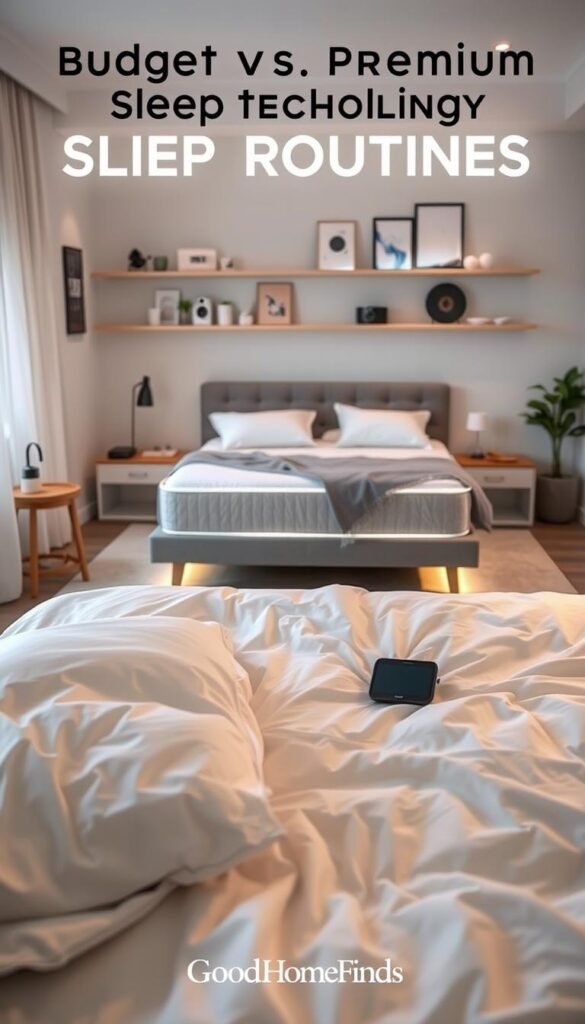
Budget vs premium night routine tech: what’s worth paying for
Start by listing the single problem that costs you the most sleep and spend there first. That value-first rule keeps purchases practical and renter-friendly.
Budget picks that deliver real value (and where they fall short)
Good, low-cost basics:
- Warm LED lamp — low power, simple dimmer, very reliable.
- Basic alarm clock — forces you out of bed and cuts morning scrolling.
- Small fan — steady white or pink sound plus airflow.
- Blackout curtains — passive light control with no energy draw.
- Power strip with surge protection — safer outlet use for shared spaces.
Limitations: cheaper models often have brighter indicator lights, fewer dimming steps, louder motors, or less consistent white noise. They work well for most people but may not solve every sound or light problem.
Premium upgrades worth considering
When to upgrade: if noise, light, or automation still interrupt sleep quality after trying basics, premium can help.
- Quieter air purifiers and fans — lower dB and better filters for health and comfort.
- High-quality sound machines — realistic pink/white sound and consistent masking.
- Smart lighting with reliable schedules — gradual dim and wake without phone urges.
- Combo devices — replace two gadgets with one to save space and simplify use.
Note: a CNET-style finding shows many would pay more for better sleep. Premium makes sense if it removes your biggest friction and you will use automation every evening.
Compatibility, power, and safety basics
Check outlets, Wi‑Fi reach, and whether you’ll open an app each day. A missed schedule is wasted money.
| Consideration | Budget | Premium |
|---|---|---|
| Space needs | Small footprint, easy fit | Often compact but needs clearance |
| Energy use | Low (LEDs, fans) | Varies — check power draw and auto-off |
| Safety | Use surge strip, avoid overloaded outlets | Same rules; premium may add battery backup |
Final rule: spend where you remove the single biggest barrier to better sleep quality. For practical, budget-friendly fixes and ideas, see this shortlist on affordable home solutions and a quick guide to low-cost bathroom fixes for renters: budget home fixes and curated sleep gear picks.
Setup time and ongoing upkeep for each category
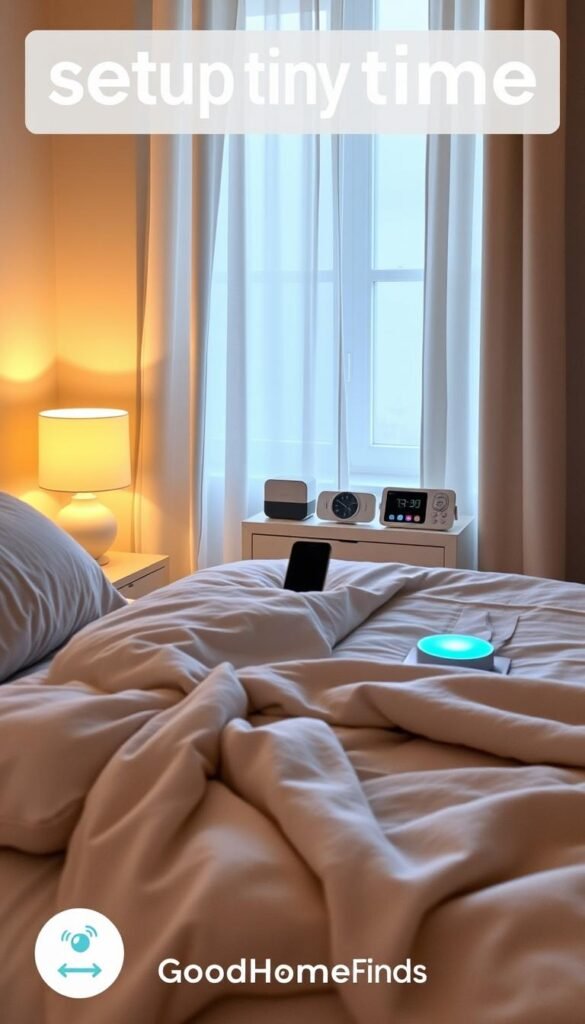
Keep setup simple and realistic for a small apartment. Start with quick wins you can finish in under 15 minutes. Add medium projects when you have one free evening. This pace keeps the system useful and avoids gadget clutter.
Fast setups you can do in under 15 minutes
Fast wins give immediate benefit with almost no fuss. Try these first.
- Set a screens-off alarm on your phone or calendar to mark evening wind-down time.
- Move your phone charger away from the bed so the device is out of reach.
- Plug in a warm bedside lamp and set a low-watt LED bulb.
- Create one recurring reminder for a five-minute pre-bed list or breathing exercise.
Medium setups that take an evening (and what usually slows you down)
These tasks need more focus but pay off. Plan an hour or two or reserve an evening.
- Replace bulbs, pair a smart device, and program schedules.
- Tidy cords with clips and rearrange furniture for outlet access.
- Test sound levels and place a sound source so it masks disturbances without being intrusive.
Common slowdowns: missing outlets, crowded bed placement, weak Wi‑Fi, and gadgets with confusing apps. Fix these one at a time.
Maintenance schedule: weekly wipes, monthly checks, and replacement parts
Keep upkeep tiny so your setup stays useful.
| Task | Frequency | Why it matters |
|---|---|---|
| Dust wipe of lamp, sound unit, and clock | Weekly | Keeps noise low and lights bright |
| Check cords and plugs for wear | Monthly | Prevents loose connections and trip hazards |
| Replace batteries / check alarm backup | Every 3–6 months | Ensures reliable wake time and avoids surprises |
| Swap purifier filters or clean fan grills | 3–6 months (follow manufacturer) | Keeps airflow and sound consistent |
Practical tip: add a short upkeep task to your calendar so maintenance becomes part of the day, not an invisible chore. For simple weekly planning ideas that fit small homes, see a helpful organizer post on weekly routines and daily habits.
Common mistakes that sabotage your bedtime routine
Small mistakes stack quickly and turn a bedroom into a gadget graveyard that fights your sleep. You want calm, not clutter. When devices multiply, lights and cords distract your mind and delay sleep.

Creating a „tech pile“ instead of a calming environment
Too many gadgets make the room feel like work. One lamp, one sound source, and one alarm are usually enough.
Fix: remove duplicates. Keep only what supports sleep and hide chargers off the mattress.
Choosing gadgets that are too loud, too bright, or too big
In small bedrooms, every LED and fan gets amplified. Bright displays wake the mind. Loud motors break masking.
Tip: test a device for 3 nights before committing. If it bothers you, return it.
Letting the bed become a scrolling zone
“Pretty much never… have your phone in bed,” — Katherine Veazey Morris
Move the phone across the room and use a basic alarm. When the bed is for sleep only, falling asleep gets easier.
Overhauling everything at once instead of changing one or two habits
The Sleep Foundation recommends starting with one or two changes. Big overhauls create decision fatigue and fail fast.
Practical plan: pick a screens-off alarm and a warm lamp. Use them for a week, then add one more habit.
| Mistake | Why it matters | Simple fix |
|---|---|---|
| Tech pile (many devices) | Visual clutter and extra light/noise | Keep 2–3 essential items; stow the rest |
| Too loud/bright devices | Disrupts sleep and raises arousal | Choose low-dB models and dimmable lights |
| Phone in bed | Invites media and delays sleep | Place phone across the room; use basic alarm |
| Overhaul all at once | Creates habit fatigue and poor follow-through | Change 1–2 habits for 7 days, then add |
Safety note: avoid overloaded power strips and messy cords. In tight spaces, tidy cords and keep walkways clear to prevent trips and fires.
Conclusion
Small changes to your evening setup can make falling asleep simpler and mornings calmer. A compact plan that protects sleep quality helps your mind and body switch gears with less effort. Start simple and repeatable.
Minimal starter kit: a warm lamp, place your phone across the room, a basic clock, and one sound option if you need masking. Keep power use low and placement renter-friendly.
Next upgrade depends on your biggest blocker: better light control if your bedtime drifts, stronger sound masking if noise wakes you, or cooling support if comfort stops you from resting. Add one change at a time and keep a short evening schedule with a five-minute to-do list.
Try a few minutes of breathing or meditation, write one journal line or read a book, sip tea if that helps, then lights out. Protect your first hour from the phone and you’ll start the day with more clarity and better health. This is a system you can keep using—good night.
Simple evening ideas and a list of budget finds like small, renter-friendly gear are helpful next reads: best Amazon finds under $25.


